Sleep Timer: Turn Off Screen is an Android countdown utility for the nights when a podcast or video keeps playing after you put the phone down. Set a duration using the hour and minute controls, then tap Start. When that countdown expires, the app is designed to pause the media and lock the screen.
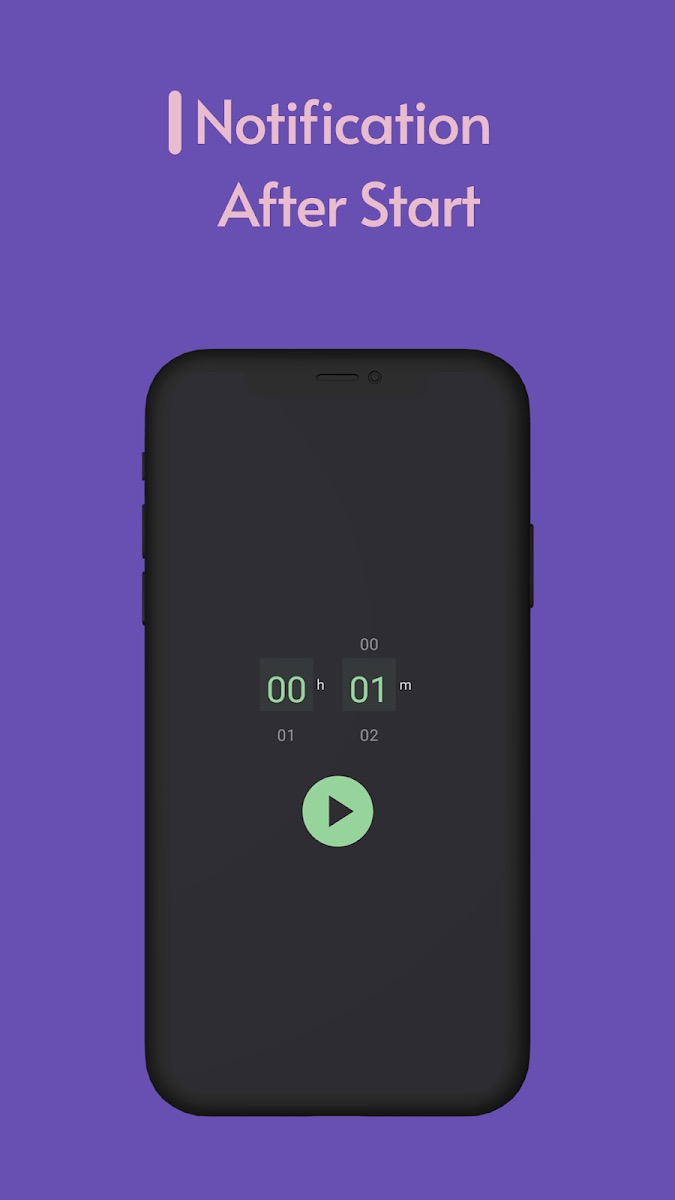
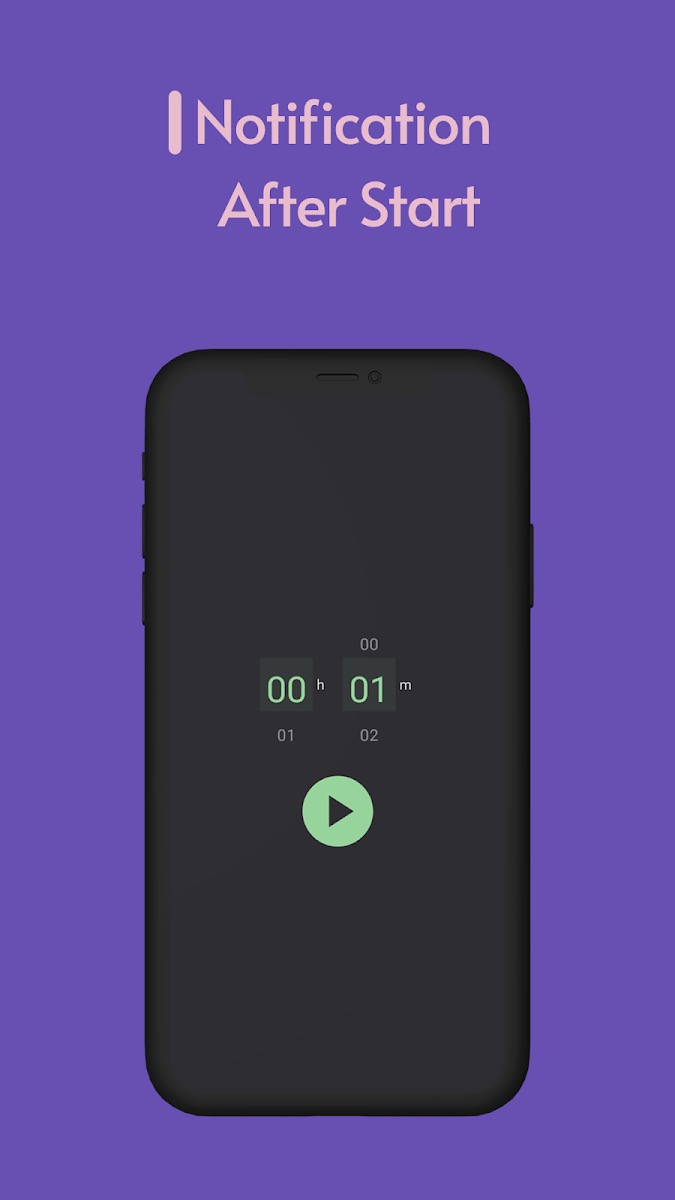
Choose the playback time you want to leave running. The two wheels in the published setup screen show hours and minutes, so a short trial can be set without scrolling through a long list of presets. Press the green triangle when the duration is ready. Then open the player you want to use and leave it running while the countdown advances.
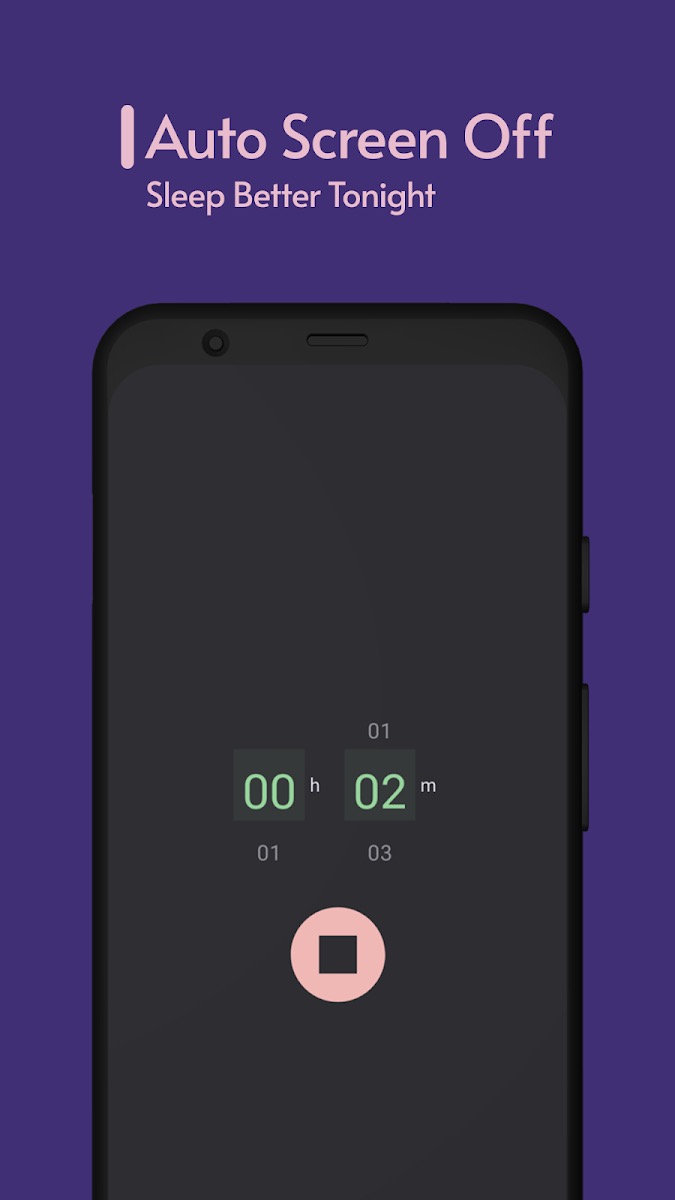
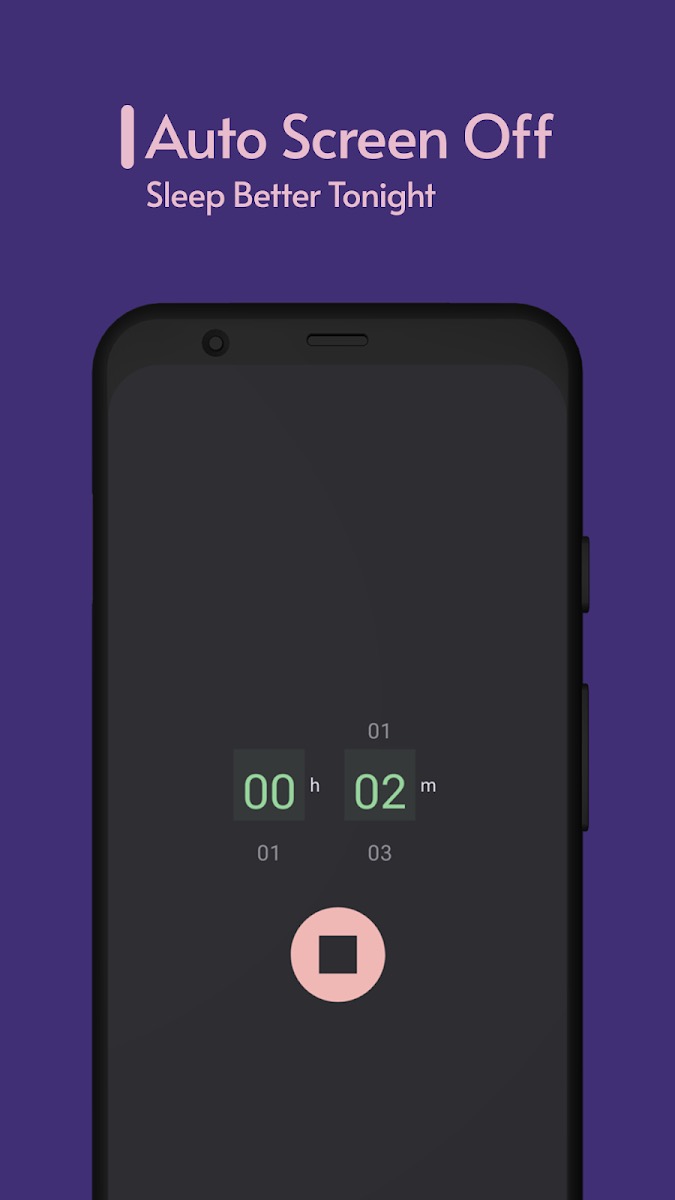
The running screen is illustrated with a square Stop control. Use that control if the timer was started with the wrong duration. Before returning to the player, check that the countdown you intended is the one you have actually started.
Media pause: Try a one-minute countdown while you are still awake and keep the chosen player running past the minute mark. Check whether its playback pauses when the time runs out. A short trial tells you more about the combination of your phone and player than leaving a long video running on the first night.
Screen lock: The developer says Sleep Timer needs Android’s Device Administrator permission to lock the display. If the media pauses but the screen remains on, check the app’s administrator setting separately from the playback result. The two observations help you decide whether to investigate the player or the lock permission first.
Before uninstalling: Find Sleep Timer in Android’s list of device administrators, or use the permission control in the app itself. Turn off that entry and then return to Android’s uninstall screen. If the menu name differs across phones, search Android Settings for Device admin apps.
Does 4.1 add a new timer mode?
The 4.1 release note names an Android API-level update. The published controls show a duration countdown with Start and Stop; the documented change is limited to the platform API level.
Will music pause with the display already off?
Try a short timer in the same screen state you normally use for audio. Check the player after the countdown ends, because a dark display alone cannot tell you whether the episode has actually paused.
Use the hour and minute controls when you want a fixed cutoff for tonight’s listening session. Check both the media pause and the screen lock on your phone before relying on the countdown overnight.
Sleep Timer: Turn Off Screen
Tools
Date:2026-11-28

VPN.lat
Tools
Date:2026-11-28

Fake GPS
Tools
Date:2026-11-28

Clone App
Tools
Date:2026-11-28

Anime World
Media & Video
Date:2026-11-28

BandLab
Media & Video
Date:2026-11-28

ChatGPT
Productivity
Date:2026-11-28

MX Player Pro
Media & Video
Date:2026-11-28