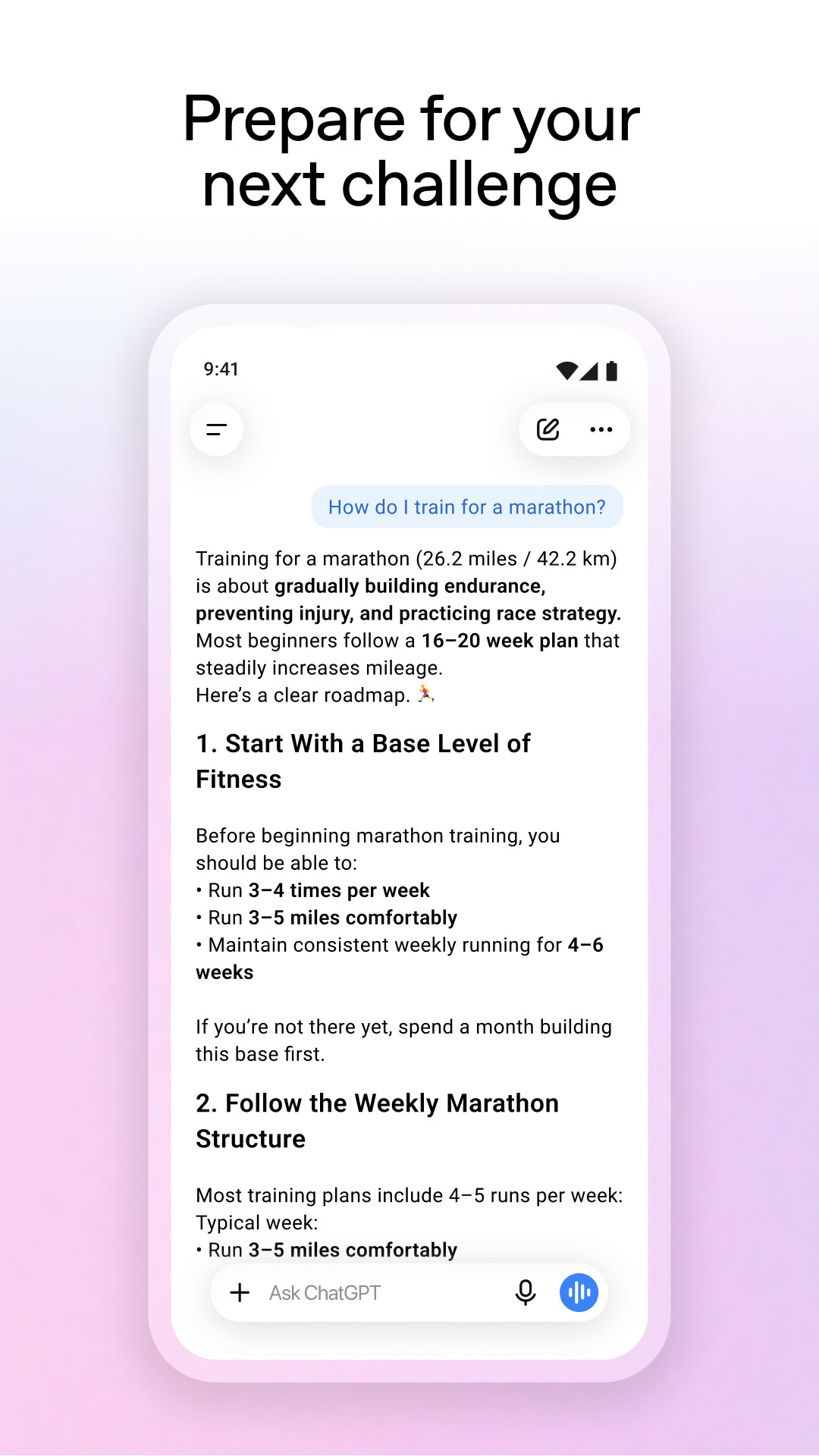
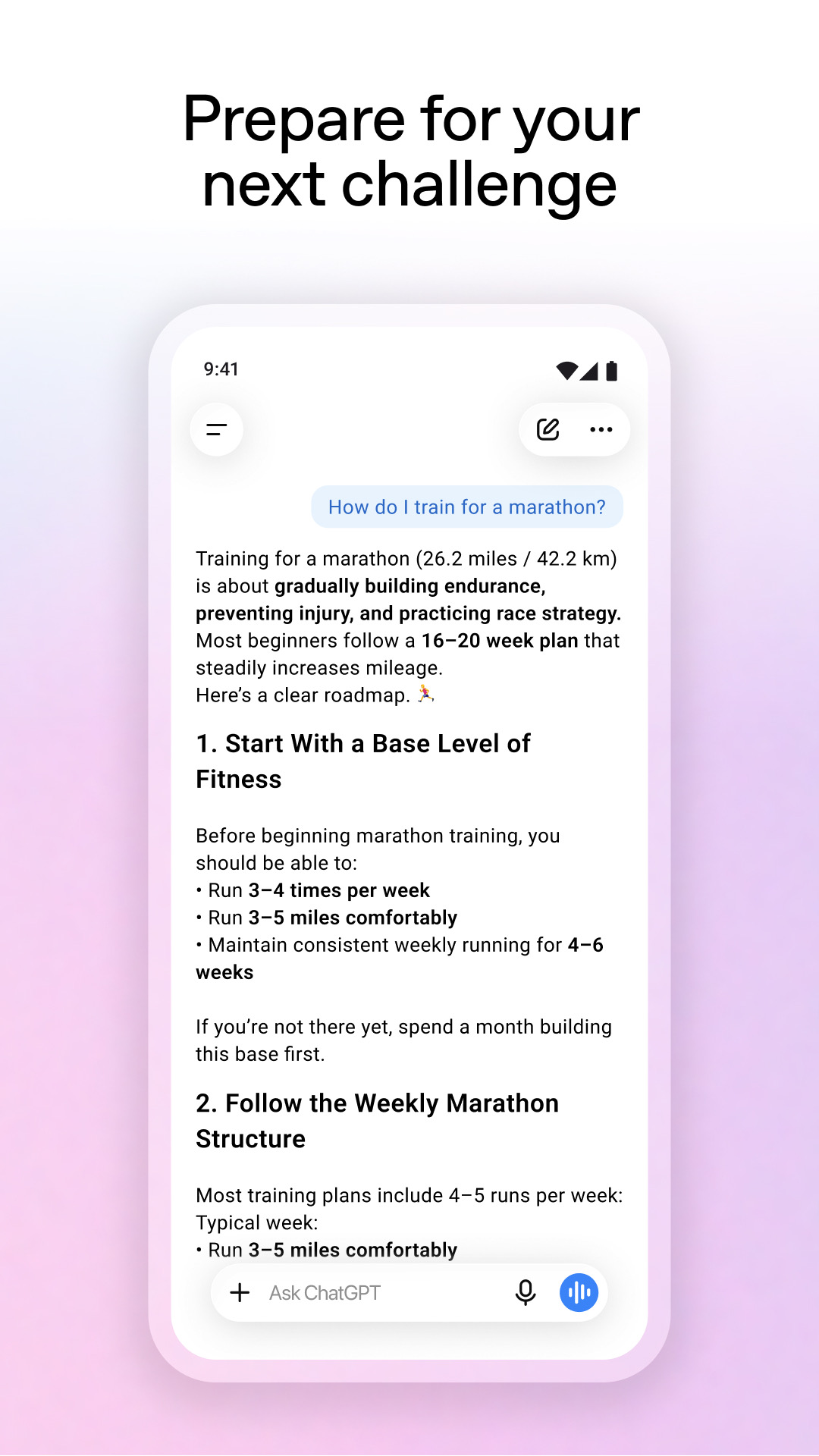
ChatGPT is an Android AI assistant for asking questions, working through drafts and talking through ideas. You can start with the message box when the wording matters, attach a photo when the details are hard to describe, or open Voice for a spoken exchange. You can follow up in the same chat when the first answer needs a correction or a narrower scope.
Start a conversation with a specific piece of work, such as turning rough notes into instructions for someone who missed a meeting. Include the decisions already made, the intended reader and any details still open. Ask for a draft that puts the agreed actions first. When the reply puts an unresolved idea into the action list, point to that line in a follow-up and ask to move it under open questions.
Return to a draft: In the classic Android layout, open the sidebar to find recent conversations. Reopen the thread you want to continue on another device signed into the same account. If several chats have similar titles, search for a distinctive phrase from the project, such as the name of the file or the first line of the draft. Start a separate chat when the new work needs a different set of source notes.
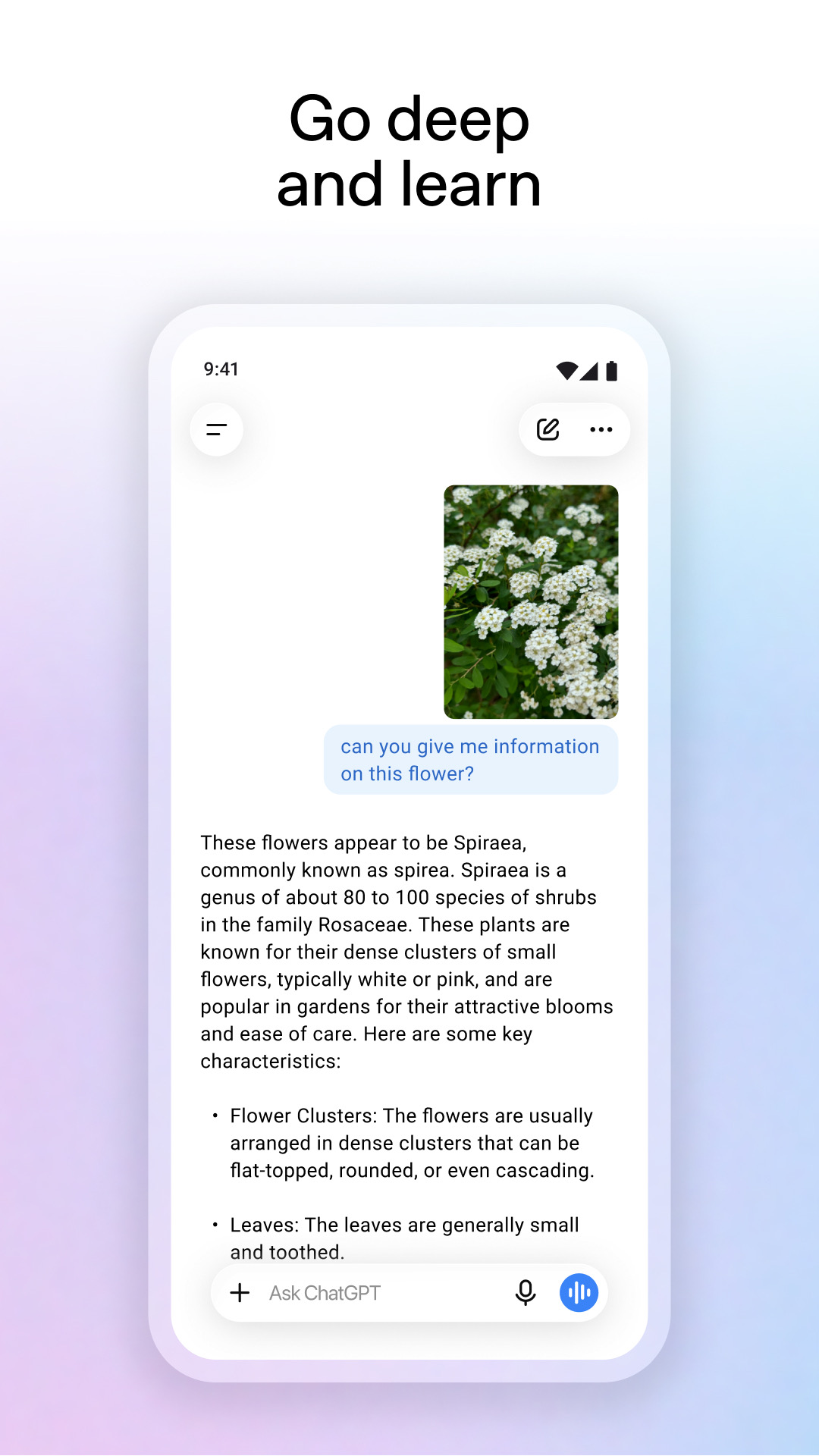
Give the image a job: Attach a photo and say what you want to extract from it. For a picture of a handwritten recipe, ask for the ingredient list first and request that uncertain quantities be marked. Compare those quantities against the photo before you ask for a shopping list. For a form or handwritten table, crop away unrelated material, but keep the column headings in view so each value has a label.
Use a follow-up to narrow the question: If the first answer describes the whole picture, direct the next message to the part you mean. Specify a location such as the line below the date or the sticker at the lower right. If a label is still hard to read, supply a sharper image of that section. Treat a confident transcription as a draft when the original is blurry or partly hidden.
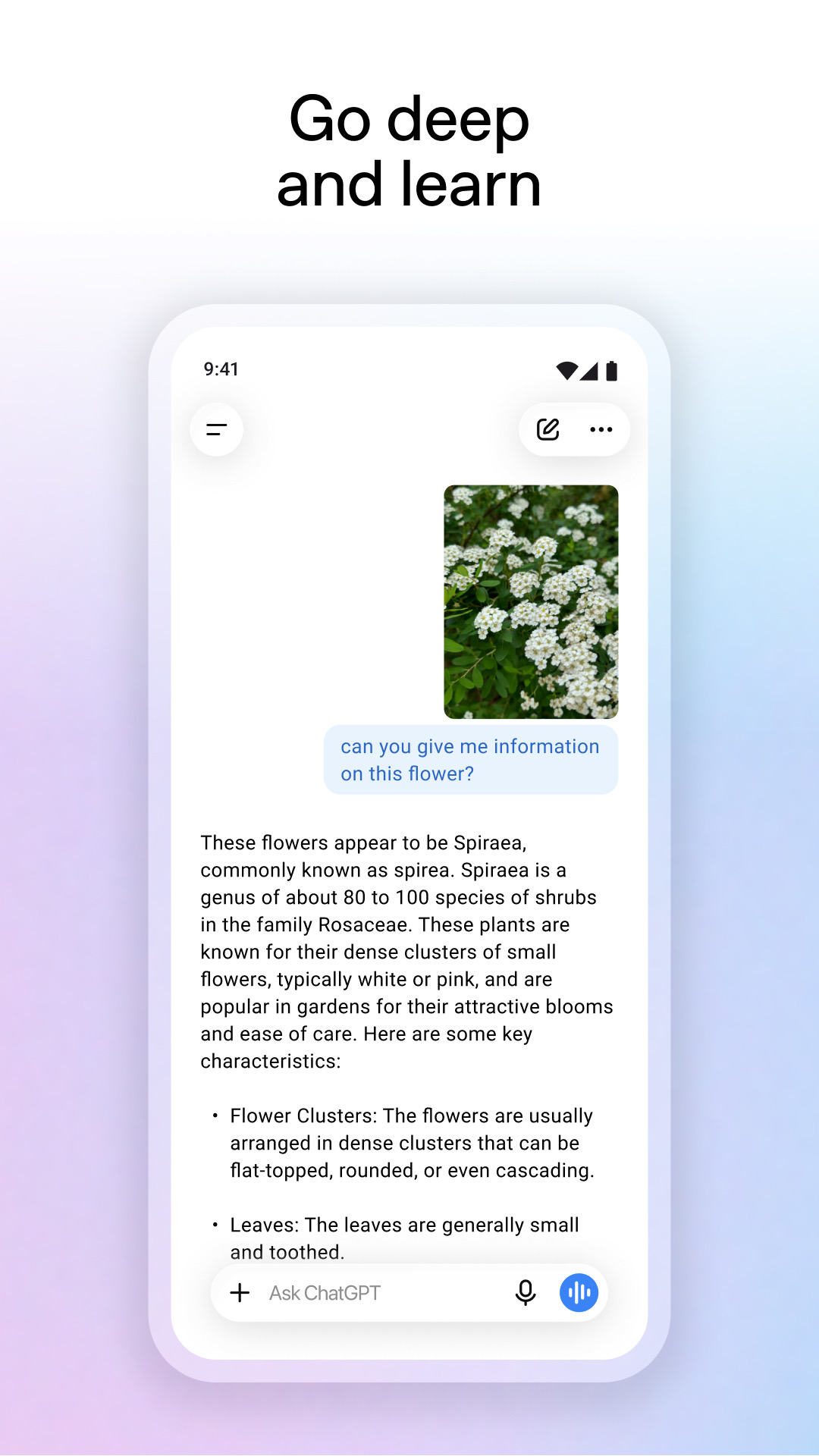
Dictate a prompt you can review: Use the microphone in the composer for a message you want to edit before sending. This is handy when you can say an explanation faster than you can type it. Read the transcribed prompt for names, figures and punctuation before you send it, especially if you plan to use the response as the basis for a document.
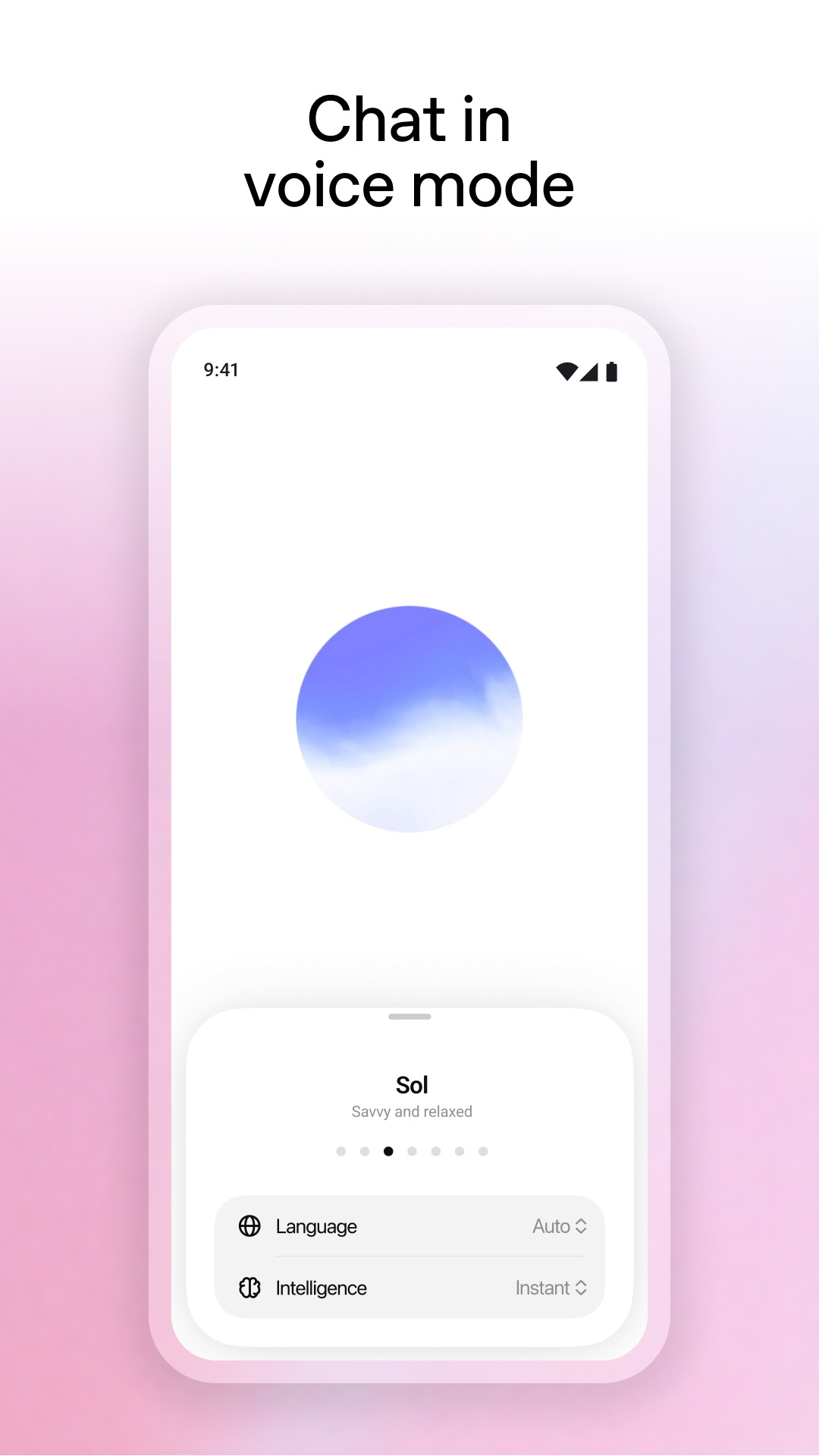
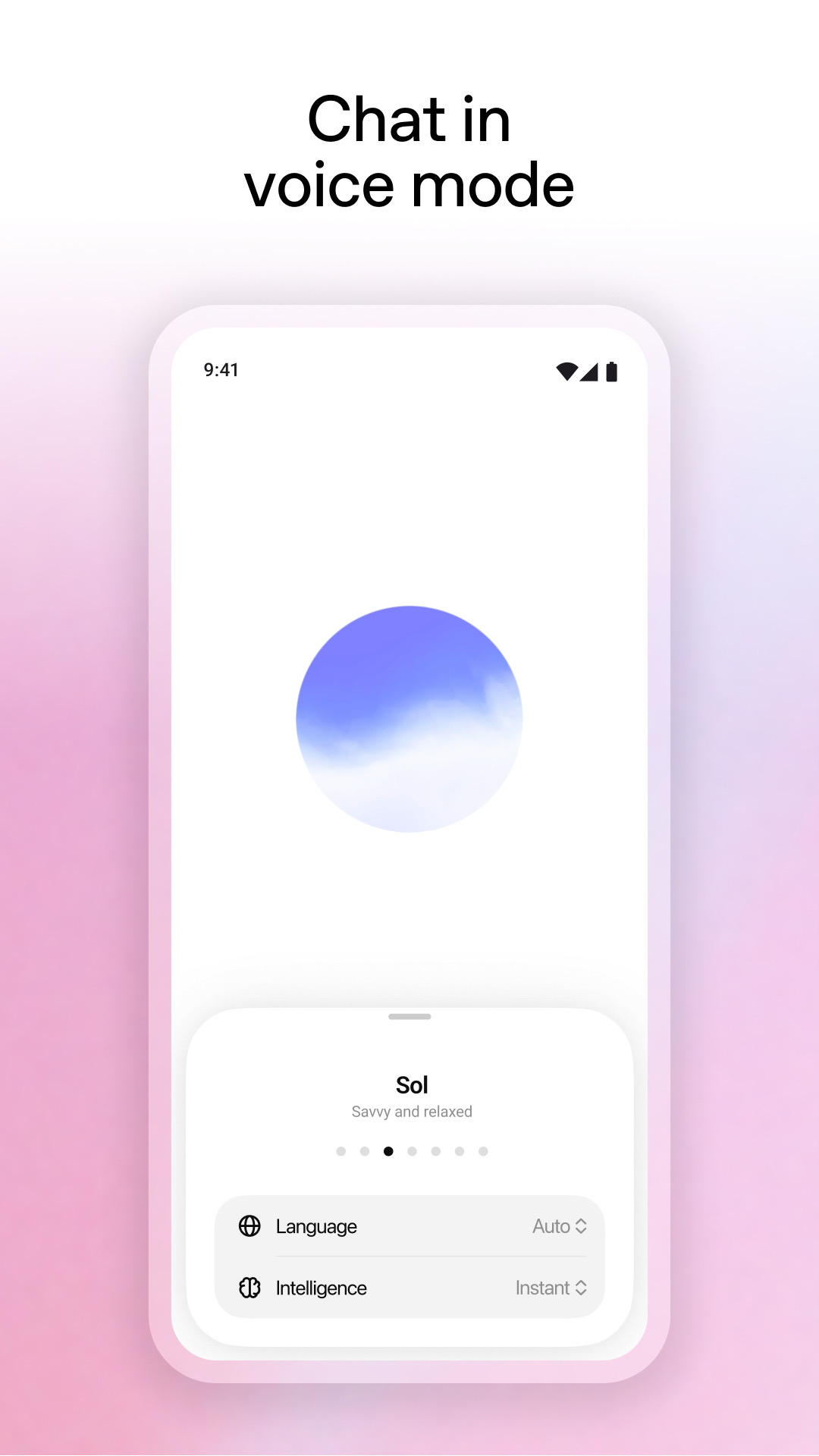
Open Voice for a back-and-forth exchange: Use the Voice control when you want to hear replies and continue the exchange aloud. For language practice, set a scene such as ordering lunch and ask the assistant to wait until you finish a sentence before suggesting a correction. Voice needs microphone access, and available modes and limits can depend on the account and service. Use the controls shown in your app, since the layout can vary across releases.
Does the Android package unlock ChatGPT Plus?
ChatGPT checks subscription access on the account. Installing 1.2026.272 does not add paid access, so check the account used to purchase the plan if paid tools are missing.
Why is my conversation missing after I sign in?
Check the account and workspace before trying to recreate the conversation. If the account is correct, look in sidebar search or archived chats. If you drafted the reply in Temporary Chat, searching the sidebar will not bring that thread back.
Why will Android reject the base APK on its own?
The 1.2026.272 package here uses an XAPK bundle. It contains configuration parts alongside the main app, including device-specific files. An installer must handle the bundle and select the parts for the device.
Where can I check which Android release is installed?
In the classic interface, open your profile settings and look under About for the Android app version. Use that number when comparing an older installation with an updated help article or release note.
ChatGPT 1.2026.272 is a reference point for the Android chat interface that combines written drafts, questions about photos and spoken follow-ups. If you need a particular Voice mode or account tool for regular work, check what the app shows after sign-in. Those controls depend on service availability as well as the installed release.
ChatGPT
Productivity
Date:2026-11-28

MX Player Pro
Media & Video
Date:2026-11-28

Zoom Workplace
Social
Date:2026-11-28

MX Player
Media & Video
Date:2026-11-28
ZEE5
Media & Video
Date:2026-11-28
Samsung Magician
Tools
Date:2026-11-27
1DM+
Tools
Date:2026-11-27
BiP
Social
Date:2026-11-27