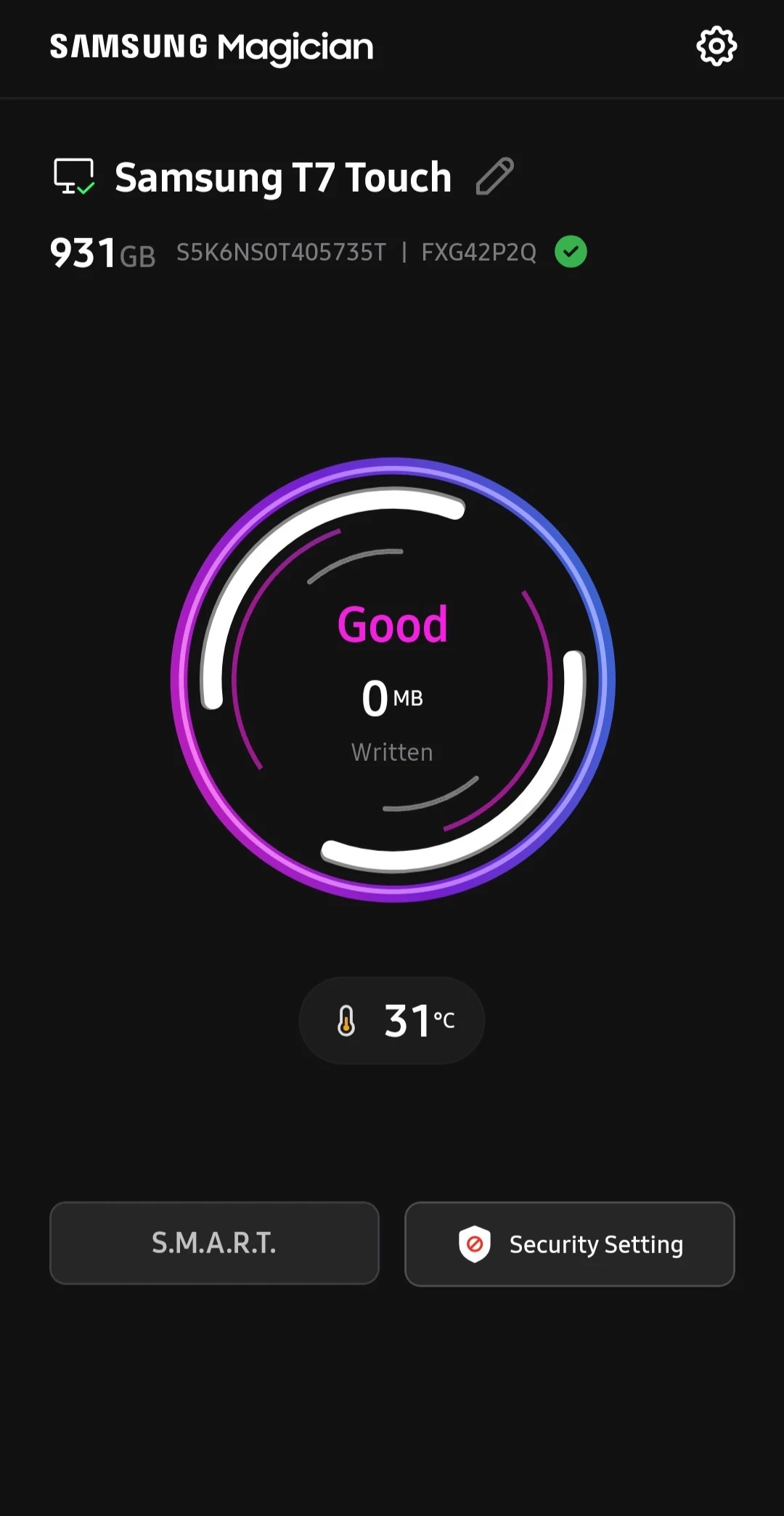
Samsung Magician lets you check and manage a compatible Samsung portable SSD from an Android phone or tablet. Connect the drive by USB to see its health and open its security settings. The main screen brings the drive model and status together, which is handy when you carry more than one SSD. This page offers Samsung Magician 9.0.2 for Android.
Connect over USB. Use a cable that carries data and connect the drive to a phone or tablet that supports USB host mode. Once Android recognizes the drive, open Magician and grant USB access if Android asks. If nothing appears, start by checking the cable and connecting the drive directly.
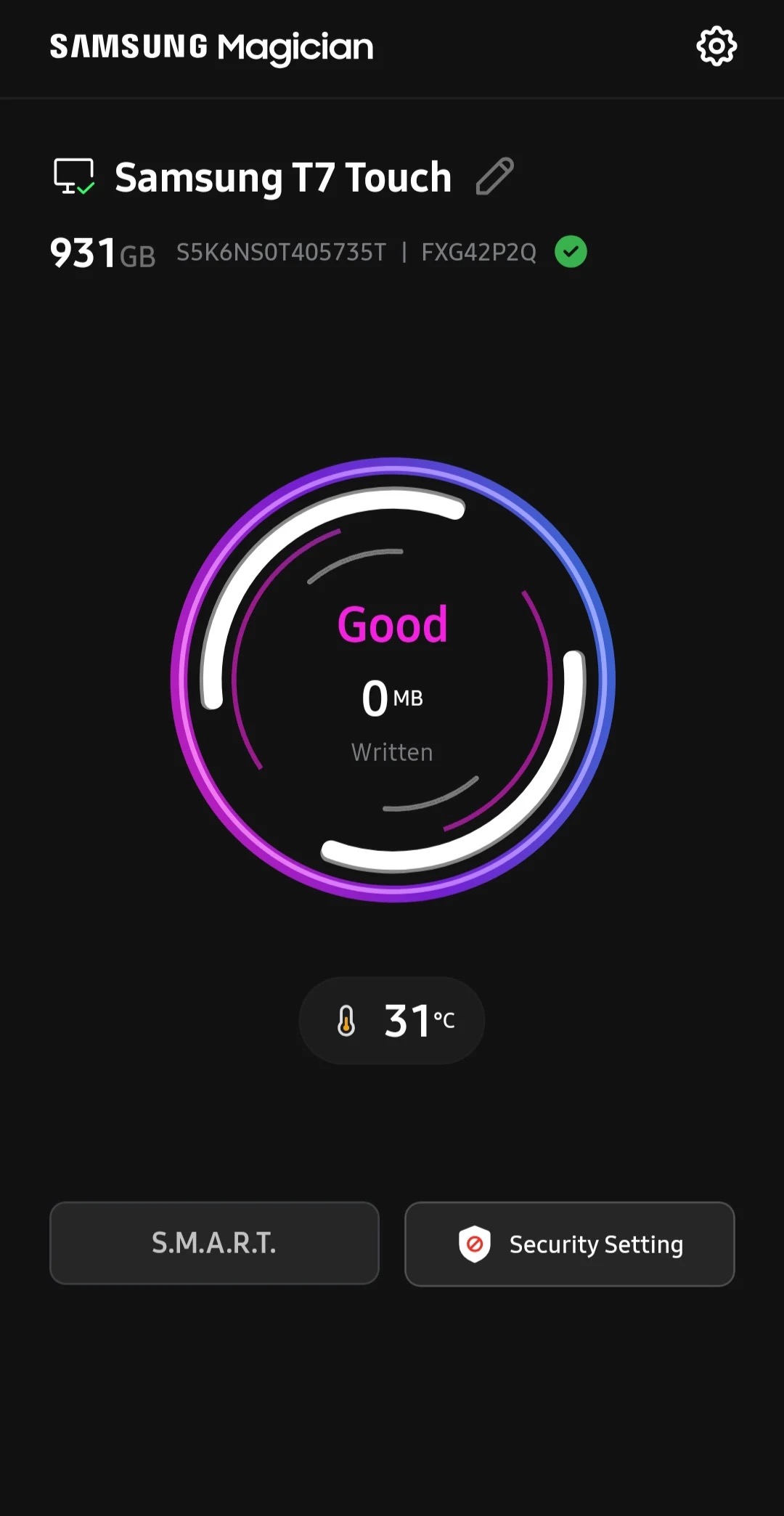
Check the model. The dashboard labels the connected drive, so you can confirm which SSD you’re managing before changing a setting. Samsung lists the T7, T7 Touch, T7 Shield, and T9 among the portable models it supports.
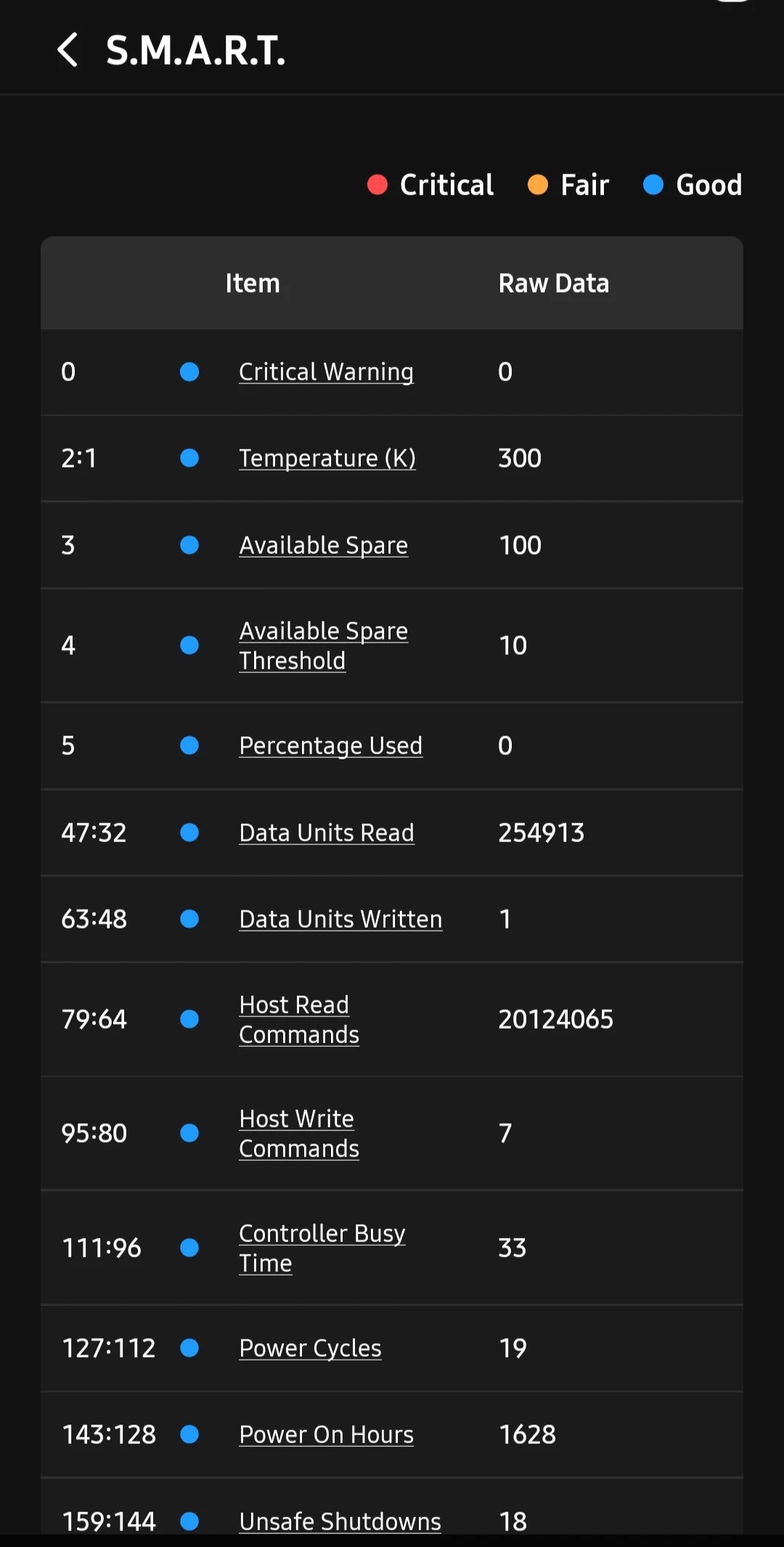
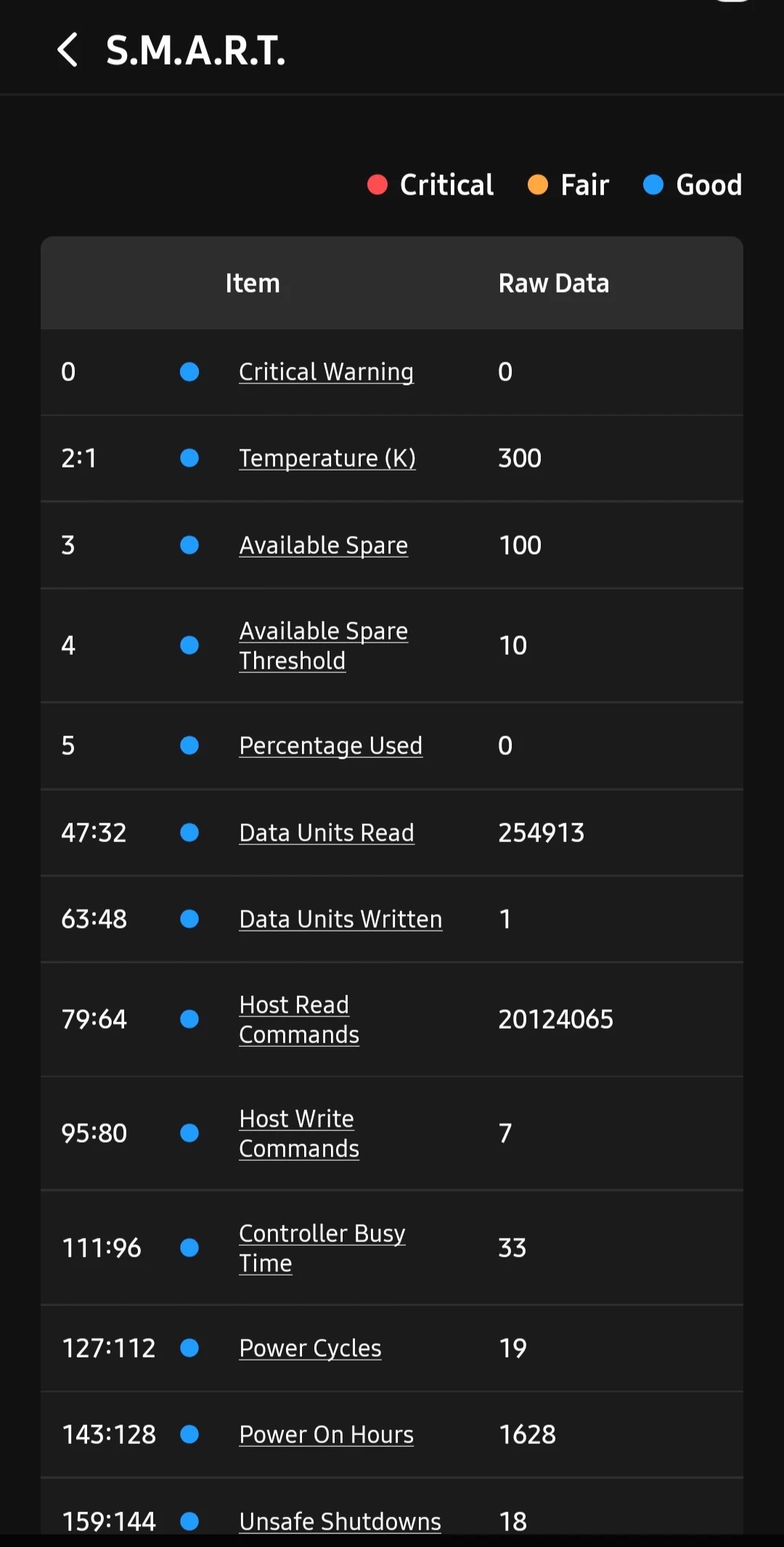
Health check. Open the S.M.A.R.T. screen for more detail than the health indicator on the dashboard. Depending on the drive, the table can show temperature, available spare capacity, and power-on hours. The raw values can help you follow changes across several checks on the same drive.
For a temperature check, note whether the drive has just finished a large transfer or has been sitting idle. If you’re tracking a change over time, take the readings from the same SSD under similar conditions.
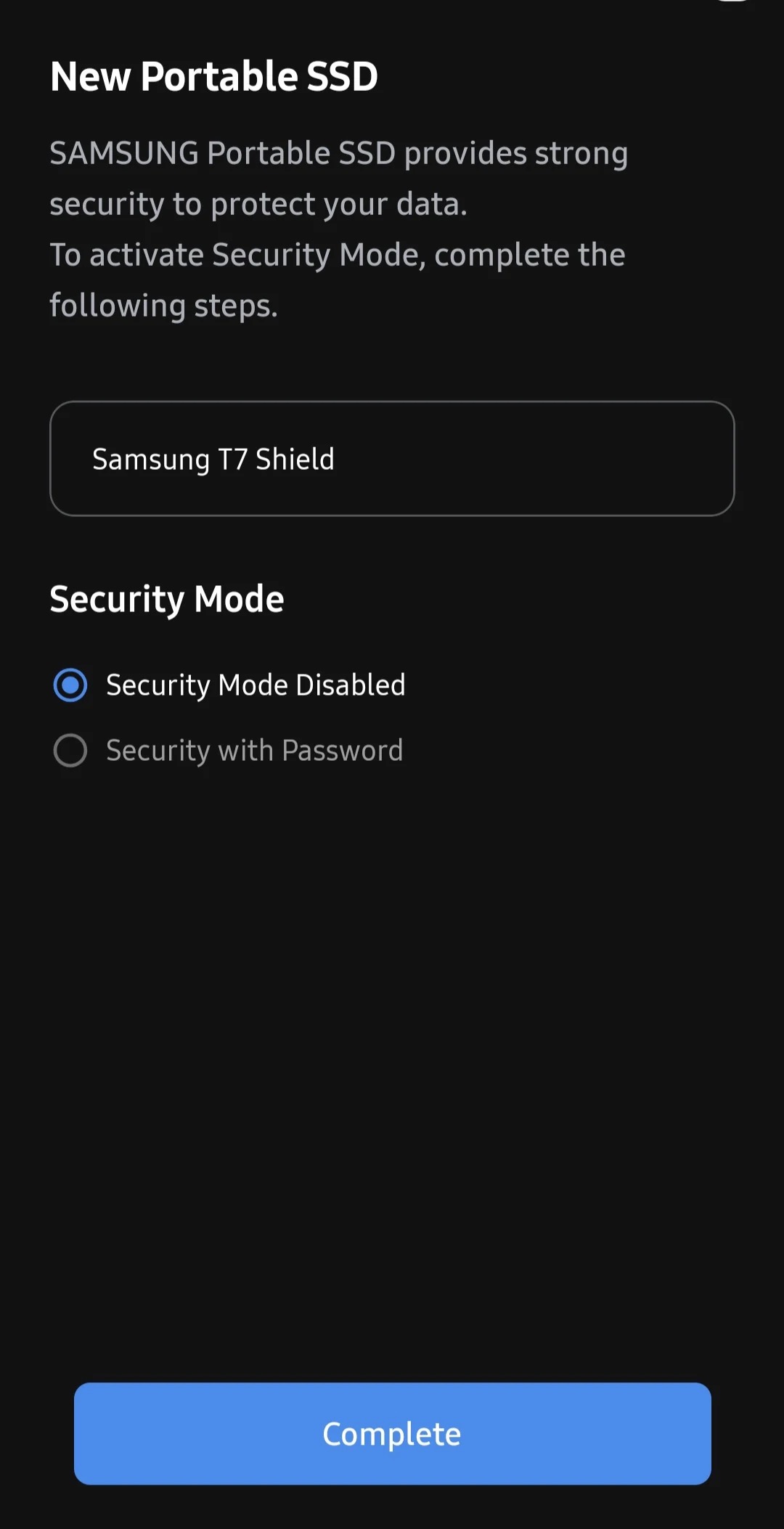
Password settings. You can use Security Setting to manage password protection on supported portable models. Keep the password somewhere you can access it when moving the drive to another device.
Fingerprint settings. On a drive with a fingerprint sensor, such as the T7 Touch, the security setup can guide you through enrollment. The sensor is on the SSD, so the fingerprint you use to unlock your phone is a separate setting.
What does the 9.0.2 file require?
The 103.82 MB package is a standalone APK for Android 7.0 or later. To use drive management features, you also need a compatible SSD and a phone or tablet that can communicate with it over USB.
Does it manage an internal SSD?
Samsung’s Android compatibility table covers its supported portable SSDs. Use the appropriate computer version of Magician to manage a Samsung internal drive.
Where can you update drive firmware?
Samsung lists firmware updates as a feature for supported drives on its desktop software. On Android, the app’s update control applies to the Magician app itself.
For a portable SSD you use on the road, Magician puts a health check and password controls on the device you already carry. Start with the drive model and USB connection to see which controls are available on your setup.
Samsung Magician
Tools
Date:2026-11-27

1DM+
Tools
Date:2026-11-27

BiP
Social
Date:2026-11-27

Picsart
Photography
Date:2026-11-27

APKCombo Installer
Tools
Date:2026-11-27

F1 TV
Media & Video
Date:2026-11-27

Dola: Smart AI Assistant
Productivity
Date:2026-11-27

MangaZone
Comic & Novel
Date:2026-11-27