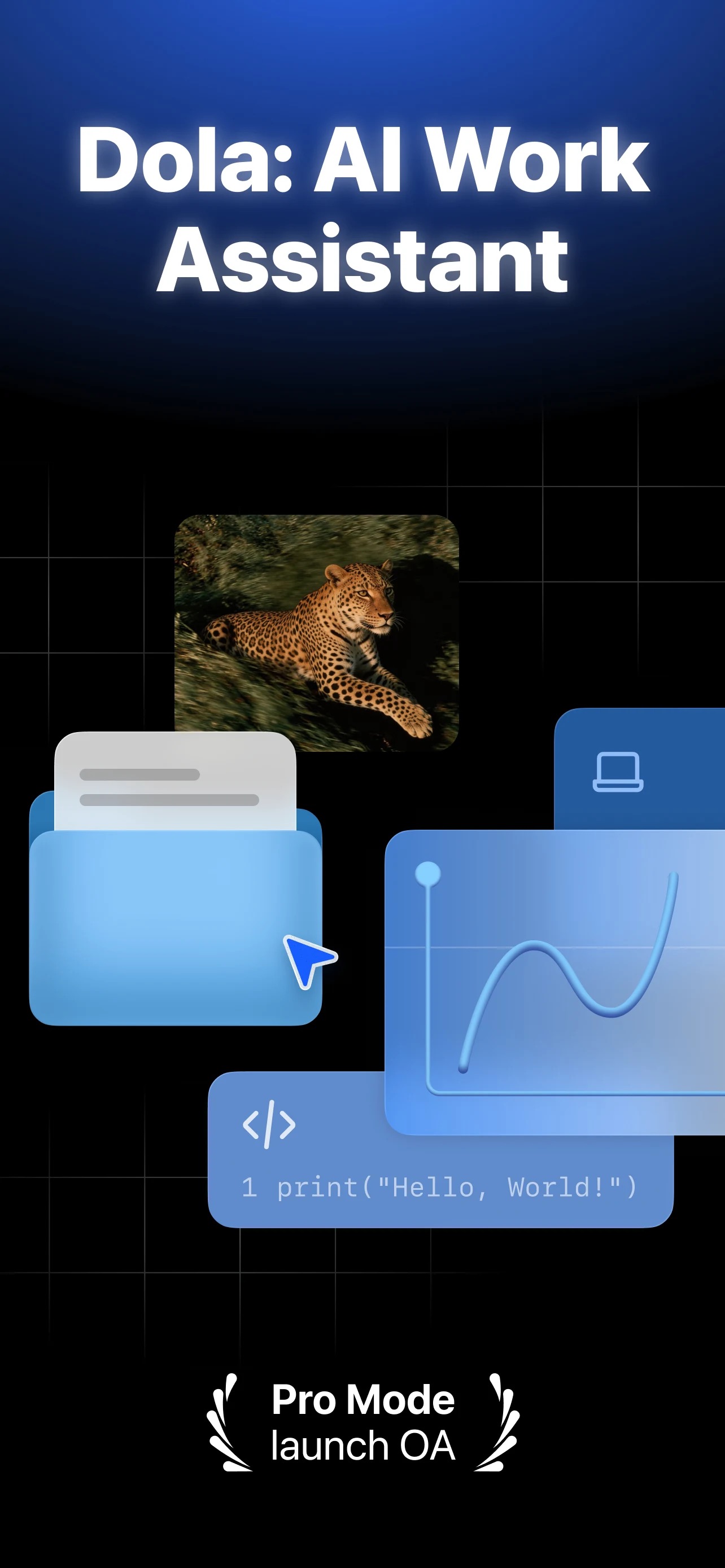
Dola is an Android AI assistant for drafting text, asking questions and working with photos or documents in a chat. You can type a request or say it aloud, then refine the answer in a follow-up. The same chat can turn rough notes into a draft, explain a passage or suggest visual ideas.
Draft an email: Give Dola the recipient, the reason for writing and the next step you want to propose. For a short follow-up, ask for two versions with different levels of formality. If the message sounds generic, paste in one sentence of your own so the next draft has a clearer voice to follow.
Use voice when typing slows you down: Speak a rough outline for a message or an idea you want to develop. Once Dola replies, specify which parts you want to keep and which ones need more detail. Double-check the names and numbers in dictated requests before copying the response elsewhere.
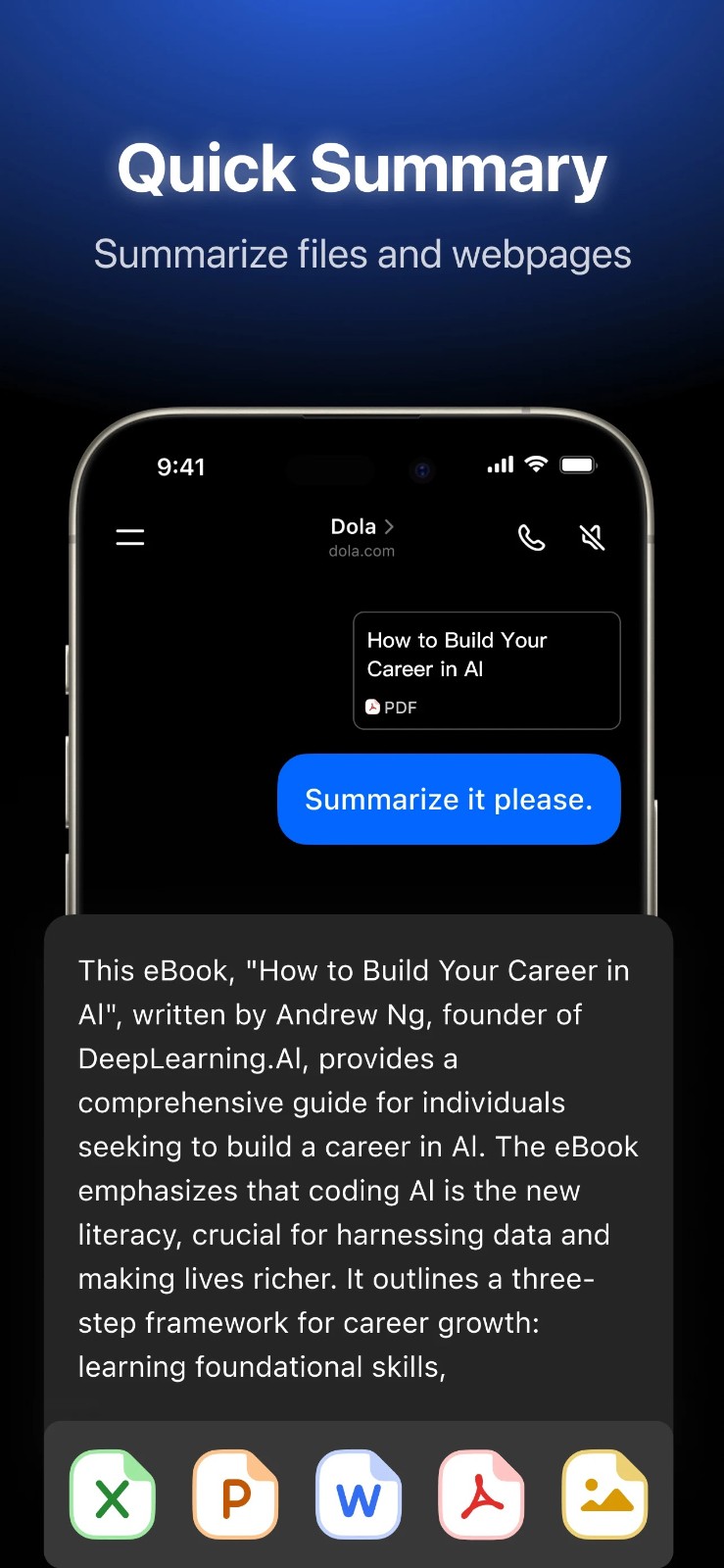
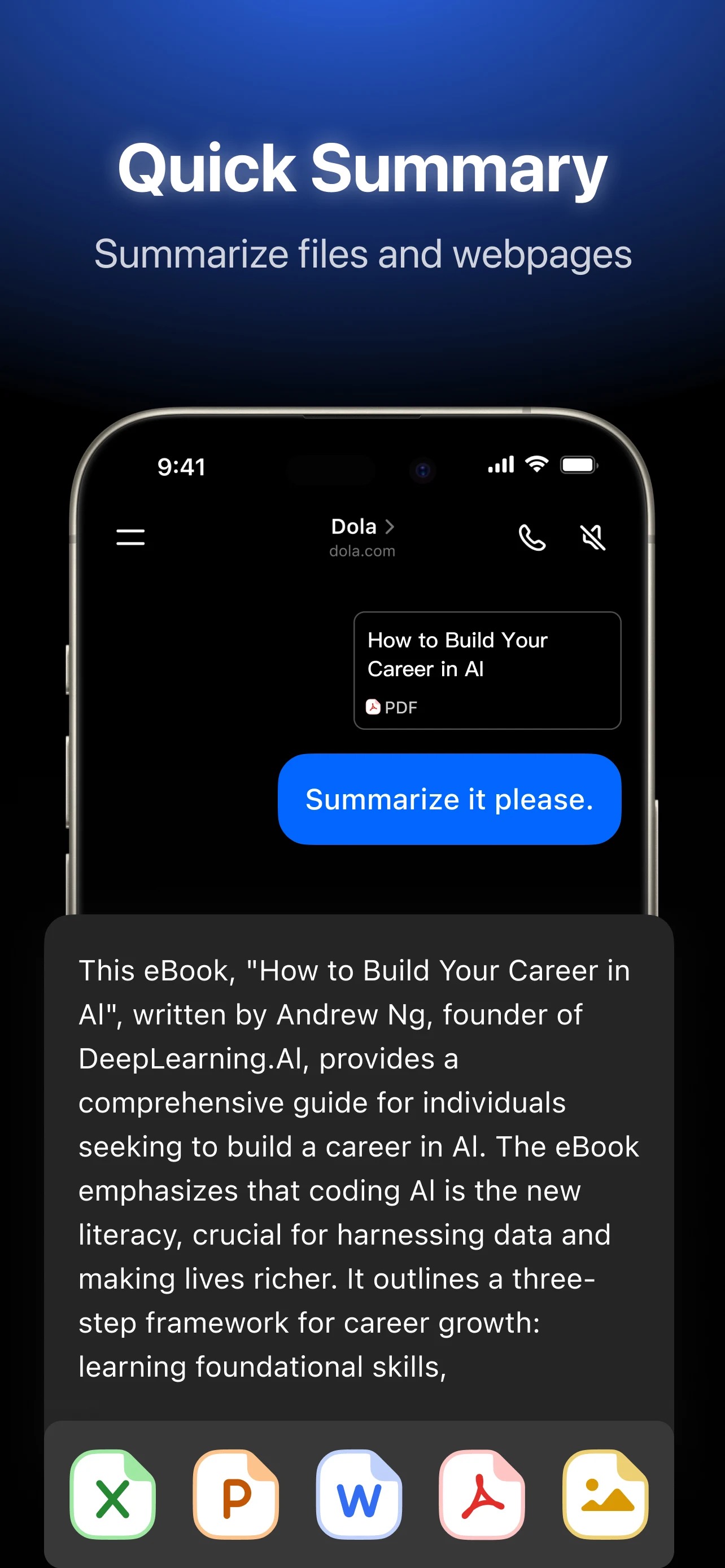
Summarize a file: Ask for decisions, deadlines or unfamiliar terms from the material you share. A meeting summary is easier to check when you ask for a separate line for each action and its owner. Compare the details against the original before sending them to the team.
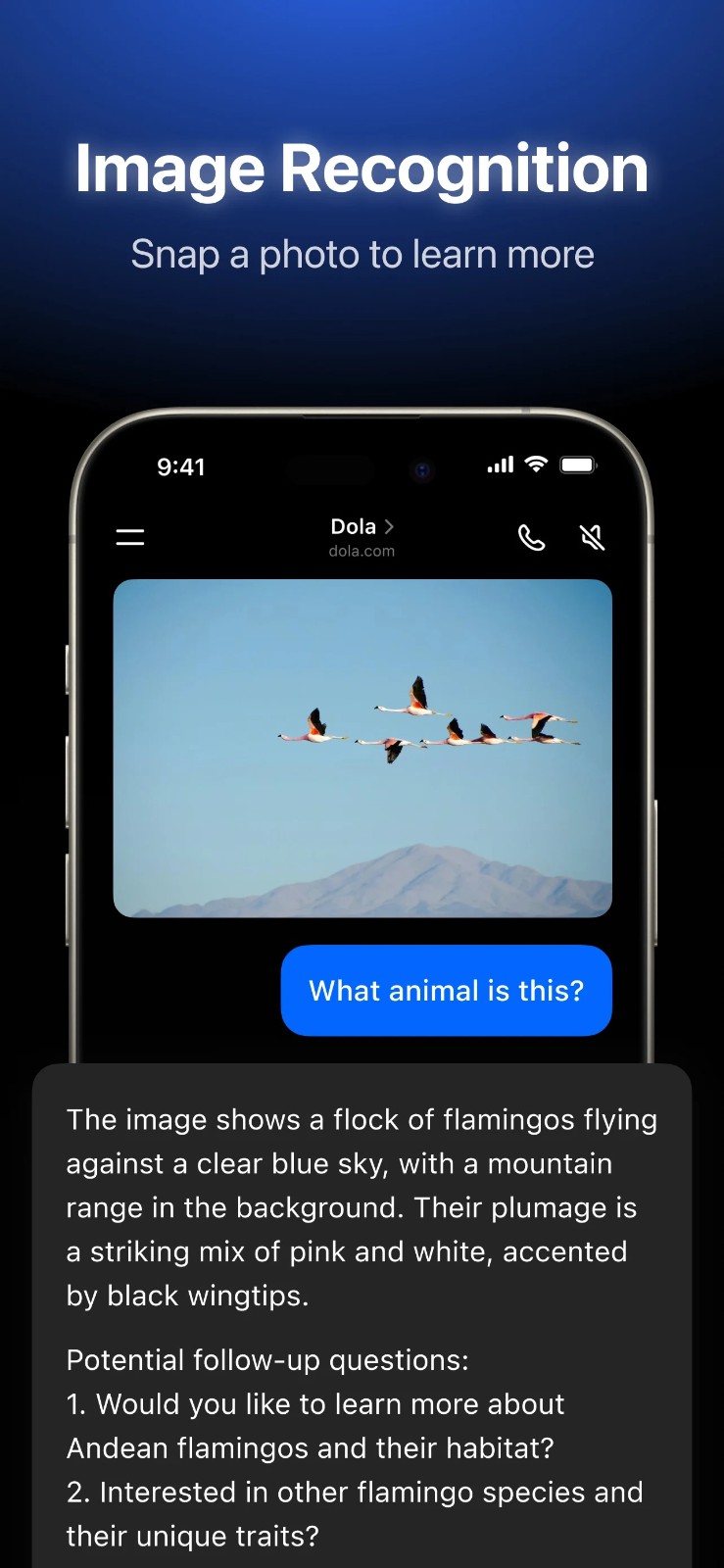
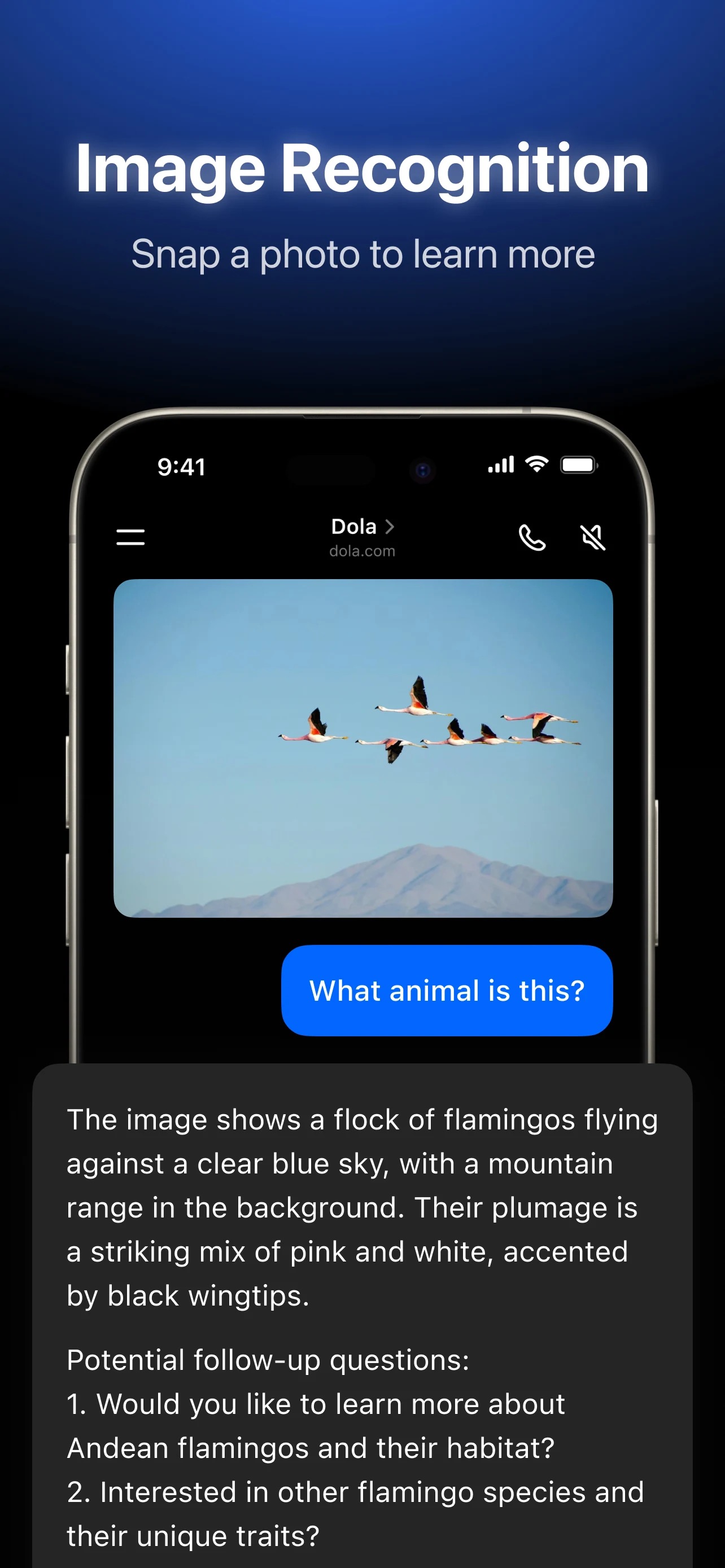
Work from an image: Upload a photo and ask about a specific object, or describe how you want an image restyled. Stating which details should stay the same gives Dola a clearer brief for an edit. The Google Play artwork shows the assistant identifying birds from a photograph as an example of a visual question.
This download contains Dola 15.1.0 for Android. The 354.52 MB XAPK contains the base app together with the ARM64 library and a screen-density split. Install the bundle with a tool that supports XAPK files so Android receives the required pieces together.
The base manifest specifies Android 5.0 and the included native libraries target ARM64. Check that your phone runs a compatible 64-bit Android system before using this particular archive. Allow extra free storage for the installed files as well as the original download.
Can Dola answer questions in another language?
The developer describes language practice and translation as uses for the assistant. In a practice chat, ask it to correct one sentence at a time and explain the change before continuing.
Does the XAPK include the AI models?
The package contains the Android client and its configuration files. Plan on using an internet connection for chat and image requests.
Why do the store images look different from this build?
The illustrations come from the developer’s current store listing. The archive is version 15.1.0, so the menus and available options may vary.
Dola: Smart AI Assistant
Productivity
Date:2026-11-27

MangaZone
Comic & Novel
Date:2026-11-27

Flipped: Chat with AI Character
Social
Date:2026-11-27

Cupidabo
Social
Date:2026-11-27

Instafinsta
Media & Video
Date:2026-11-27

Tevi
Social
Date:2026-11-27

Universal Init.d
Tools
Date:2026-11-27

Comic Box
Comic & Novel
Date:2026-11-27