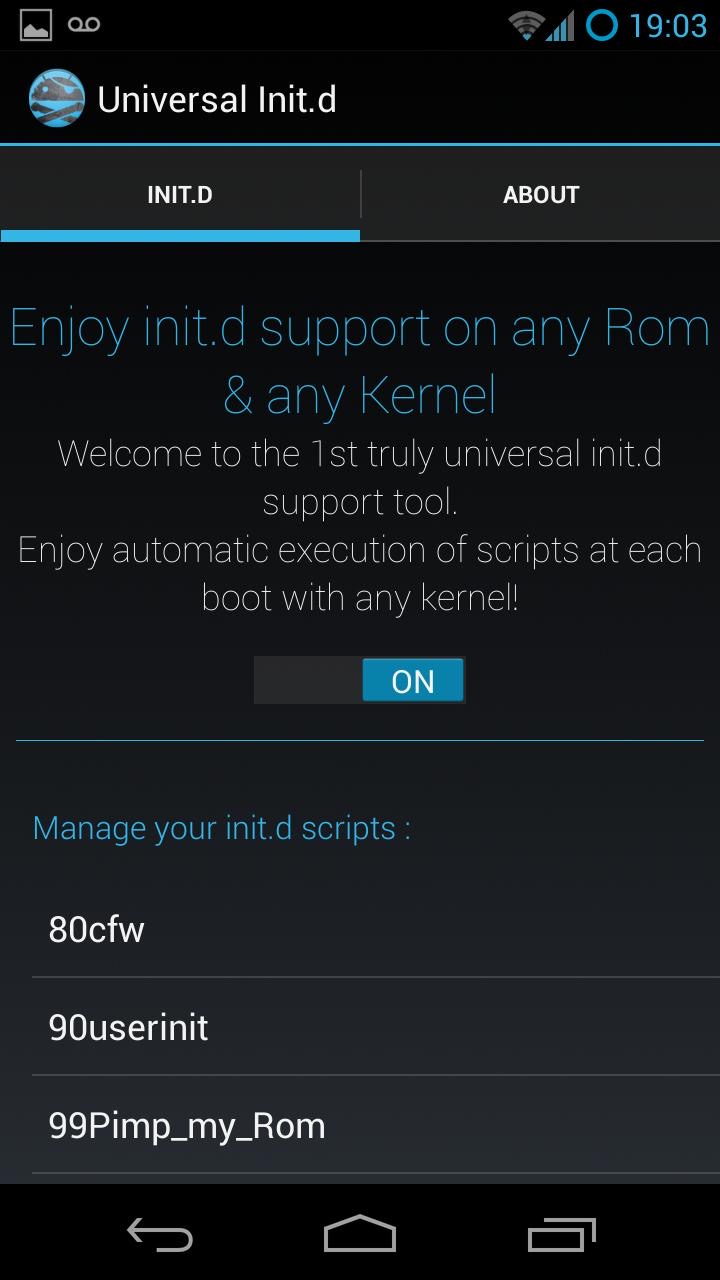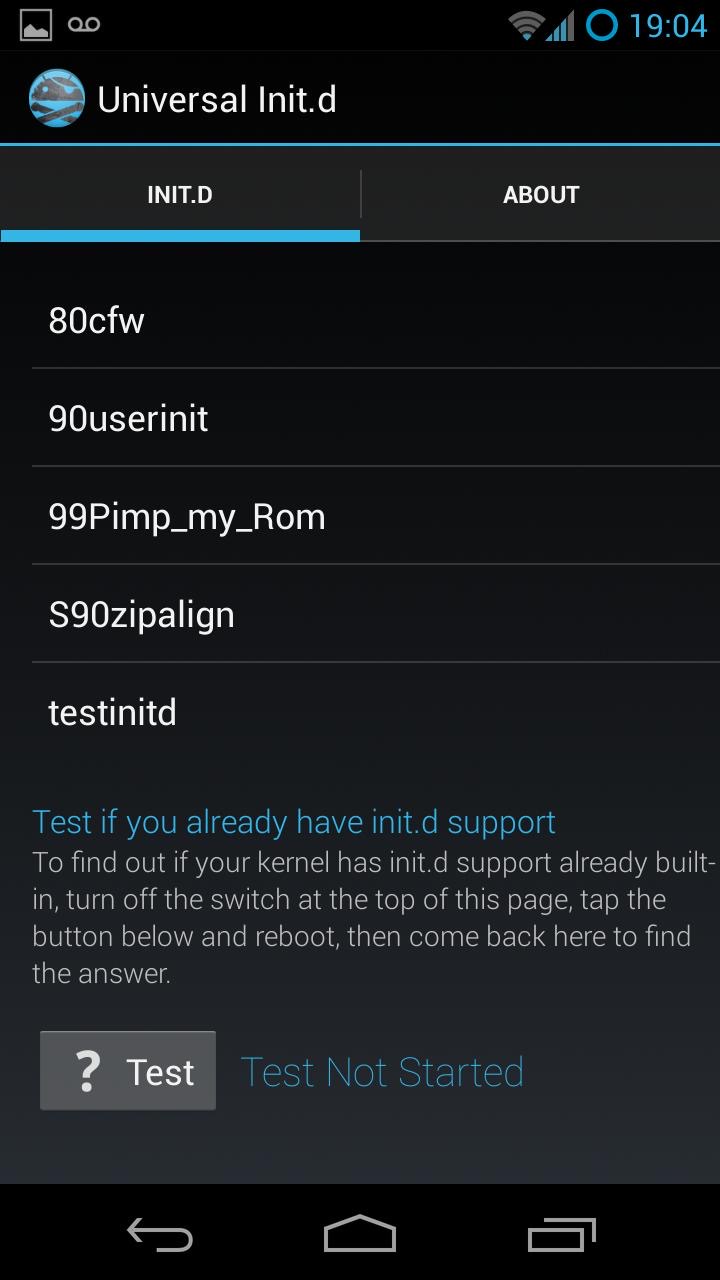
Universal Init.d is an Android utility for rooted devices that use startup scripts. It can check whether your kernel already runs those scripts and provide an app-level way to run them at boot. It also puts the scripts it finds in a list where you can inspect and manage them.
Start with the test. A custom ROM can boot normally even when its kernel never runs the scripts in the init.d directory. Universal Init.d checks that distinction by creating a test script, then looking for the small file that script is supposed to leave after a reboot.
Read the result after restarting. The test depends on what happens during the next startup, so the status before a restart cannot tell you whether native support works. Leave the app’s own boot execution feature off while you check what the existing setup already does.
Avoid a second run. If your kernel is already handling startup scripts, enabling another runner can make those scripts execute twice. That matters for any routine that writes a file or applies a setting each time it runs.
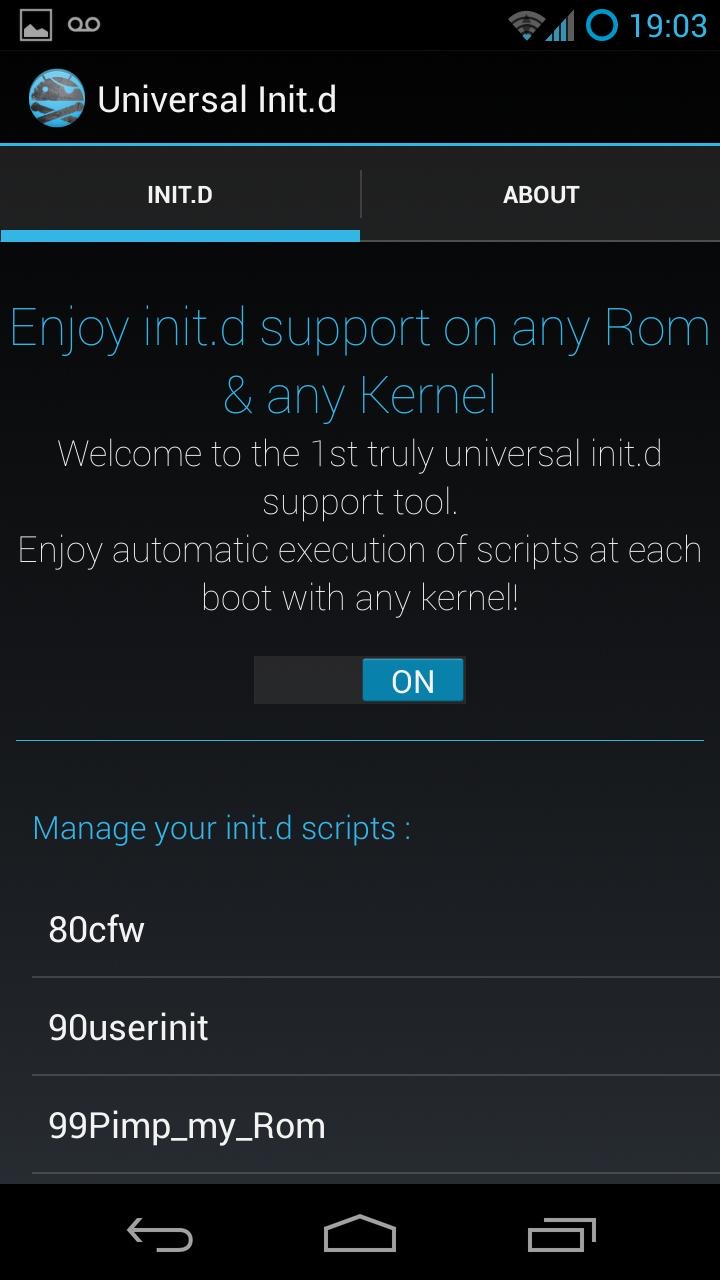
Browse existing scripts. The main tab groups the boot switch and script list on one screen. That gives you somewhere to check which entries the utility can see before you make a change to the device’s startup routine.
Manage individual entries. The developer documents controls to edit, delete, or run a selected script. A manual run is a separate action from turning on execution at startup, so you can keep the app’s boot switch disabled while reviewing the list.
Use a setup you control. The scripts run with elevated privileges on the device, so keep a copy of your original configuration and read an entry before running it. The app is mainly useful when you already maintain a rooted device and know which tasks belong at startup.
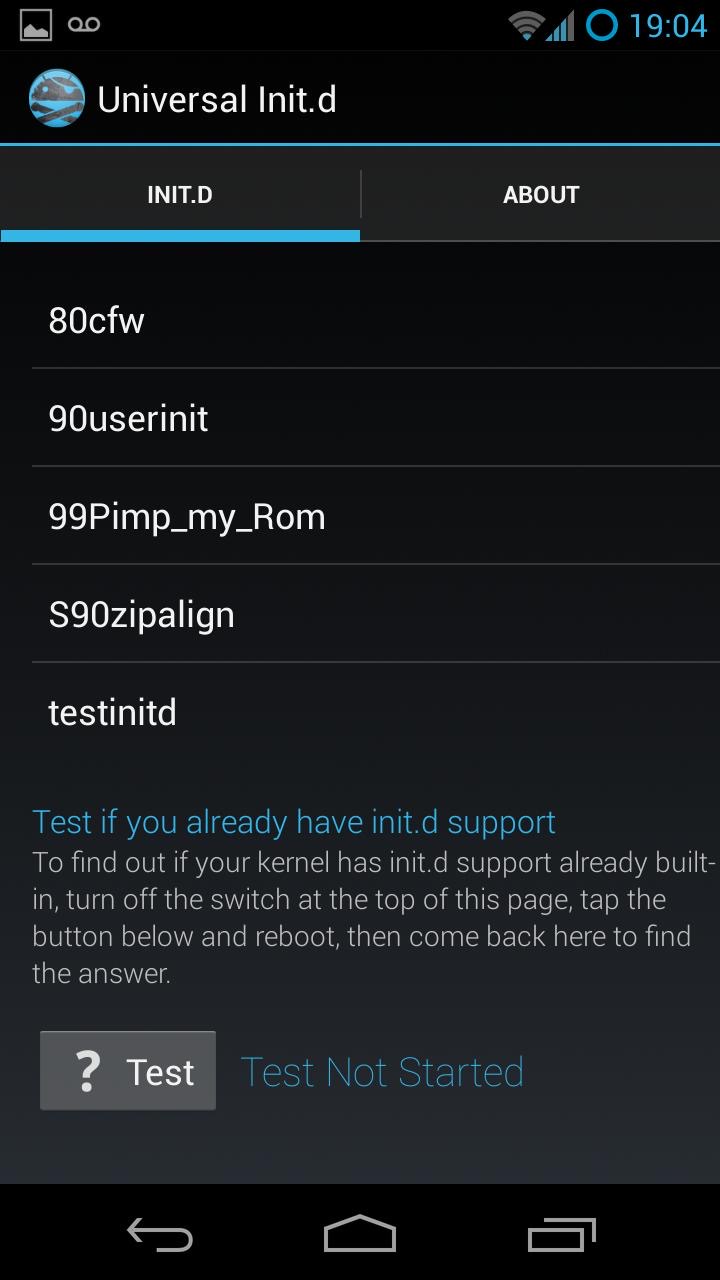
What is in the download?
The 855.32 KB file is a single APK for Universal Init.d 1.2.2. There are no architecture splits to choose from, and the package contains no native libraries.
Can you install it on a recent Android phone?
The old manifest declares Android 2.2 as its minimum and targets Android API 17. Android 14 and newer block ordinary fresh installs of apps with a target that old. Android version, root access, and the ROM’s handling of startup are separate compatibility checks.
Does the utility require root?
Yes. The utility is designed for an already rooted Android setup. It manages startup through the app and its access to the working script directory.
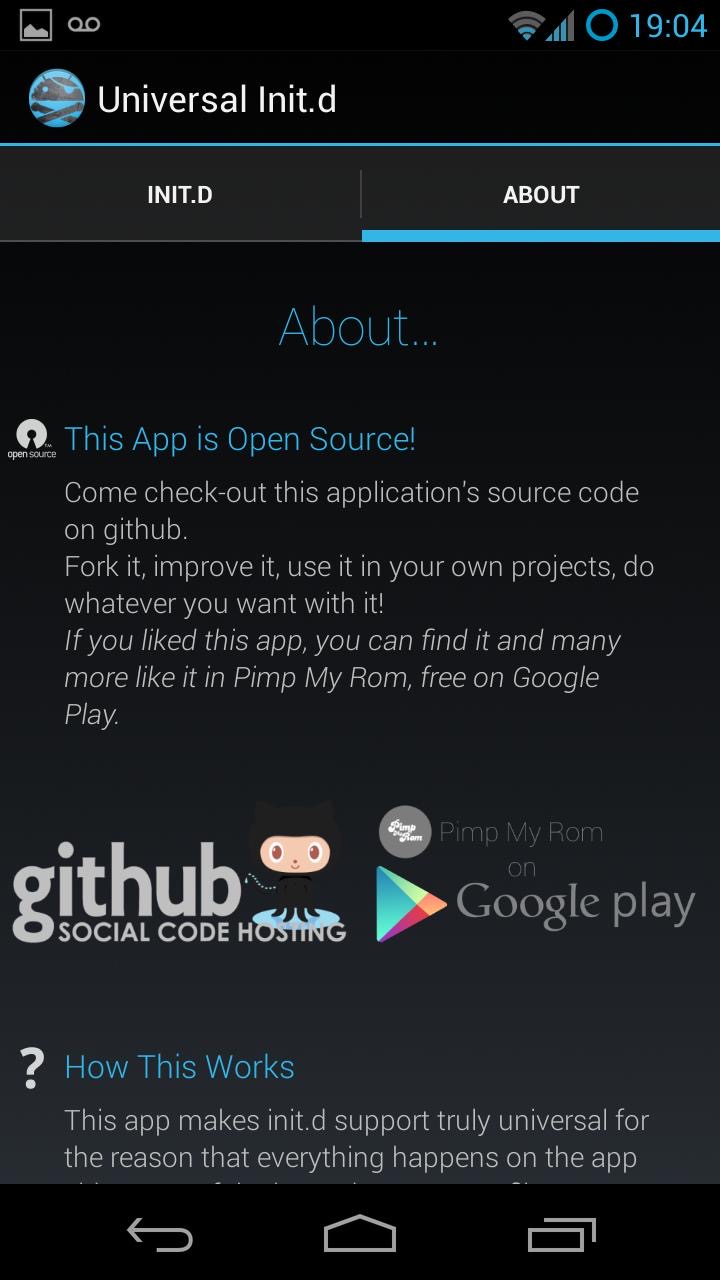
Universal Init.d fits a legacy rooted phone or a custom ROM whose startup behavior you need to check. The kernel test is a good first stop if you’ve inherited a setup and need to establish which part of it already runs at boot.
Universal Init.d
Tools
Date:2026-11-27

Comic Box
Comic & Novel
Date:2026-11-27

Jango Radio
Media & Video
Date:2026-11-27

Back Button
Tools
Date:2026-11-27

AnimeLovers V3
Media & Video
Date:2026-11-27

VidStream - HD Video Player
Media & Video
Date:2026-11-27

Shopee Lite
Shopping
Date:2026-11-27

Koloro
Photography
Date:2026-11-27