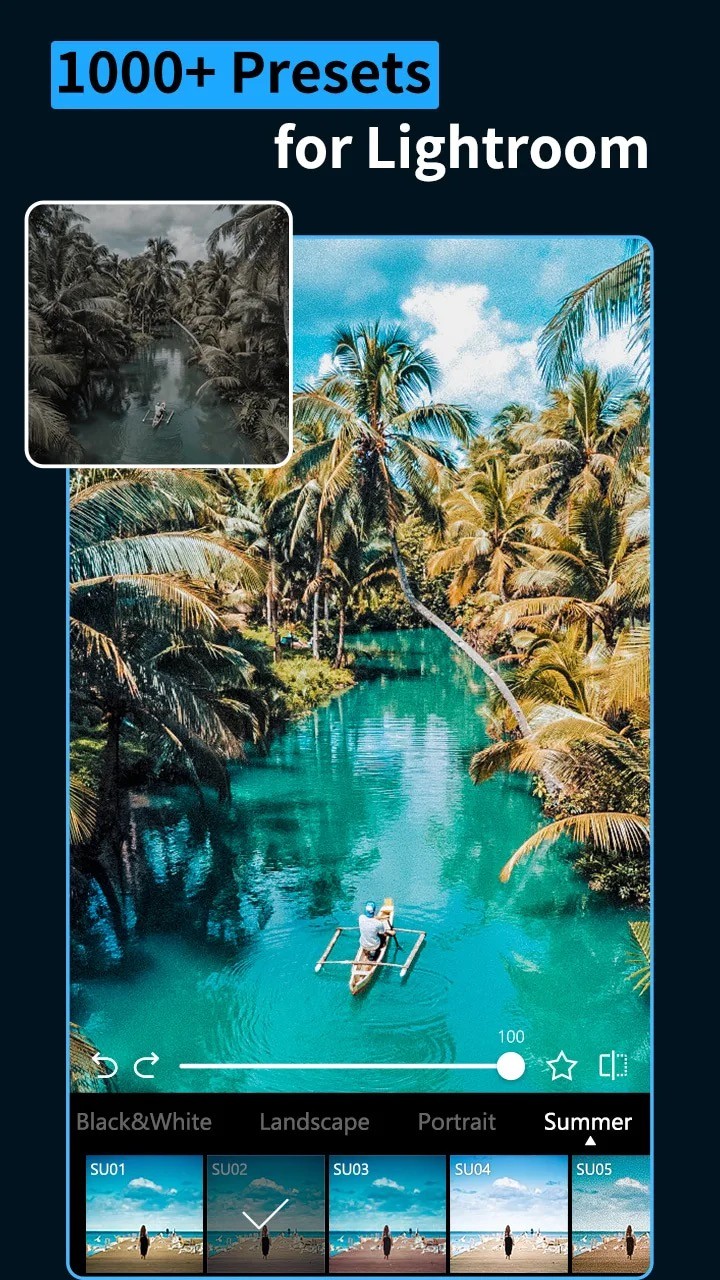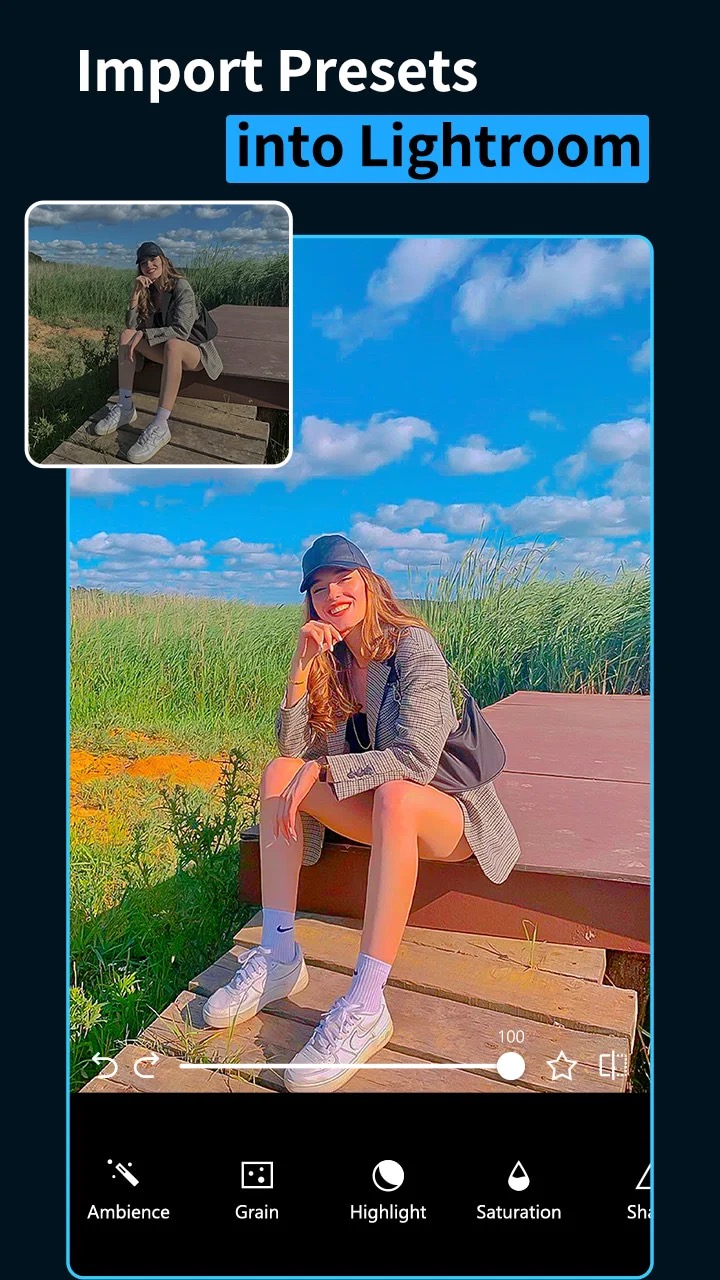
Koloro is a photo and video editor that lets you try color presets and fine-tune the result. You can start with a look for a landscape, portrait, or clip, then adjust its strength or change individual colors. The app also supports reusable recipes and DNG presets for a Lightroom Mobile workflow.
Choose a starting look
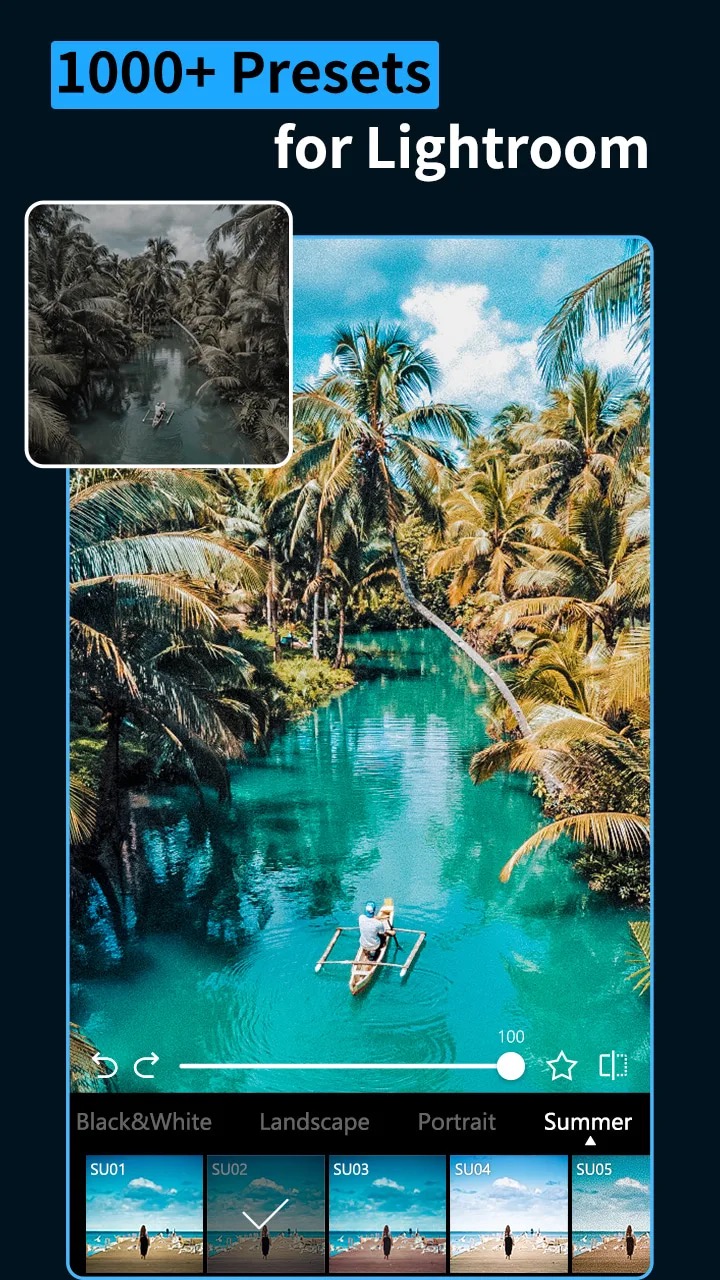
Import the photo or clip you want to edit and browse the preset categories. A summer preset can bring more color into a bright outdoor scene, while a black-and-white look puts more emphasis on shape and contrast. Compare the preview with the original before deciding how much of the effect the image needs.
Adjust the strength first
Koloro’s preset strength control is useful when the colors look good but the effect overwhelms the subject. Pull it back before changing several other sliders, especially when skin tones or clouds start to look unnatural.
Fine-tune one color range
Use the HSL controls to work on hue, saturation and luminance. If a preset makes grass too vivid, adjust the green range and check whether the rest of the image keeps the color balance you wanted.
Overlays and skies
Grain and film scratches can give a clean image a textured finish. Koloro also includes sky effects for replacing a dull sky in a photo. Check the line around roofs and trees after a replacement, where a mismatched edge is easiest to spot.
Recipes and batch editing
Save an edit as a recipe when you want to work from the same settings again. For photos from one shoot, copying the edit across the group gives you a consistent starting point. Recheck exposure on each photo if the lighting changed between shots.
A separate Lightroom workflow
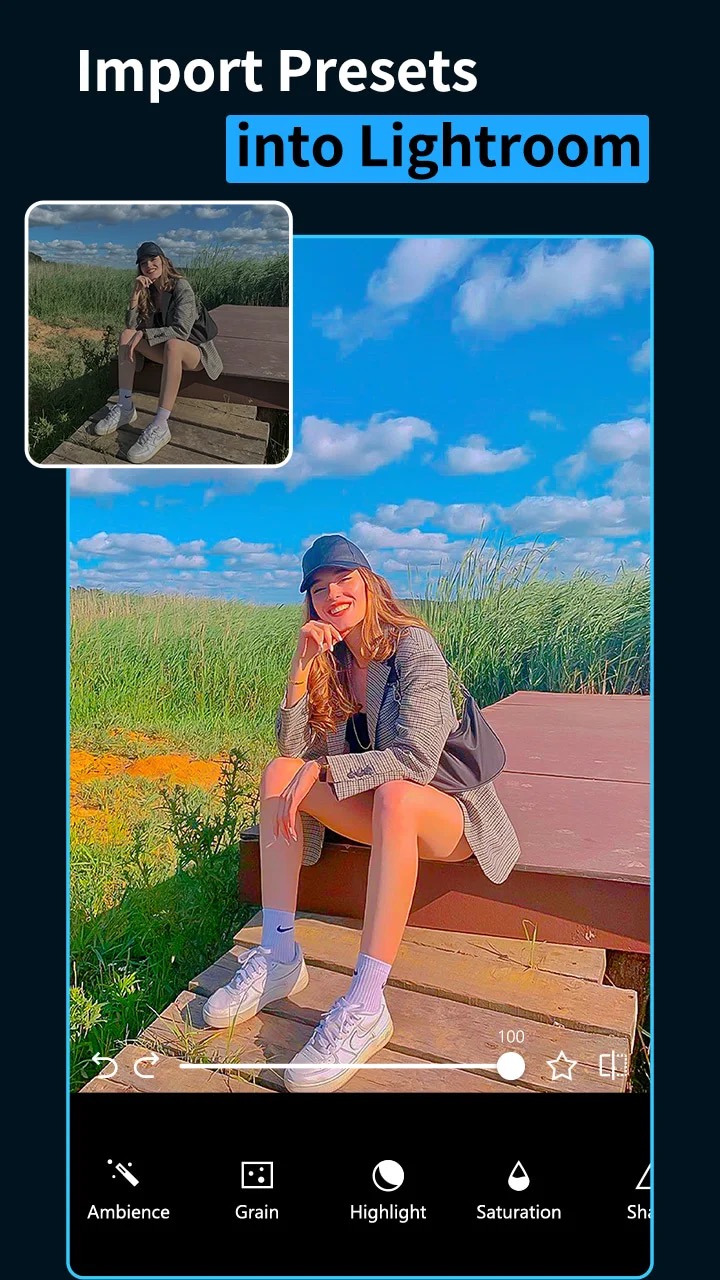
Koloro supports DNG preset files for use in Lightroom Mobile. If Lightroom is where you finish your edits, use a compatible DNG preset there and check its effect on a sample image before applying it to a series.
What’s inside the file?
The Koloro 6.2.8 download is a 67.09 MB XAPK for Android 5.0 or later. It contains the base editor plus ARM64 and XXHDPI configuration APKs. Use a split-aware installer to keep all three parts together during installation.
Can Koloro edit a video clip?
The developer lists presets and cropping for video as well as still photos. Try the look on one short clip and review how it handles shifts in light over the clip’s duration.
Are premium presets included at no charge?
The Play listing distinguishes premium filters and shows in-app purchases. Check which options your account can access before basing an editing workflow on a particular preset.
Koloro gives you a preset to start from and individual color controls to shape the result. Its recipes are especially handy for a set of photos that should feel consistent even when their original exposures vary.
Koloro
Photography
Date:2026-11-27

GoWish
Shopping
Date:2026-11-27

Opera Mini
Tools
Date:2026-11-27

Facebook Lite
Social
Date:2026-11-27

LiteApks
Tools
Date:2026-11-27

Social
Date:2026-11-27

HappyMod
Tools
Date:2026-11-27

YTMP3
Media & Video
Date:2026-11-27