WhatsApp is Meta’s Android messenger for private chats, voice notes and calls. You register with a phone number and then open a conversation to send a message, share a file or start a call. Groups keep a shared conversation in one place, while Status lets you post a short update to selected contacts. The file here is the 2.26.46.82 Android build.
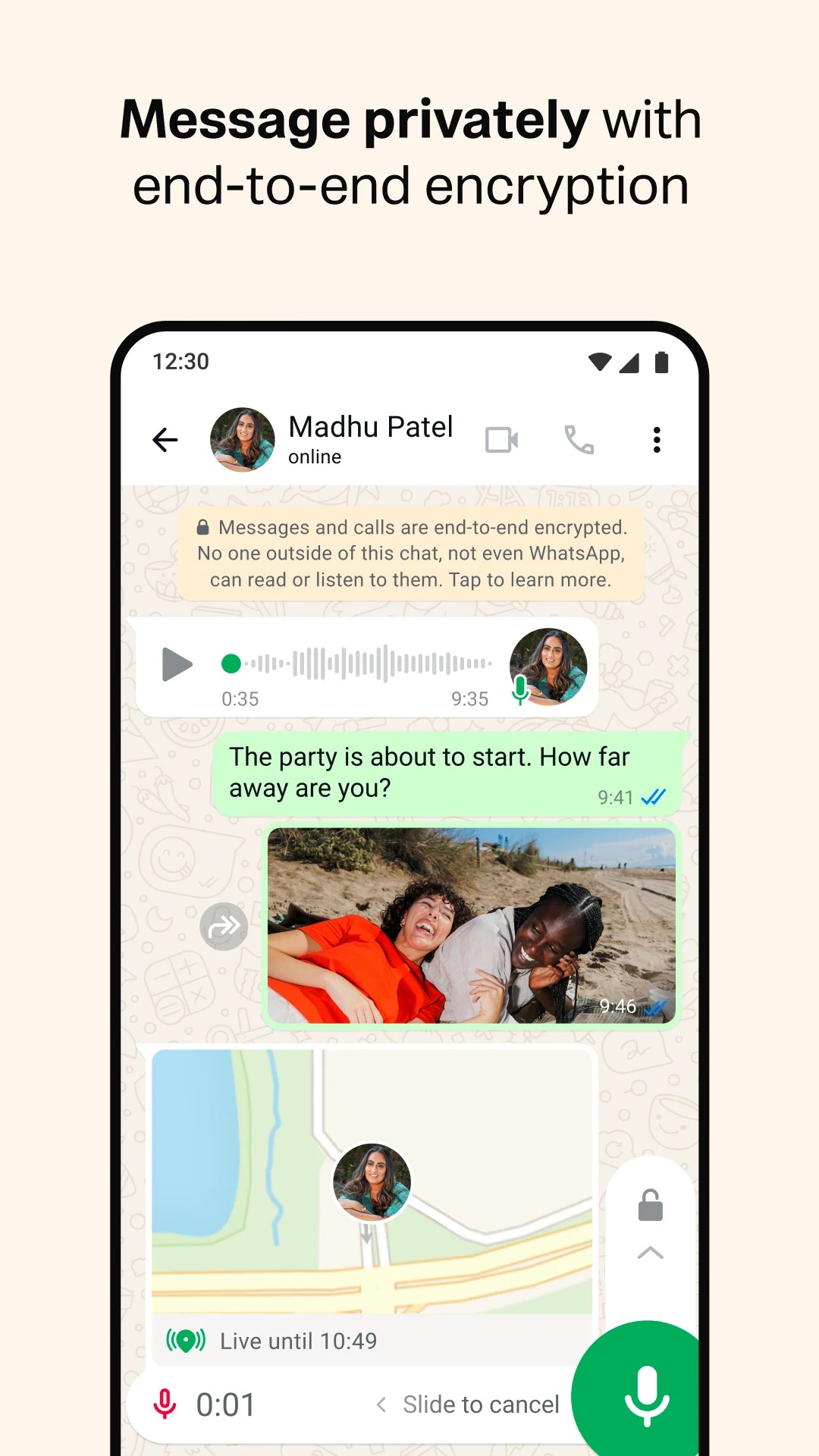
Start with a person or group: A WhatsApp conversation can hold text, photos and voice notes side by side. Use a voice note when a spoken explanation is easier to give than a long typed message. The recipient can play it back when they have time.
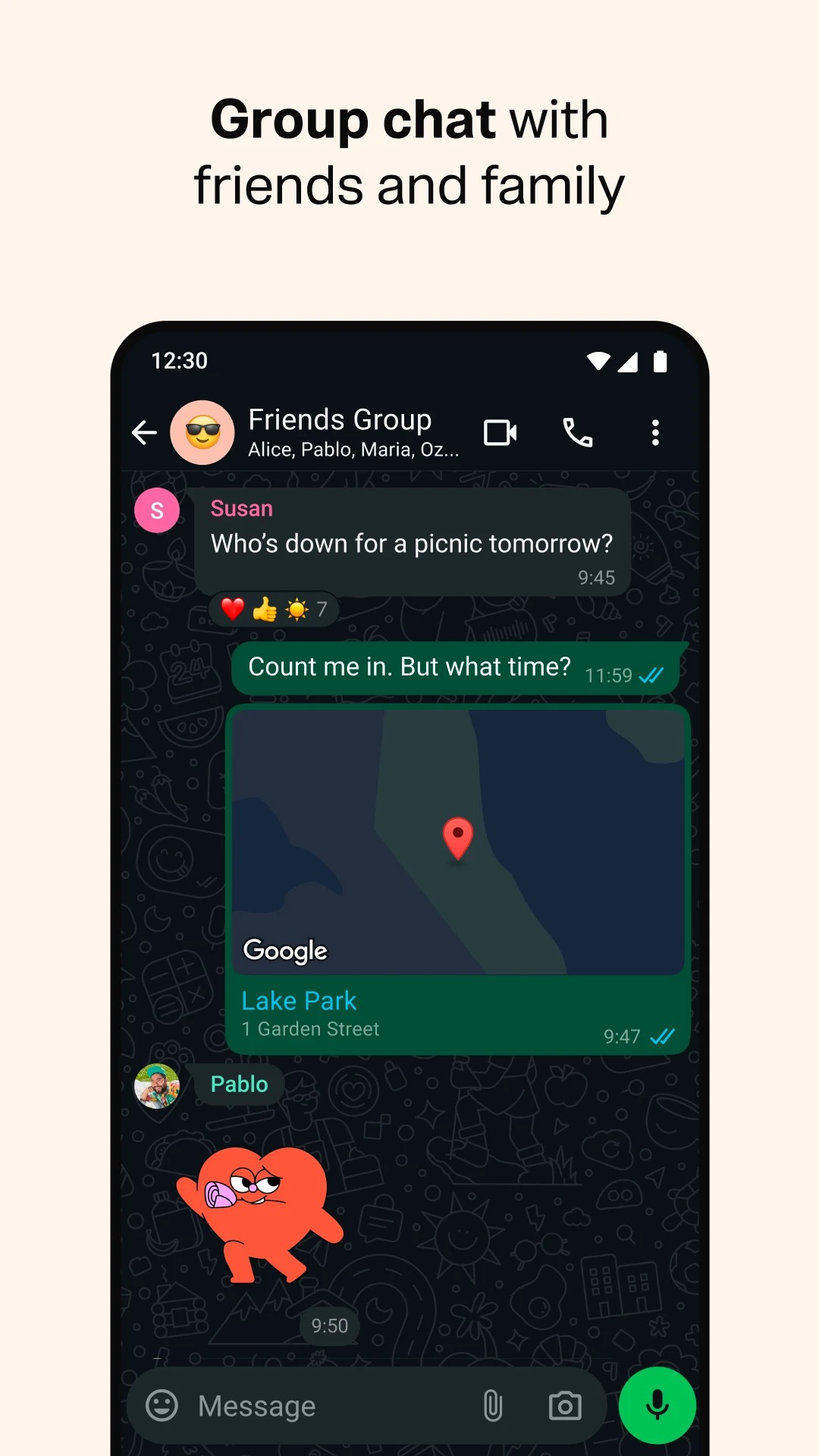
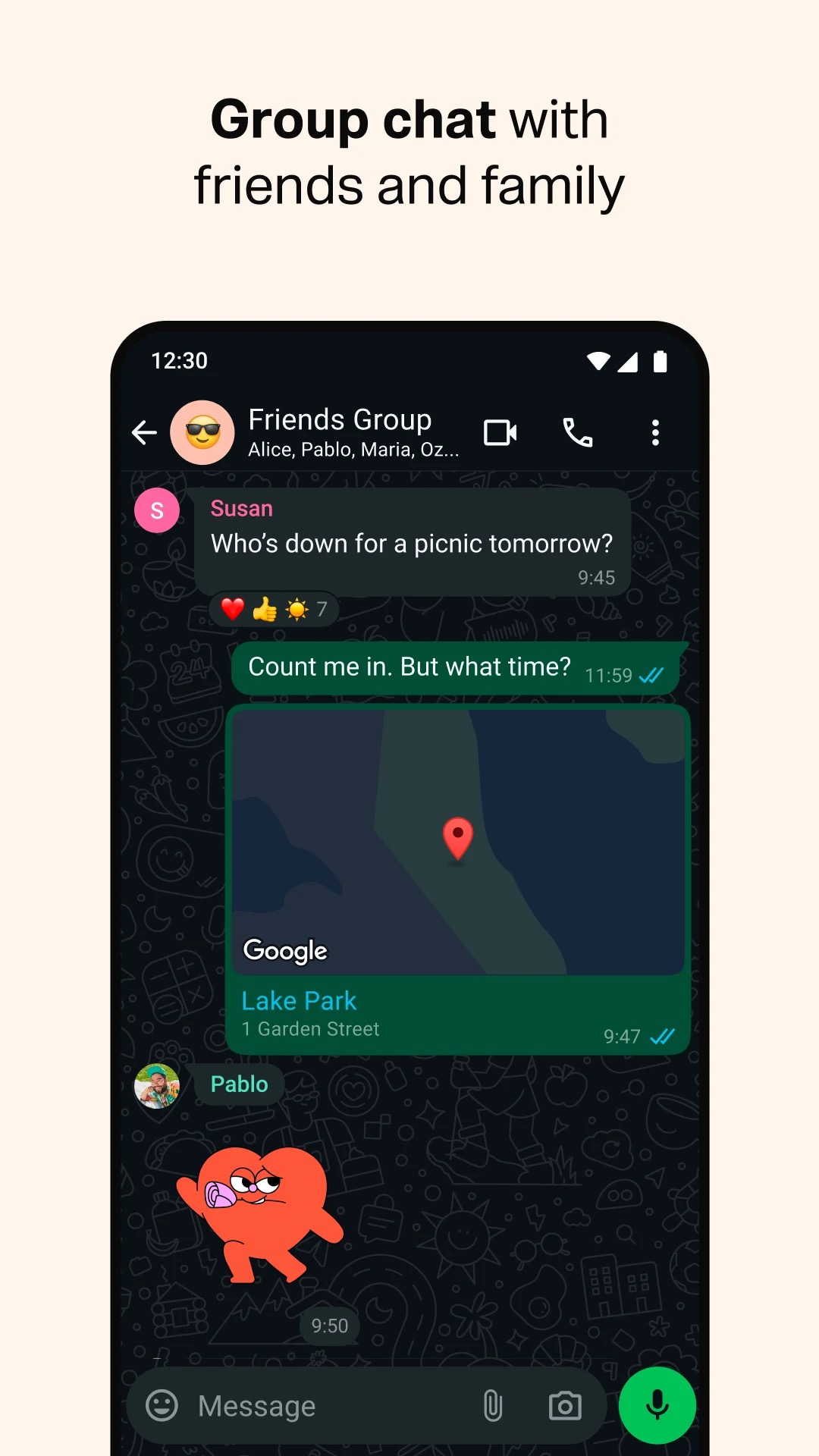
Keep details in the thread: You can send a document or location in the same group where people are discussing a plan. A location pin gives everyone a meeting point they can refer back to. When you choose live location instead, you can stop the ongoing share from WhatsApp.
Share a short update: Status posts expire after 24 hours and have their own audience settings. Use those settings to choose which contacts can see the update. A message sent directly to a chat follows that conversation’s message settings.
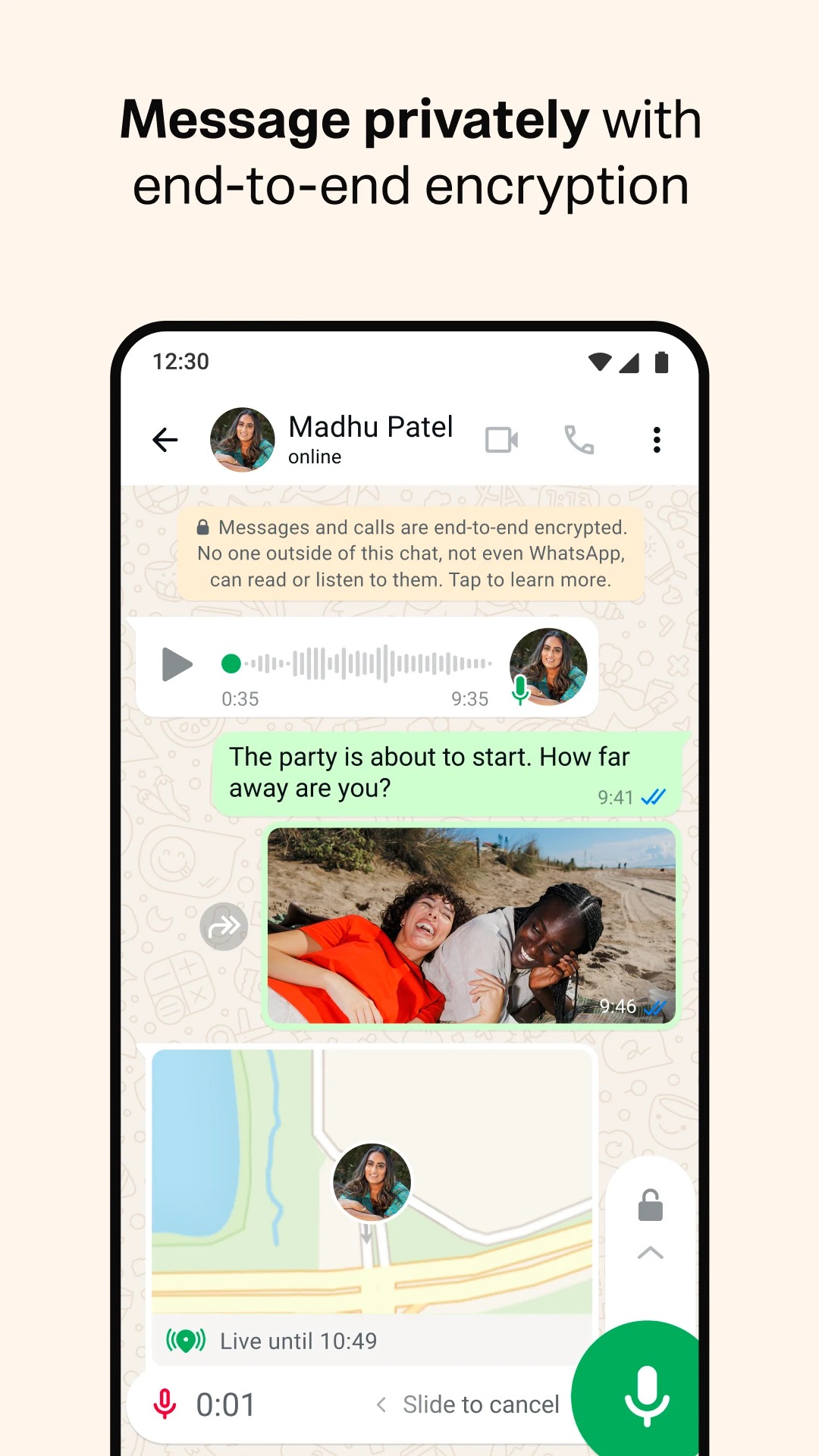
WhatsApp puts voice and video call controls in the chat header, so you can switch from discussing a plan to talking it through. The service uses your internet connection for calls, and your mobile provider may charge for that data. WhatsApp applies end-to-end encryption to personal messages and calls.
If you use a computer for longer replies, you can link WhatsApp on the web or desktop from the primary phone. WhatsApp supports up to four linked devices. The primary phone is still where you register the account and approve a new link. On Android, open Linked devices from the three-dot menu to review the computers and other devices that already have access.
What is in the download?
The 164.04 MB file is an XAPK for com.whatsapp. The base app comes with three separate pieces for ARM64 code, HDPI screens and English resources. The base declares a minimum of Android 6.0.
Can the base APK be installed by itself?
The manifest requires processor and screen density configuration splits. Use a split-aware installer that can read the complete XAPK on an ARM64 device. This bundle includes only the ARM64 processor split.
What happens on the first launch?
Use a number you can verify and follow WhatsApp’s setup prompts. If you’re moving from another phone, check that your chat history is backed up before replacing the old installation. WhatsApp can offer to restore a backup it finds during setup.
Social
Date:2026-11-27

HappyMod
Tools
Date:2026-11-27

YTMP3
Media & Video
Date:2026-11-27

X (Twitter)
Social
Date:2026-11-27

VidMate
Media & Video
Date:2026-11-27

Filmyhit Movies
Media & Video
Date:2026-11-27

DramaCool - Watching Asian Drama
Media & Video
Date:2026-11-27

Movie4U
Media & Video
Date:2026-11-27