Opera Mini is an Android browser with data compression, offline pages and a built-in download manager. It gives you a way to keep reading when your connection drops or when you’re stretching a small data plan. This page carries version 99.7.2254.2684 as a 44.30 MB XAPK.
When you’re down to the last of your monthly data, a text-heavy page can still be worth opening. Opera Mini compresses web content, including images, before sending it to your phone in Extreme mode. That can help when you’re looking up an address or checking travel news on an unreliable connection.
Extreme mode can also change how a page looks. If a sign-in form or another interactive page looks wrong, try switching to High or Auto and loading it again. Use the data savings panel to see how much the browser reports saving during your own browsing session. The number depends on which pages you open and what they contain.
If you’ll need an article or a set of directions later, save the page while you still have a connection. Open the menu beside the address bar and choose Save for offline. You can return to the copy from Saved pages on Speed Dial, where Opera Mini also keeps shortcuts to sites you visit often.
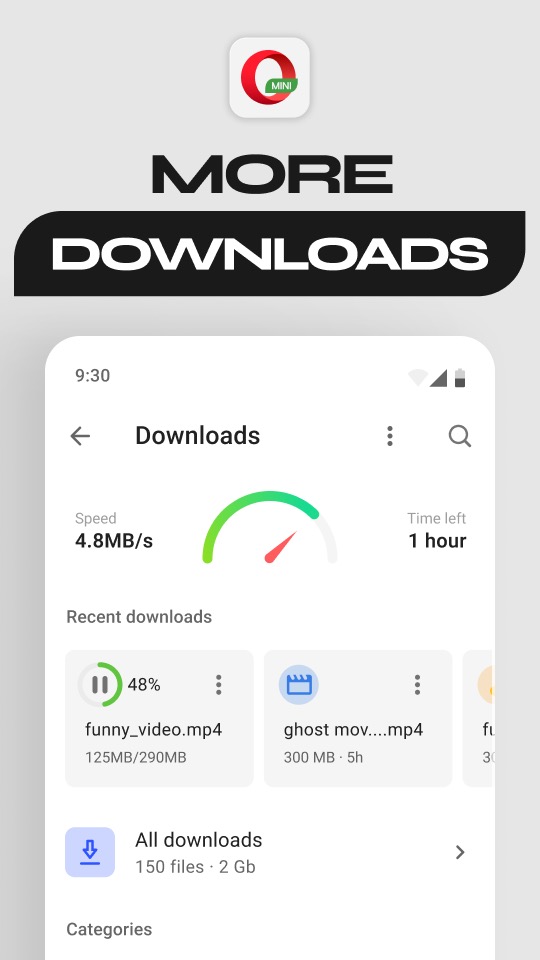
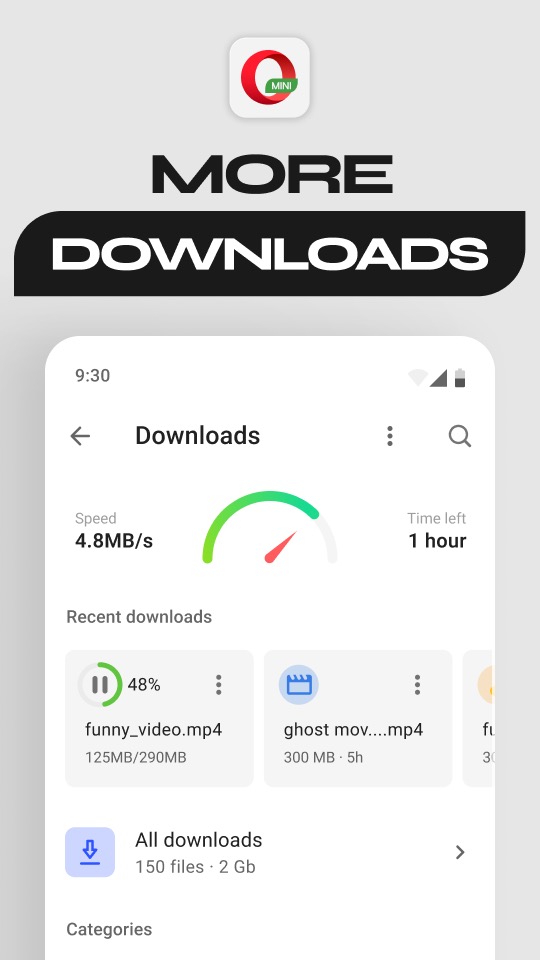
Saving a page keeps a copy for reading later, so open the live page again when you need a fresh timetable or price. Files you download from the web go to the Downloads screen. From there you can see the progress of a large transfer and find a finished file without returning to the web page that linked to it.
When you start a download, the prompt lets you change which folder receives the file. Opera Mini remembers that choice for later transfers. A media player on a website may offer streaming only, so the download controls depend on what the site provides.
If you’re reading a saved article in a dark room, Night mode can dim the browser. Opera Mini also offers a separate control for reducing blue light.
This file contains Opera Mini version 99.7.2254.2684. Your phone needs both a 64-bit ARM build of Android and version 9.0 or later. The 44.30 MB file holds the base app and separate packages for its processor, display configuration and languages. An installer that supports XAPK can install the required parts together. Keep the bundle intact so the installer can find those parts.
If Android reports that a package is missing, first check whether you opened the whole XAPK or just the base APK inside it. Different Opera Mini builds can have different requirements, so use the Android and processor requirements listed here when checking this specific file.
Opera Mini
Tools
Date:2026-11-27

Facebook Lite
Social
Date:2026-11-27

LiteApks
Tools
Date:2026-11-27

Social
Date:2026-11-27

HappyMod
Tools
Date:2026-11-27

YTMP3
Media & Video
Date:2026-11-27

X (Twitter)
Social
Date:2026-11-27

VidMate
Media & Video
Date:2026-11-27