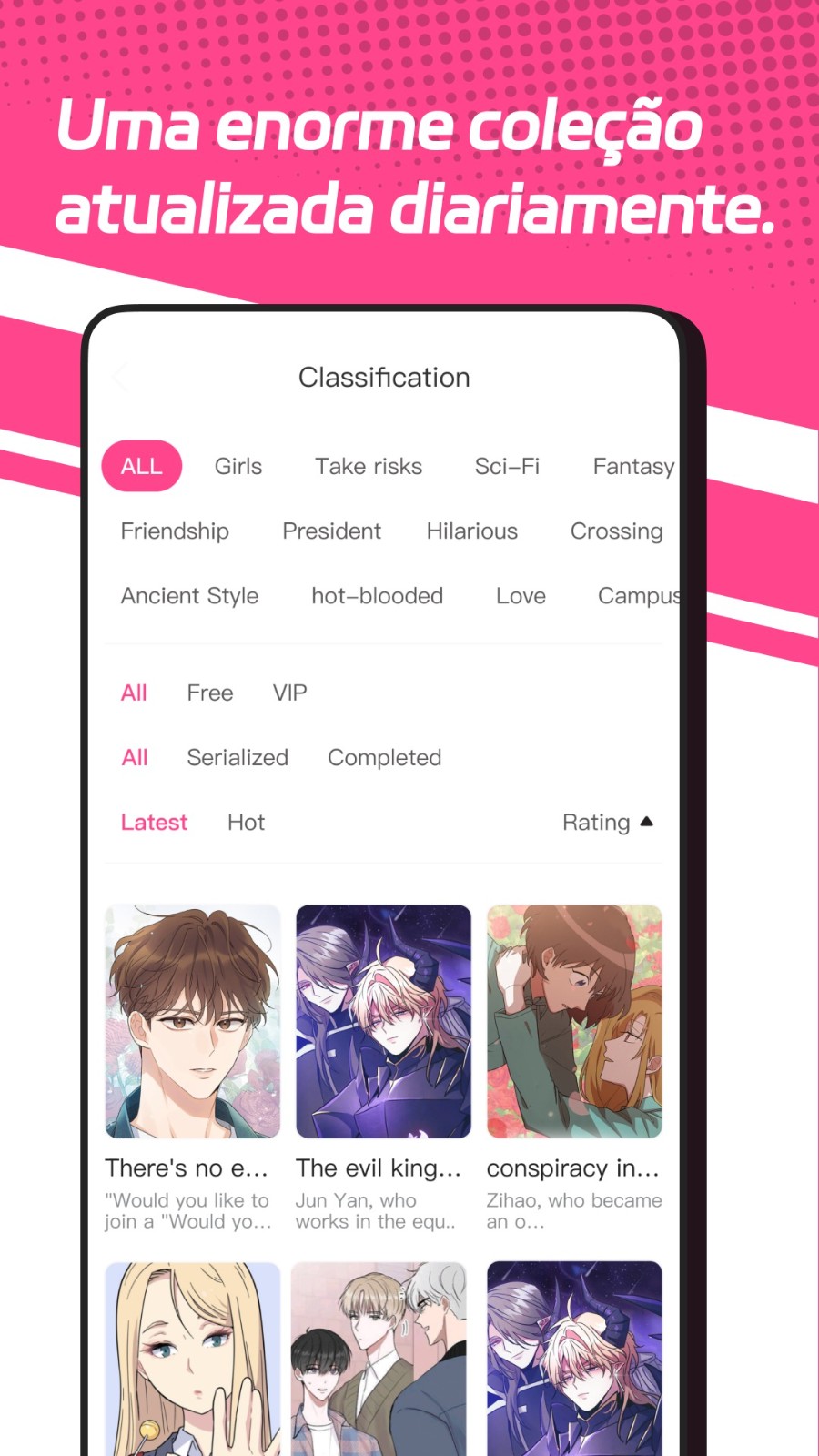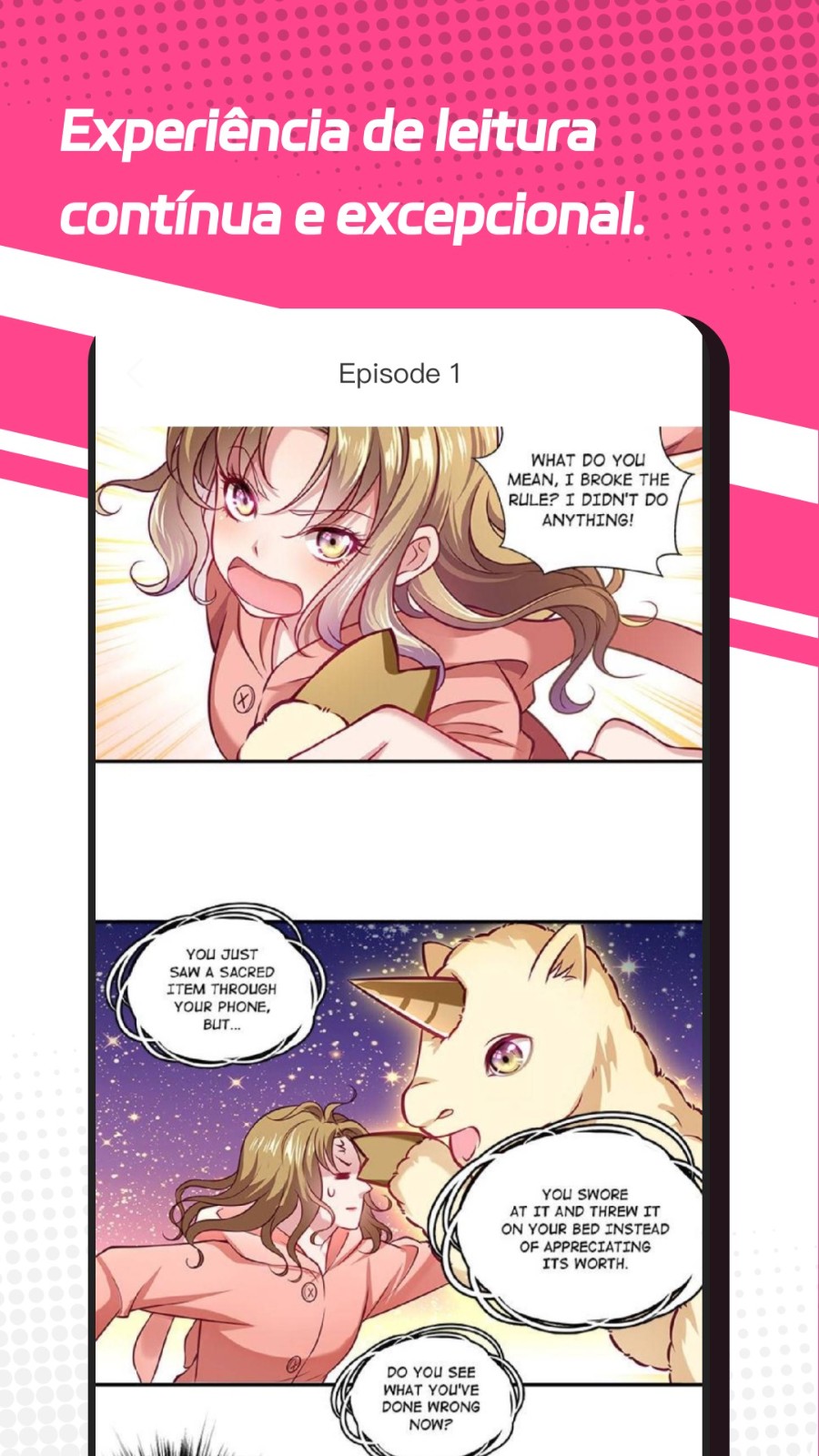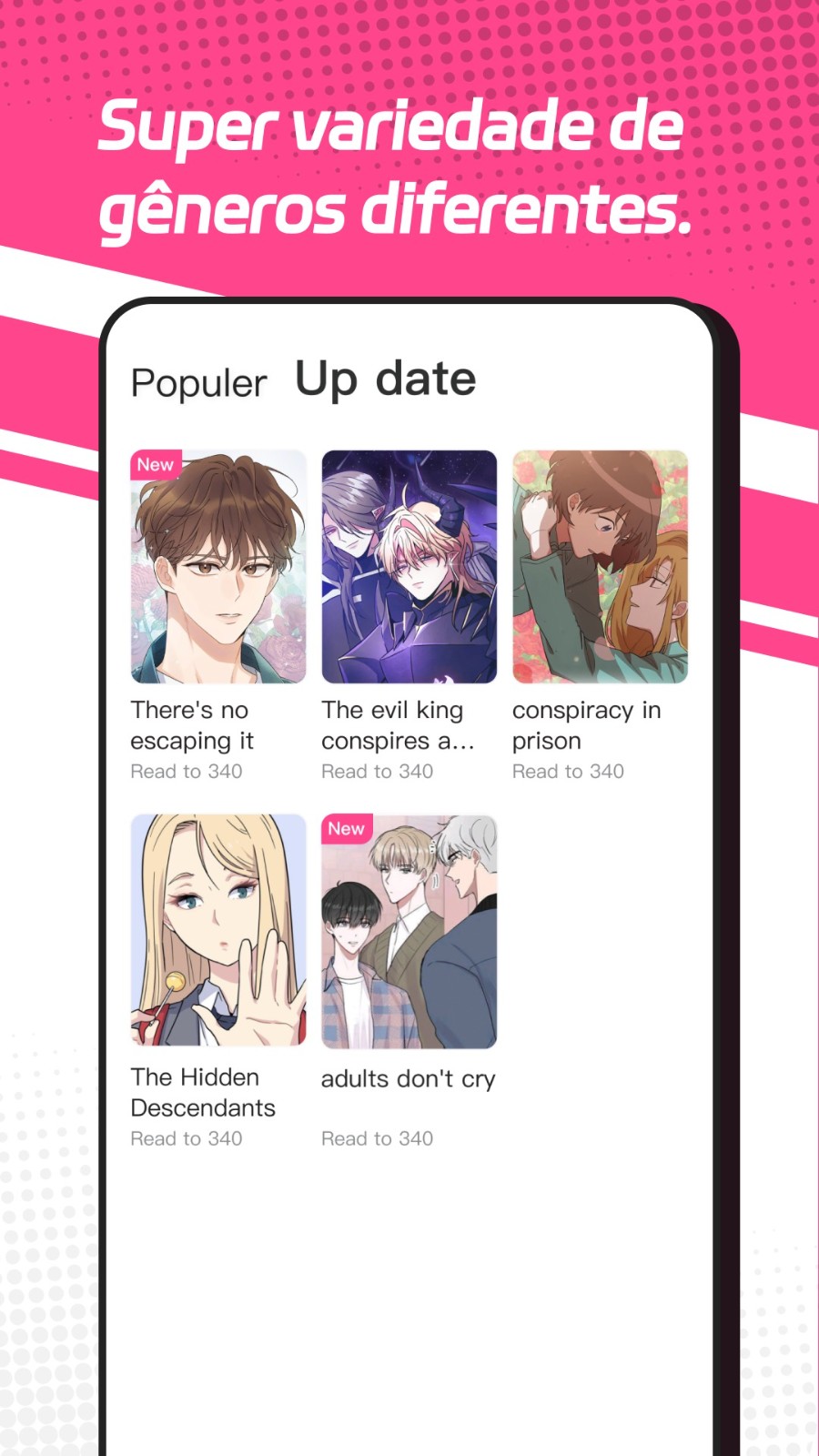
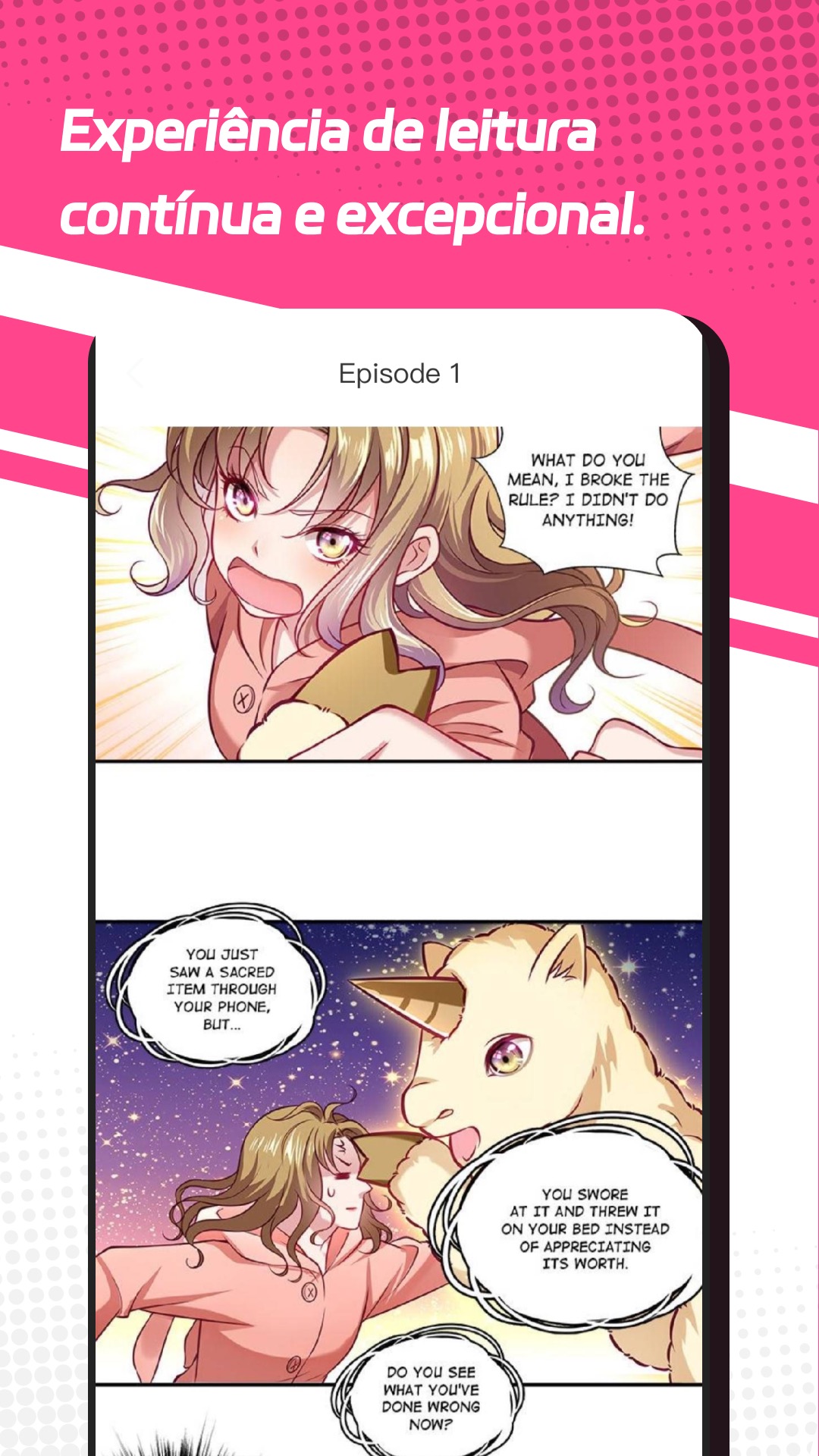
Comic Box is an Android reader for browsing serialized comics and opening chapters on your phone. You can start with the catalogue, narrow it by genre or publication status, and open a title from its cover. The chapter view lets you read the story panel by panel.
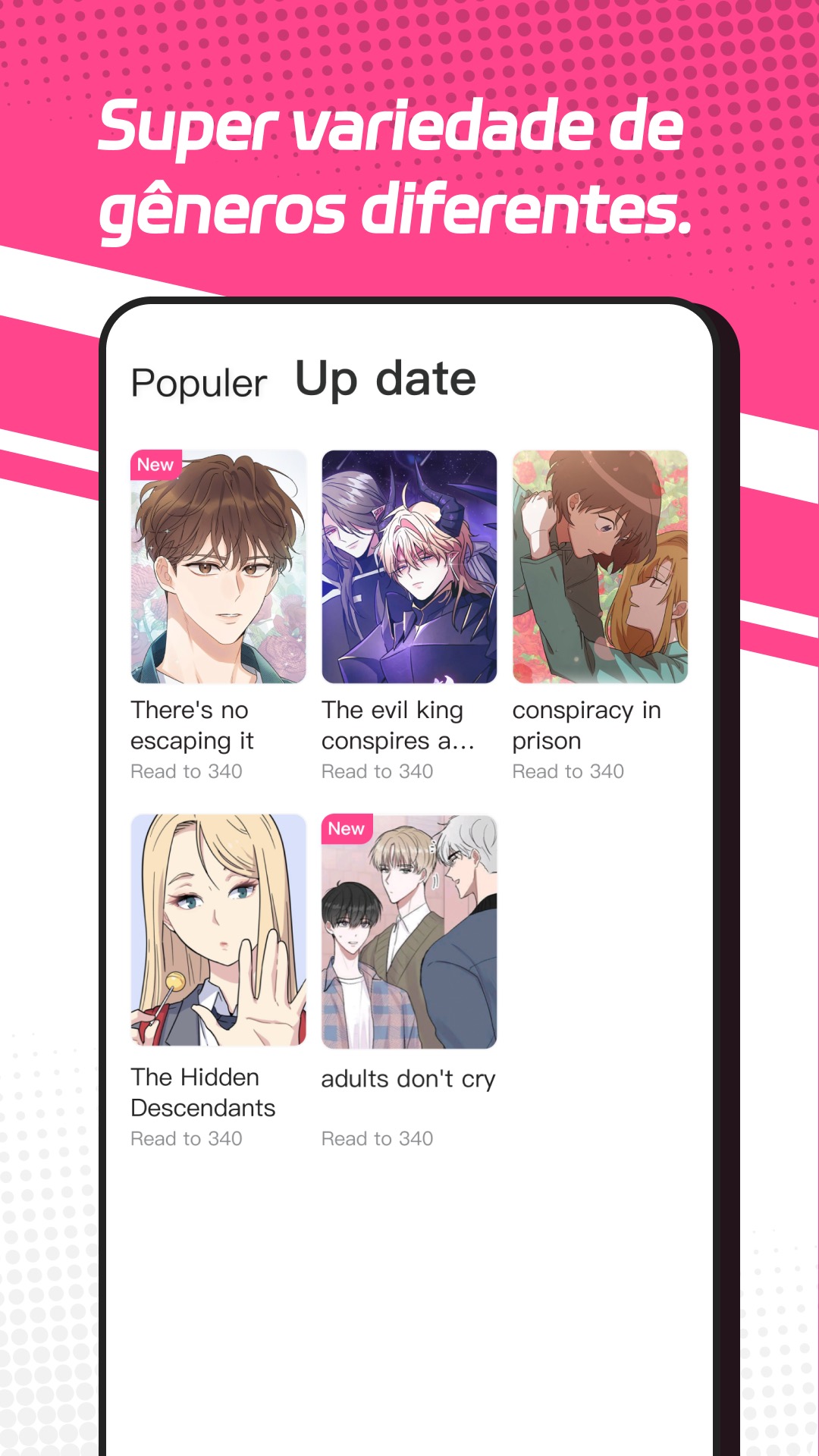
Open the catalogue to see cover cards for the available series. The Popular view is a quick starting point if you have no title in mind. The updates view is more useful when you want to see which series have received new chapters.
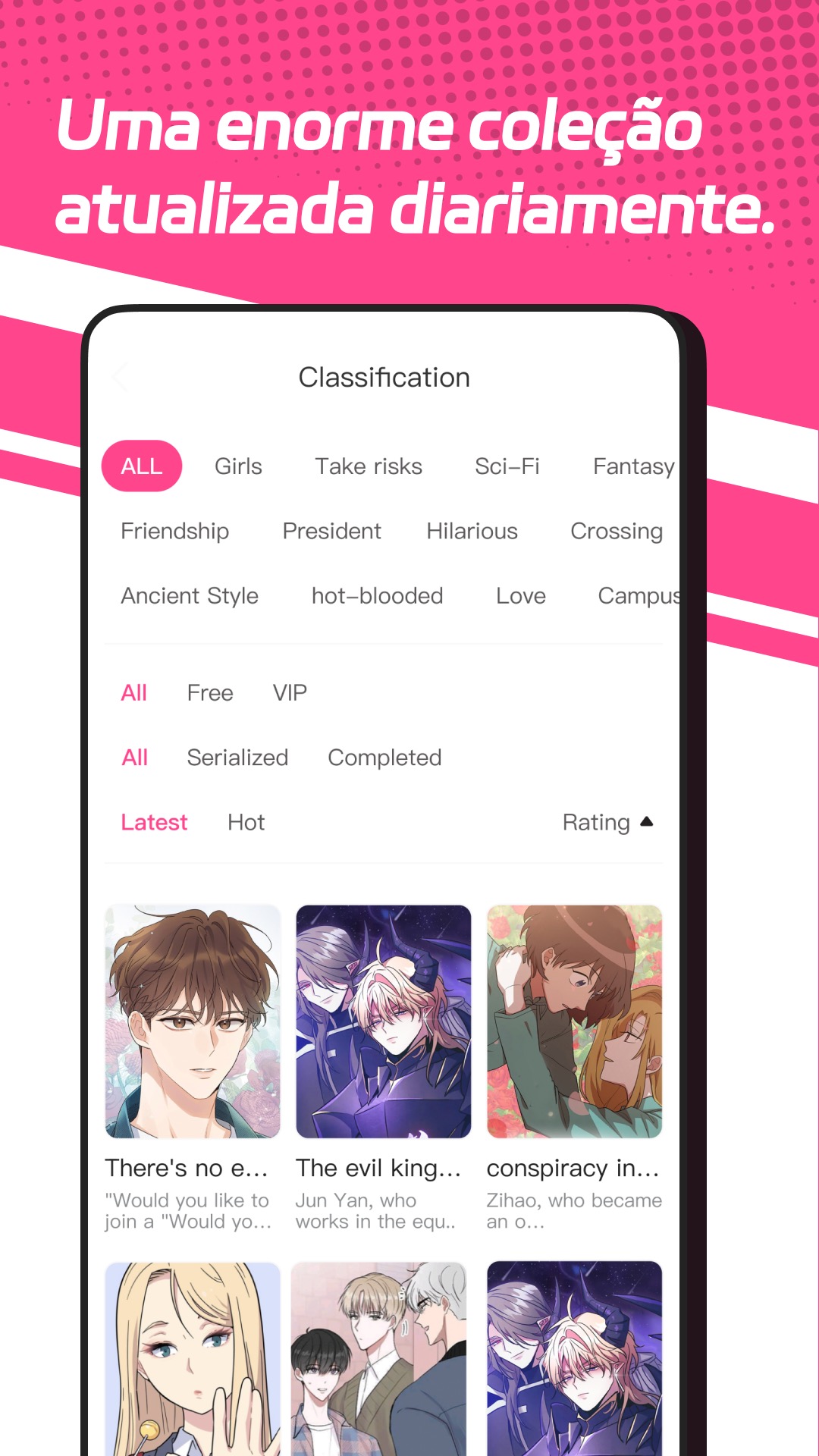
Use Classification to narrow the catalogue to themes such as fantasy, science fiction or romance. The filters can also distinguish completed titles from series that are still being published. If you want to read a story through in one stretch, look for completed series before opening a chapter.
Open a title to find its episodes. Starting at the first chapter makes it easier to keep track of the story, even when the catalogue highlights a recent update. For a series you already follow, check the chapter number before continuing so you do not accidentally jump ahead.
The chapter reader puts the comic panels one below another. You read by moving down the page, which gives panels and dialogue room on a tall phone screen. The developer also lists brightness and transparency controls, which can make the reader easier on the eyes in a dim room.
The Classification screen shows separate Free and VIP filters. Use Free when you want to check which titles are listed without the VIP tag. Some chapters are offered through the developer’s membership, and the reader shows those separately from the free catalogue.
The app’s store listing describes a catalogue that is updated regularly. Check the episode list for the title you want, since updates to the wider catalogue do not establish a schedule for any one series. The catalogued comics and their language can differ from the examples in store images.
Which Comic Box version is supplied?
This page provides Comic Box 1.5.0. It uses the package com.nexusmanga.reader.gpen and the resource file is 19.85 MB.
Can this file run on a 32-bit phone?
This XAPK includes an ARM64 configuration, so you need a compatible 64-bit Android device. The main app declares Android 6.0 or later.
How do you install the bundled release?
Choose an installer that handles XAPK files as a set. Install the ARM64 and xxhdpi configuration files together with the main app.
Does the file include paid chapters?
VIP access is managed by Comic Box. You can use the catalogue filters to see which titles are listed as free before opening a series.
Comic Box fits readers who prefer selecting the next chapter on a phone and reading in a vertical view. The status and access filters help you find a series that suits the time you have.
Comic Box
Comic & Novel
Date:2026-11-27

Jango Radio
Media & Video
Date:2026-11-27

Back Button
Tools
Date:2026-11-27

AnimeLovers V3
Media & Video
Date:2026-11-27

VidStream - HD Video Player
Media & Video
Date:2026-11-27

Shopee Lite
Shopping
Date:2026-11-27

Koloro
Photography
Date:2026-11-27

GoWish
Shopping
Date:2026-11-27