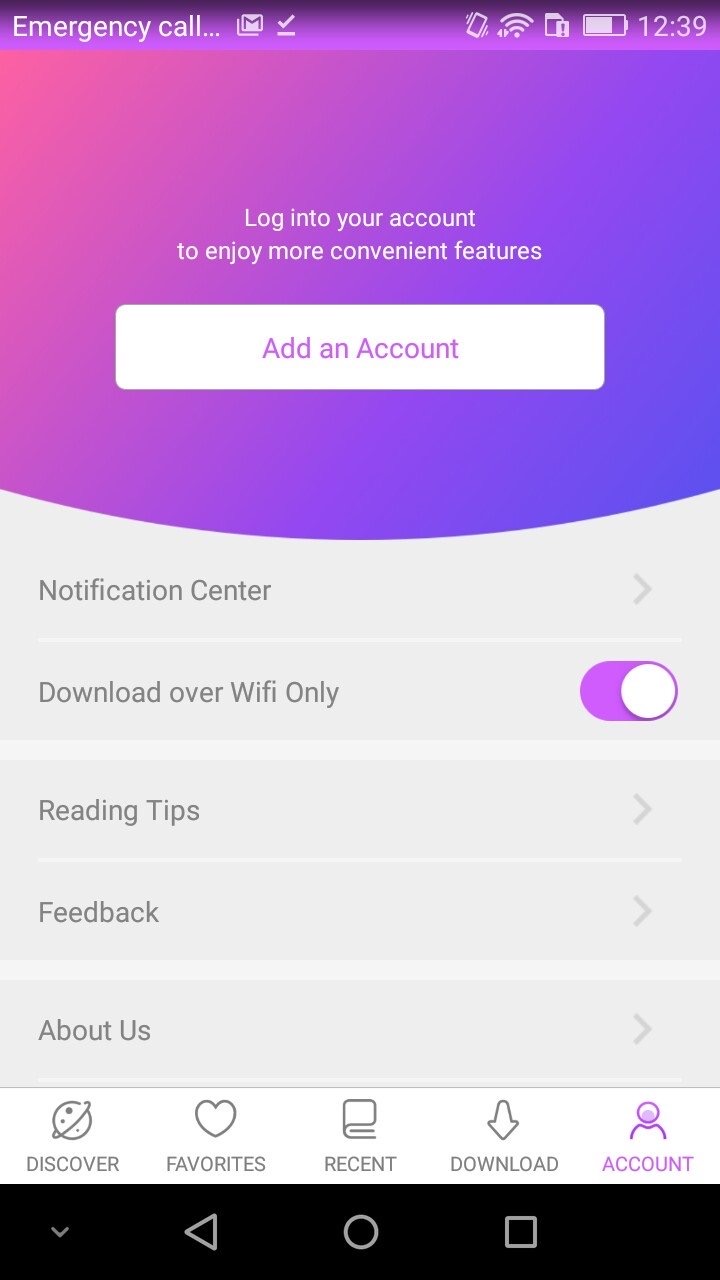
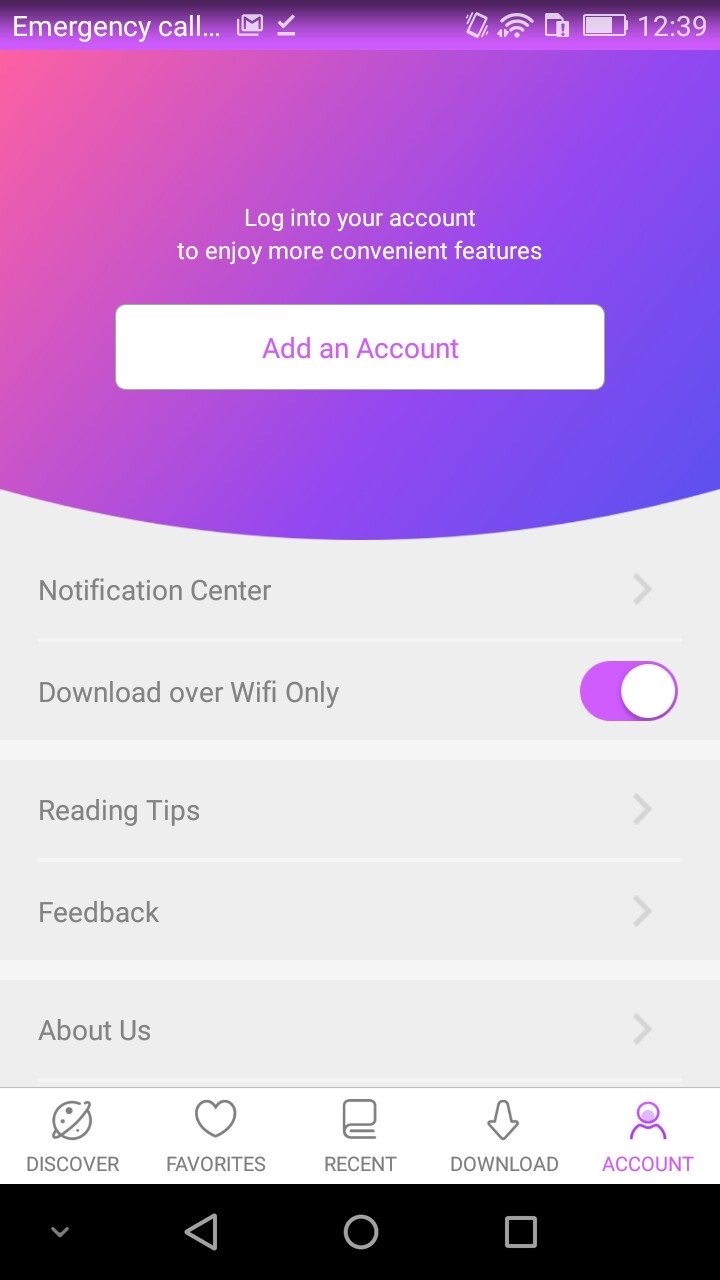
MangaZone is an Android reader for browsing manga series and following their chapters from your phone. You can look through rankings, narrow the catalogue by genre or find a title by name. Favorites and reading history give you two ways to return to a story after you put it down.
Start with a title or a genre: Search by name when you already know the series you want. If you are looking for a new title, browse the catalogue by genre or open an updated-series list. A chapter list is more useful than the cover when you want to see how far a story has progressed.
Use the catalogue filters: MangaZone offers lists for updated, popular and recommended titles. Filter for completed series when you want to start a story with an available ending, or keep an ongoing title in favorites to find it again after a break.
Look at the chapter list first: Open a series to see the chapters in order and select the one you want. This is useful when you are moving from another reader and already know your chapter number. Check the title and numbering together when a series has a similarly named follow-up or a special chapter.
Keep favorites and history separate: Save a title to favorites when you want to come back to it over several sittings. Use the recent reading list when you remember opening a series but did not save it. If you use MangaZone to sample several series, the two lists serve different purposes.
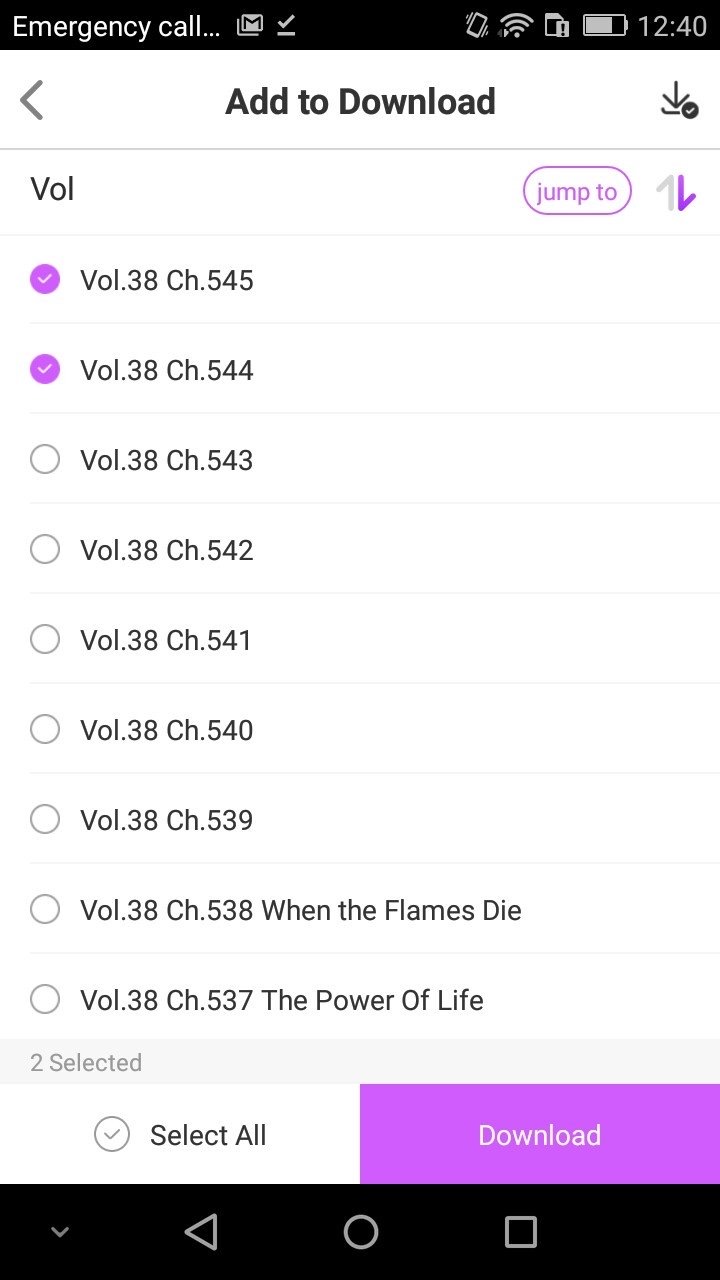
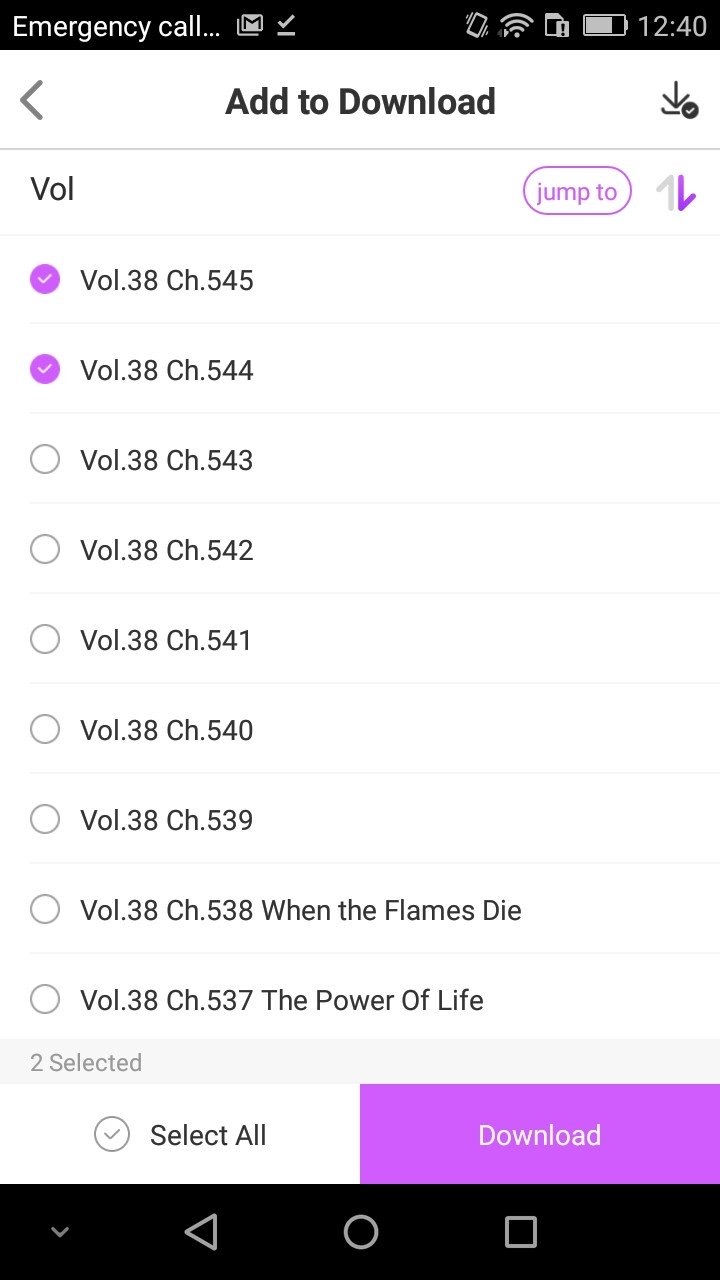
Prepare before going offline: MangaZone offers chapter downloads for offline reading. Save the chapters you intend to read while you have a connection. Opening a saved chapter before you leave is a useful way to check that the pages are on the device.
Check this specific Android build: The download here is the 48.78 MB MangaZone 6.6.5 APK. It uses the package name com.webtoon.mangazone, supports Android 5.0 or later and includes ARM64 libraries. It is a single APK, so there are no companion configuration files to select during installation.
Do you need a connection for the whole app?
Use a connection to load the catalogue and fetch a chapter. For offline reading, choose a chapter that is already stored on your device.
What is the difference between saving a series and saving a chapter?
A favorite is a shortcut back to the series entry. Saving the chapter stores pages on the device so you can read them somewhere with poor reception.
How do you identify this release among similarly named readers?
Check the package name and version together. The Android installer uses the package identifier to decide which app a file belongs to, so the name under the icon alone is insufficient.
MangaZone
Comic & Novel
Date:2026-11-27

Flipped: Chat with AI Character
Social
Date:2026-11-27

Cupidabo
Social
Date:2026-11-27
Instafinsta
Media & Video
Date:2026-11-27

Tevi
Social
Date:2026-11-27
Universal Init.d
Tools
Date:2026-11-27

Comic Box
Comic & Novel
Date:2026-11-27

Jango Radio
Media & Video
Date:2026-11-27