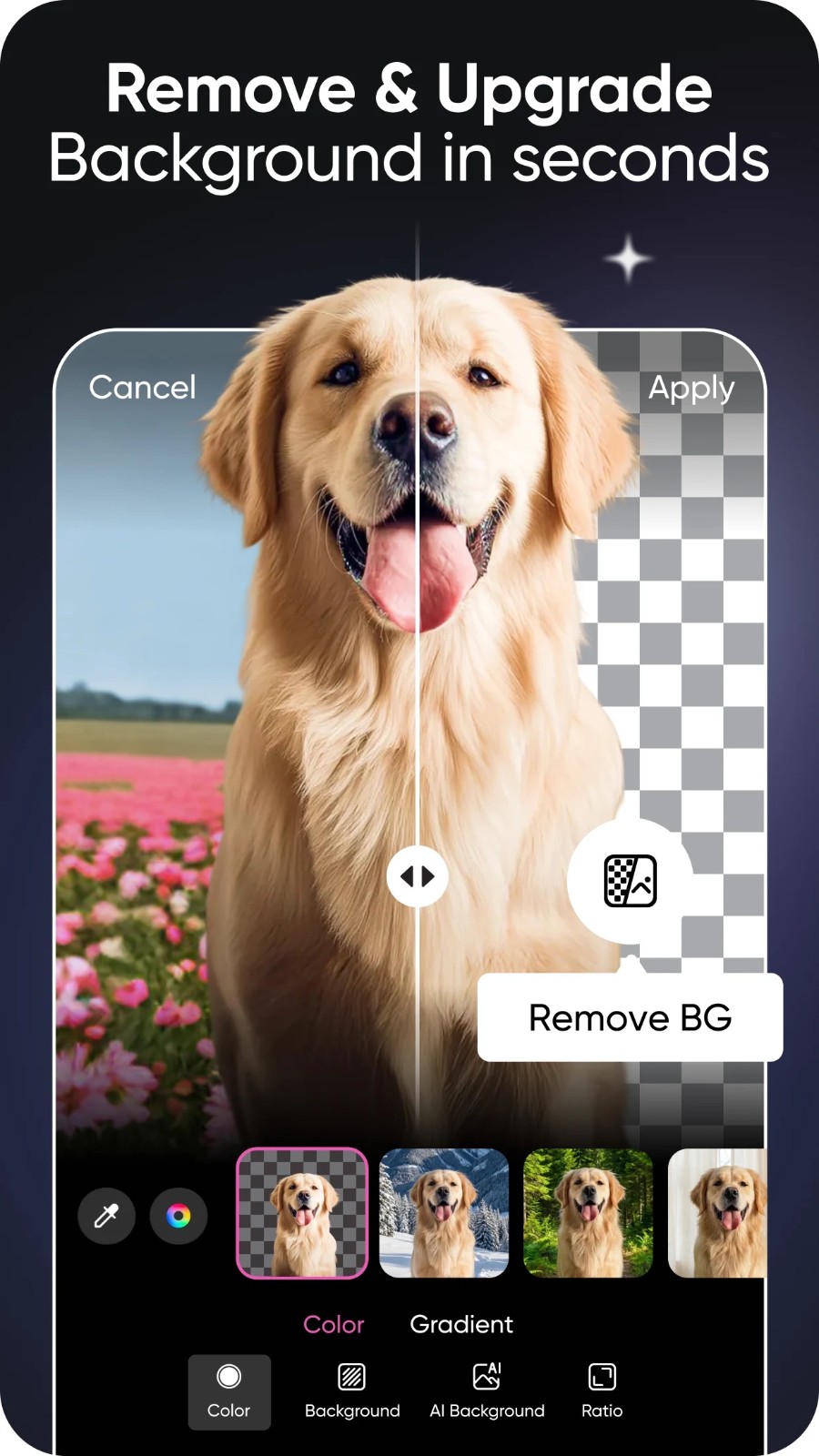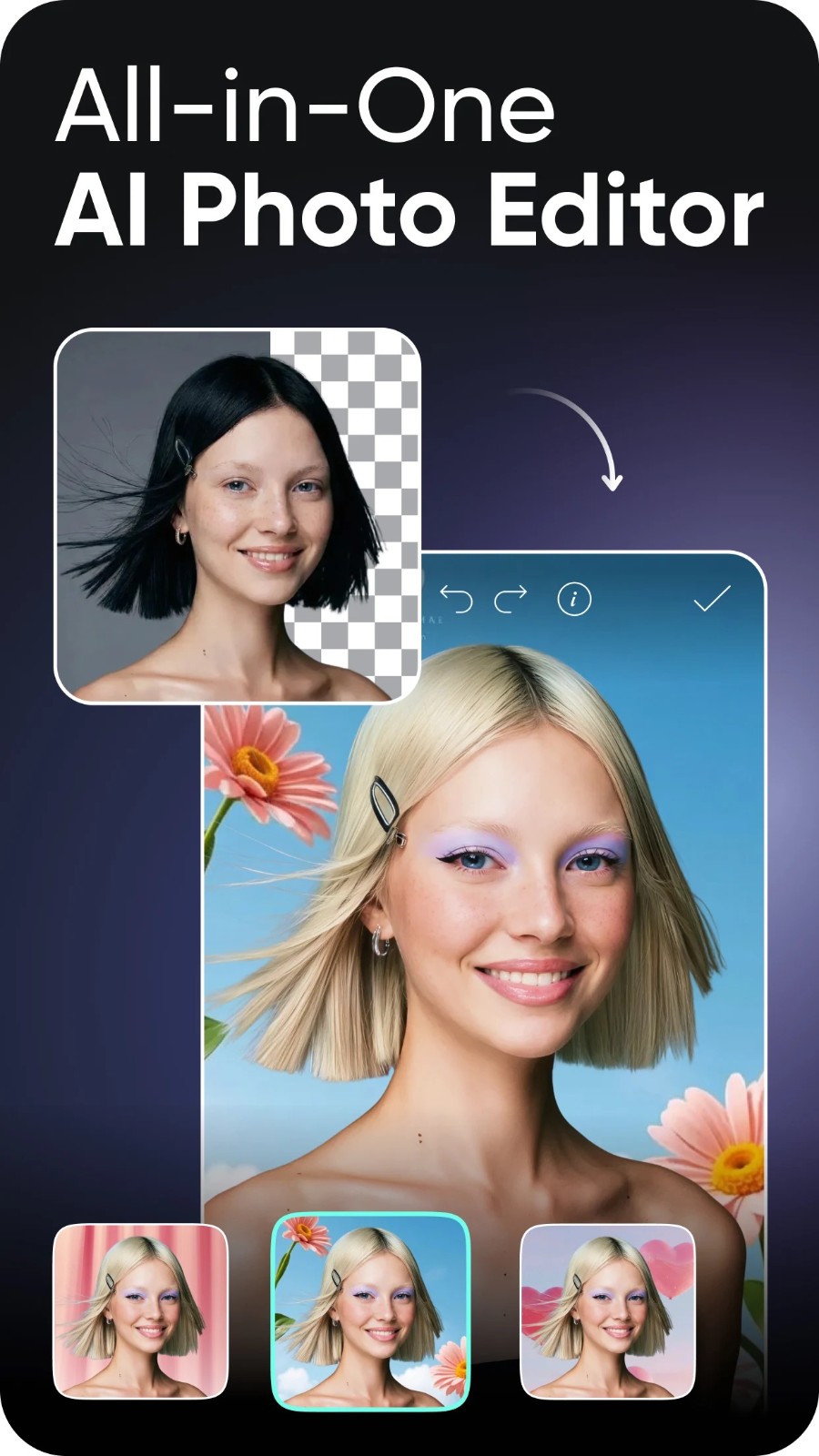
Picsart is a photo and video editor for making collages, touching up pictures and designing posts on Android. You can start with a photo from your gallery, remove its background and give the subject a place in a new composition. The same app also supports text, stickers and short video edits.
Start with an image that has a clear subject and decide what the picture needs to show. Crop away empty space for a portrait or leave room beside a product if you plan to add a caption. Setting the crop early gives you a better idea of where the text can fit.
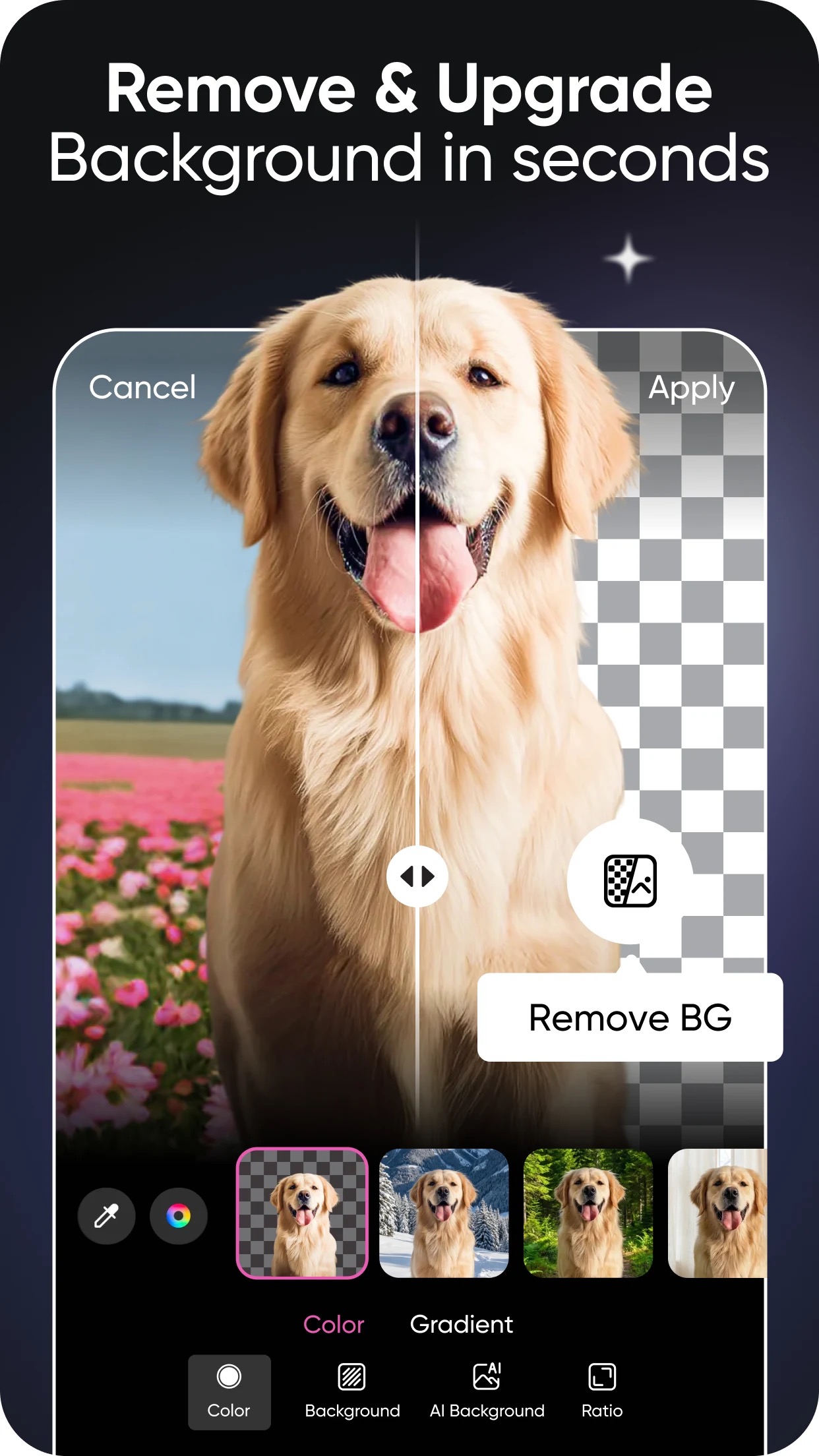
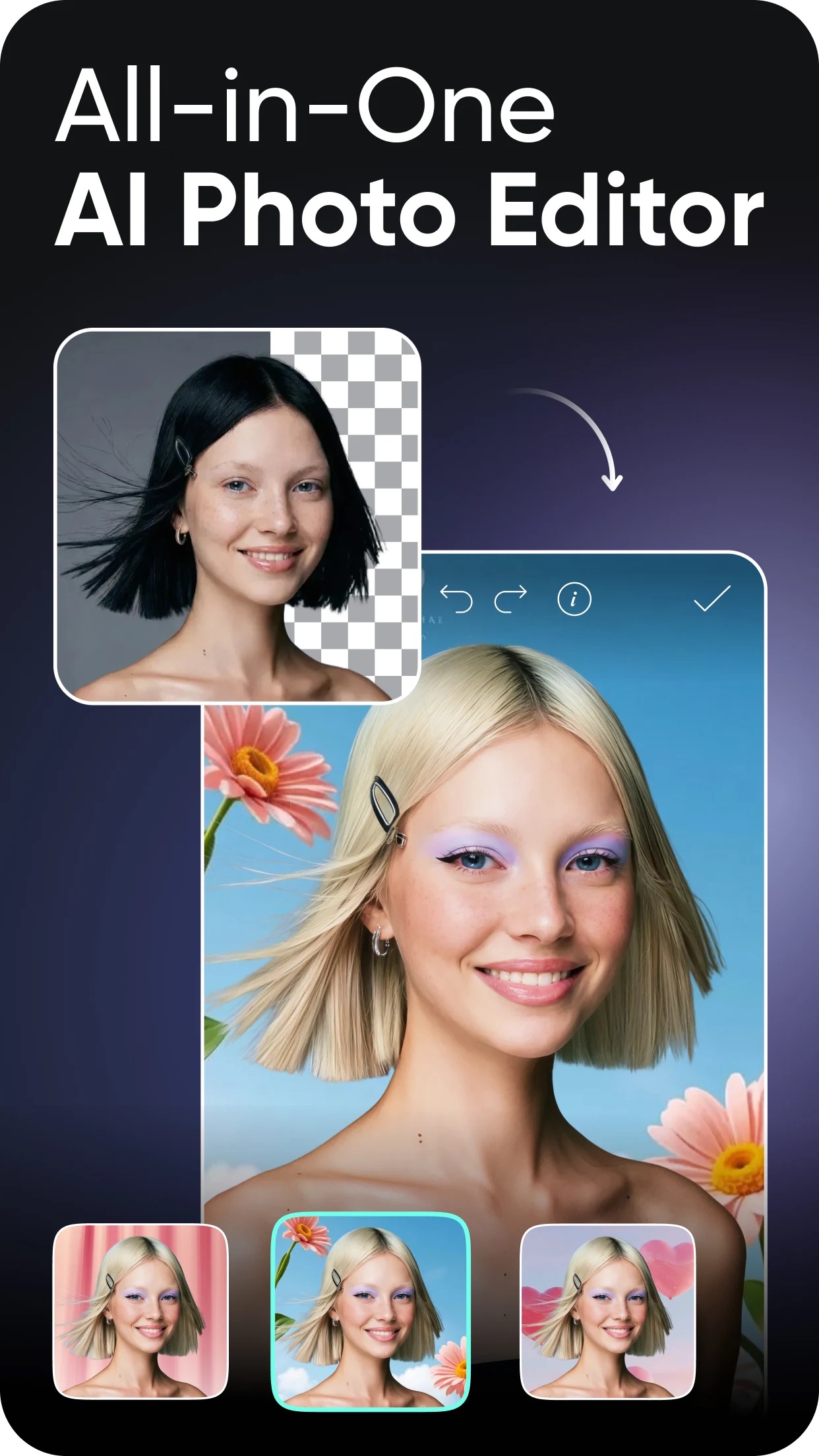
Use Remove BG to isolate a person, pet or object. Look closely at the outline after the automatic cutout, especially around fur or loose hair. Picsart describes Erase and Restore controls for refining those edges. Keep the background transparent for a reusable cutout, or add a solid color when you want a simple product image.
For a collage, choose images that still make sense when cropped to a small cell. Put the strongest picture in the largest space and use the other cells for different angles. A tight crop can make a group photo hard to read, so check each image inside the layout before adding decorations.
Filters, text and stickers work best when they support what the photo is showing. For example, a small label can identify the item in a product image. A sticker can cover empty space, but it can also hide a detail the viewer needs to see. Look at the result at the size you intend to share.
If the material is a short clip, Picsart’s mobile editor includes options for music, text and effects. Review the clip in motion so a caption stays on screen long enough to read. Check the content at the start and end of the clip as well, especially if you plan to share it without a longer introduction.
Which version is here?
This APK carries version 30.8.5 under the package name com.picsart.studio. It is a modified, separately signed release and its manifest lists Android 9 as the installation minimum. The file is about 82.46 MB.
Can it replace an existing installation?
Android checks an update’s signing identity. A copy with a different signing certificate may be rejected as an update. If you already use Picsart, keep copies of important work before making changes to the installation.
What does the download include?
The APK is the editor package. Availability of subscriptions, credits and online editing features can vary by account, version and service. The store screenshots show the product’s editing tools and may differ from the screens in this build.
Picsart
Photography
Date:2026-11-27

APKCombo Installer
Tools
Date:2026-11-27

F1 TV
Media & Video
Date:2026-11-27

Dola: Smart AI Assistant
Productivity
Date:2026-11-27

MangaZone
Comic & Novel
Date:2026-11-27

Flipped: Chat with AI Character
Social
Date:2026-11-27

Cupidabo
Social
Date:2026-11-27

Instafinsta
Media & Video
Date:2026-11-27