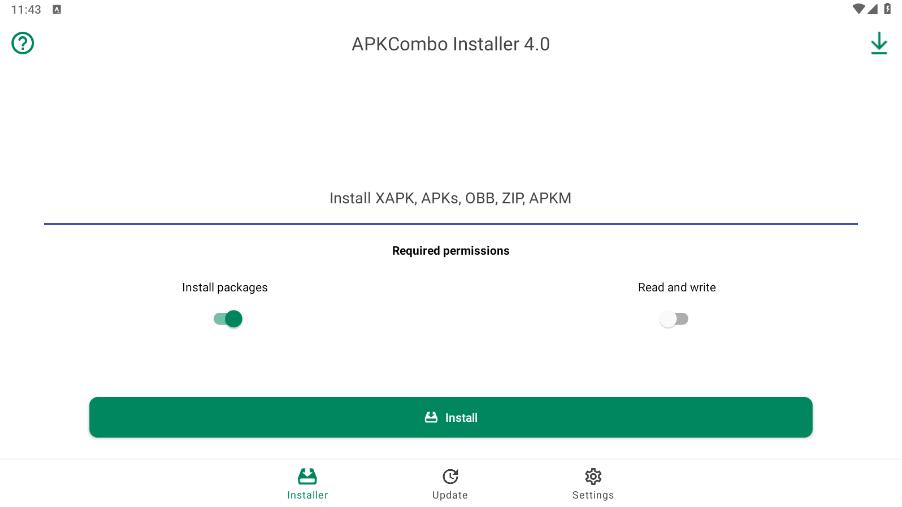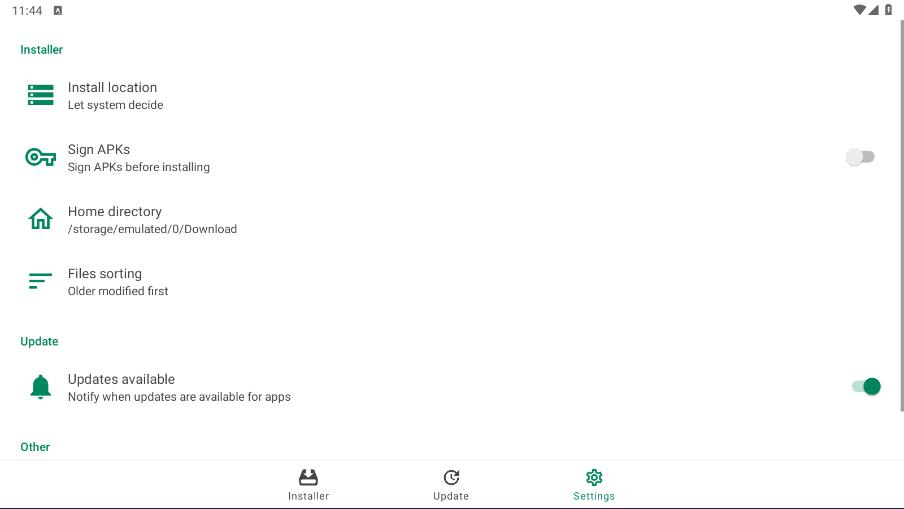
APKCombo Installer opens Android app bundles you’ve already saved on your device. You can select an XAPK or APKS file in its file picker and check which package you’re about to install. Version 4.0 also handles individual APKs, APKM files and bundles that include OBB game data.
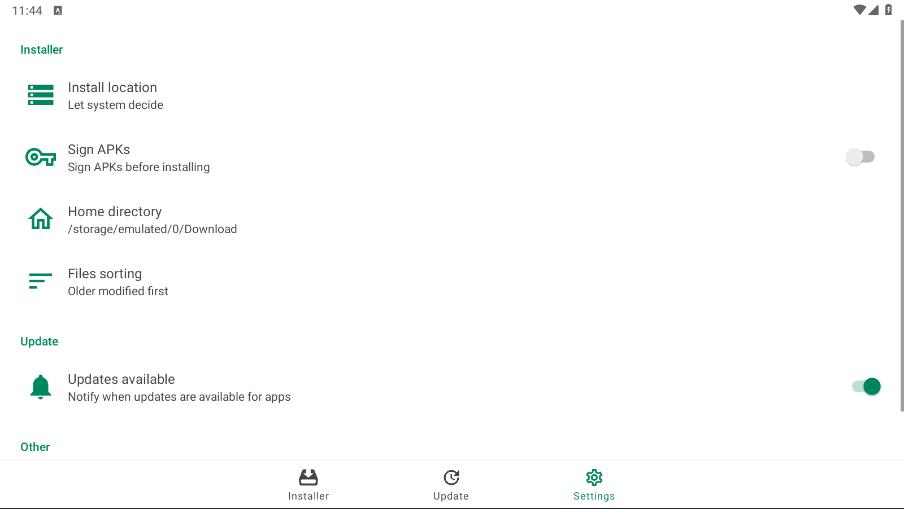
Start in the Installer tab and check the permission switches before opening a file. The version 4.0 screen puts package installation and storage access side by side, so you can see which one still needs attention. On Android versions with a per-app setting for unknown sources, Android can ask you to allow this installer to open packages.
Tap Install and browse to where your browser or file manager saved the bundle. If several copies have similar names, compare their filenames and dates before selecting one. The most recently downloaded copy can still be the wrong variant for your phone.
Keep an XAPK together when you select it in the file picker. A bundle can contain a base application and separate files for its processor, language or display. Opening the base on its own can leave the app without parts it expects.
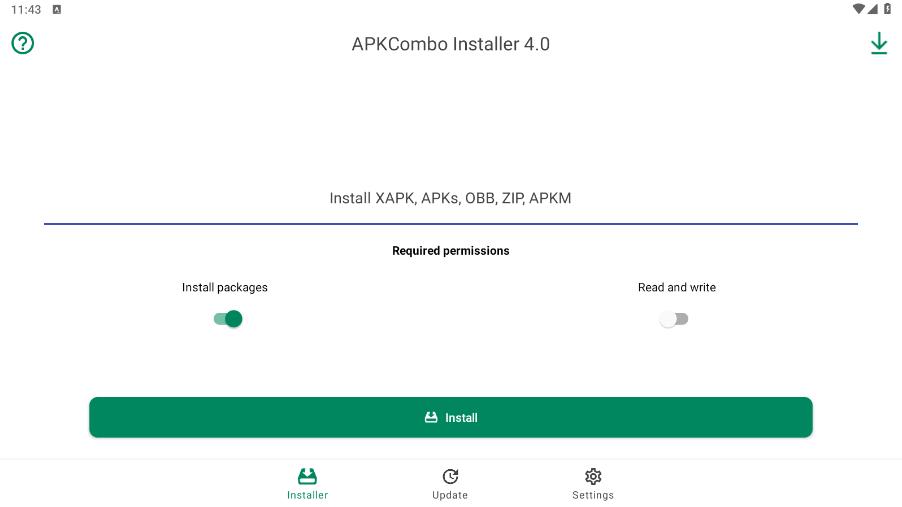
In Settings, Home directory controls where the file picker starts. Set it to the directory you actually use for downloads if it opens somewhere else. Change the sorting order when you have several releases of the same app in that folder. You can leave the installation location up to Android unless you have a reason to change it.
OBB files can carry game assets that the main APK leaves out. A ZIP archive is useful here only when it contains the expected Android package files or game data. If a bundle is missing a component, choosing a different sorting order or location will not repair it. Get a complete copy that matches the device before trying again.
What does this download contain?
It’s the 4.0 installer itself, distributed as a single APK. Its package ID is com.apkcombo.app and its installation minimum is Android 5.0. The package is 3,465,408 bytes and the download listing displays 3.30 MB.
Why is an app update rejected?
Android expects an update to match the signing identity of the installed copy. Check which release you already have before changing anything. Removing the existing app can also remove its local data.
Do ordinary APKs need a bundle installer?
Android can open an ordinary APK directly. The extra file picker is useful when your download contains splits or supporting game data that belongs with the app. It also gives you a predictable place to look when those files are stored across several folders.
APKCombo Installer
Tools
Date:2026-11-27

F1 TV
Media & Video
Date:2026-11-27

Dola: Smart AI Assistant
Productivity
Date:2026-11-27

MangaZone
Comic & Novel
Date:2026-11-27

Flipped: Chat with AI Character
Social
Date:2026-11-27

Cupidabo
Social
Date:2026-11-27

Instafinsta
Media & Video
Date:2026-11-27

Tevi
Social
Date:2026-11-27