MX Player Pro is an Android video player for clips and films you keep on the device. You can browse folders, open a video, and change how it plays from the controls on the picture. If a scene is hard to follow, you can bring in a subtitle file or adjust where the captions sit without leaving the video.
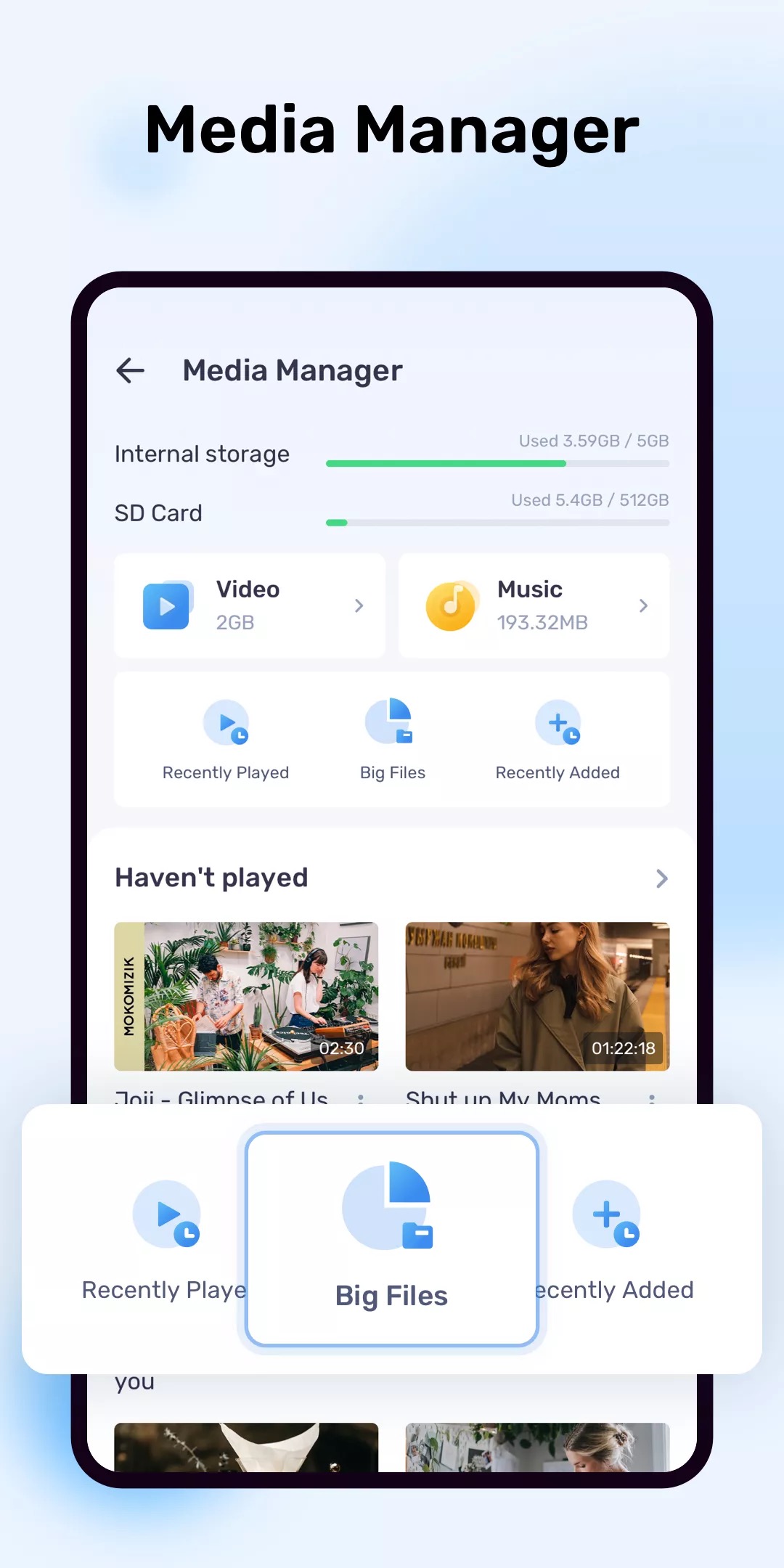
Use the folder view when your recordings and longer videos share the same device. Open the folder that contains the clip and start playback from there. If a video you just moved is missing, check the destination in Android’s file manager first. Opening the same clip from the file manager can also help distinguish a folder visibility problem from a playback problem. Check that the player has permission to read the location before you move the rest of your library.
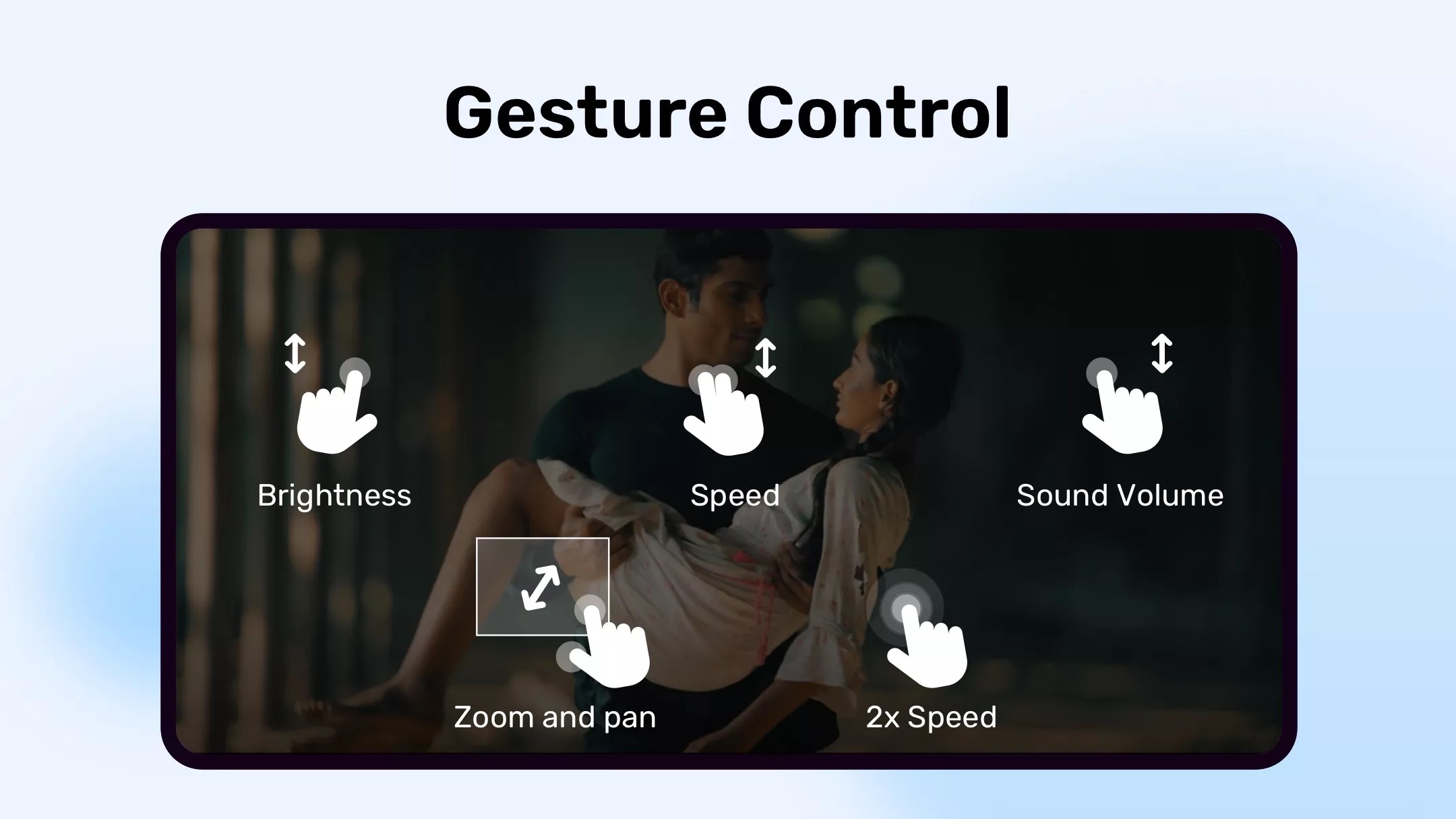
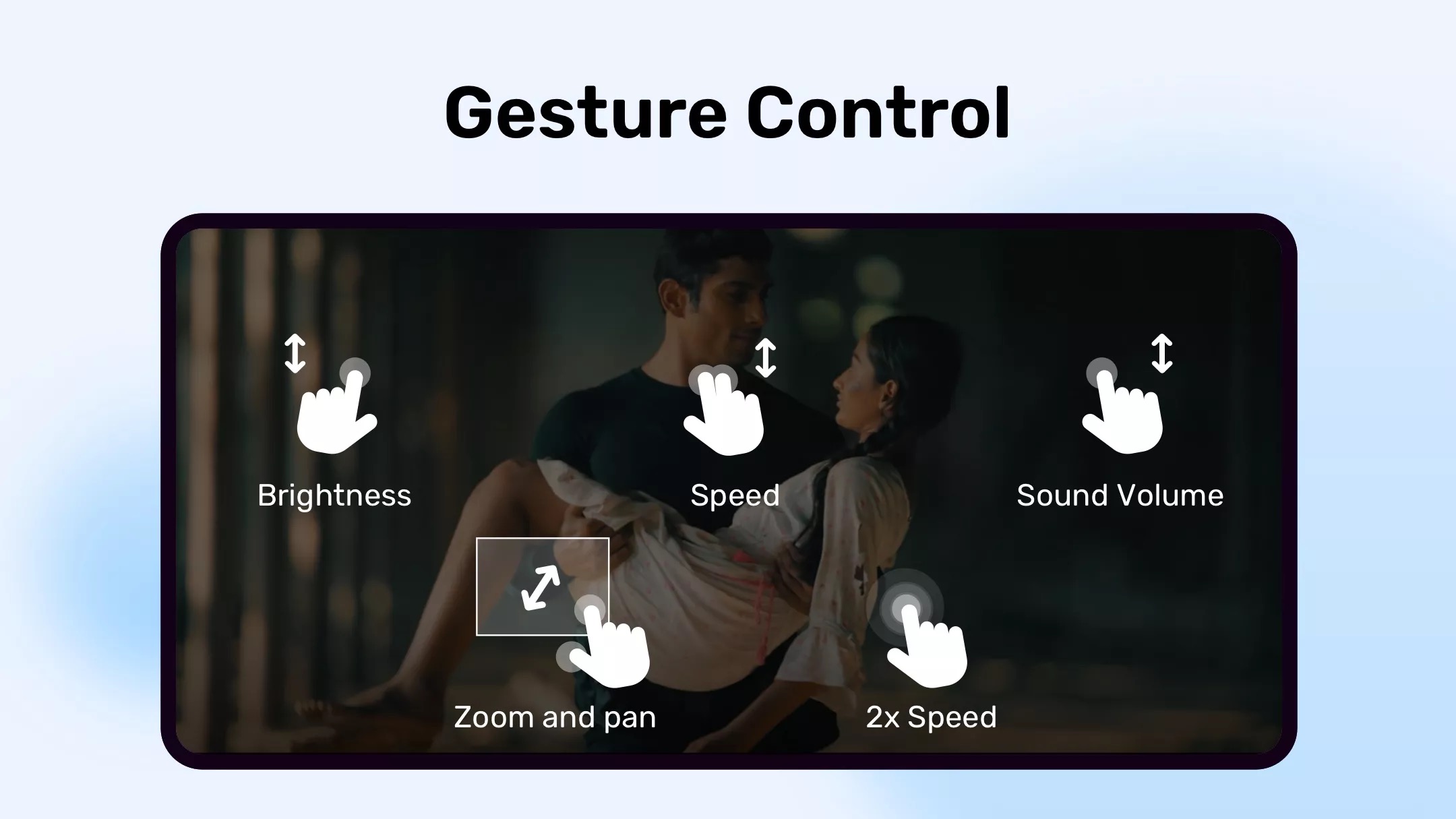
Gestures on the picture: The playback gesture guide marks separate areas for screen brightness and sound volume. Try the gesture while the controls are visible so you can see which setting moves. Pinch to change the framing when a portrait clip leaves space at the edges. If the recording contains text along the border, check the edges after zooming so you can tell whether the new framing has cropped any of it.
Two hardware paths: HW uses the Android media framework. HW+ uses the player’s own media framework for hardware decoding. When a particular file stutters or fails to show a picture, replay a short section using the other mode if it is available for that file. Compare the same scene and listen to the same line of dialogue. That gives you a clearer comparison than trying each mode on a different video.
Check audio and video separately: If a file shows a picture but has no sound, look for another audio track before changing your decoder preferences. A file with multiple tracks may have an alternate track you can use to narrow down the problem. If hardware playback still fails and the software option is available, try SW on the same clip. Judge the result on your device, since a mode that opens a file can still struggle with a demanding scene.
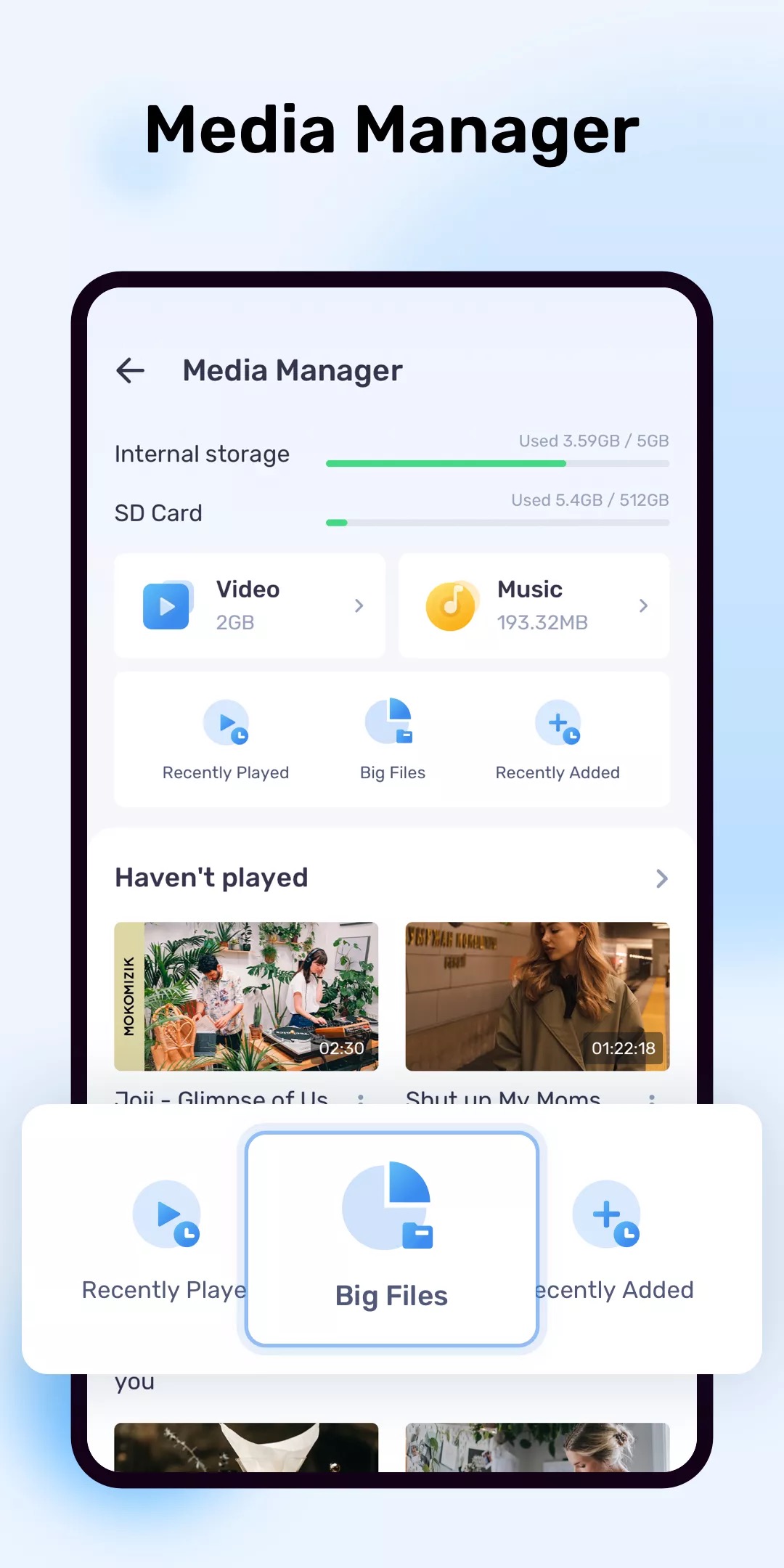
Load a separate caption file: Keep the video and its subtitle together when you can. Open the closed-caption menu during playback and look for the subtitle in the list. If you saved the captions elsewhere, use Open in that menu and browse to the file. With a series, check the episode number on both files before loading the track. Text from the wrong episode will still appear as captions, even when none of it matches the scene.
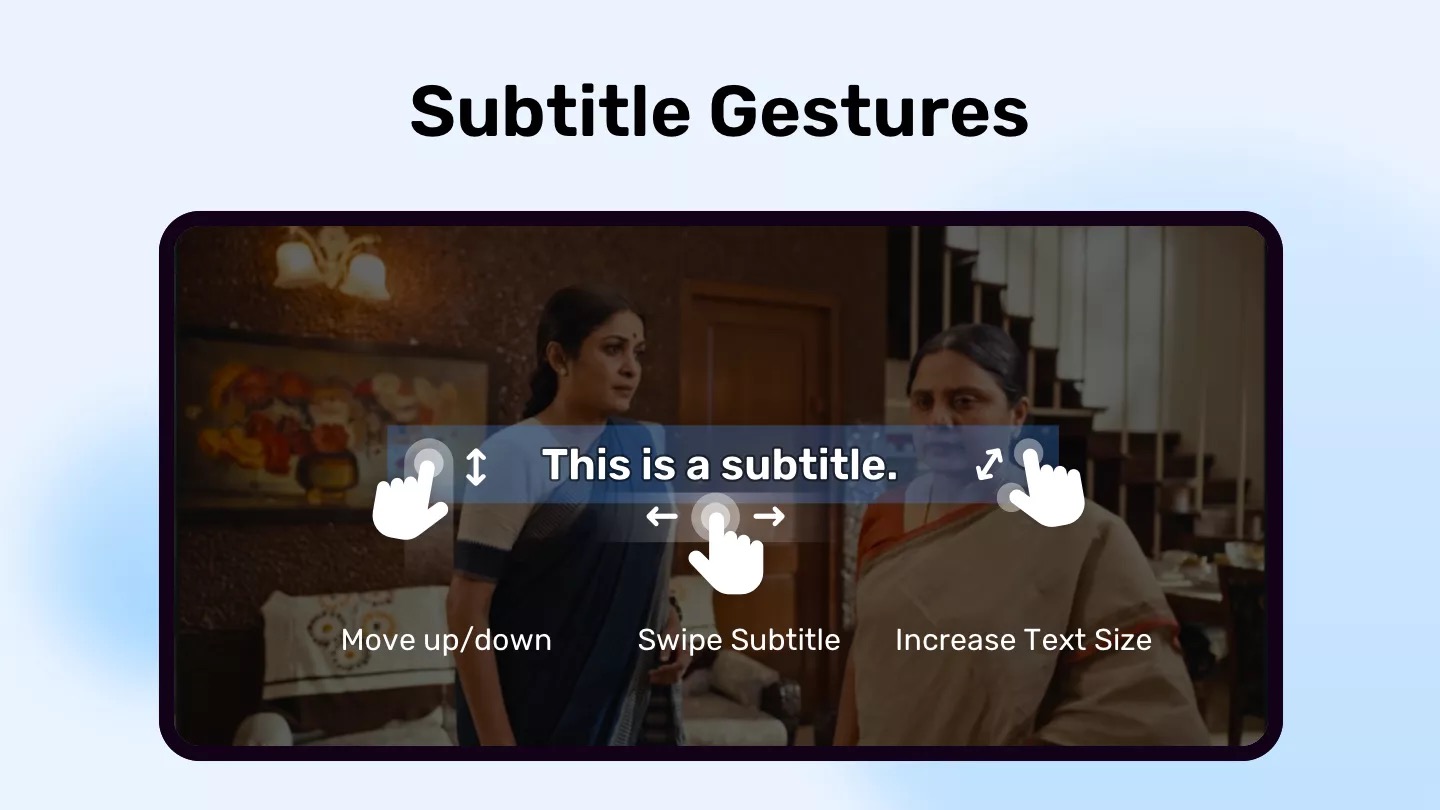
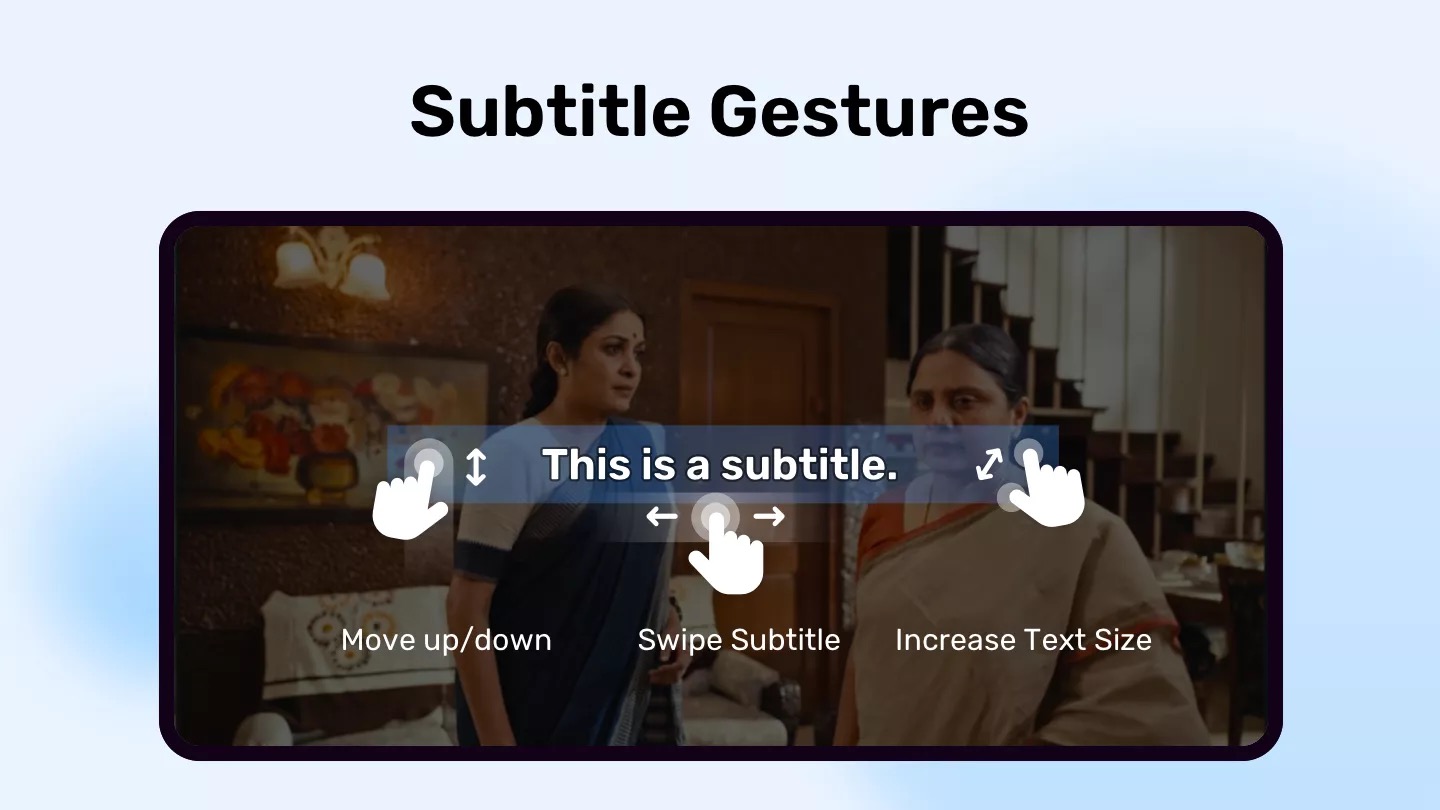
Place captions where you can read them: Subtitle gestures adjust the text independently of the video. Move the line if it covers a name or sign that matters to the scene, and increase its size if the letters are too small at your usual viewing distance. You can also move through subtitle lines with a swipe, which helps when you want to catch a phrase again.
Is this the same edition as MX Player for Android?
The 1.99.8 package uses the separate Pro app identity. It is intended for the local video player experience, so use the ordinary MX Player listing if you are looking for that app’s streaming home screen.
Can this APK replace the standard MX Player installation?
Android treats the distinct Pro package as a separate app. Keep the standard player installed if you still rely on its settings, and check the Pro player’s own library and preferences after installation.
Why do captions start on time and drift later?
Check whether the subtitle was made for a different cut of the film. If the opening matches but later sentences drift further apart, try a subtitle matched to that cut before spending time adjusting a fixed delay.
Can I change speed without moving my caption text?
The playback and subtitle gesture guides show separate controls. Use the playback speed control for the video, and handle caption position through the subtitle gestures.
MX Player Pro 1.99.8 is most relevant when you already have a film library and want control over the picture, decoder and separate caption tracks. Try a familiar clip and its subtitle together before relying on this release for a larger collection, since playback depends on the file and the device.
MX Player Pro
Media & Video
Date:2026-11-28

Zoom Workplace
Social
Date:2026-11-28

MX Player
Media & Video
Date:2026-11-28

ZEE5
Media & Video
Date:2026-11-28

Samsung Magician
Tools
Date:2026-11-27

1DM+
Tools
Date:2026-11-27

BiP
Social
Date:2026-11-27

Picsart
Photography
Date:2026-11-27