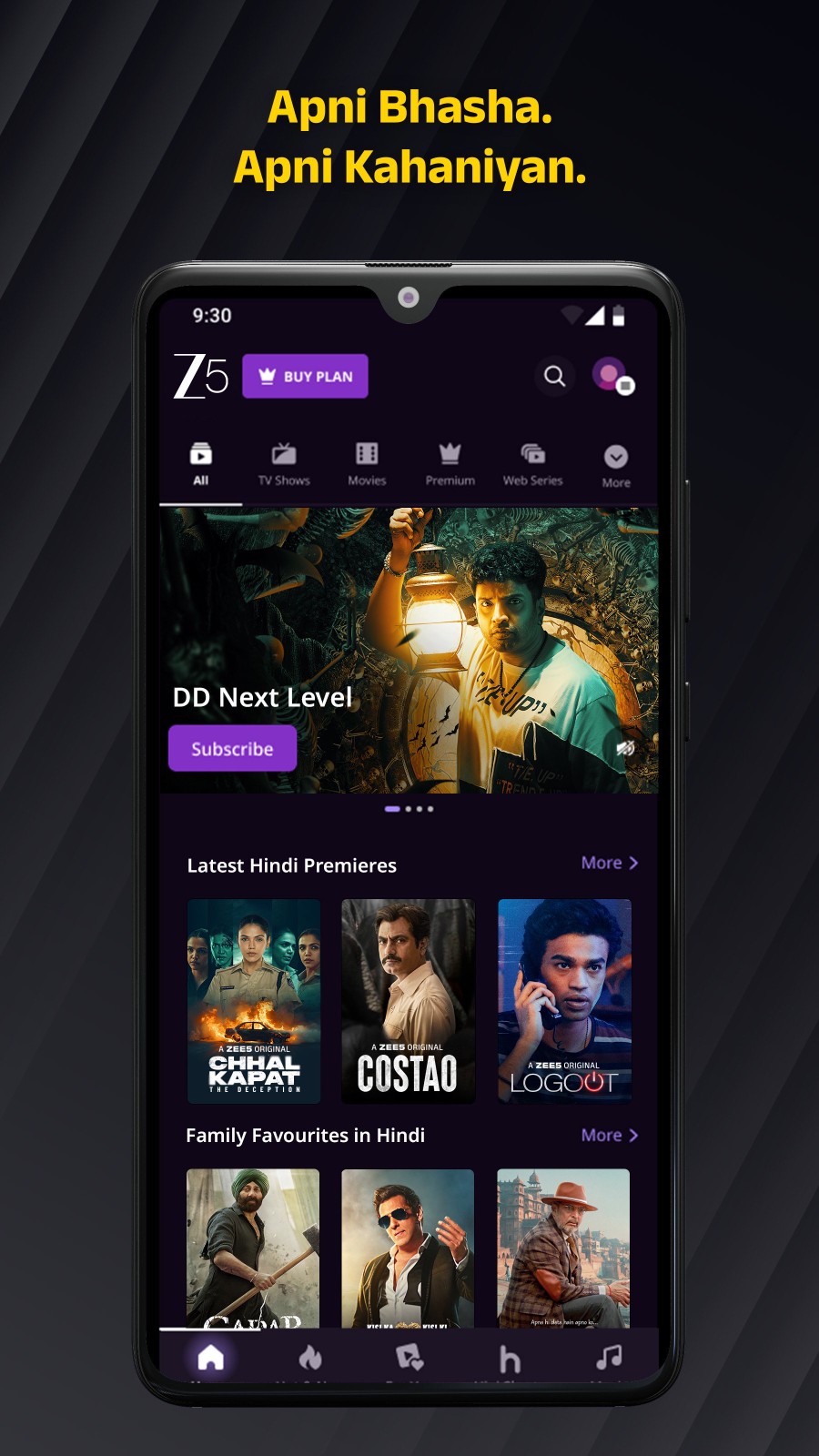
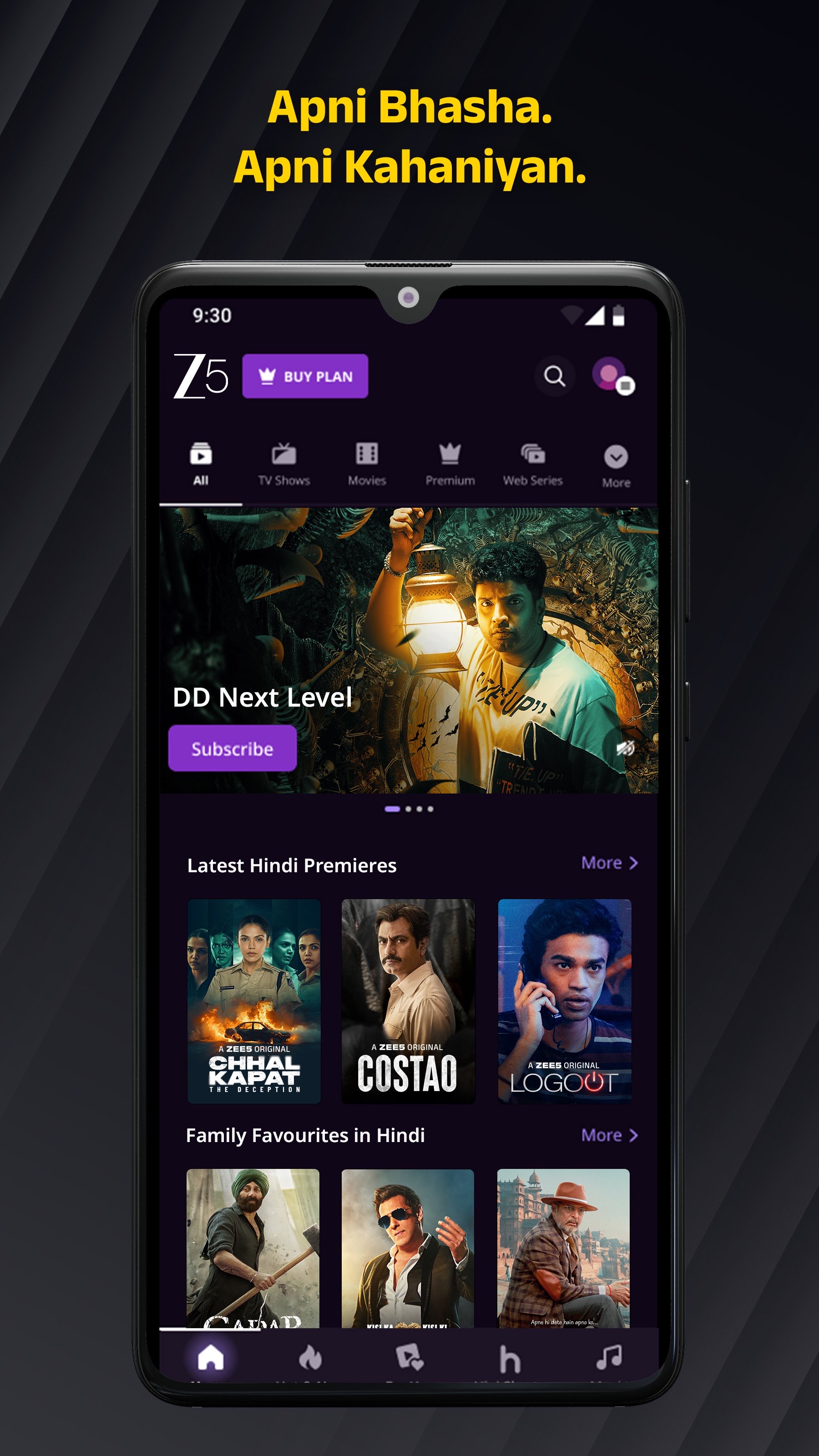
ZEE5 is an Indian streaming app for television serials, regional films and Zee Originals. You can look for the next episode of a familiar show or browse movies in languages such as Hindi, Tamil and Bengali. Once you open a title, the player’s audio and subtitle choices tell you how you can watch it.
Start with Search when you already know the name of a serial. Open the series page and check the episode list before pressing play. That is especially helpful when the result includes several recent episodes with nearly identical thumbnails. The episode number gives you a better starting point than the poster. On a series with several seasons, check which season is selected before matching the episode number to where you left off.
If you leave halfway through an episode, look for the show in Continue Watching when you come back. Open the series page again if you want to move to an earlier episode or check what aired next. For a film you have yet to start, use the Watchlist if you want to save it for another evening. That gives you a place to keep a shortlist while you decide what to watch.
Content preferences: Choose content languages based on what you want to see while browsing. Someone who regularly follows Marathi serials and occasionally watches Hindi films can keep both in their selection. If familiar shows disappear from recommendations, review the selected languages before assuming the titles have been removed.
Spoken audio: Once a video is open, check the player settings for Audio Language. The list is tied to that particular title. A Tamil film may have another audio track, while an episode of a daily serial may offer only its original recording. Check the list before settling in if you are watching with someone who needs a dub.
Subtitles: Open the separate subtitle controls to choose from the text tracks attached to the video. That lets you keep the original performances while following dialogue in another language, where a suitable track exists. The Off setting is useful if captions cover text that is already part of the scene.
Live TV: Go to the live listing when the schedule matters, such as when you want to catch a channel at a particular time. Use the show’s episode page when you would rather choose an installment yourself. Treat the live listing and the on-demand catalog as separate places to check, even when both show the same channel name.
Watching away from Wi-Fi: Look for the save option on the specific film or episode before you leave. Zee’s help pages describe offline viewing as an option for eligible titles under service rules. If you rely on subtitles, plan to stream the title where you have a connection because the documented offline player lacks subtitle support.
Can I change the app’s menus to a different language?
Use the display language setting for the words on menus and buttons. You can keep the interface in English while browsing a catalog that includes Marathi or Telugu programming.
Does the Android package give me Premium access?
The package identity matches Zee’s Android app. Premium playback is tied to account entitlement and title availability. The Android version number is useful for comparing releases, while the account determines the subscription access.
Does saving a series save every episode for travel?
The offline feature works at the episode level. If you want several episodes for a journey, check the availability of each one and confirm that each save finishes before leaving.
Will saved videos always be there when I return?
Saved videos can expire under Zee’s viewing rules. Check the saved items shortly before taking a trip, especially if you added them well in advance.
ZEE5 makes the most sense if you alternate between following a serial and picking a film by language. Its series pages suit the first habit, while per-title audio and subtitle choices matter for the second. The 38.43.6 release is an older Android option. If you have one specific dub, channel or paid series in mind, confirm that it is available on your account before deciding which release to use.
ZEE5
Media & Video
Date:2026-11-28

Samsung Magician
Tools
Date:2026-11-27

1DM+
Tools
Date:2026-11-27

BiP
Social
Date:2026-11-27

Picsart
Photography
Date:2026-11-27

APKCombo Installer
Tools
Date:2026-11-27

F1 TV
Media & Video
Date:2026-11-27

Dola: Smart AI Assistant
Productivity
Date:2026-11-27