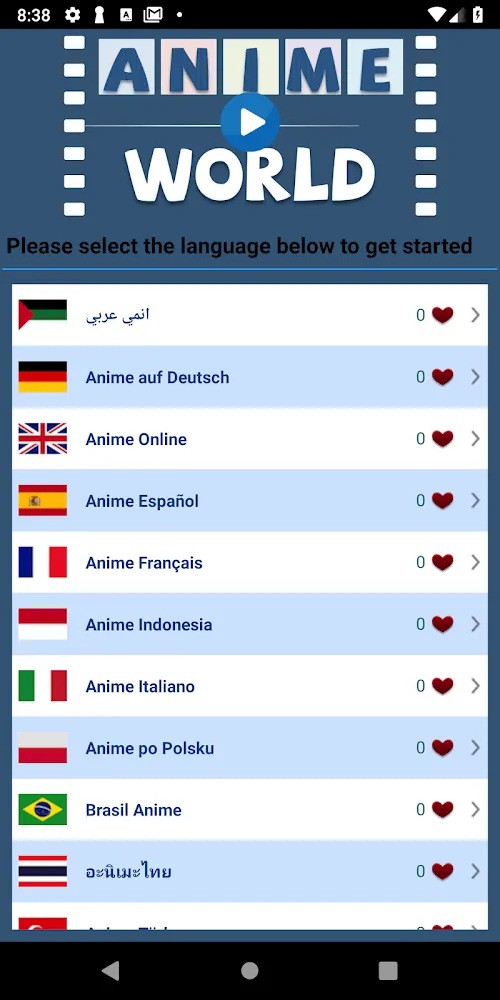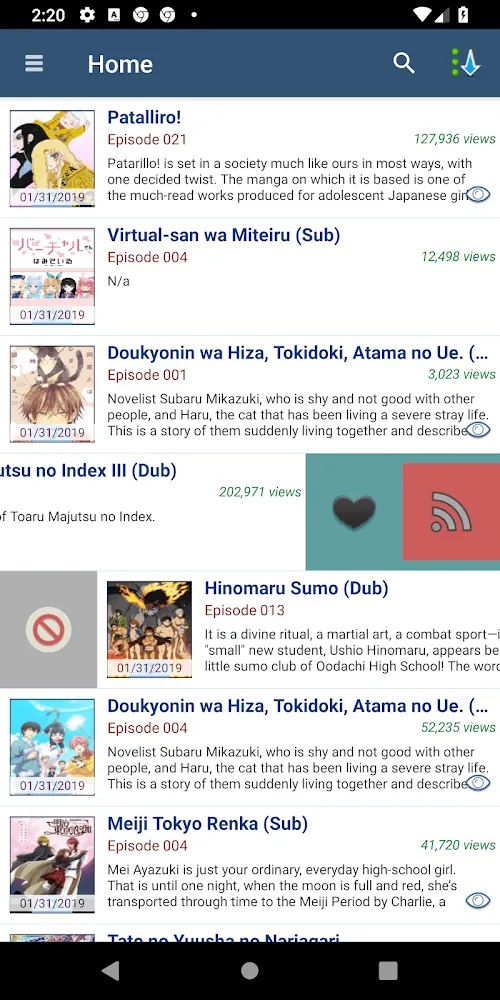
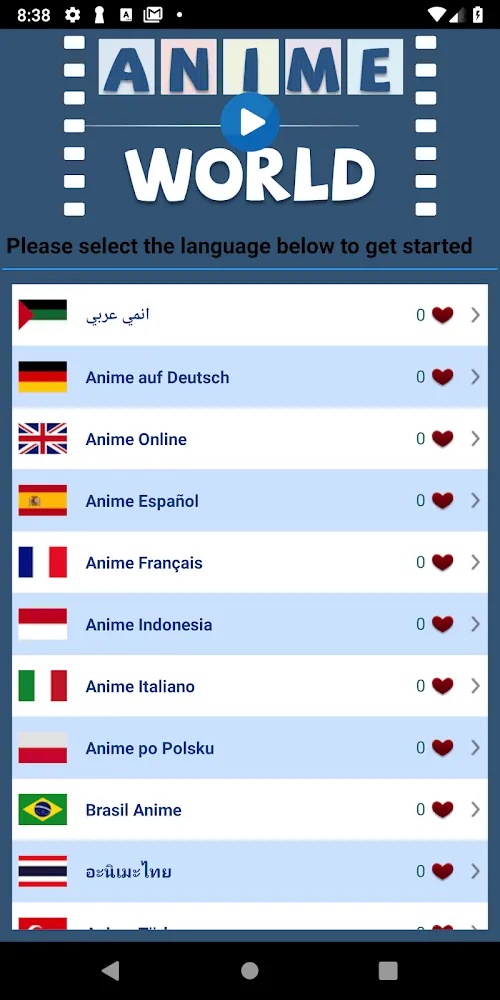
Anime World is an Android anime catalogue that opens with a choice of language sections. You can enter Anime Online for the English interface, browse the Home list or search for a series by name. A title opens to a description and an Episodes tab, where you can find the numbered entry you want to check.
The first screen shows entries such as Anime Online, Anime Español and Anime Français alongside flags. Pick the section where you want to browse before looking for a show. That selection belongs to the catalogue itself. If you need a particular audio or subtitle language, read the individual listing as well. The English section alone does not tell you whether a title is subtitled or dubbed.
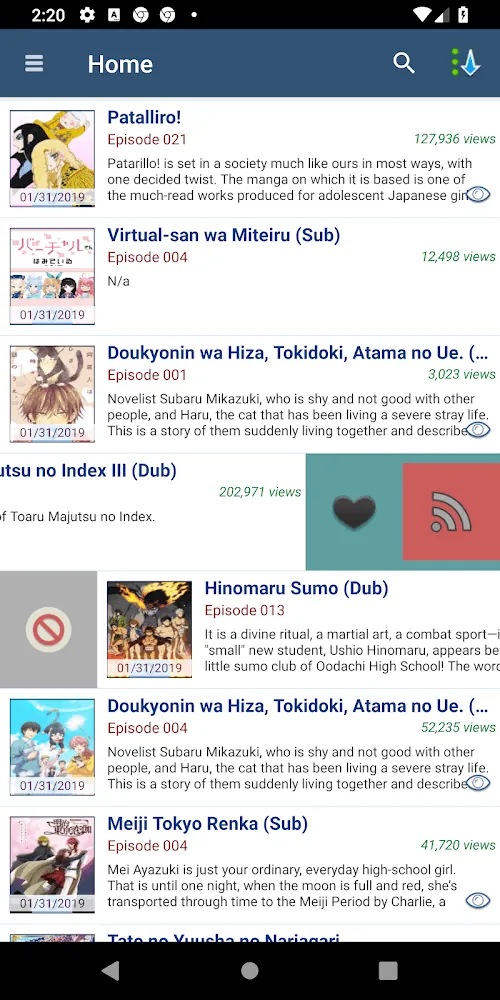
The Home list gives you cover thumbnails, episode labels and short descriptions. The search icon is the route to try when you already know the series title. A result with a similar name can still be a different release, so check the label beside the name on the detail page. The archived screens show both Sub and Dub labels in this catalogue.
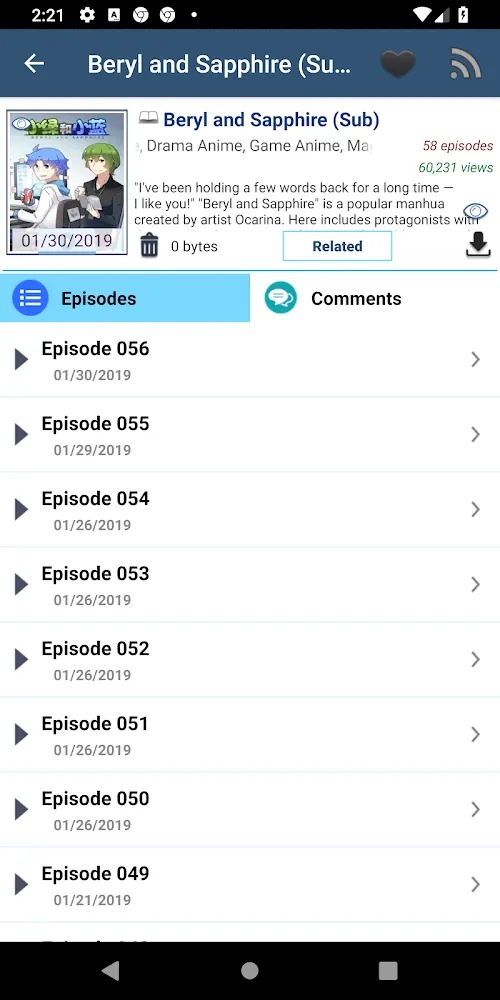
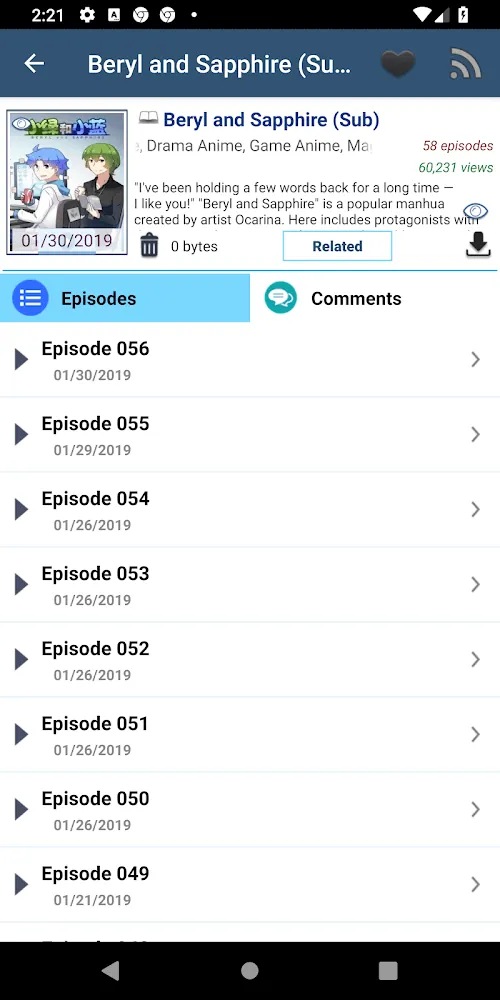
On the Beryl and Sapphire screen, the description sits above separate Episodes and Comments tabs. The episode numbers descend from the highest one shown, which matters if you are starting the series from the beginning. Read the number before opening a row. A number in the list tells you which episode the catalogue references. It does not establish that a playback source still responds.
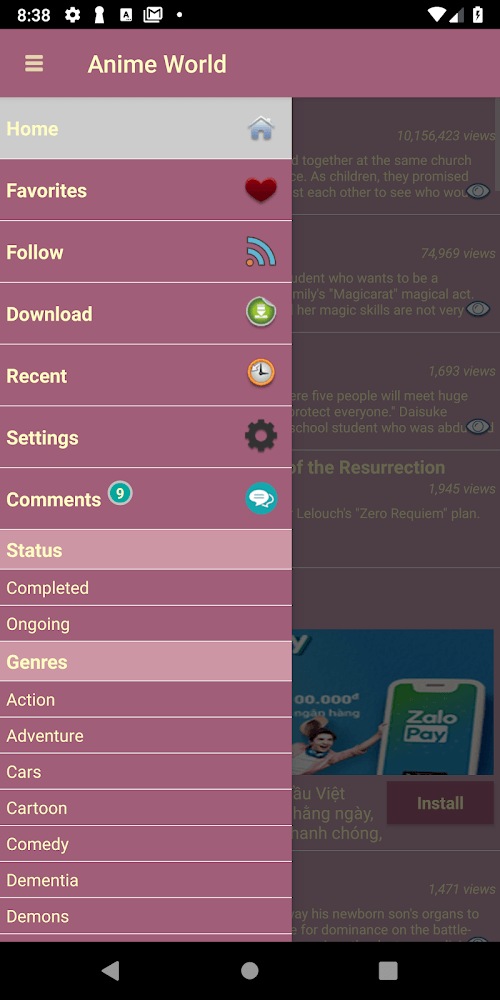
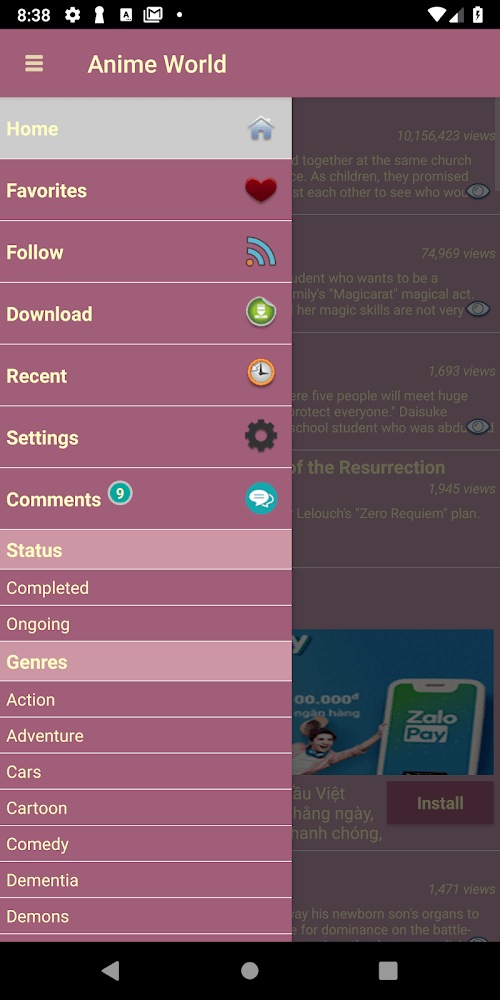
Favorites and Follow: The navigation drawer gives each its own entry. The archived detail screen also has a heart and a separate feed-shaped icon. When choosing where to look for a series you saved, start with the corresponding list. The archived developer description mentions access to these lists through an email account, but sign-in and synchronization have not been verified for 3.1.2.
Recent and Download: These also have separate drawer entries. Check Recent when trying to reconstruct which title you opened, and check Download if you previously saved a file. The presence of a Download entry does not guarantee that every episode offers a working offline copy today.
Can you narrow the catalogue without a title in mind?
The drawer separates status filters, including Completed and Ongoing, from genre filters such as Action and Comedy. Use status when you want a finished series, or genre when you want to browse by subject.
Does the app host the episodes listed in the catalogue?
The archived developer listing describes Anime World as a gateway to external content. An Episodes tab may therefore still appear in the app even when its outside source is unavailable.
Anime World 3.1.2 is worth a look if you want to revisit a language-grouped catalogue with numbered episode listings and separate shortcuts for saved series. If you are looking for a specific episode to watch today, check whether that episode actually opens before relying on the catalogue to finish a series.
Anime World
Media & Video
Date:2026-11-28

BandLab
Media & Video
Date:2026-11-28

ChatGPT
Productivity
Date:2026-11-28

MX Player Pro
Media & Video
Date:2026-11-28

Zoom Workplace
Social
Date:2026-11-28

MX Player
Media & Video
Date:2026-11-28

ZEE5
Media & Video
Date:2026-11-28

Samsung Magician
Tools
Date:2026-11-27