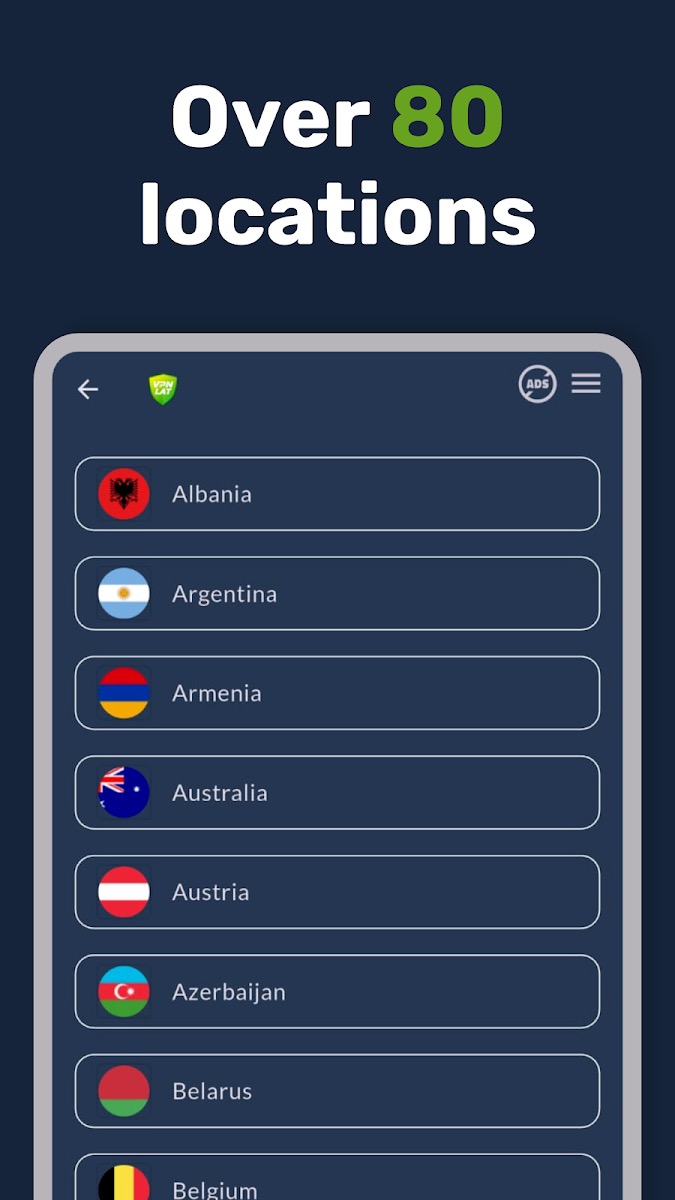
VPN.lat is an Android VPN client that lets you choose the location of your connection. Its country list leads to individual servers, which is useful when you want to compare two endpoints in the same region. You can also keep selected apps on your regular connection so their traffic follows a different route from the rest of the phone.
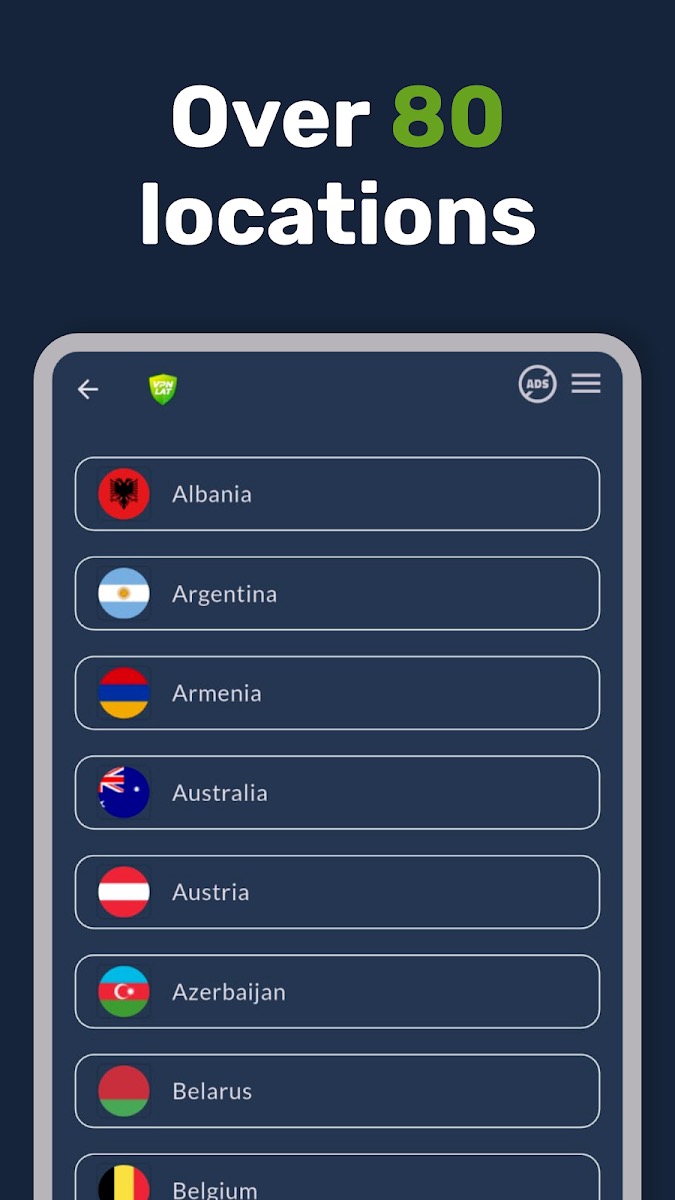
Open the location list with a destination in mind. Start with the country, then look at the servers available within it. If you are trying to find out why one connection stalls, keep the country and the protocol the same and try a different server first. That gives you a comparison within one region before you change more of the setup.
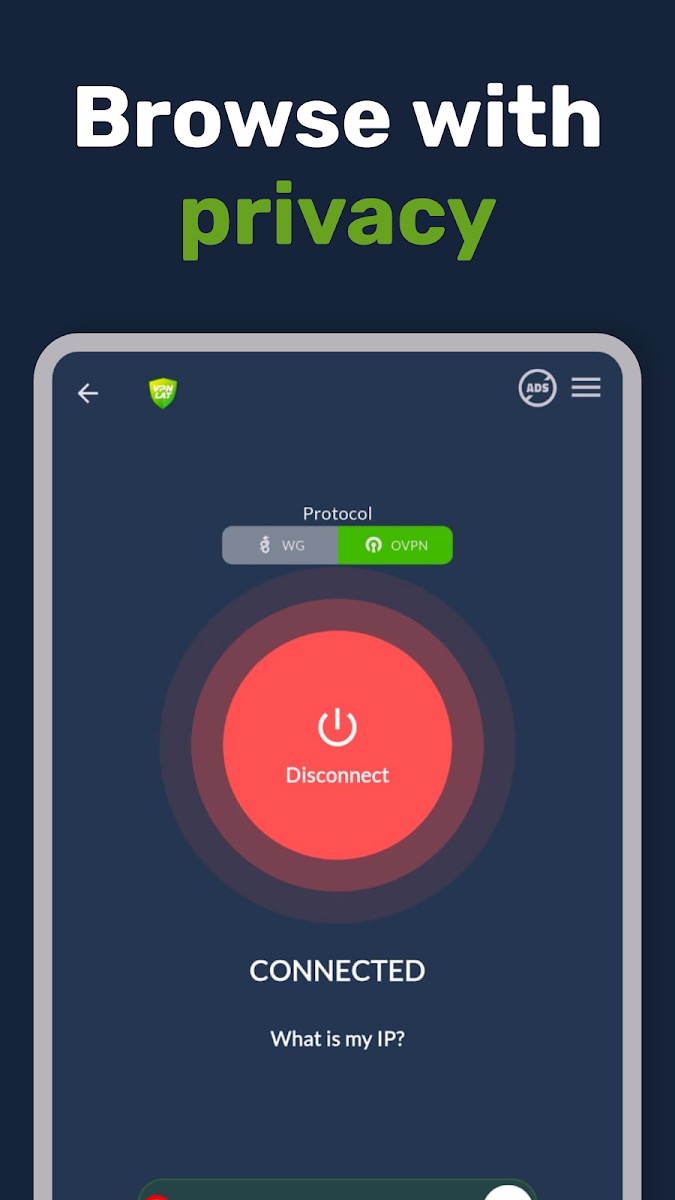
On first use, Android can ask whether to allow the app to set up a VPN connection. After granting permission, wait for the VPN.lat home screen to show its connected state before starting the task you want to test. If a website still shows the same locale, look at the account or language settings as well. A server choice changes the network route, while a site can still use the preference saved in your profile.
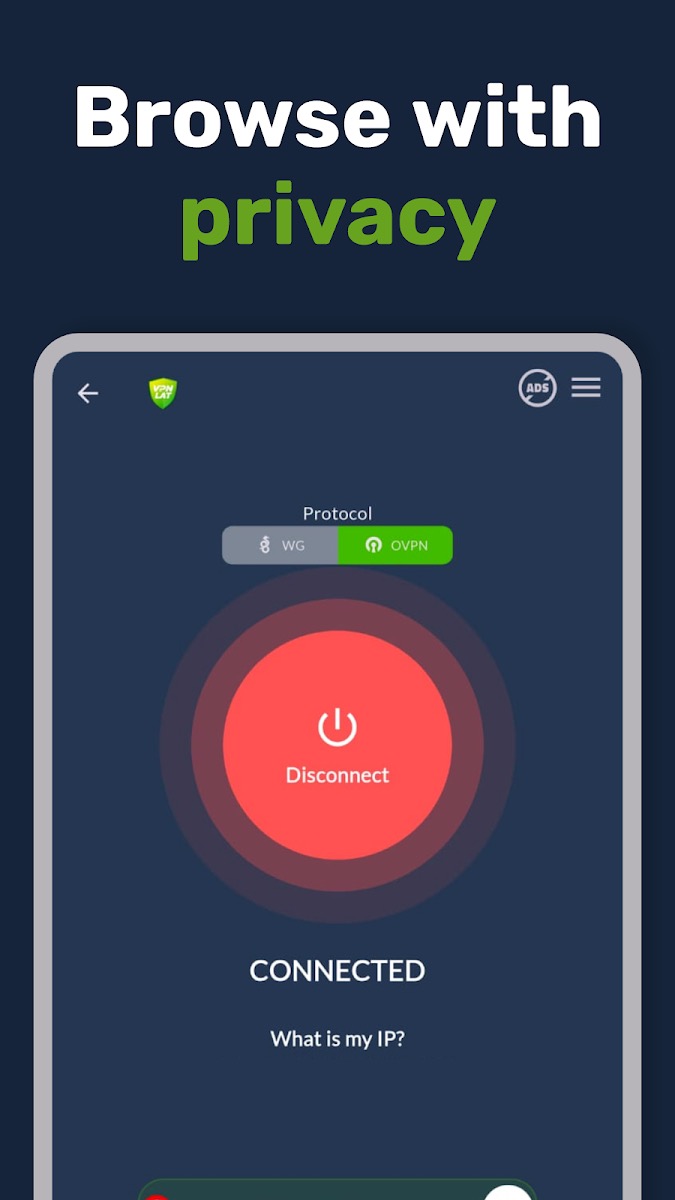
Protocol choice: VPN.lat offers OpenVPN and WireGuard on supported servers. Check the choices for the endpoint you selected before trying to compare them. Where both are offered, try the same connection on the same Wi-Fi network and repeat the same action, such as loading one page or starting one call. That is a better comparison than changing the server and switching to mobile data at the same time.
Connection state: Use the connected indicator and the disconnect control to establish where each trial starts and ends. If one protocol fails during setup, distinguish that from a session that connects and then drops after the phone moves to a different network. Write down which of those two things happened before trying a new endpoint.
App exclusions: Split Tunneling lets you select Android apps that should continue on the ordinary network connection. Consider a phone running a browser alongside a local device companion. You can exclude the companion if it needs to try its usual route to a device on your home network, then use the browser for the task that needs a VPN endpoint.
Check the right app: When a link sends you from an excluded app into a browser, the browser’s own exclusion setting matters. Review the list by app name and check again if you have two browsers installed. An exclusion applies to the selected app’s traffic, so use it only where you intend to give that app a direct route. Revisit the list if you replace the companion app with a different one.
Did 3.9.46 introduce Split Tunneling?
The developer announced Android app exclusions before this release. The notes for 3.9.46 describe fixes to the preceding release and give no specific change to the exclusion controls.
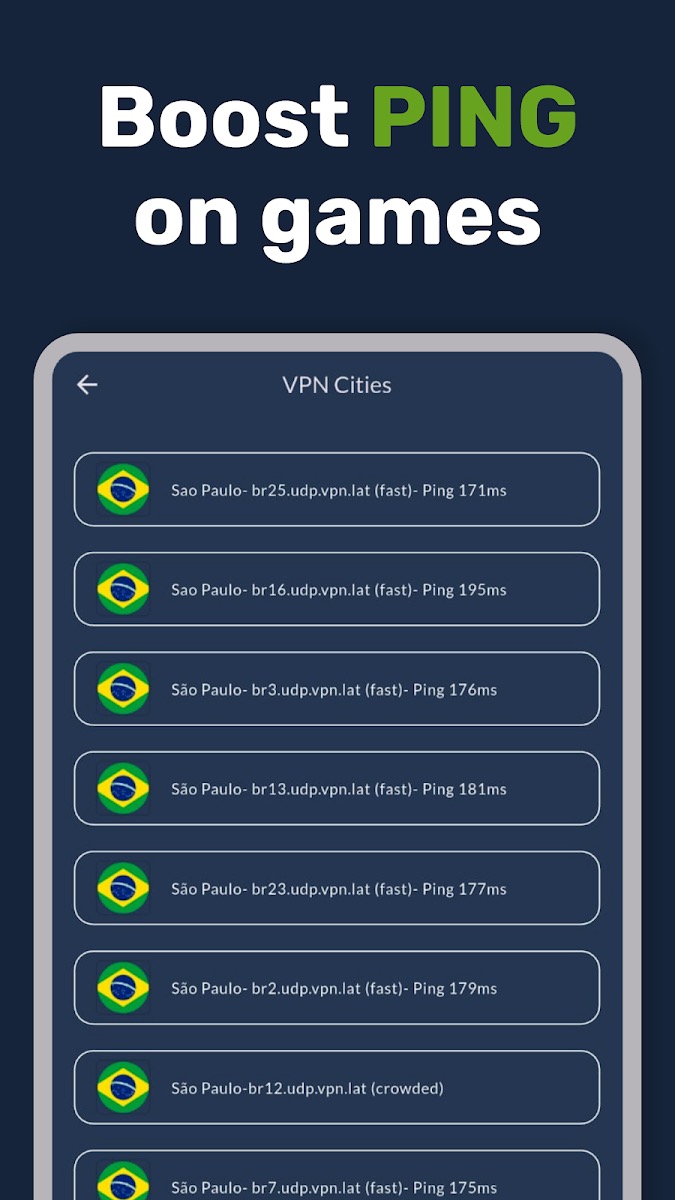
Can I pick a city after selecting a country?
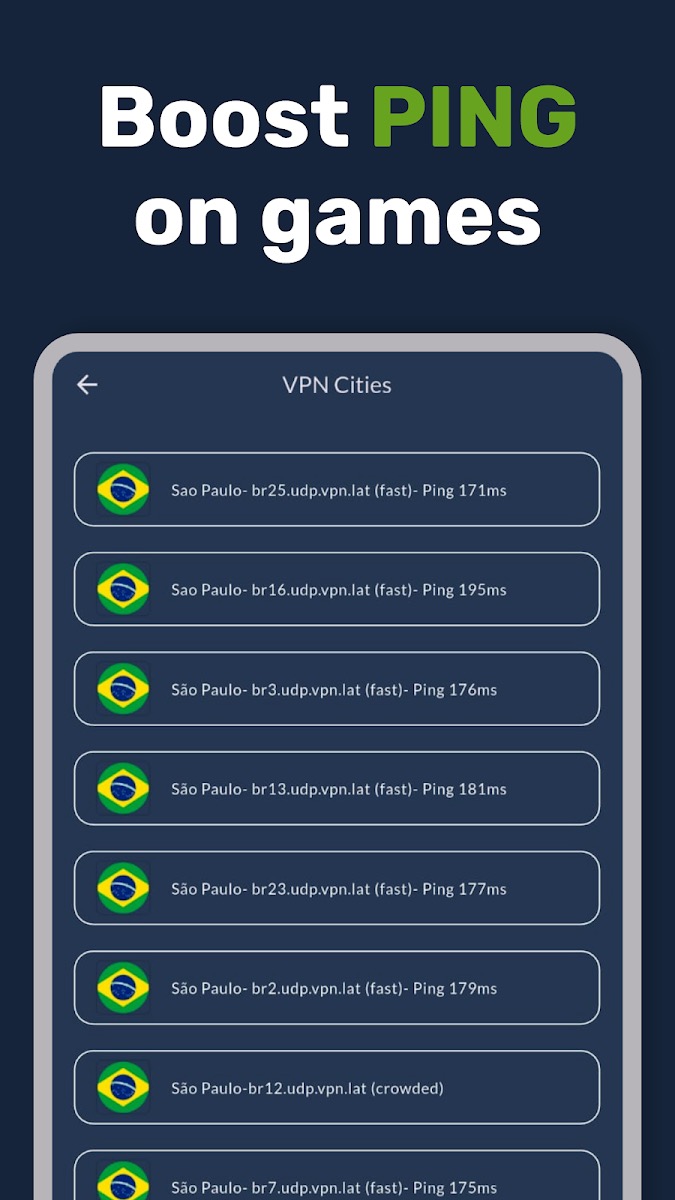
The published VPN Cities screen shows multiple entries for Brazil. Check the actual list when you connect, since the set of available entries is a service detail that can change.
Does the listed ping predict in-game latency?
Treat the number next to an endpoint as a starting point for comparison. For a game you already use, compare its own latency reading across sessions on the same network and server region.
VPN.lat is a fit when you want to make two decisions independently: which endpoint to use and which apps get a direct connection. The country-to-server list gives you another option when a particular endpoint gives trouble. Keep the exclusion list short enough that you can remember which Android apps follow each route.
VPN.lat
Tools
Date:2026-11-28

Fake GPS
Tools
Date:2026-11-28

Clone App
Tools
Date:2026-11-28

Anime World
Media & Video
Date:2026-11-28

BandLab
Media & Video
Date:2026-11-28

ChatGPT
Productivity
Date:2026-11-28

MX Player Pro
Media & Video
Date:2026-11-28

Zoom Workplace
Social
Date:2026-11-28