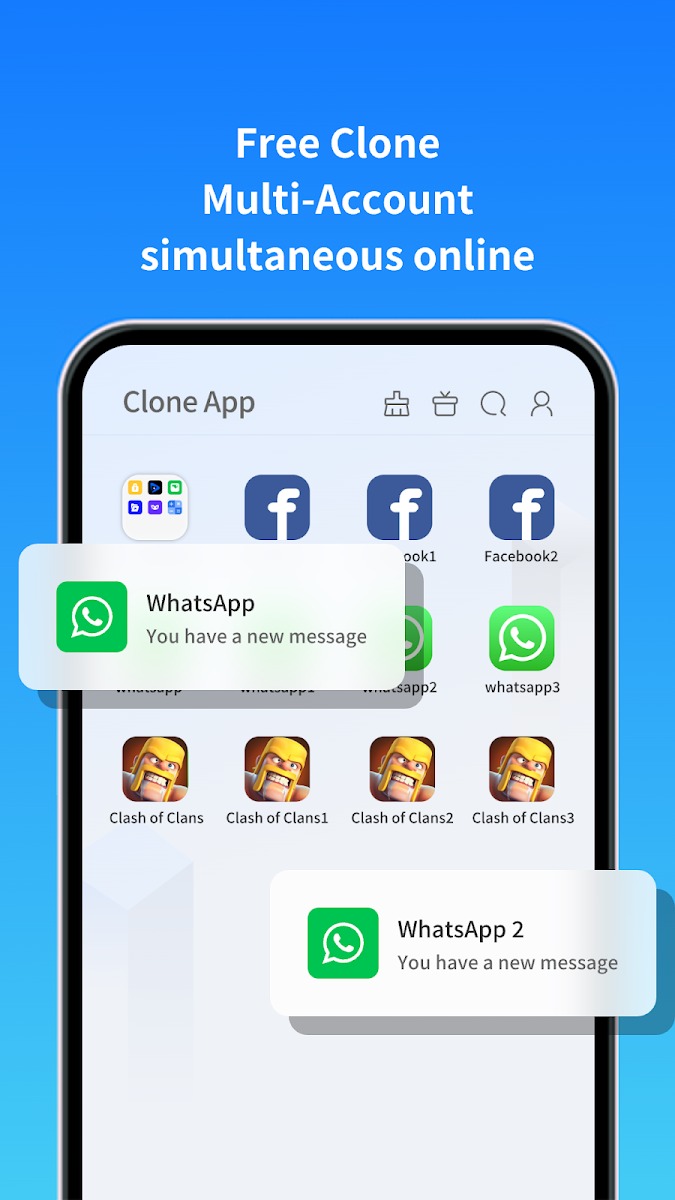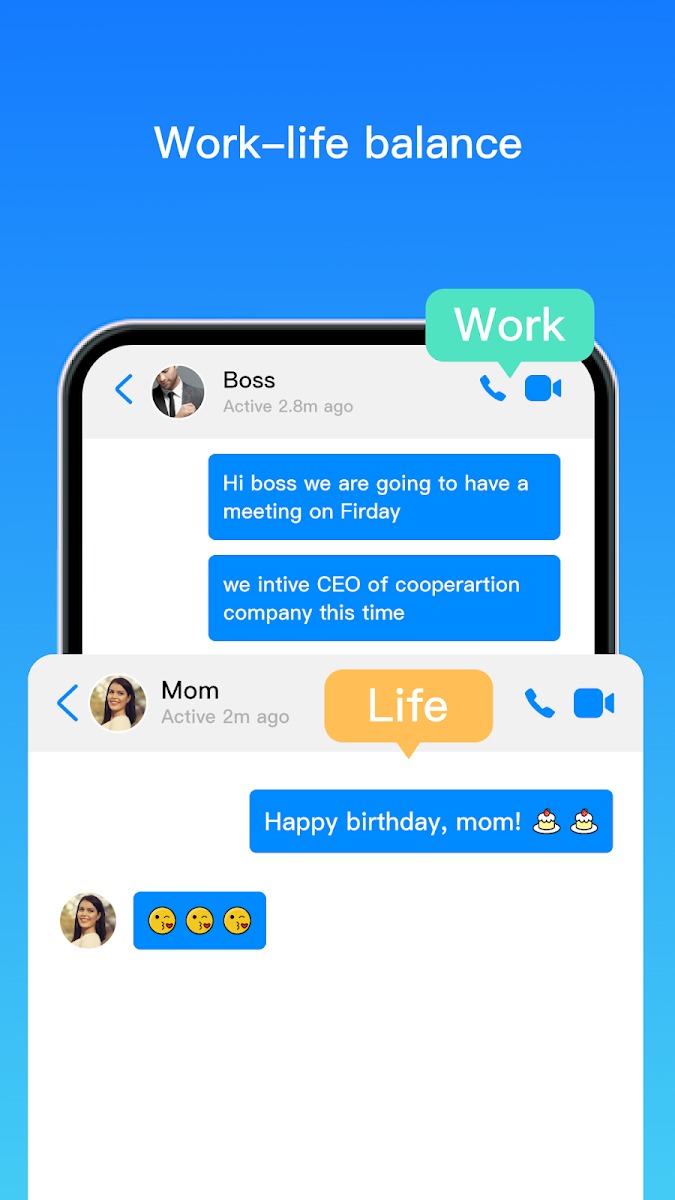
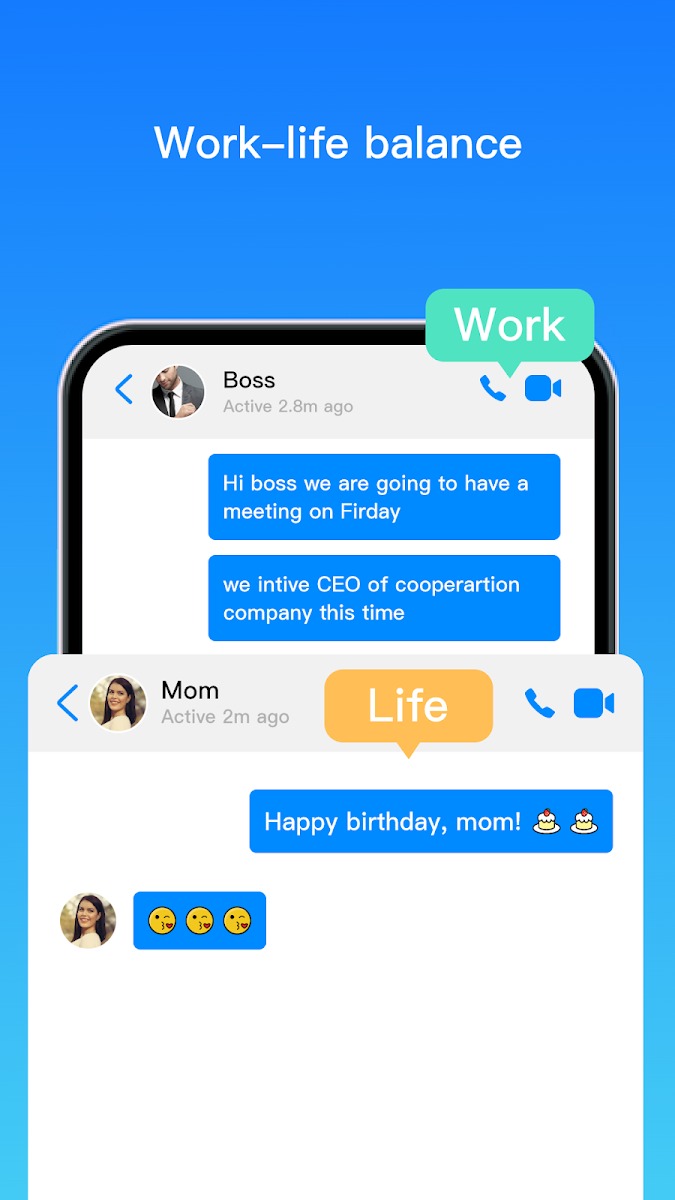
Clone App is an Android utility for opening a second copy of a supported app through a parallel space. If you use one messaging service for work and for personal conversations, you can keep the original on your phone and add a copy to Clone App. You open the copy from its own tile to sign in with the account you want there.
Start with one app you already know, such as a messaging service. Use the add control in Clone App to choose the app for the parallel space. Once the new tile appears, open it and complete the target app’s sign-in. If the service asks for a phone number or sends a login code, use the details associated with the account you want in the copy.
Before adding more copies, open the original and the clone separately and check the profile shown in each. This is especially useful when both icons look alike. If you send a test message, look for the same account name on the receiving device before using the copy for regular conversations. The target service still controls its own login and verification rules.
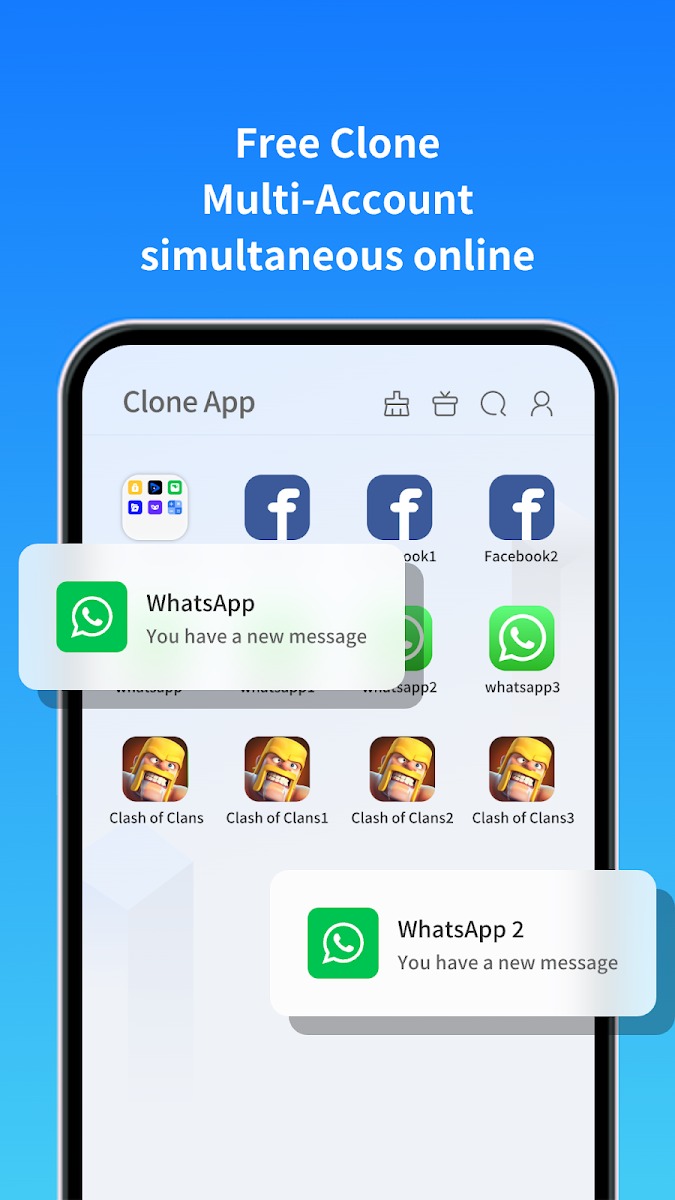
Home-screen shortcuts: Look for Create Shortcut when you want to open a copy without first finding its tile in the parallel space. The 4.2.3 package includes a prompt about allowing shortcut creation in system settings when creation fails. Manufacturer settings can label that permission differently, so check the controls for Clone App on your own phone.
Message checks: Once the copy is signed in, check what happens with a test notification when the phone is locked. If the message appears only after you open the copy, inspect the Android notification settings for Clone App and the cloned service’s own notification controls. Test with one copy before relying on the space for time-sensitive messages.
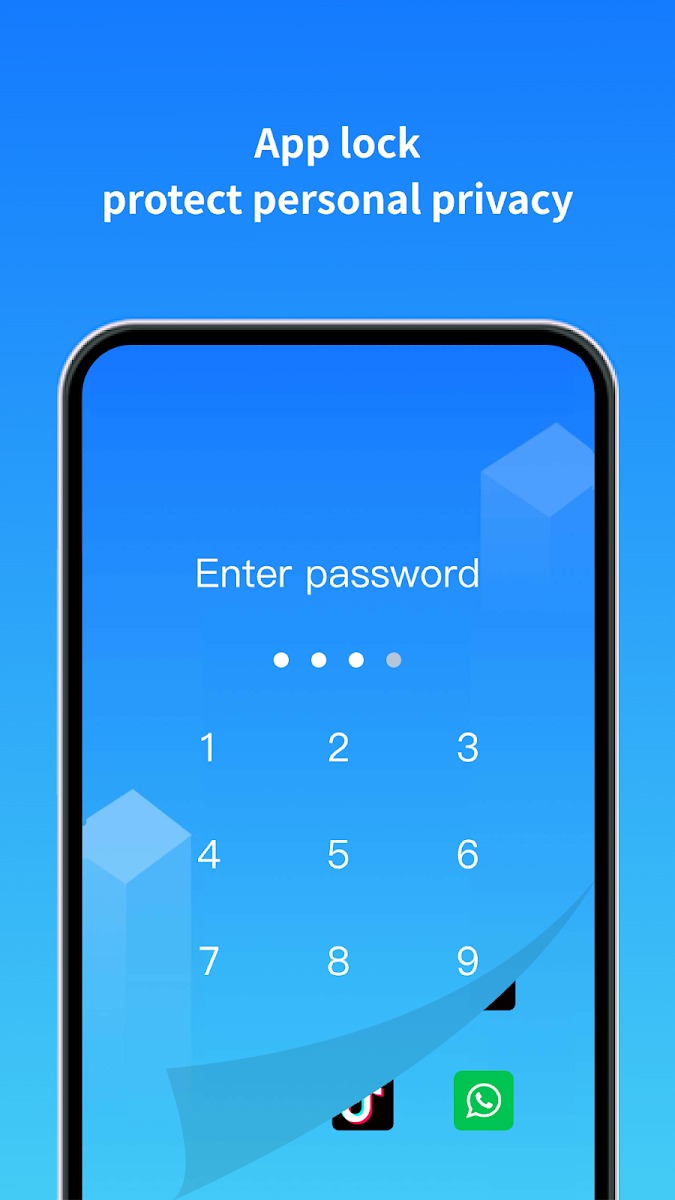
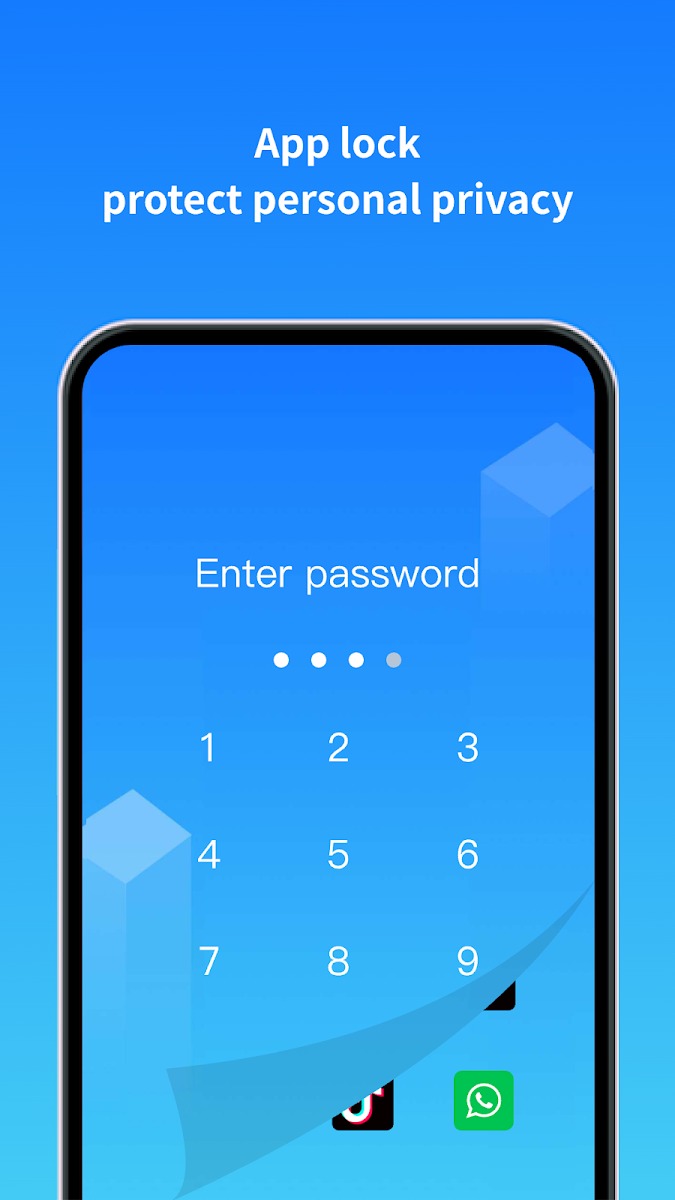
App Lock: The version contains App Lock setup and password recovery prompts. Treat the lock as a separate decision from signing into a cloned app. Use the lock’s own list to check what it covers, then reopen the intended app and confirm that you get the prompt before depending on it on a shared phone.
Private Gallery: The developer shows a separate gallery for photos and videos. Start with a spare image and check where Android can still see it after you add it to the gallery. Keep a separate copy of anything important until you have checked where the file is stored and how to retrieve it.
What should you check if a cloned app asks to sign in again?
Confirm that you opened the clone associated with the intended account. A service can impose verification again even when the account is still signed in through the original app. Follow the sign-in prompt inside that copy.
Where do you start a file transfer between devices?
The 4.2.3 resources point the sending device to Clone App, then File Transfer, then Send. That is a different entry point from the Private Gallery, which is for browsing media within the space.
Does the 4.2.3 bundle cover every Android device?
The supplied bundle starts at Android 12L and includes an arm64 configuration. Check both before trying to install it on an older spare phone, and keep the configuration files together with the base during installation.
Should you remove a clone before backing up its files?
Check export or backup through the app you cloned before clearing the copy. A sign-in can restore items the service keeps online, while a file created only inside that copy may need to be moved separately.
Clone App 4.2.3 is a practical fit when you need a separate tile for a second account and the target app accepts sign-in within the parallel space. Set up one copy first. Checking its profile, shortcut and notifications gives you a clearer answer about whether the arrangement will work for your daily messages.
Clone App
Tools
Date:2026-11-28

Anime World
Media & Video
Date:2026-11-28

BandLab
Media & Video
Date:2026-11-28

ChatGPT
Productivity
Date:2026-11-28

MX Player Pro
Media & Video
Date:2026-11-28

Zoom Workplace
Social
Date:2026-11-28

MX Player
Media & Video
Date:2026-11-28

ZEE5
Media & Video
Date:2026-11-28