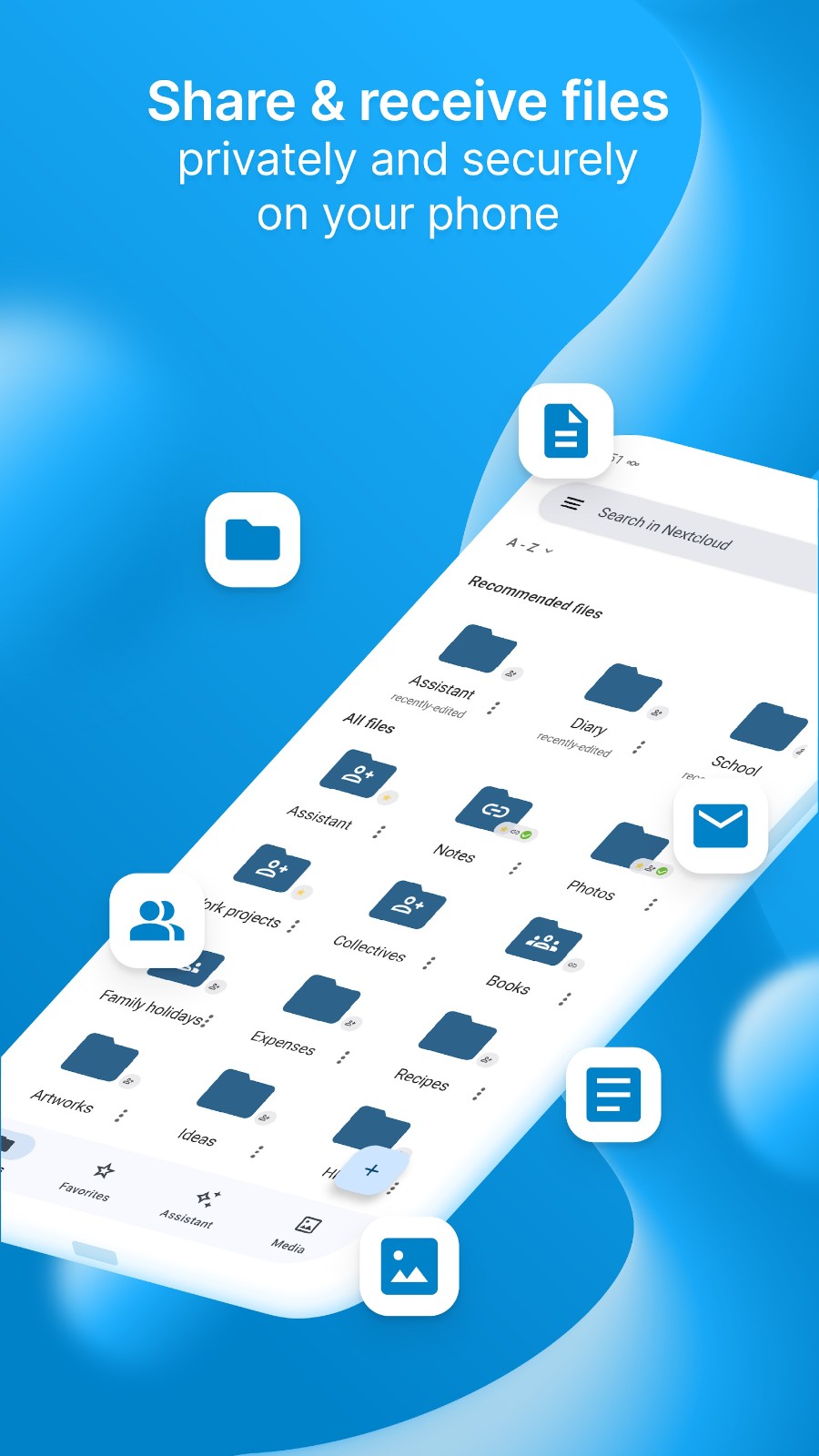
Nextcloud brings the files on your personal or work Nextcloud server into an Android app. You start by connecting an account for the server that holds your documents and photos. Browse those folders, share a document, or pick individual files to keep available offline. You can also set up automatic uploads for photos and videos taken on your phone.
Connect your cloud account: Use an account from your organization or from the Nextcloud service you use at home. You can connect another account if your personal and work files live on different Nextcloud servers.
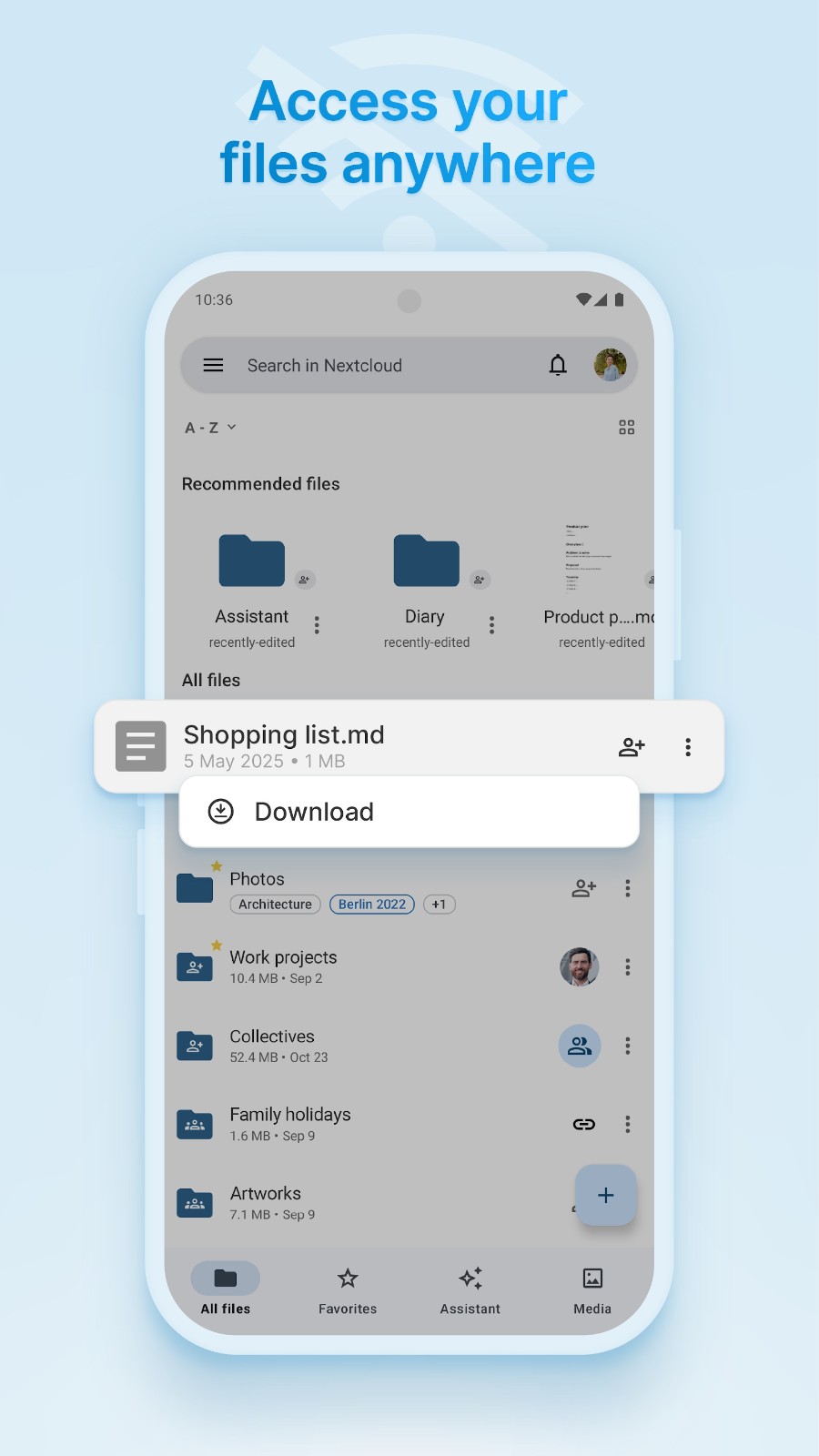
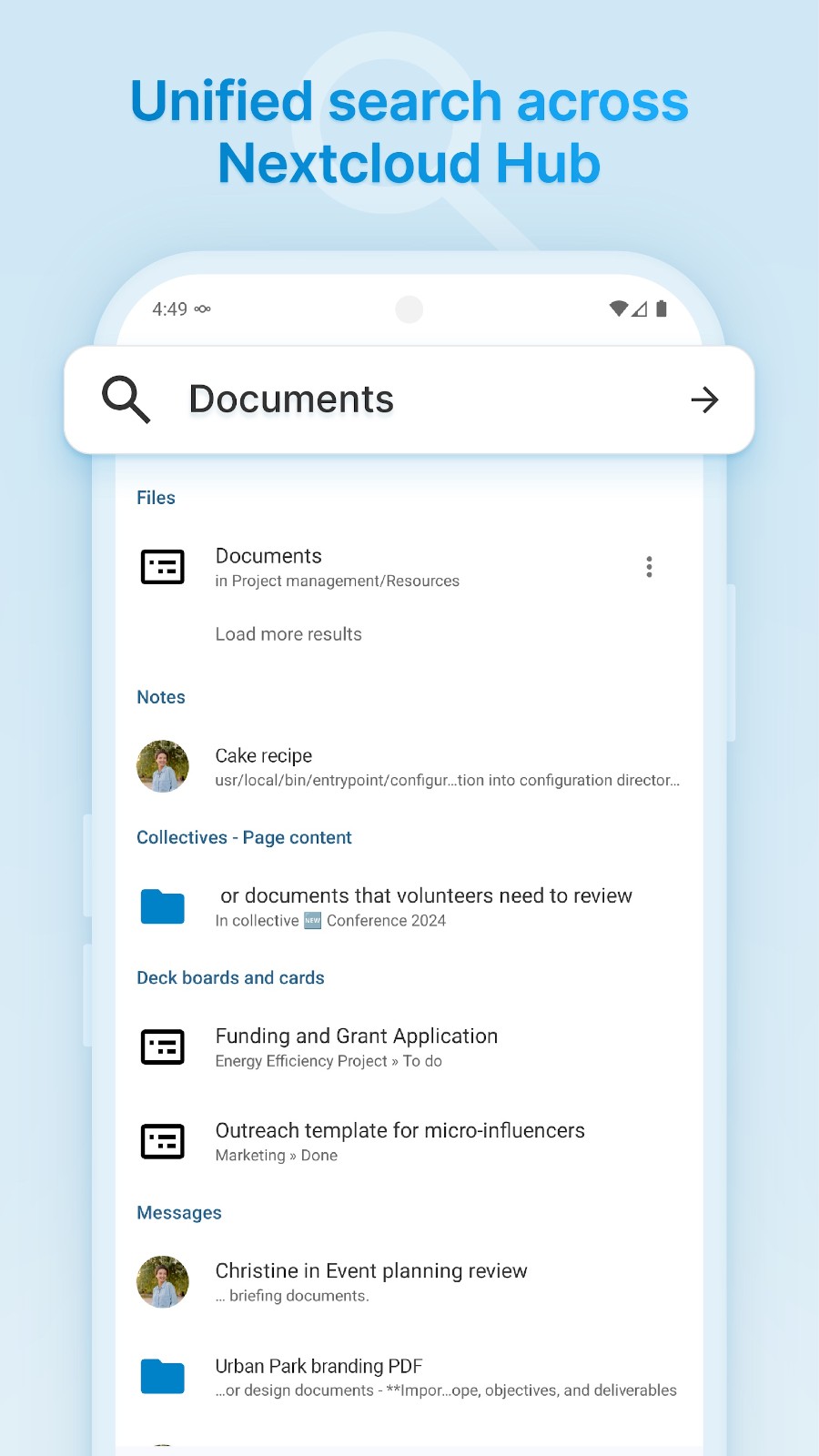
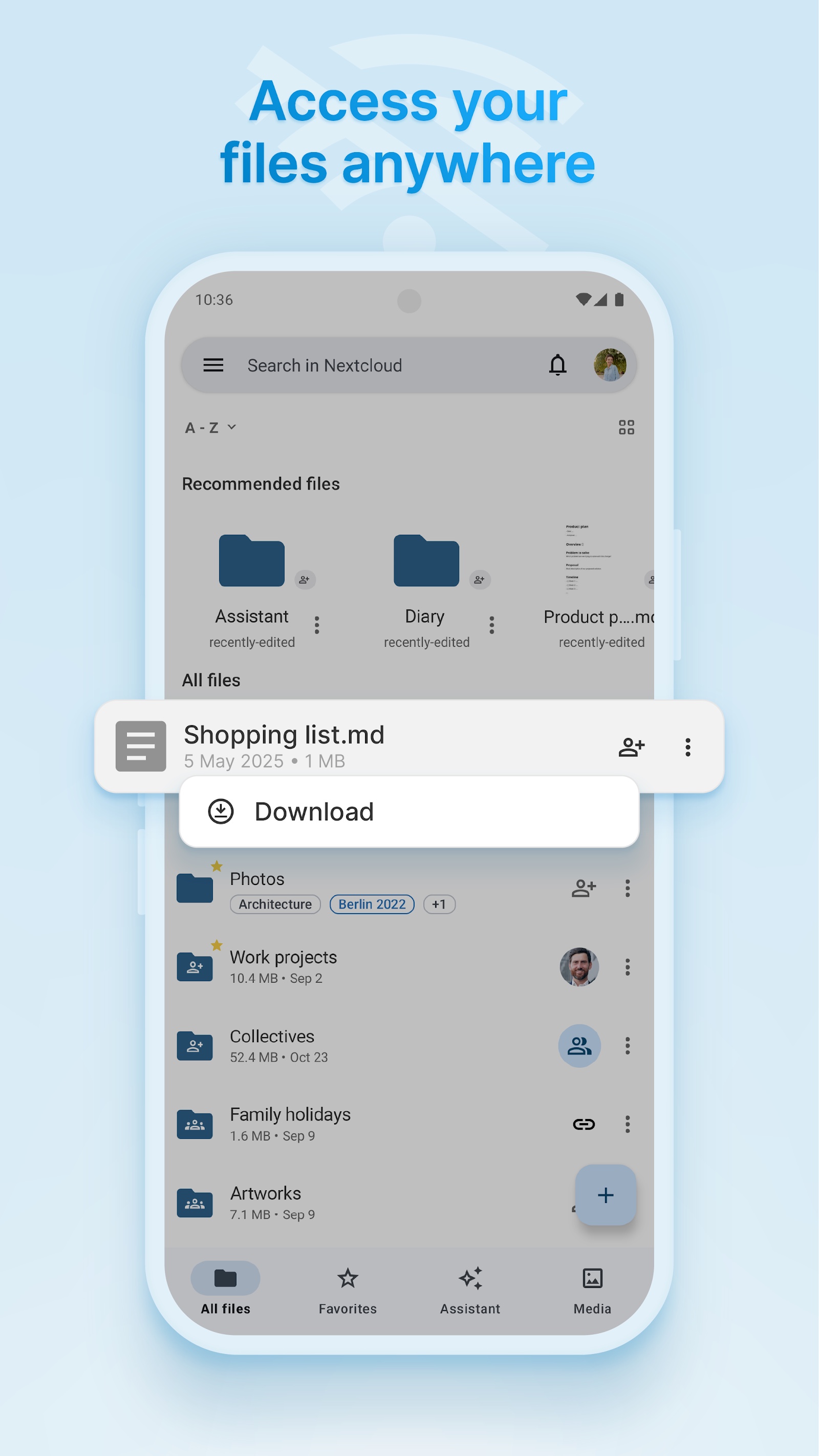
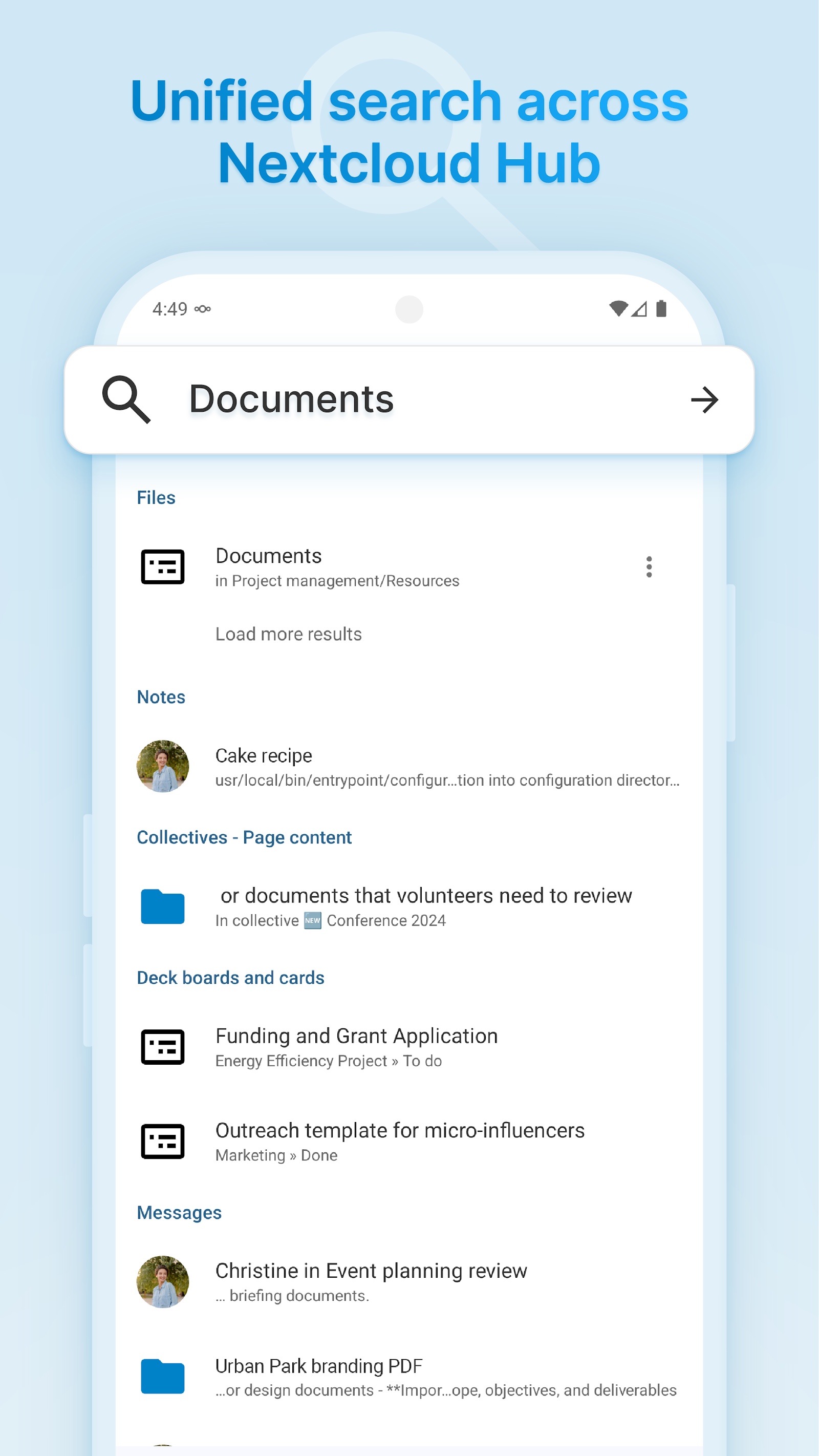
Find the document: Open All files to browse your folders, or search for the name of the document. The Android app shows the folder path in file search results, which helps when a search turns up several folders or documents with similar names.
Prepare files for offline use: Choose the files you expect to open when you travel without a connection. For a trip, that might be a single itinerary or several documents from different folders.
Sharing from Android: Share documents stored on your Nextcloud from the app. Its sharing panel lets you look up users and teams if you are sending a file to people on the same cloud.
Automatic media uploads: The app can send photos and videos from Android to your Nextcloud. The official Android screens show separate settings for automatic photo and video uploads.
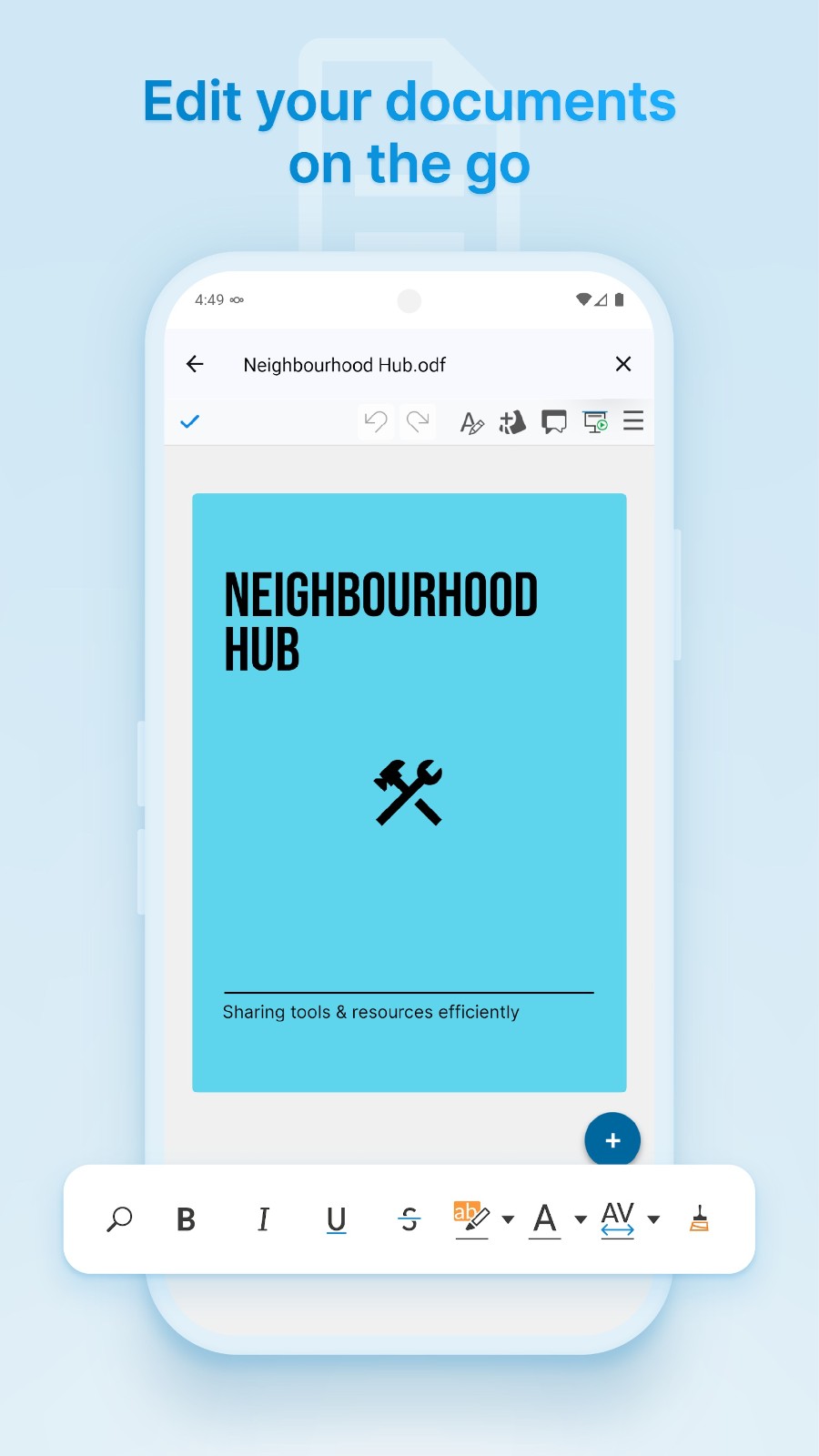
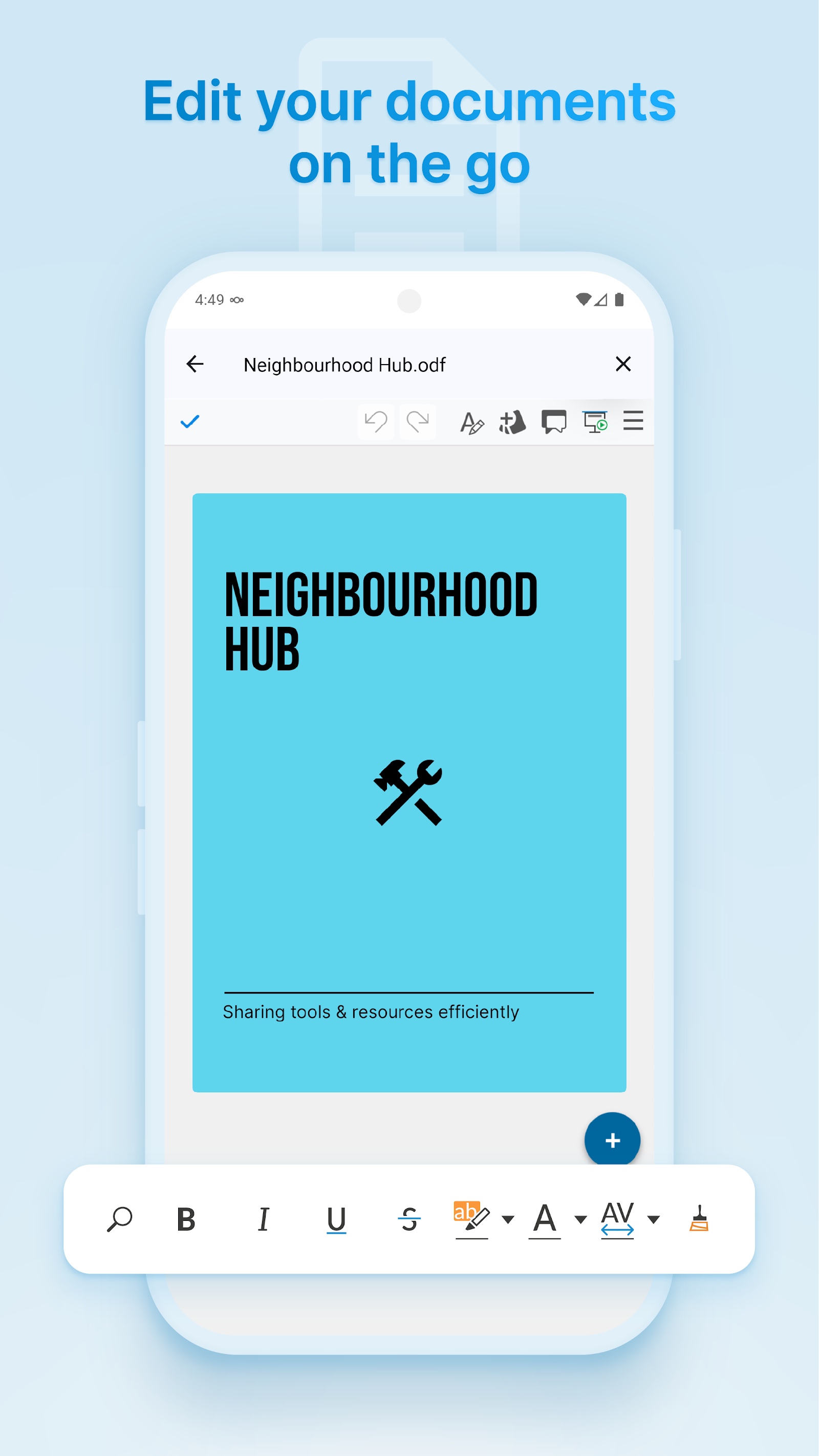
Document work on mobile: Nextcloud shows an editor for opening and working on documents from Android. The app is also a place to browse the other files stored with those documents on your server.
App access protection: Nextcloud lists a password and biometrics as options for protecting access from Android. These options are relevant when you open work or personal files from the same phone.
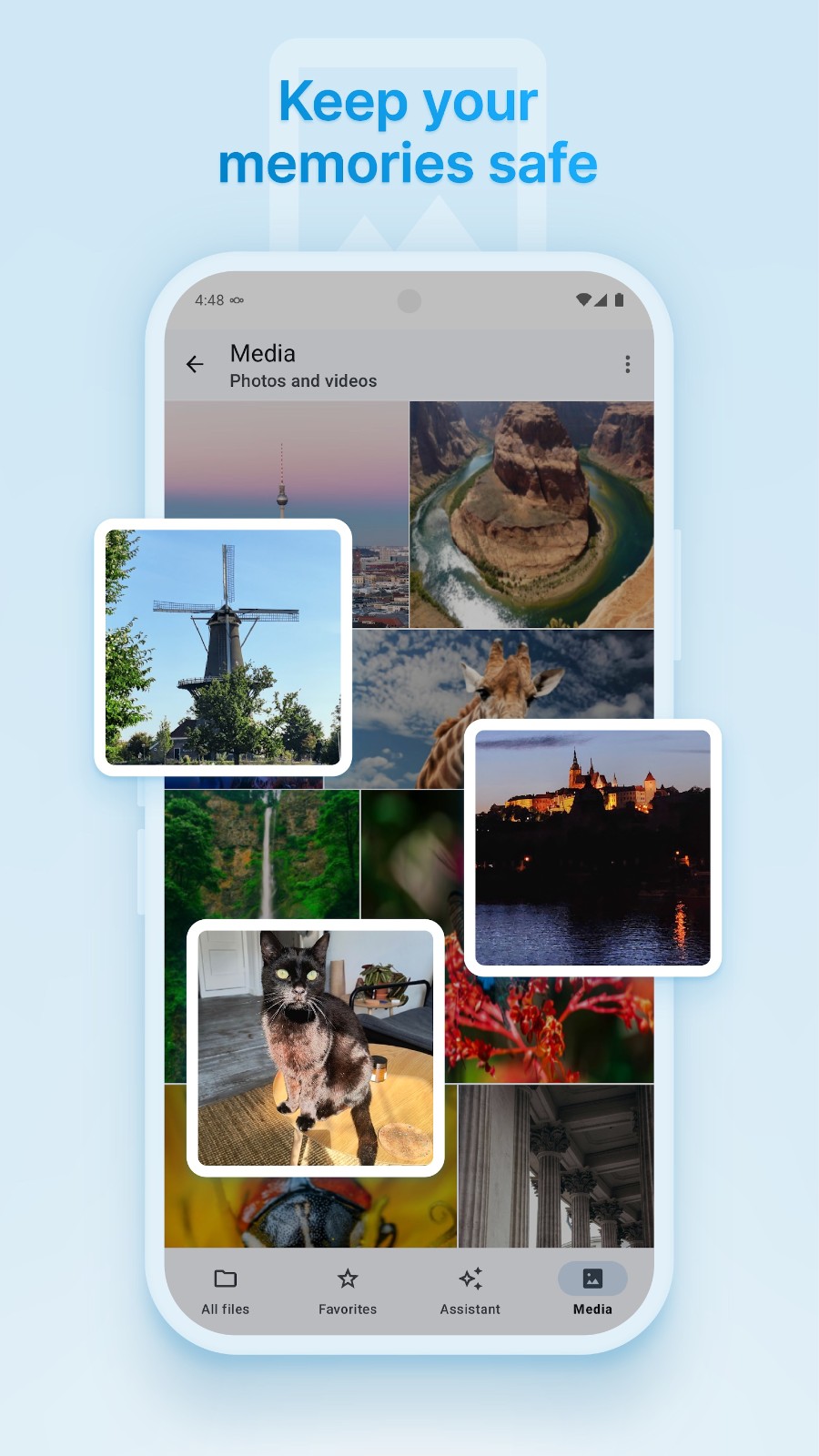
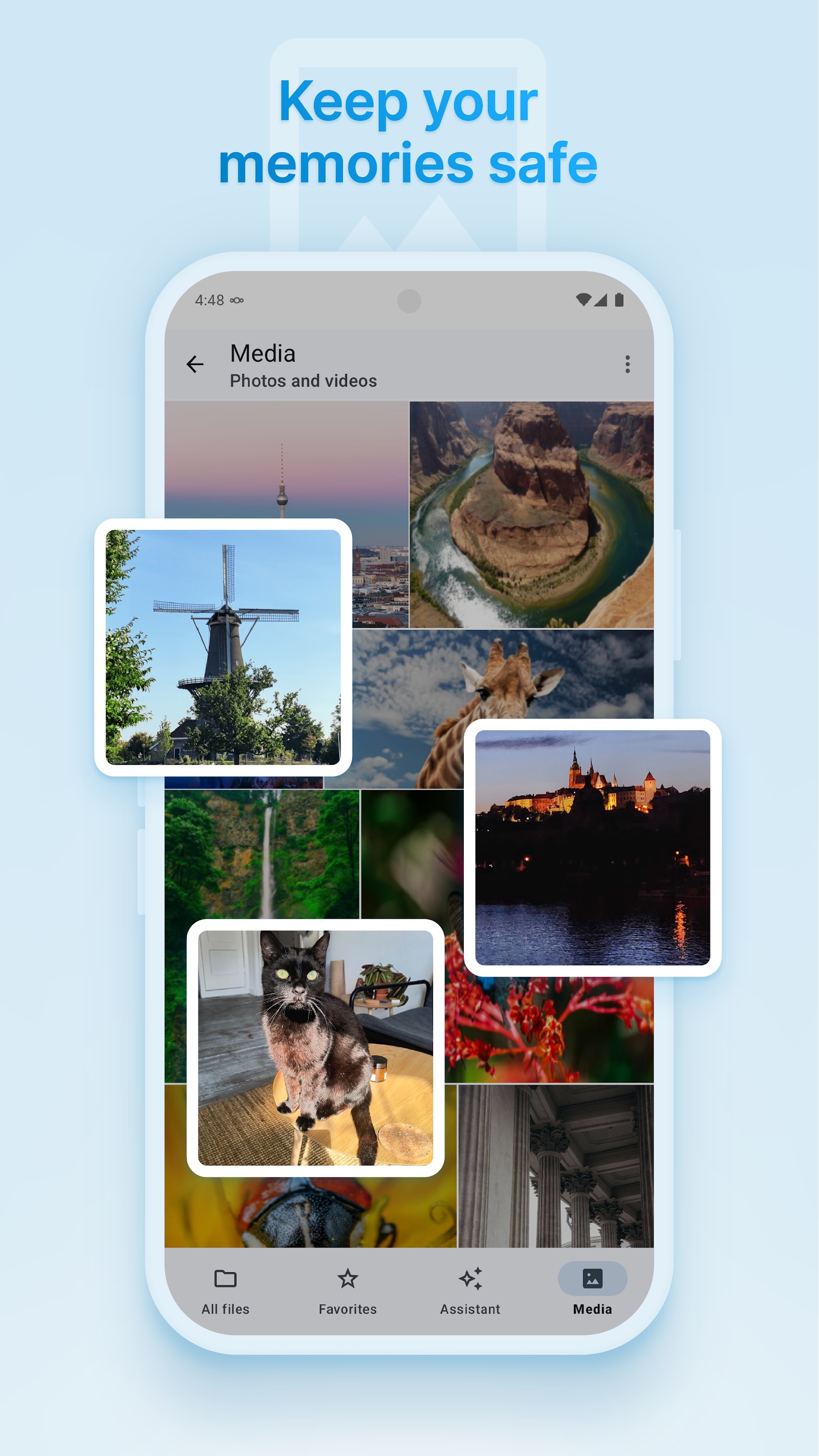
Media view: A dedicated Media tab brings photos and videos into one view on Android. It gives you a place to browse images already stored in the cloud when you mainly want to look through photos.
Favorites tab: The Android interface places Favorites alongside All files. If you return to a small collection of files regularly, Favorites gives you another way to reach them from the bottom navigation.
File handling in 35.1.0: Nextcloud’s release notes list faster file browsing and improved opening for files that are still unsynced. The same release also includes changes to memory use.
Which server can the Android client connect to?
You can use a Nextcloud service run by a provider or connect to an instance you host yourself. For the 35.1.0 client, the project’s release notes list Nextcloud Server 23 as the minimum server version.
What does the 35.1.0 APK contain?
This is the standalone gplay APK published by Nextcloud, with Android 9 as its operating system minimum. The file contains native libraries for ARM and x86 in both 32-bit and 64-bit variants.
Why does the gplay label matter for push notifications?
The Android project says its F-Droid editions currently lack push notifications. It attributes that limit to the push feature’s dependency on Google Play services. This 35.1.0 package is from the project’s gplay release channel.
Can Nextcloud use both a home and work account?
Yes. The Android app supports connecting multiple Nextcloud accounts, including personal and business clouds, so those accounts can be accessed from the same device.
Nextcloud gives you an Android file browser for the server where you already keep your documents and photos. Its offline file selection is useful for planning a trip, while automatic uploads can send new photos and videos from your phone to the server.
Nextcloud
Tools
Date:2026-11-25
KeePassDX
Tools
Date:2026-11-25
Thunderbird
Social
Date:2026-11-25
Aves Gallery
Photography
Date:2026-11-24
Organic Maps
Nav
Date:2026-11-24
DuckDuckGo
Tools
Date:2026-11-24
LocalSend
Tools
Date:2026-11-24
Bitwarden Password Manager
Tools
Date:2026-11-24