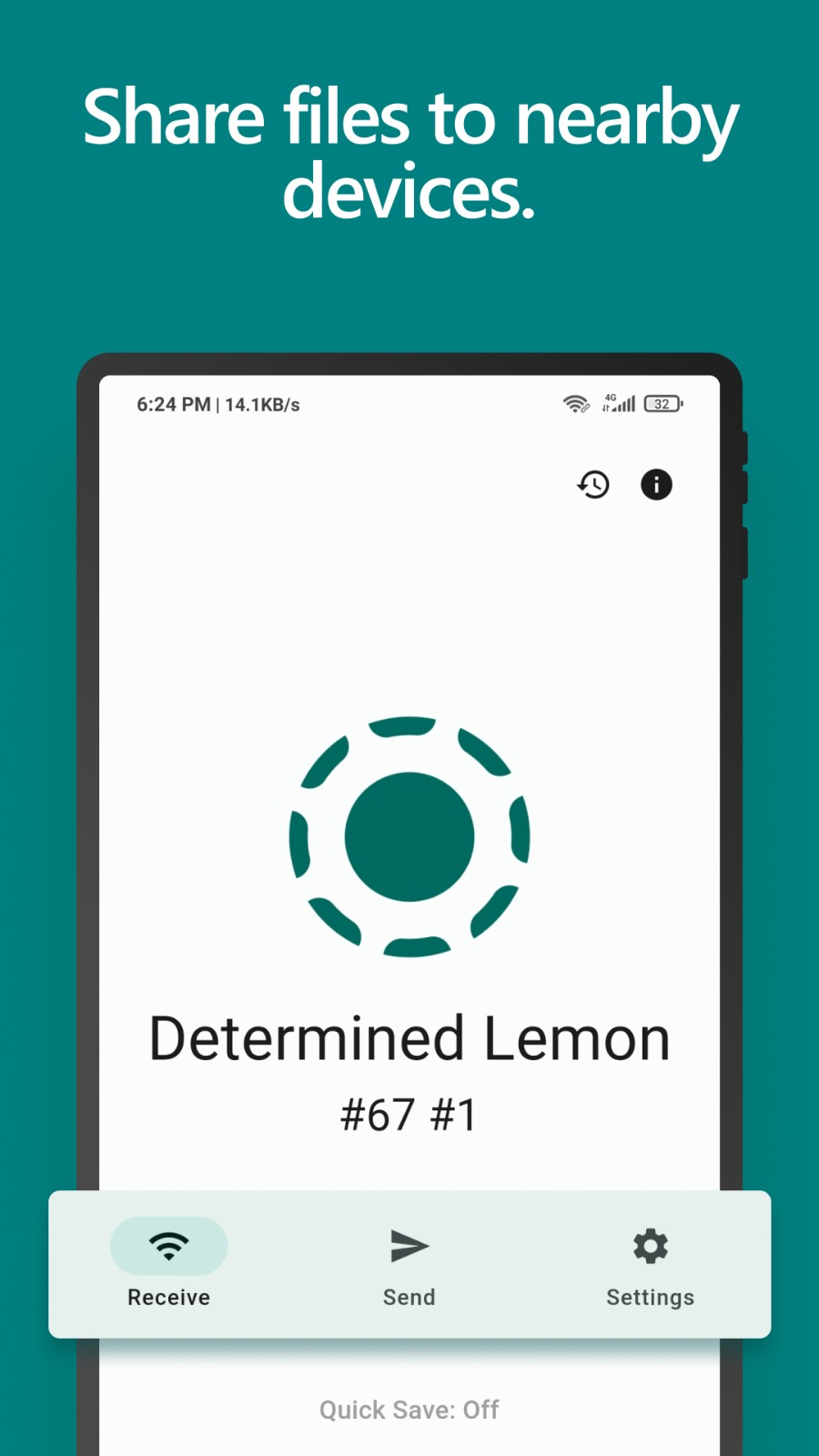
LocalSend moves files and short messages between nearby devices on the same local network. Open the app on your Android phone and the device you want to send to. From the Send tab, choose the items, tap the destination’s name, and have the person at the other end accept the transfer. The devices can exchange files even when their Wi-Fi network has no internet connection.
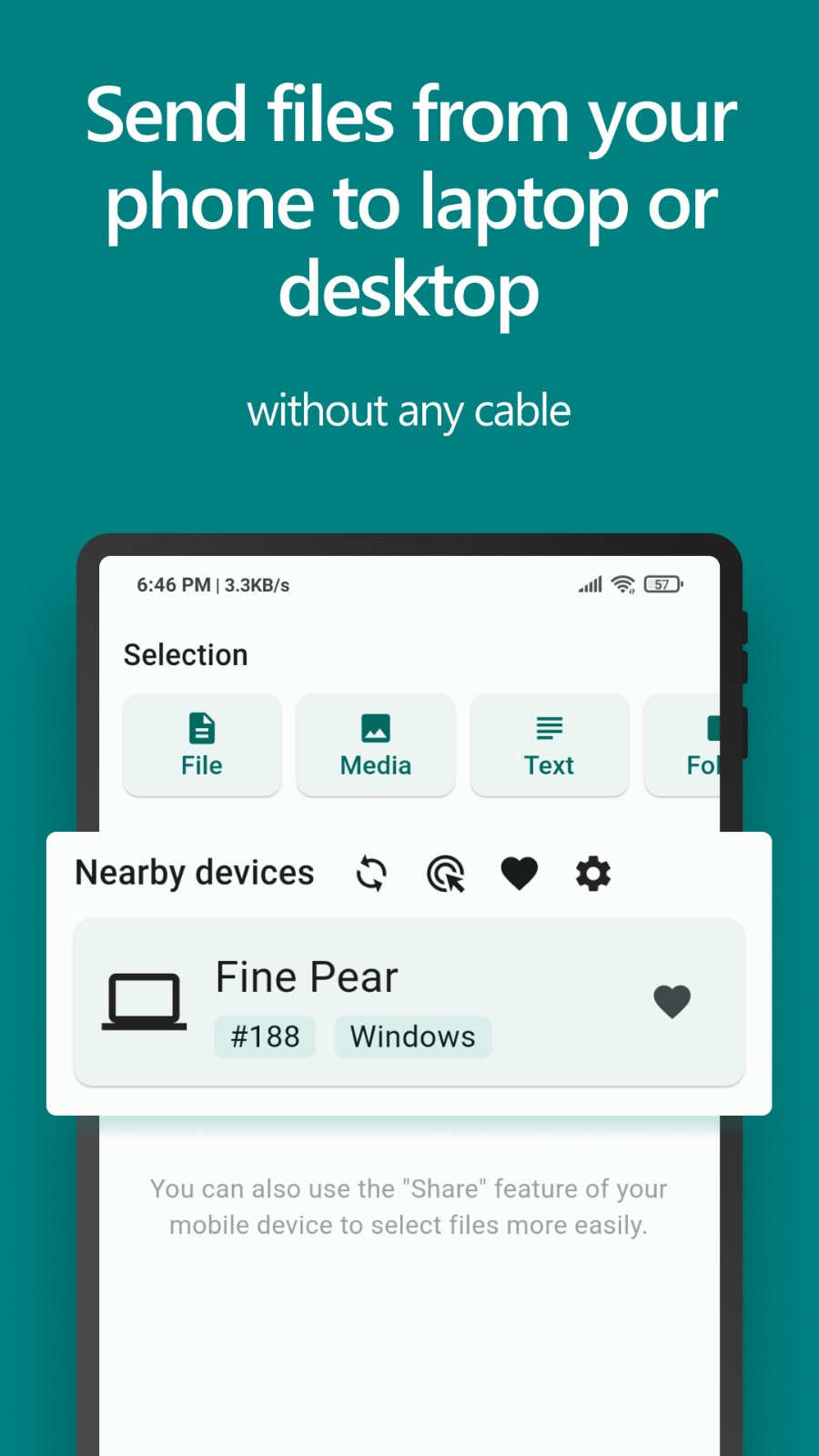
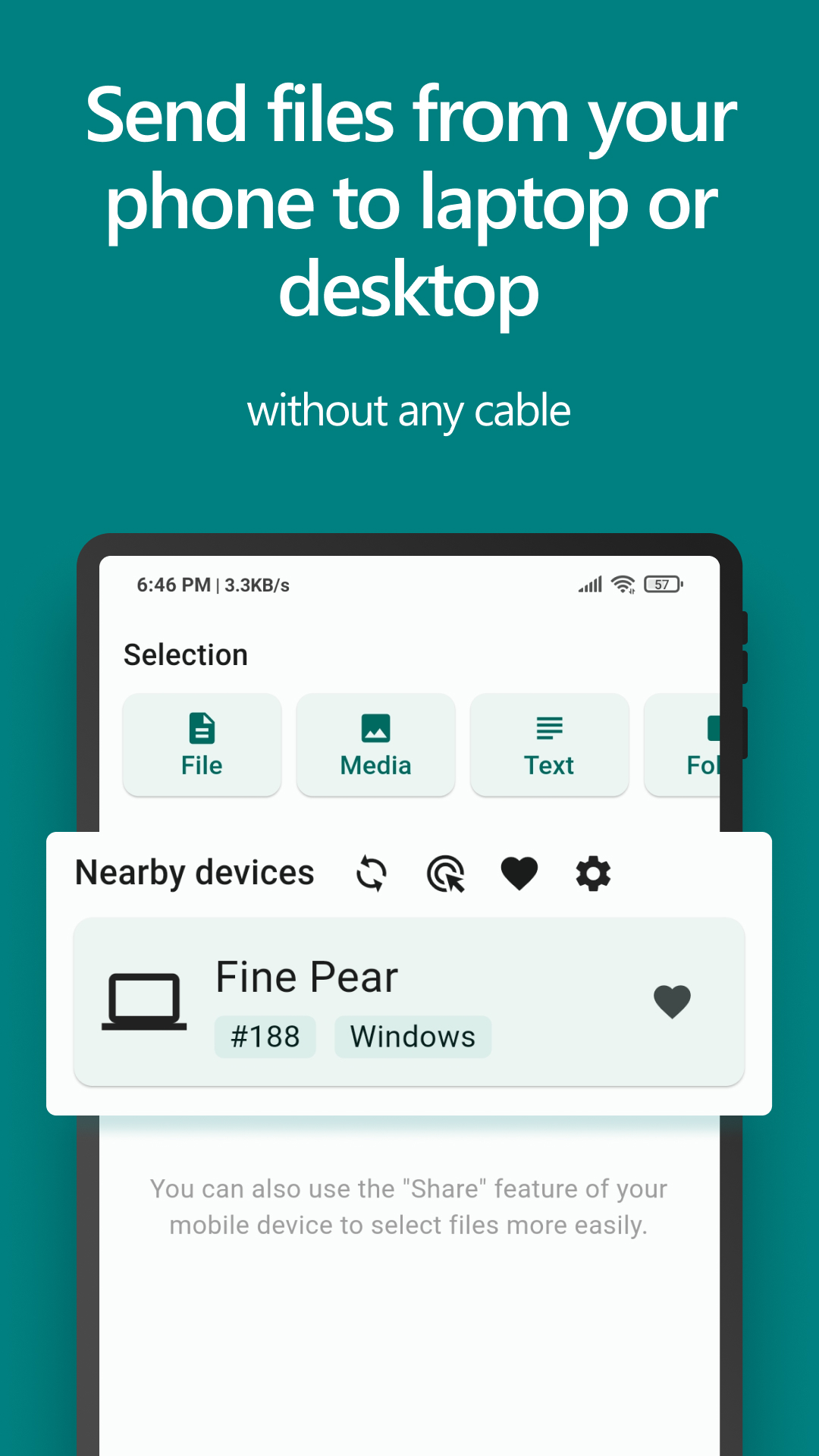
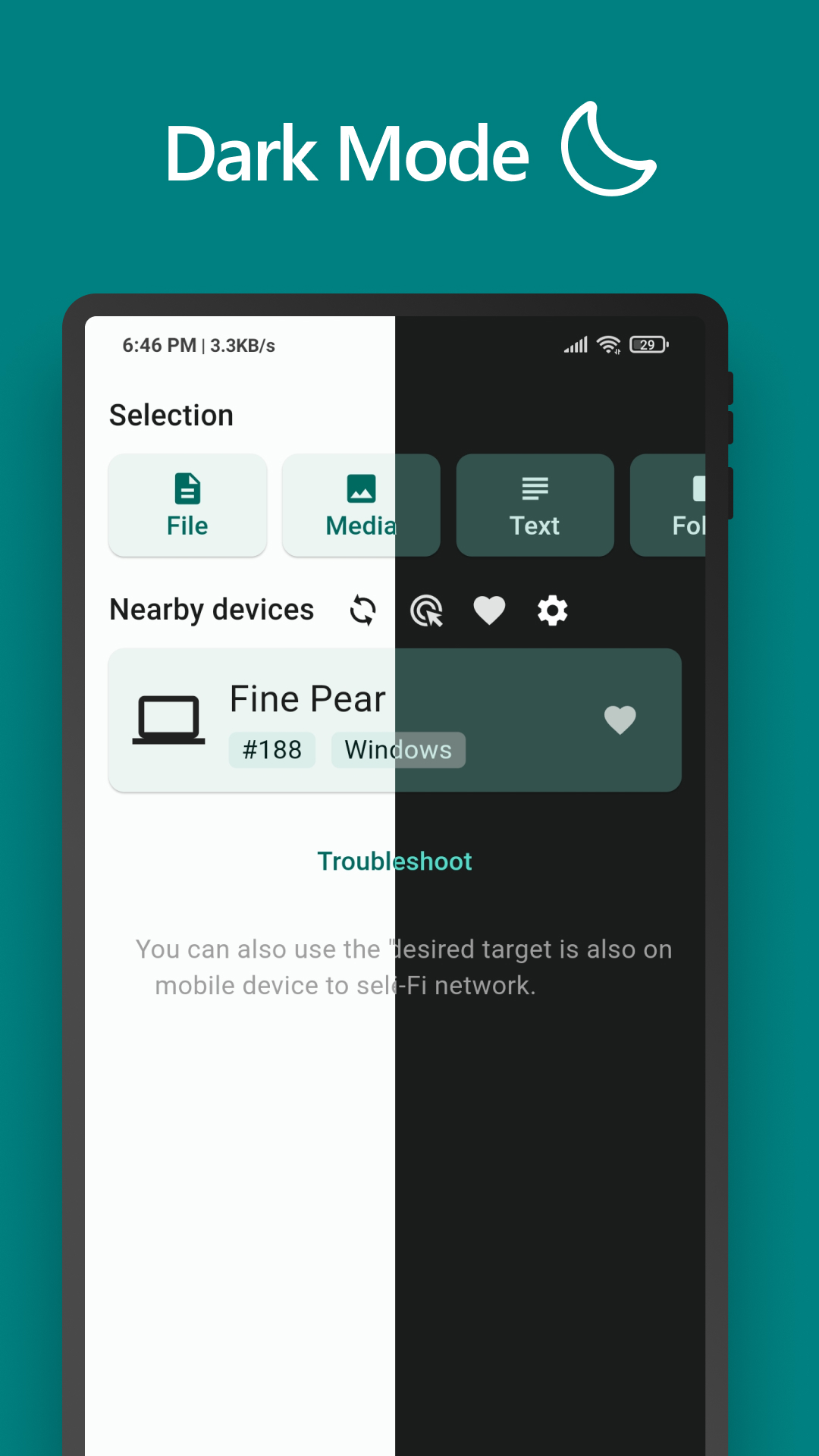
Find the receiver: Leave LocalSend open on both devices and check the receiver’s displayed name before you go to the Send tab. The official Android screenshots show a Windows computer called Fine Pear in the nearby devices list.
Pick what to send: The Android selection screen has separate controls for files, media, text, and folders. Choose the control for what you want to share, then tap the nearby device you checked in the first step.
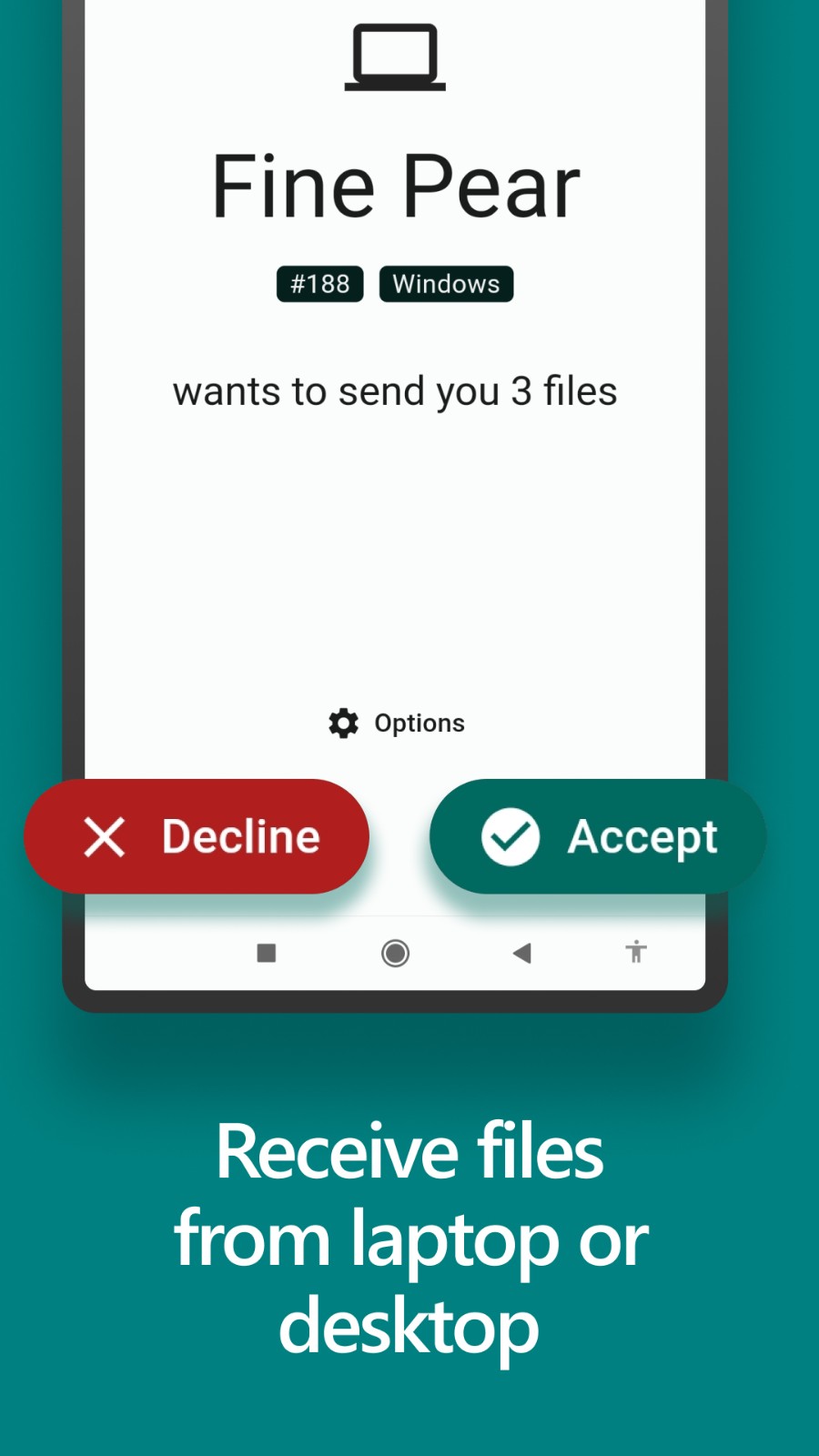
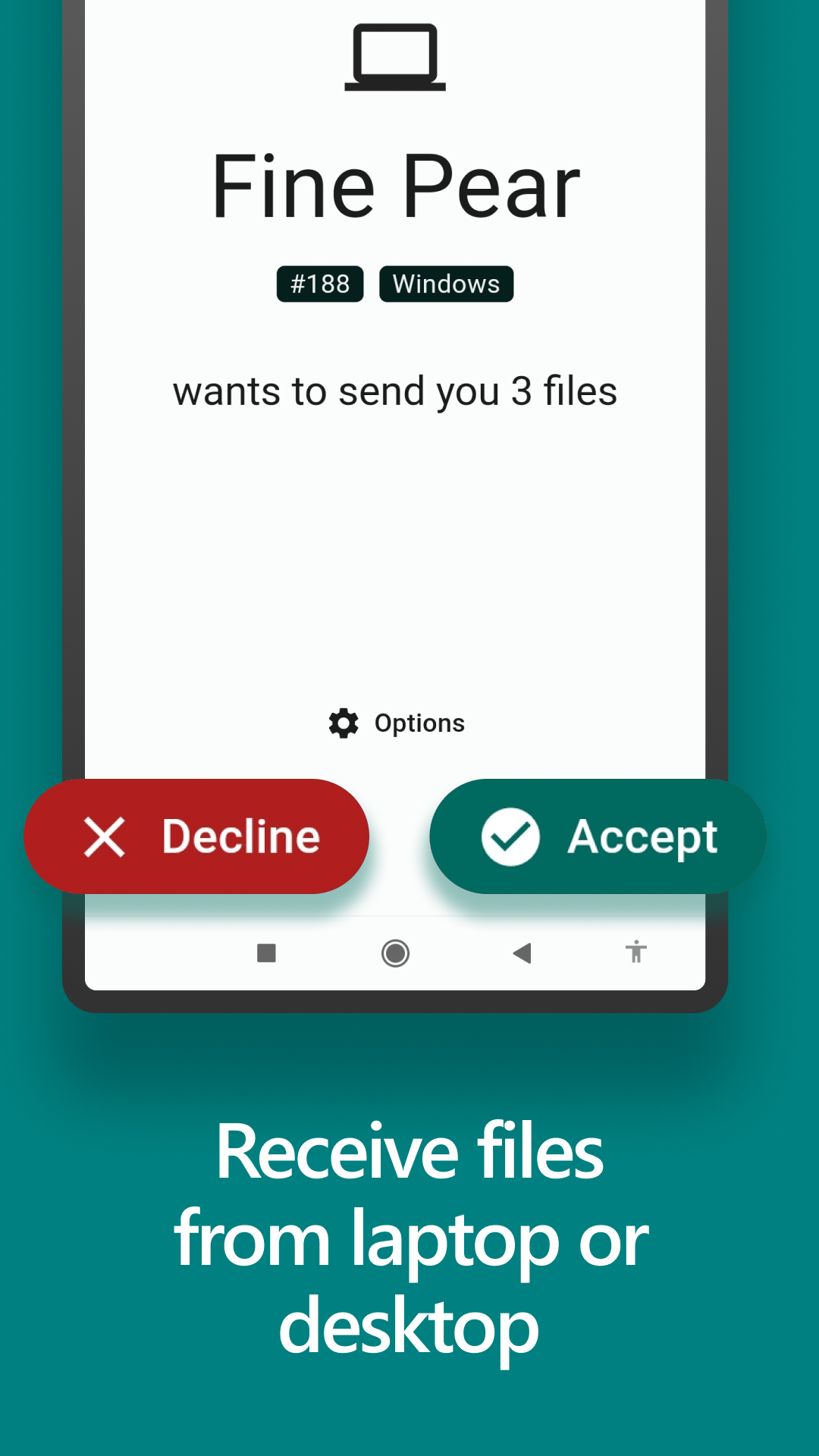
Accept at the destination: On the receiving device, the request shows who is sending and how many files are incoming. Check the details and tap Accept. You can follow the transfer on a progress screen while the selected files are being sent.
Phone and computer transfers: A nearby receiver can be another Android device, an iPhone, or a computer running the Windows, macOS, or Linux app. Use the same send-and-accept flow when moving a document from your computer back to your phone.
Offline over the local network: LocalSend carries the selected items over the connection the devices share. A Wi-Fi network that allows the devices to communicate is enough for the transfer, even if it has no route to the internet.
Local encryption: LocalSend supports encrypted transfers using HTTPS. Its official site also documents a PIN verification option for exchanges that need an extra confirmation step.
Files and messages: Use the media picker for photos or videos and the text option for a note you want to send to the other screen. A short message can travel through the same nearby-device flow as a file.
No account setup: LocalSend uses the devices on your network, so there is no sign-up screen to work through before a transfer.
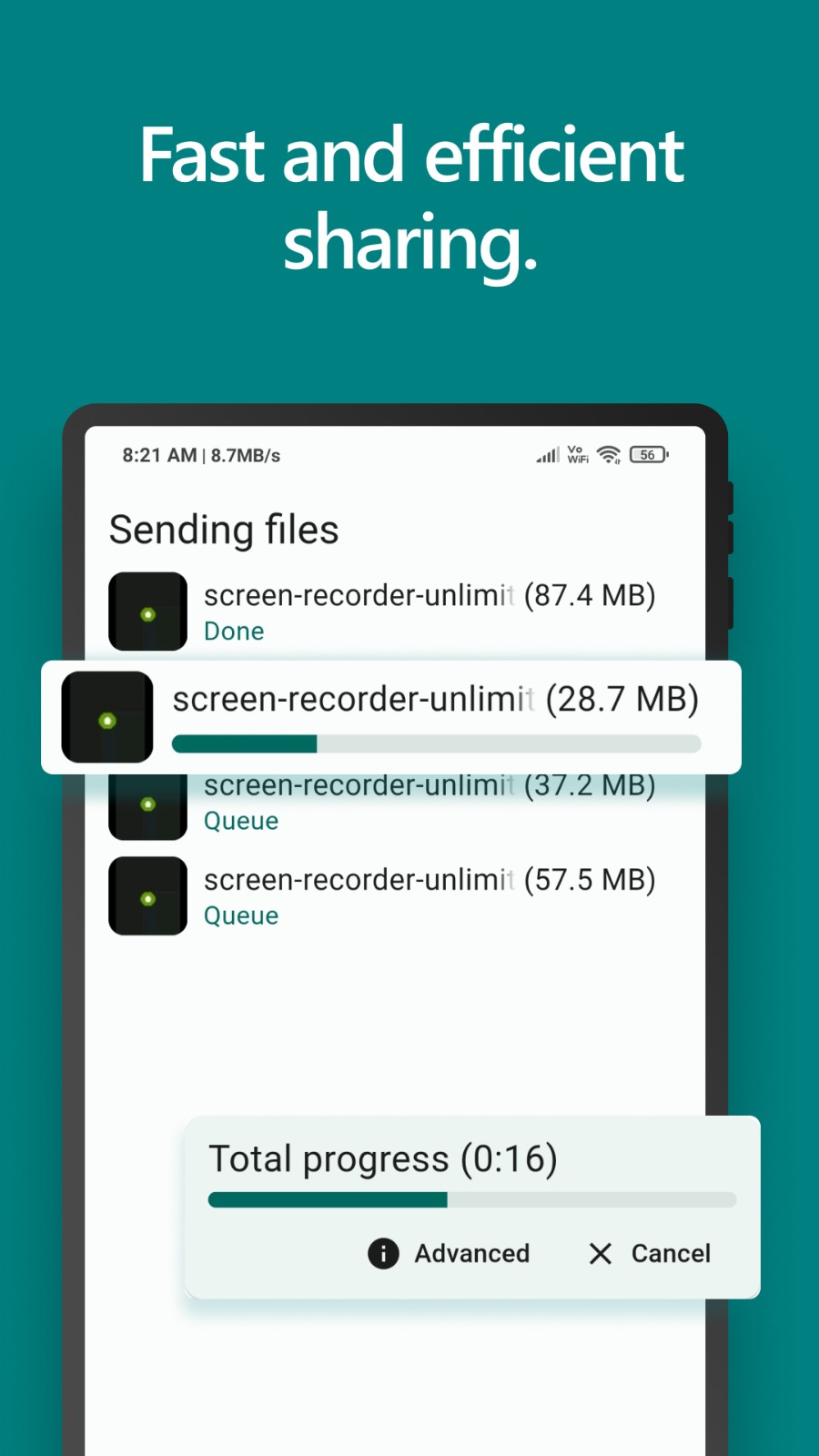
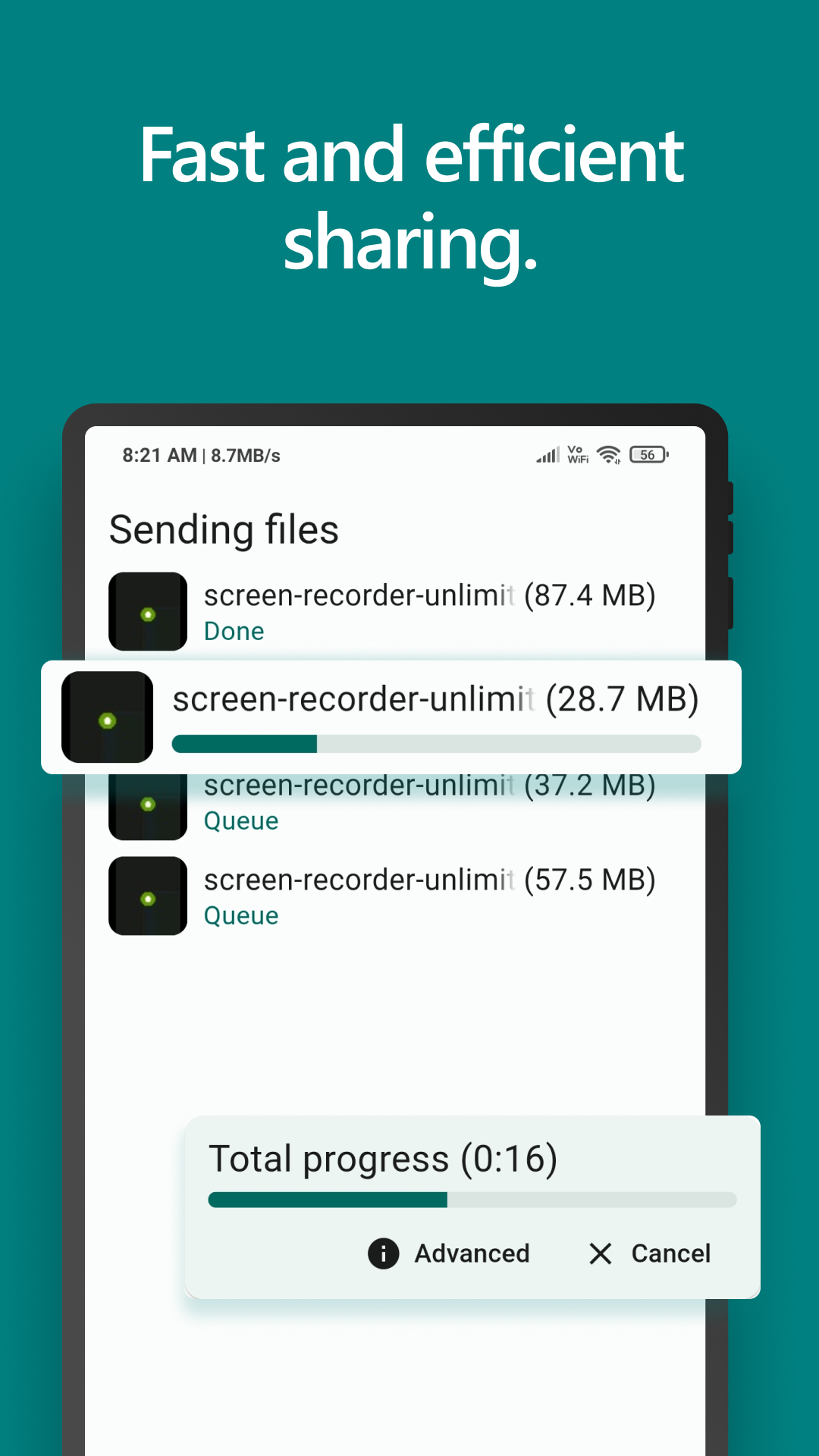
A visible transfer queue: The Android progress view displays individual file sizes together with the overall transfer progress. You can tell which file has finished and which entries are still queued.
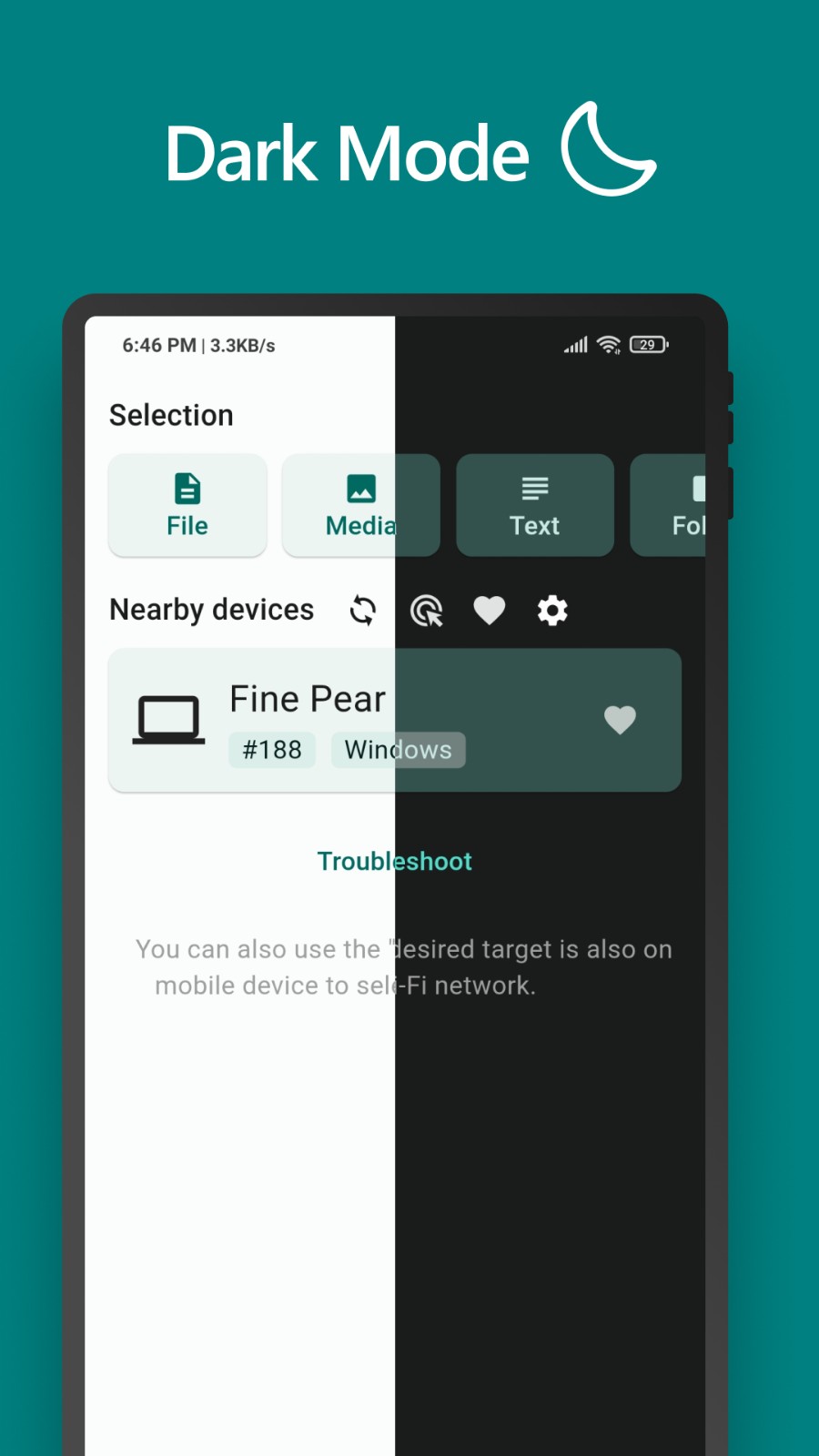
Light and dark appearance: LocalSend provides a dark mode for the Android interface. The nearby-device list and send controls are available in both appearances.
Why can’t LocalSend see the other device on guest Wi-Fi?
Guest Wi-Fi can block devices on the same network from talking to each other. The project’s troubleshooting guide calls this AP isolation. Try a local network where both devices are allowed to communicate.
Where do incoming files go?
Look in the same default folder Android uses when you save files from the web. LocalSend also lets you choose a different destination from its Settings tab.
Which Android devices fit the package on this page?
The package here is the project’s ARM64 build of version 1.18.2, about 44.4 MiB. On an ARM64 phone, the LocalSend package on this page starts at Android 7.0. The project publishes separate packages for 32-bit ARM and x86-64 devices.
Can version 1.18.2 transfer with older LocalSend clients?
The project’s release notes say 1.18.2 restores compatibility with 1.17.0 and earlier on networks without multicast. The update also fixes adding a newer device to favorites from 1.17.0 or earlier.
Where is the source code for this build?
The LocalSend project publishes the source alongside its release files. The version here is covered by the project’s Apache 2.0 license.
LocalSend fits the everyday job of moving a recording, a document, or a short note between a phone and a computer in the same room. Look for the receiver’s name before sending, and use a local network that lets both devices reach each other.

DuckDuckGo
Tools
Date:2026-11-24
LocalSend
Tools
Date:2026-11-24

Shazam
Media & Video
Date:2026-11-24

Blackmagic Camera
Photography
Date:2026-11-24

Signal Private Messenger
Social
Date:2026-11-24

VLC for Android
Media & Video
Date:2026-11-24

Tor Browser
Tools
Date:2026-11-24

Xender
Tools
Date:2026-11-24