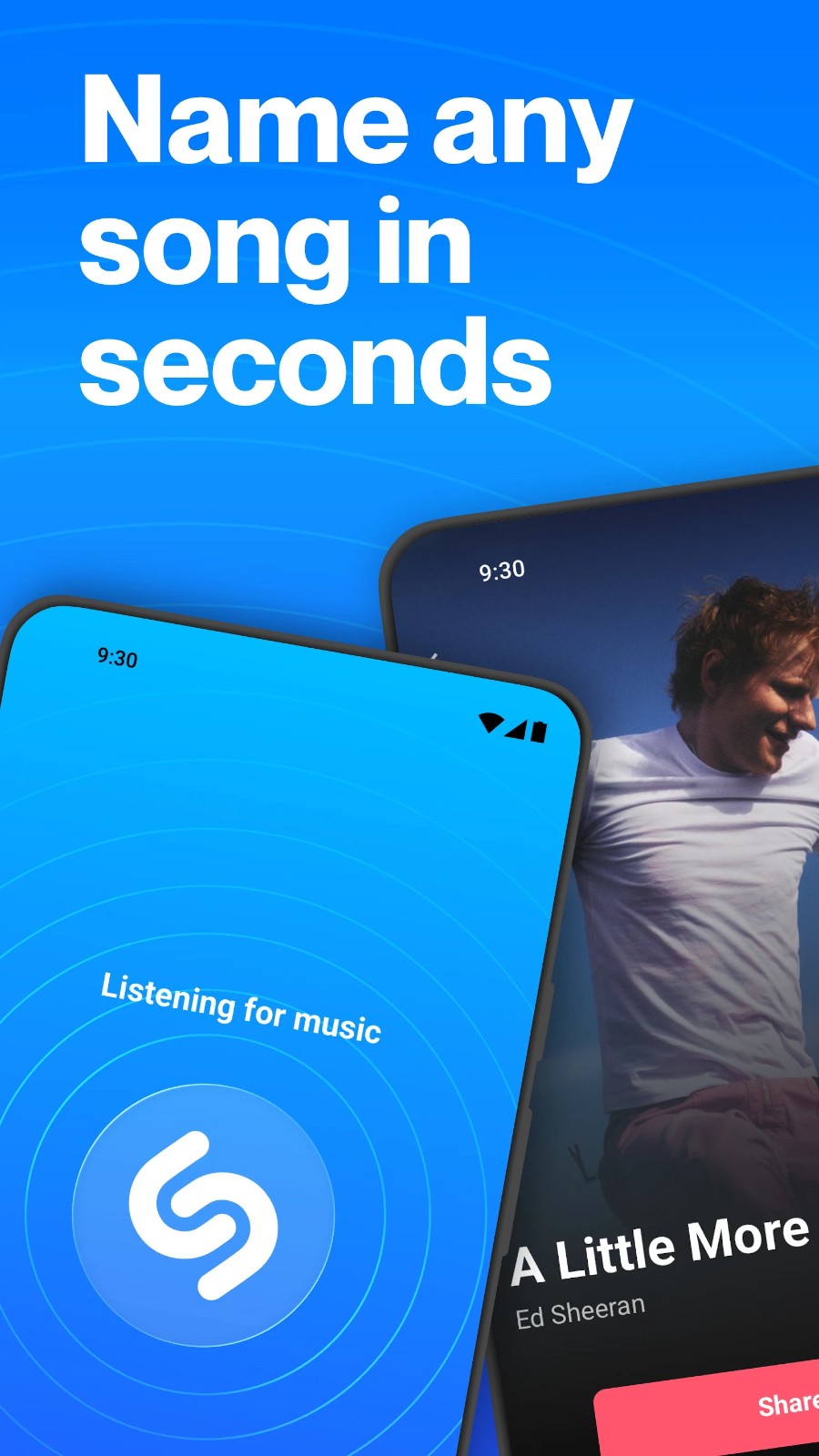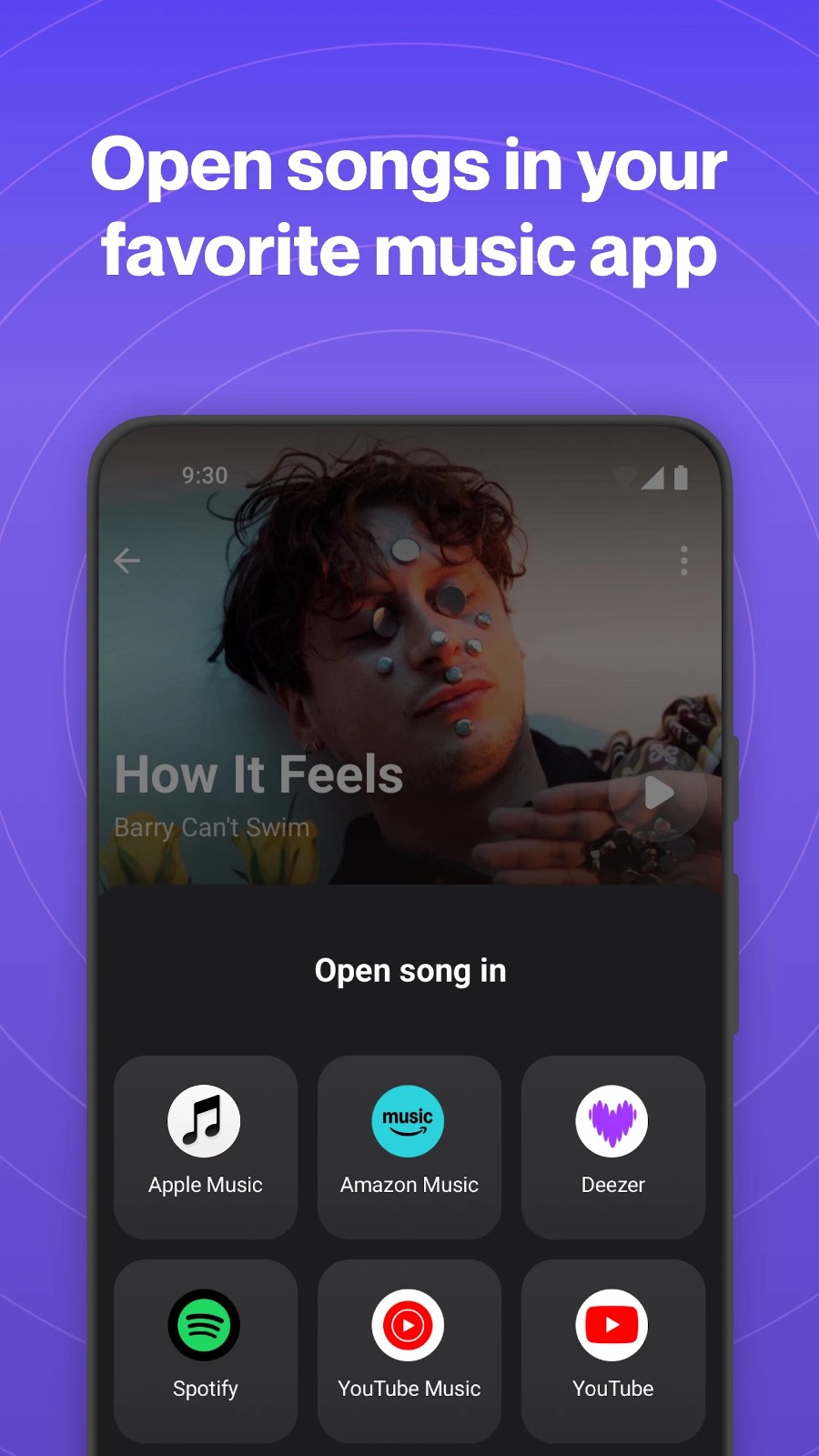
Shazam is a music identification app for Android that gives a name to a song you’re hearing. When a track catches your attention on the radio or in a video, start a scan from the Shazam button or an Android shortcut. You can check the song and artist on the result screen, then return to the match in your library.
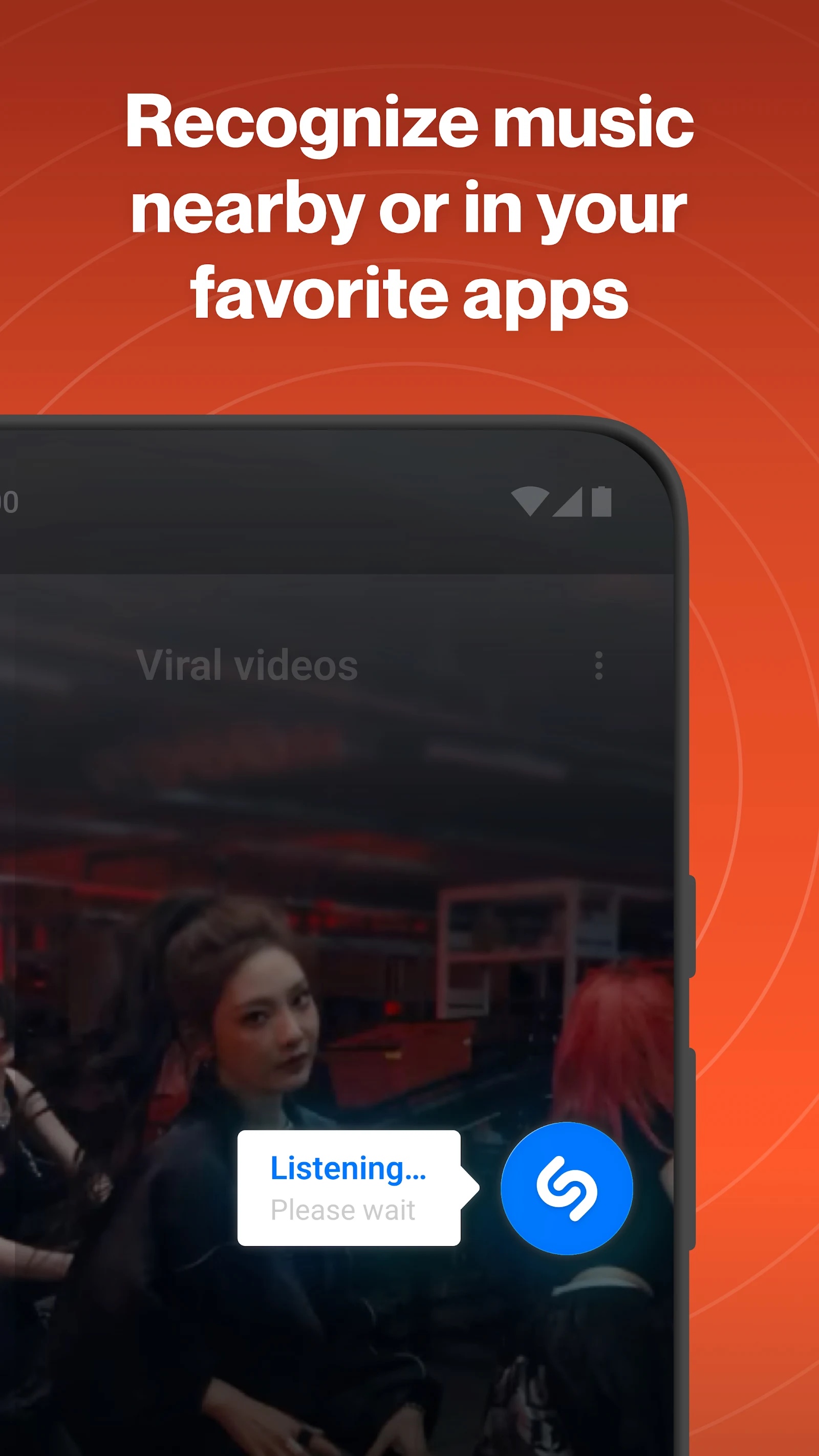
Catch a track in the room: Tap the main Shazam button while music is playing nearby. If Android asks for microphone access, allow it for the scan. When a result comes back, tap the artist’s name to see more tracks by that artist.
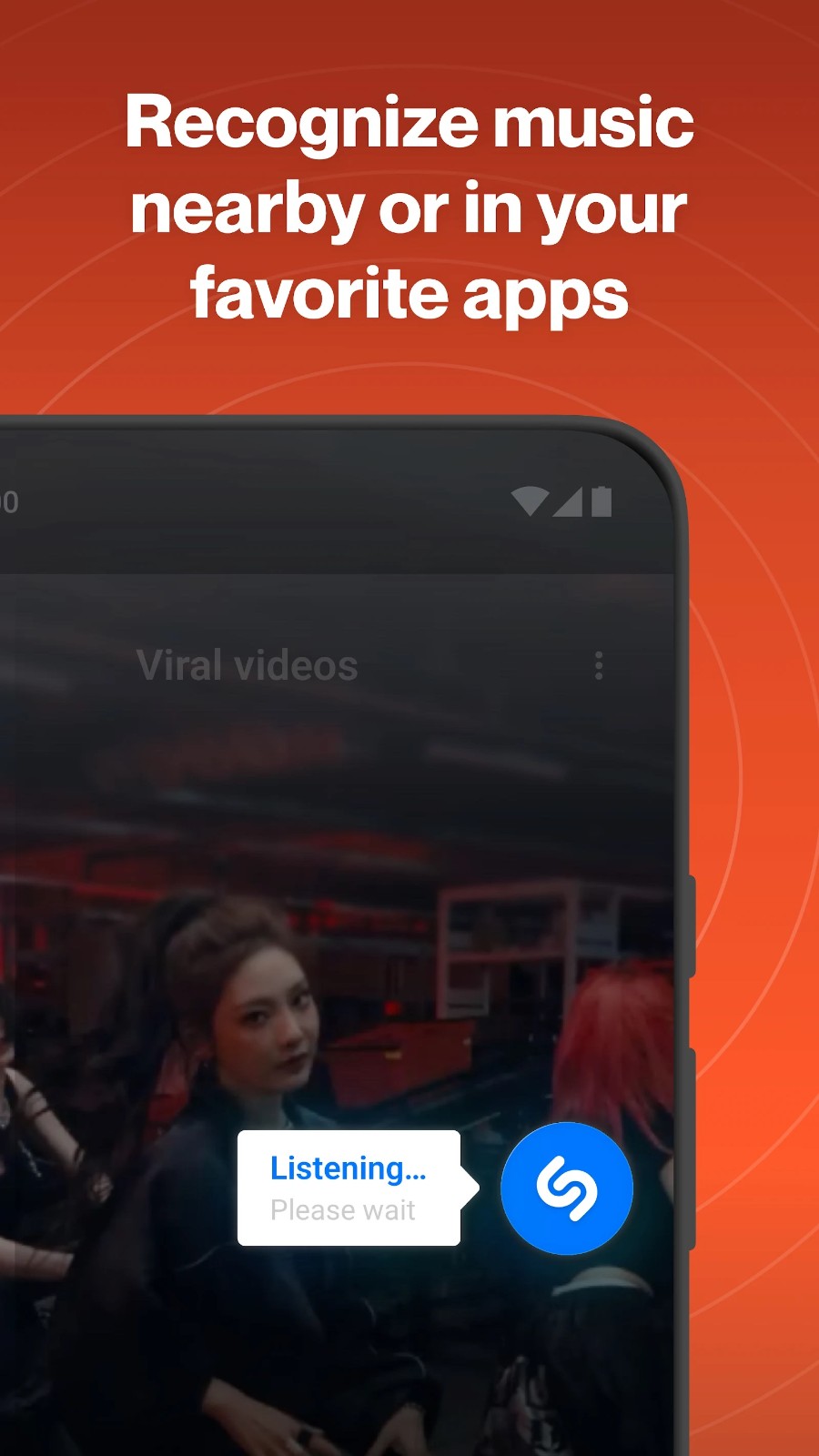
Start from Quick Settings: Add the Shazam tile to Android’s Quick Settings for songs that come up while another app is on screen. When Shazam returns a match, the notification takes you to the track page.
Listen through a longer set: Hold the main Shazam button and select continuous mode to look for several songs in succession. The matches go into your library, and you can turn Auto Shazam off from its Android notification.
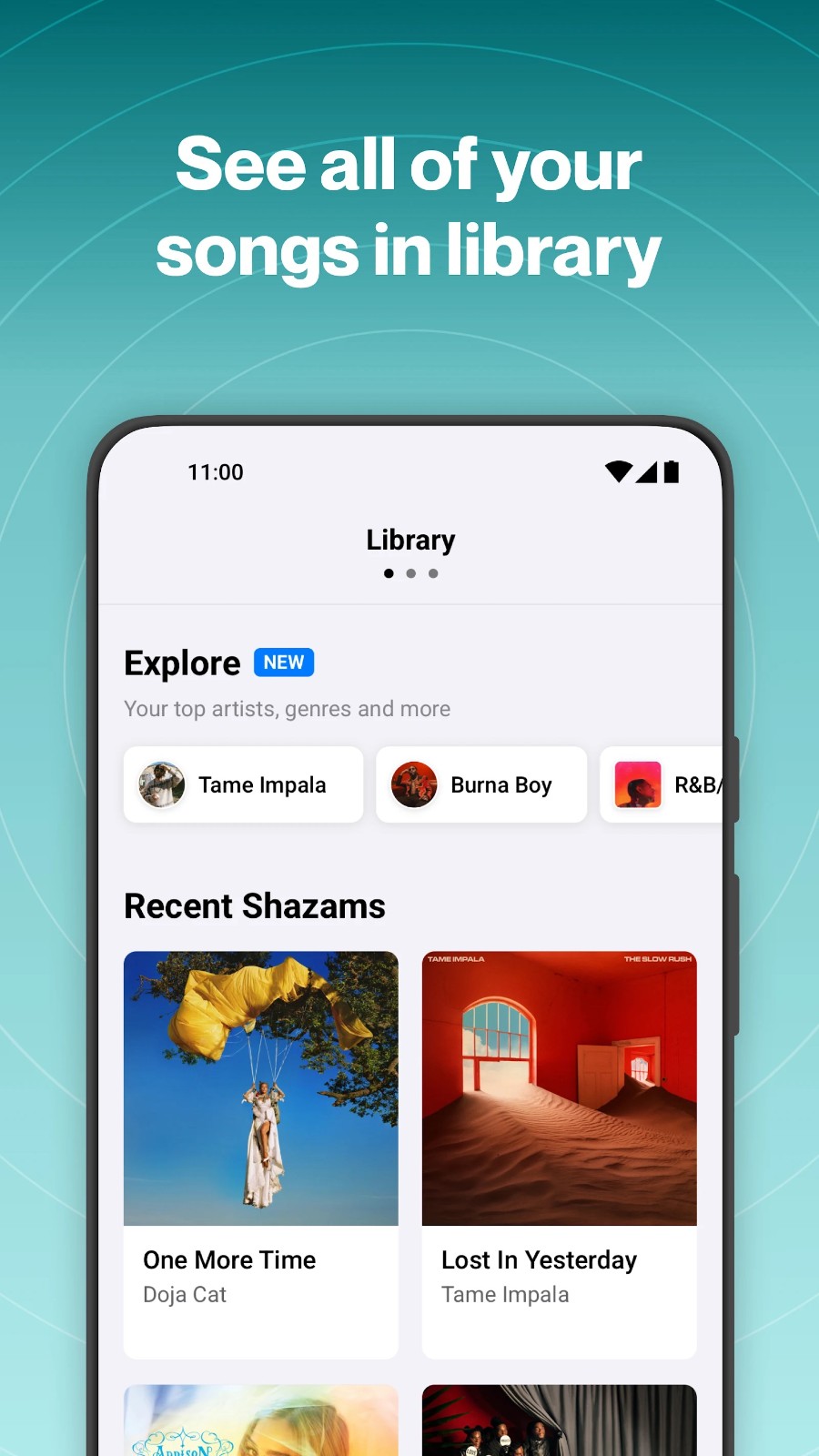
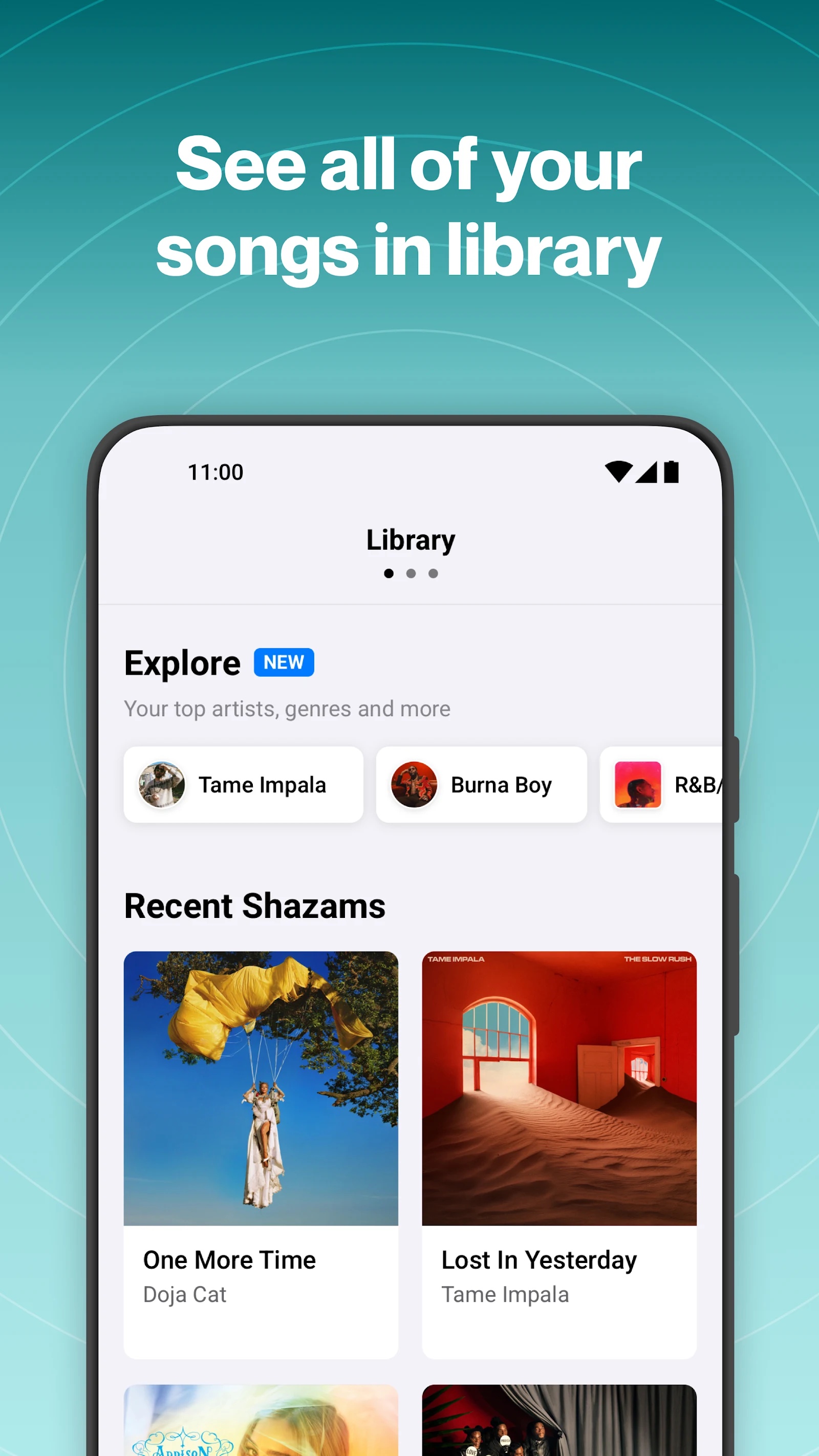
Song history: The library keeps the tracks Shazam has identified. Open its Songs view when you want to find a match from an earlier listening session.
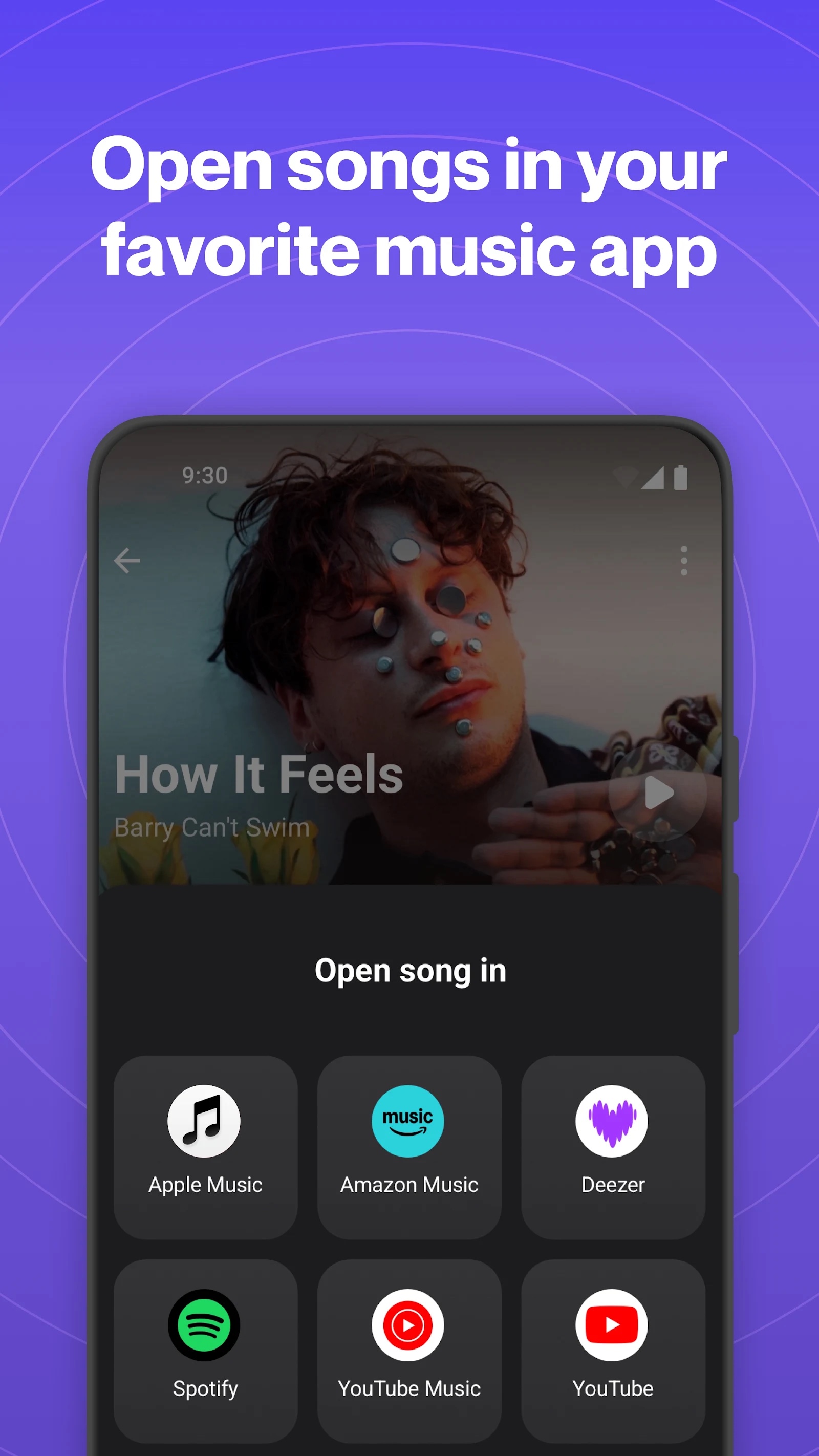
Streaming shortcuts: A track page can hand a song off to services such as Spotify, Deezer or YouTube Music. Shazam lets you choose a preferred service so the track page can open it directly.
Lyrics in time with the music: Where synced lyrics are available, you can follow lines as the track plays. Some songs have no lyrics in Shazam.
Home screen widget: The Shazam widget gives you a place to start recognizing music from Android’s home screen. It also gives you access to recent matches.
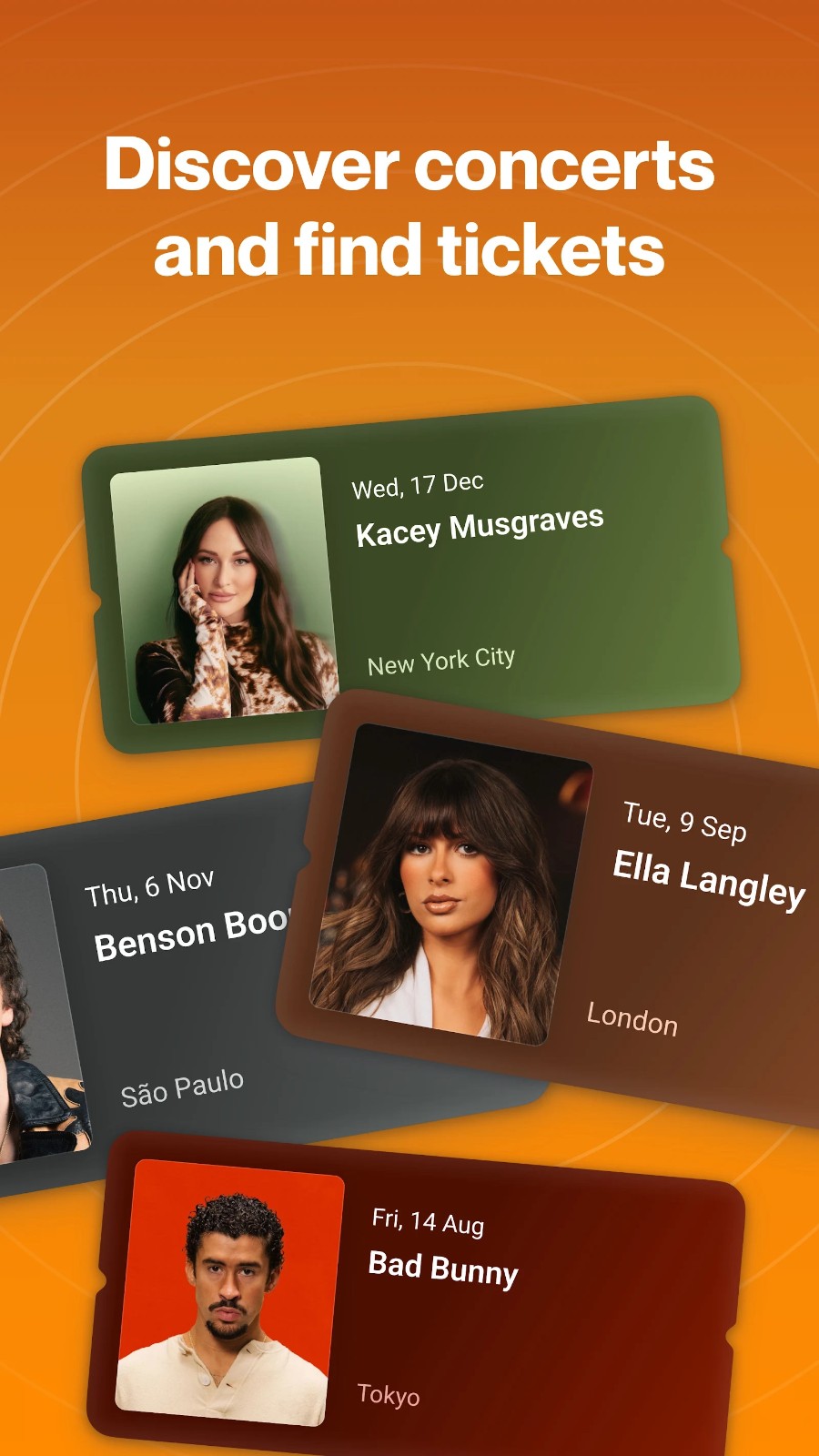
Concerts from a track result: The artist area on a match can show upcoming shows. Shazam also lists live music nearby and offers concert recommendations.
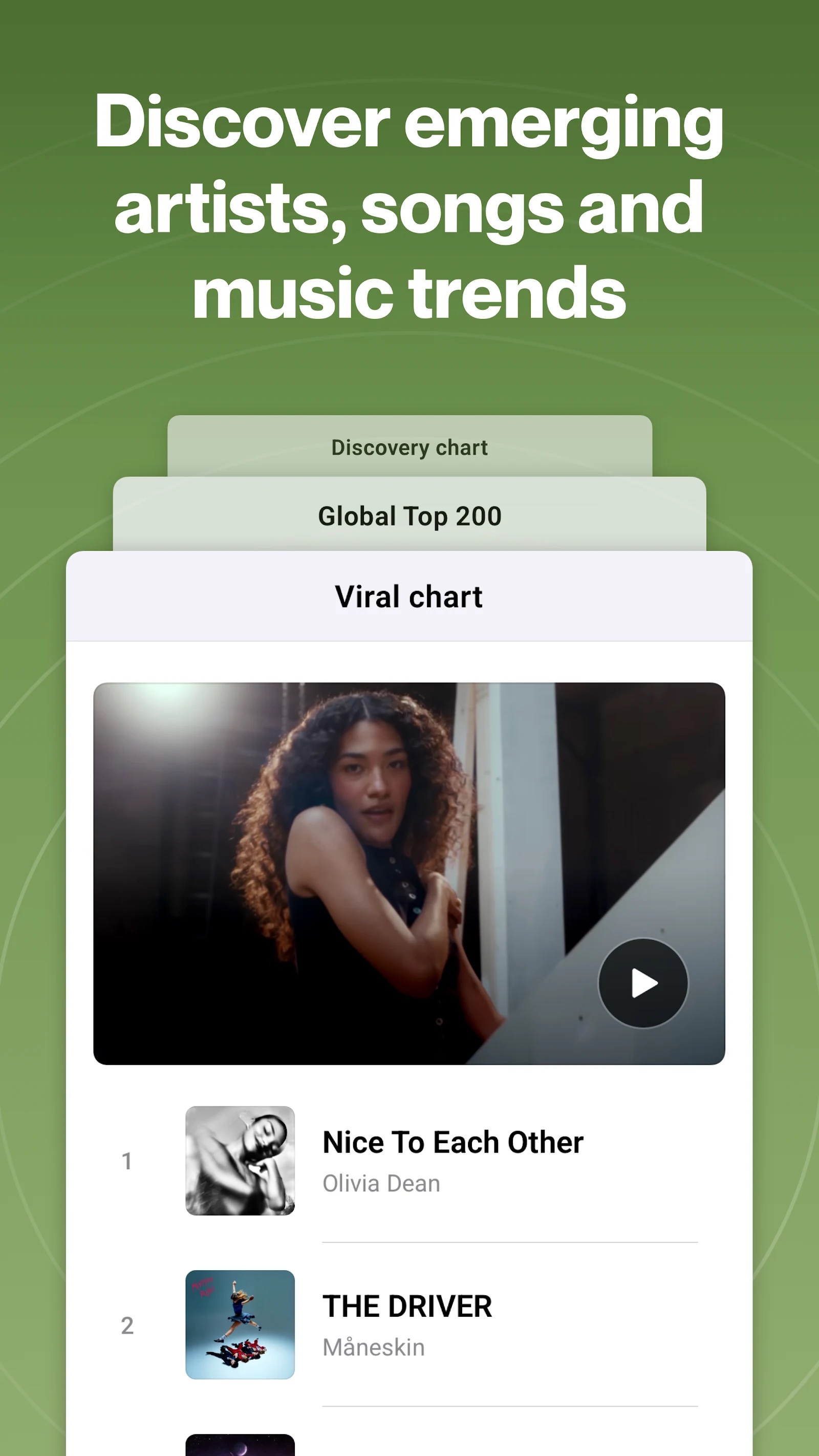
Charts beyond your scans: Shazam Charts shows which tracks are trending locally and worldwide. The Android store images show separate discovery and viral charts.
Song recommendations: Shazam suggests tracks and playlists based on what you have identified. Those suggestions give you another way to explore the music around a match.
What happens when Shazam names the wrong track?
Find the match under Songs in the Android library and open the menu beside it. Apple’s guide shows a wrong-song option there for reporting the result.
How does Spotify playlist sync work on Android?
Set Spotify as the default music app in Shazam and enable library sync to Spotify. Spotify creates a playlist called My Shazam Tracks for the matched songs. Apple says Shazam can sync the tracks to one of Apple Music and Spotify at a time.
Can the small Shazam button stay over another app?
Yes. Turn on the notification bar and Pop-Up Shazam in Shazam’s settings, and allow Android to show Shazam over other apps. Start a scan from the Shazam notification to bring up the floating button.
What does this Shazam package contain?
The 23.54 MB XAPK contains the main app and separate configuration APKs for Android, including its ARM64 split. This package is version 16.68.0-261112 and requires an ARM64 device running Android 11 or later.
Shazam is most useful when you want to put a name to a passing track and find it again later. Quick Settings helps when music is already playing in another app, and the saved match gives you a route back to the track in your music service.
Shazam
Media & Video
Date:2026-11-24

Blackmagic Camera
Photography
Date:2026-11-24

Signal Private Messenger
Social
Date:2026-11-24

VLC for Android
Media & Video
Date:2026-11-24

Tor Browser
Tools
Date:2026-11-24

Xender
Tools
Date:2026-11-24

ElevenLabs
Media & Video
Date:2026-11-24

Real Guitar
Media & Video
Date:2026-11-24