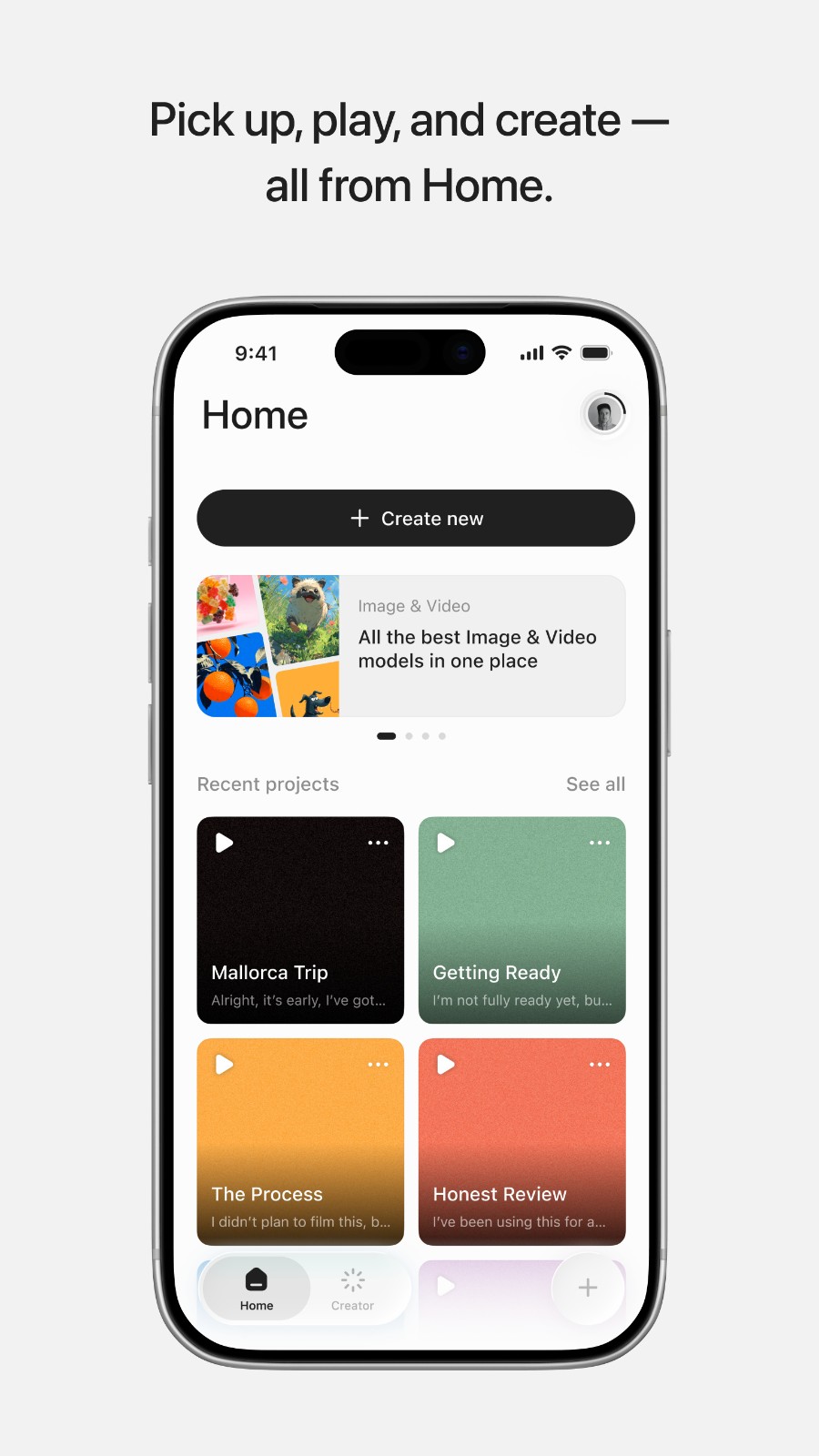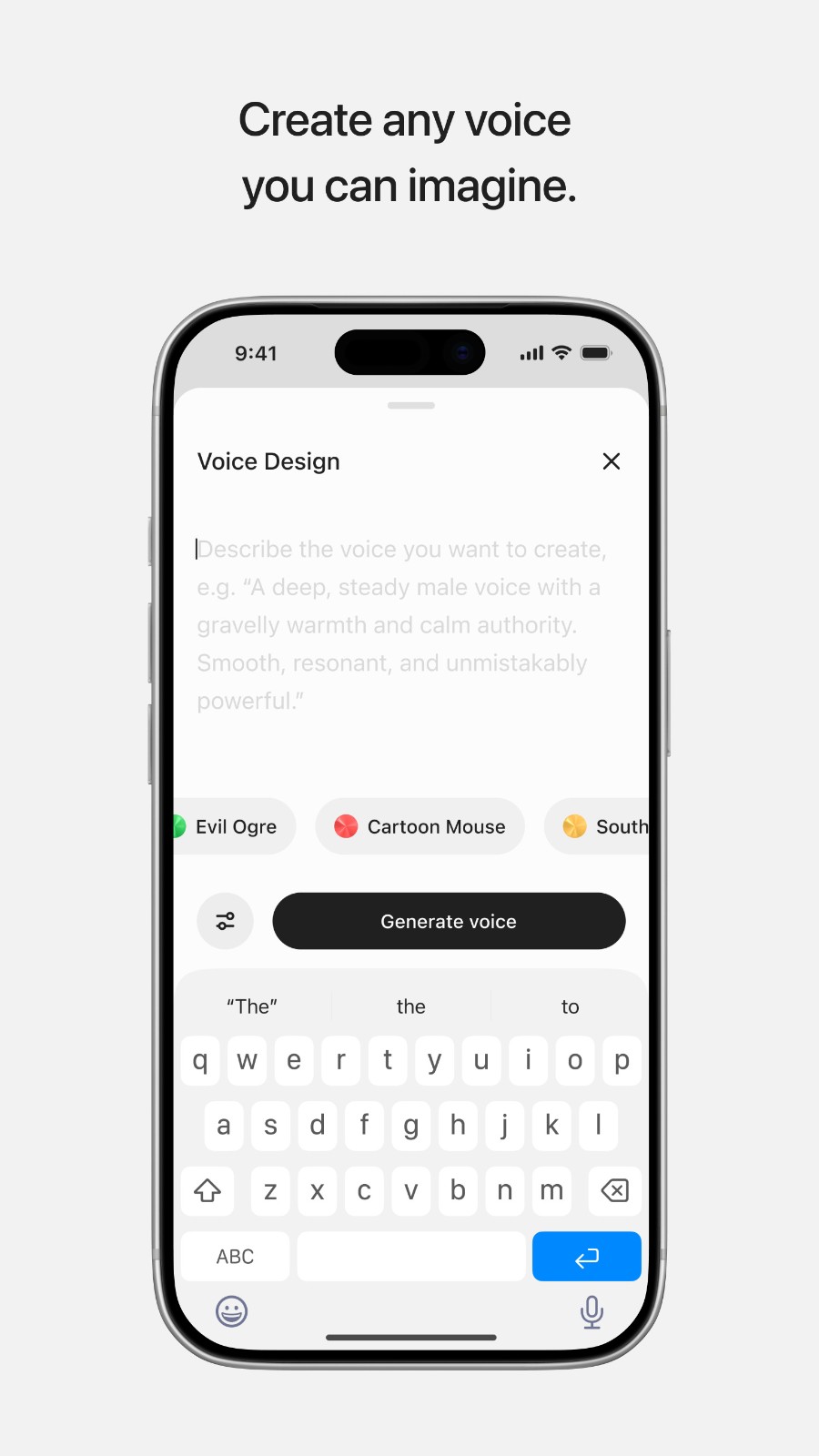
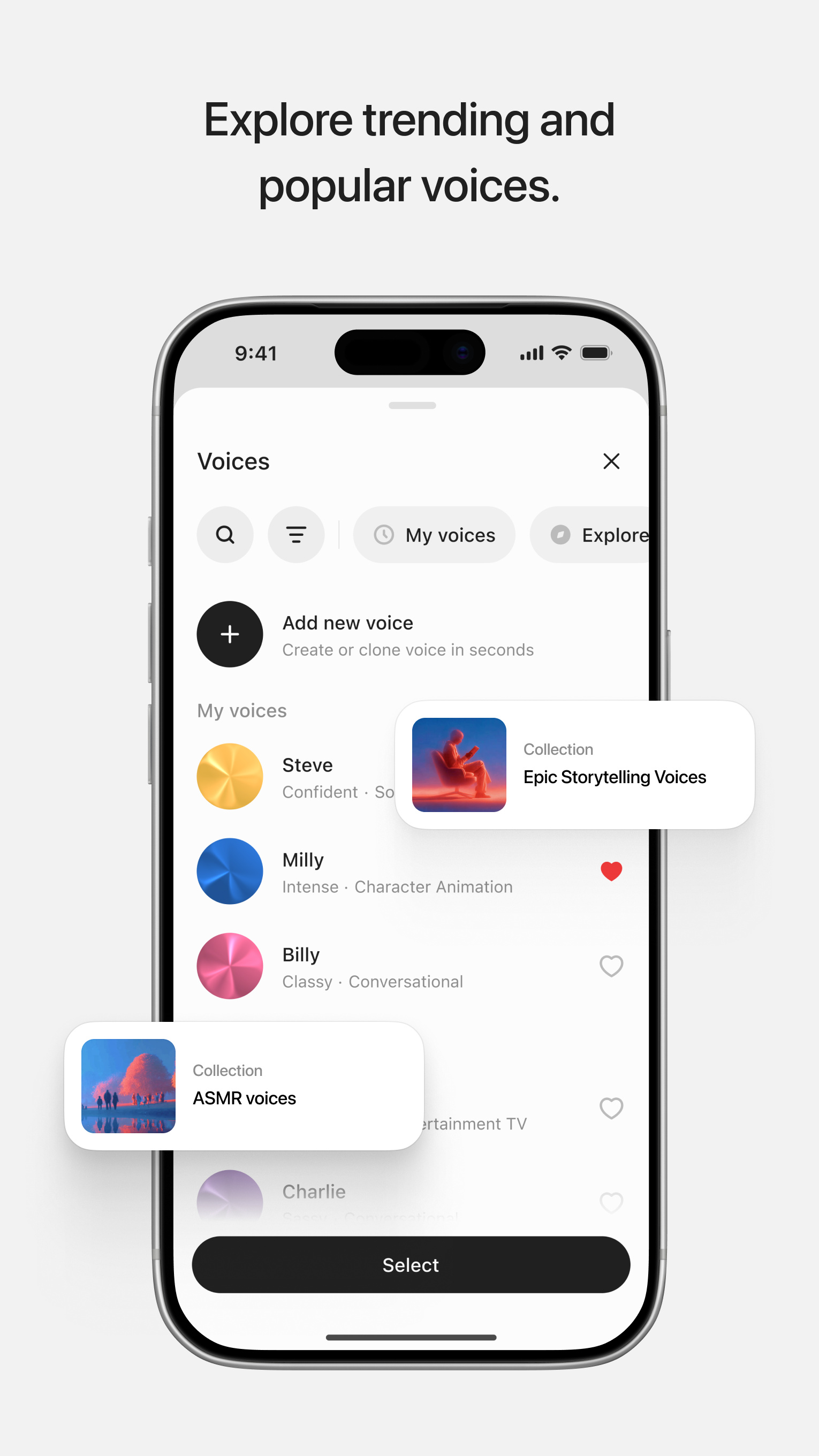
ElevenLabs is an Android voice generator that reads your script aloud in a voice you choose. Start with the lines you want to narrate, pick a speaker, and generate an audio clip. You can save the result or send it to a video editor. The app also offers tools for creating images and videos if your project needs a visual to go with the audio.
Start with the script: Enter the words you want read aloud. A short section gives you a manageable sample for judging how the voice handles names, pauses, and changes in tone before you generate the longer passage.
Pick a voice to match the part: Browse the voice selection and choose a voice for the script. A calm delivery can suit an explainer, while a more expressive reading can work for a character or an opening line.
Take the clip to your editor: Save the audio or use the sharing options to move it to an editing app such as CapCut. If you are working with video, line up the narration against the cut before choosing where the music comes in.
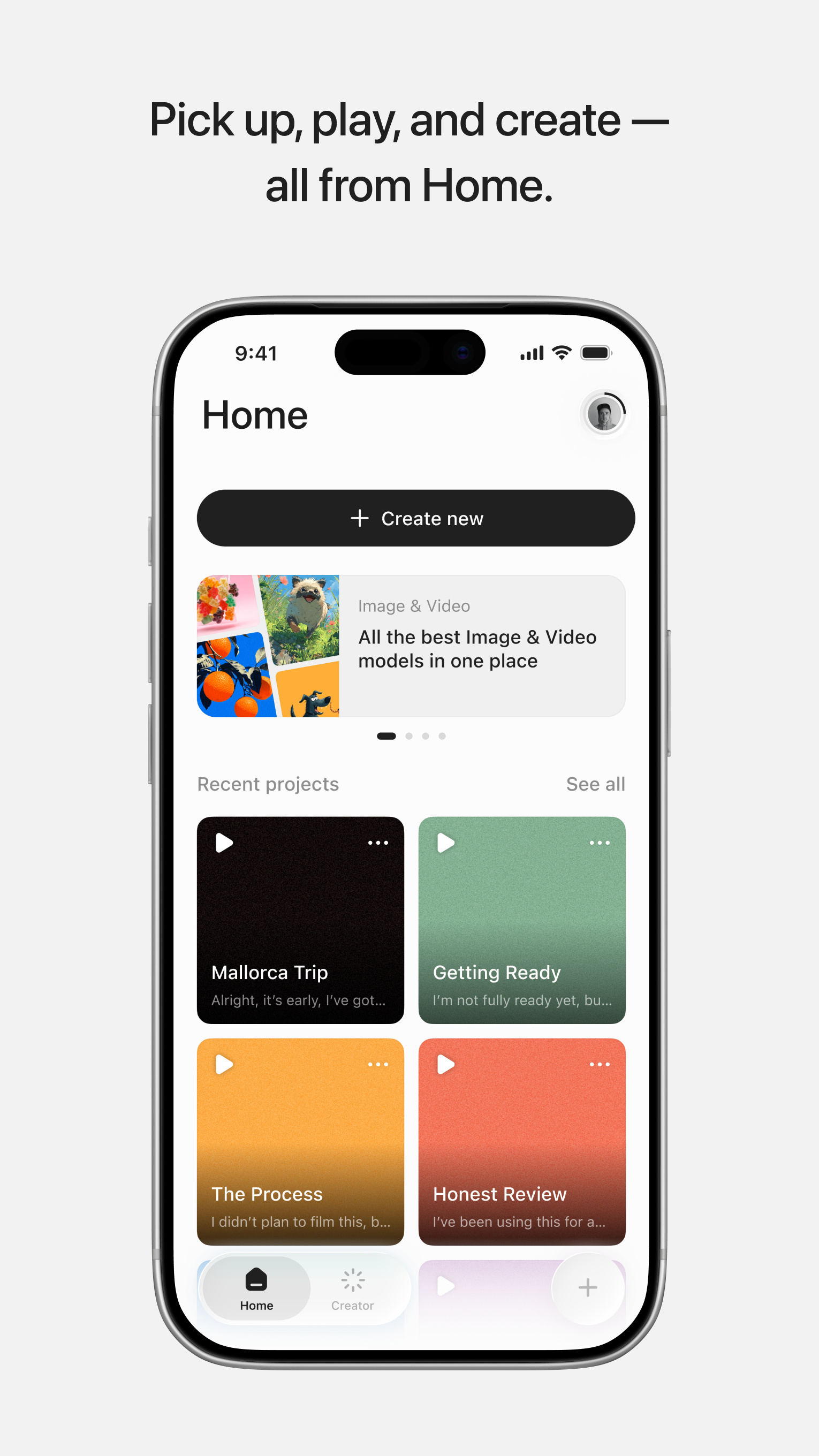
Text to speech: Generate spoken audio from a written script. You can use the same process for a short voiceover, part of a podcast, or narration for a longer story.
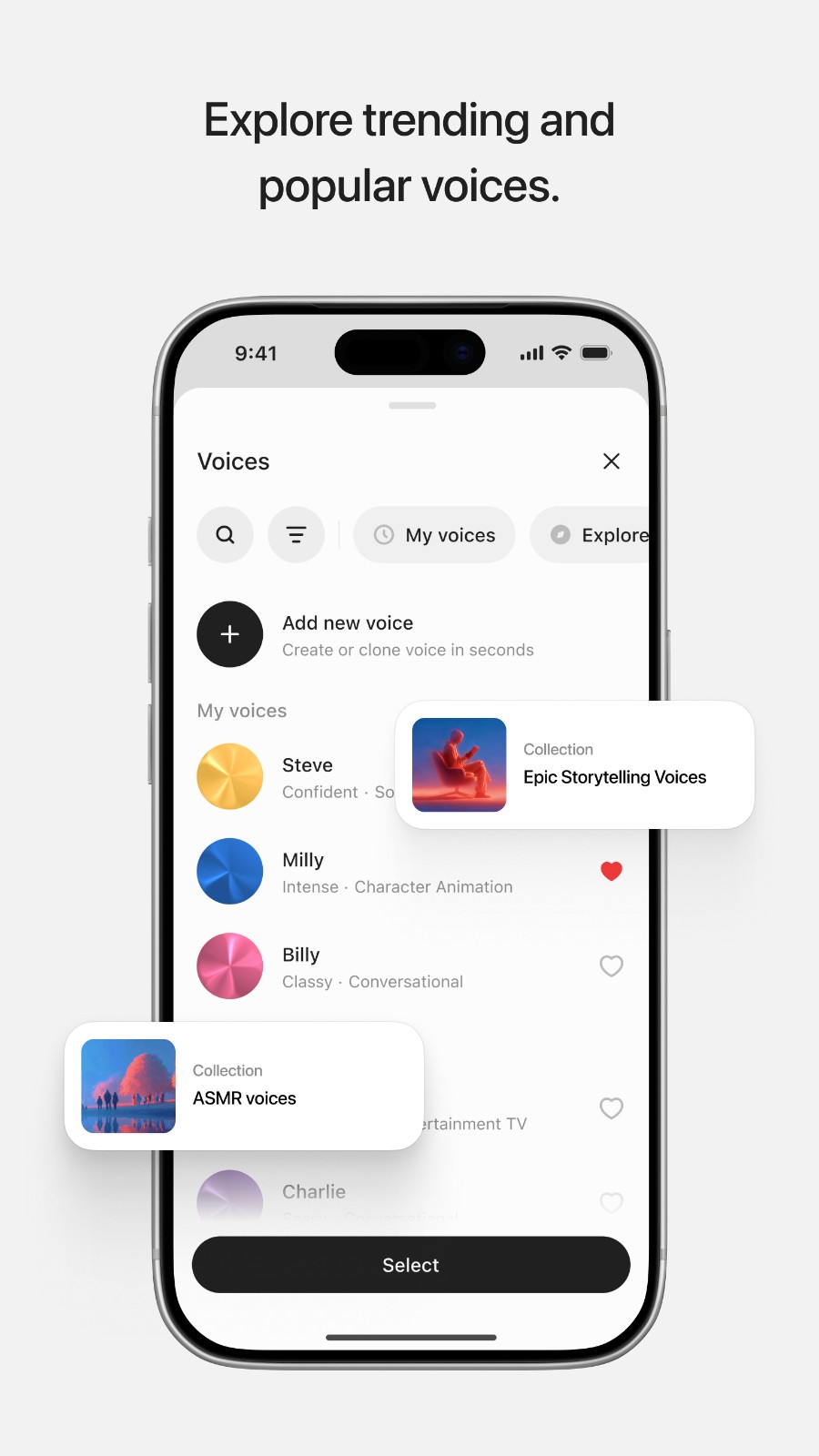
Voice selection: The app offers a range of AI voices and supports speech in multiple languages. Think about the accent and pace your audience needs when choosing a speaker.
Account history: Sync with an ElevenLabs account to keep favorite voices available and find previous creations. That makes the history a place to look when you want to return to an earlier generated clip.
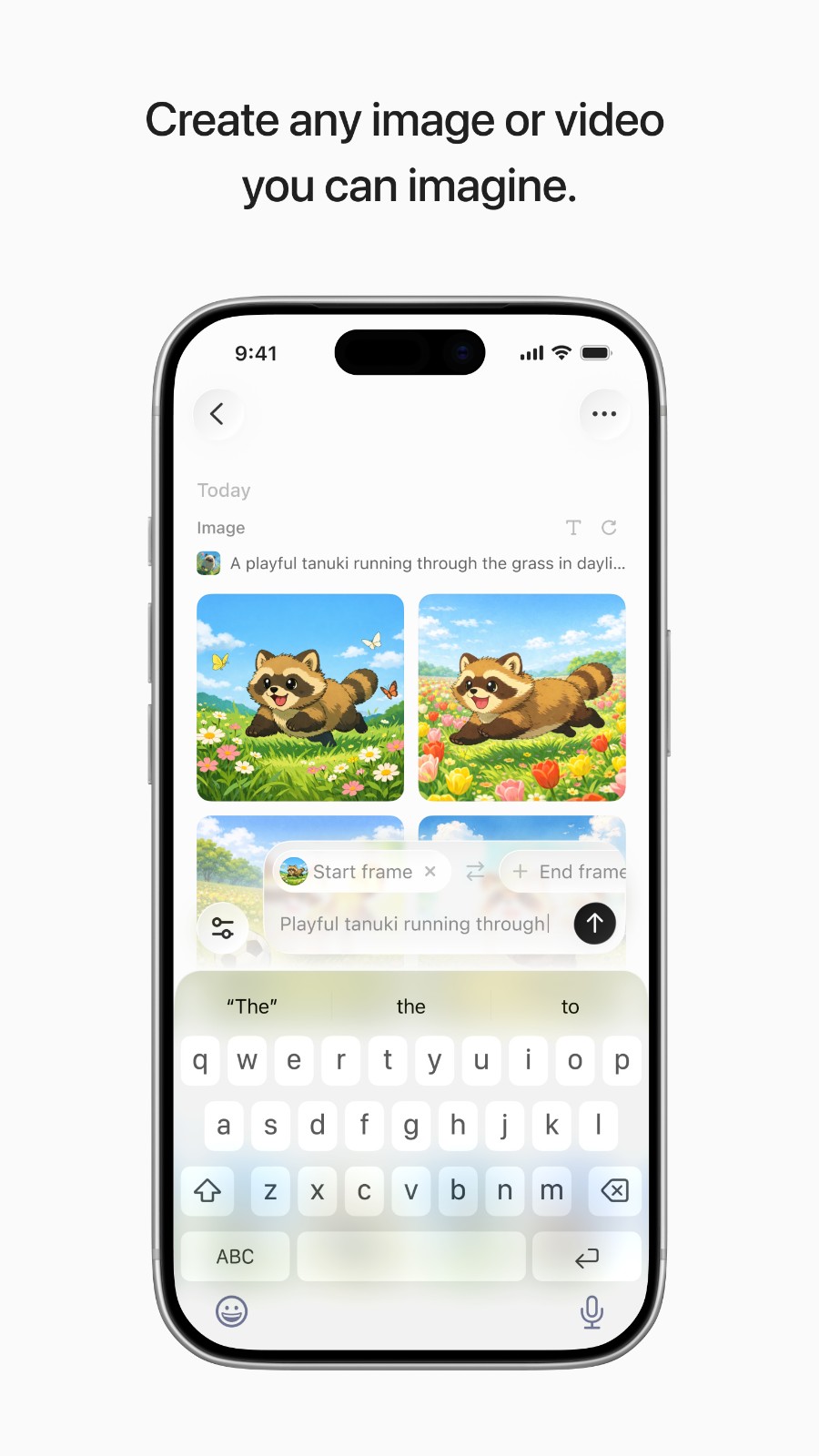
Image and video generation: The app can also produce visuals from prompts. These are separate creation options alongside text to speech, so you can use the voice generator on its own for an audio job.
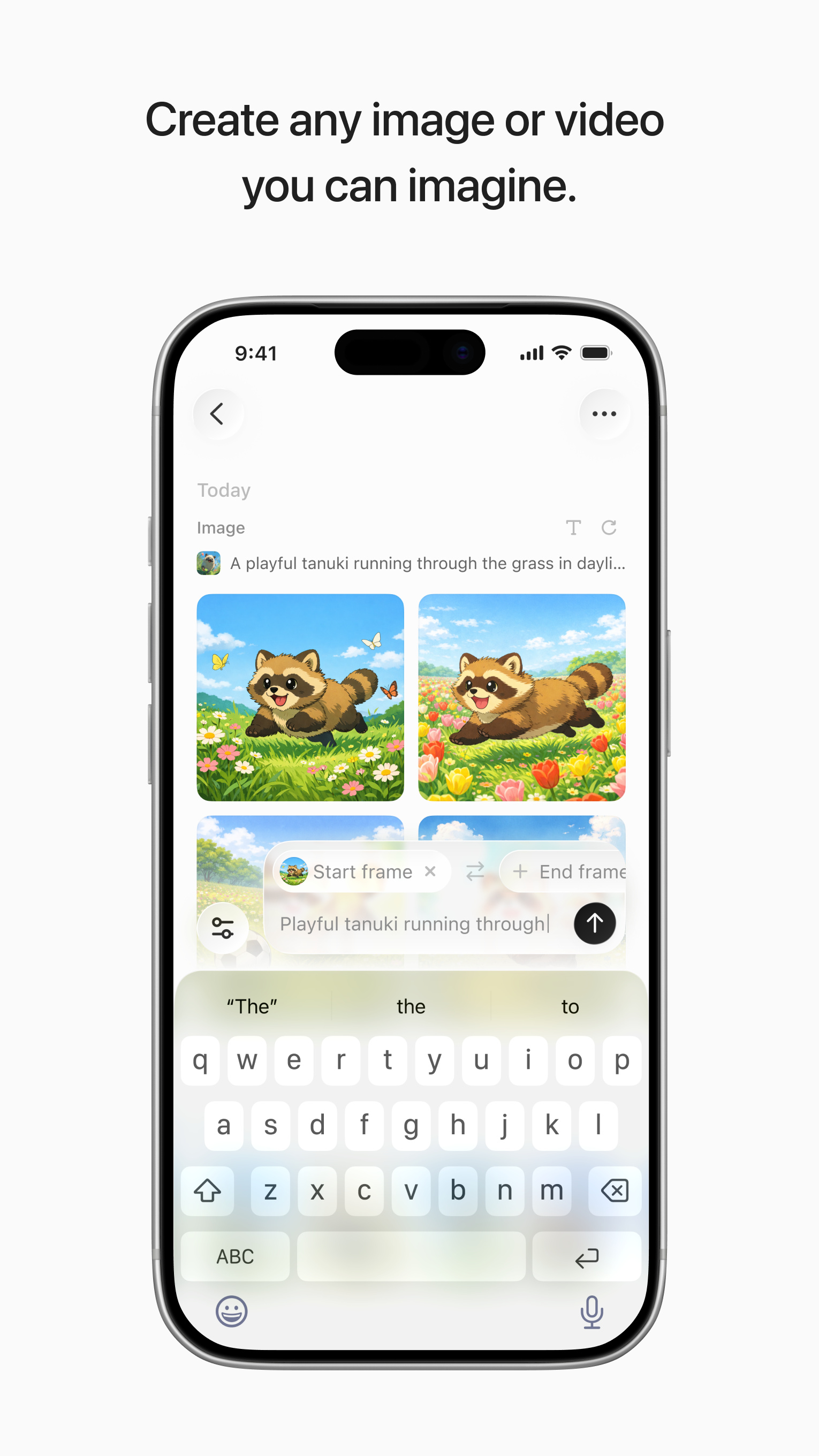
Voice collections: The voice browser shows collections grouped around uses such as storytelling and ASMR. It also has a My Voices section for voices in your account.
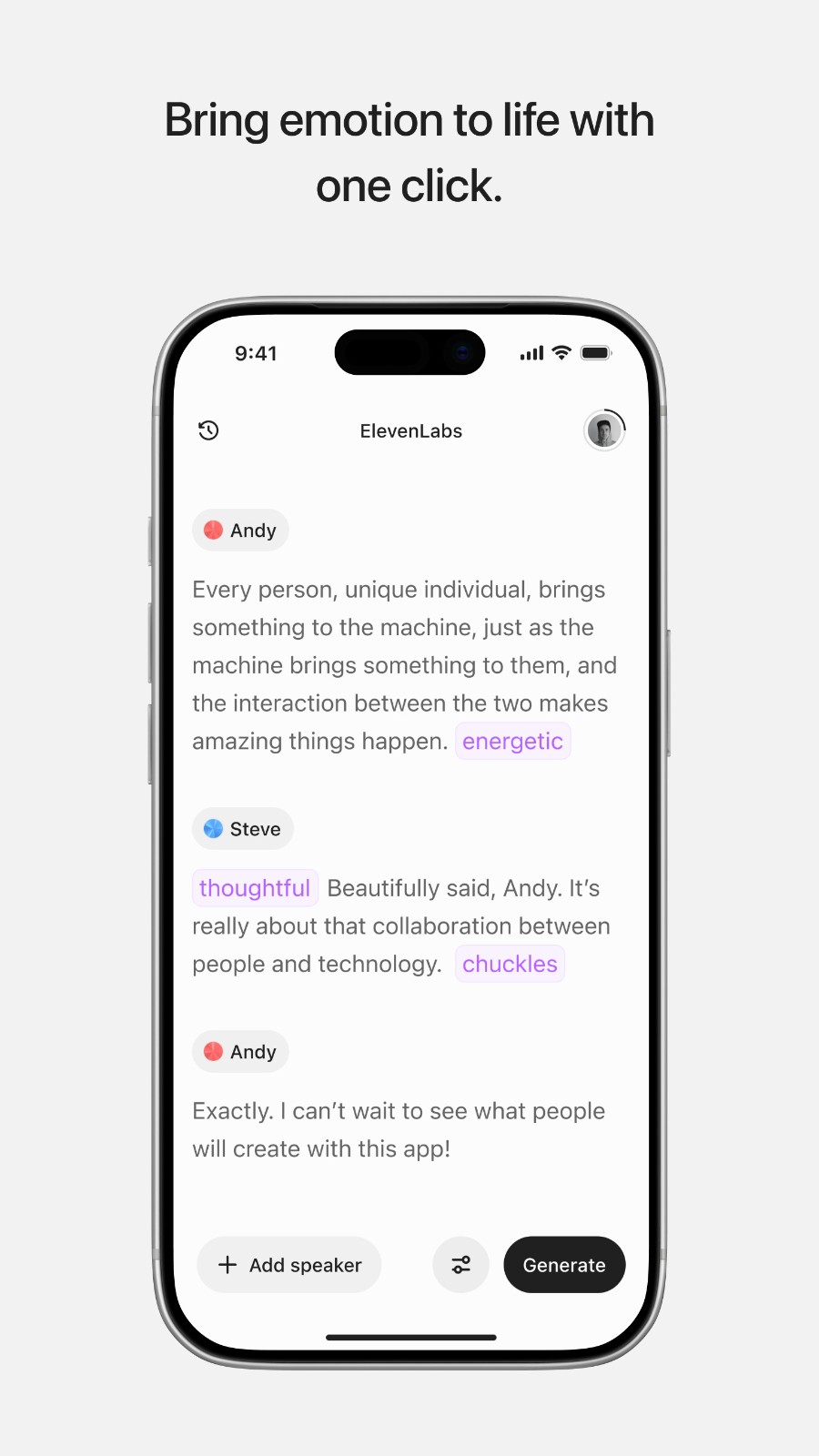
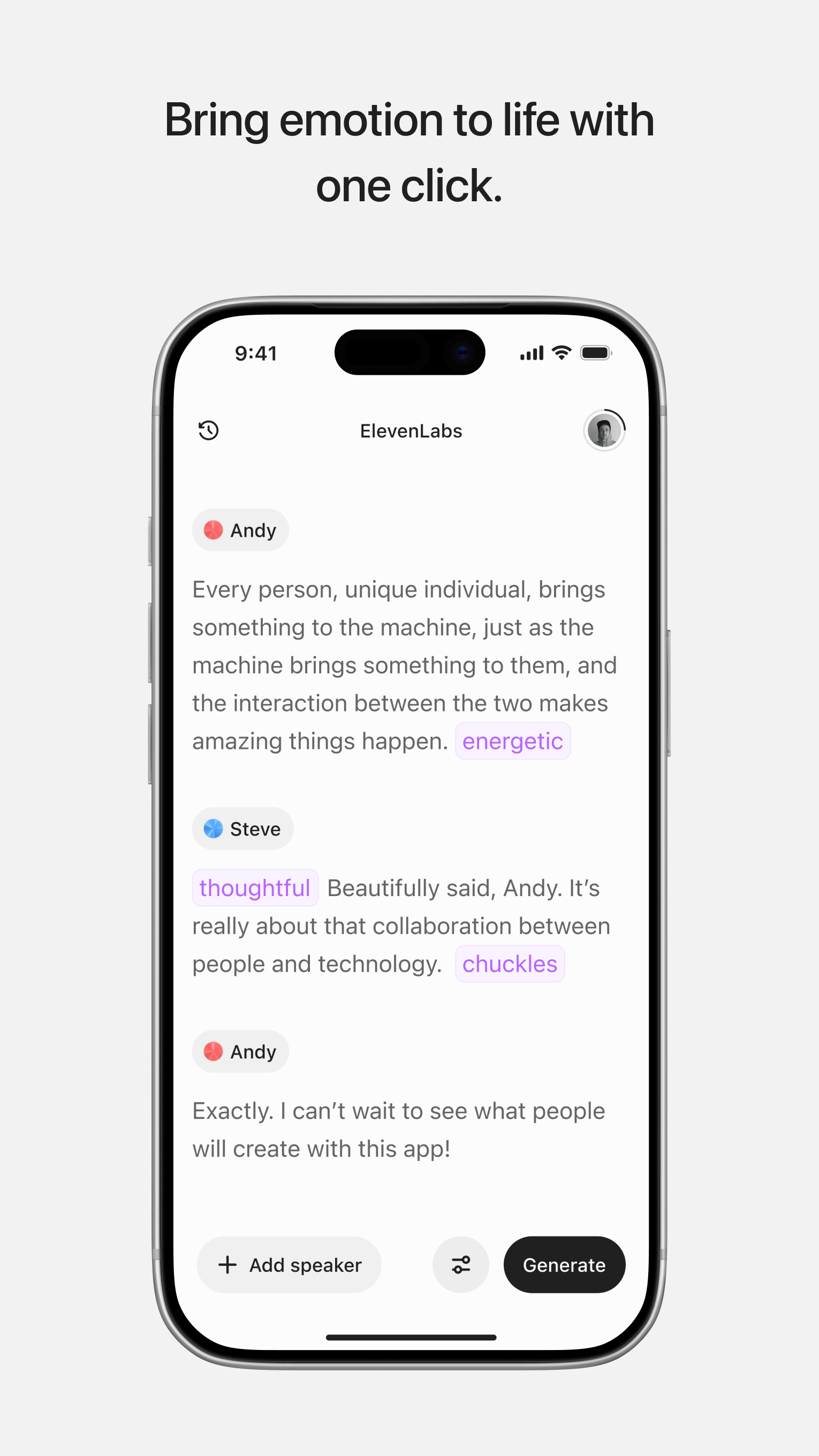
Multiple speakers: You can include more than one speaker in a piece of dialogue. The app’s example shows two named speakers taking turns in the same script.
Delivery cues: ElevenLabs describes prompting for emotion, tone, and pacing in the mobile speech tool. Its dialogue example pairs lines with cues such as energetic, thoughtful, and chuckles.
Can generated audio be used in another app?
Yes. Save a copy of the audio or share it into an editing app. ElevenLabs names CapCut as one of the apps supported by its sharing options.
Do voices have to be recorded for each script?
You can pick an AI voice already in the app and generate speech directly from text. The words in the script are what the selected voice will read.
Is ElevenReader the same app?
ElevenReader is a separate app for listening to material such as books, PDFs, and articles. The voice generator covered here is for making spoken audio from a script and exporting the result for a project.
Does a web subscription work in the Android app?
ElevenLabs says a subscription can be used on the web and in its two mobile apps. Its mobile help page says that subscriptions purchased through the phone app do not offer pay-as-you-go credit purchases.
What does the Play listing say about version 1.4.1?
Google Play shows an update on November 20, 2026. Its release note mentions general improvements and gives no feature-by-feature change list for that update.
Which Android devices can use this package?
This 1.4.1 XAPK requires Android 12L or later. The 35.33 MB file includes the main app and separate configuration files for ARM processors, languages, and display densities.
ElevenLabs fits a workflow where you write the narration first and edit it against the footage later. Its voice library gives you room to compare readings, and the audio export gives you a file to work with outside the app.
ElevenLabs
Media & Video
Date:2026-11-24

Emochi
Social
Date:2026-11-24
Audiomack
Media & Video
Date:2026-11-24

Apple TV
Media & Video
Date:2026-11-24

Move to iOS
Tools
Date:2026-11-24
Beat.ly
Media & Video
Date:2026-11-24

PlayStation App
Tools
Date:2026-11-24

PPSSPP
Tools
Date:2026-11-24