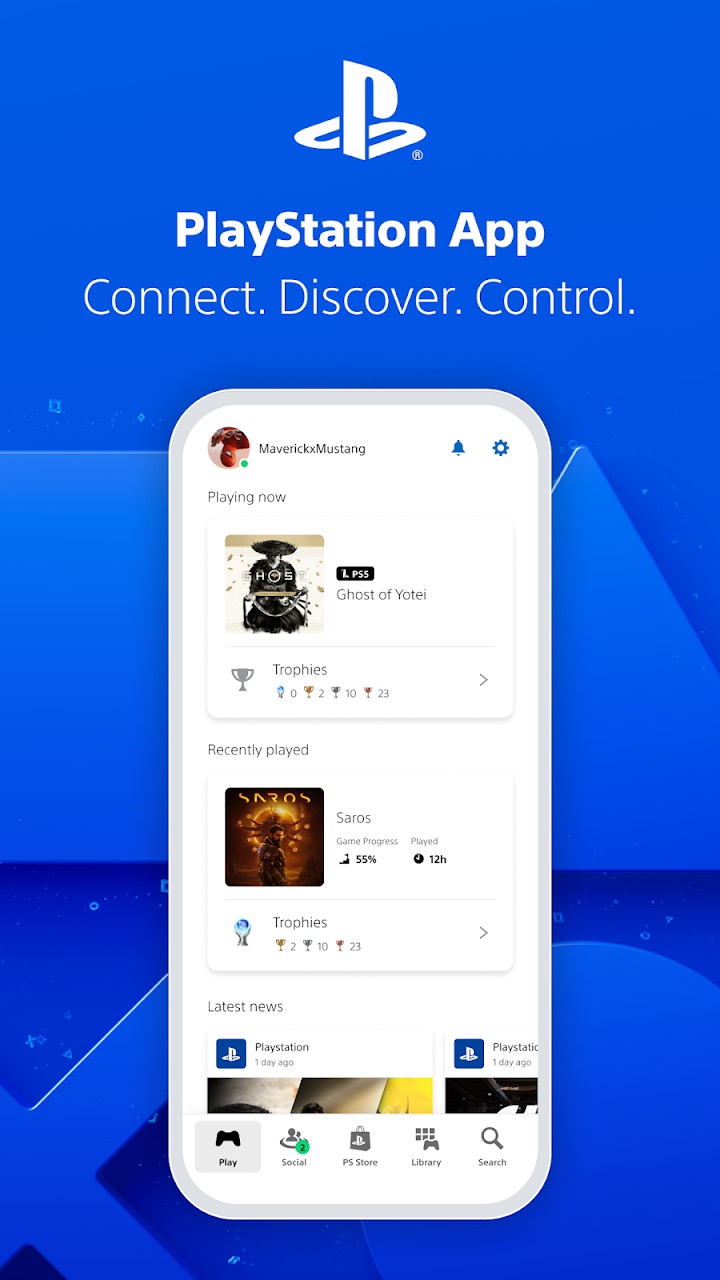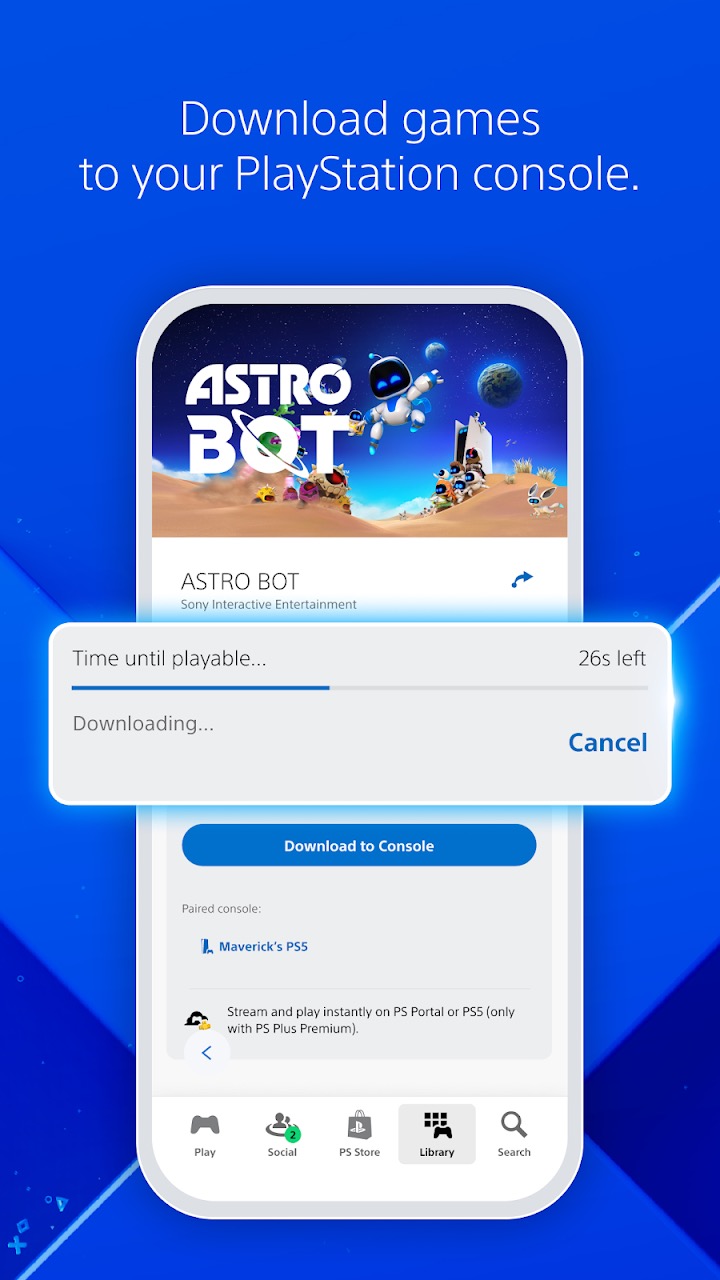
PlayStation App is Sony’s official companion app for PS5 and PS4 owners on Android. After signing in with your PlayStation account, you can see which friends are online, chat with them by voice or text, and browse the PlayStation Store from your phone. It also connects to your console, so you can queue games for installation or start a game on your PS5 before you sit down to play.
Sign in: A PlayStation account is required, so log in with the same account you use on your console.
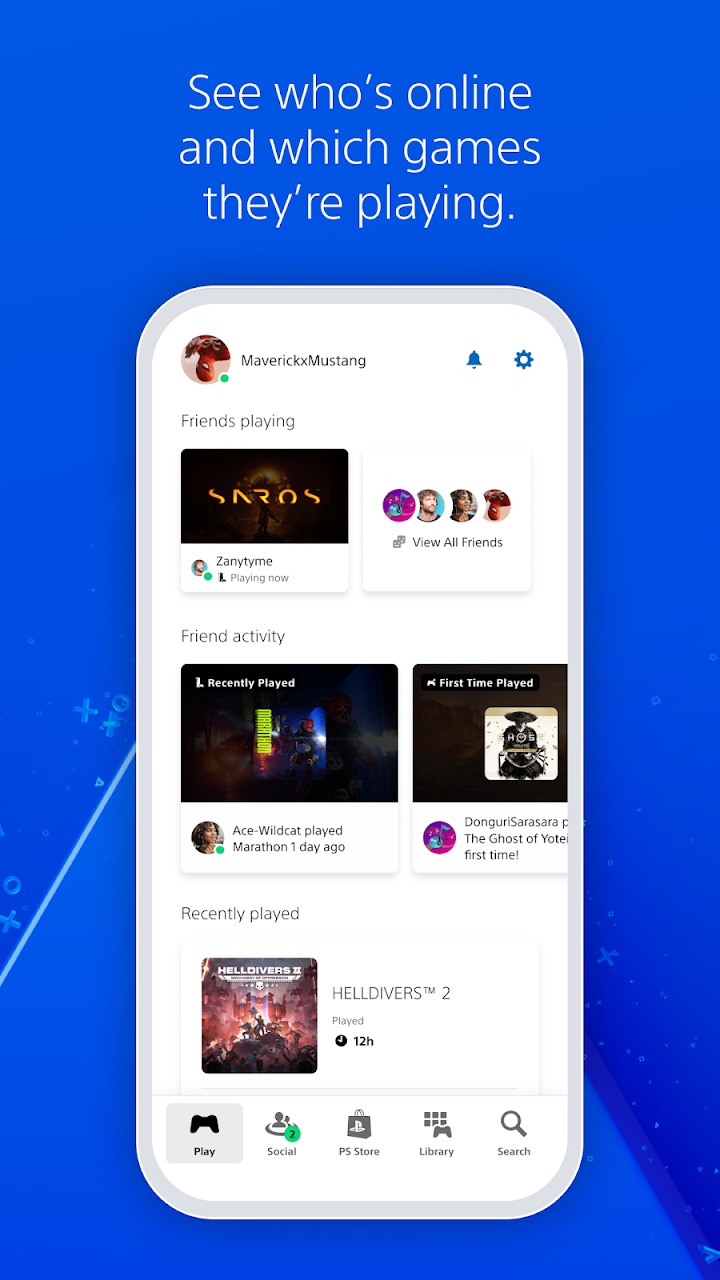
Check on friends: The home and friends screens show who is online and what they are playing, along with their profiles and trophy collections.
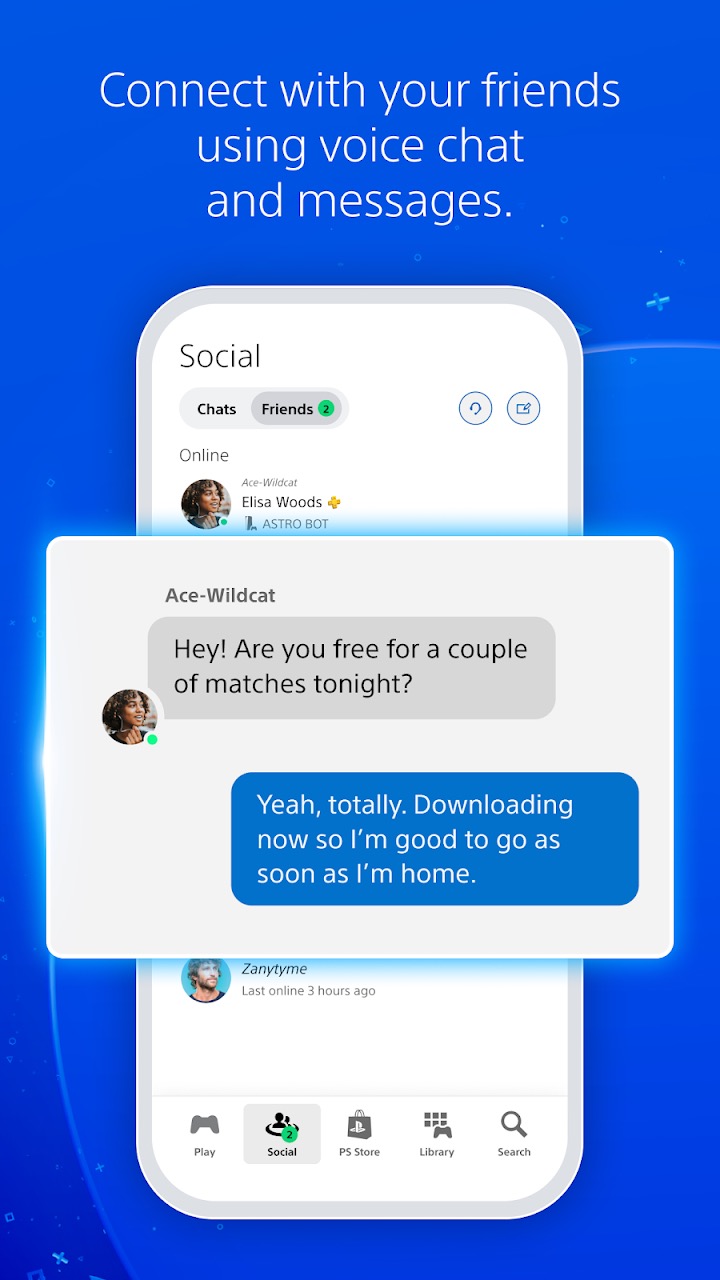
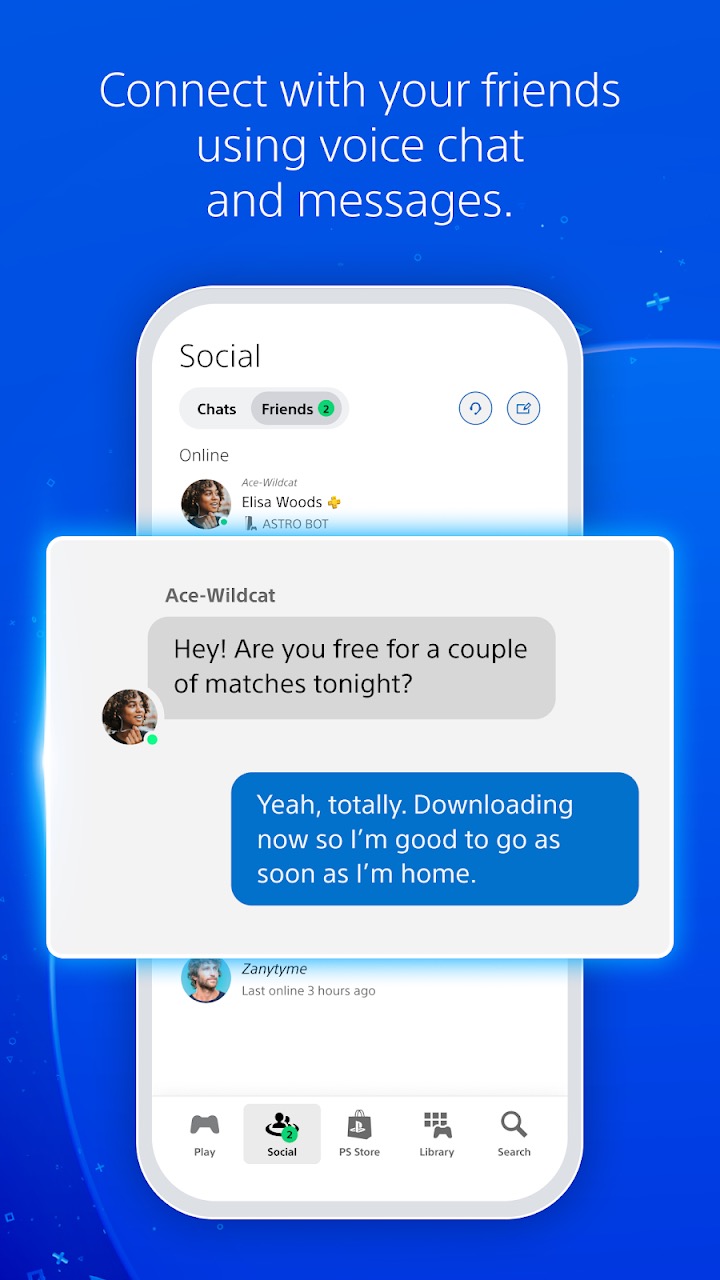
Talk and plan: Start a voice chat or send messages to arrange your next multiplayer session, even when you are away from the console.
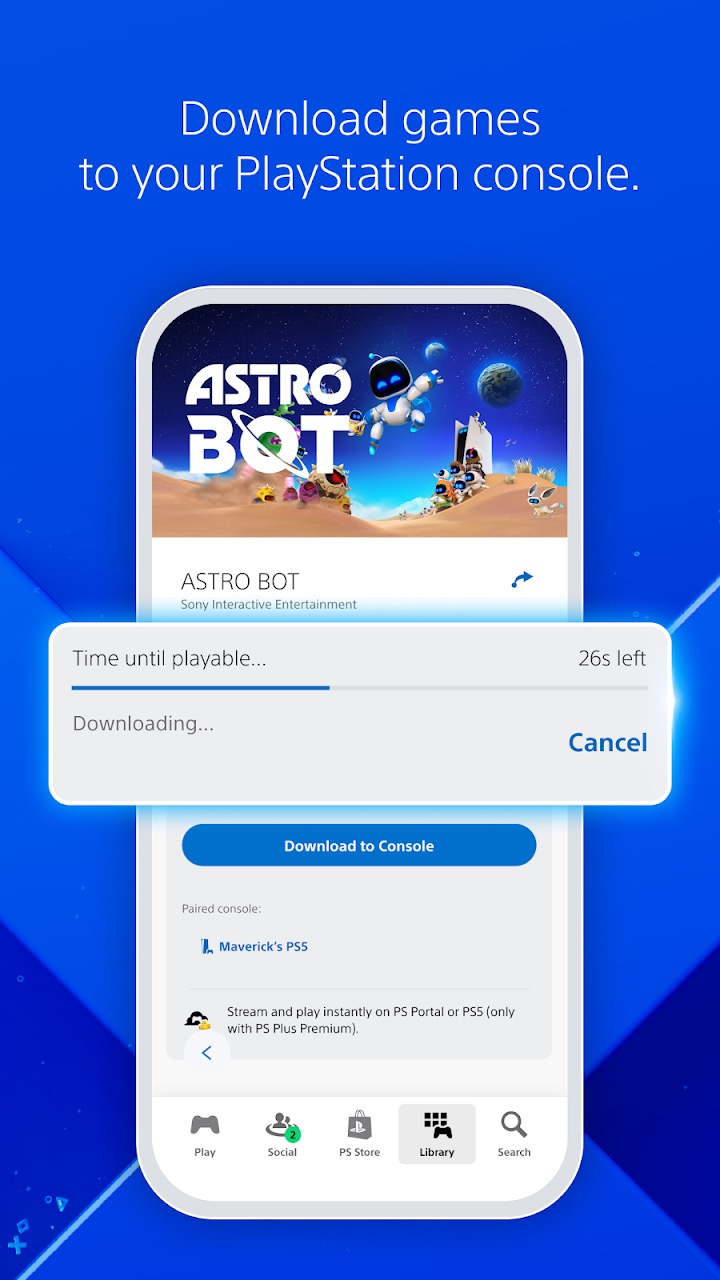
Manage your console remotely: Pick a game or add-on and have your console start installing it, so it is ready by the time you get home.
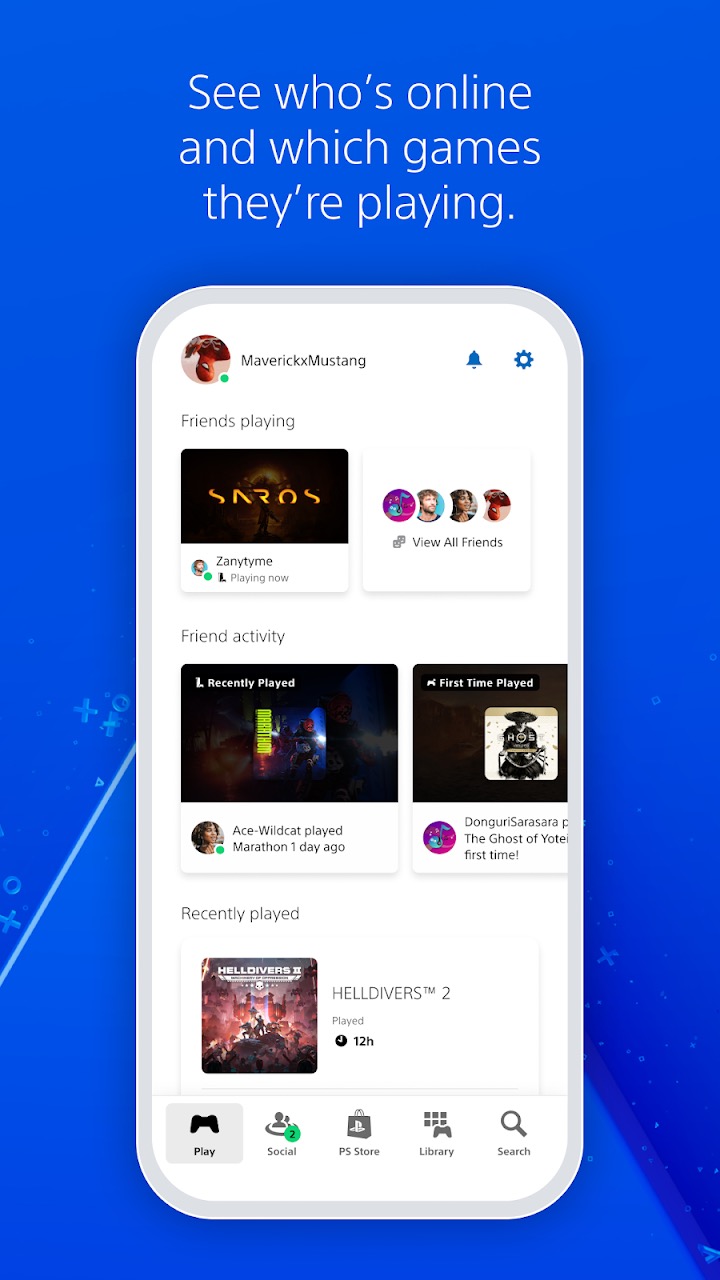
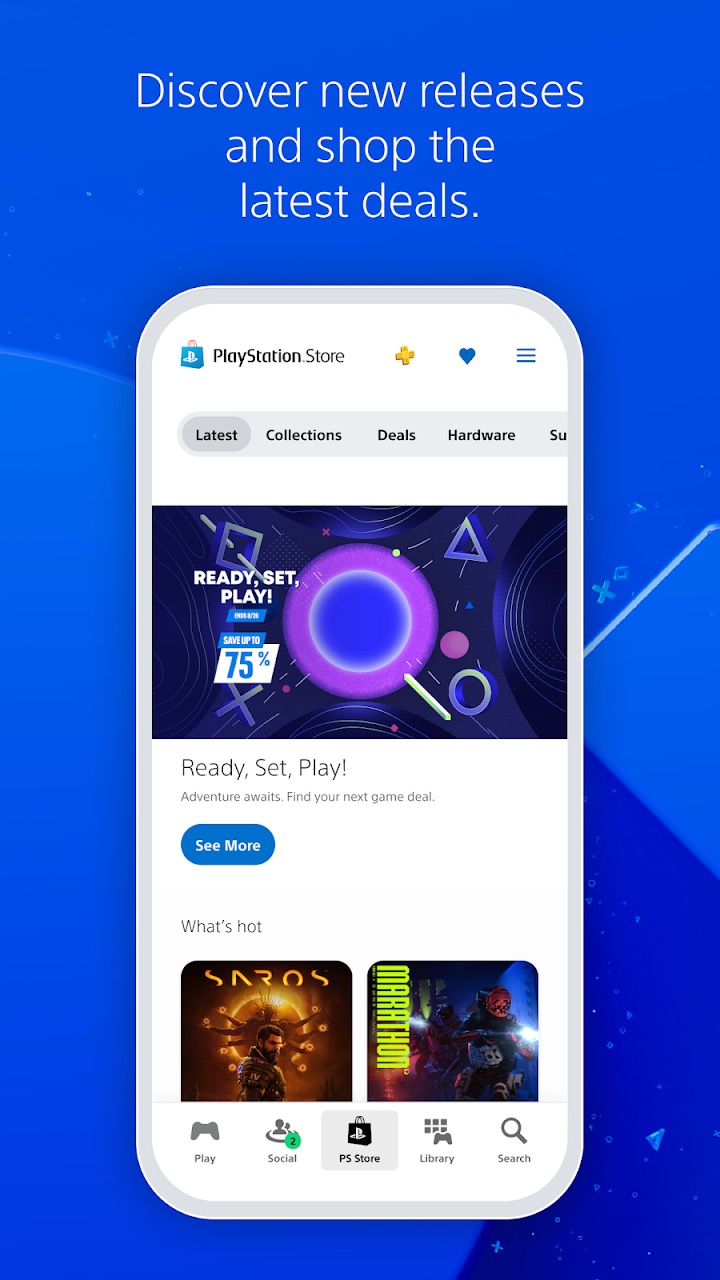
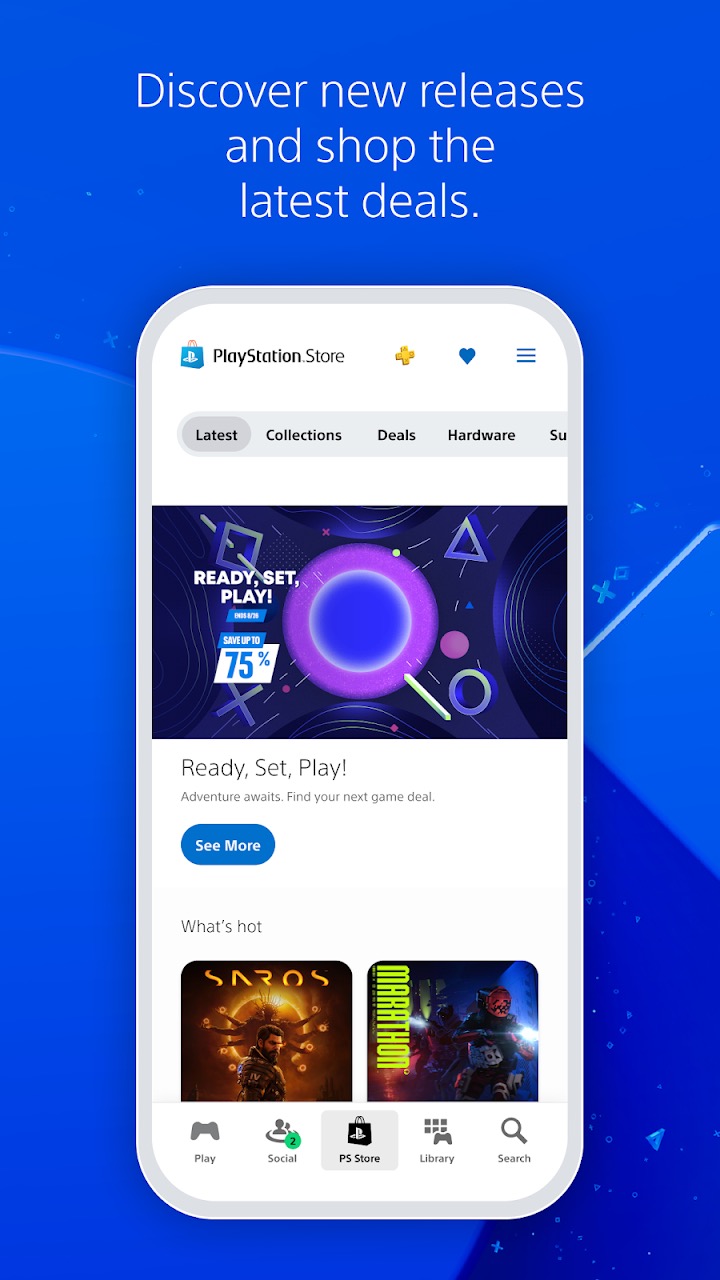
PlayStation Store on your phone: New releases, pre-orders, deals and discounts are all available in the app.
Storage management: If your PS5 runs out of space while a game is being installed, you can free up storage from the app.
Quick sign-in and remote launch: Sign in to your PS5 and launch a game on it straight from your phone.
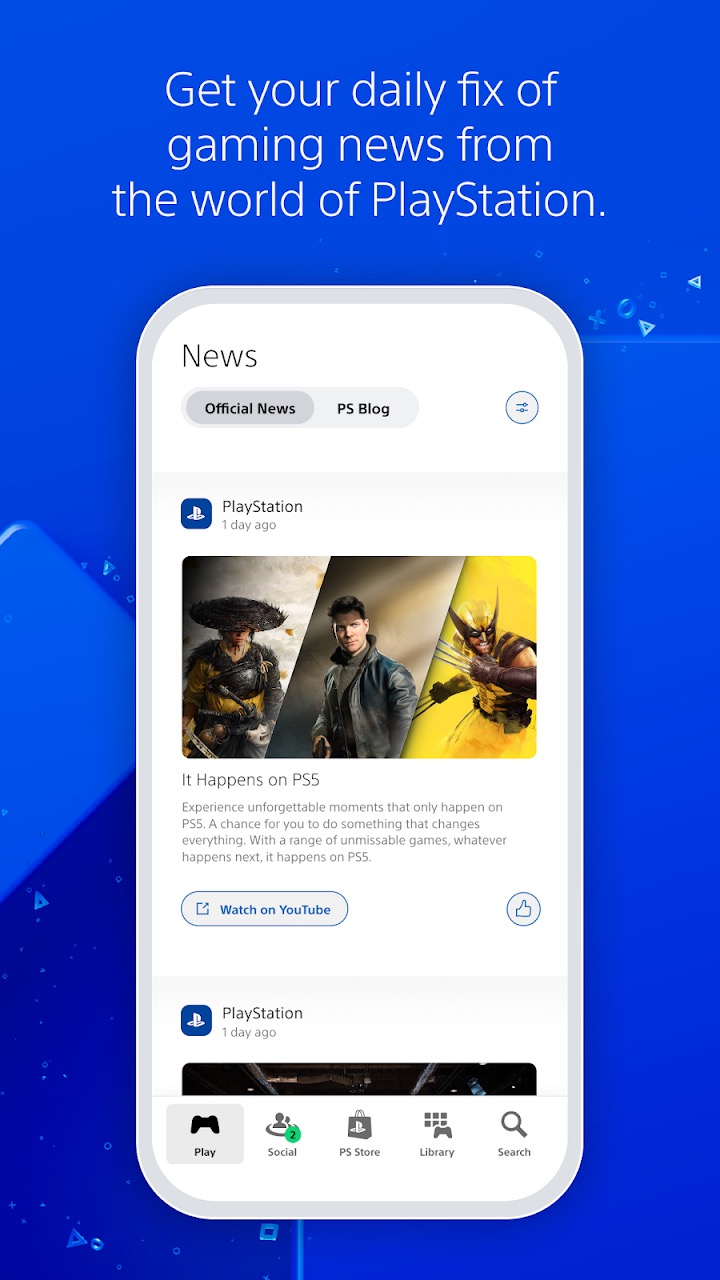
News and alerts: A news feed covers the PlayStation world, while notifications and game invitations appear on your lock screen.
Official Sony app: It is published on Google Play by PlayStation Mobile Inc. and has been available since January 2011.
Regular updates: The app keeps receiving new versions, with the latest one released in November 2026.
Large user base: The app has more than 100 million installs on Google Play.
What is the latest version of PlayStation App?
The latest version is 26.11.1, updated on Google Play on November 14, 2026. It needs Android 8.0 or later.
How big is the APK, and which phones can install it?
Version 26.11.1 is a single APK of about 79.37 MB. It contains native code for arm64-v8a and armeabi-v7a, so it is meant for ARM-based Android phones and tablets.
What is the difference between PlayStation App and PS Remote Play?
PlayStation App handles friends, chat, the store and console management, and it can start a game on your PS5. Showing the PS5 or PS4 screen on your phone and playing with on-screen or wireless controllers is the job of PS Remote Play, a separate app from the same publisher.
Is a PS5 or PS4 required?
A PlayStation account is required for the app itself, and some features, such as remote game installs or remote game launch, also require a PS5 or PS4.
Why are some games missing in the app?
Content in PlayStation App varies by country and region, so some titles may not be offered where you live.
Is the app free?
Yes, the app is free. Google Play lists ads and in-app purchases, and it is rated Teen.
PlayStation App is a practical way to stay in touch with your PlayStation friends and keep your console ready while you are away from it. It works best alongside a PS5 or PS4, and for streaming games to your phone you will want PS Remote Play as well.
PlayStation App
Tools
Date:2026-11-24

PPSSPP
Tools
Date:2026-11-24

PREQUEL
Tools
Date:2026-03-17
FaceApp
Tools
Date:2026-03-17

Bolly4u
Media & Video
Date:2026-03-17

APK2X
Tools
Date:2026-03-17

Jerkflix
Media & Video
Date:2026-03-17

Netnaija Movies
Media & Video
Date:2026-03-17