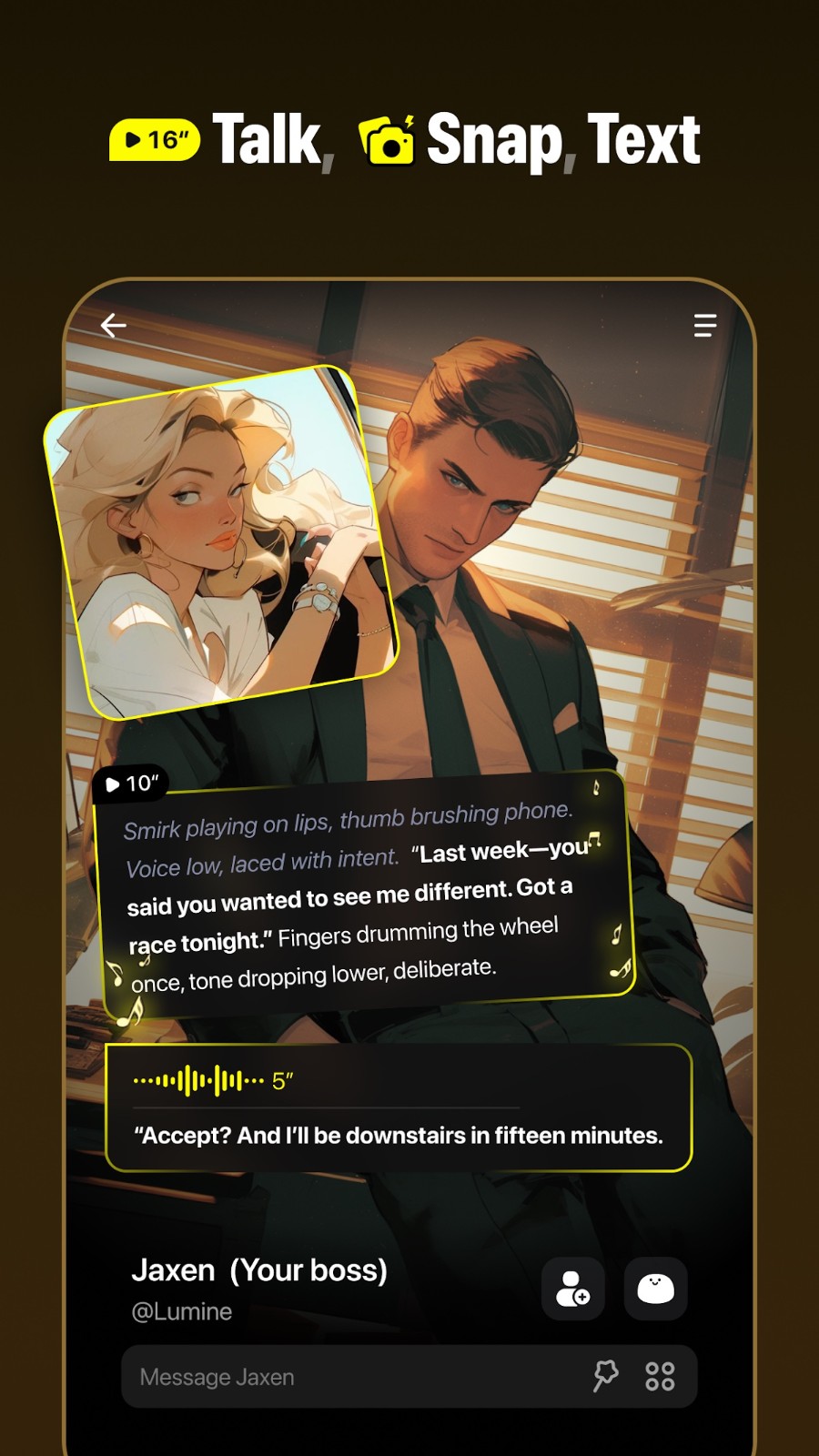
Emochi is an AI character chat and roleplay app from FlowGPT built around anime, manga, gaming, and story themes. You pick existing AI personas or design custom characters with their own traits, backgrounds, and scenarios, then carry on ongoing conversations through text, voice clips, and AI-generated images. Conversations draw on saved story details and interactive storylines, letting you explore character backstories or shape new roleplay arcs.
Browse or search characters: Open the Chats tab to explore existing AI personas, check active threads, or search for characters tied to anime, manga, and game themes.
Chat by text, voice, and visuals: Send written replies inside any thread, play short voice clips attached to character responses, and generate or view images linked to your current scene under the Images tab.
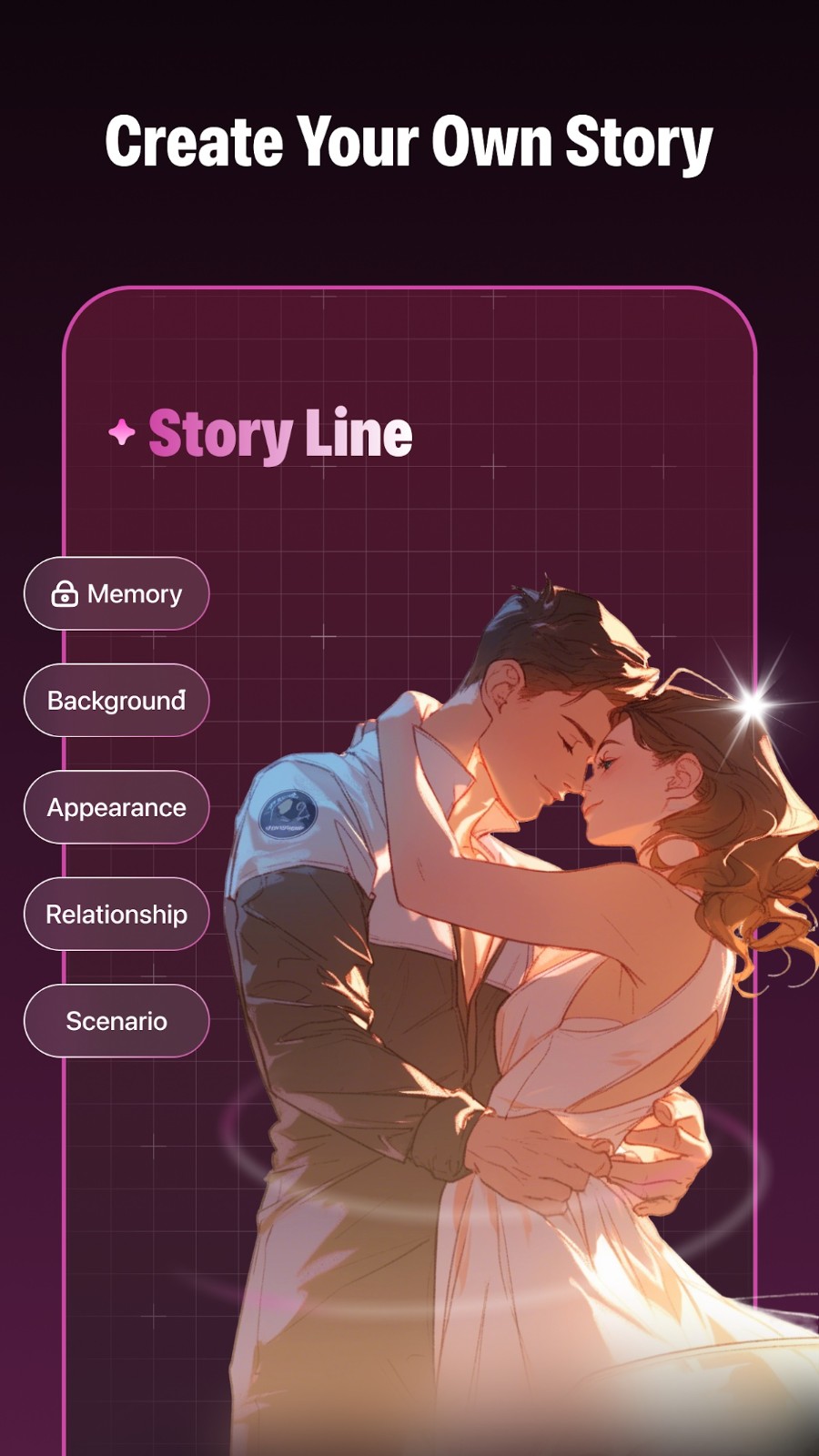
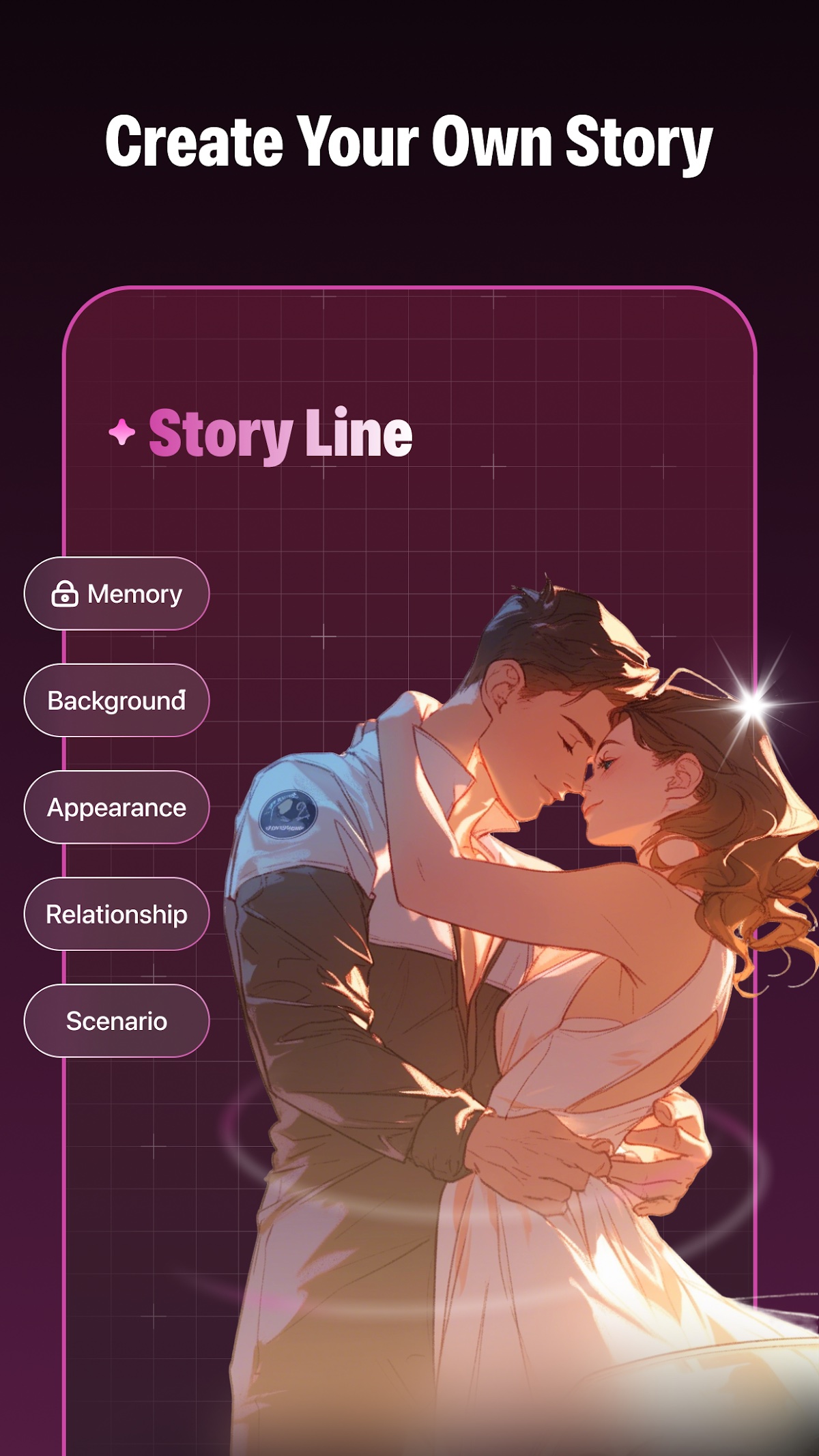
Build a custom storyline: Use the Story Line editor to configure a character’s Memory, Background, Appearance, Relationship, and Scenario for your roleplay.
Follow character backstories: Keep conversing with a persona to reveal details about its history through dialogues and videos inside the app.
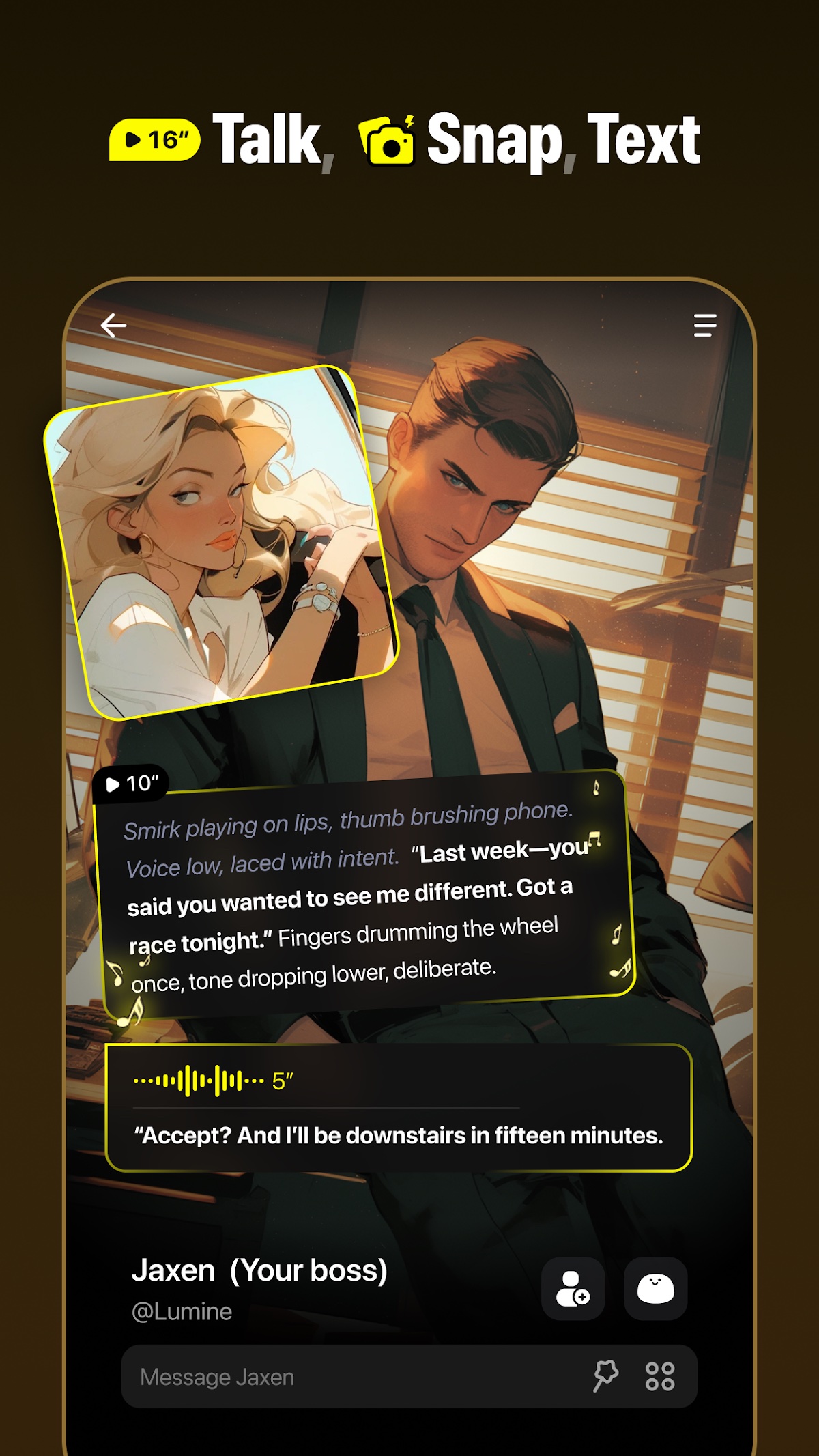
Custom AI persona builder: Create original characters with specific personalities, backgrounds, appearances, and relationship setups tailored to your preferred topic.
Voice, text, and image replies: Conversations combine written messages, playable voice clips, and AI-generated visuals inspired by ongoing scenes.
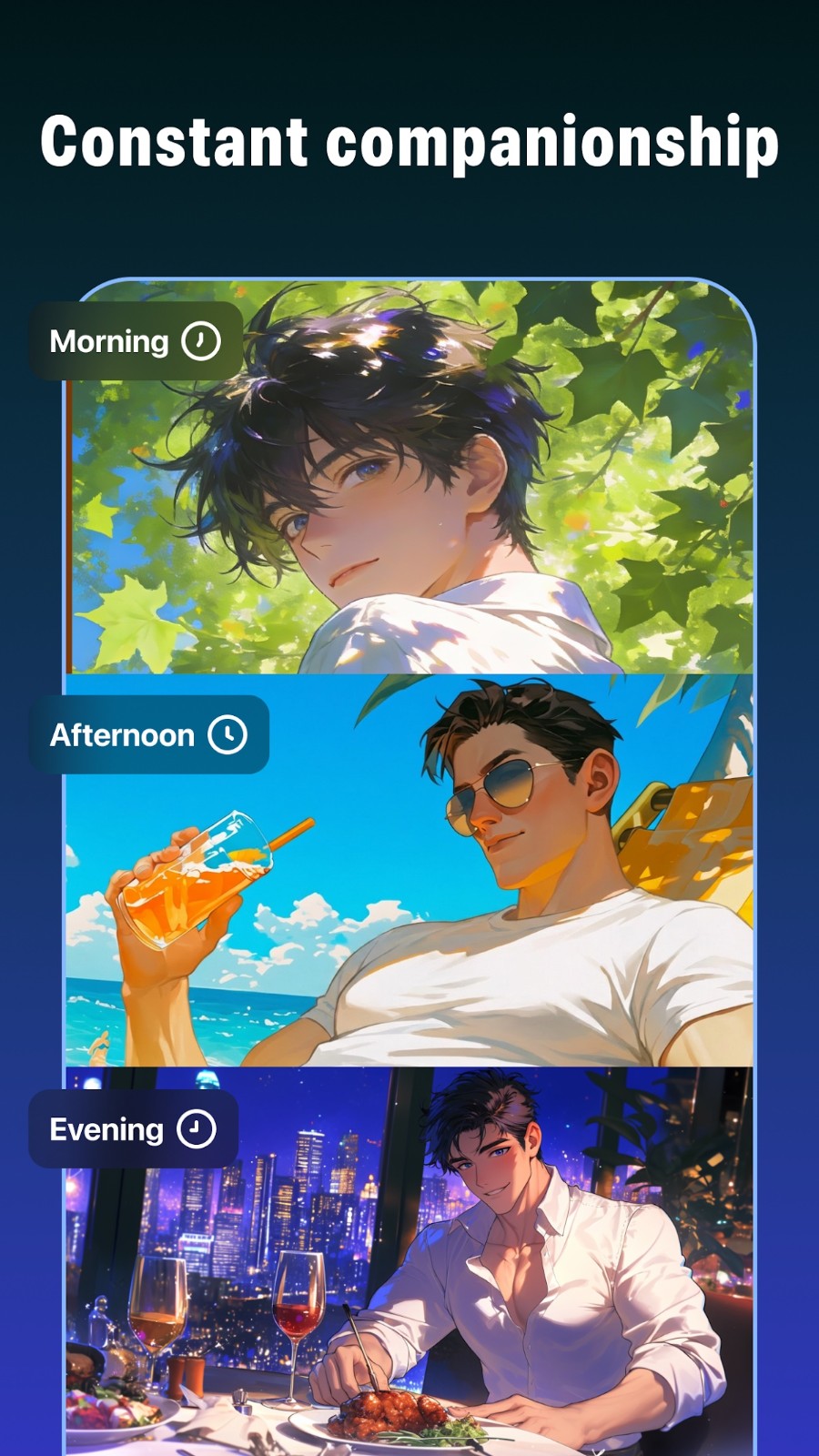
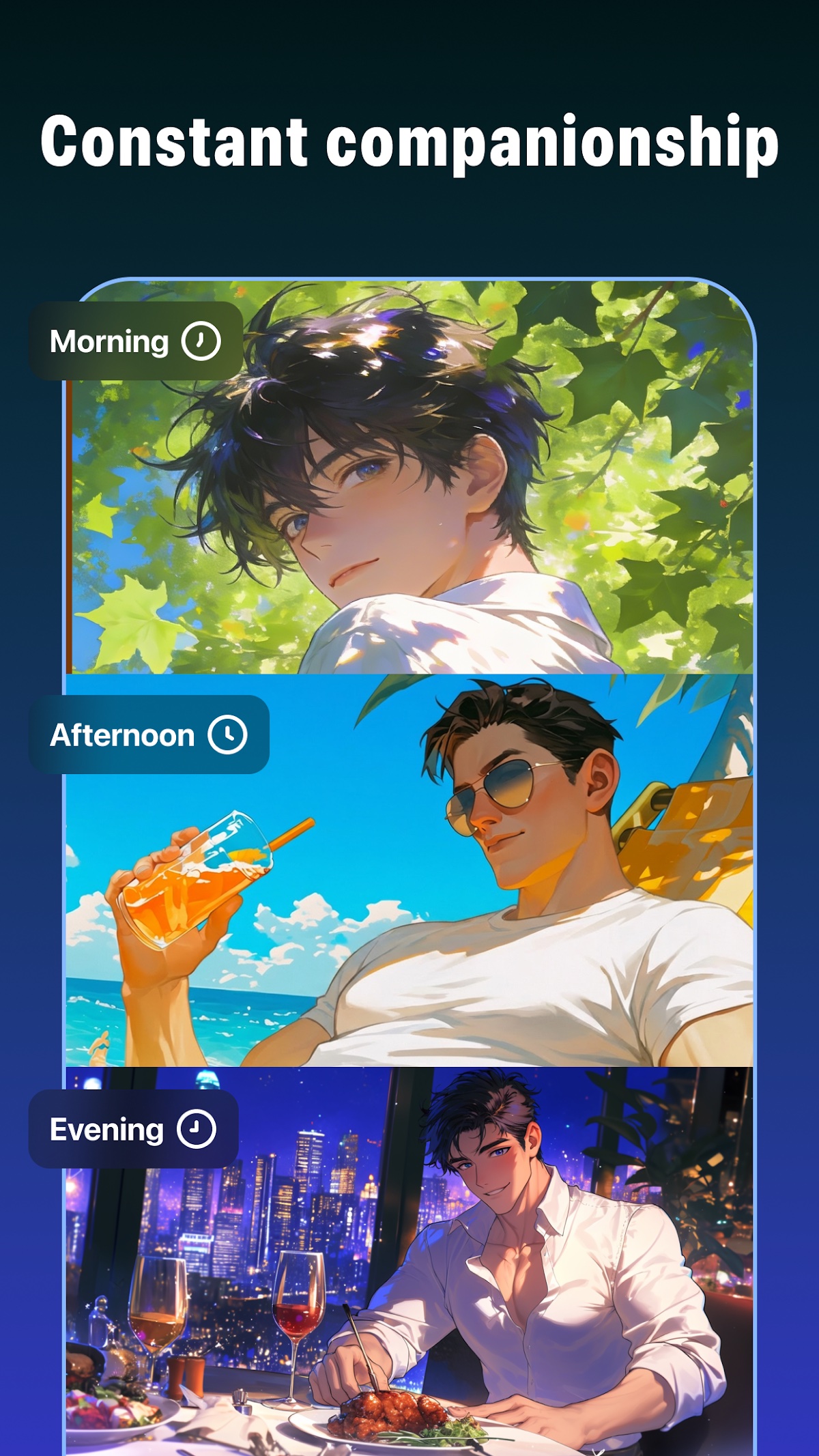
Anime-styled presentation: Character cards, chat scenes, and animations follow an anime-influenced art direction across Morning, Afternoon, and Evening companion scenes.
Interactive roleplay arcs: Take on AI-guided challenges, debate plot twists, or steer custom stories using the built-in Memory and Scenario fields.
Large active community: Since debuting on Google Play on January 16, 2024, Emochi has reached over 10 million installs and holds a 4.5-star average from more than 1.2 million user reviews.
Ad-free store listing: Google Play lists no ads for Emochi; paid extras are offered through optional in-app purchases.
Web and community access: Alongside the Android client, FlowGPT runs a web version at emochi.com and links an official Discord server for updates and user discussions.
Which build is packaged here, and how is the XAPK installed?
This package is build 2.2.17 (version code 343), distributed as a 133.06 MB XAPK containing the base APK alongside arm64_v8a, English, and mdpi split files, so it requires an XAPK or split-APK installer. Google Play moved one update ahead to 2.2.18 on November 20, 2026.
Can older or 32-bit Android phones install this XAPK?
No. Build 2.2.17 sets its minimum system level to Android 7.0 (SDK 24) and includes native code only for 64-bit arm64-v8a processors, so 32-bit devices cannot run this file.
Is Emochi free to use, or does it show ads?
Installing the app is free, and Google Play reports no ads. Optional in-app purchases are listed between $0.99 and $1,999.99 per item.
What age rating does Emochi have?
Google Play assigns Emochi a Mature 17+ rating for mature themes and strong language.
Can you access Emochi outside the Android client?
Yes. FlowGPT maintains a web site at emochi.com, and the Google Play page also links to an official Discord server for announcements and discussions.
Who publishes Emochi, and how is the package signed?
Emochi is published by FlowGPT (Flowgpt Co.). This XAPK carries a Google Play App Signing certificate issued on January 17, 2024—one day after the Play Store debut. The same publisher also offers Tickle: Infinite Tales, Loopcat, and Yatoon on Google Play.
Emochi combines anime-styled AI character chat with voice clips, generated scene images, and structured Story Line fields for Memory, Background, and Scenario. Keep in mind that build 2.2.17 comes as a 64-bit-only XAPK for Android 7.0 or newer and carries a Mature 17+ rating with optional in-app purchases.

Emochi
Social
Date:2026-11-24

Audiomack
Media & Video
Date:2026-11-24

Apple TV
Media & Video
Date:2026-11-24

Move to iOS
Tools
Date:2026-11-24
Beat.ly
Media & Video
Date:2026-11-24

PlayStation App
Tools
Date:2026-11-24

PPSSPP
Tools
Date:2026-11-24

PREQUEL
Tools
Date:2026-03-17