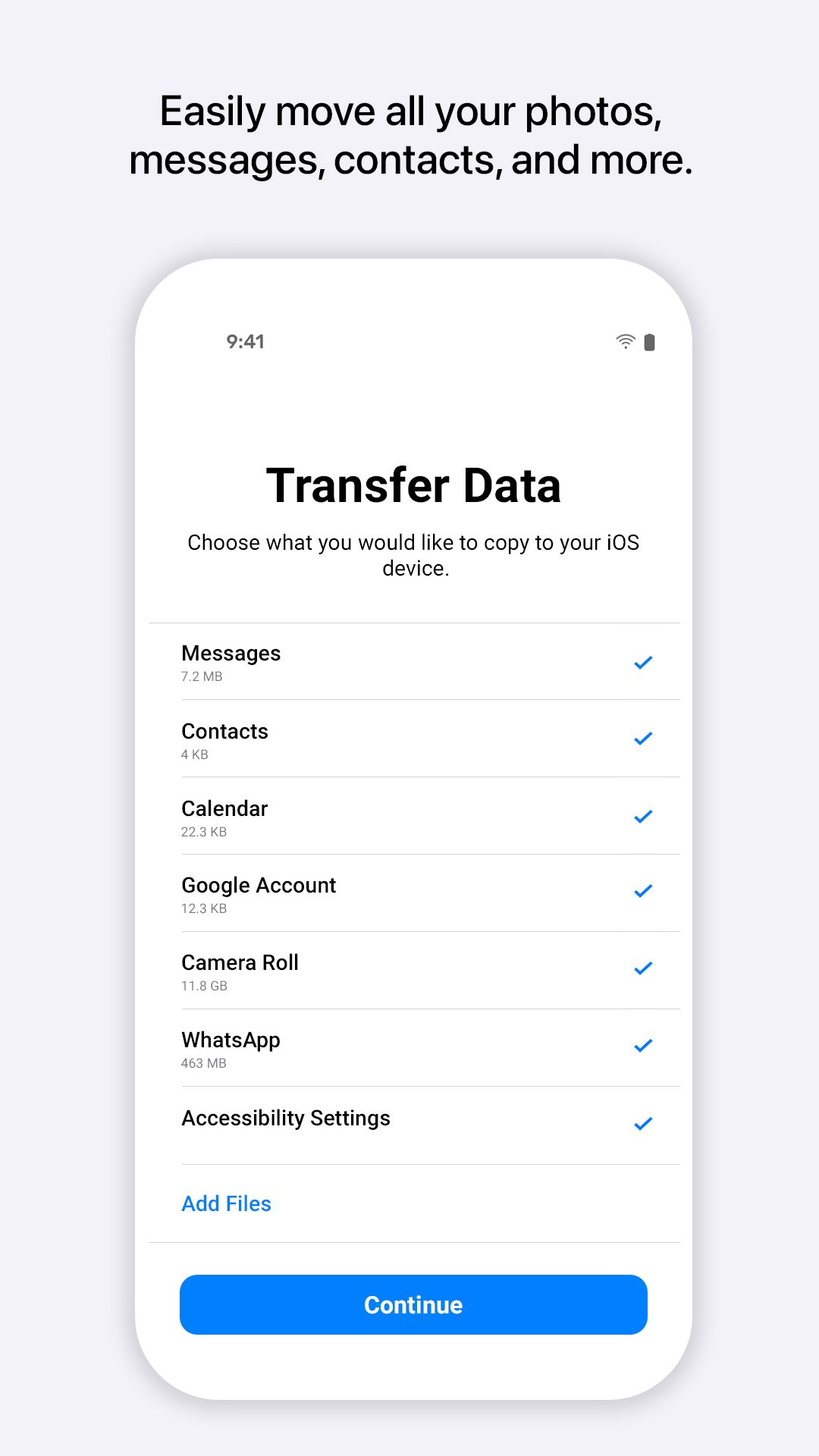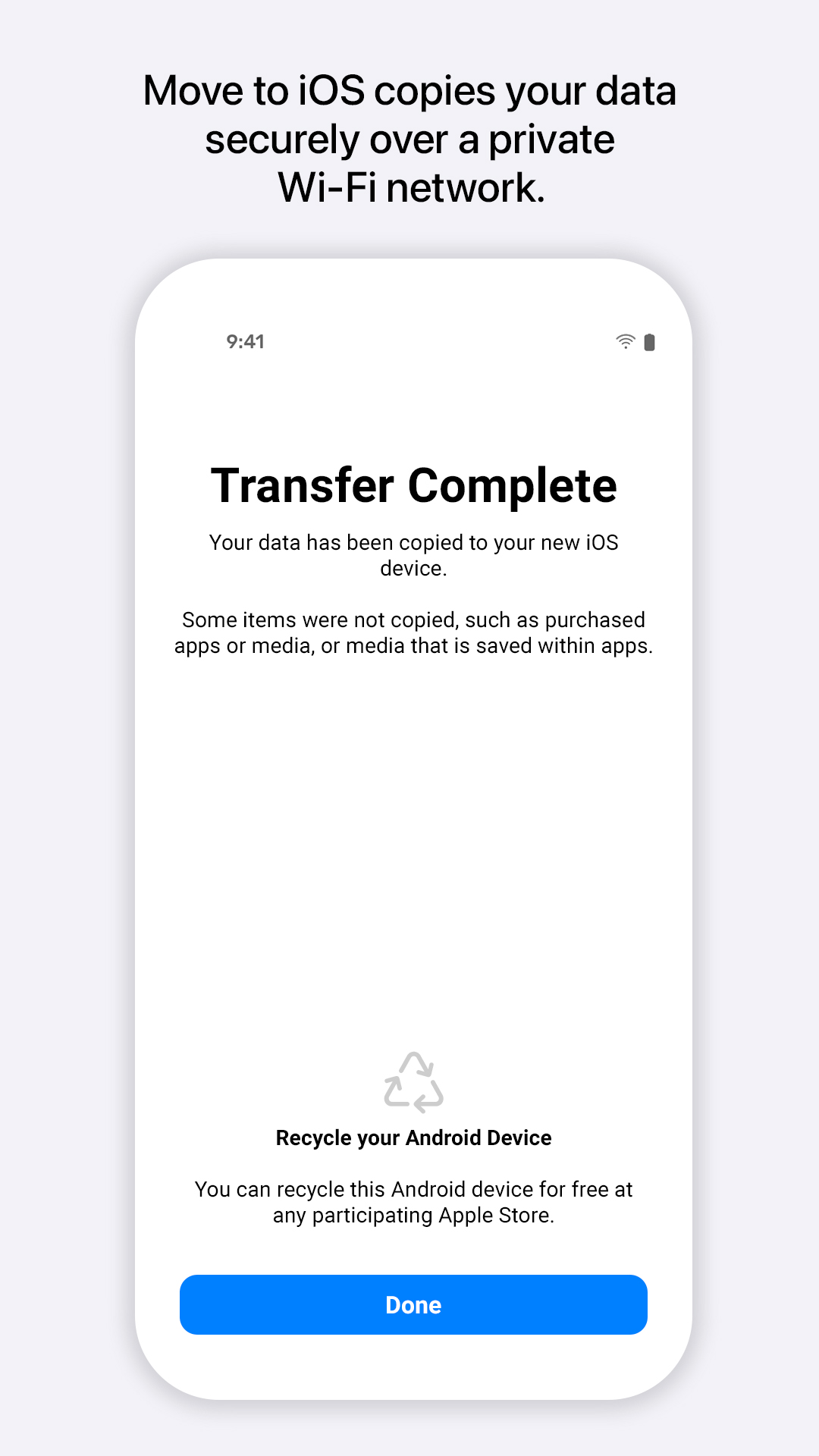
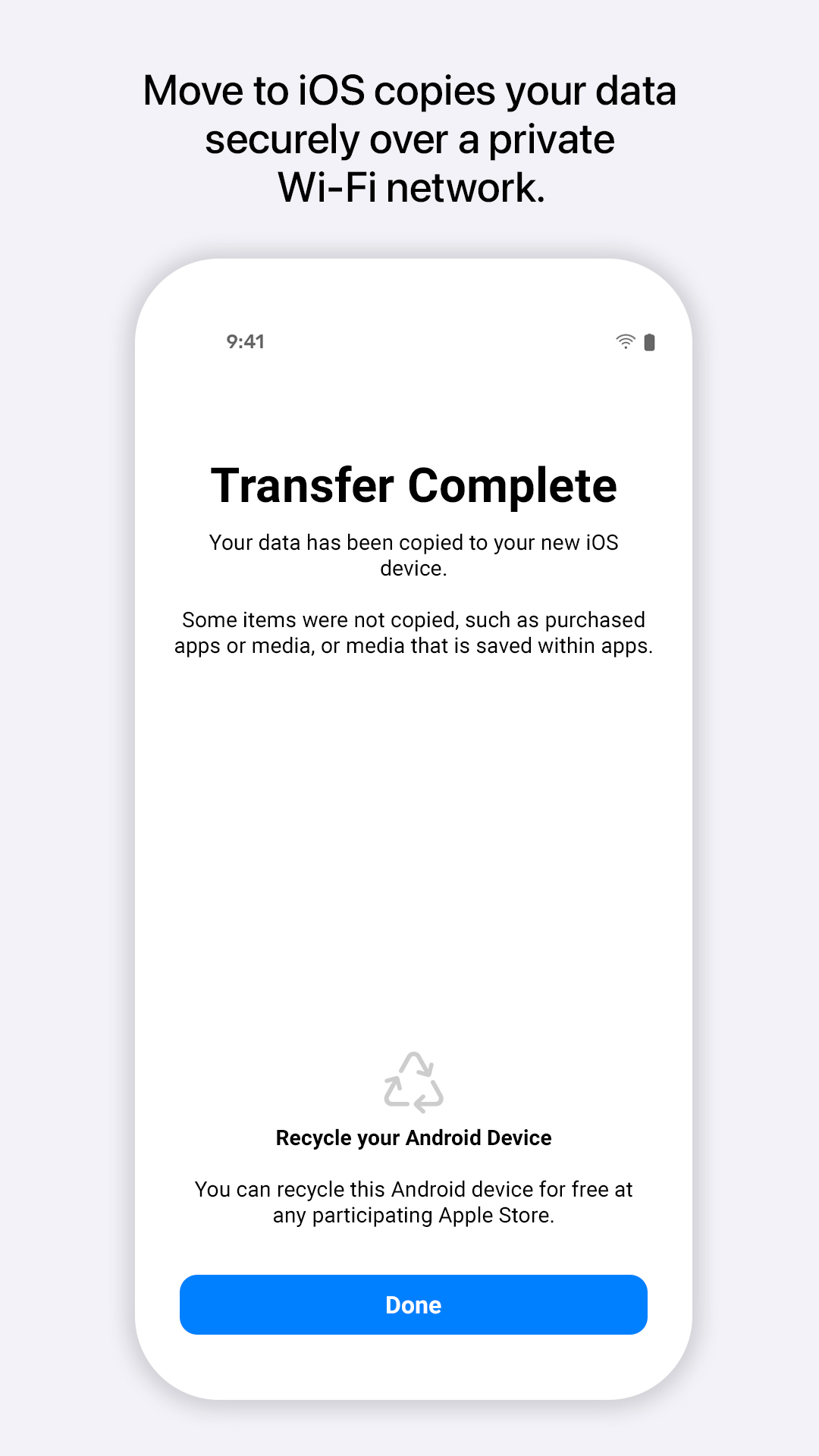
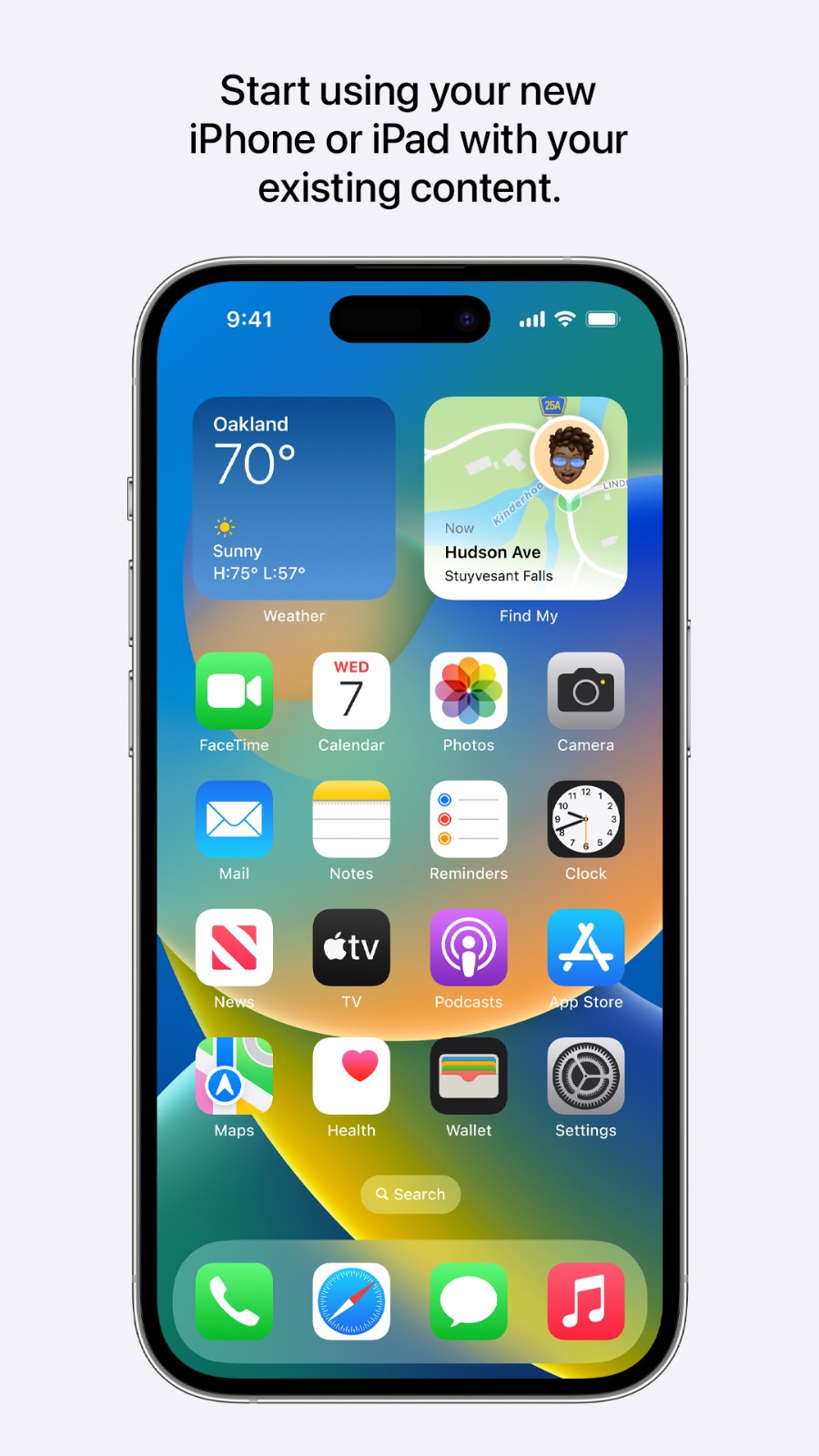
Move to iOS is Apple’s official migration utility for copying data from an Android phone to a new iPhone or iPad. You run it during initial iOS setup to move contacts, message history, photos, videos, calendars, mail accounts, and WhatsApp content without storing everything elsewhere first. Your new Apple device opens a temporary private Wi-Fi network with a security code—or connects through a USB-C cable—and places each transferred item into iOS automatically.
Prepare both devices: Plug both phones into power, enable Wi-Fi, and check that your iPhone or iPad has room for everything you plan to move, including Micro SD files. Update Chrome first to copy bookmarks.
Start from iOS setup: Tap Set Up Without Another Apple Device at Quick Start, then choose From Android and Transfer with App under Transfer Your Apps & Data.
Pair by code or cable: Open Move to iOS on Android, accept the terms, grant Location access, and enter the six-digit or ten-digit code on iOS. With USB-C, adjust Android’s USB settings if prompted.
Wait for iOS to finish: Pick categories to copy, keep both devices close, and leave Move to iOS onscreen until the iOS loading bar finishes—even if Android finishes first.
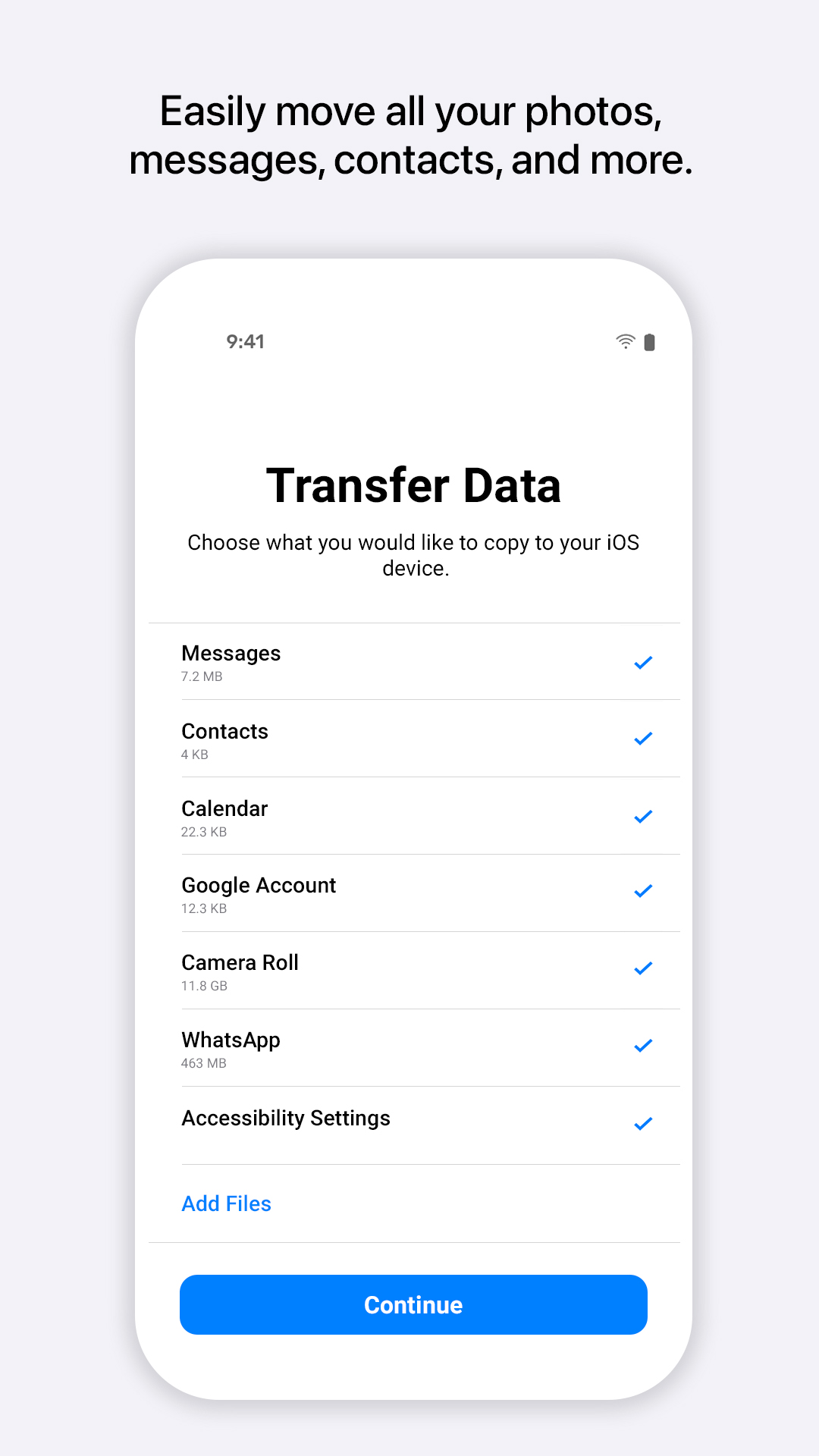
Core personal data: Copies contacts, SMS, call logs, calendars, mail accounts, voice memos, web bookmarks, files, folders, camera photos, videos, and albums.
WhatsApp and preferences: Moves WhatsApp messages and media alongside accessibility and display settings.
Wi-Fi or USB-C transfer: Uses a temporary Wi-Fi network from the Apple device, or a USB-C cable for faster transfers.
Optional permissions: Only Location is required for Wi-Fi pairing; SMS, Contacts, Photos and Videos, Calendar, Call Logs, Phone, Music and Audio, and Notifications stay optional.
App matching and SIM setup: Supported free apps listed across Google’s store and Apple’s App Store can be matched afterward, and setup guides SIM or eSIM activation.
Official Apple utility: Published by Apple Inc. since September 16, 2015, passing 100 million Google Play installs with no ads or in-app purchases.
Direct APK distribution: Apple hosts universal APK installers on its support site for phones without Google Play, and distributes the app via Tencent App Store and Huawei AppGallery in China mainland.
Reliability fixes: Build 4.0.5 (October 2, 2026) improves text-message reliability, sharpens transfer progress reporting, and fixes unexpected stops.
What changed in Move to iOS 4.0.5, and which phones can run it?
Published to Google Play on October 2, 2026, version 4.0.5 focuses on SMS reliability, progress accuracy, and unexpected stops. The universal APK weighs 10.07 MB, needs Android 6.0 or newer, and contains no CPU-specific native folders, so 32-bit and 64-bit handsets share one package. For Android 5.0 or Android 4.3 and earlier, Apple keeps archived builds such as 3.3.2 on its support site.
Why do transfers stall, and what helps prevent interruptions?
Apple warns that Move to iOS must stay onscreen until completion—if you switch apps or take a call before it ends, your content will not be moved. Turning off cellular data, disabling Wi-Fi utilities like Smart Network Switch or Sprint Connections Optimizer, forgetting saved Wi-Fi networks, and restarting both phones can also help.
Can Move to iOS run after iOS setup is already finished?
No. From Android only appears during initial setup. If setup is already complete, Apple states you must erase the iOS device and start over, or transfer files manually.
Does it copy WhatsApp chats, music, books, and PDFs?
WhatsApp messages and media are included. Music, books, and PDFs are not copied automatically and require manual transfer; purchased apps and media saved inside apps are also excluded.
Can data move to iPhone without installing this app?
On supported devices running Android 17 or newer, Apple lets you pick Transfer without App during setup and scan a QR code to move data and an eSIM directly. Earlier Android versions still require Move to iOS.
Is it free, and how can its authenticity be verified?
It is free on Google Play with an Everyone rating, no ads, and no in-app purchases. The official APK carries an Apple Inc. certificate issued in Cupertino on June 6, 2015—about three months before launch. Apple also publishes Apple Music, Apple TV, and Tracker Detect for Android.
Move to iOS is Apple’s direct migration tool for moving messages, photos, contacts, and WhatsApp history from Android 6.0 or newer to a new iPhone or iPad over Wi-Fi or USB-C. Used before initial setup finishes—with music, books, and PDFs moved separately—it covers the core switch without ads or in-app purchases.
Move to iOS
Tools
Date:2026-11-24

Beat.ly
Media & Video
Date:2026-11-24

PlayStation App
Tools
Date:2026-11-24

PPSSPP
Tools
Date:2026-11-24

PREQUEL
Tools
Date:2026-03-17

FaceApp
Tools
Date:2026-03-17

Bolly4u
Media & Video
Date:2026-03-17

APK2X
Tools
Date:2026-03-17