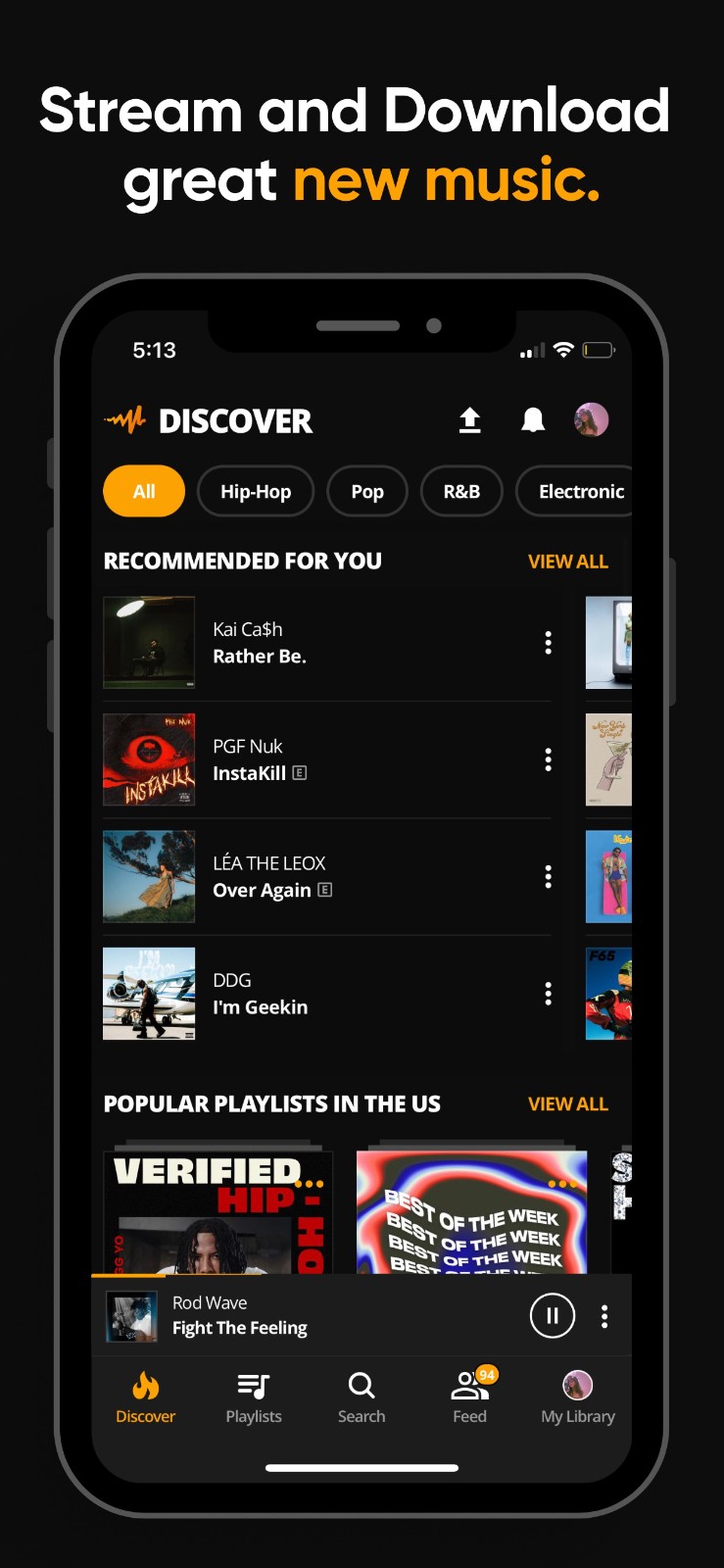
Audiomack combines music streaming with playback of audio files already on your Android device. You can start in Trending for new releases or switch to your own tracks. Keep songs in your favorites or save eligible music in the app so you can listen later without a connection.
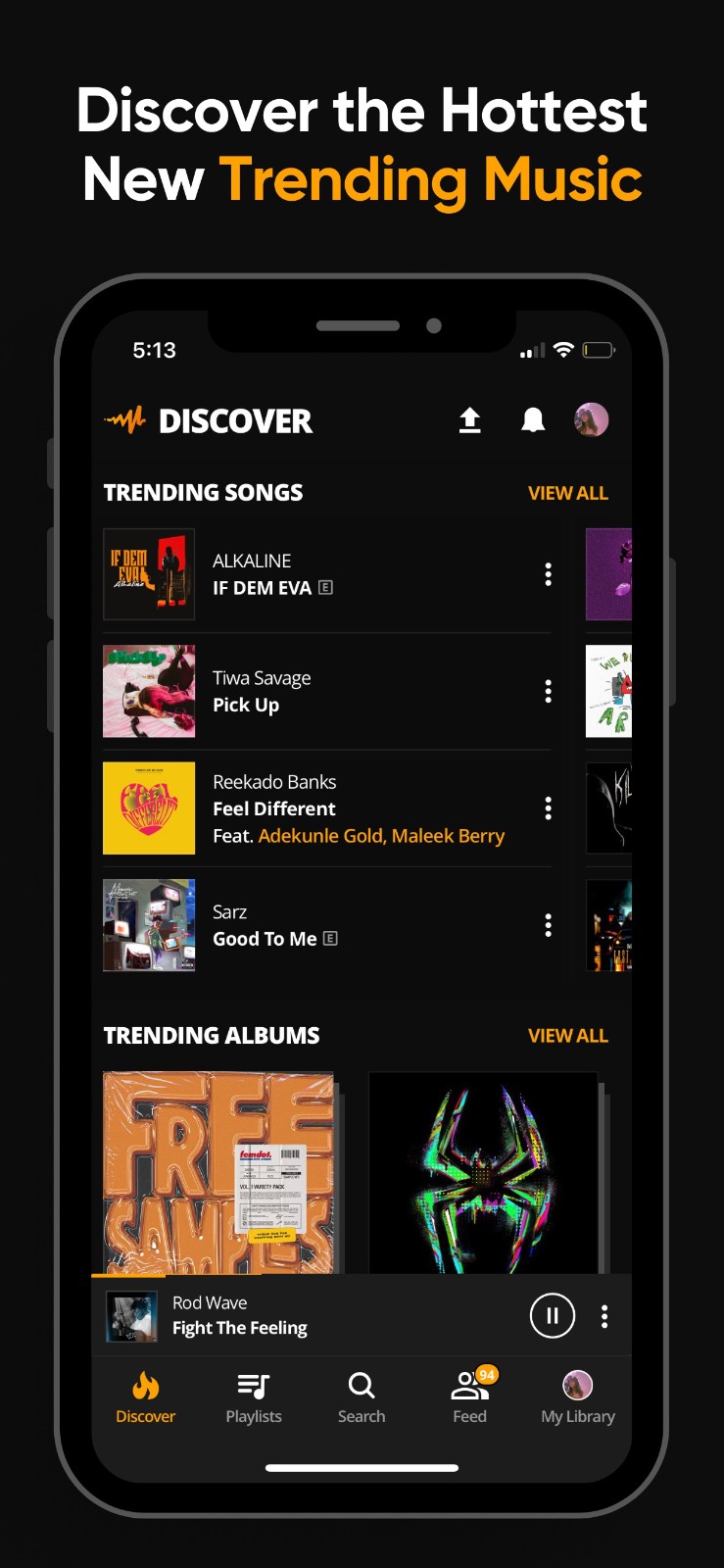
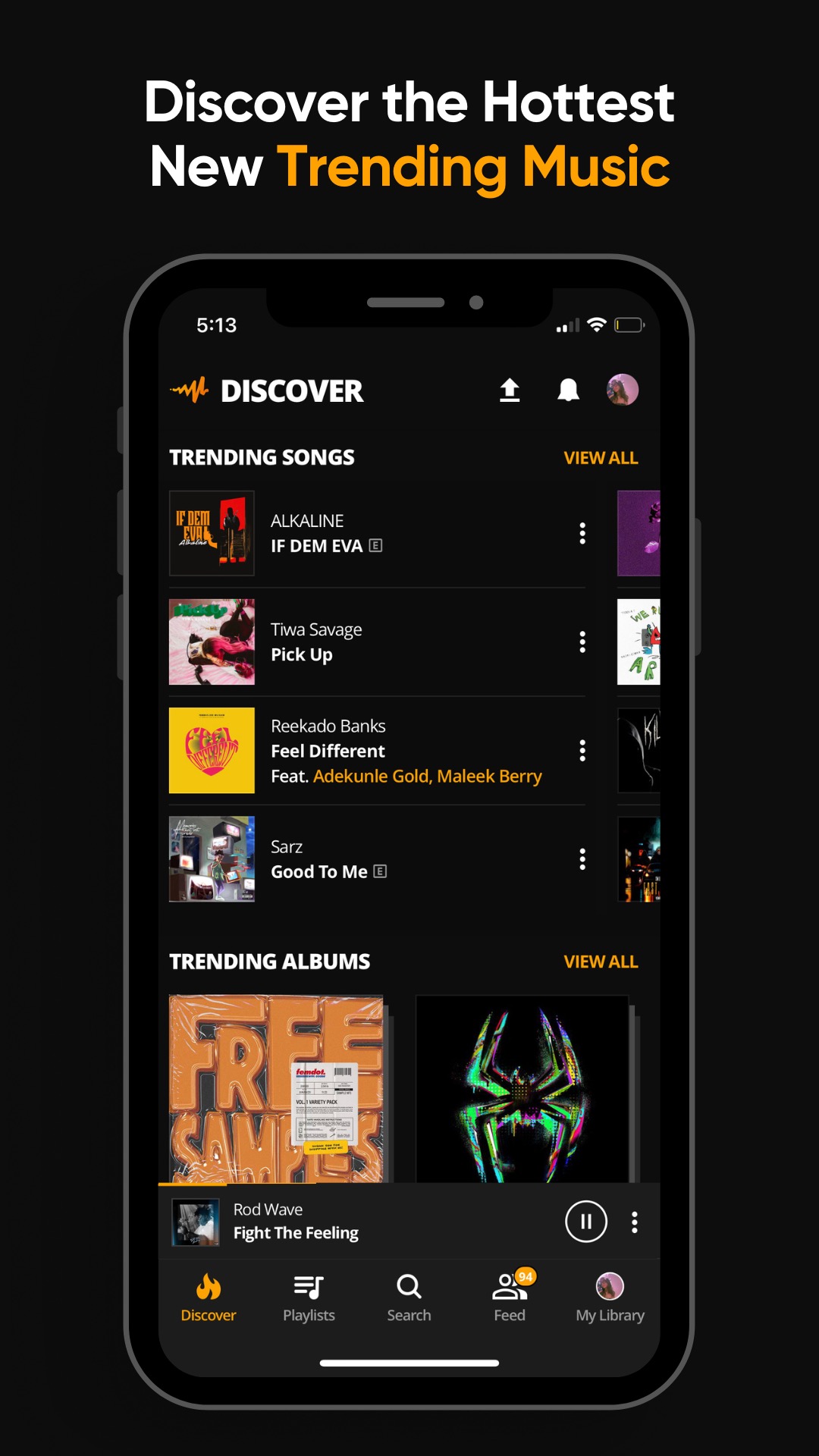
Find a release: Open Trending to see songs and albums that are gaining attention. You can look up a particular artist or move through the catalog by genre.
Keep the music you like: Mark a track, album or playlist as a favorite. You can browse and shuffle that collection when you want to return to music you already know.
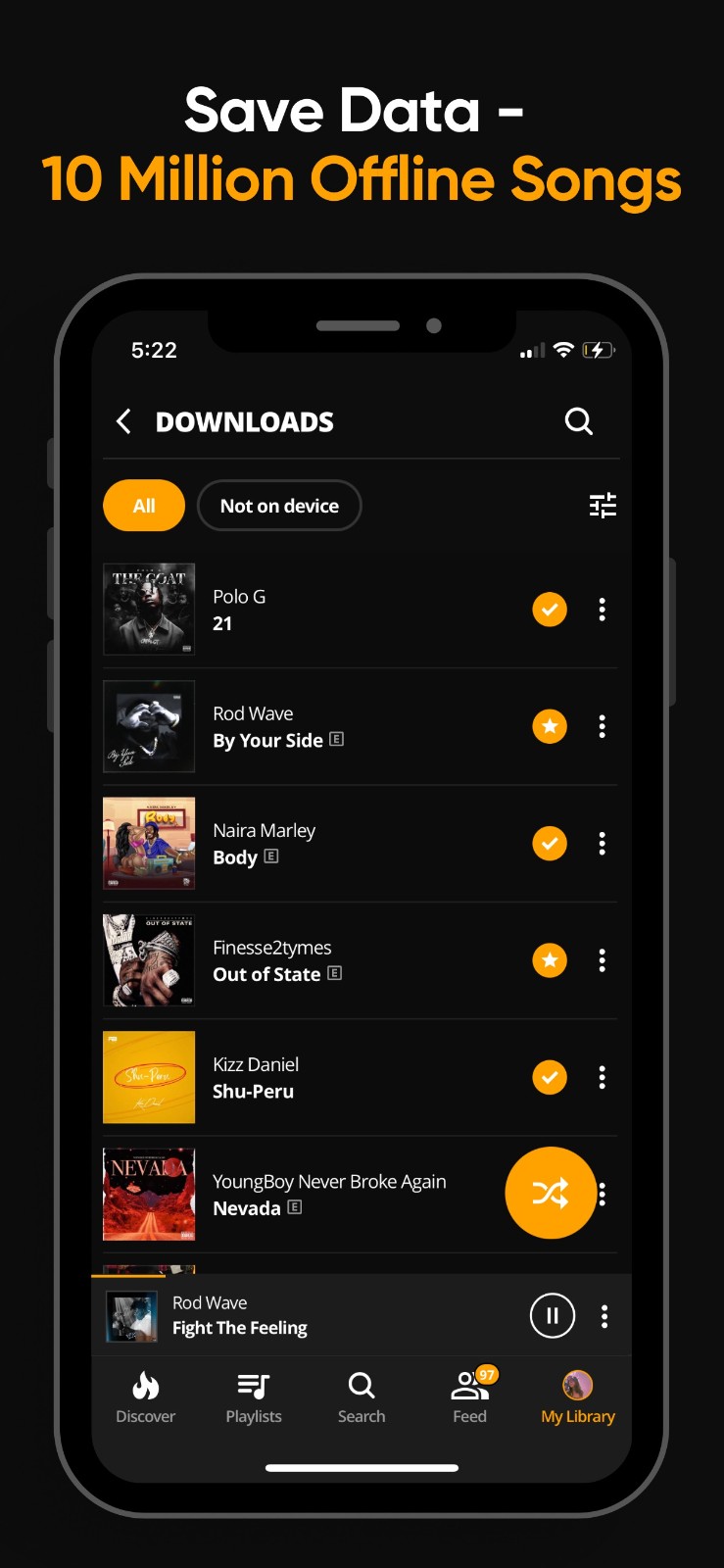
Prepare for offline listening: Tap the arrow next to an eligible track, album or playlist while you still have a connection. When you want to play the saved music, open Library from the avatar in the lower-right corner of Audiomack.
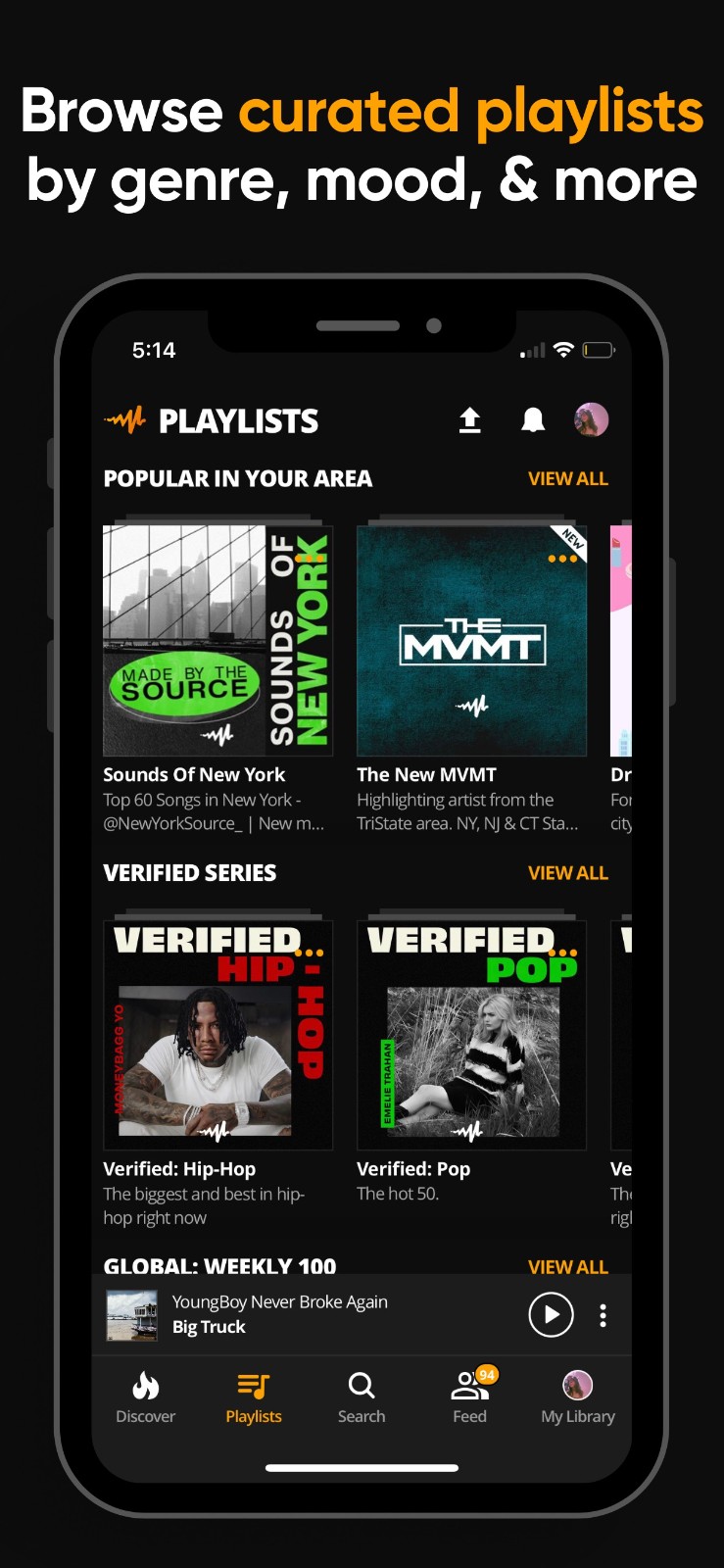
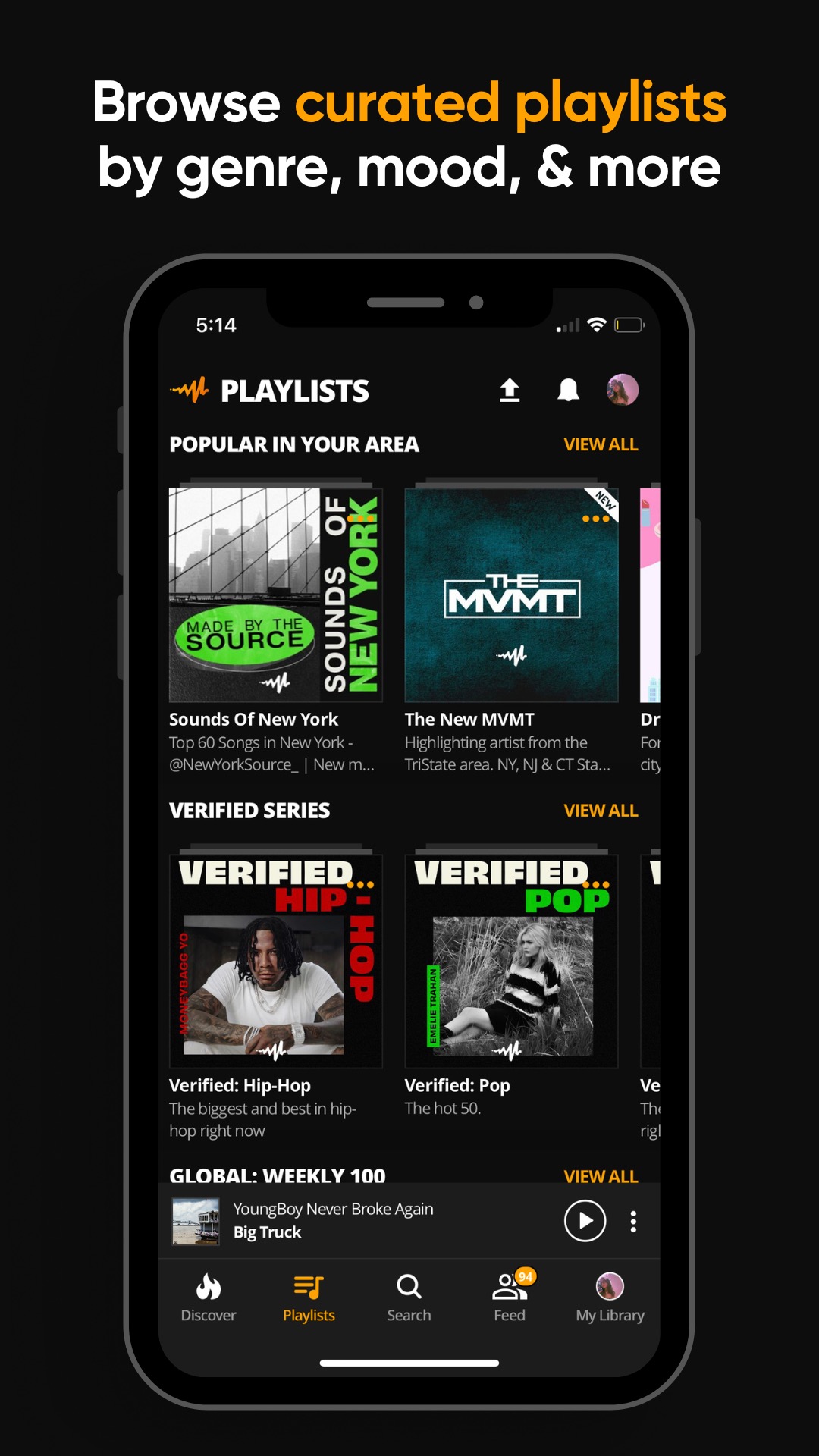
Playlists: Make playlists of your own, or browse Audiomack’s curated lists by mood or genre when you want a starting point.
Local files: The app can play MP3, AAC, M4A and WAV files already on the phone. This gives your own music collection a place alongside your streaming library.
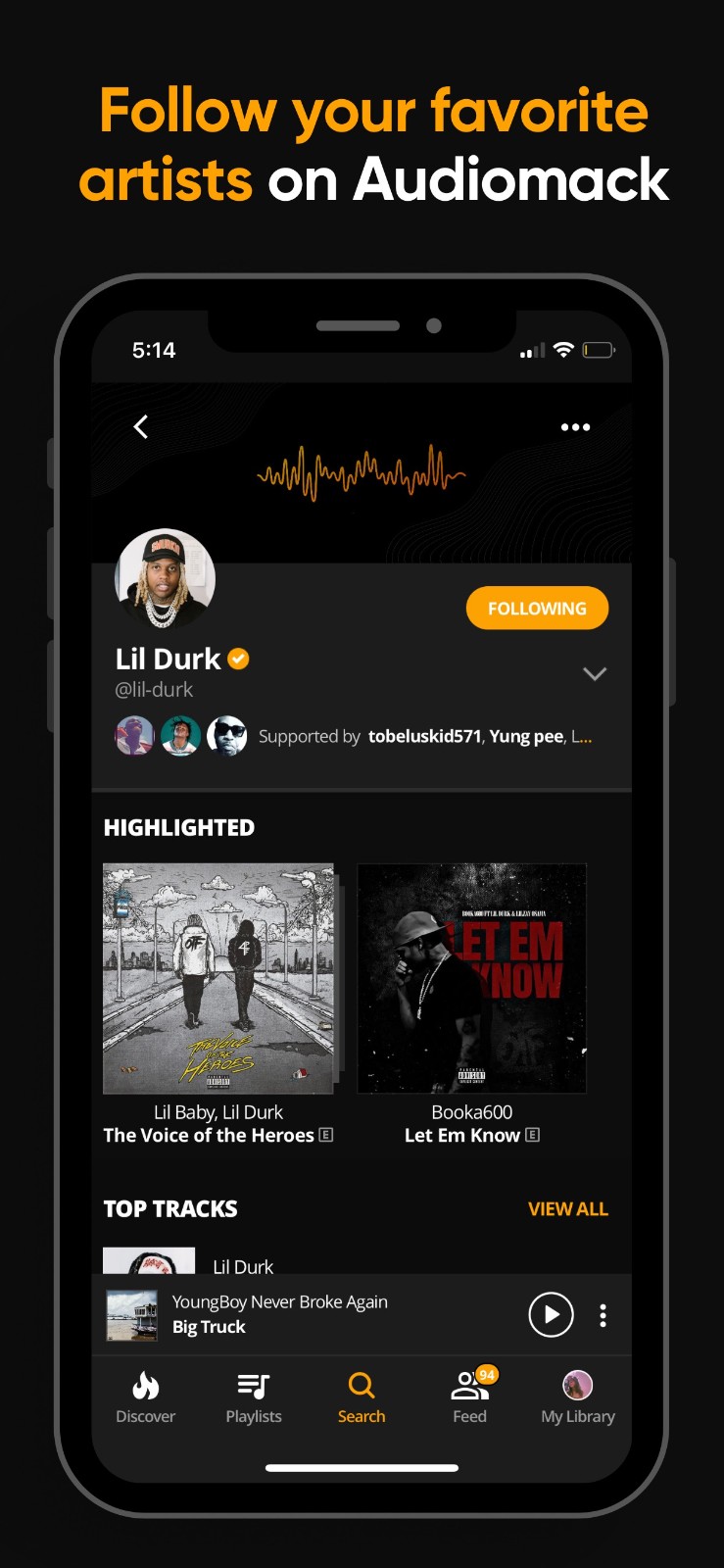
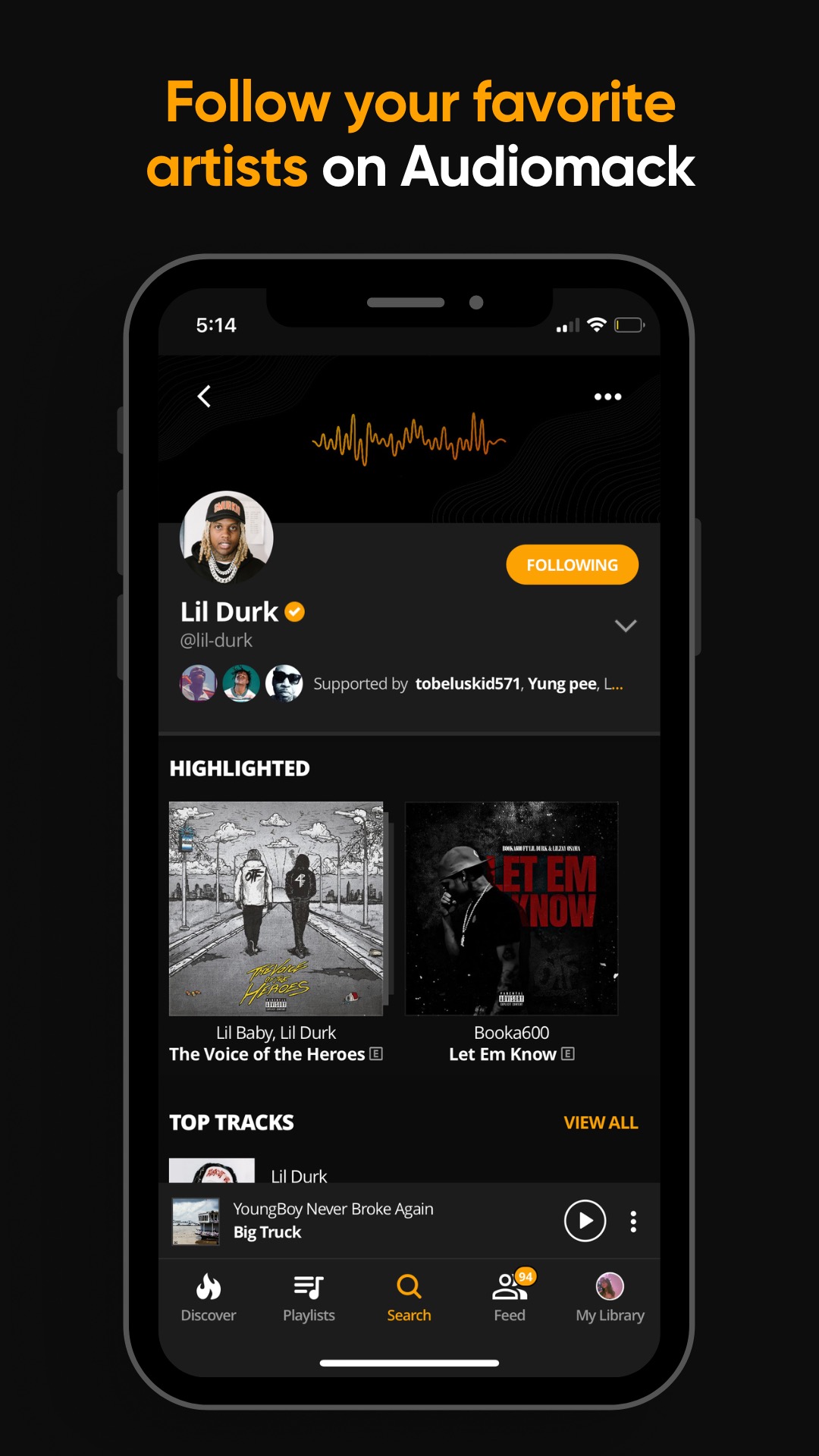
Artist updates: Follow artists, producers and curators you want to hear from. The Connect tab gives artists a way to send messages to people who follow them.
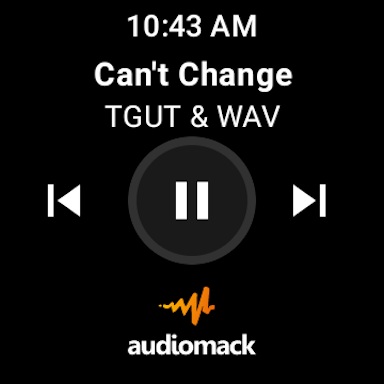
More places to listen: The Android listing includes support for Wear OS and Android Auto. Audio can also keep playing on the phone while you use another app.
Genres to explore: Audiomack carries full tracks and mixtapes across hip-hop, R&B, Afrobeats, reggae and electronic music. Trending makes it easy to start with recent or popular releases.
Year in Review: The 8.12 release notes introduce a Library feature for revisiting the songs you played most. You can check the current year as it unfolds and explore past years from the same area.
Playback options: Audiomack+ includes ad-free playback, more sound presets and equalizer controls. The service’s Plus page lists HiFi among its features.
What do the star and padlock mean?
A star marks music you can save for free, while a padlock identifies premium tracks. Audiomack+ offers broader access to the catalog and more offline saving.
Where does music saved for offline play appear?
Tracks saved from the streaming catalog stay in Audiomack’s offline Library. The local file player is where you open MP3s and other audio you already have on the device.
Can you use Audiomack in a browser?
Audiomack’s website offers music discovery and streaming as well as links to its mobile apps. That gives you a way to explore the catalog on a computer.
Which Android build is on this page?
The 62.79 MB file is Audiomack 8.12.0 in one APK. The manifest sets Android 7.0 as the minimum, and the file contains native libraries for 32-bit and 64-bit ARM and x86.
Audiomack makes sense if your listening alternates between finding new mixtapes and revisiting a collection you have already built. On a trip with limited data, the Library gives you one place to return to the titles you saved in advance.
Audiomack
Media & Video
Date:2026-11-24

Apple TV
Media & Video
Date:2026-11-24

Move to iOS
Tools
Date:2026-11-24
Beat.ly
Media & Video
Date:2026-11-24

PlayStation App
Tools
Date:2026-11-24

PPSSPP
Tools
Date:2026-11-24

PREQUEL
Tools
Date:2026-03-17

FaceApp
Tools
Date:2026-03-17