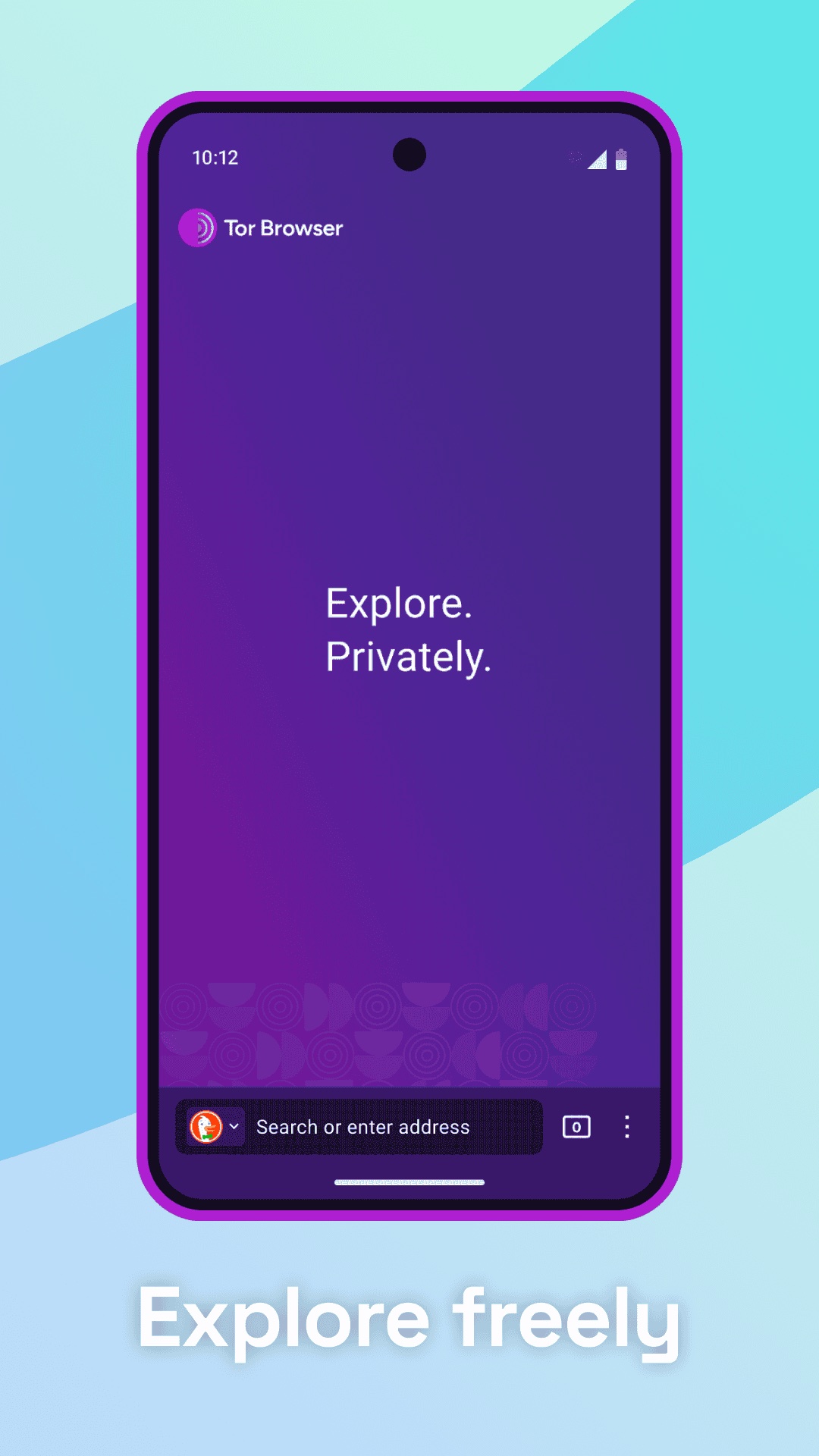
Tor Browser is the official Android web browser maintained by The Tor Project, a US 501(c)(3) nonprofit building free, open-source privacy tools. Built on Firefox 153.7.0esr in version 16.0.2, it routes every page request through three layers of encryption across volunteer-run relays while isolating sites from third-party trackers and clearing cookies once a session ends.
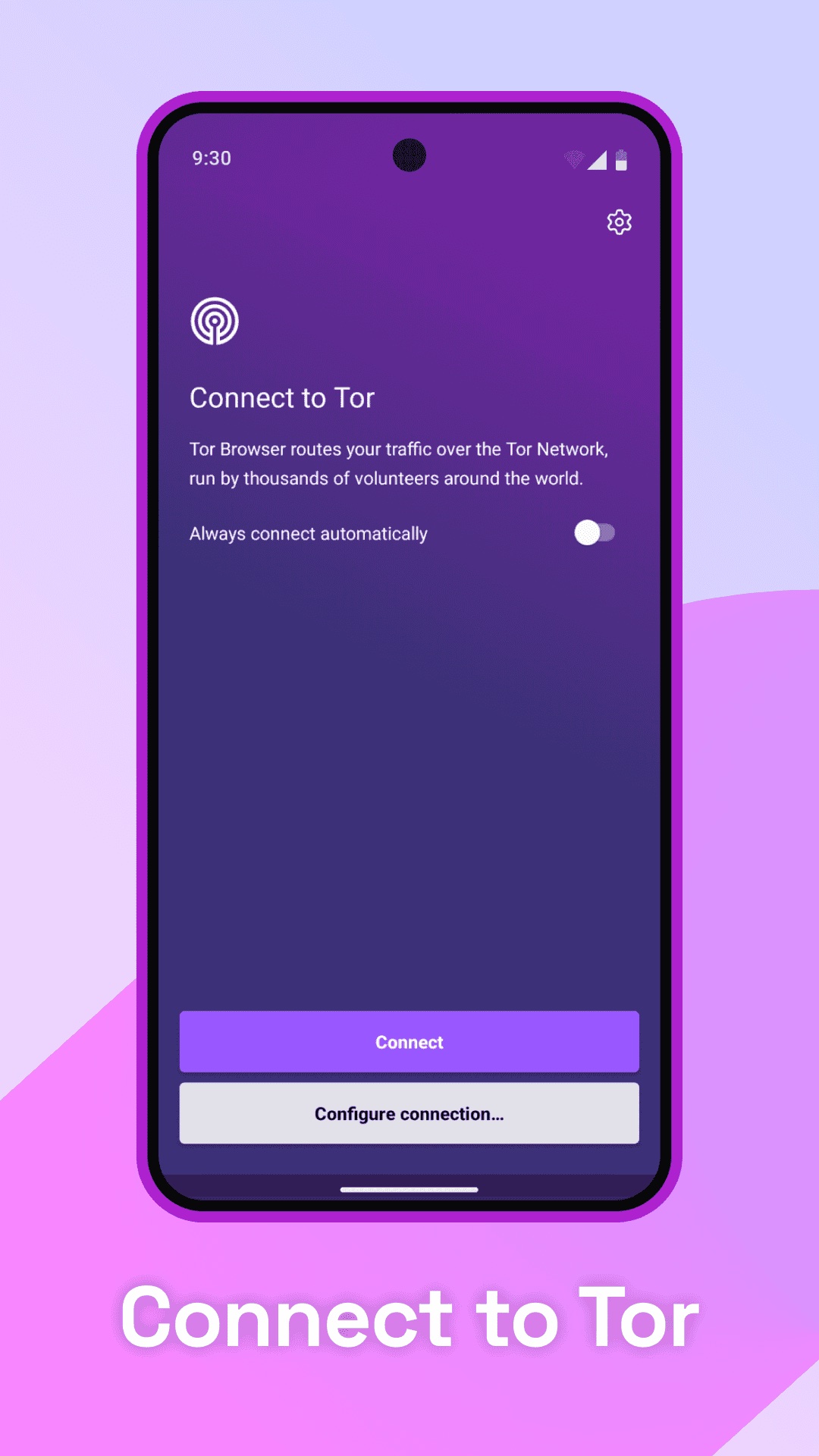
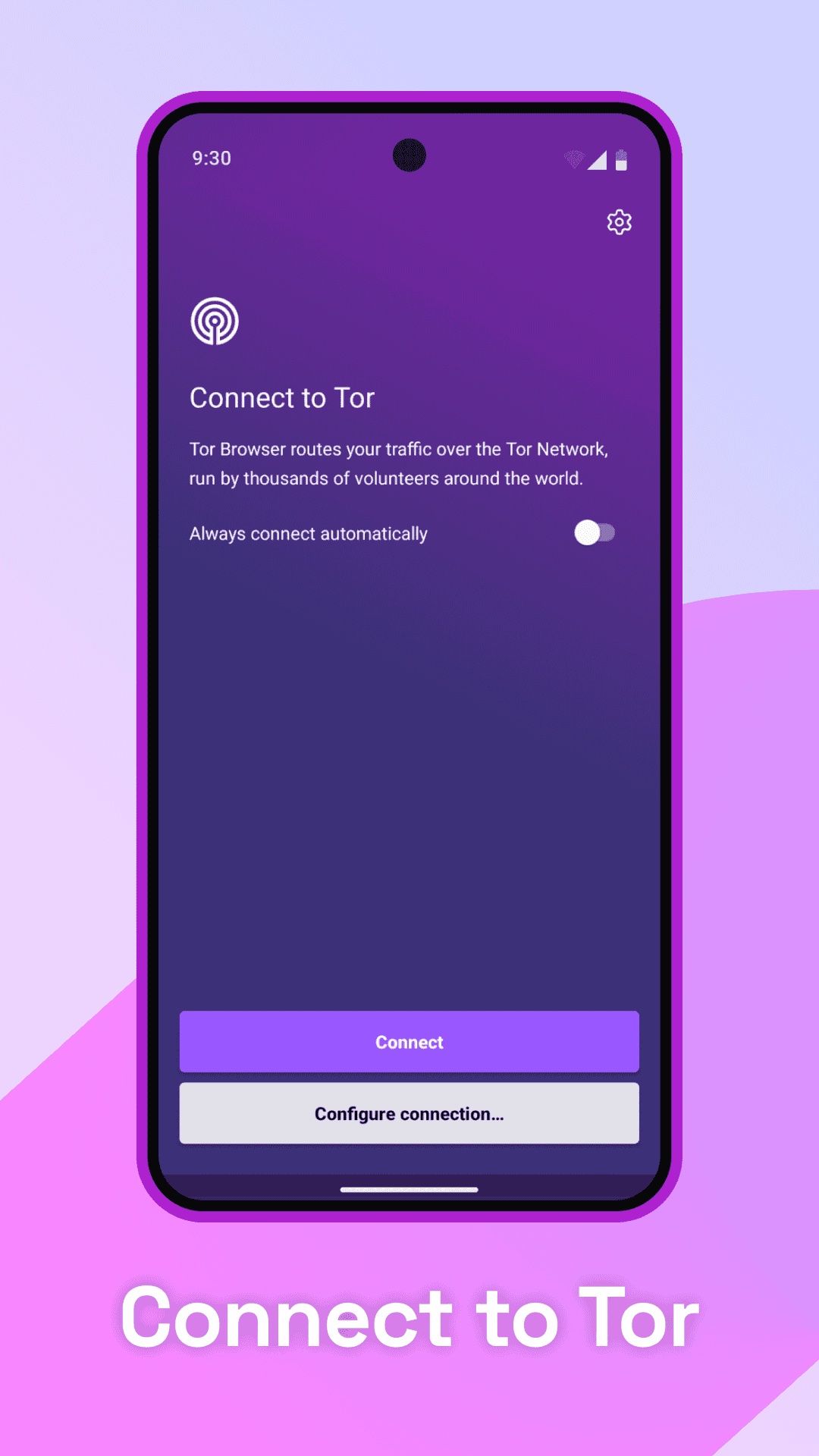
Connect to the Tor network: Launch the app and tap Connect on the purple start screen to establish a relay circuit, or toggle Always connect automatically so future sessions connect on startup.
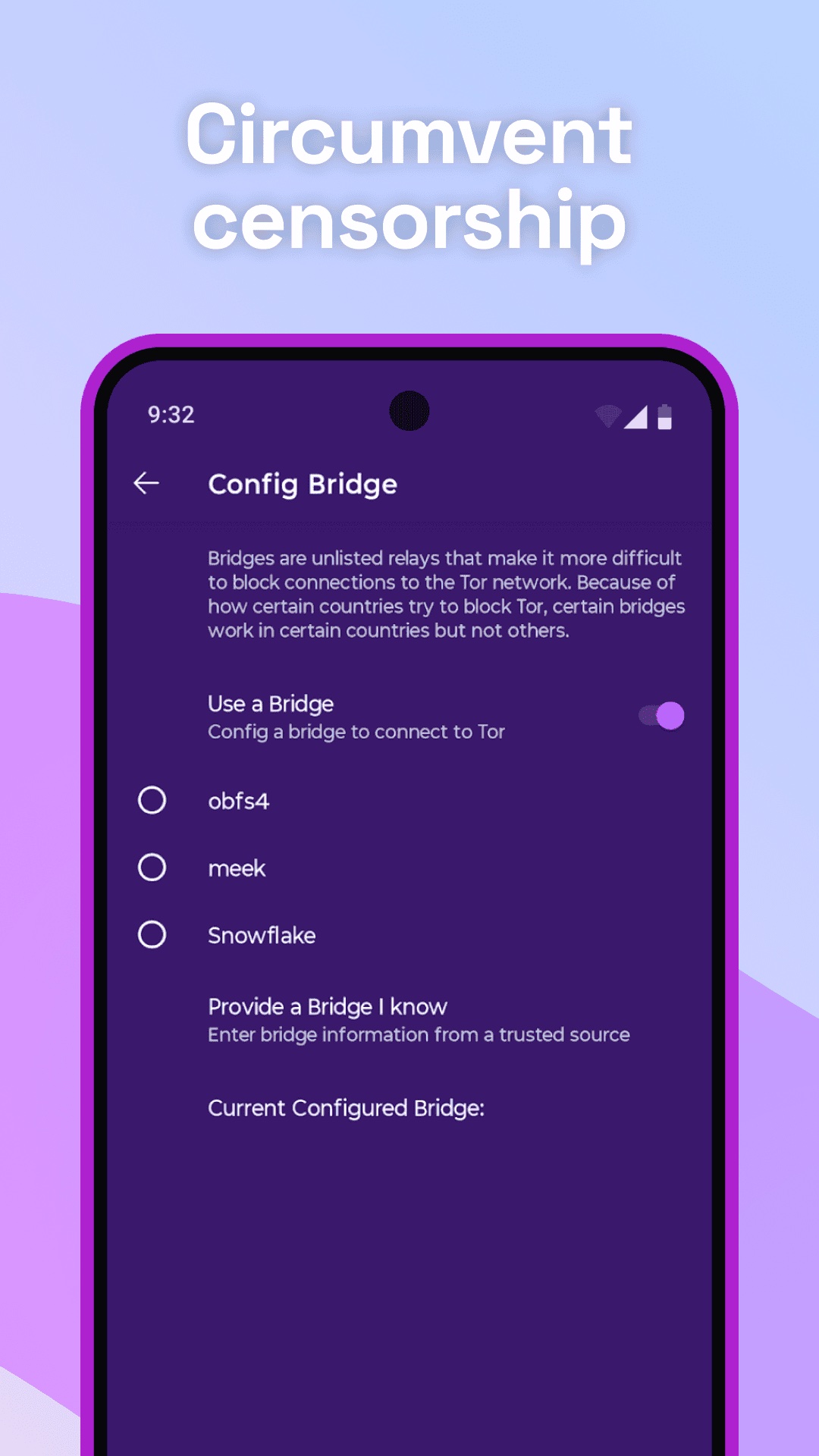
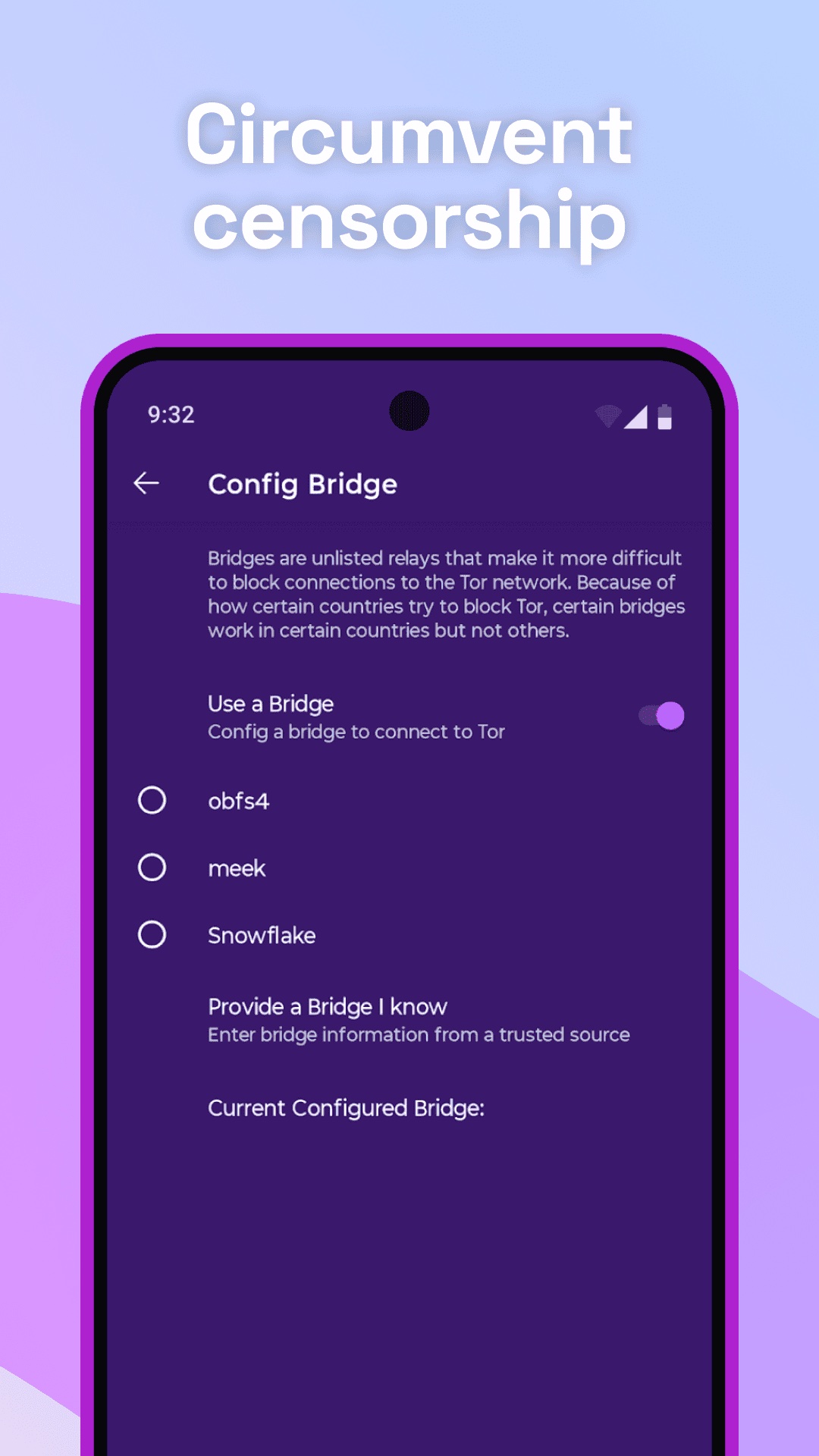
Configure a bridge when needed: If your local network restricts direct Tor connections, tap Configure connection before browsing, enable Use a Bridge, and pick obfs4, meek, Snowflake, or a custom bridge string from a trusted source.
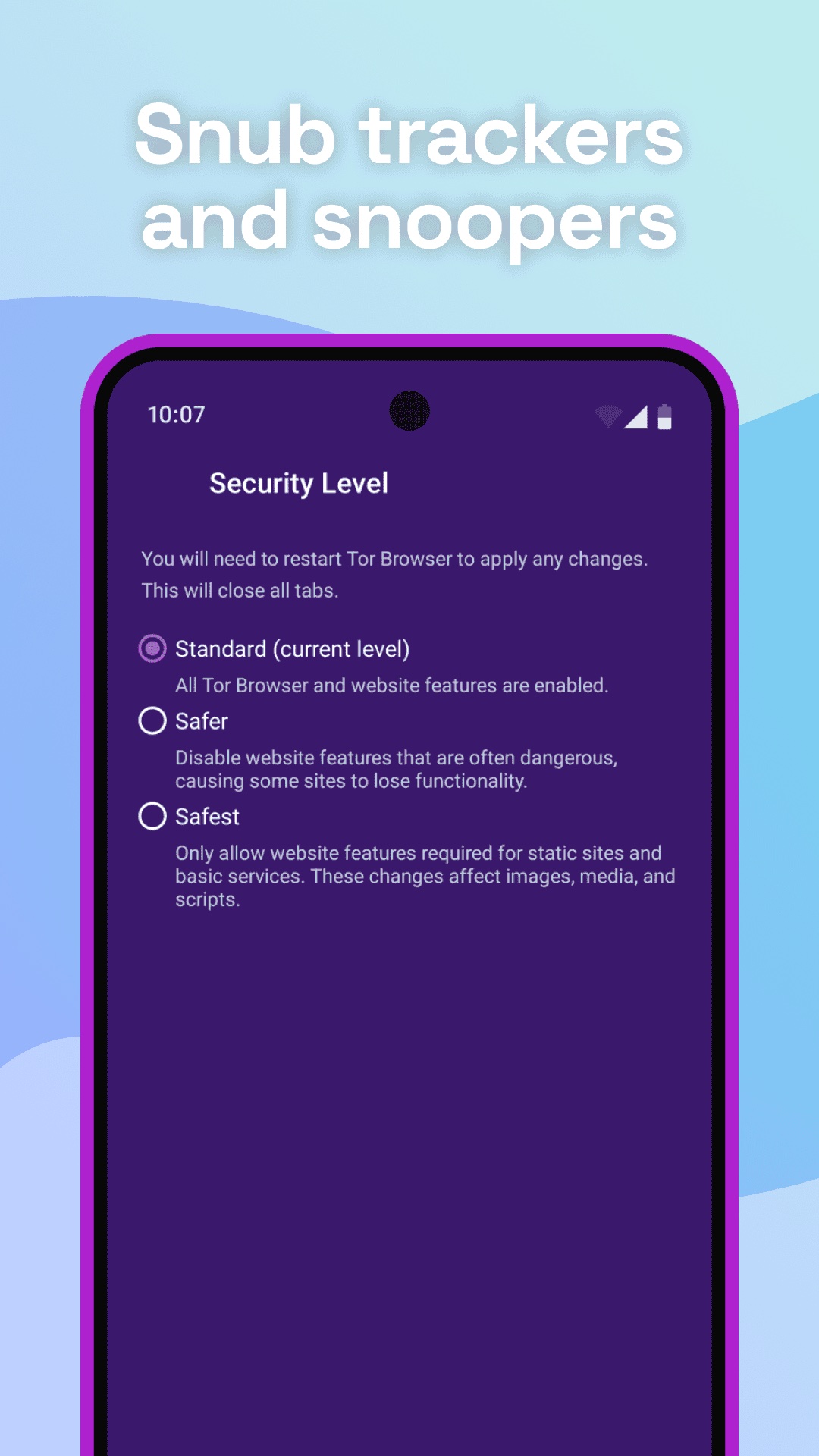
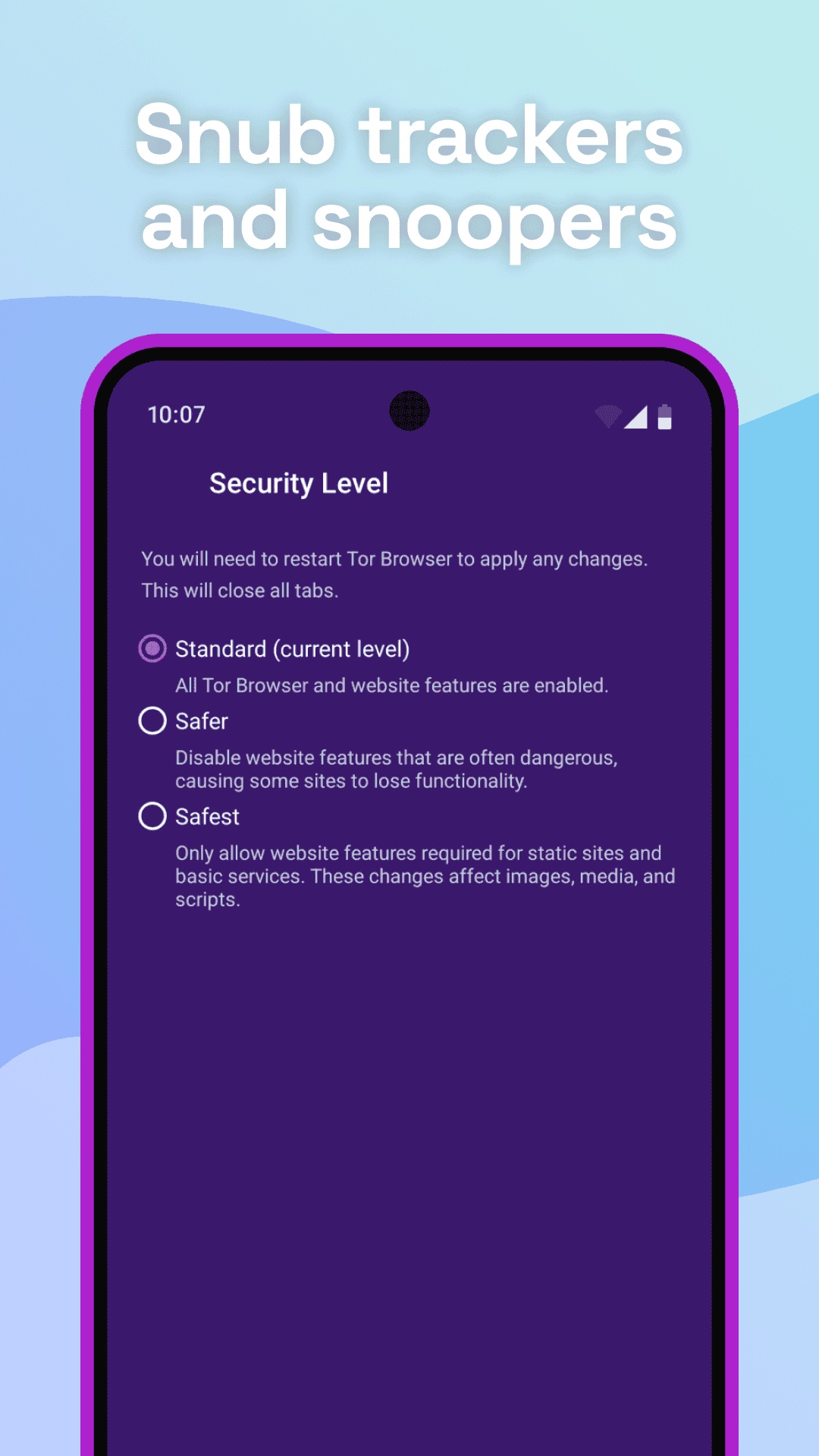
Choose a Security Level: Open Security Level settings to switch between Standard, Safer, and Safest depending on whether you want full site functionality or stricter script and media restrictions; changing levels restarts the browser and closes open tabs.
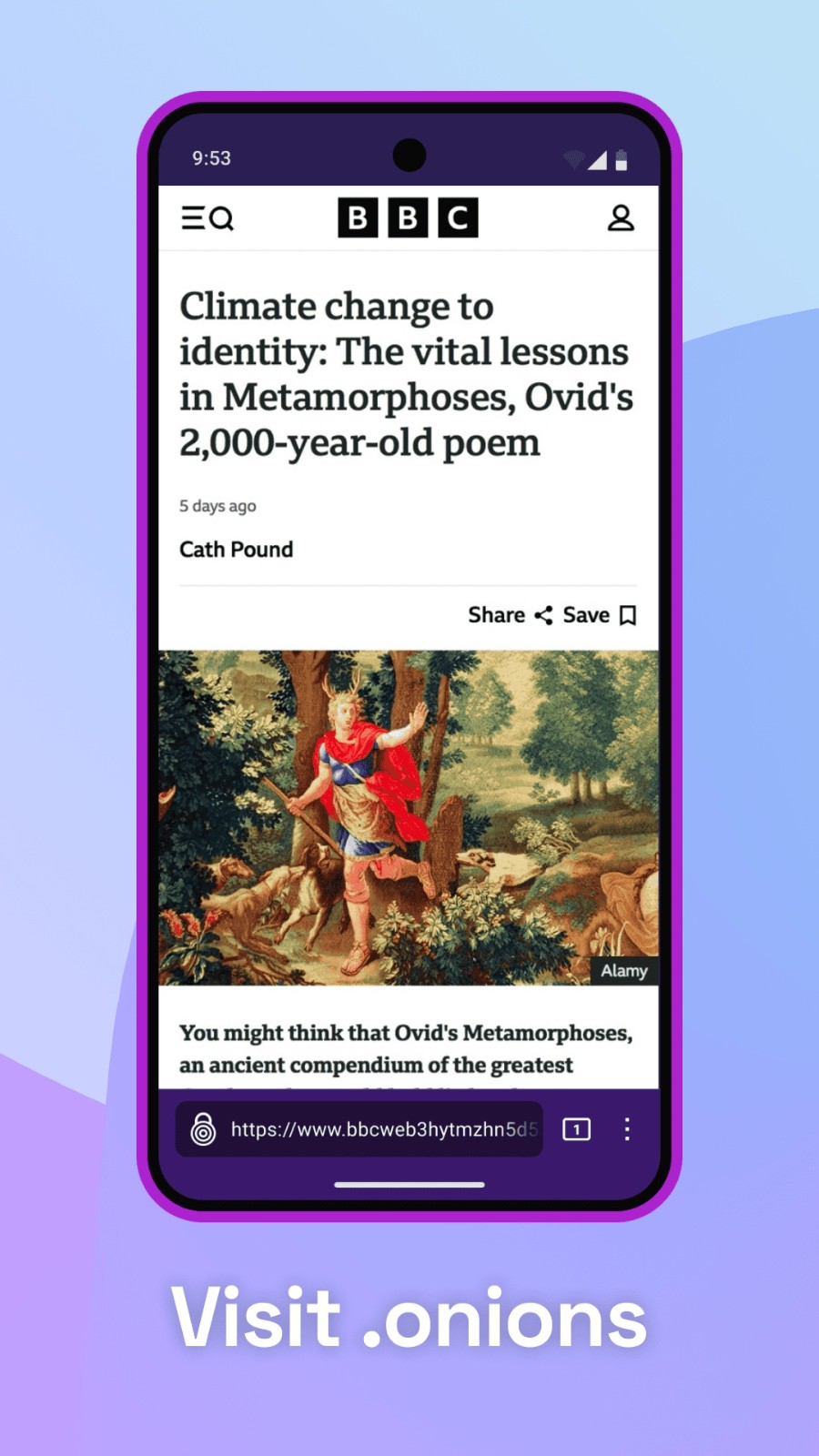
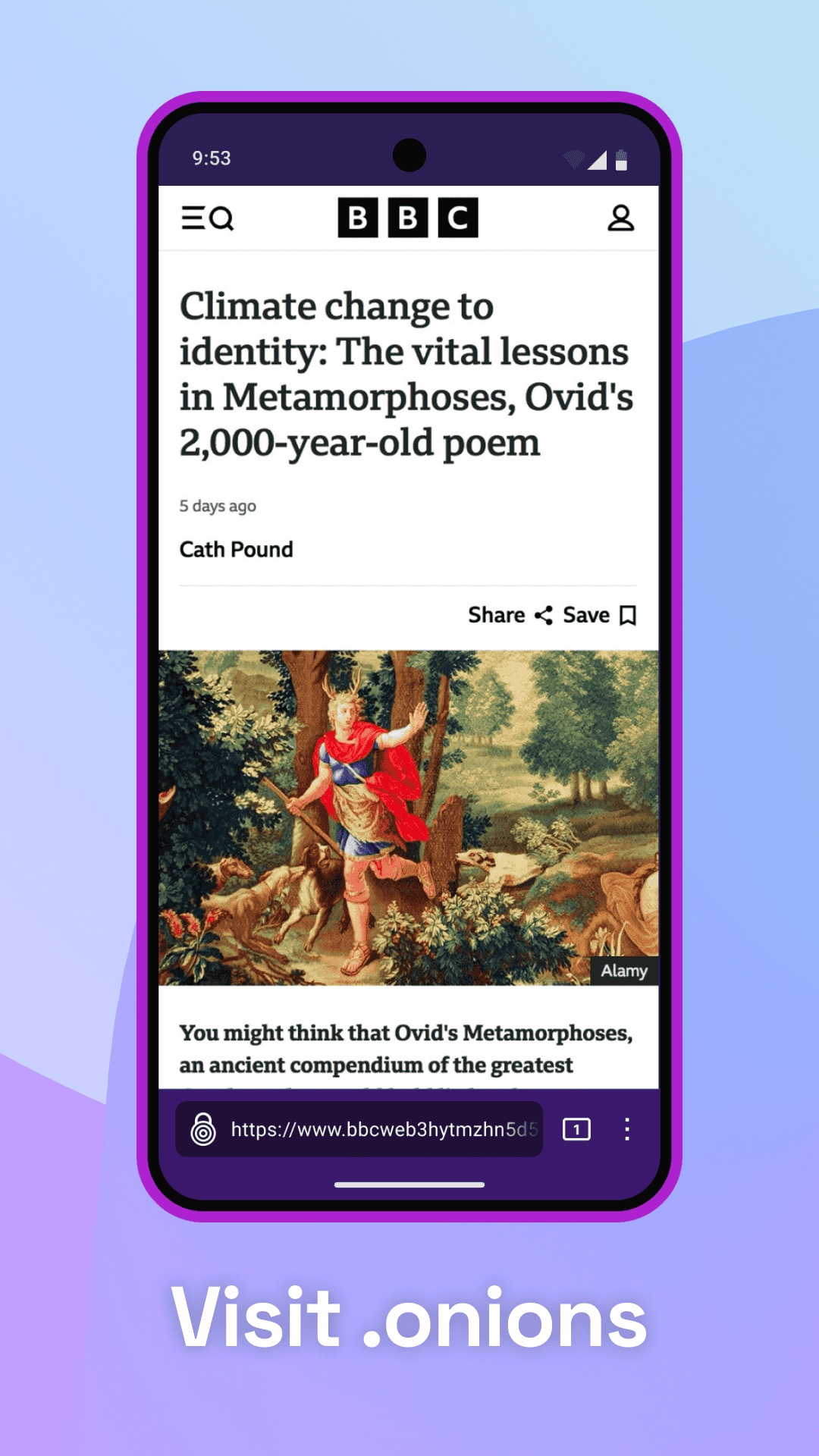
Search privately or open onion links: Use the bottom bar with DuckDuckGo search to browse normal websites, or enter .onion addresses to visit onion-hosted publications and services directly.
Three-hop relay encryption: Traffic passes through three volunteer-operated Tor relays with layered encryption so network observers cannot see which sites you visit, only that Tor is in use.
Per-site tracker isolation: Each website stays isolated from third-party trackers and ad scripts, and browsing cookies wipe automatically when you finish a session.
Browser fingerprinting resistance: Tor Browser standardizes device and browser traits across users, making it harder for websites to distinguish one phone from another.
Built-in censorship bridges: Native bridge support includes obfs4, meek, and Snowflake right inside settings, plus manual entry for unlisted bridge relays.
Native .onion site support: Open .onion web addresses straight from the address bar with onion padlock indicators and three adjustable Security Level profiles.
Free open-source nonprofit backing: Developed by The Tor Project and funded by donations, Tor Browser carries zero ads and zero in-app purchases, with an Everyone content rating on Google Play.
Proven mobile adoption: Since debuting on Google Play on May 21, 2019, the Android edition has logged more than 50 million installs and holds 4.54 out of 5 from over 293,000 ratings.
Android-only 16.0.2 maintenance fix: Released in November 2026 on Firefox 153.7.0esr, build 16.0.2 specifically resolves an Android-only dynamic zlib breakage introduced in 16.0.1 alongside security updates.
What changed in Tor Browser 16.0.2 for Android?
According to The Tor Project’s November 2026 release notes, 16.0.2 (153.7.0esr, version code 2016195514) is an Android-only update that fixes a platform-specific breakage where Tor on Android 16.0.1 picked up a dynamic zlib library, while bundling ongoing security improvements.
Which Android phones can install this 110.18 MB APK?
This official installer targets 64-bit ARM devices (arm64-v8a / aarch64) running Android 8.0 Oreo (API 26) or newer, with target SDK 36. Older 32-bit ARM phones or x86_64 devices require the matching architecture build distributed on torproject.org.
When should you turn on obfs4, meek, or Snowflake bridges?
Leave bridges off when the default Connect button works normally. If an ISP or regional firewall blocks standard Tor relays, switching on obfs4, meek, or Snowflake uses unlisted entry points designed to help reach the network.
How do the Standard, Safer, and Safest security levels differ?
Standard keeps all website features enabled; Safer disables features that are often risky and may break parts of some sites; Safest allows only features needed for static sites and basic services, affecting scripts, media, and images. Switching levels restarts Tor Browser and closes open tabs.
How can you confirm this APK is an authentic Tor Project release?
The file matches The Tor Project’s published SHA256 checksum for tor-browser-android-aarch64-16.0.2.apk (starting with e937a744fae08a34) and carries The Tor Project’s Seattle signing certificate (CN=Tor Browser, valid May 18, 2019 through May 14, 2034).
Tor Browser brings The Tor Project’s three-relay encryption, automatic session cleanup, built-in bridges, and .onion browsing to Android without ads, subscriptions, or paywalls. For 64-bit Android 8.0 and newer handsets, official build 16.0.2 (153.7.0esr) delivers the latest zlib fix and security updates in a single verified 110.18 MB APK.
Tor Browser
Tools
Date:2026-11-24

Xender
Tools
Date:2026-11-24

ElevenLabs
Media & Video
Date:2026-11-24

Real Guitar
Media & Video
Date:2026-11-24

Emochi
Social
Date:2026-11-24

Audiomack
Media & Video
Date:2026-11-24

Apple TV
Media & Video
Date:2026-11-24
Move to iOS
Tools
Date:2026-11-24