DuckDuckGo is a free Android browser with private search and built-in tracker blocking. You can search or open a website from the address bar while the browser stops many third-party trackers from loading. Use the Fire Button to clear browsing data, or turn on Search Assist for AI summaries in your results.
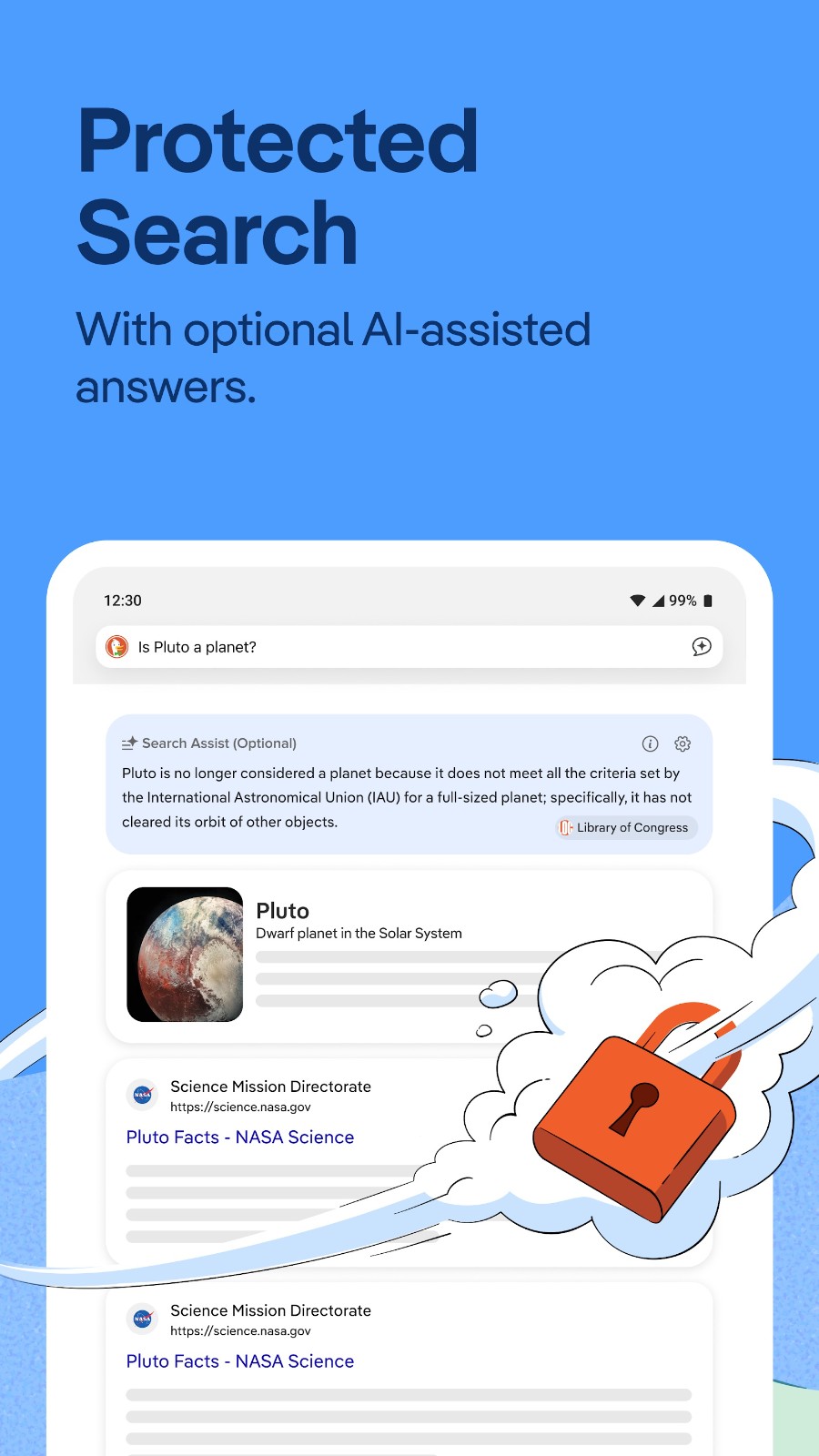
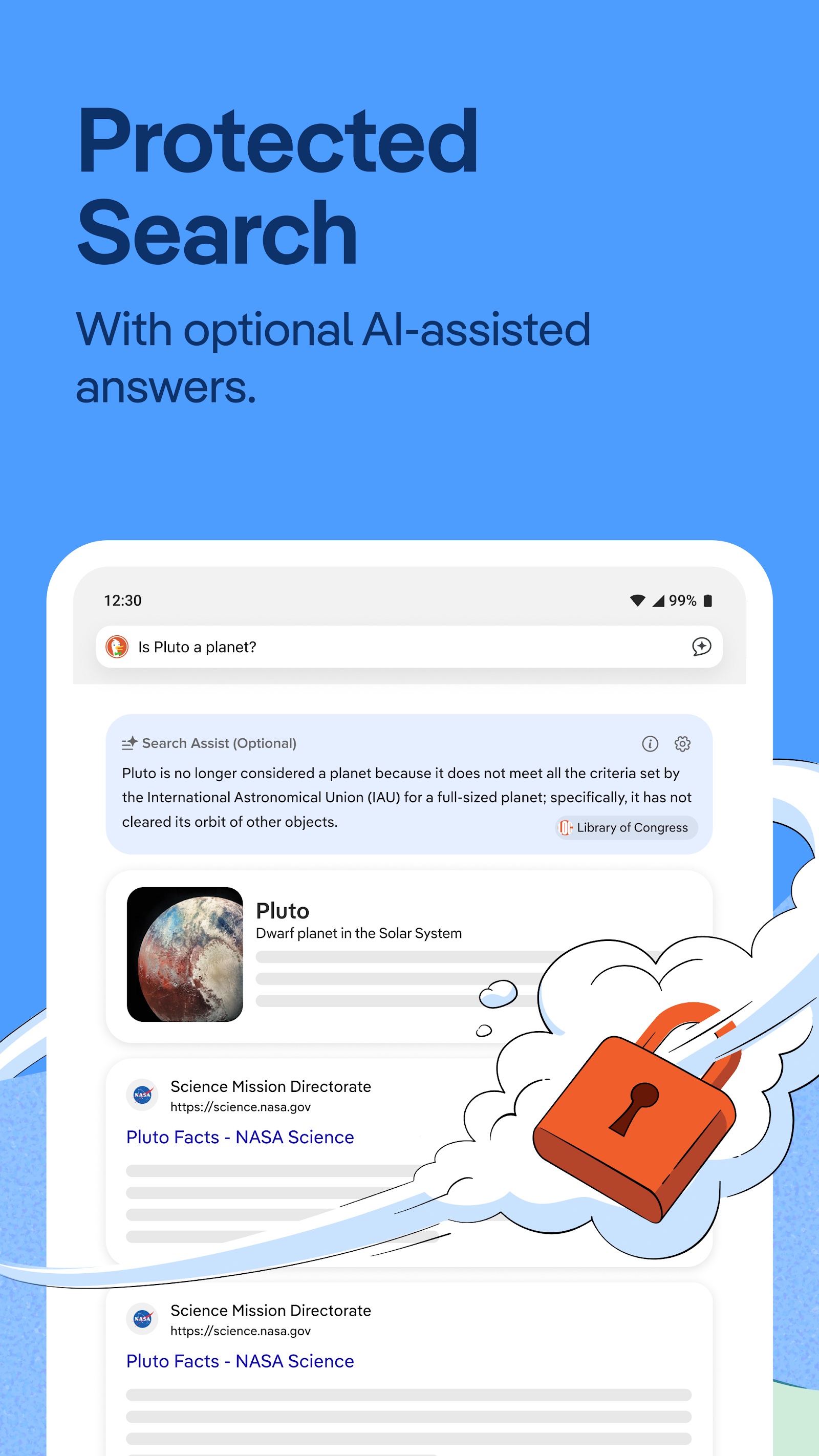
Search privately with optional Search Assist: Type queries into the built-in DuckDuckGo Search bar without search tracking, and view optional AI-assisted summaries with source citations when enabled.
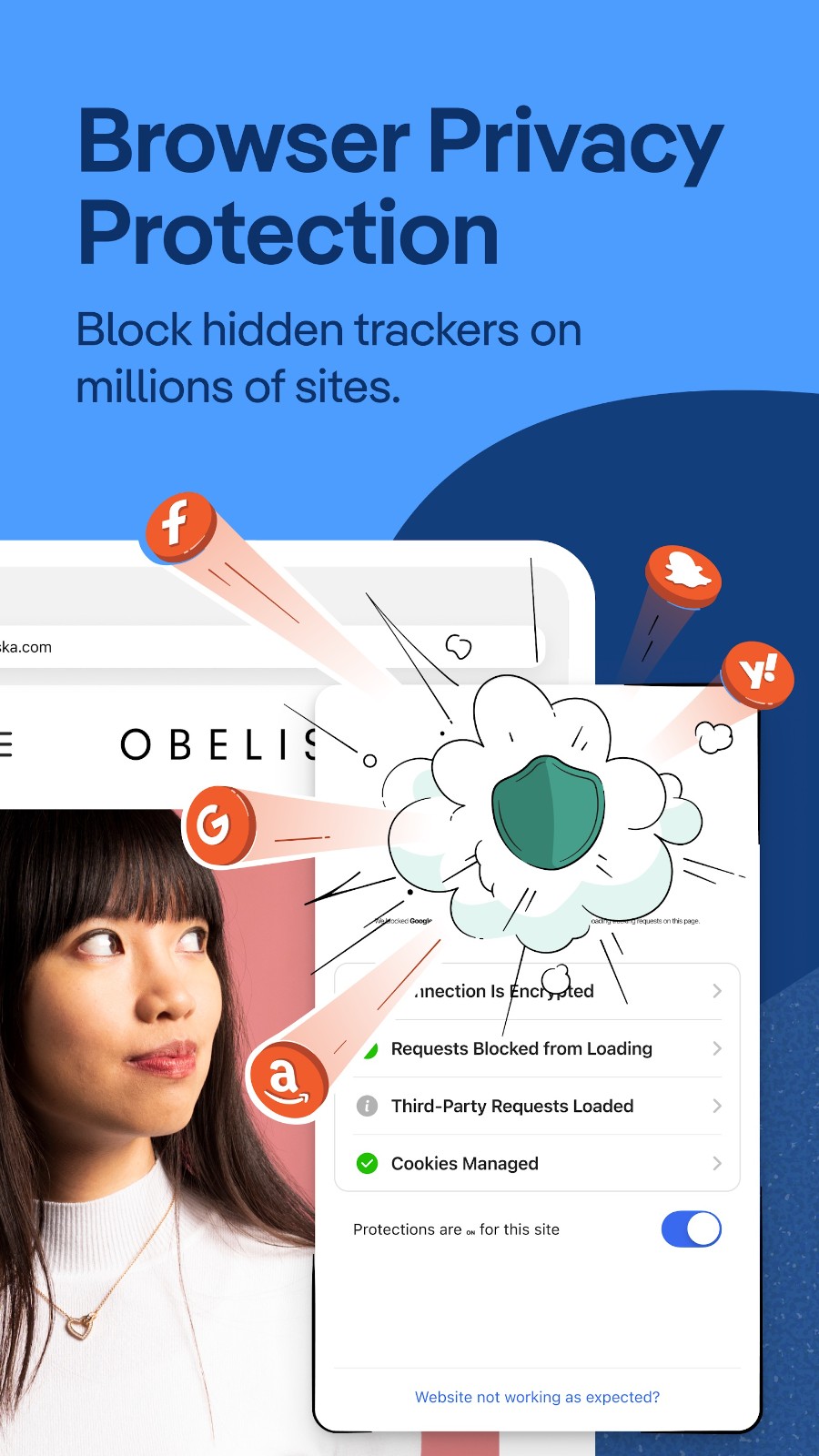
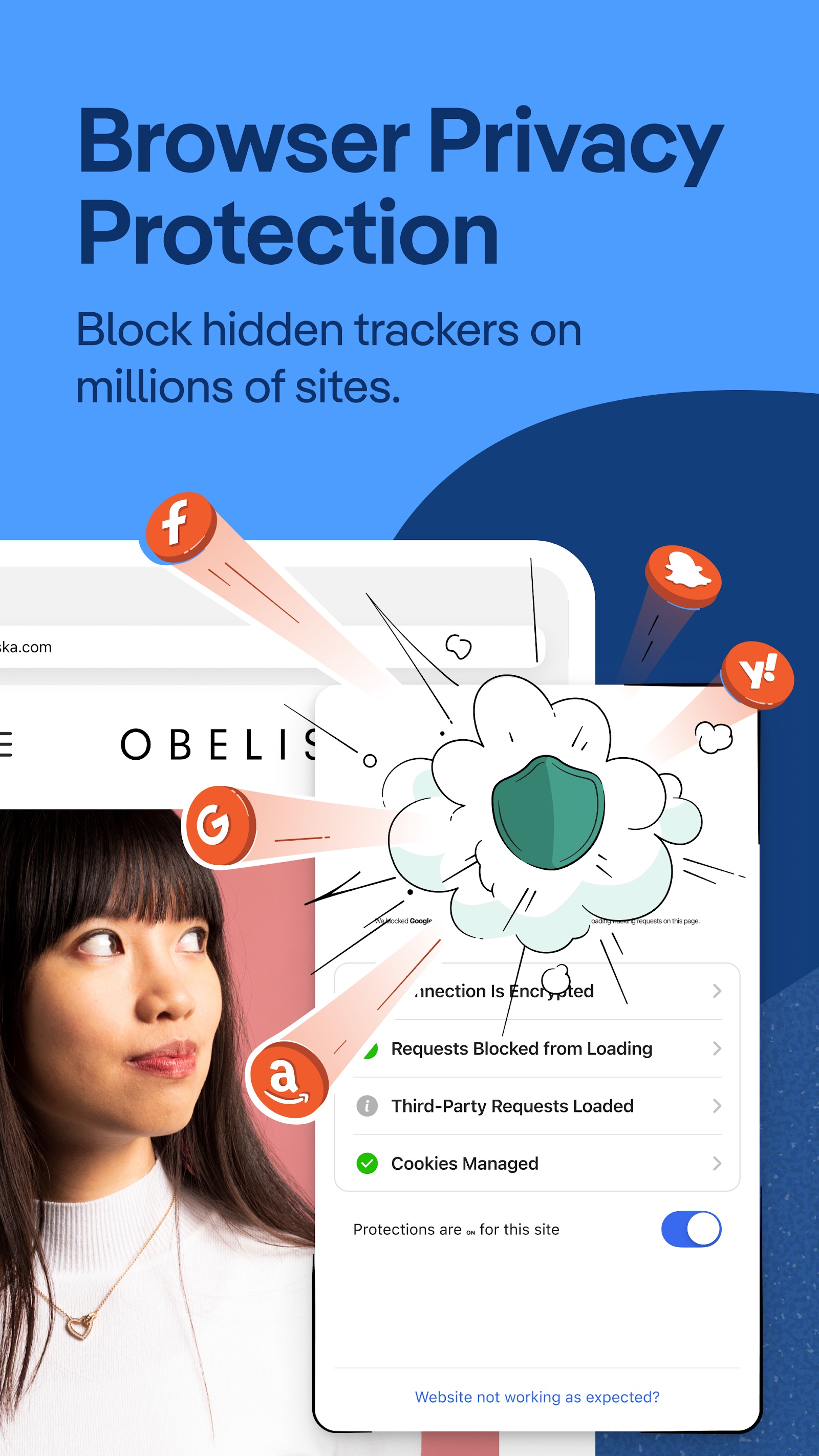
Inspect per-site privacy protections: Tap the shield next to the address bar to see which third-party requests DuckDuckGo blocked and whether the connection is encrypted. Use the per-site switch if a page stops working with protections on.
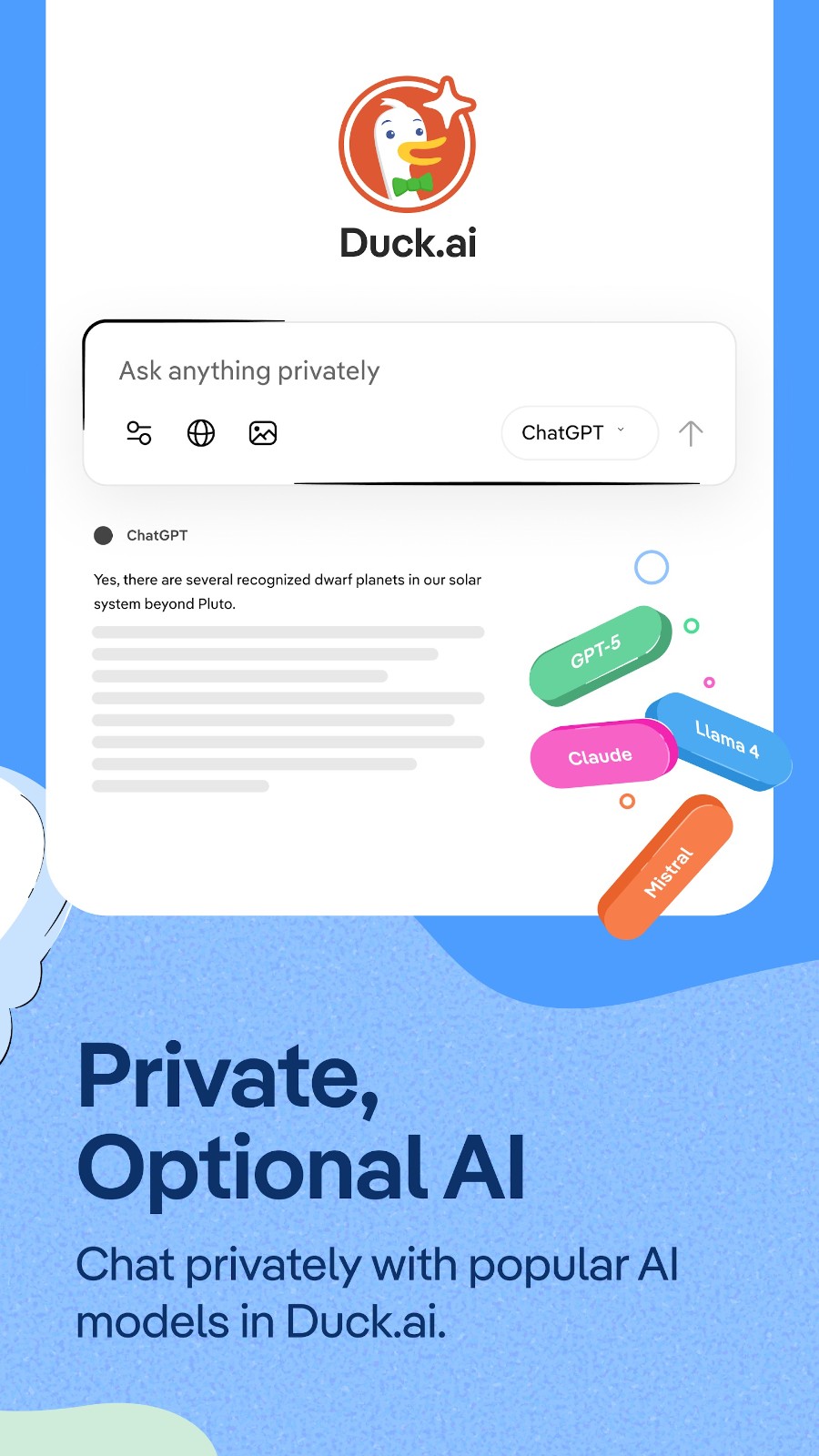
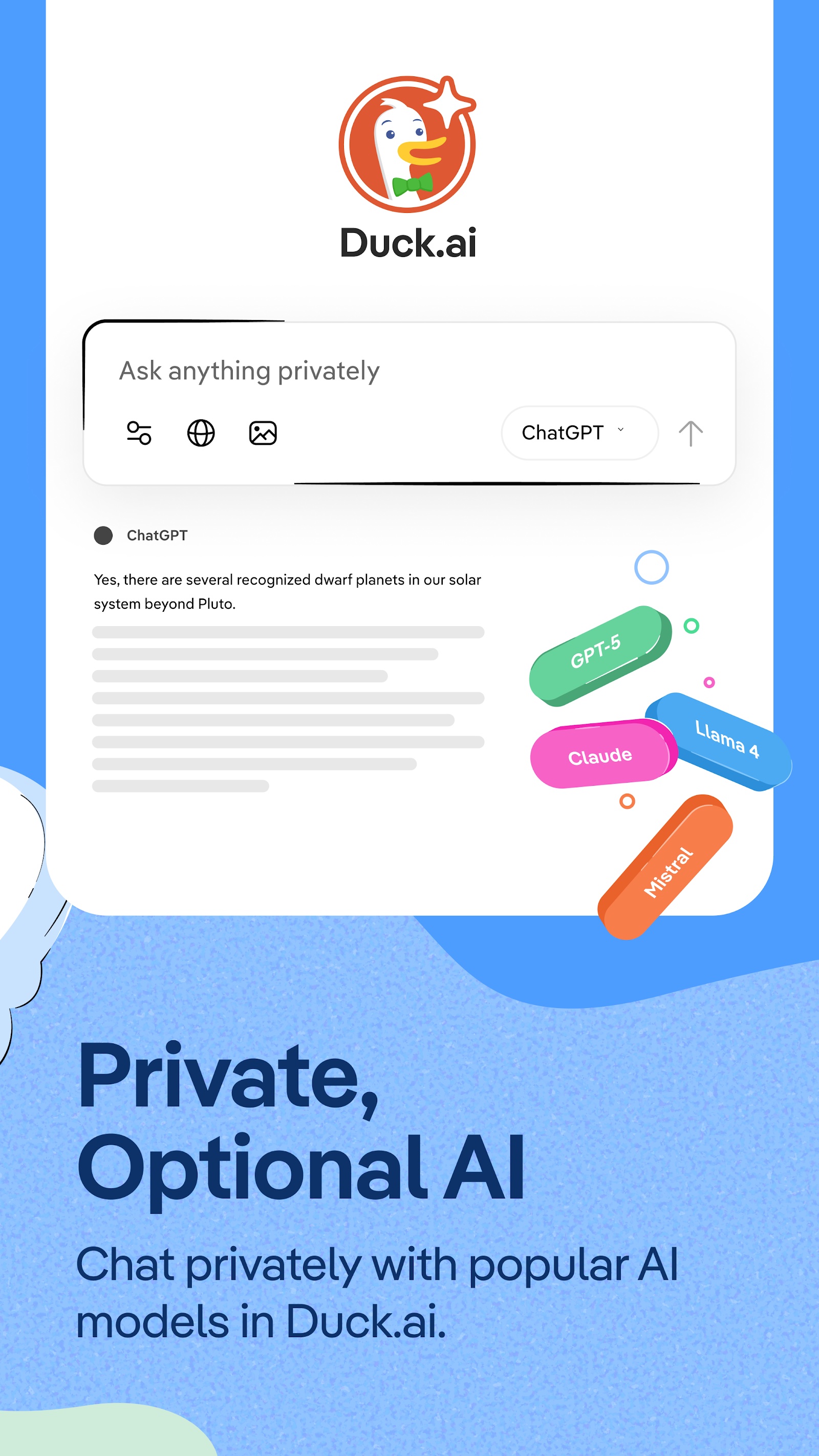
Open a private Duck.ai chat: Pick a model from the choices shown in Duck.ai. DuckDuckGo removes identifying metadata from requests before forwarding them to the model provider, and providers agree to keep chats out of model training.
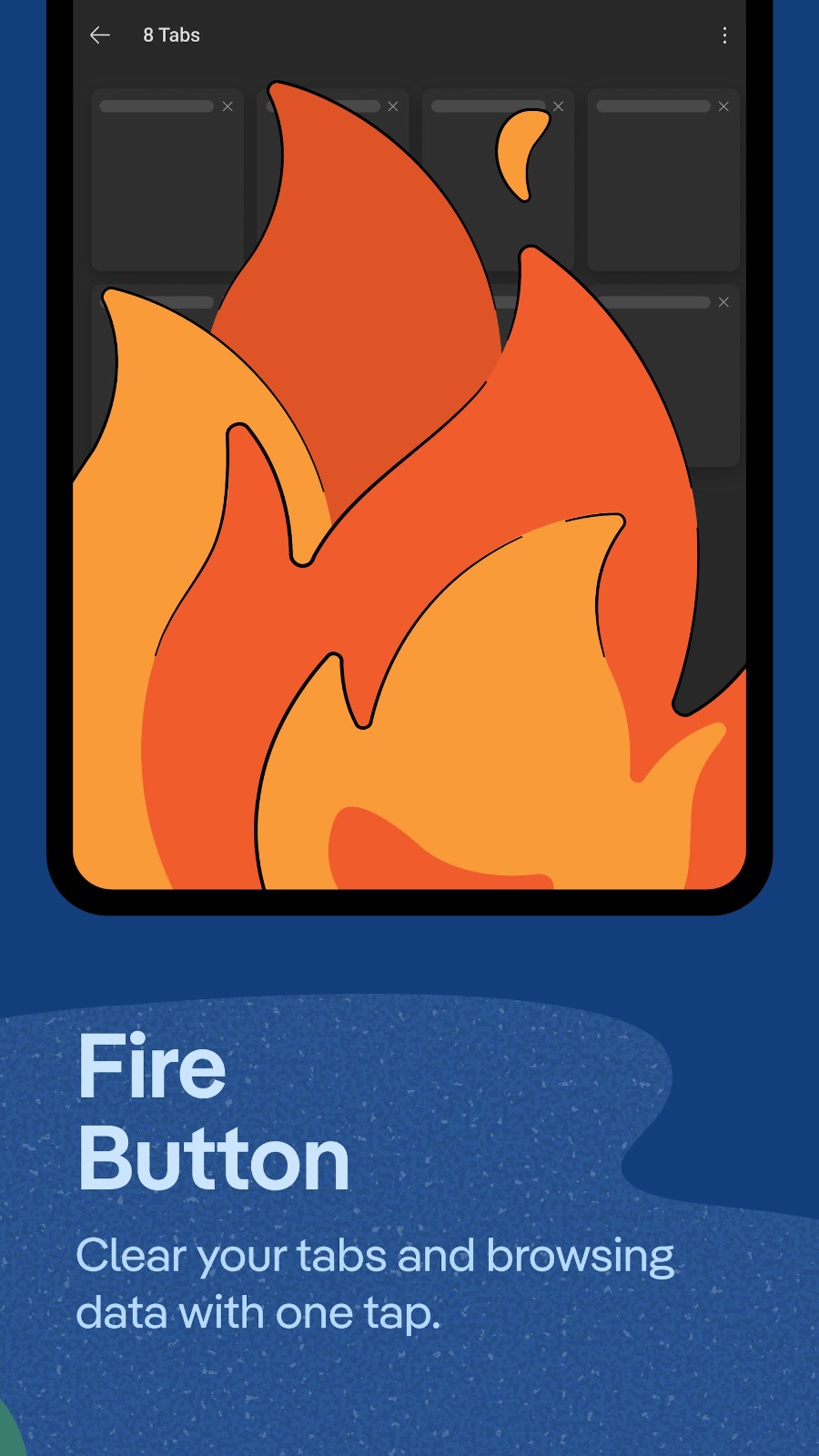
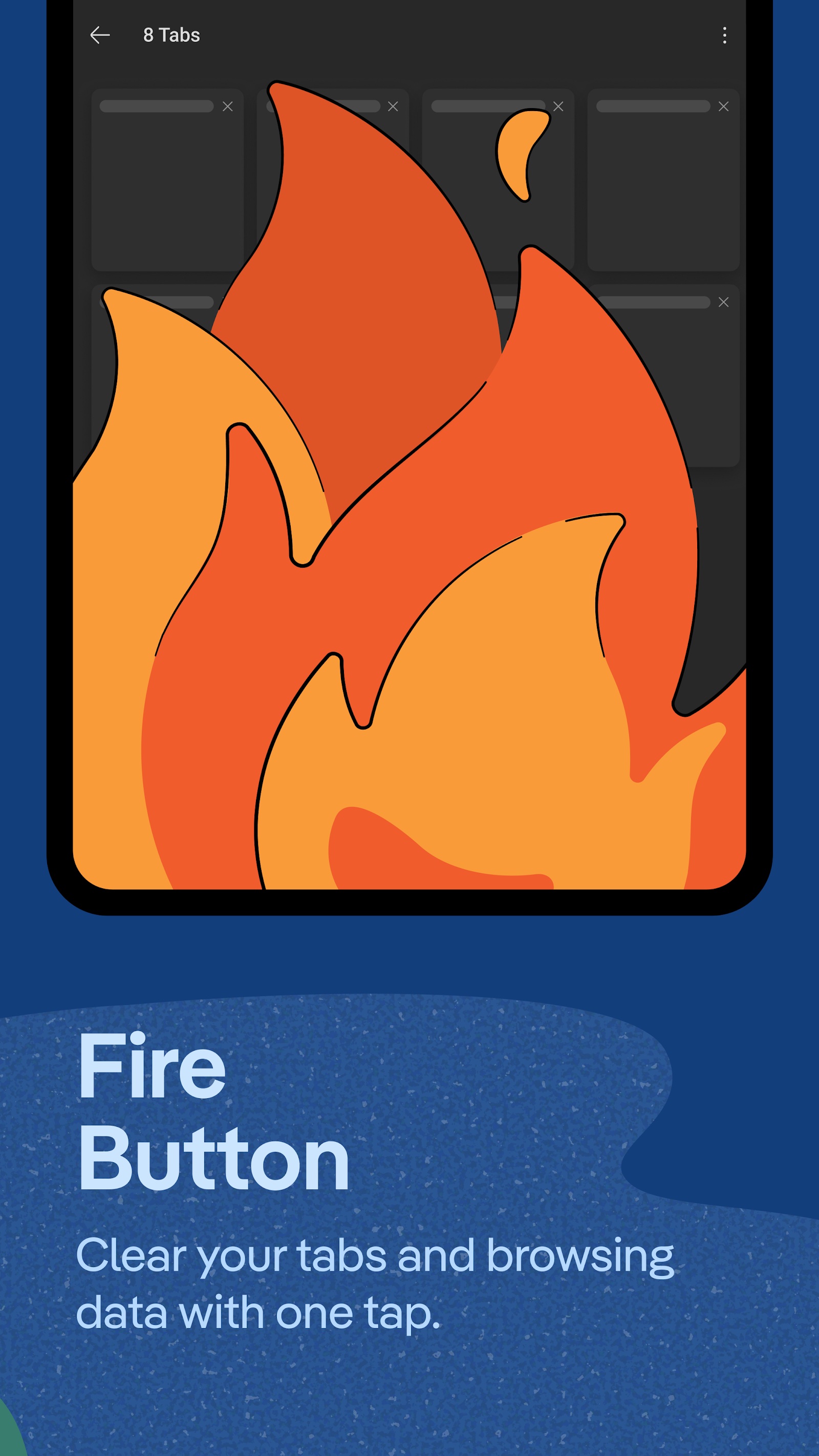
Clear a browsing session: Use the Fire Button to close tabs and erase browsing history when you finish a session. DuckDuckGo keeps bookmarks and first-party cookies for sites you mark as Fireproof. You can also set the browser to clear browsing data on restart.
Third-party tracker and ad blocking: Stops many third-party trackers before they load and blocks many intrusive web ads, including most video ads. On supported websites, the browser handles cookie prompts using privacy-friendly choices.
Automatic HTTPS encryption and anti-fingerprinting: Upgrades eligible connections to HTTPS and limits the browser and device details that sites can use for fingerprinting.
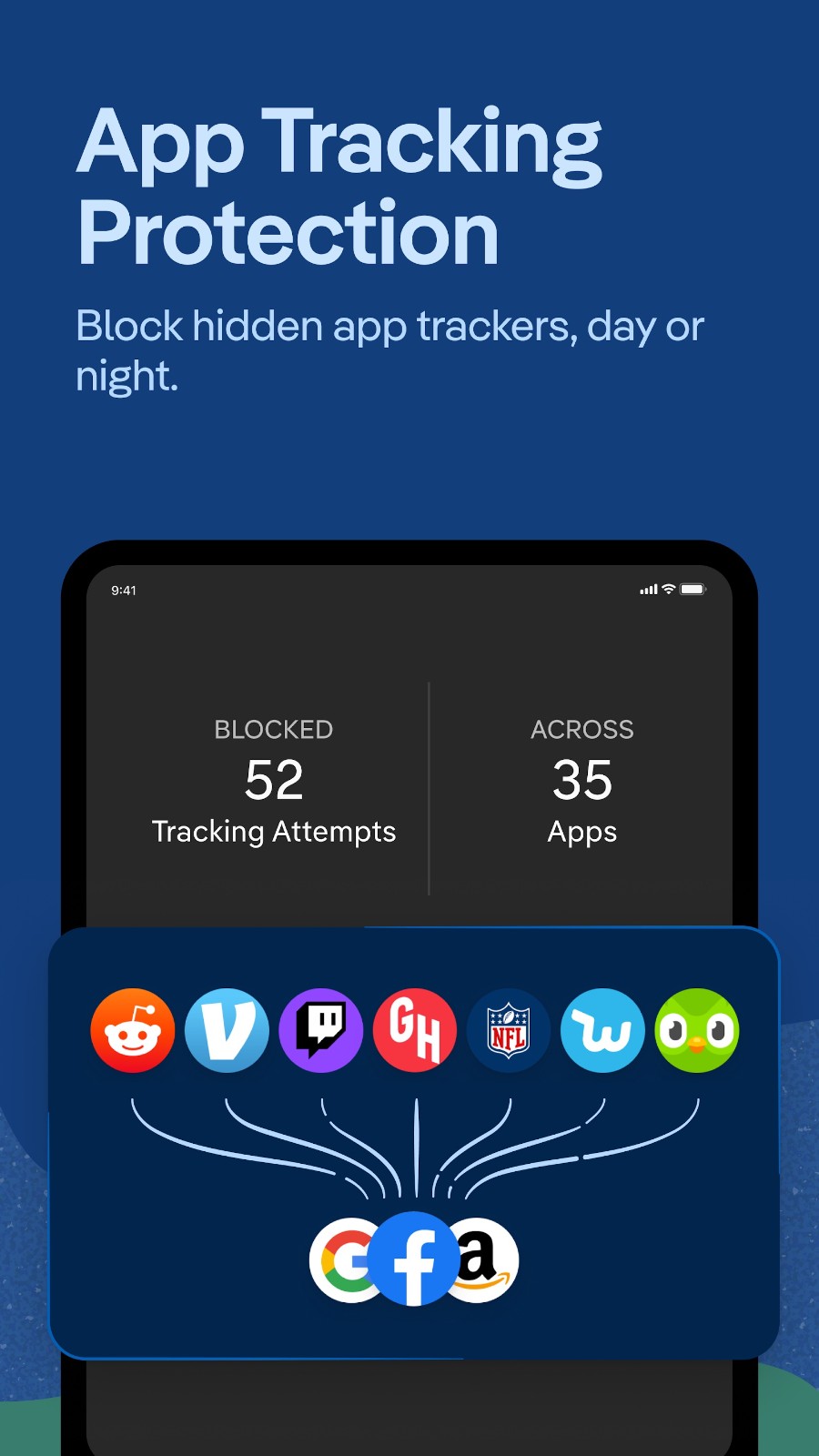
App Tracking Protection across Android: Runs locally on your device using an Android VPN connection (without acting as an external VPN) to intercept most hidden trackers across other apps day and night.
Email Protection and encrypted sync: Optional @duck.com forwarding addresses block most email trackers and hide your real inbox, while encrypted sync backs up bookmarks and passwords across devices.
Optional DuckDuckGo Subscription extras: Paid plans add DuckDuckGo VPN and access to advanced models in Duck.ai. In supported regions, subscribers also get Identity Theft Restoration. Personal Information Removal is a desktop feature available in the U.S.
Revenue without personal data profiling: The browser itself is free to install and use; DuckDuckGo funds development through anonymous privacy-respecting search ads alongside optional paid subscription tools.
Google Play availability: The Android browser has been listed on Google Play since 2011. The store shows more than 50 million installs and an Everyone content rating.
Official GitHub 5.304.0 universal build: Released on November 19, 2026 to match the current Google Play version, build 5.304.0 (version code 53040000) ships as a single 69.60 MB APK covering ARM and x86 architectures with DuckDuckGo’s original Valley Forge signature.
Which Android versions can install DuckDuckGo 5.304.0?
Android 9 Pie (API 28) is the minimum supported OS, with target SDK set to 36 (Android 16). Inside this single 69.60 MB GitHub release, DuckDuckGo packs native binaries covering modern ARM64, older 32-bit ARM, and Intel x86/x86_64 hardware.
Is App Tracking Protection the same as DuckDuckGo VPN?
No. App Tracking Protection is a free local feature that uses Android’s VPN connection strictly on your phone to block most hidden trackers inside other apps without collecting personal data. DuckDuckGo VPN is a separate encrypted connection service for up to 5 devices included in the optional paid subscription.
Are Search Assist and Duck.ai required, or can they be skipped?
Both tools are optional. Search Assist adds summaries to the search results, while Duck.ai opens a separate chat. DuckDuckGo says it does not use data from either tool to train AI.
Does using the browser require a paid subscription?
The Android browser and its built-in tracking protections are free. In the browser settings, open Subscription to see the plans and prices offered for your region.
How can this 5.304.0 APK’s authenticity be verified?
Build 5.304.0 comes directly from DuckDuckGo’s official Android GitHub repository and carries DuckDuckGo’s v2/v3 Valley Forge signing key created on April 5, 2011 (SHA-256 fingerprint beginning with BB:7B:B3:1C).
DuckDuckGo suits everyday Android browsing if you want private search and tracker blocking in one app. You can clear data after a session, keep cookies for Fireproof Sites, and leave the optional AI tools off. The official 5.304.0 APK supports Android 9 and later on ARM or x86 devices.
DuckDuckGo
Tools
Date:2026-11-24

Shazam
Media & Video
Date:2026-11-24

Blackmagic Camera
Photography
Date:2026-11-24

Signal Private Messenger
Social
Date:2026-11-24
VLC for Android
Media & Video
Date:2026-11-24

Tor Browser
Tools
Date:2026-11-24
Xender
Tools
Date:2026-11-24

ElevenLabs
Media & Video
Date:2026-11-24