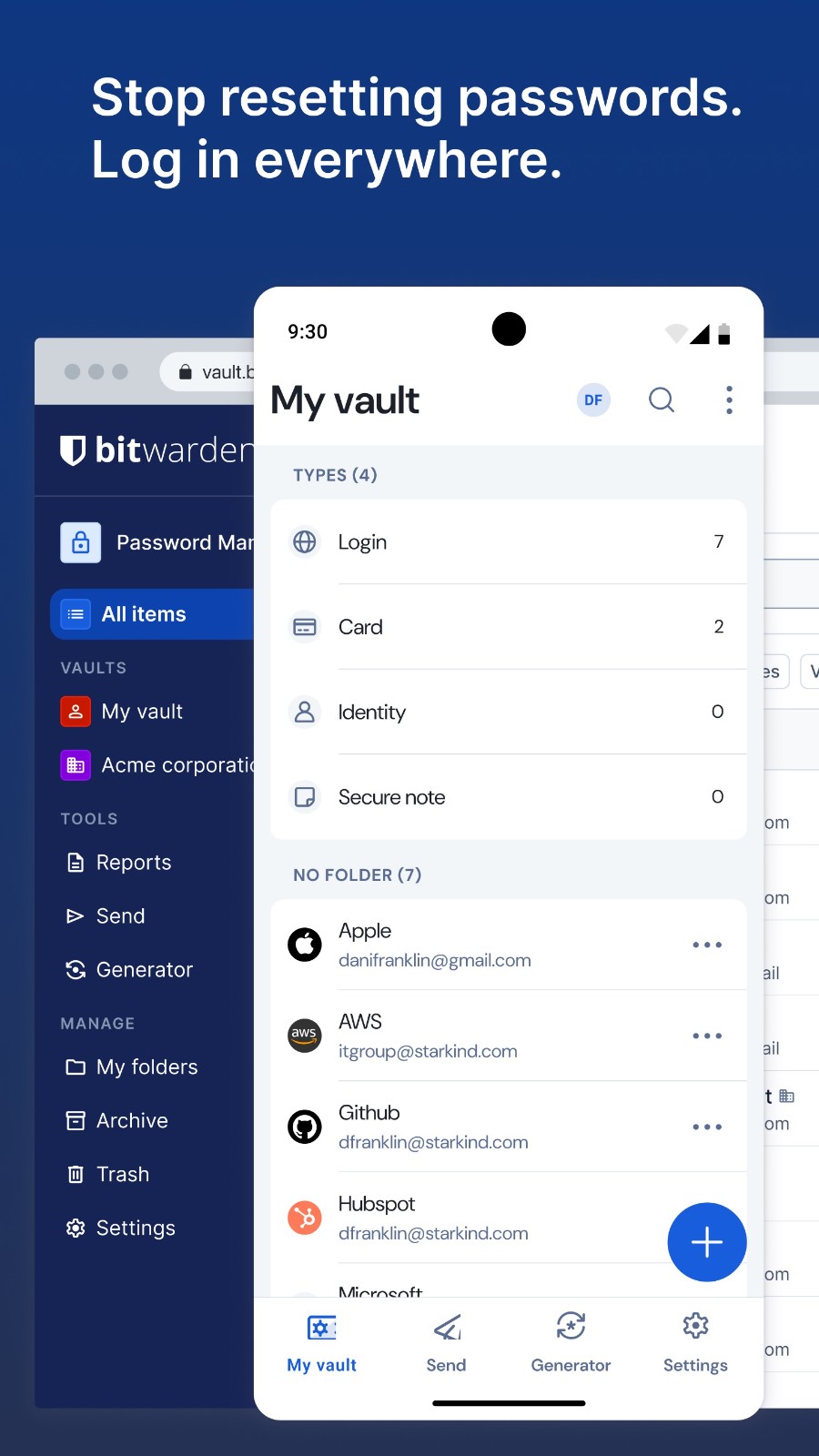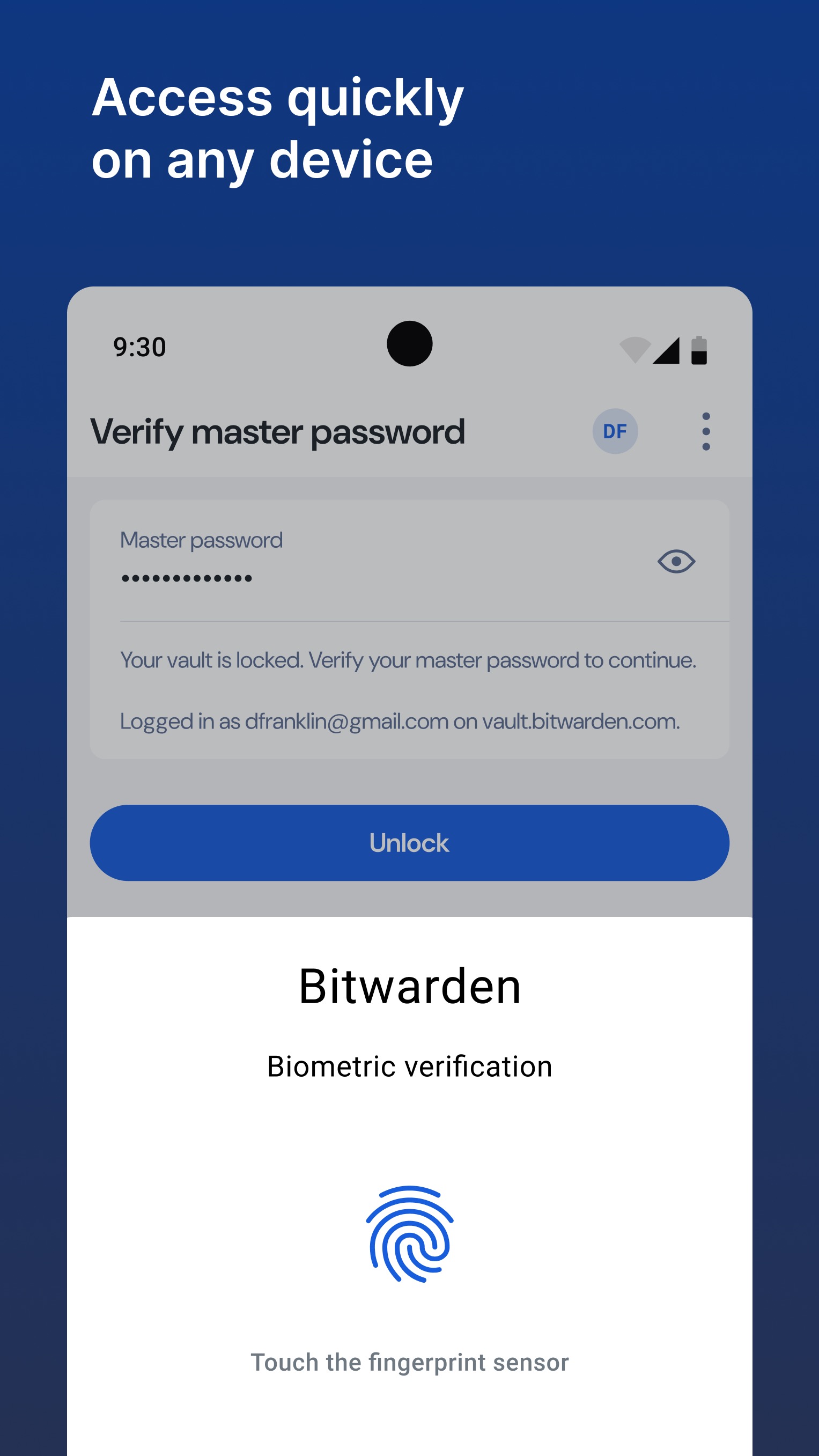
Bitwarden Password Manager is an open-source credential vault from Bitwarden Inc. built to store, generate, and autofill logins and passkeys on Android. You protect saved entries behind a master password and optional fingerprint unlock, while zero-knowledge, end-to-end AES-256 encryption keeps vault data unreadable to Bitwarden’s servers. After signing in, you sort logins, payment cards, identities, and secure notes into folders and sync them across phones, tablets, computers, and major browsers.
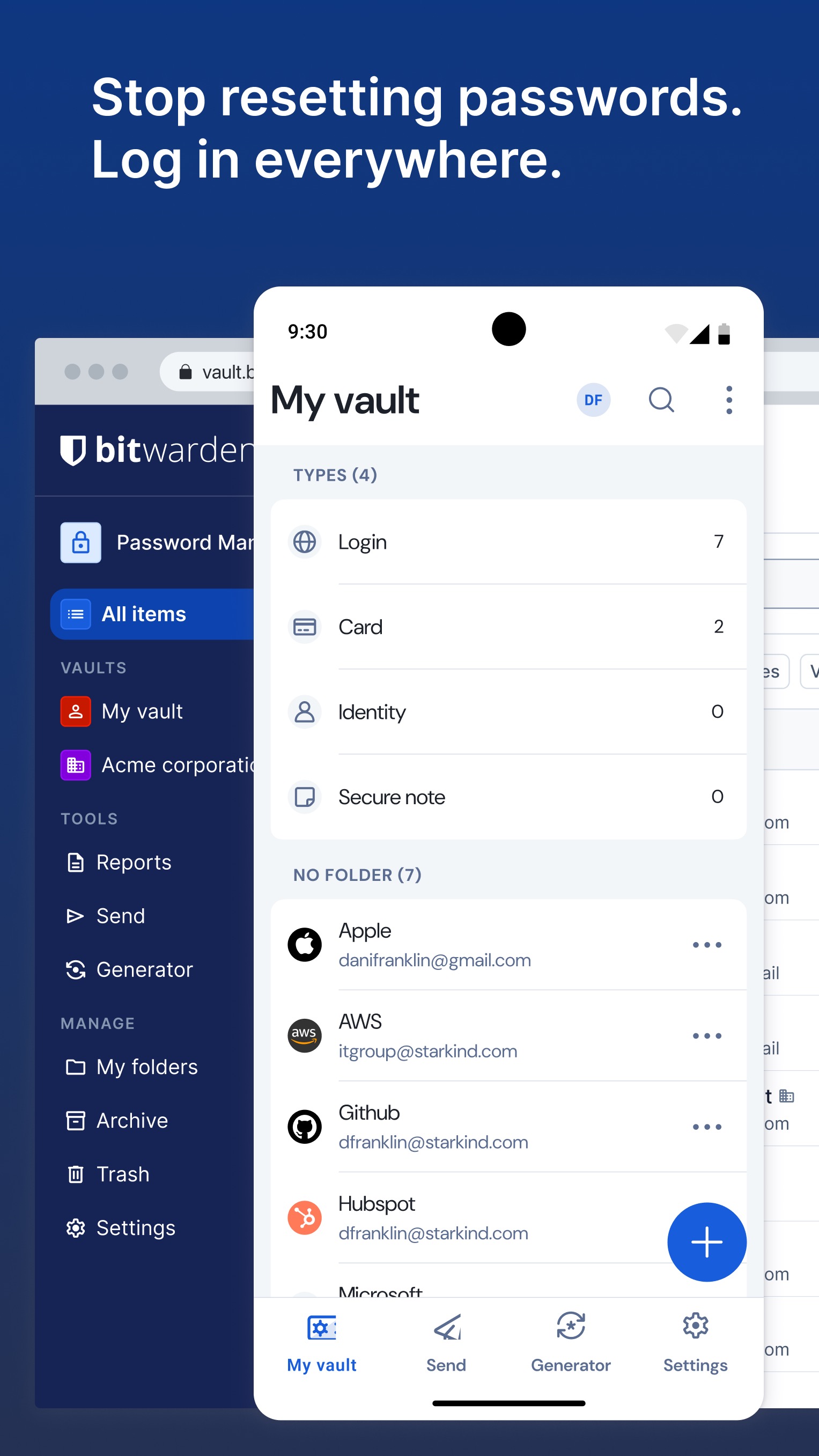
Manage items in the vault: Switch between four bottom tabs—the vault tab, Send, Generator, and Settings—to access logins, payment cards, identities, and secure notes. Tap the plus button to add records, group items in folders, or collapse and expand vault sections introduced in 2026.11.1.
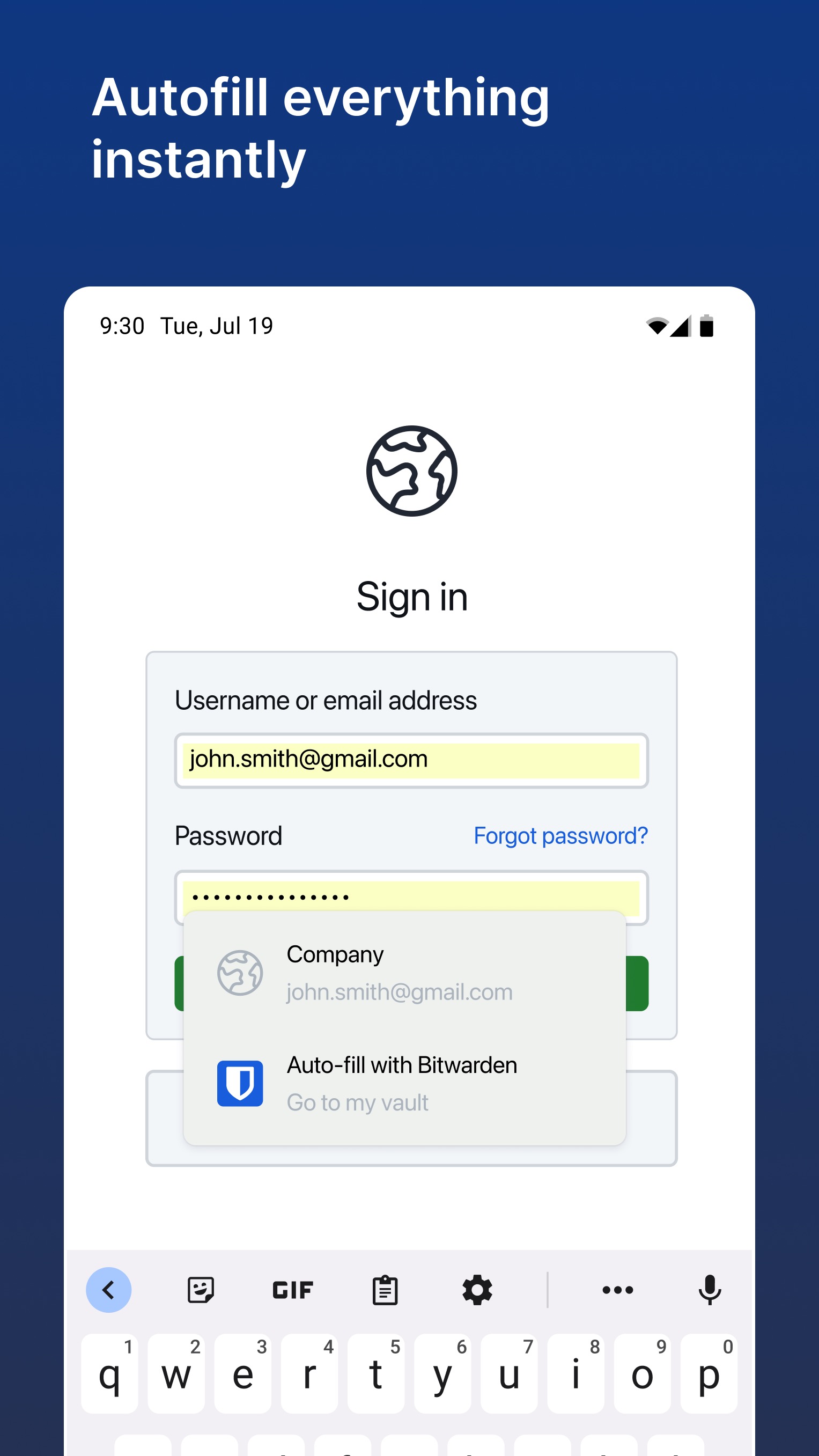
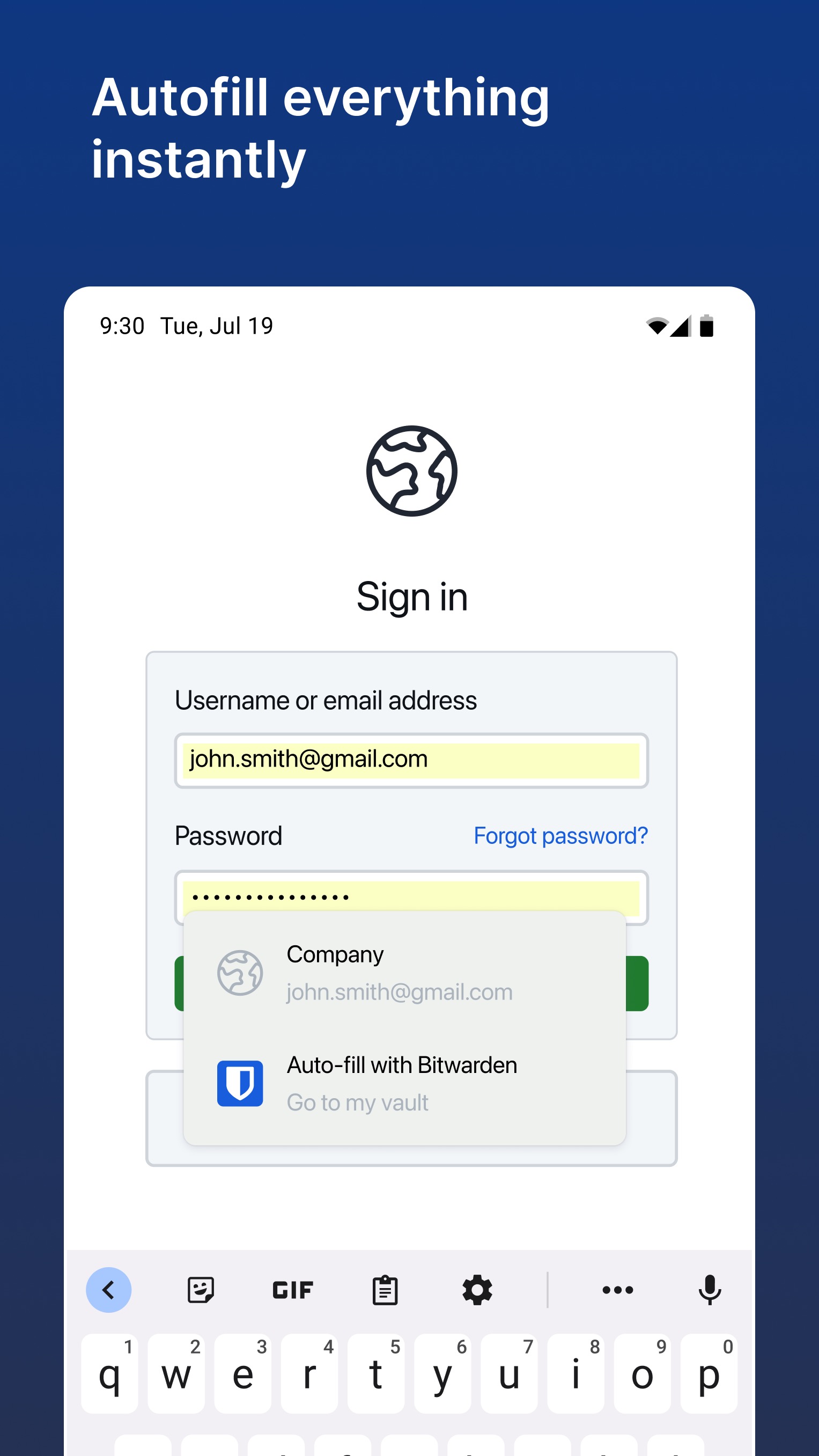
Autofill apps and websites: Enable Android autofill so Bitwarden suggests saved credentials directly at sign-in forms. When standard autofill fails on an older device or app, you can activate optional Accessibility Service support strictly for inserting login details.
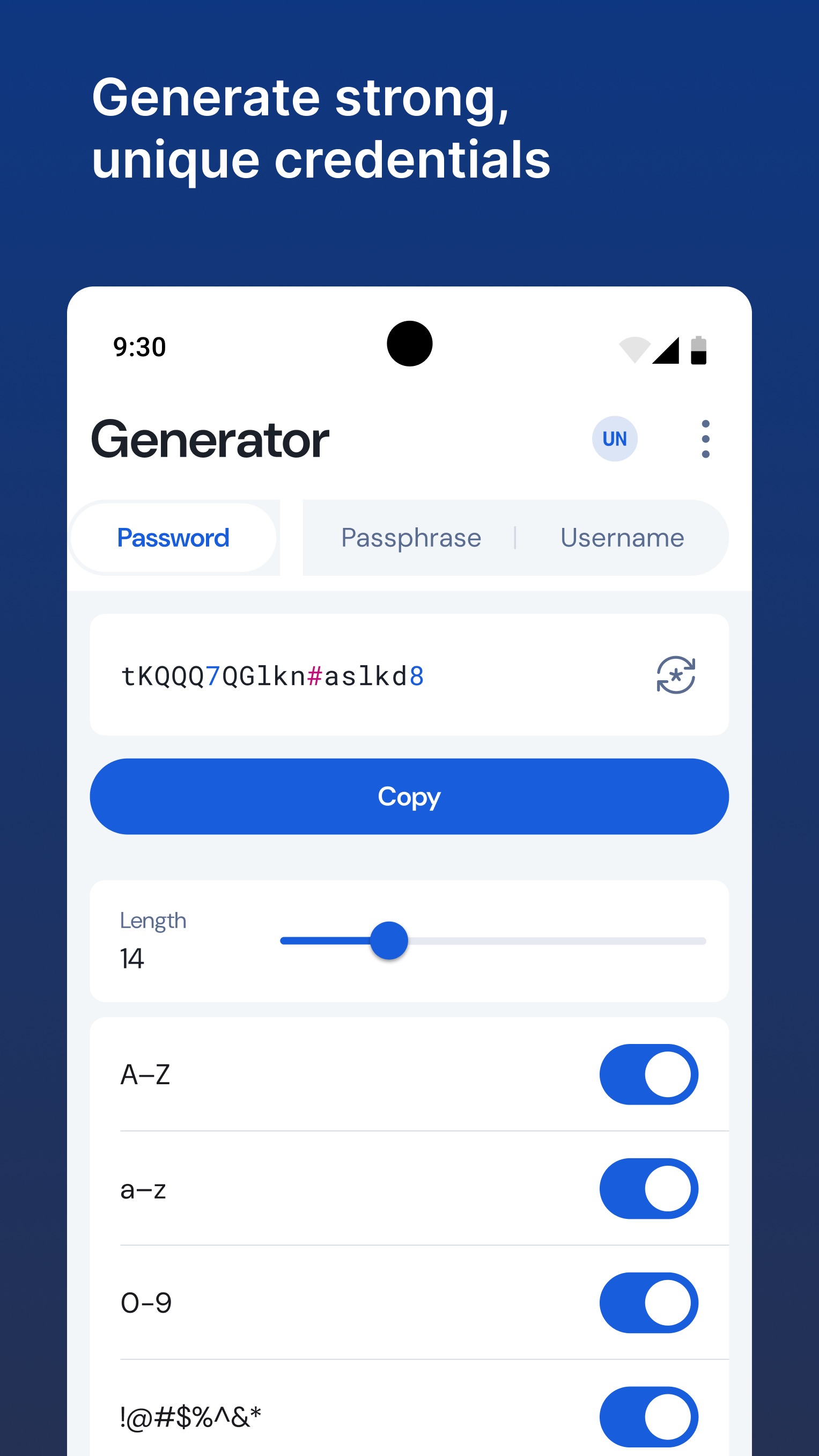
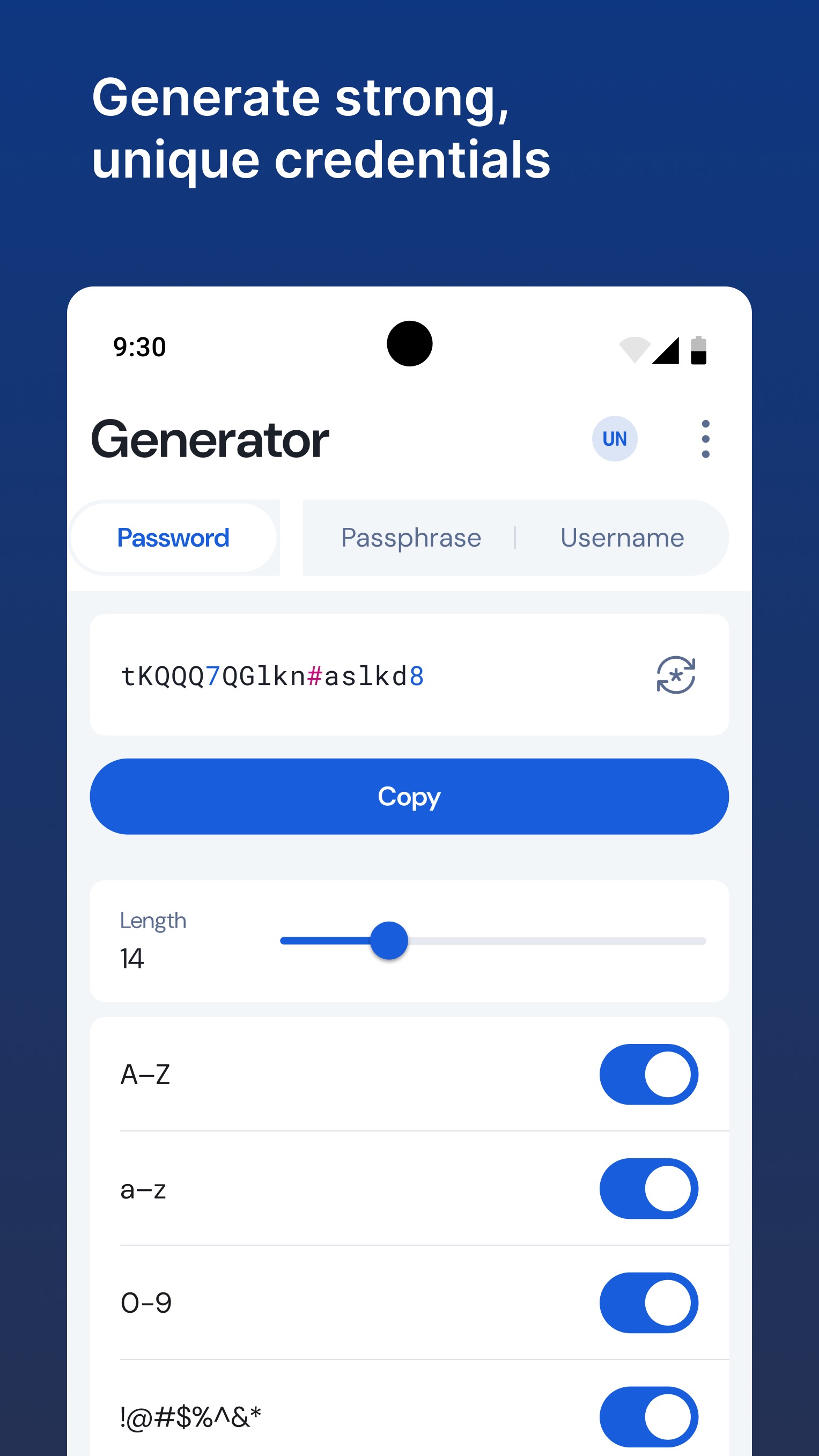
Generate passwords and usernames: Use the Generator tab to switch across Password, Passphrase, and Username modes. Move the length slider, toggle uppercase, lowercase, digits, or symbols, and connect email forwarding services to create aliases.
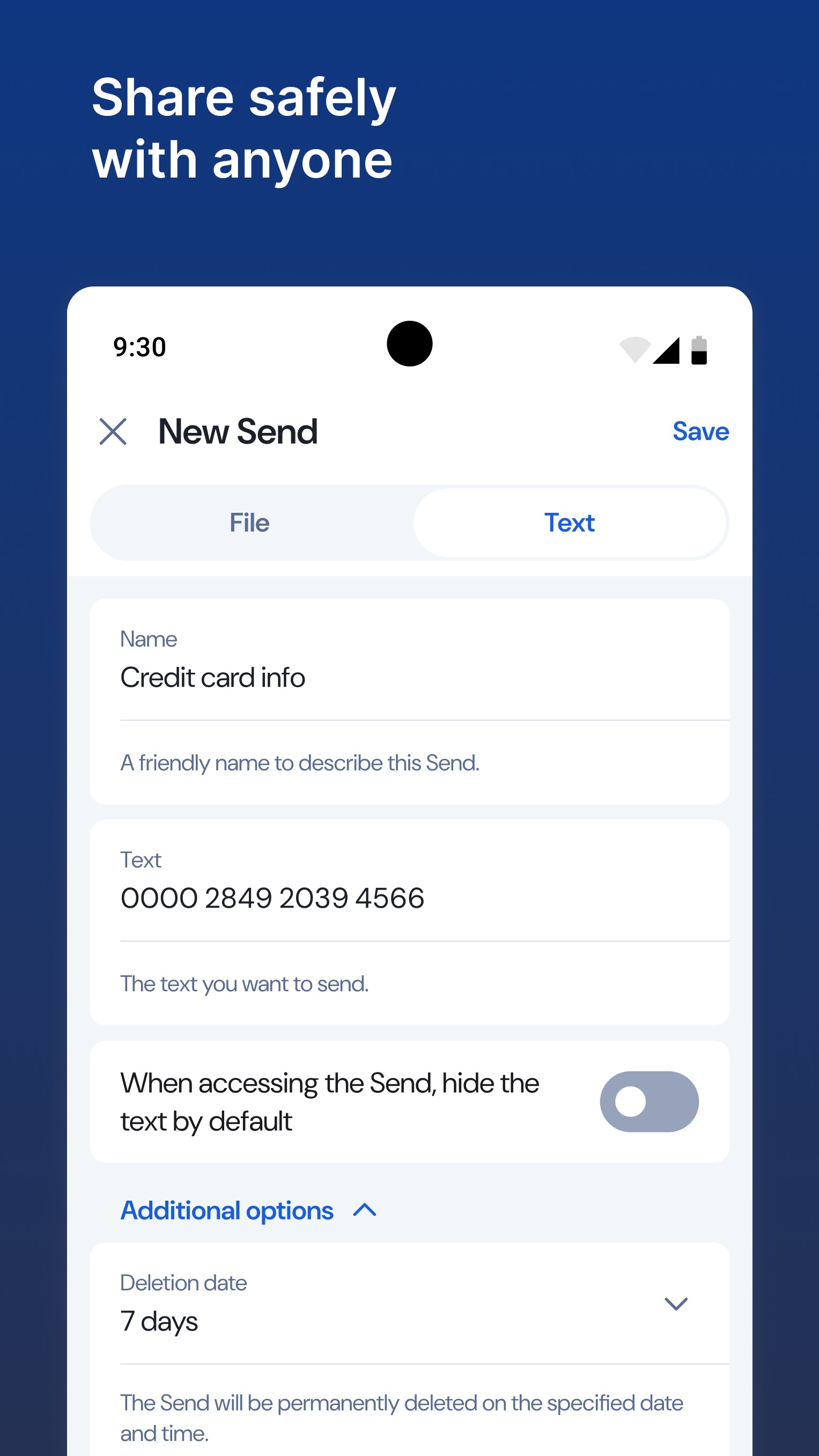
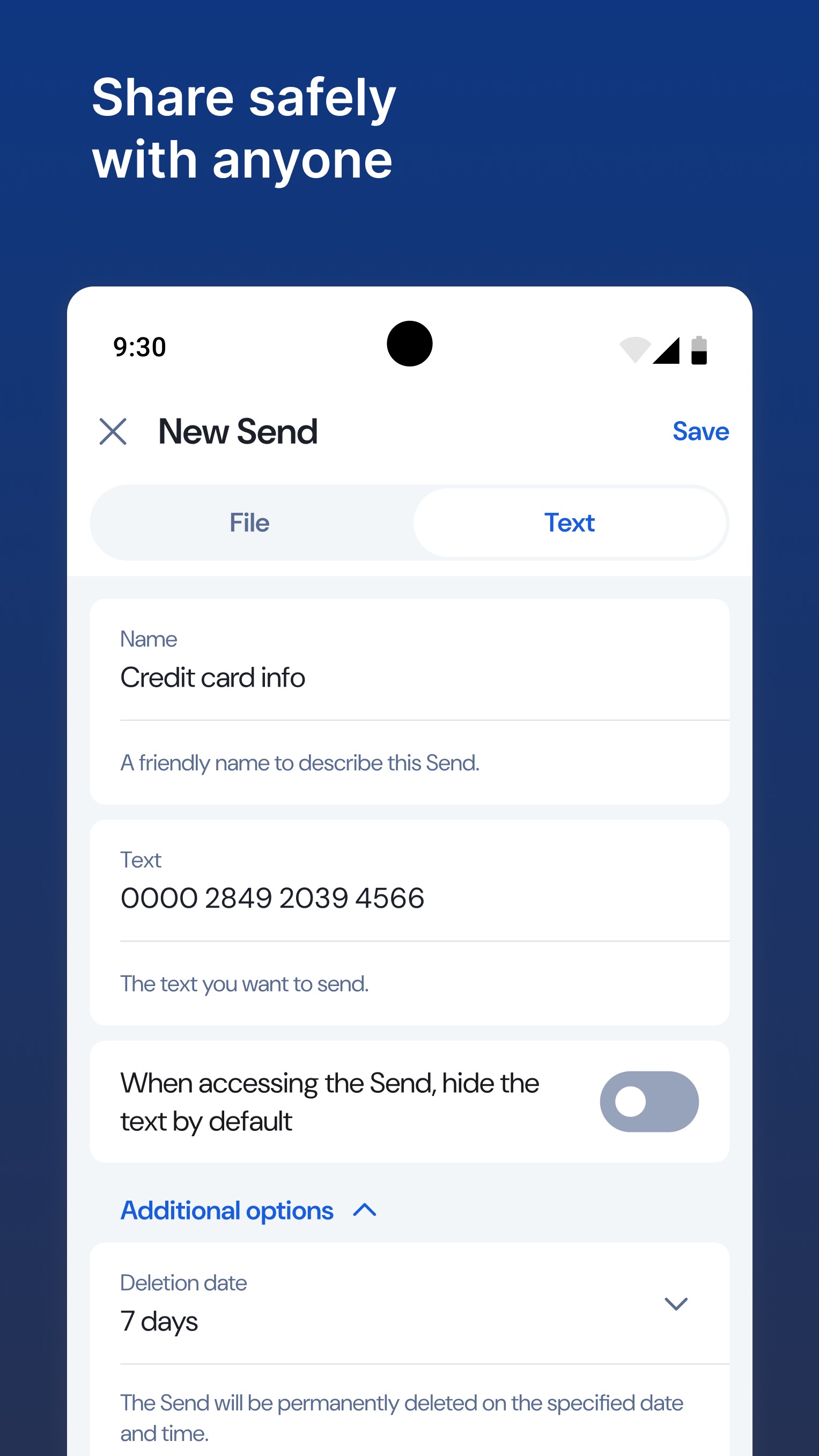
Share encrypted text via Send: Open Send to generate encrypted links with hidden-text toggles and custom deletion dates such as 7 days, accessible even without a Bitwarden account. Unlock the vault each day with the master password or a fingerprint scan.
Zero-knowledge encryption and audits: Vault records are protected with end-to-end AES-256 bit encryption and PBKDF2 SHA-256 authentication, backed by annual third-party security audits from firms such as Cure53.
Unlimited cross-platform sync: Free accounts store unlimited passwords and passkeys across Android, Apple devices, Windows, macOS, Linux, the web vault, CLI, and browser extensions such as Chrome, Firefox, Safari, Edge, and Brave.
Bitwarden Send encrypted sharing: Share encrypted text links on the free tier, or add files and vault items under Premium with expiration and visibility controls.
Free, Premium, and Families tiers: Personal vaults stay free with sharing for one other user. Premium ($19.80 yearly, or $1.65 monthly) adds an integrated TOTP authenticator, 5 GB of encrypted file attachments, vault health reports, and Emergency Access; Families ($47.88 yearly, or $3.99 monthly) covers up to six accounts.
Self-hosting and enterprise controls: Deploy Bitwarden’s server stack privately via Docker, while Teams and Enterprise plans add Login with SSO, role-based access controls, and SCIM provisioning.
Audited open-source repositories: Bitwarden publishes its Android, desktop, browser, CLI, and server code on GitHub and maintains SOC 2, HIPAA, GDPR, CCPA, and Data Privacy Framework compliance.
Proven Google Play standing: Launched on August 27, 2016, Bitwarden Password Manager holds a 4.7-star rating across over 191,000 reviews, exceeds 5 million installs, and carries an Everyone rating.
Signed universal GitHub build 2026.11.1: Released on GitHub on November 19, 2026 under version code 22056, this 138.11 MB APK packages 64-bit and 32-bit ARM plus x86 libraries under Bitwarden’s original 8bit Solutions LLC certificate.
Does Bitwarden Password Manager 2026.11.1 run on Android 9 devices?
No. Both the APK manifest and Bitwarden’s Android repository specify minimum SDK 29 (Android 10 or newer, target SDK 37). Compatible ARM and x86 devices install this 138.11 MB universal APK in one step.
Which updates arrived in Bitwarden Password Manager 2026.11.1?
The November 19, 2026 GitHub release adds collapsible vault sections, adopts the Inter font with updated tab icons, alerts users when unreachable servers break sync, and resolves freezes when returning to the app.
How does this standard APK differ from Bitwarden’s F-Droid APK?
Each GitHub release ships two signed packages: the standard APK (com.x8bit.bitwarden.apk, 138.11 MB, packaged here) and an F-Droid edition (com.x8bit.bitwarden-fdroid.apk, 93.68 MB).
Does the free plan include TOTP two-factor codes?
No. Built-in TOTP codes inside Bitwarden Password Manager require Premium or Families, though Bitwarden Inc. offers a separate free Bitwarden Authenticator app (com.bitwarden.authenticator) on Google Play.
How can this 2026.11.1 APK be verified against Bitwarden’s official signature?
It matches Bitwarden’s GitHub SHA-256 digest for v2026.11.1-bwpm (prefix ef7ecda031fbaf8a) and carries the original August 27, 2016 signing certificate from 8bit Solutions LLC (fingerprint 24:E0:6C:04...).
Bitwarden Password Manager combines unlimited cross-platform password and passkey syncing with an audited open-source codebase and optional Docker self-hosting. Delivering the November 19, 2026 GitHub release in a verified 138.11 MB APK for Android 10 or newer, version 2026.11.1 brings collapsible vault sections, refreshed Inter typography, and broad autofill across apps and browsers.

Aves Gallery
Photography
Date:2026-11-24

Organic Maps
Nav
Date:2026-11-24

DuckDuckGo
Tools
Date:2026-11-24

LocalSend
Tools
Date:2026-11-24
Bitwarden Password Manager
Tools
Date:2026-11-24

Shazam
Media & Video
Date:2026-11-24

Blackmagic Camera
Photography
Date:2026-11-24

Signal Private Messenger
Social
Date:2026-11-24