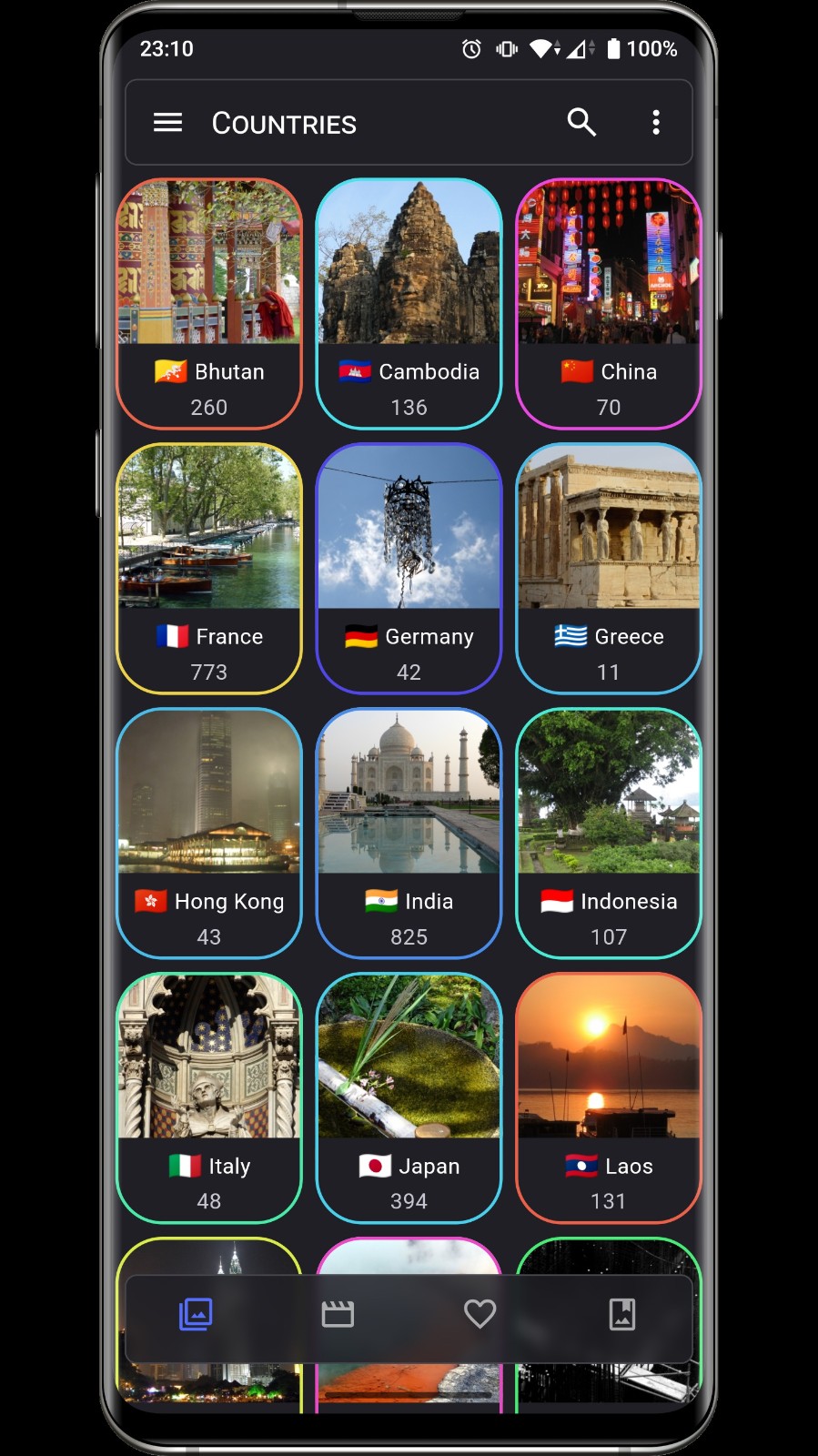
Aves Gallery is an Android photo and video browser that lets you find items by their tags and other details. Start in Collection to browse the media on your device, then narrow the view with filters. Open an item’s Info page when you want to check its format, camera data, or the date recorded in the file.
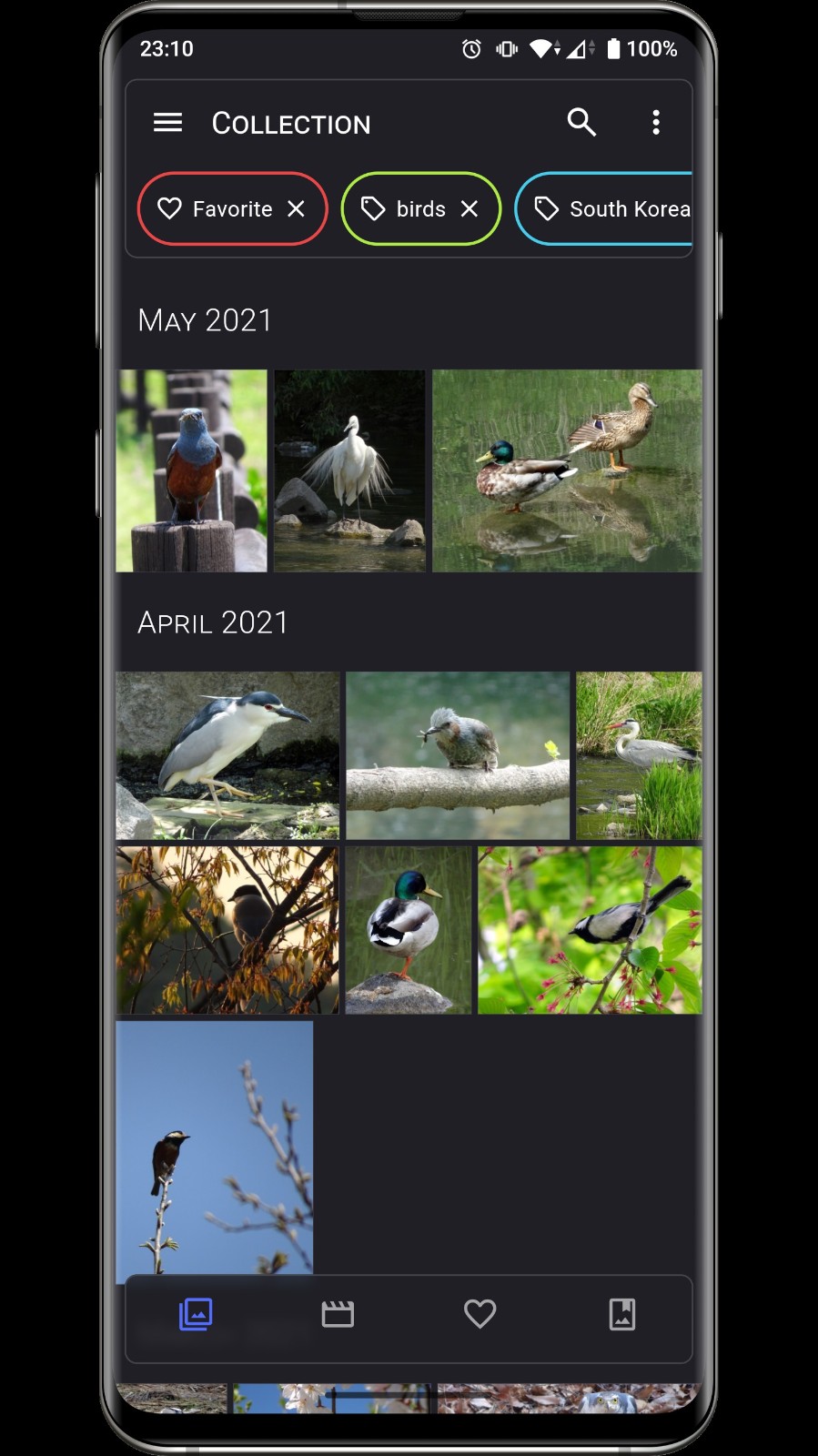
Narrow the collection: Choose a filter such as Favorites or a tag and browse the results in Collection. The highlighted filter chips help you see which choices are affecting the grid.
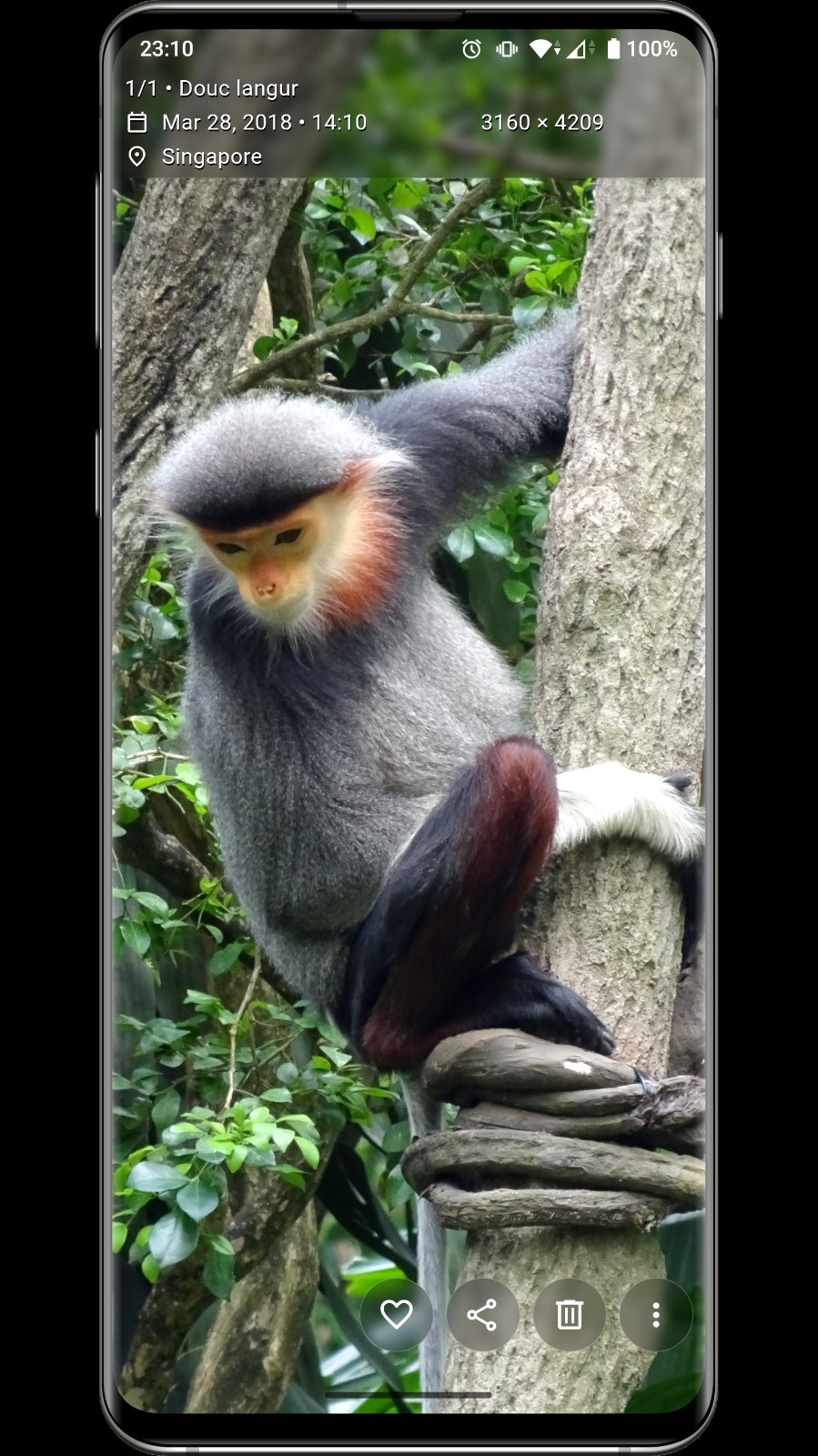
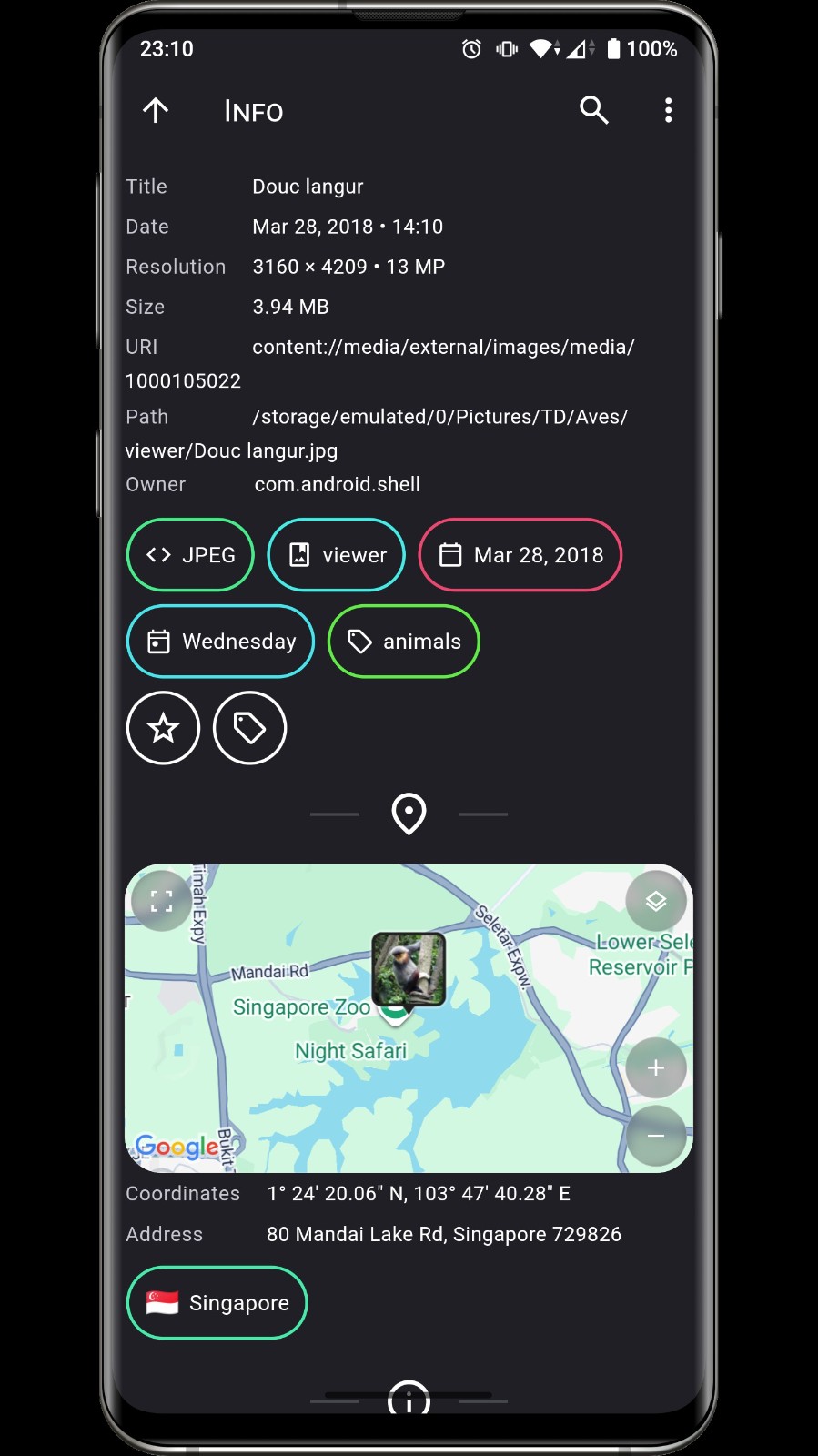
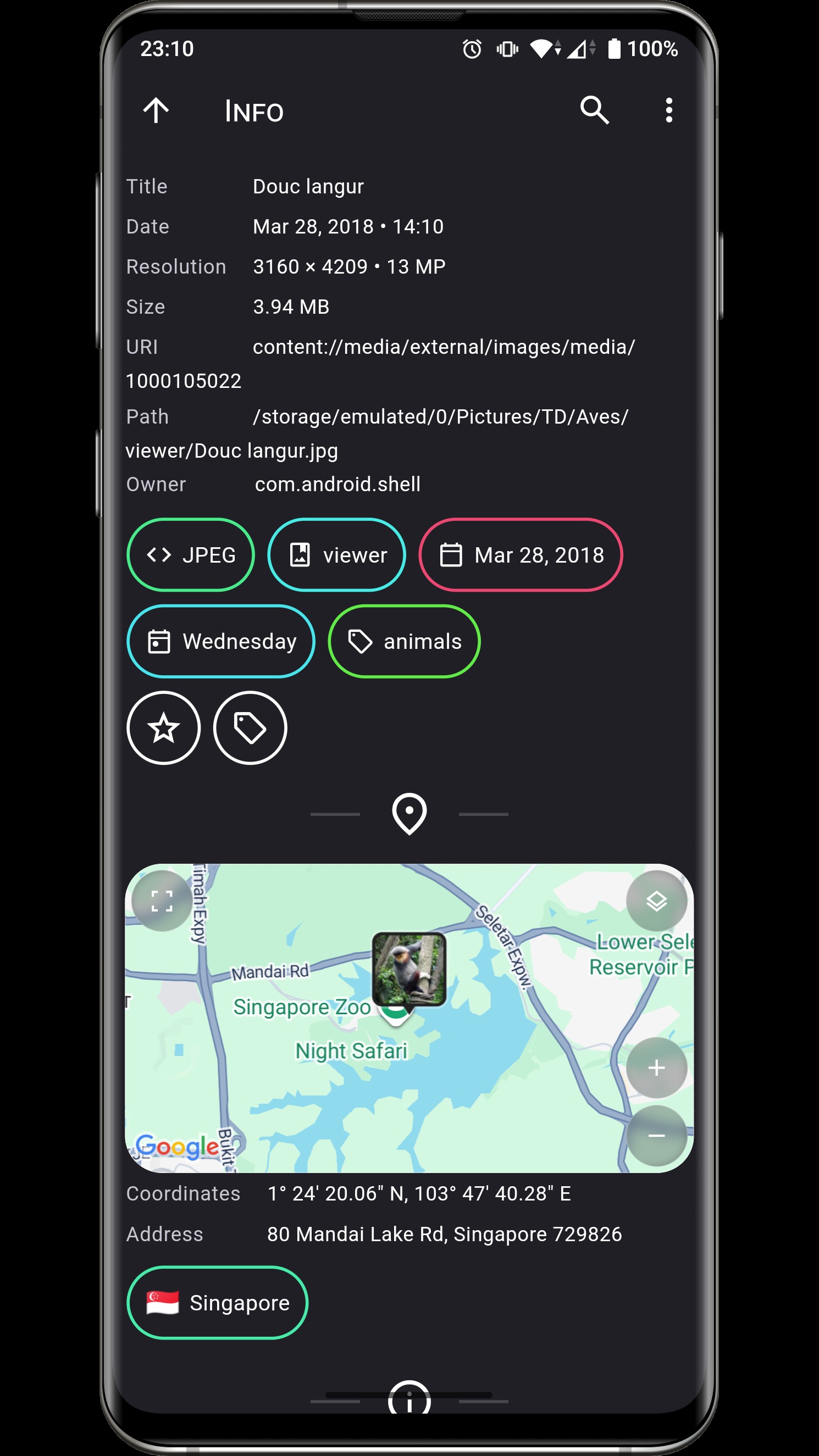
Read a photo’s details: Open a picture and go to its Info page. Aves can show the file type, image dimensions, and date. A file with embedded EXIF or XMP data can also show those metadata fields on the same page.
Label an item: On the Info page, use the tag button to enter a label and save it with the check mark. For a batch, long-press to select the items in Collection, then use Edit tags from the Edit menu.
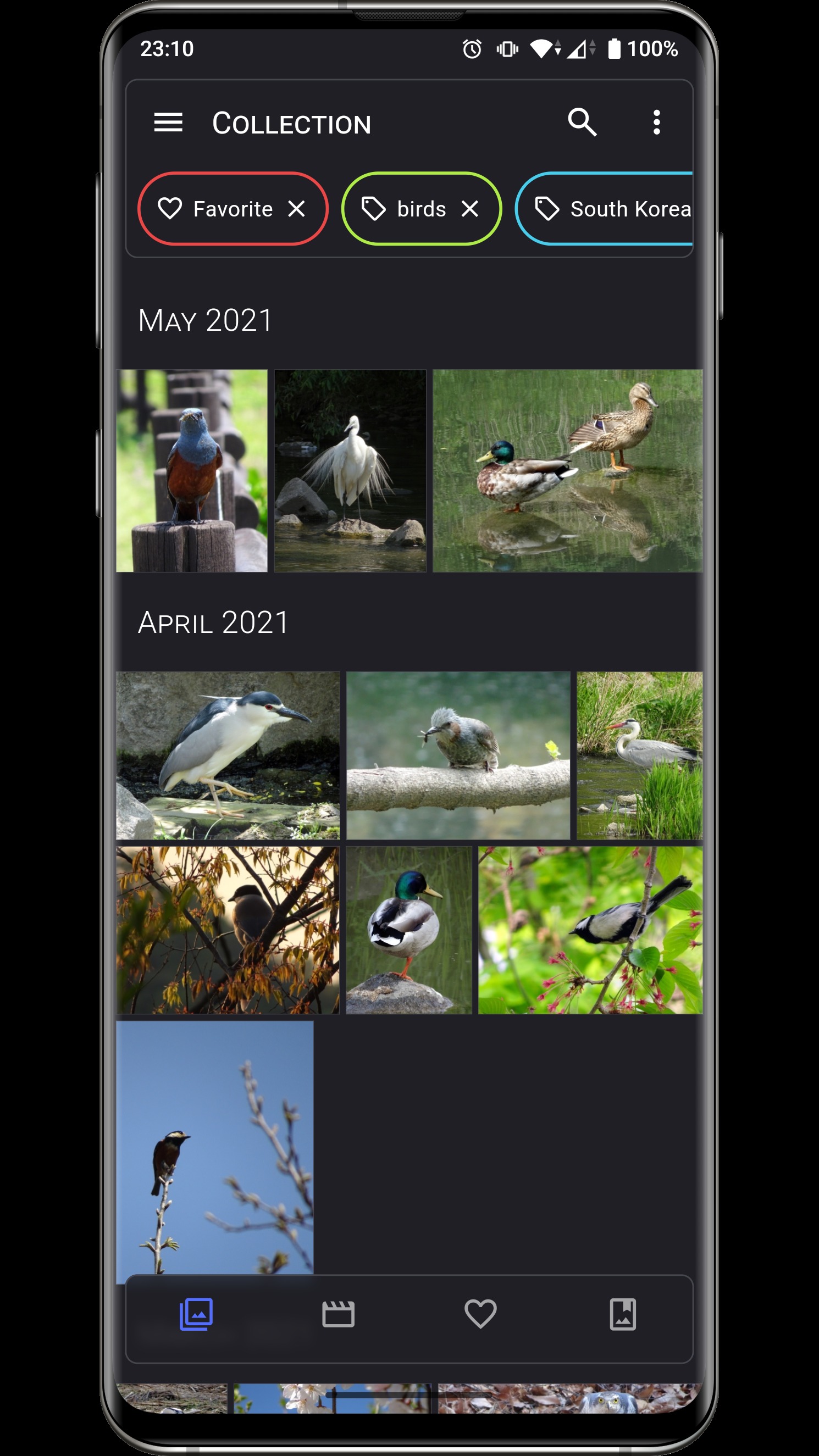
More media formats: Aves opens familiar JPEG photos and MP4 clips, along with formats such as multi-page TIFF and SVG. The collection scanner can identify motion photos, photo spheres, and 360-degree videos.
Albums based on filters: Dynamic albums bring together matching items from the collection. Save a combination of filters as an album to open the same view again from Albums.
Metadata used for dates: Aves generally reads dates embedded in the media before falling back to file properties. The Info page is where you can compare date fields when an imported photo appears out of sequence.
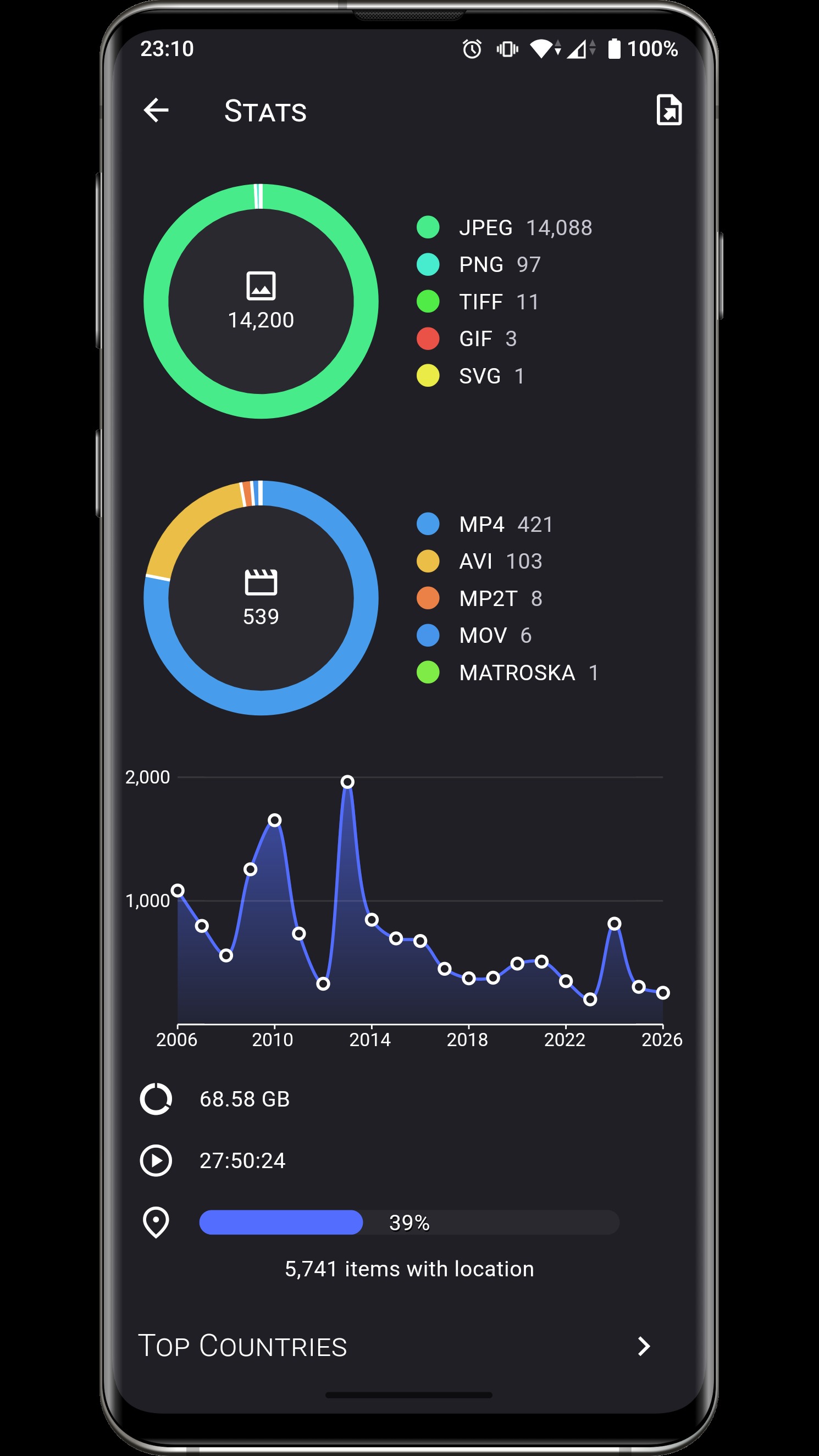
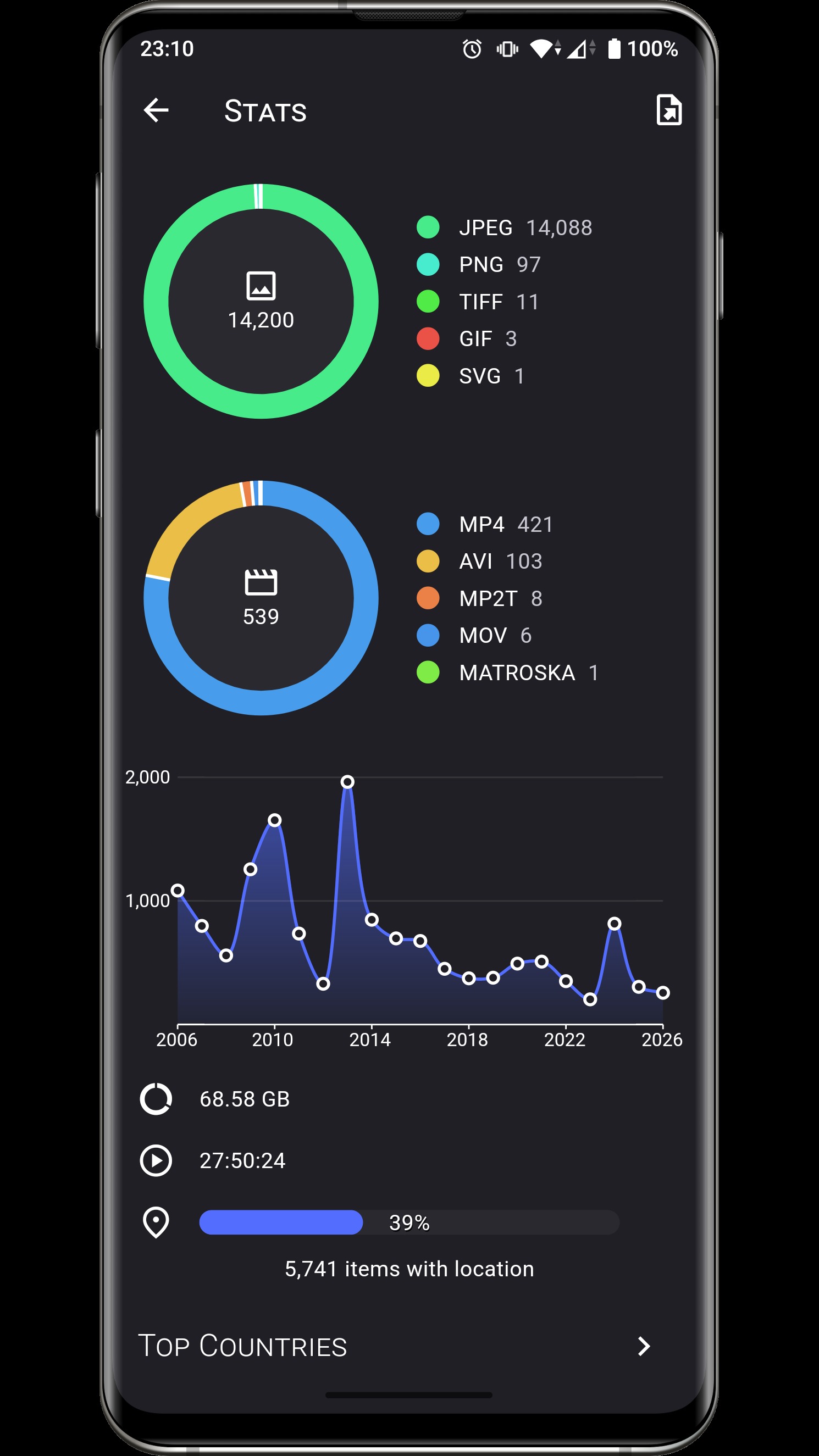
Collection statistics: The Stats page shows counts by media format and a timeline chart for the collection. Use it to see which types account for most of the photos or video files.
File types at a glance: Version 1.15.11 adds a format overlay option to Collection. It is useful when a mixed photo folder contains several formats that look similar as thumbnails.
Editing dates with time zones: The 1.15.11 change log records a fix for losing the time zone offset on custom date edits. The same update fixes editing IPTC or XMP on items that already had metadata errors.
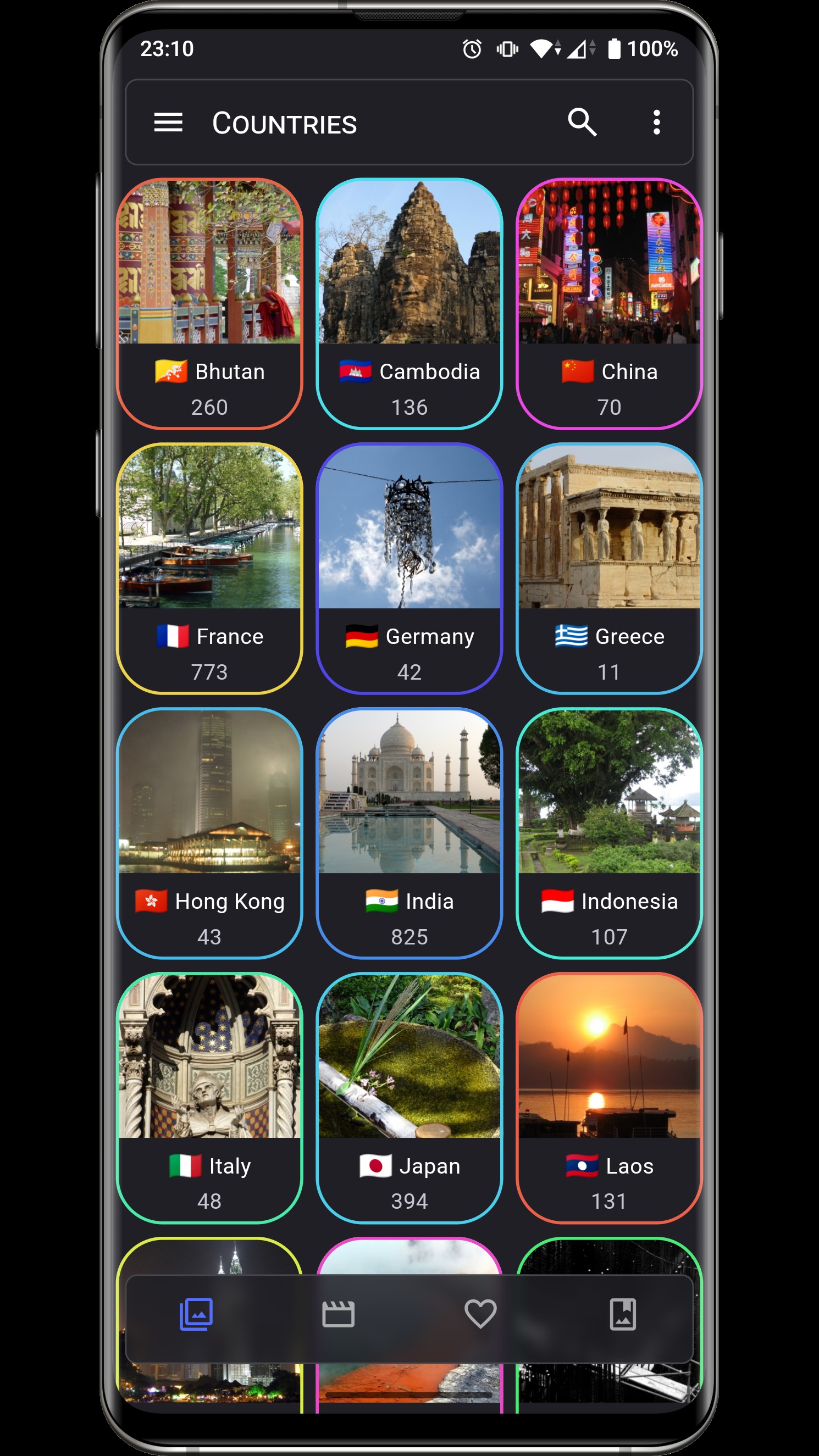
Country grouping: This release adds Germany’s individual states to the Countries view. It gives a more specific grouping for photos that Aves has already assigned to Germany.
How do you save a set of filters as an album?
Apply the filters on the Collection page, then choose Add dynamic album from the top menu. Give the album a name and tap Create. Its members come from the current filters rather than a storage folder.
Does hiding an album take it out of other apps?
Aves hides the matching items from its own collection when you use a Hide filter. Other apps with media access can still see those files. You can review the filters under Privacy in Aves settings.
What kind of Android phone can use this package?
The APK on this page is the developer’s 1.15.11 Izzy build for ARM64. It measures 37.3 MiB and requires Android 7.0 or later. The developer publishes separate files for other processor types.
Why can a picture’s date look different in another gallery?
Aves prefers an embedded metadata date when one is available. A file’s last-modified time can change after it is renamed or moved, so it may differ from the date Aves shows in Info.
How does this build handle map layers?
The Izzy edition starts with no map layer selected. You can select a base layer, or use the Google Maps option if the device has Google Mobile Services. Aves also publishes its source code and BSD 3-Clause license.
Aves can help when you remember a photo’s tag or format and want to find it across several folders. Use filters to get to the right set of pictures, then open Info to check what the file itself records.
Aves Gallery
Photography
Date:2026-11-24

Organic Maps
Nav
Date:2026-11-24

DuckDuckGo
Tools
Date:2026-11-24

LocalSend
Tools
Date:2026-11-24

Shazam
Media & Video
Date:2026-11-24

Blackmagic Camera
Photography
Date:2026-11-24

Signal Private Messenger
Social
Date:2026-11-24

VLC for Android
Media & Video
Date:2026-11-24