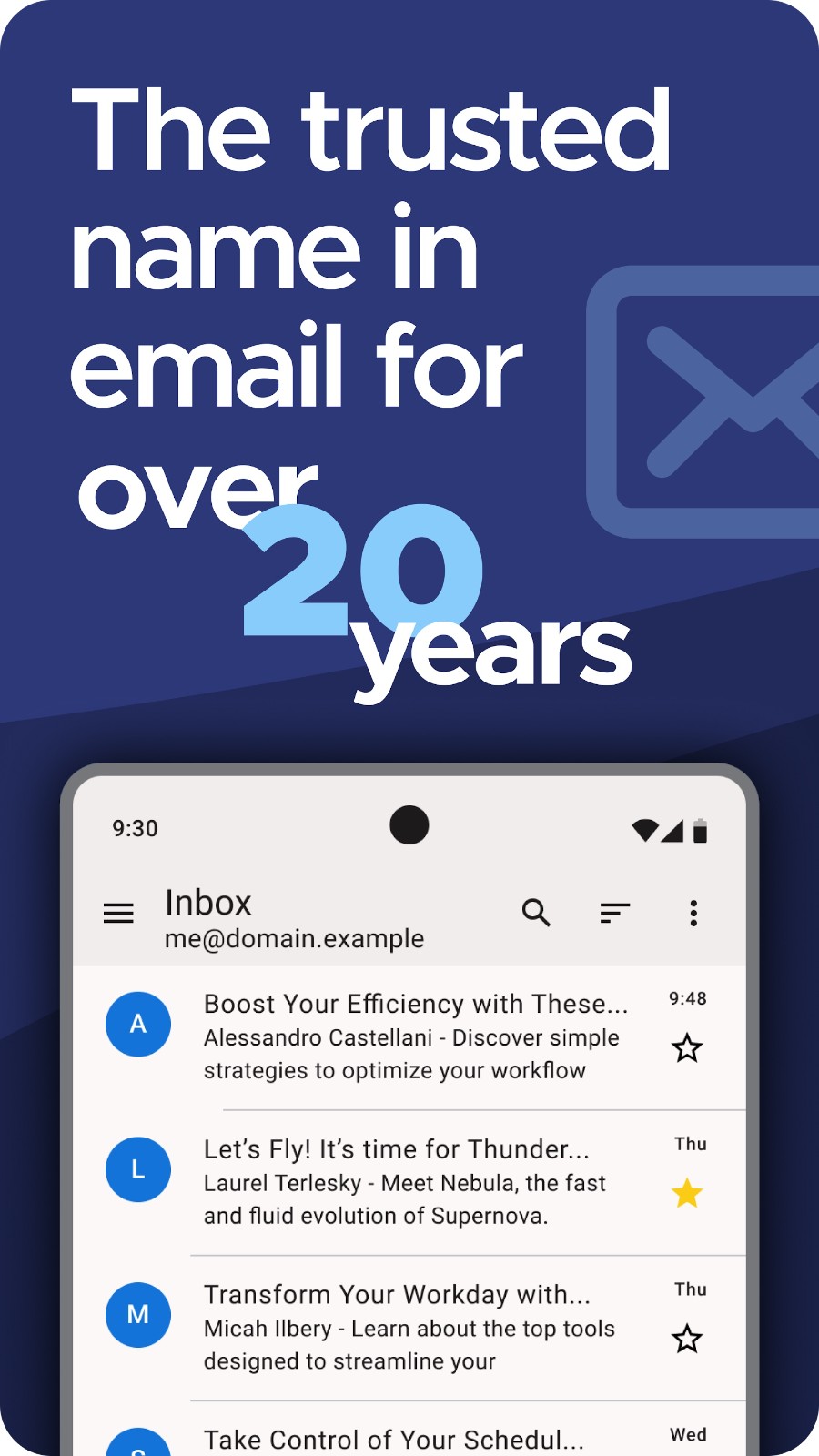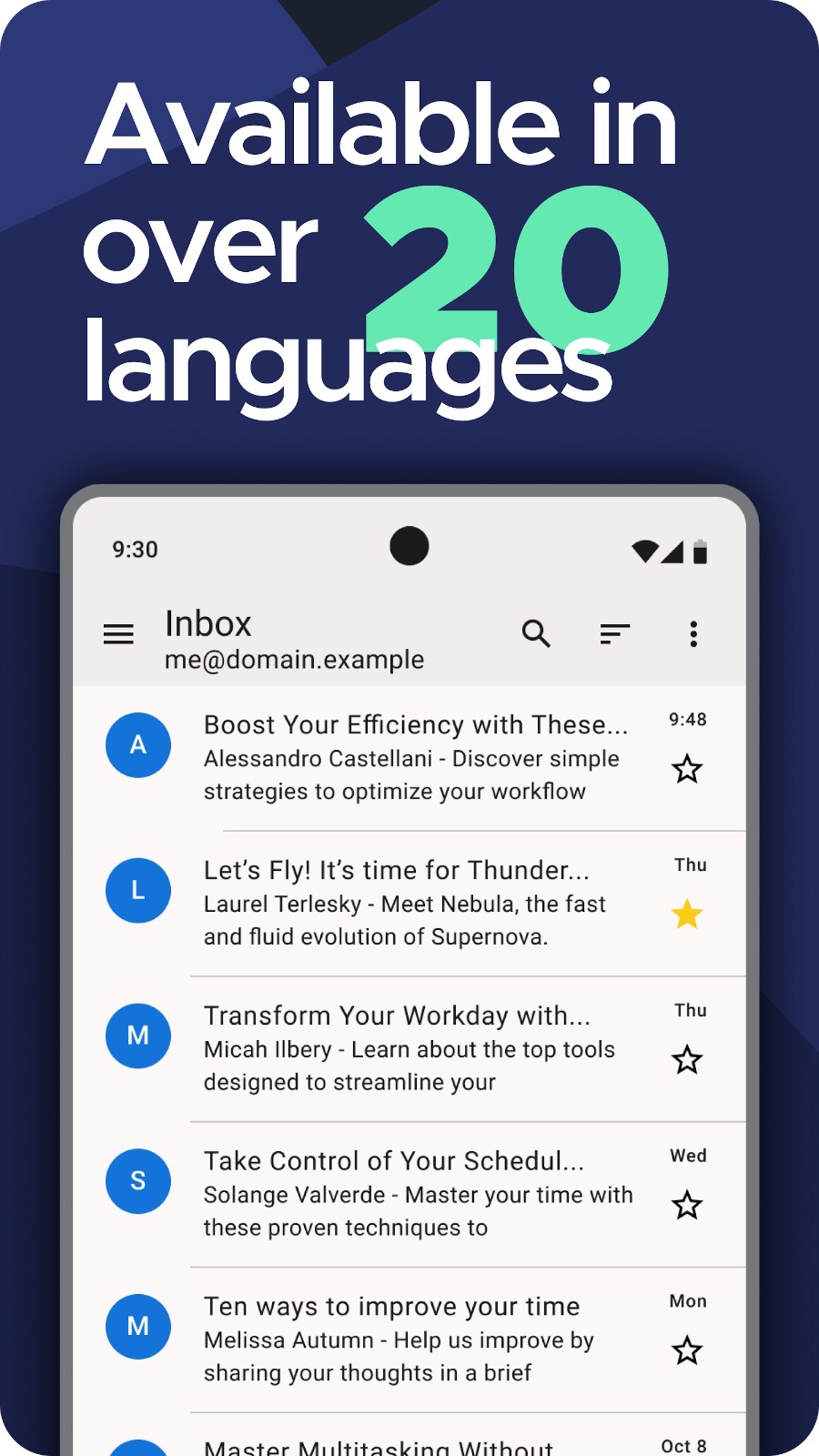
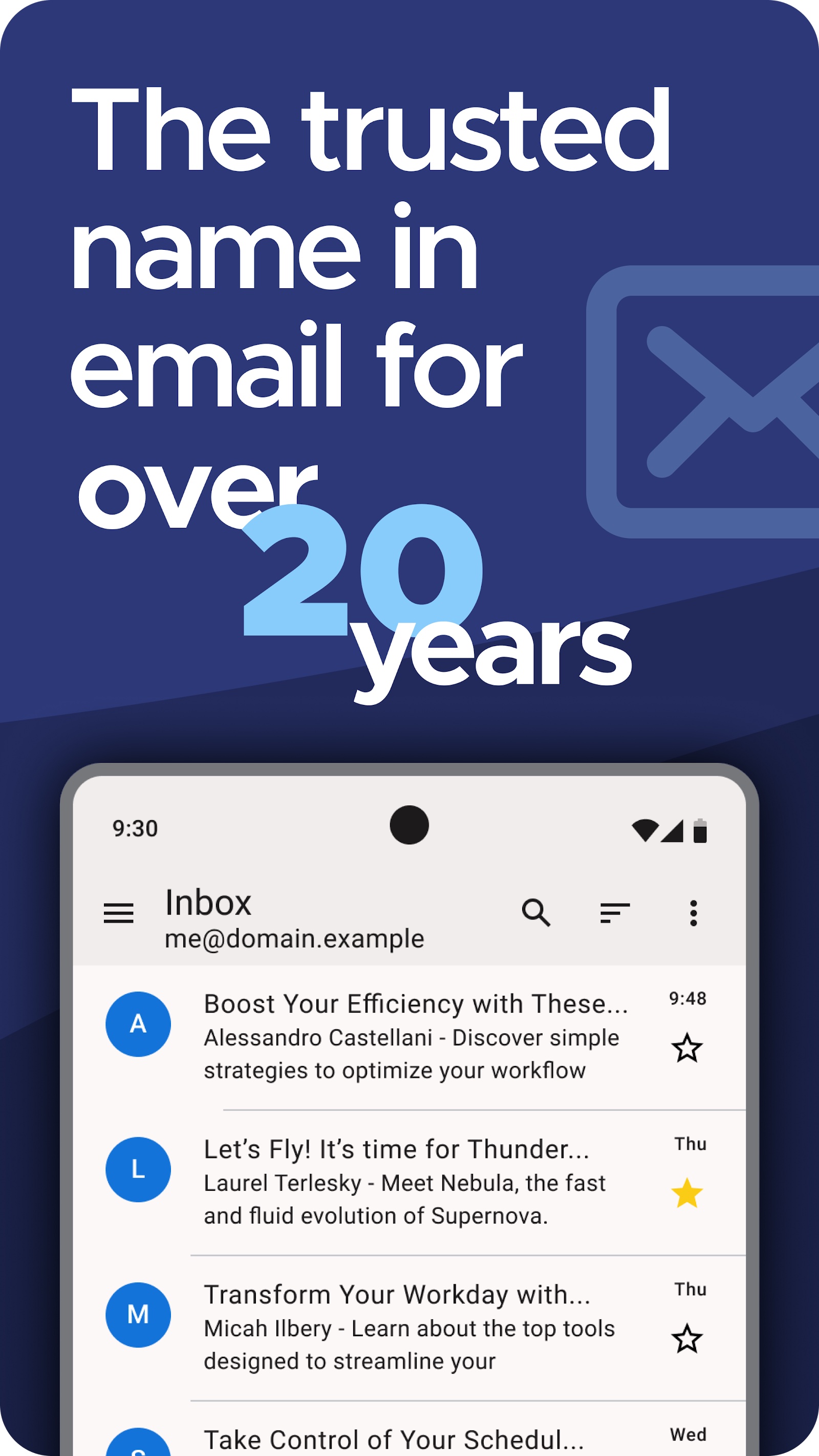
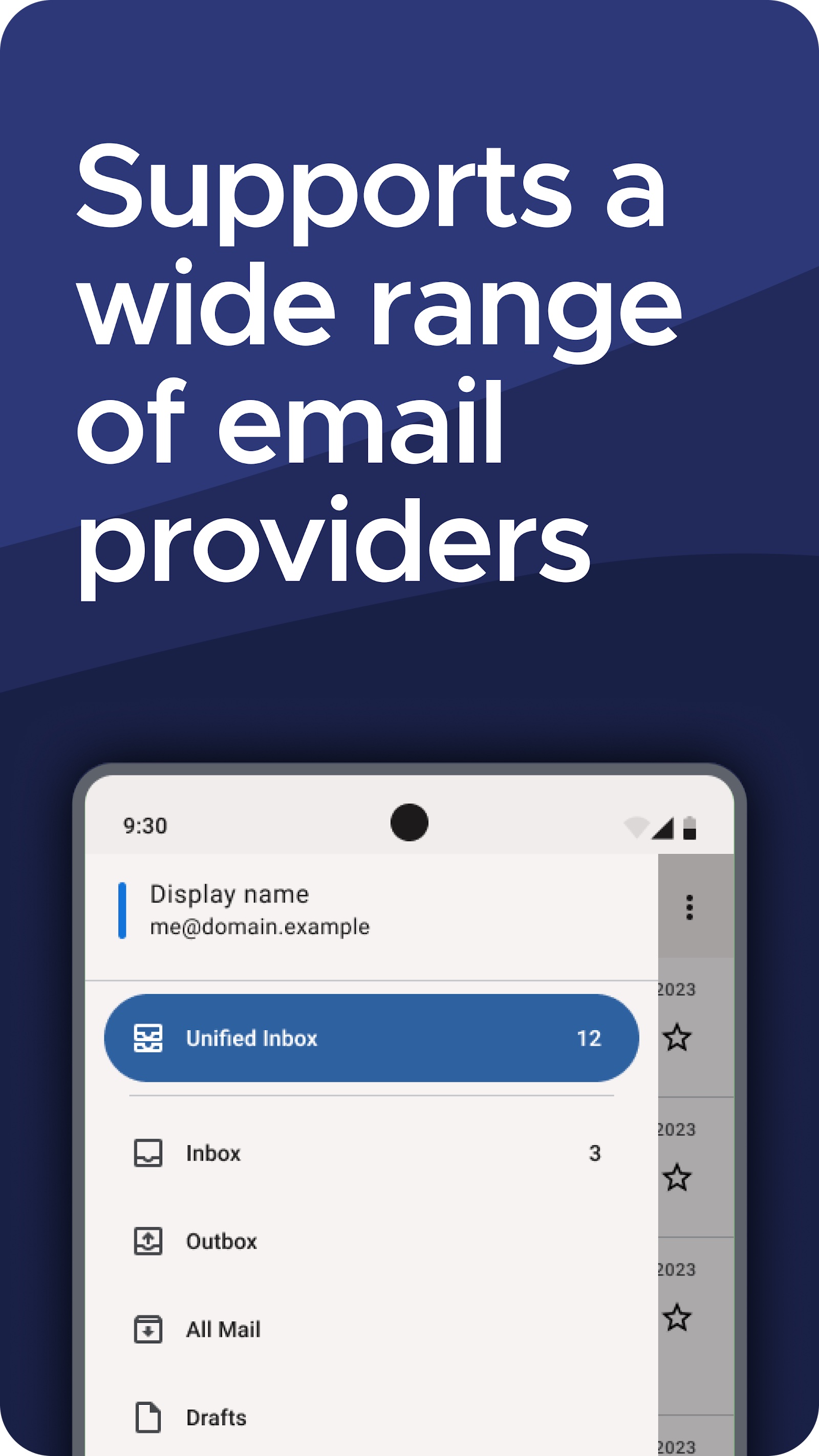
Thunderbird brings several email accounts into one open-source mail app for Android. You start by adding an address you already use, such as a Gmail or Outlook account. Once your accounts are connected, you can read each mailbox on its own or open Unified Inbox to check incoming mail together. The app lets you choose when mail syncs and look for messages on your phone or on the mail server.
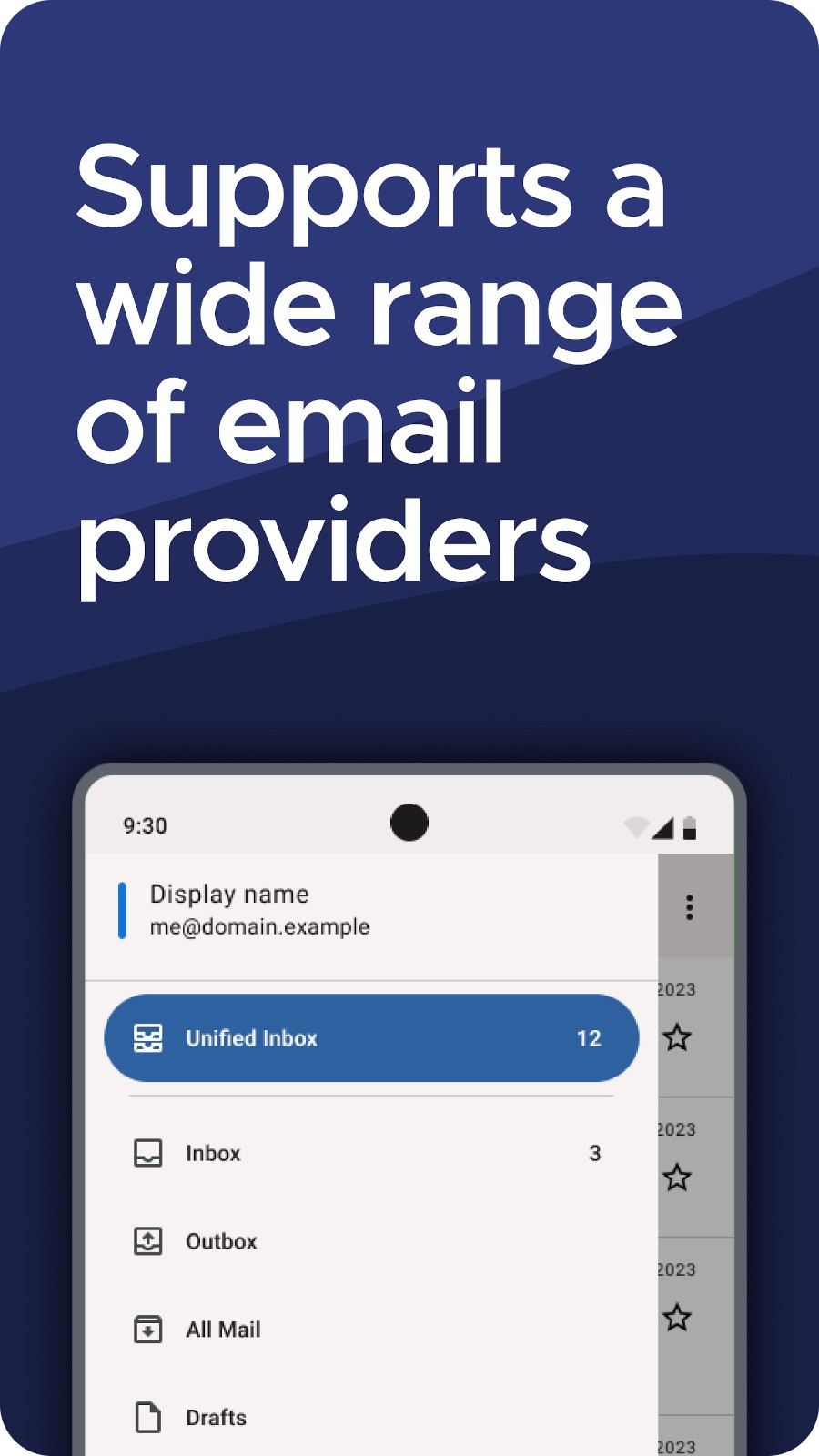
Add an account: Start with the mailbox you check most often. Thunderbird supports IMAP and POP3, so you can use it with providers such as Gmail, Outlook, Yahoo Mail and iCloud.
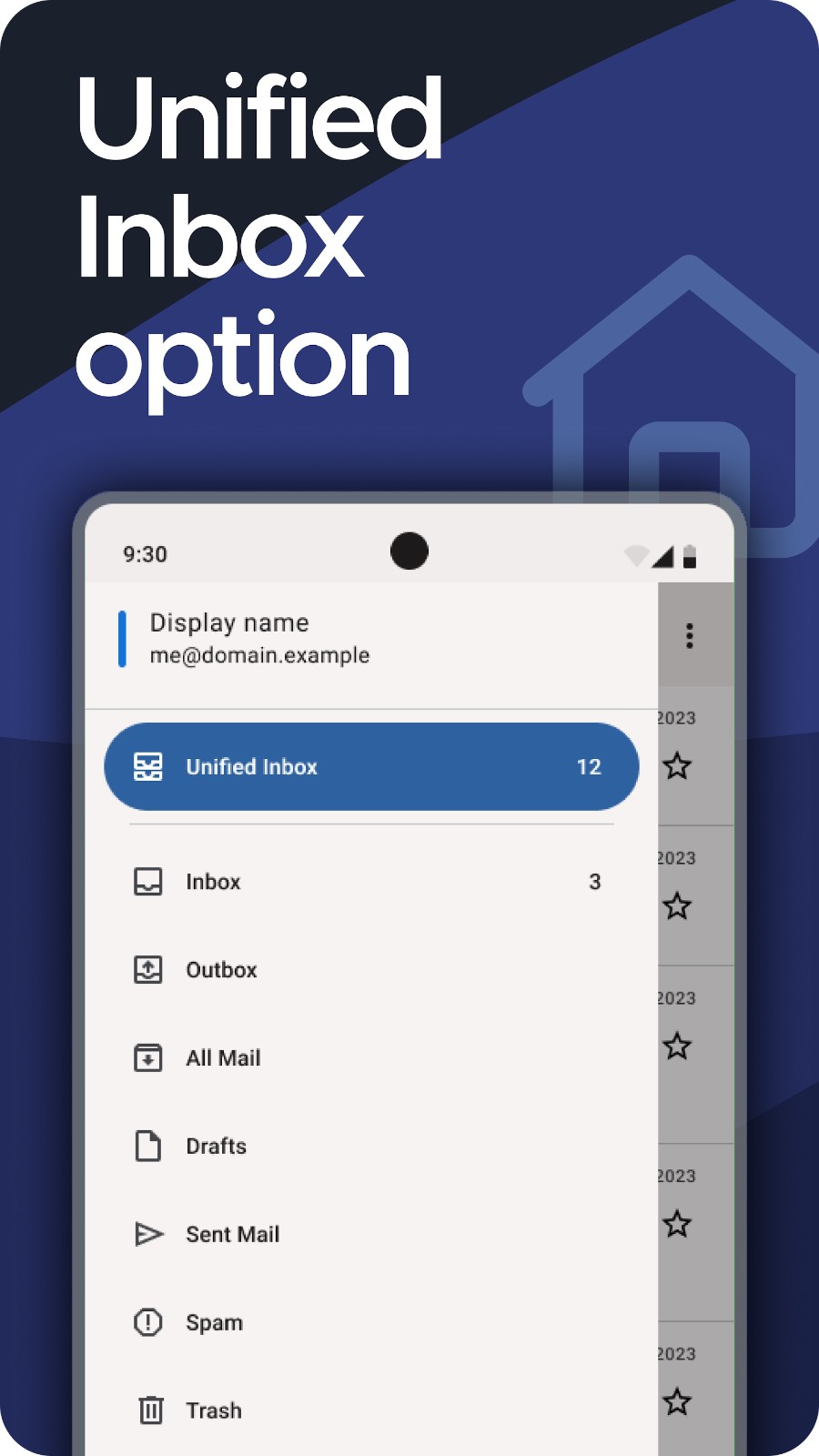
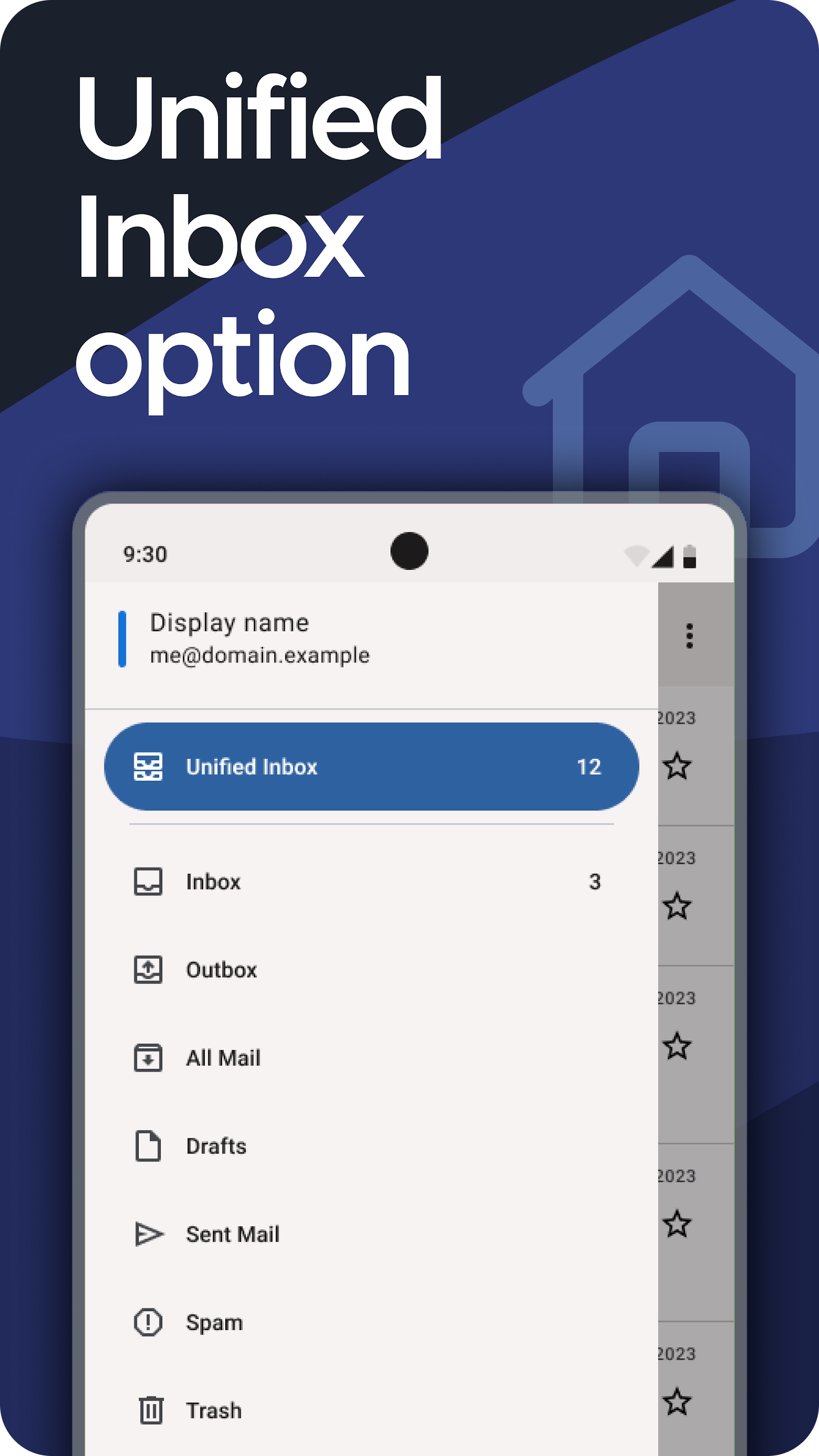
Choose an inbox: Open Unified Inbox when you want to catch up on incoming messages from several addresses. Switch back to a single mailbox when you need to concentrate on an account or open one of its folders.
Bring over desktop settings: If your account is already set up in Thunderbird Desktop, generate a QR code there and scan it with Thunderbird on your phone. The QR code is an option for importing your account settings.
Sync timing: Thunderbird gives you a choice between syncing as mail arrives, checking it at intervals and fetching it on demand. Choose the schedule that suits how often you check the account.
Two places to search: You can search the messages available locally and use server-side search when you need to look on the mail server.
OpenPGP mail: Pair Thunderbird with the separate OpenKeychain app to encrypt and decrypt messages using OpenPGP. Thunderbird supports this pairing for PGP/MIME email.
Reading themes: You can read your mail in a light or dark interface.
Ad-free inbox: The Thunderbird project funds development through voluntary contributions, and the Android app keeps ads out of your email view.
Draft attachment fix: Version 25.0 fixes a bug in which editing certain HTML drafts could hide attachments and saving the draft could lose them.
Account controls: The 25.0 release also fixes an issue where the account drawer controls could cover accounts and folders on smaller screens.
Does Thunderbird need a new email address?
You can connect the email accounts you already have. Thunderbird connects to each account’s existing provider to handle your mail.
Which Thunderbird build is offered here?
This is Thunderbird 25.0, the stable APK that the project published on GitHub on November 10, 2026. It comes as one 11.26 MB file and requires Android 6.0 or newer.
Does ordinary email require OpenKeychain?
You can read and reply to regular email in Thunderbird. The OpenKeychain companion app is for sending and reading OpenPGP-encrypted mail.
What changed for encrypted attachments in Thunderbird 25.0?
The release notes list a fix for missing progress feedback while encrypting large PGP-protected attachments before sending them.
Thunderbird is a practical Android option when you want to check several email addresses but still need to go back to each account’s folders. Desktop Thunderbird users also have a way to carry their account settings over to the phone by scanning a QR code.
Thunderbird
Social
Date:2026-11-25

Aves Gallery
Photography
Date:2026-11-24

Organic Maps
Nav
Date:2026-11-24

DuckDuckGo
Tools
Date:2026-11-24

LocalSend
Tools
Date:2026-11-24

Bitwarden Password Manager
Tools
Date:2026-11-24

Shazam
Media & Video
Date:2026-11-24

Blackmagic Camera
Photography
Date:2026-11-24