KeePassDX is an offline, open-source password and passkey manager from Kunzisoft built around the portable KeePass file format. You store logins, two-factor codes, and private keys in an encrypted local database rather than a cloud account. Unlock your vault with a master password, keyfile, hardware key, or biometric prompt, then organize entries in group trees and fill forms through Android Autofill, Credential Provider, or Magikeyboard.
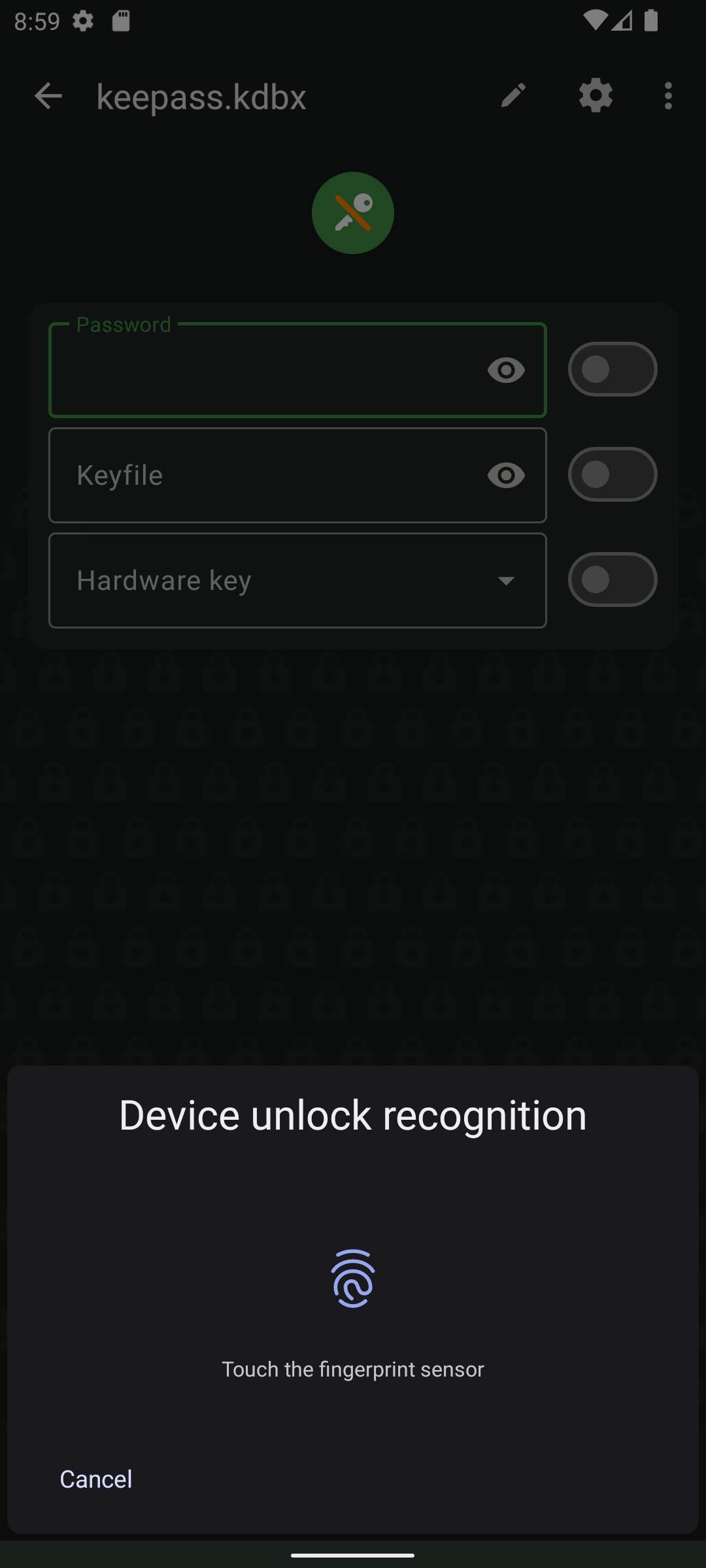
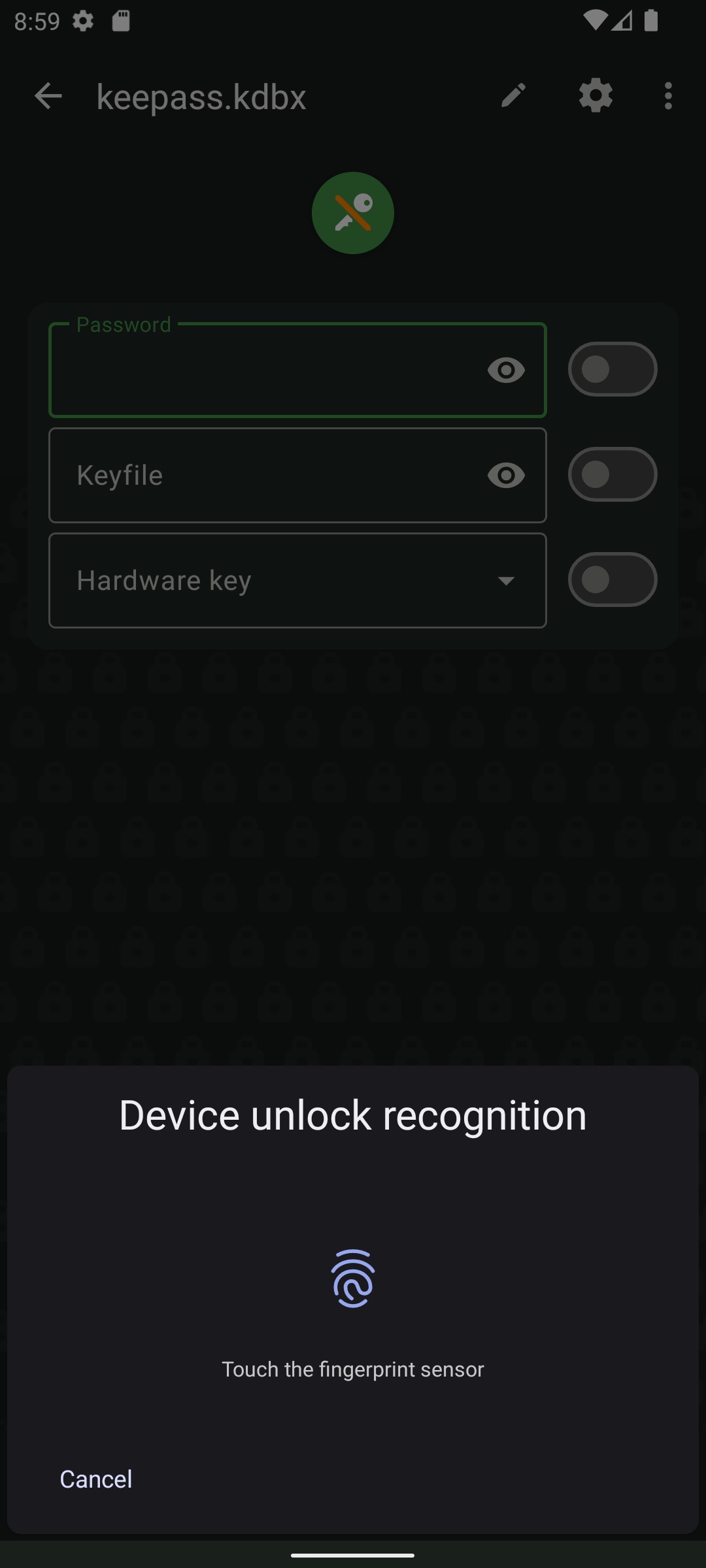
Create or open a vault: Start a fresh .kdbx file or open an existing .kdb or .kdbx database via your file manager. Toggle the password, keyfile, or hardware key protecting that file, and turn on device unlock recognition for fingerprint access alongside your master key.
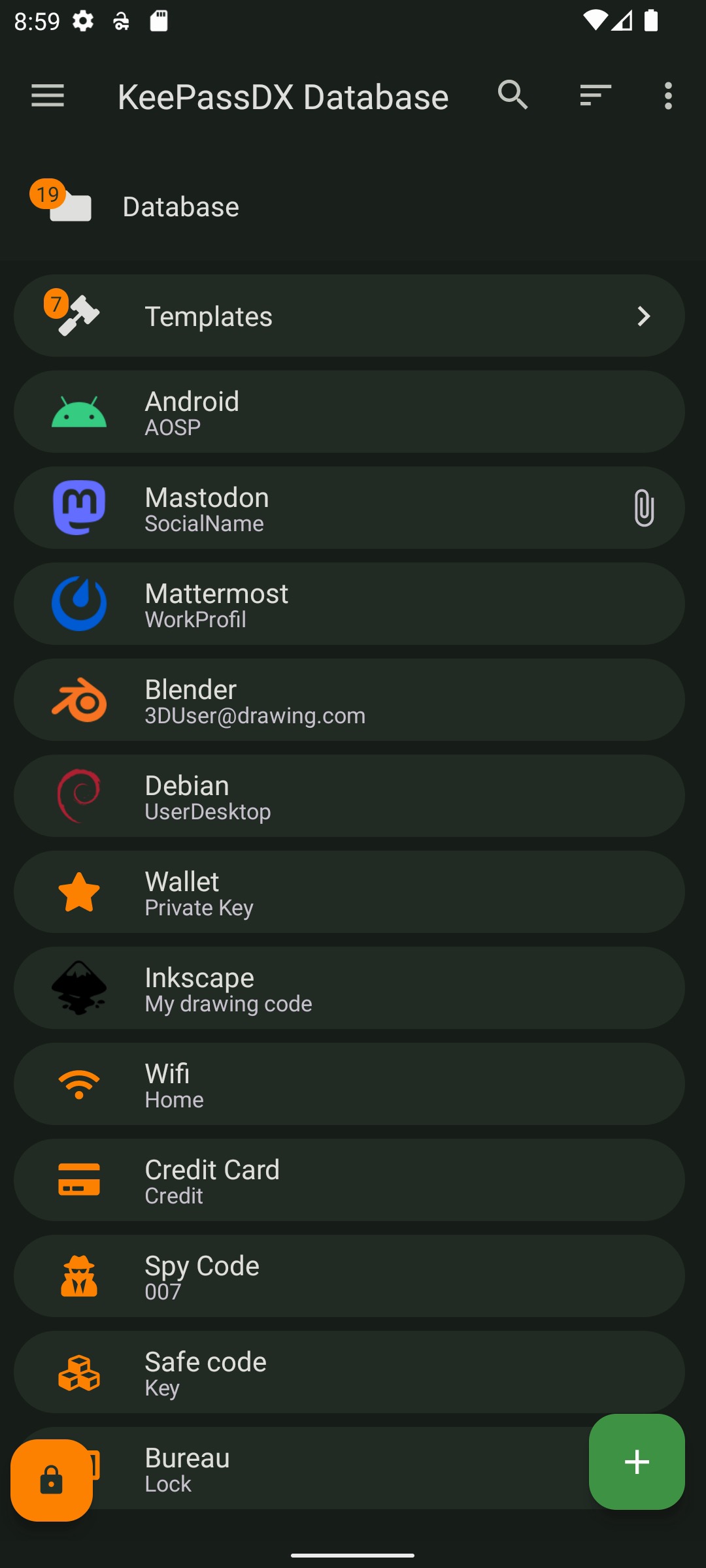
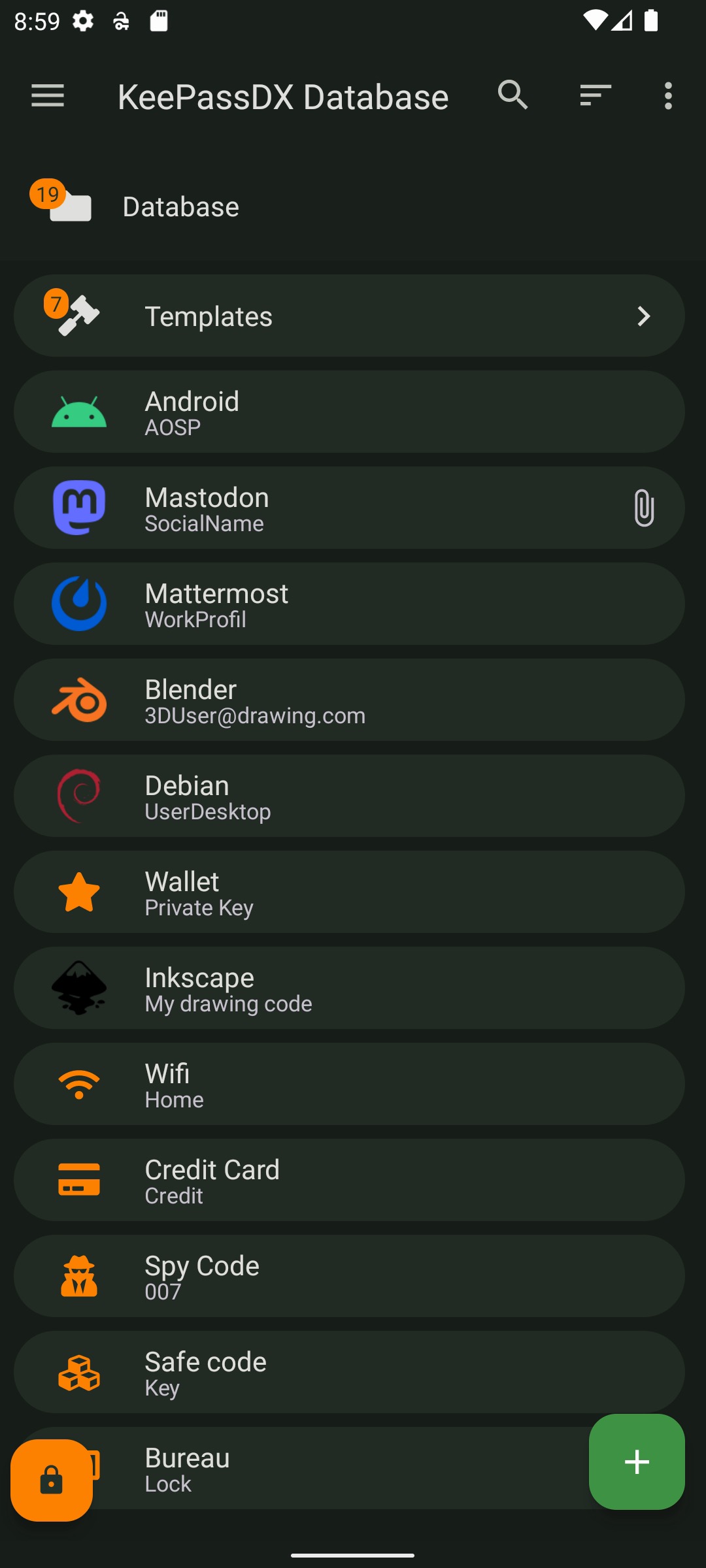
Organize records and templates: Tap the plus button inside an open database to add entries or choose layouts from the Templates folder. Each entry stores Username, Password, URL, expiration date, tags, notes, file attachments, and an entry history tab.
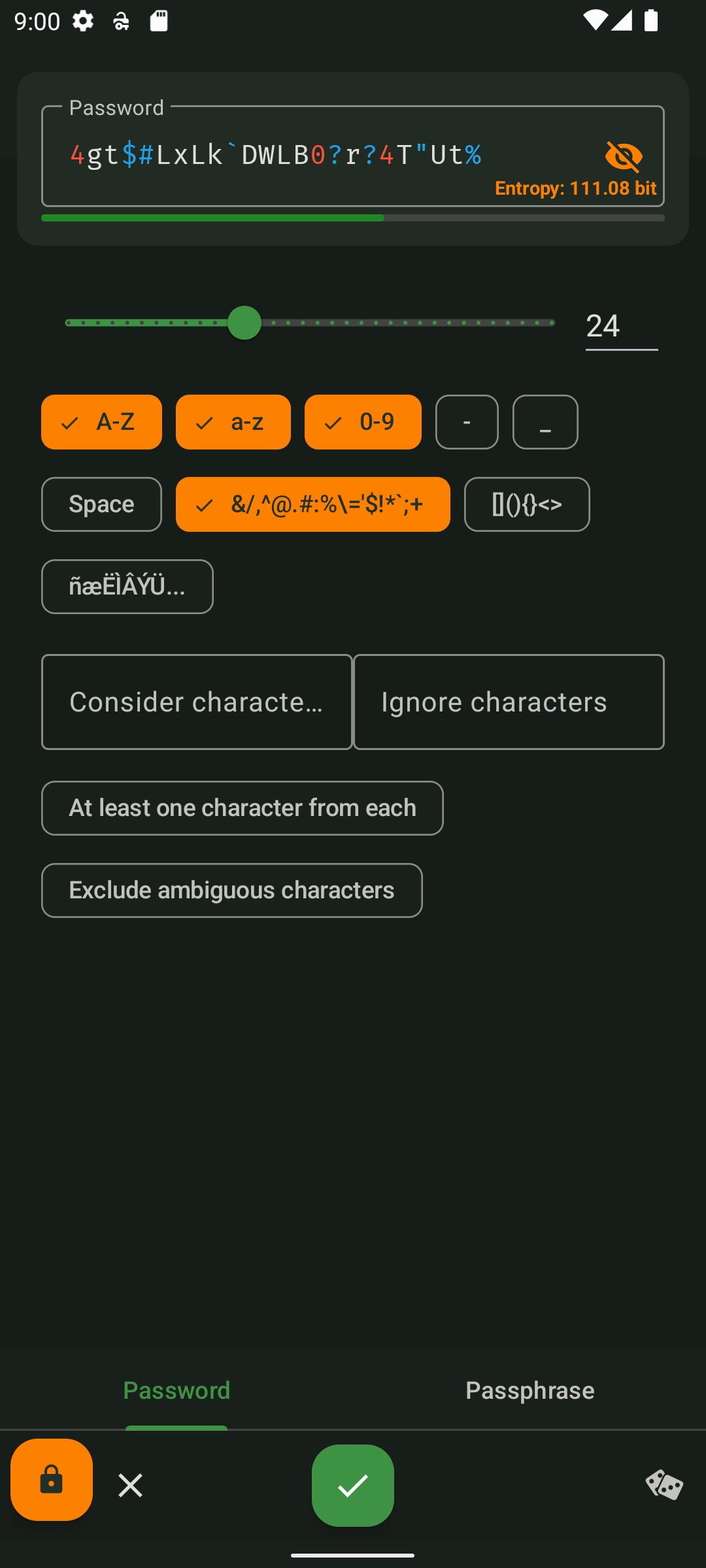
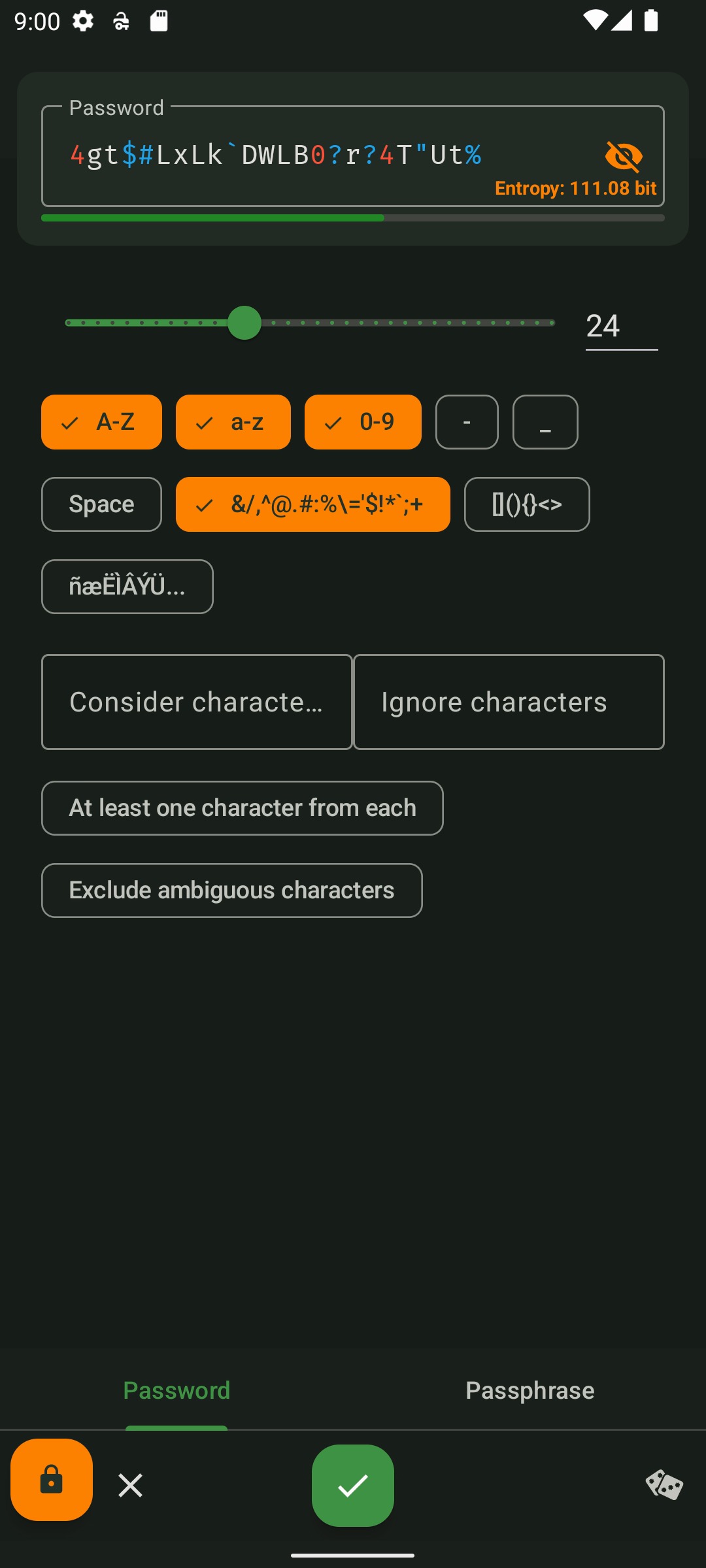
Generate strong secrets: Switch between Password and Passphrase tabs, drag the length slider, toggle character sets or exclude ambiguous characters, and review the live bit entropy readout before saving.
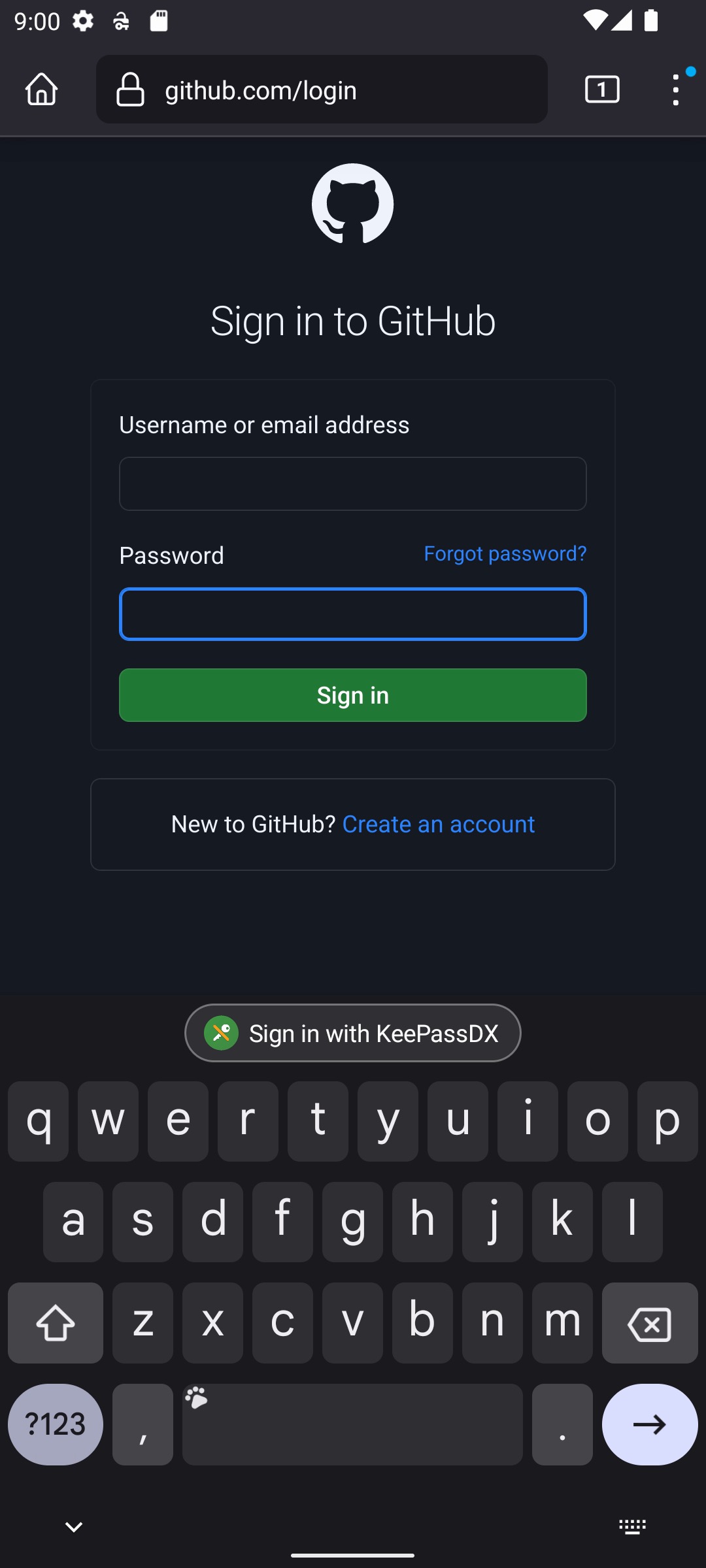
Fill apps and websites: Select KeePassDX in Android’s Autofill and Credential Provider settings for inline sign-in chips, or switch to Magikeyboard to type entry fields directly without using the clipboard.
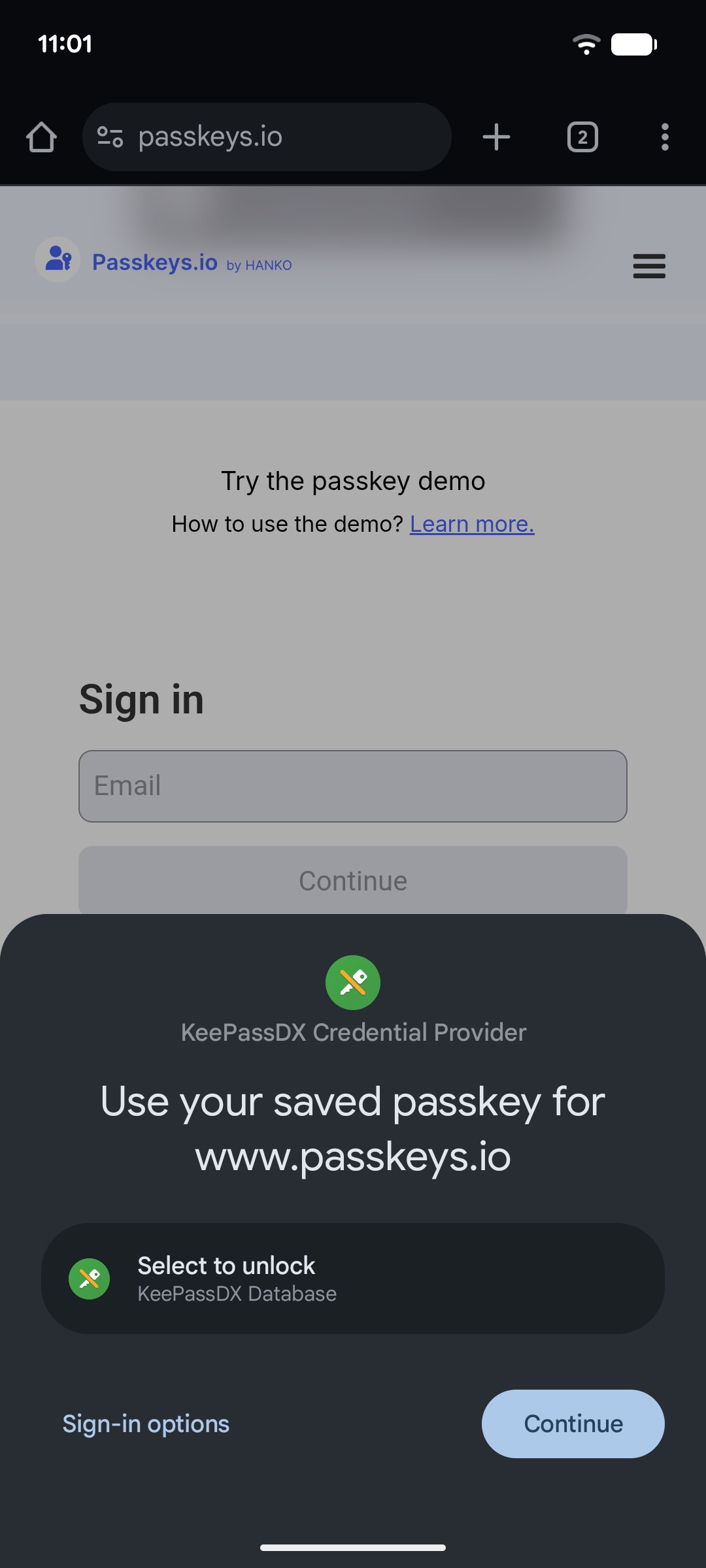
Offline passkeys on Android 14+: On Android 14 (API 34) and newer, KeePassDX acts as a Credential Provider that generates and saves passkey private keys locally in KeePassXC-aligned custom fields.
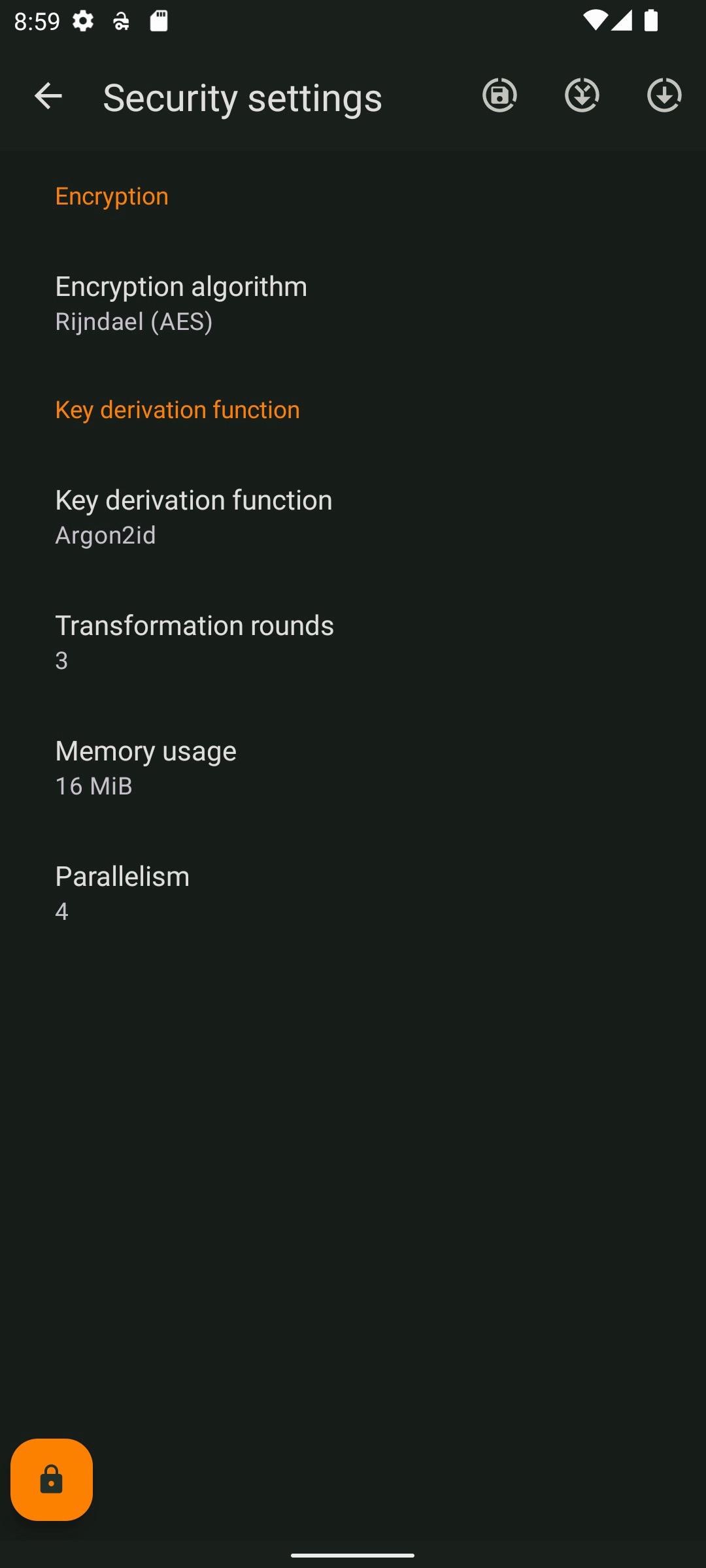
Tunable KeePass encryption: The app handles .kdb and .kdbx databases (versions 1 to 4) with AES (Rijndael), Twofish, or ChaCha20. Under Security settings, tune Argon2id rounds, memory usage, and parallelism for your phone.
Built-in 2FA and URI shortcuts: Keep HOTP and TOTP codes inside matching entries, and open or copy URL and URI fields straight from the entry view.
Magikeyboard and TapJacking defense: When autofill misses a form, Magikeyboard enters fields one key at a time. KeePassDX also blocks button taps whenever another app draws a transparent overlay on top.
Storage Access Framework workflow: Instead of bundling proprietary cloud APIs, KeePassDX edits vaults via external file managers or cloud URIs with Save, Merge, and Reload commands, leaving no database copy inside the app once closed.
Native GPLv3 code without ads: Written in Kotlin, Java, JNI, and C, KeePassDX contains no ads and declares no data collection or third-party sharing on Google Play. Core encryption and form-filling tools stay free, while optional themes come from KeePro Support.
Desktop vault portability: Standard .kdb and .kdbx files open across Android and desktop apps such as KeePass, KeePassXC, and KeeWeb, including YubiKey HMAC-SHA1 challenge-response vaults configured in KeePassXC.
GitHub 4.5.9 fixes ahead of Play: Released on November 23, 2026 while Google Play still listed November 1’s 4.5.8 build, version 4.5.9 fixes PRF output, tag creation, OTP progress bars, and template layouts, adds a hide-action-messages toggle, and tightens biometric invalidation checks.
How do the Free, Libre, and Pro editions differ?
Both open-source builds use identical encryption. The Free edition (com.kunzisoft.keepass.free, packaged here) includes Steam OTP and Google’s privileged web-app list for passkeys, while F-Droid’s Libre build omits them. Buying KeePro Support ($10.00 on Google Play) or donating unlocks optional themes and manual Steam TOTP selection without extra security restrictions.
Does KeePassDX sync vaults automatically?
No. KeePassDX requires no Internet connection and acts strictly as a file editor. Keep your .kdbx file in a cloud app or Syncthing, open it via Android’s file picker, and run Merge after external edits.
Can KeePassDX unlock databases with a YubiKey?
Yes. It supports Yubico’s HMAC-SHA1 challenge-response protocol over USB OTG or NFC via Kunzisoft’s companion Key Driver app, matching KeePassXC vaults. FIDO2 hmac-secret is not yet implemented.
Will KeePassDX 4.5.9 run on older phones and support passkeys?
Android 4.4 or higher can install this 16.06 MB APK (version code 45900), bundling native libraries for common ARM and Intel processors while targeting Android 16. Passkeys require Android 14 or newer; the file matches GitHub’s SHA-256 hash and Kunzisoft’s 2017 signing key.
Why is the edit button missing after opening a vault?
Kunzisoft’s FAQ notes that the file likely opened in read-only mode—tap the pencil icon on the unlock screen for write mode—or the external file manager supplied a read-only URI.
KeePassDX suits Android users who prefer owning their passwords, 2FA tokens, and offline passkeys in a portable .kdbx file rather than a vendor cloud. With Argon2id tuning, Magikeyboard fallback, and KeePassXC interoperability inside a 16.06 MB APK, release 4.5.9 offers dependable local vault management without ads or subscriptions.
KeePassDX
Tools
Date:2026-11-25

Thunderbird
Social
Date:2026-11-25

Aves Gallery
Photography
Date:2026-11-24

Organic Maps
Nav
Date:2026-11-24

DuckDuckGo
Tools
Date:2026-11-24

LocalSend
Tools
Date:2026-11-24

Bitwarden Password Manager
Tools
Date:2026-11-24

Shazam
Media & Video
Date:2026-11-24