2026-11-25 / Shopping
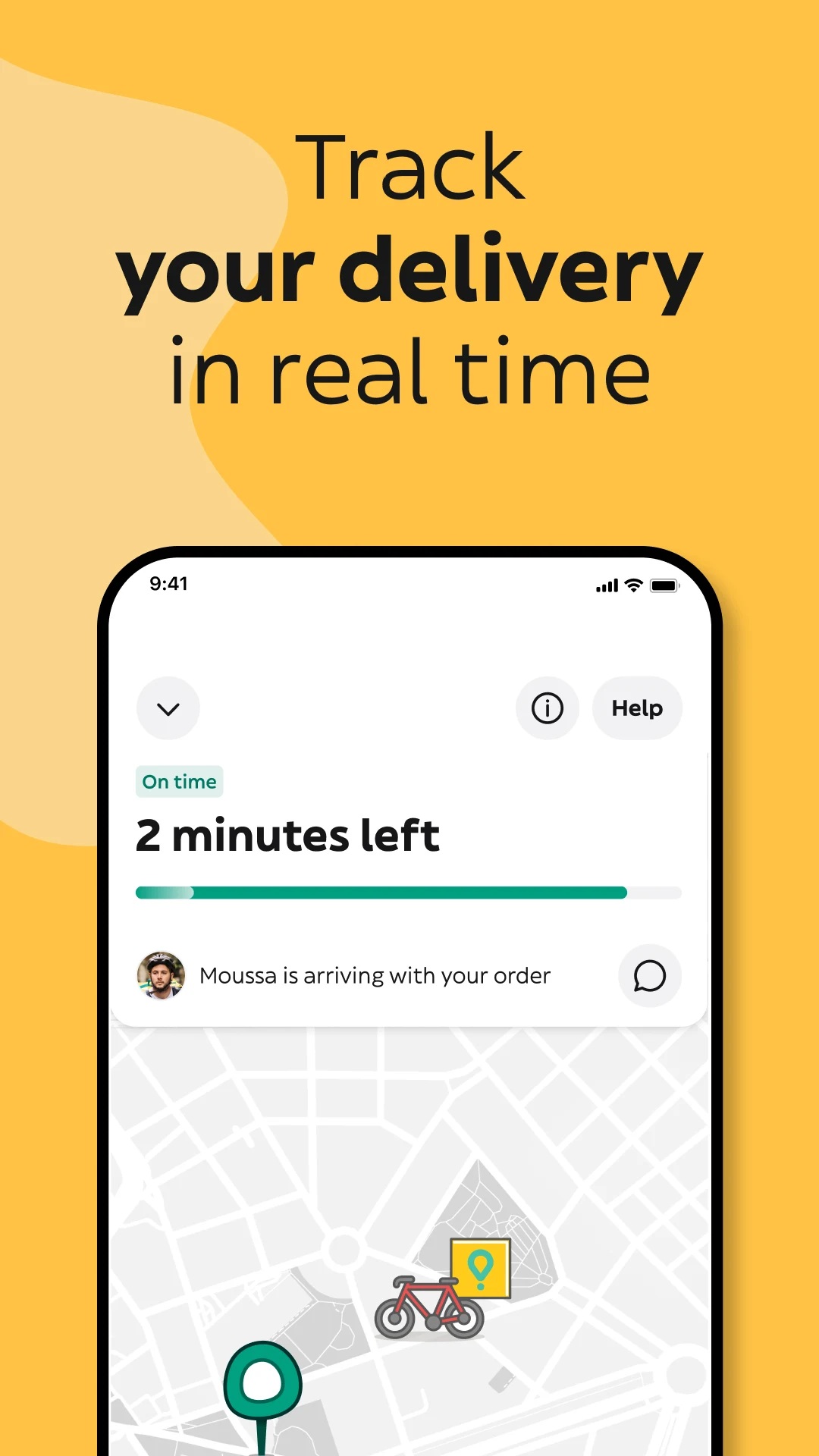
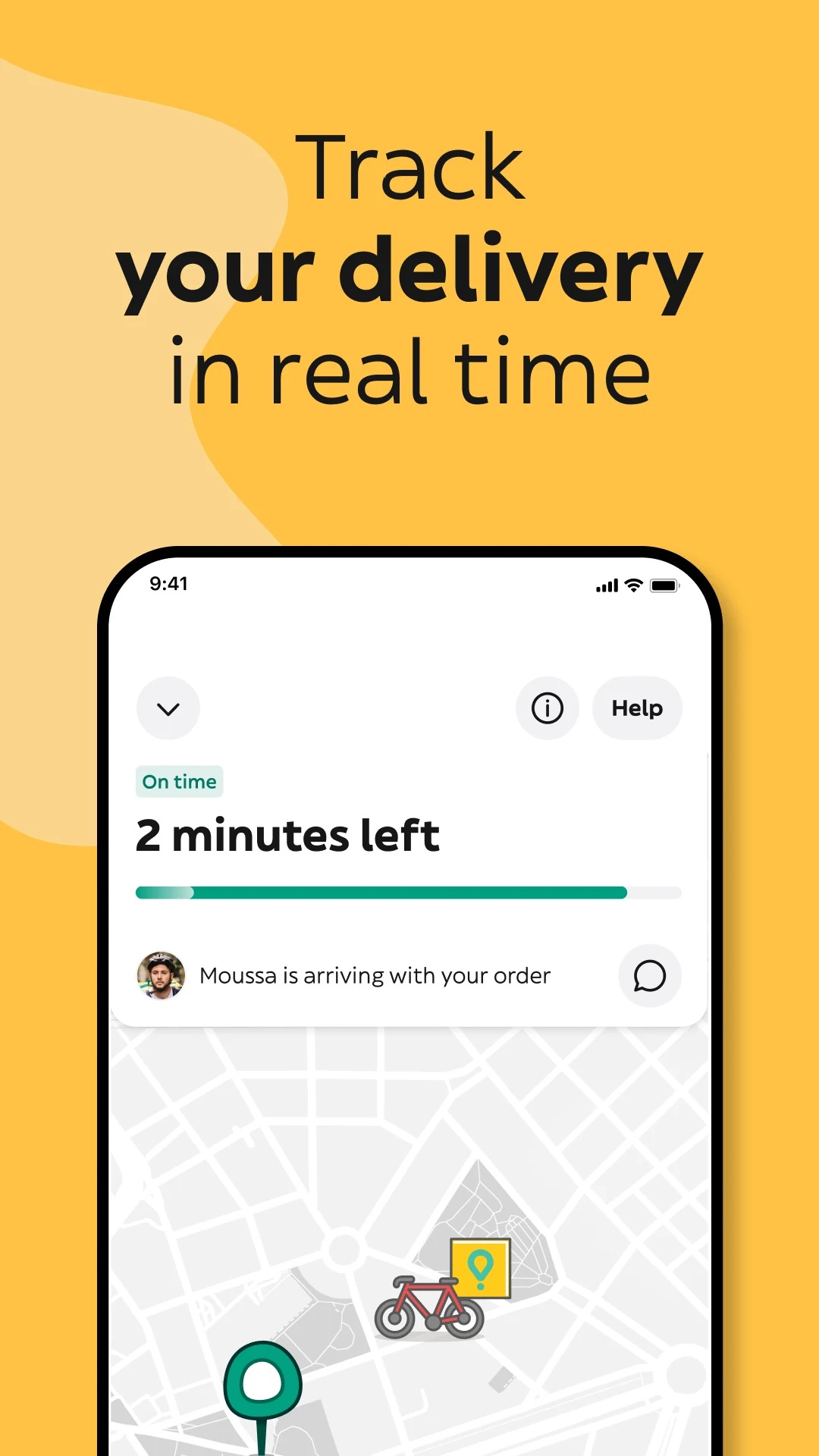
Glovo brings restaurant menus and grocery aisles to the same Android app. Set a delivery address to see which businesses serve that location. You can pick a meal, fill a grocery basket or browse nearby shops for other items. Once a courier is assigned to a delivery, you can follow the order in real time.
Set the destination: Start by checking the city and delivery address on the main screen. If you’re ordering to a different address than usual, set it before browsing so you can see the stores that serve it.
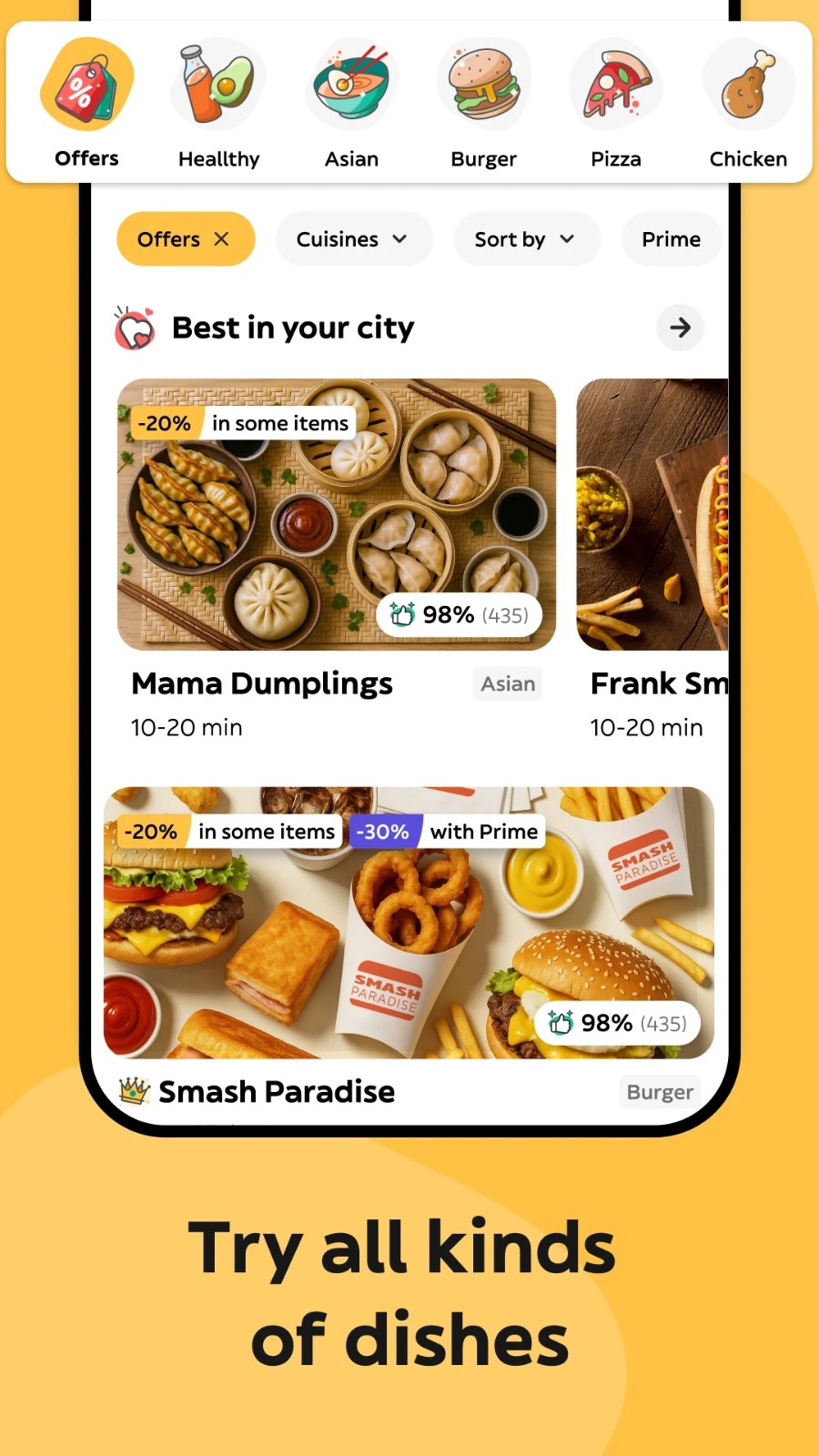
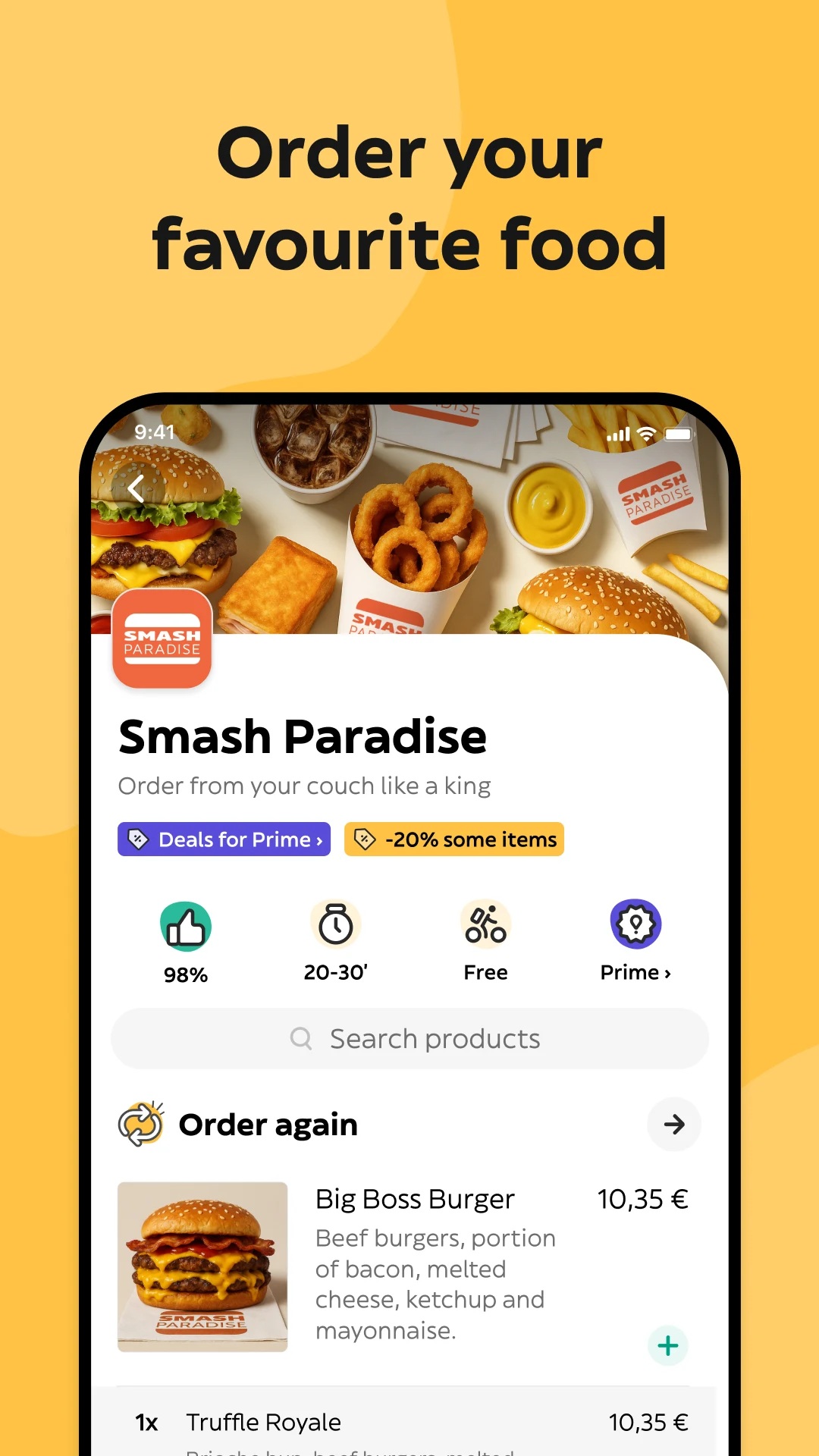
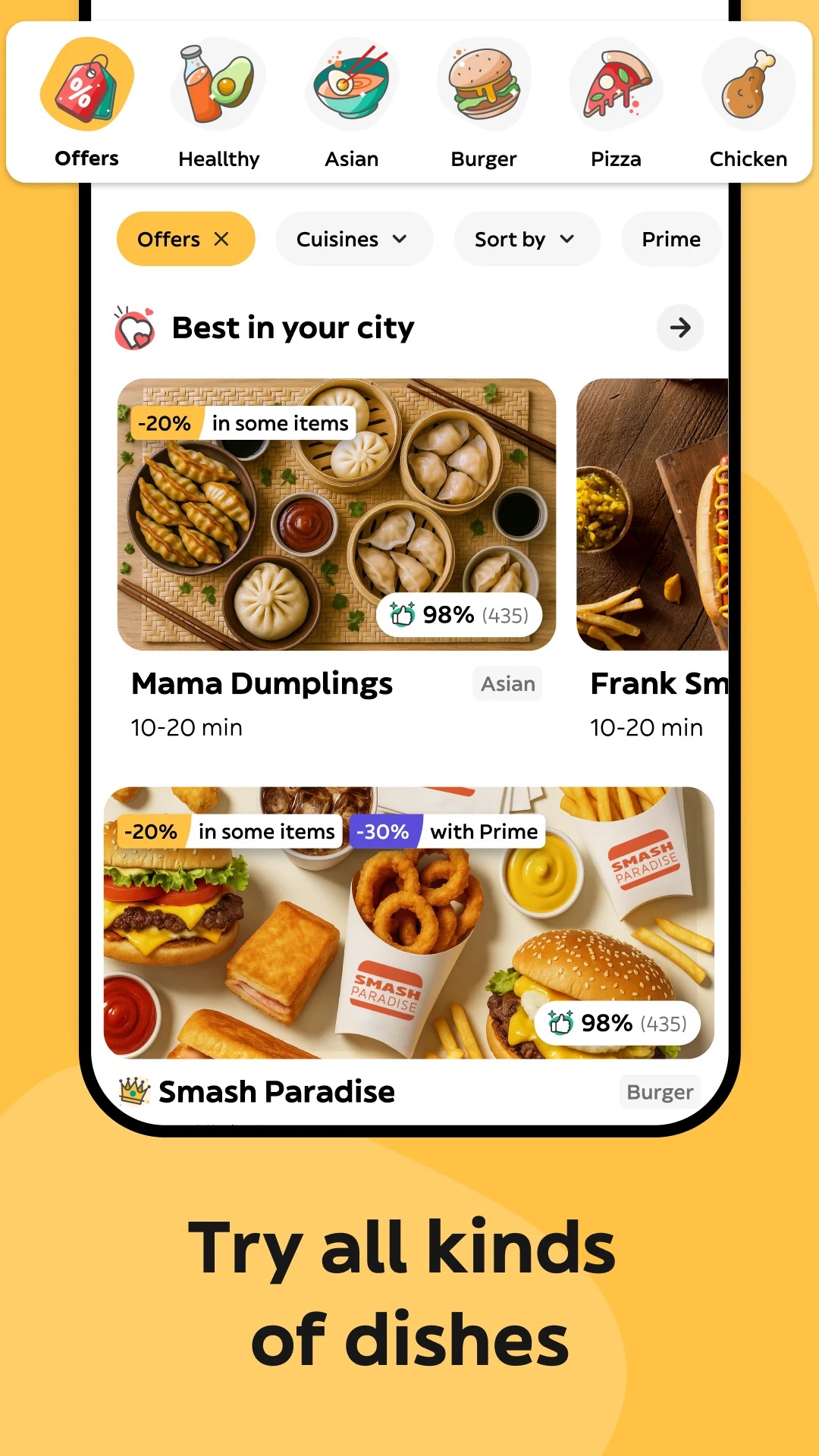
Find a meal or a store: The search bar can look for a specific product or business in your city. For dinner, browse the restaurant listings by cuisine, then open a menu to see the dishes and their individual prices.
Review the order total: Check the store’s delivery charge alongside the items you’ve picked. At checkout, choose from the payment methods displayed for your country and review the total before confirming.
Restaurant pickup: Glovo offers takeaway ordering as well as meal delivery. Use takeaway when you plan to collect your food on the way somewhere else.
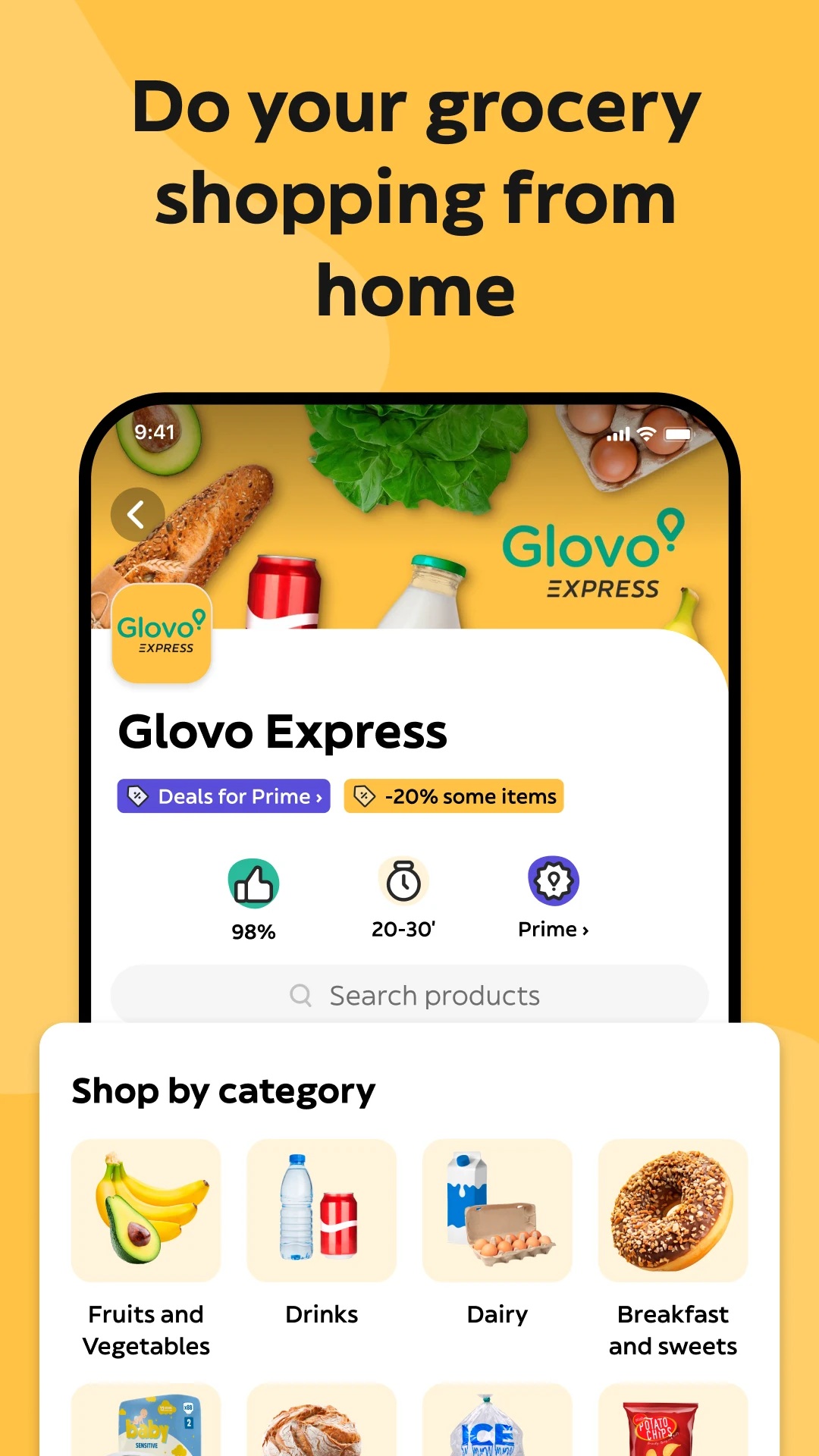
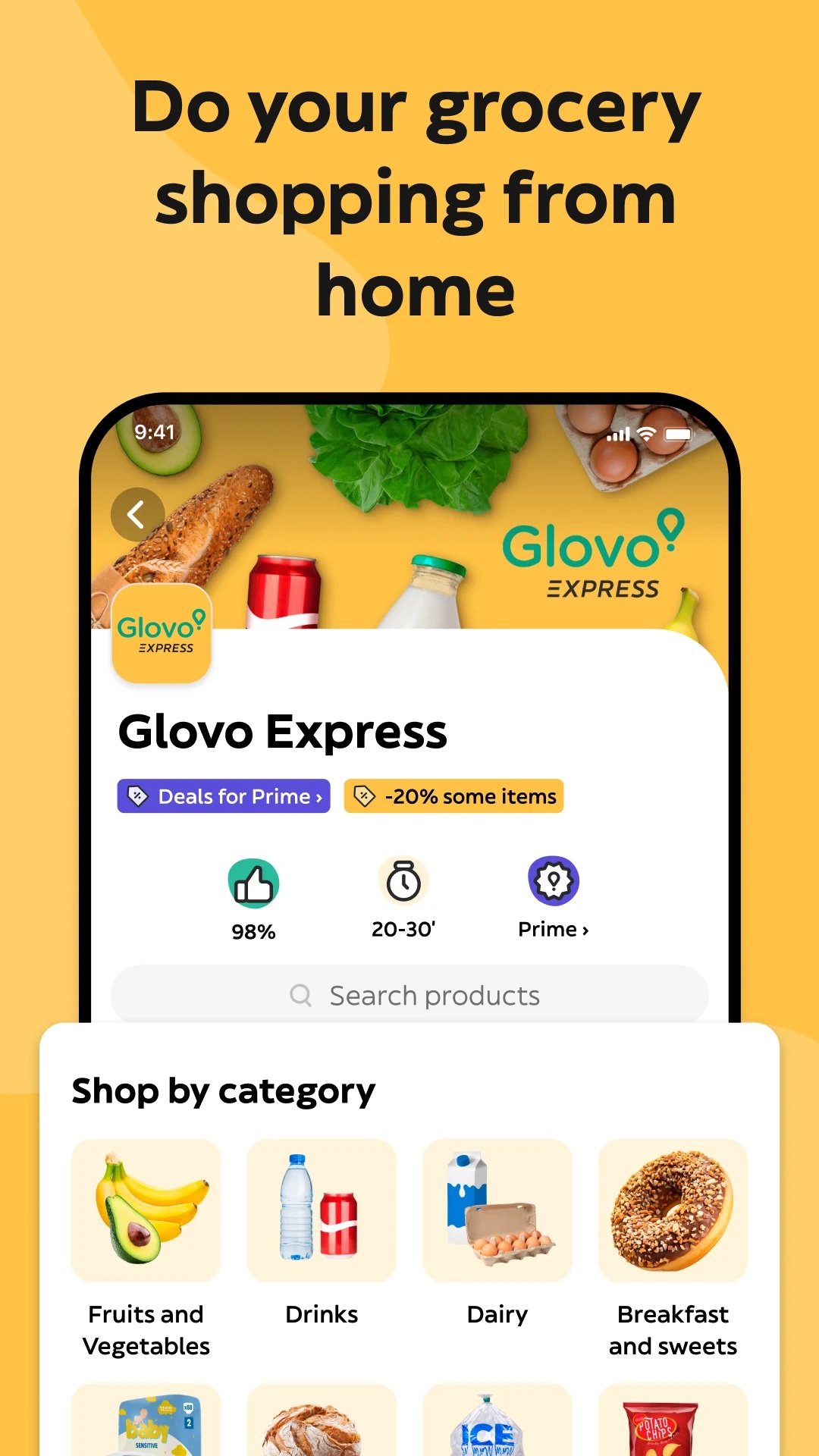
Grocery categories: The grocery storefront groups products such as fruit and vegetables, drinks and dairy. In the Glovo Express example, a product search sits above the category tiles.
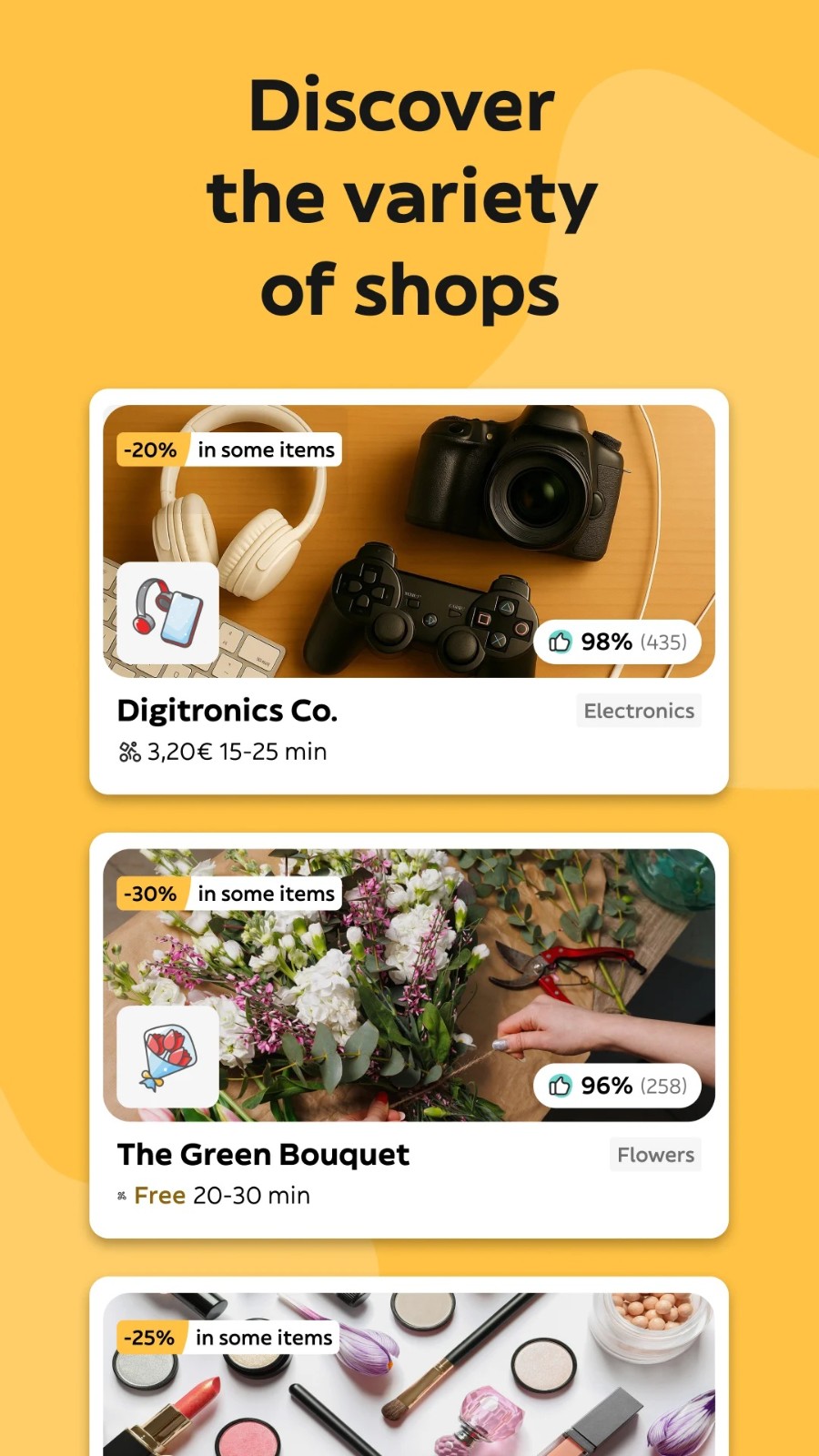
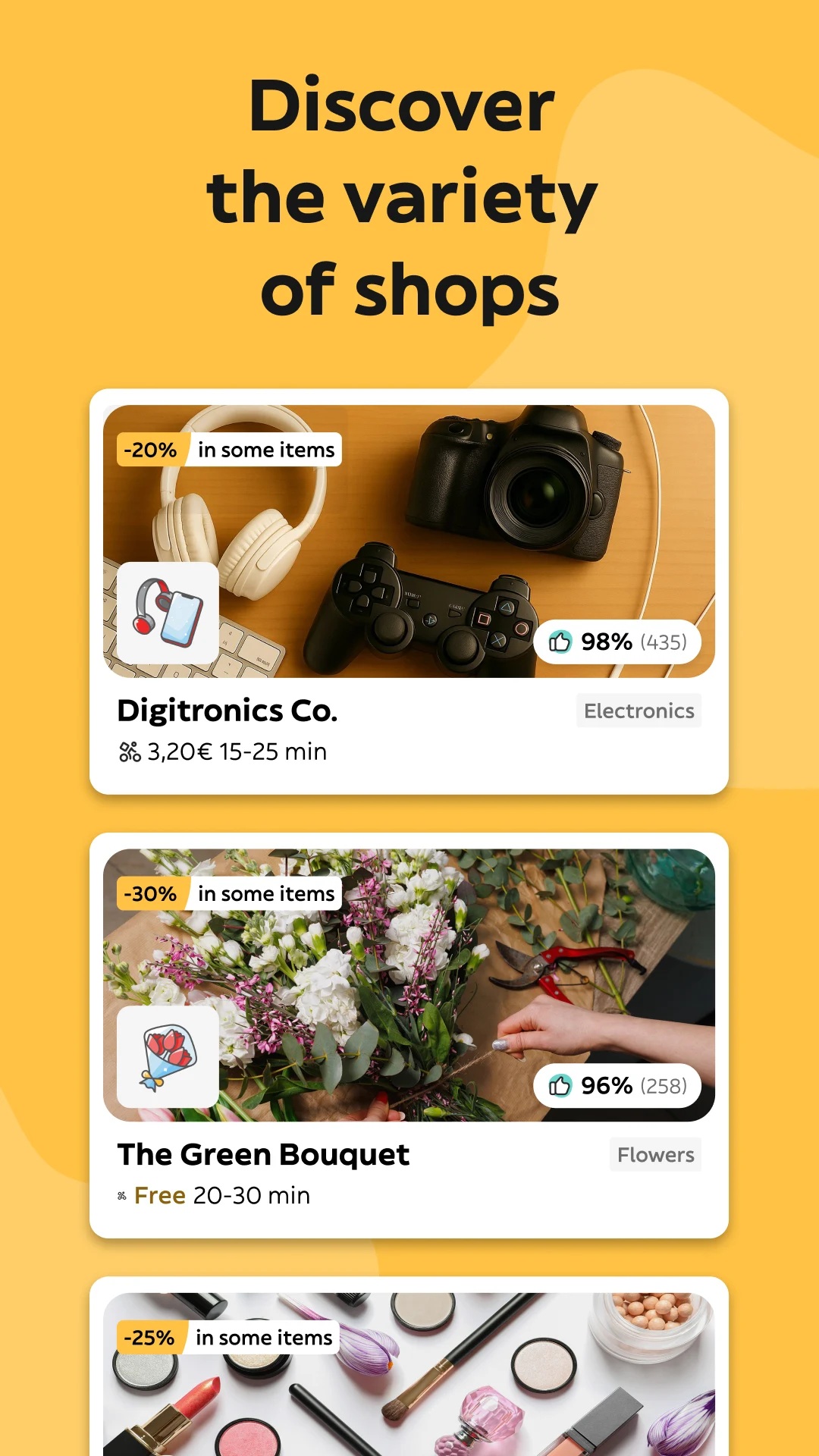
Local shops: The shop listings extend beyond food. Glovo’s store preview shows electronics and flower shops as examples of the businesses you might find.
Courier errands: To send an item across town, enter a collection point and a destination. Glovo calculates the courier charge using the distance between those addresses.
Order progress: Glovo’s November 23, 2026 Google Play update note describes a redesigned tracking screen for checking the order and its estimated arrival time.
Scheduled deliveries: Glovo lets you choose a delivery time in advance. Its help page directs you to cancel a scheduled order and place another if you need to change its details.
Glovo Prime: The monthly subscription offers delivery benefits at selected stores and includes member promotions. Glovo says the eligible stores can vary by location and that Prime is valid in the country where you signed up.
Can Glovo deliver to a new address?
Set the new address and check the listings there. Glovo’s help page notes that individual stores keep their own hours, so a store can be closed even when the service is running in that city.
Where can customers report a missing grocery item?
Open your Glovo profile and select Help if the order arrives incomplete, contains the wrong items or is in poor condition.
Does Glovo accept cash?
Cash is available where Glovo enables it, and the service accepts local currency for those payments. Check the payment choices shown while placing the order.
What is in the Glovo 2026.47.1 package?
The 33.63 MB APKM contains a base APK and separate configuration packages, including a 64-bit ARM split. Google Play lists Android 7.1 or newer for this version.
Glovo is worth considering if you order dinner and shop for groceries from businesses around the same address. Check the listings for that address first, then compare the delivery charge and opening hours for the place you want to order from.
Glovo: Food & Grocery Delivery
Shopping
Date:2026-11-25

Toonapp: Cartoon Photo Editor
Photography
Date:2026-11-25
Proton Mail
Social
Date:2026-11-25

Nextcloud
Tools
Date:2026-11-25
KeePassDX
Tools
Date:2026-11-25
Thunderbird
Social
Date:2026-11-25

Aves Gallery
Photography
Date:2026-11-24
Organic Maps
Nav
Date:2026-11-24