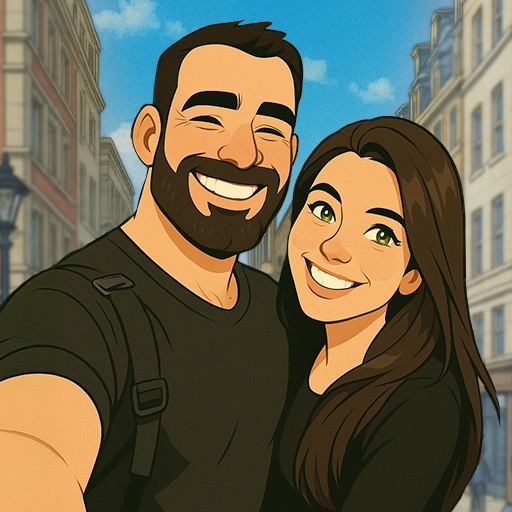
Toonapp is an Android photo editor from Lyrebird Studio that turns portraits into cartoons and short videos. You start with a selfie or a photo of two people and choose how you want the picture to look. Pick an illustration style for a still image or use a motion template to give the photo a scene of its own.
Choose a photo for the portrait: Start with a picture of the face you want Toonapp to redraw. For a couple’s portrait, use a single photo that already has both people in the frame.
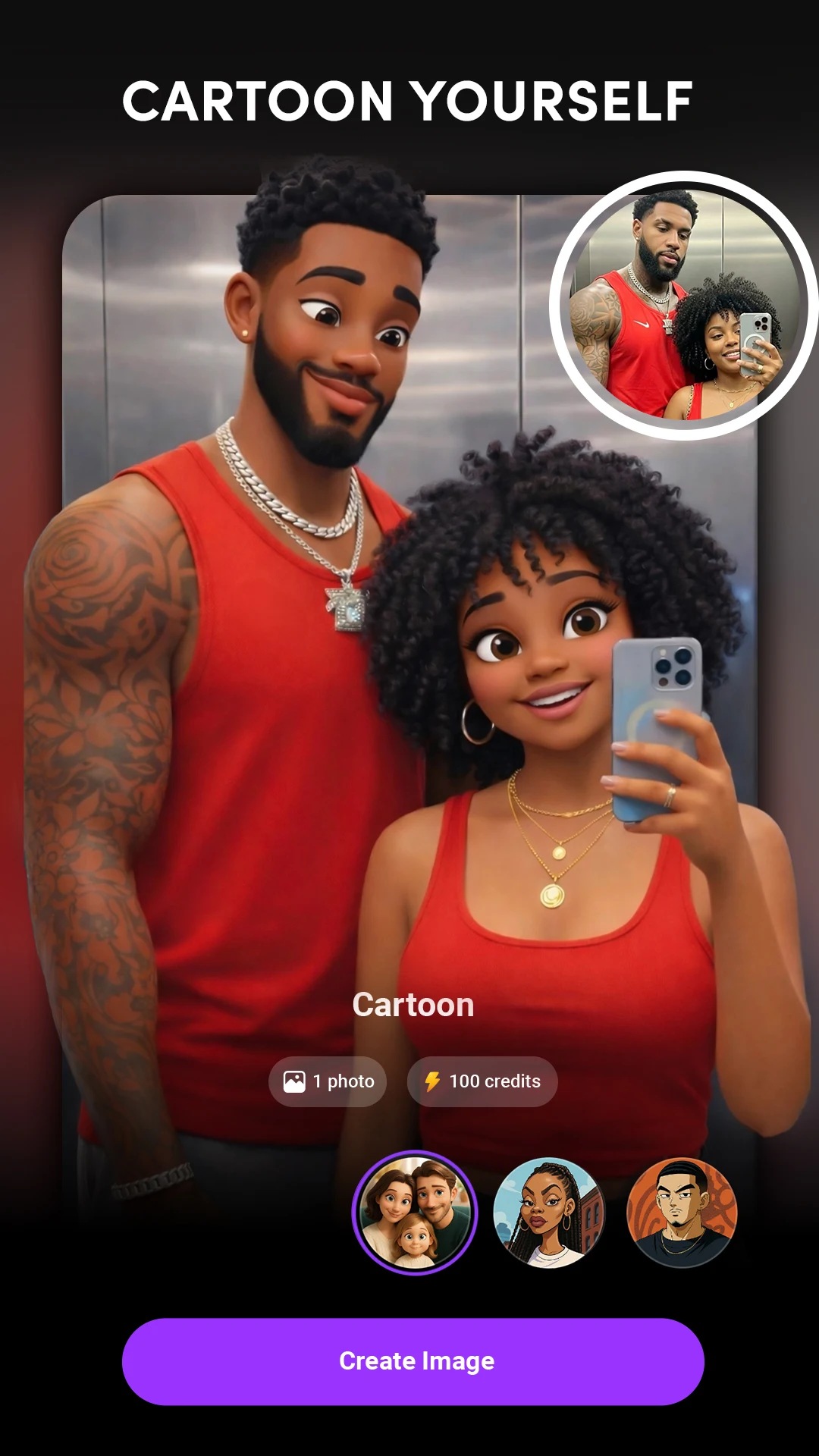
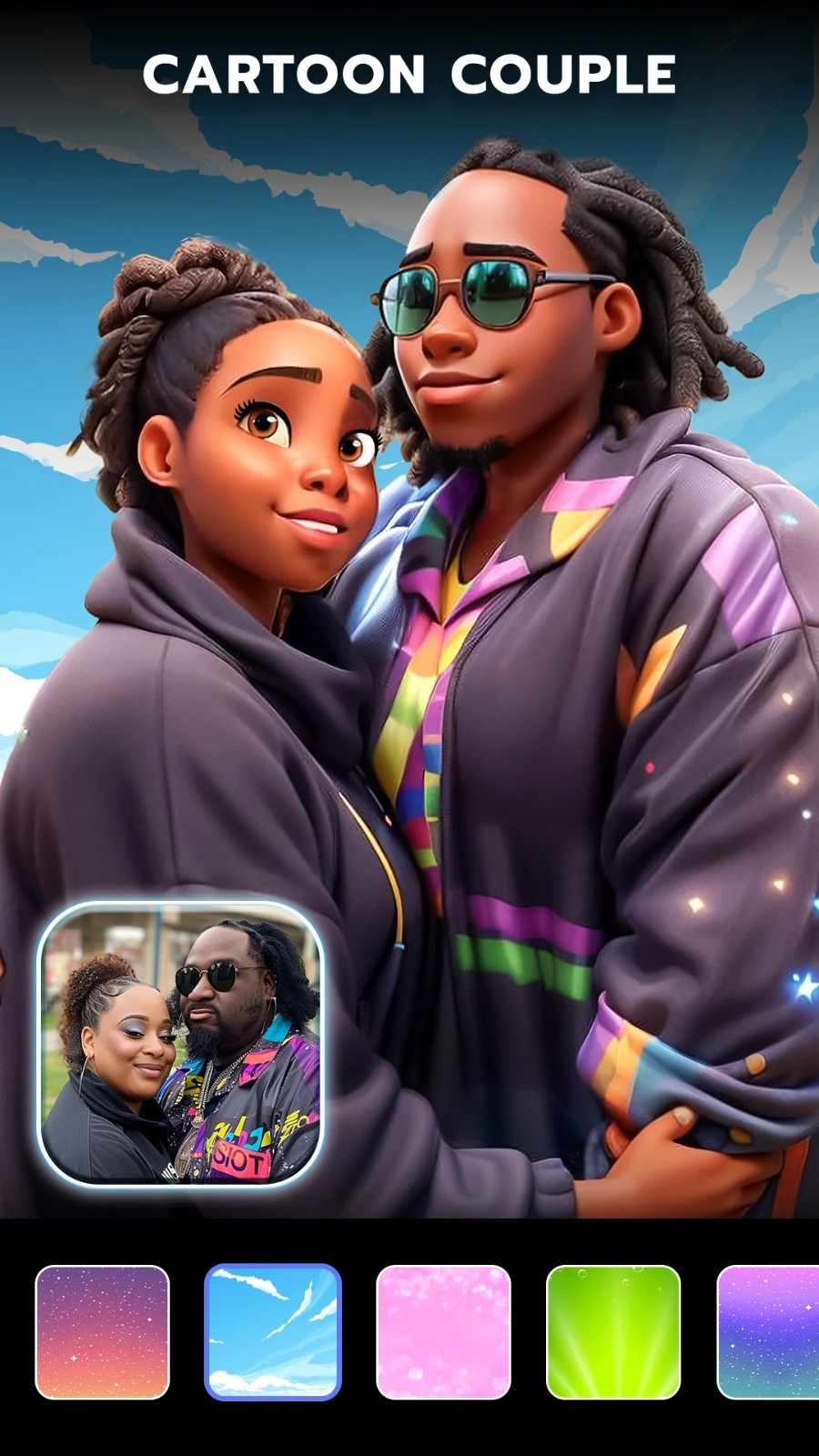
Pick the look before generating: Try hand-drawn lines for an illustrated profile picture or anime shading for a different take on the same selfie. The Android listing shows a Cartoon preset with a Create Image button and an example of the finished portrait.
Use a motion template for a clip: Select an image-to-video effect and supply a still photo. The template sets the scene and camera movement, so you can make the clip without arranging footage on a timeline.
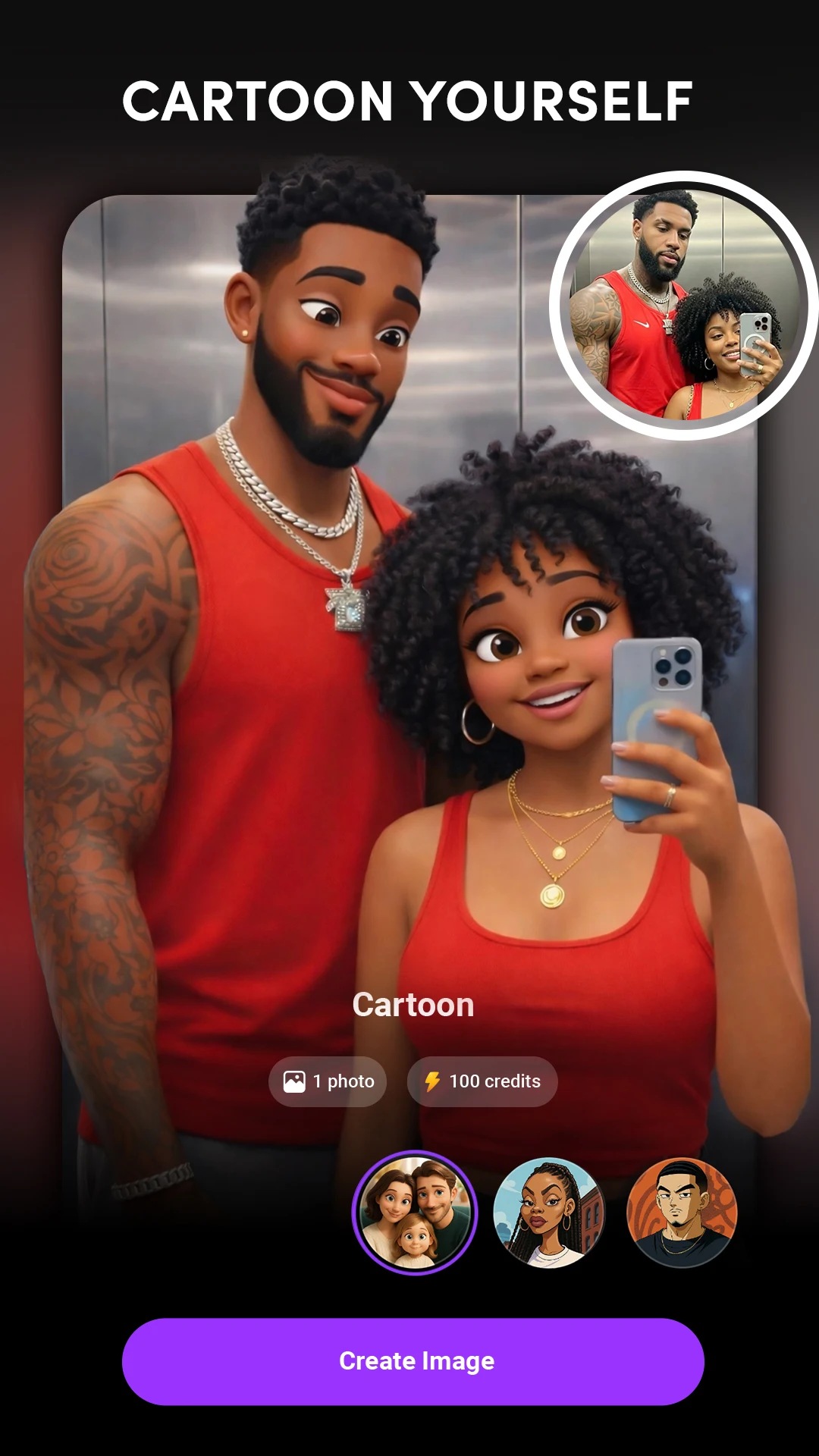
Cartoon and caricature: A cartoon style redraws the portrait as an illustration. The caricature styles change the proportions of the face for a more exaggerated portrait.
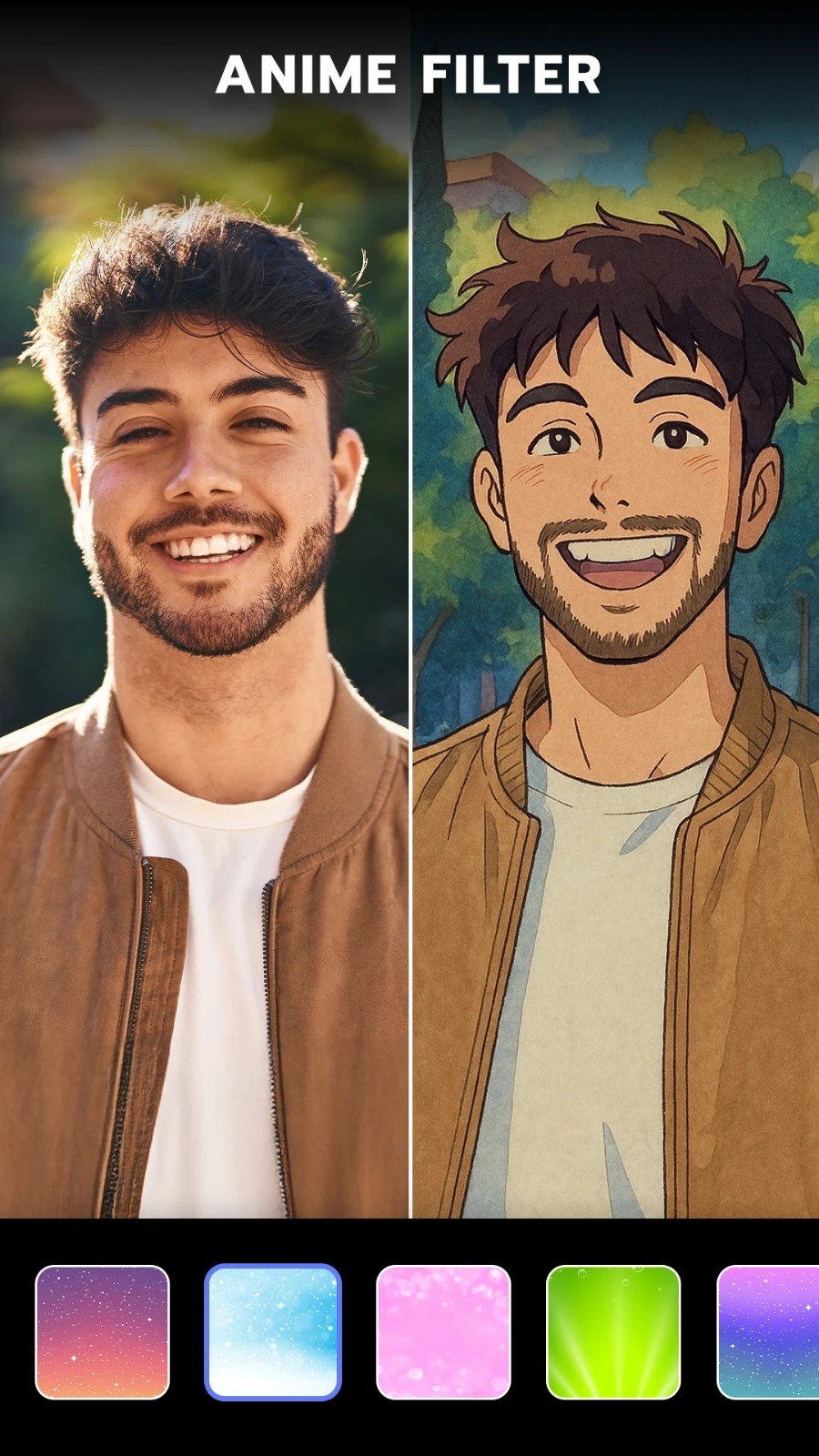
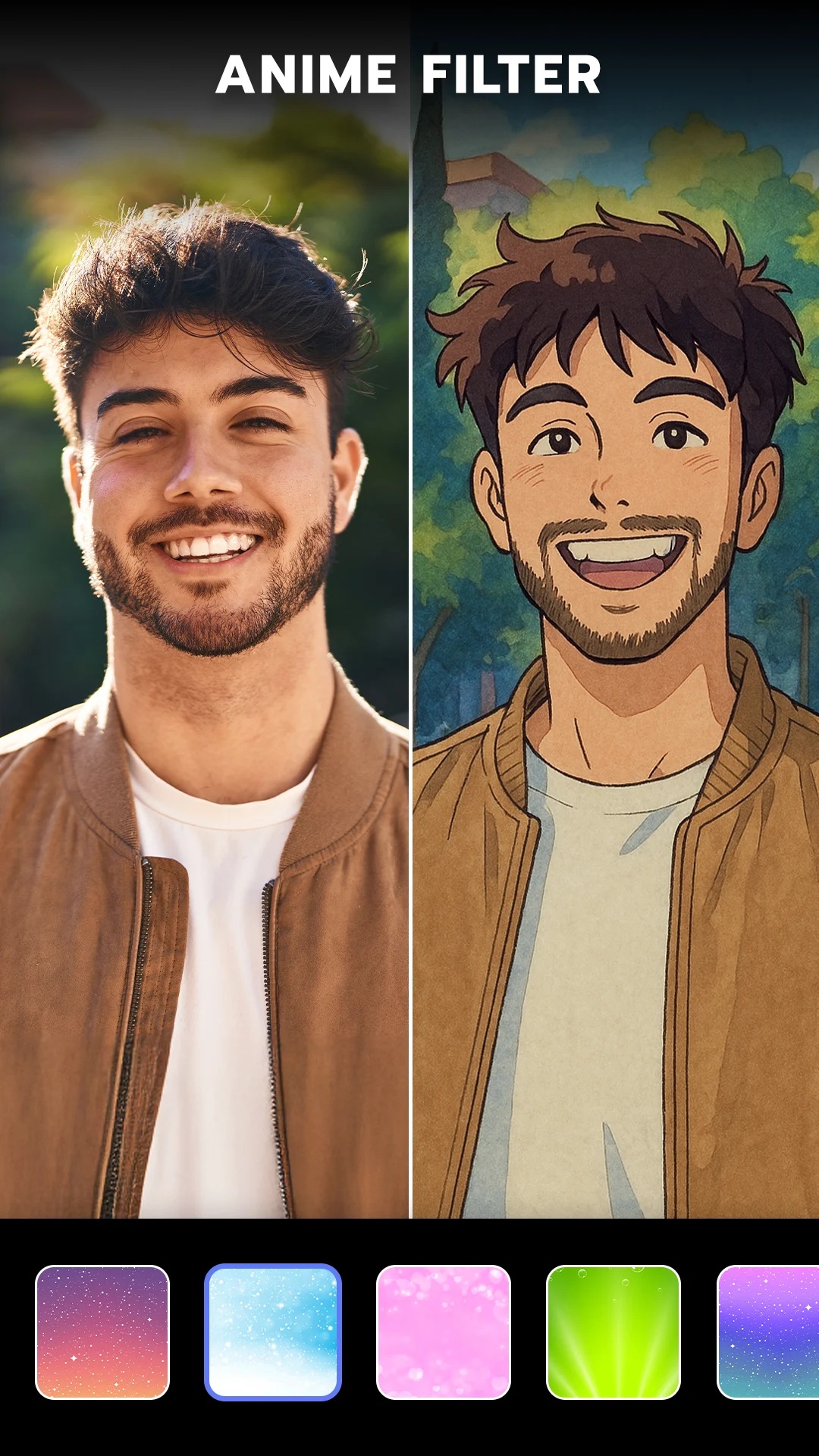
Anime, clay and pixel effects: The style choices include manga and anime alongside clay and pixel looks. The anime example on Google Play shows the photograph and the illustrated face side by side.
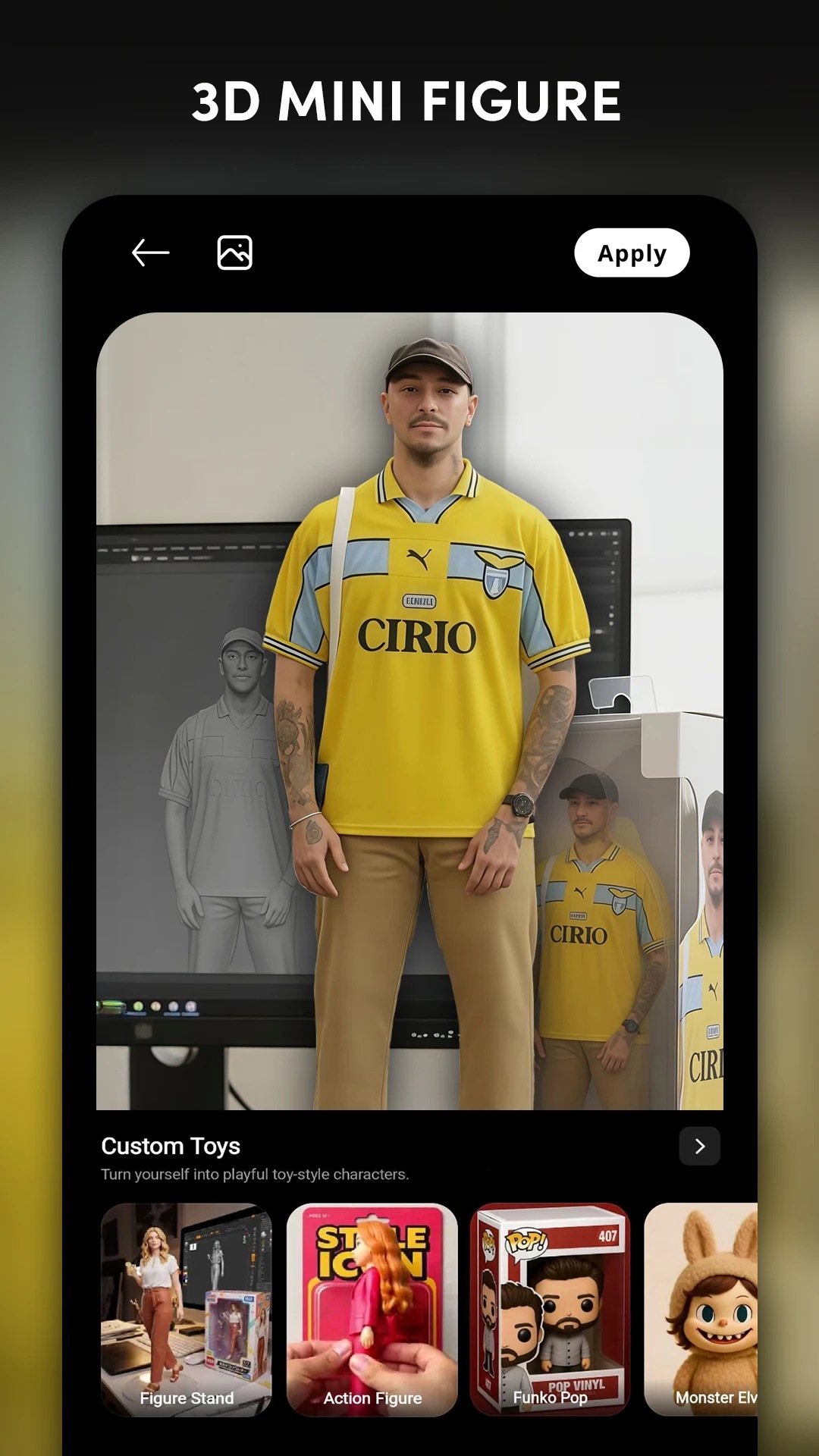
Collectible figure styles: The action figure generator turns a portrait into a 3D toy-style avatar. The developer describes packaging looks such as a blister pack or a toy box.
Background removal: Lyrebird Studio describes automatic background removal in its cartoon editor. That gives you another way to change the setting around the illustrated subject.
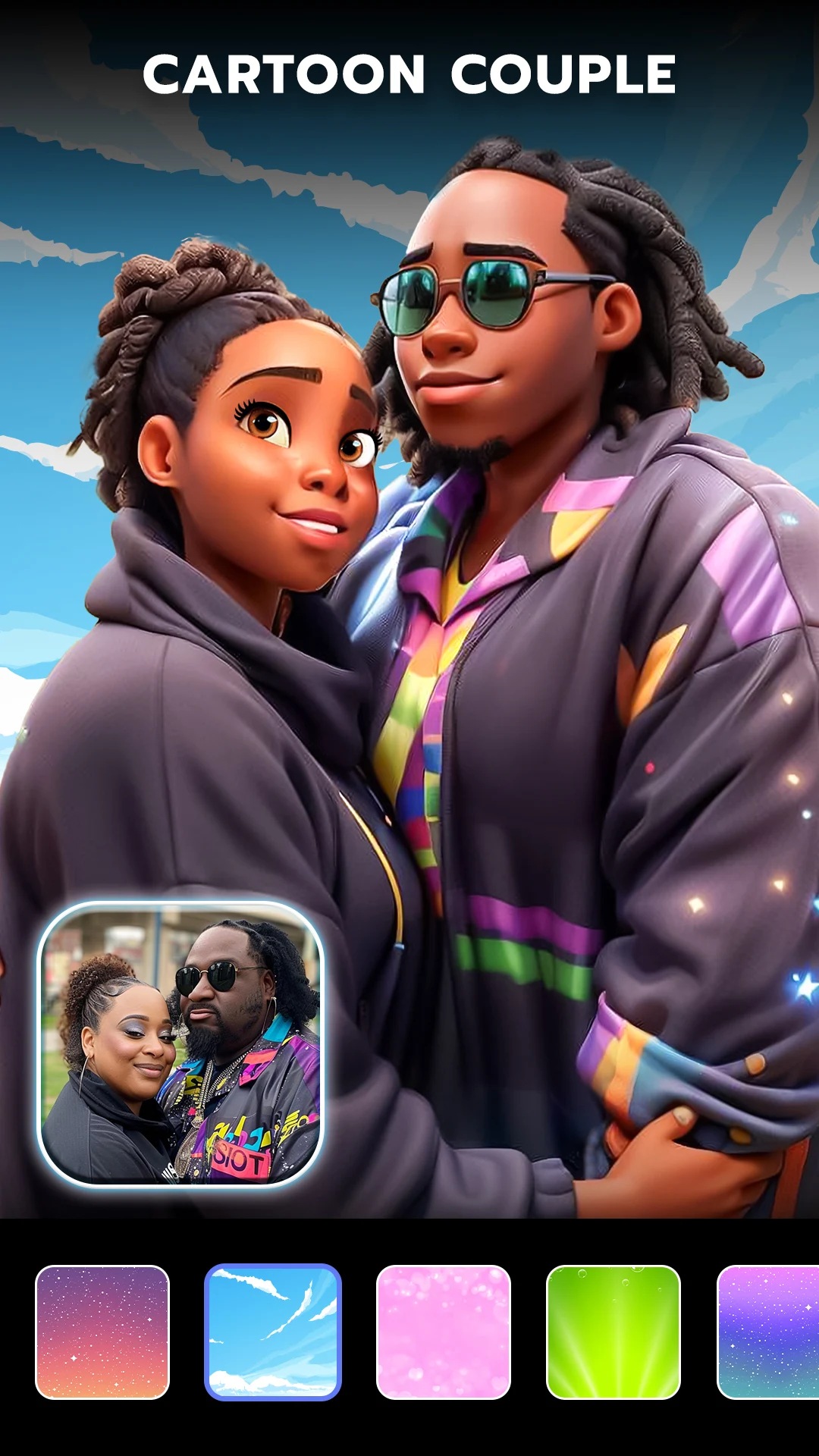
Two faces in the same illustration: The couple styles redraw both people together and keep them in one picture. The Play gallery includes a cartoon example with the original two-person selfie inset at the lower left.
Instant-camera frames: Toonapp also offers retro templates that present the result as an instant-camera print. This is a way to frame the finished portrait as part of the effect.
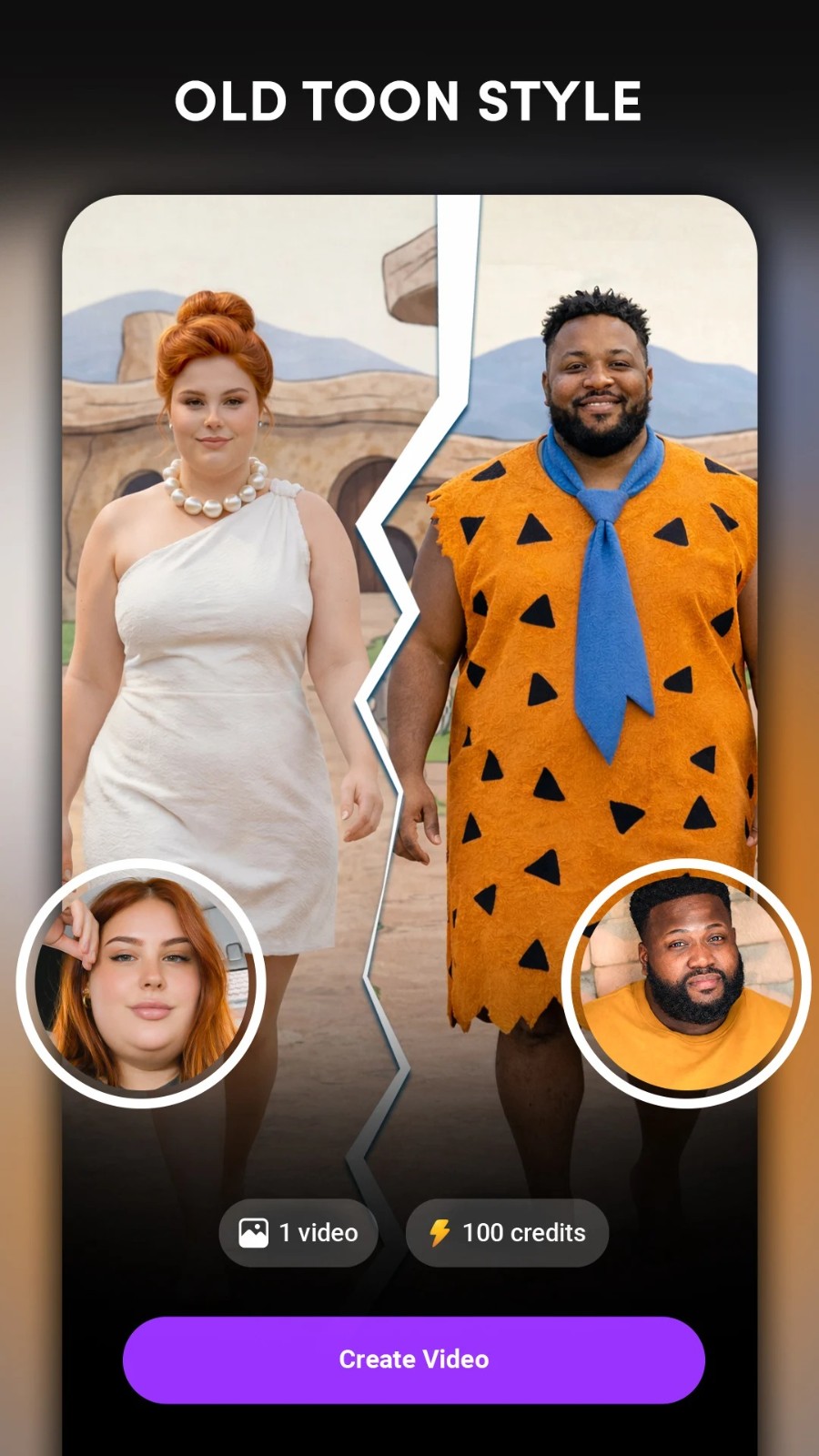
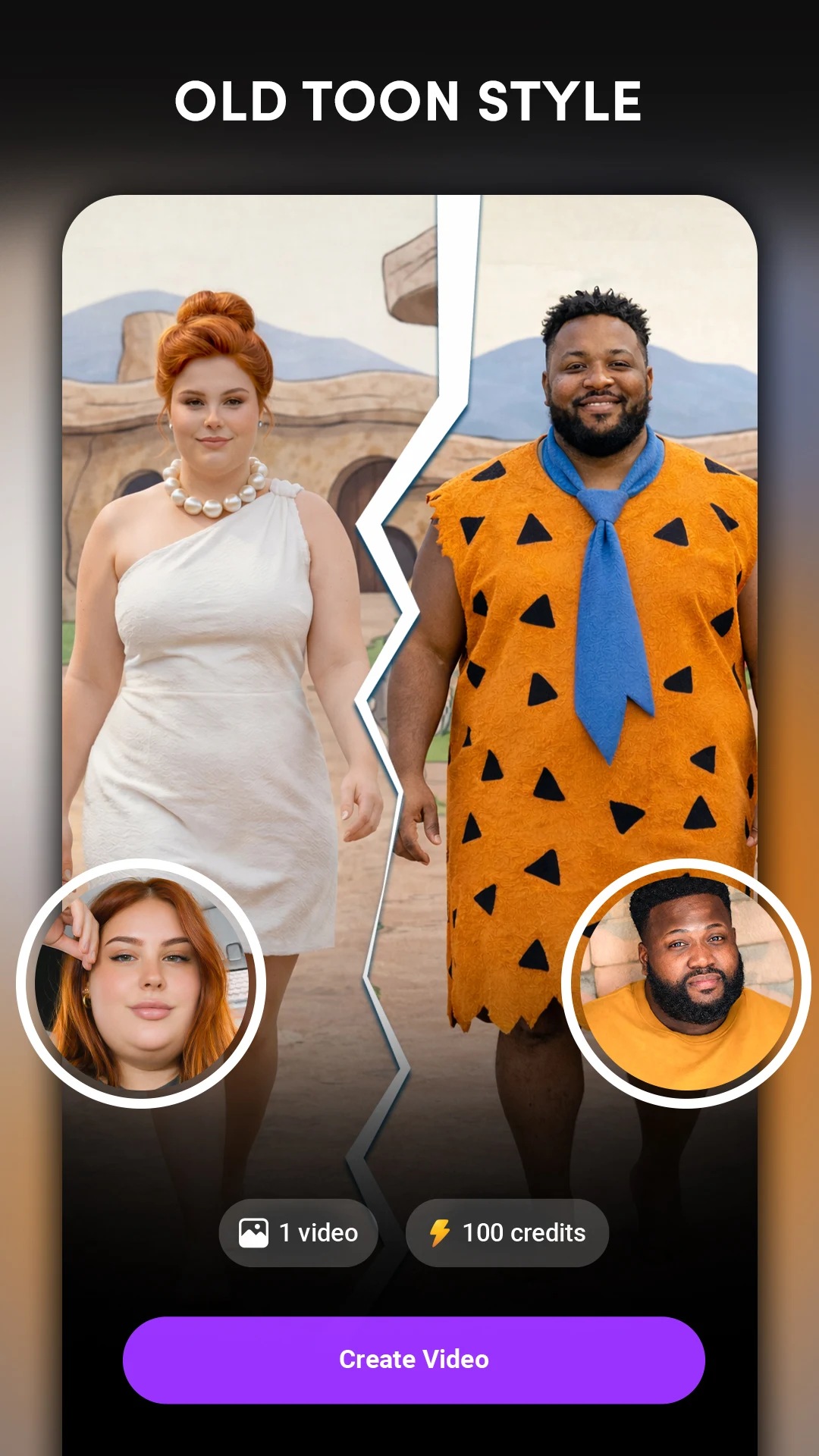
Template-driven videos: The Android gallery shows an Old Toon Style example with its own Create Video button. The motion effect uses a single still as the starting point for a short clip.
What is inside the Toonapp 4.0.7 file?
The 125.56 MB XAPK contains the main Toonapp APK alongside an ARM64 configuration split, language splits and an XXHDPI display-density split.
When was this Android release listed?
Google Play shows Toonapp 4.0.7 with a November 9, 2026 update date. The XAPK here carries that same version number.
Does Toonapp charge for effects?
Google Play labels Toonapp as an app with ads and in-app purchases. Lyrebird Studio says some styles and video effects use credits.
How does Toonapp differ from ToonArt?
Lyrebird Studio lists ToonArt as a separate app for still portraits, including caricatures and anime faces. Toonapp combines portrait effects with templates that add motion to a photo.
Toonapp suits a photo you want to turn into an illustrated avatar, a framed portrait or a short clip. Choose an image preset for a profile picture and a motion template when the same portrait is going into a video post.
Toonapp: Cartoon Photo Editor
Photography
Date:2026-11-25

Proton Mail
Social
Date:2026-11-25

Nextcloud
Tools
Date:2026-11-25

KeePassDX
Tools
Date:2026-11-25

Thunderbird
Social
Date:2026-11-25
Aves Gallery
Photography
Date:2026-11-24

Organic Maps
Nav
Date:2026-11-24

DuckDuckGo
Tools
Date:2026-11-24