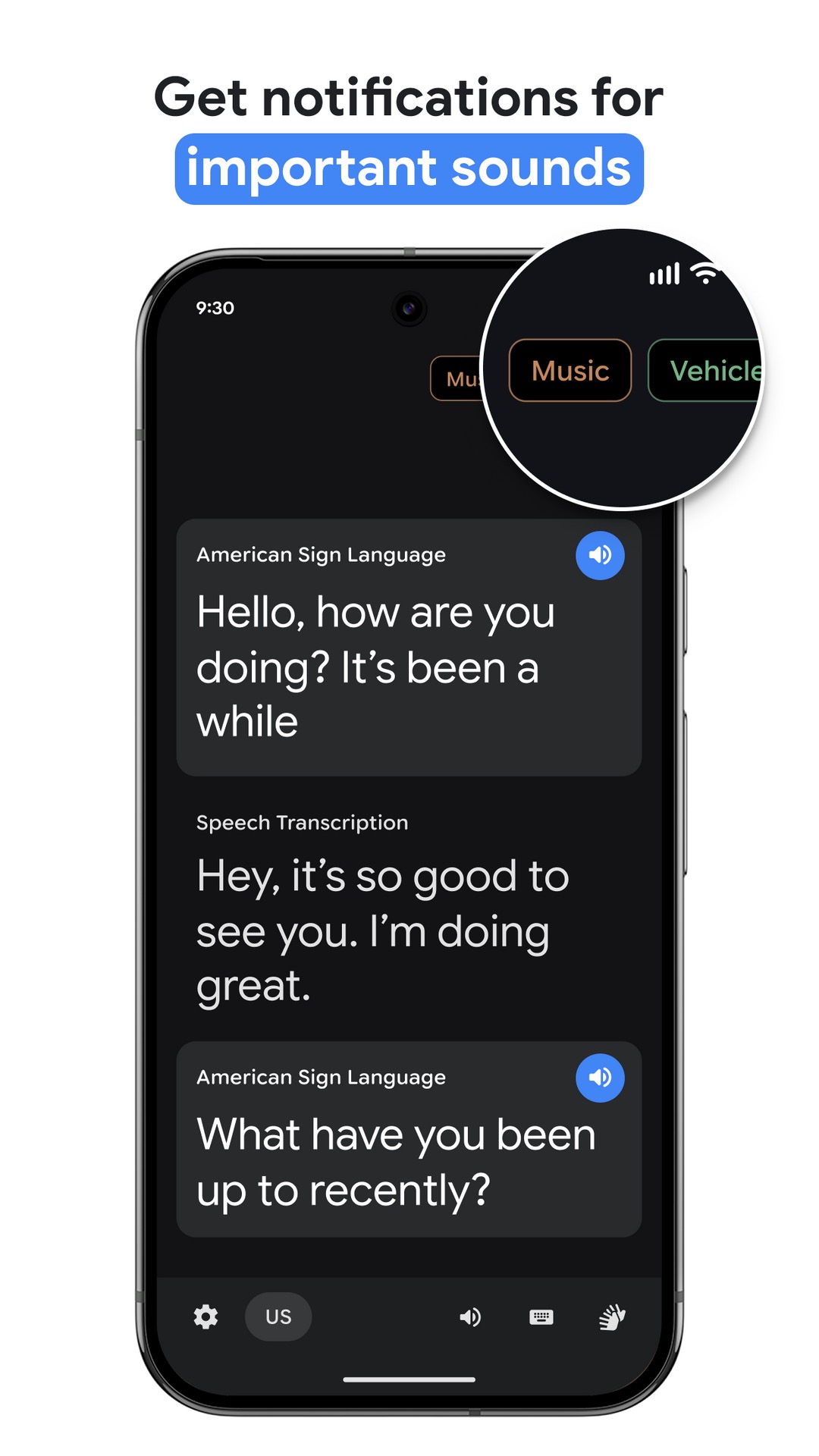
Live Transcribe & Notification is an Android accessibility tool from Research at Google that turns nearby speech into live on-screen text and flags important household sounds. Designed for people who are deaf or hard of hearing, the app combines real-time conversation captions with background alerts for smoke alarms, doorbells, and crying babies. You open either tool through Android’s Accessibility settings or a shortcut, point the microphone toward a speaker, and follow or reply by typing.
Enable from Accessibility settings: Open Android Settings, go to Accessibility, and pick Live Transcribe or Sound Notifications before granting microphone access. You can assign a floating accessibility button, two-finger swipe up, volume-key hold, or Quick Settings tile for quick launching.
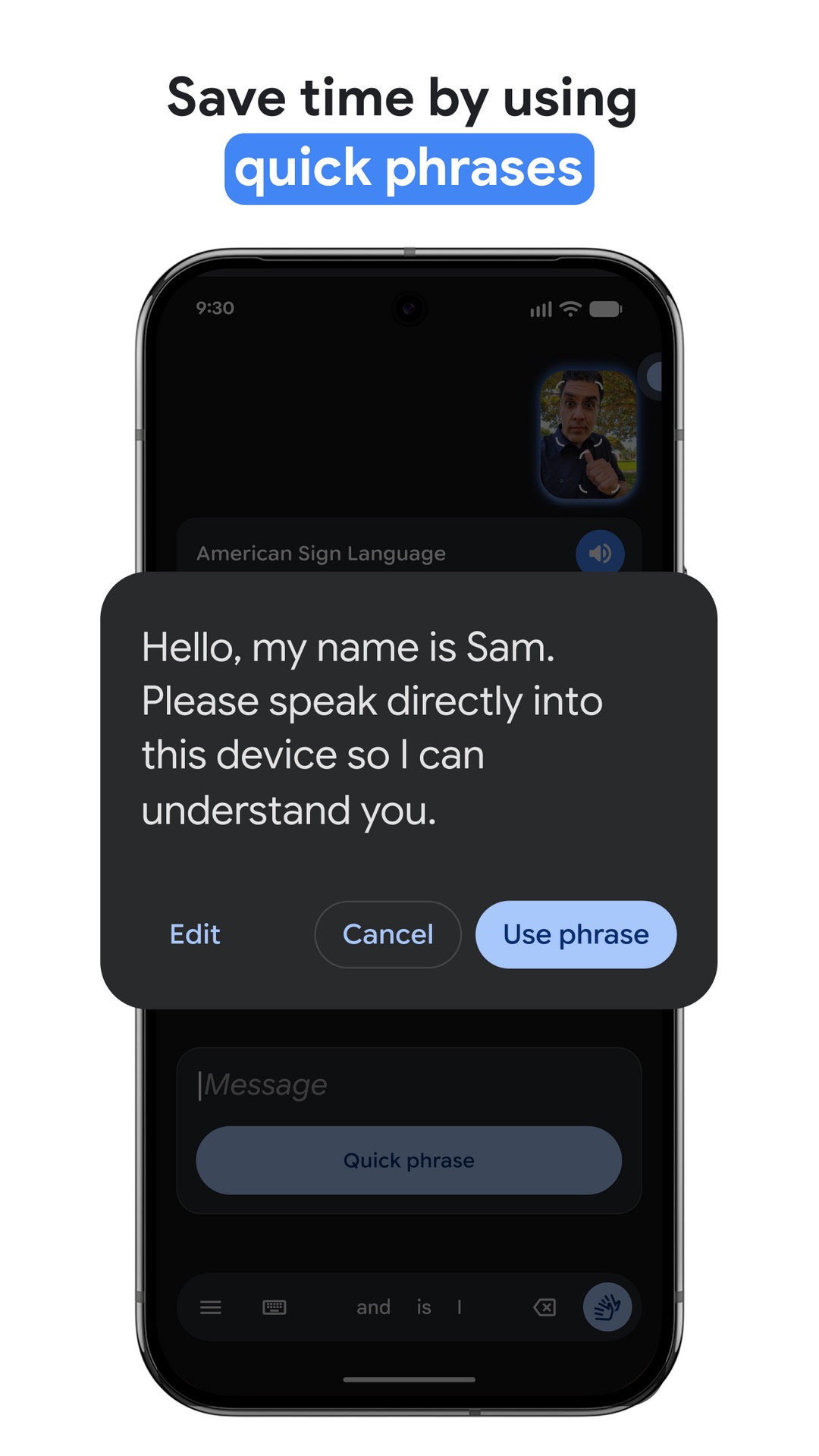
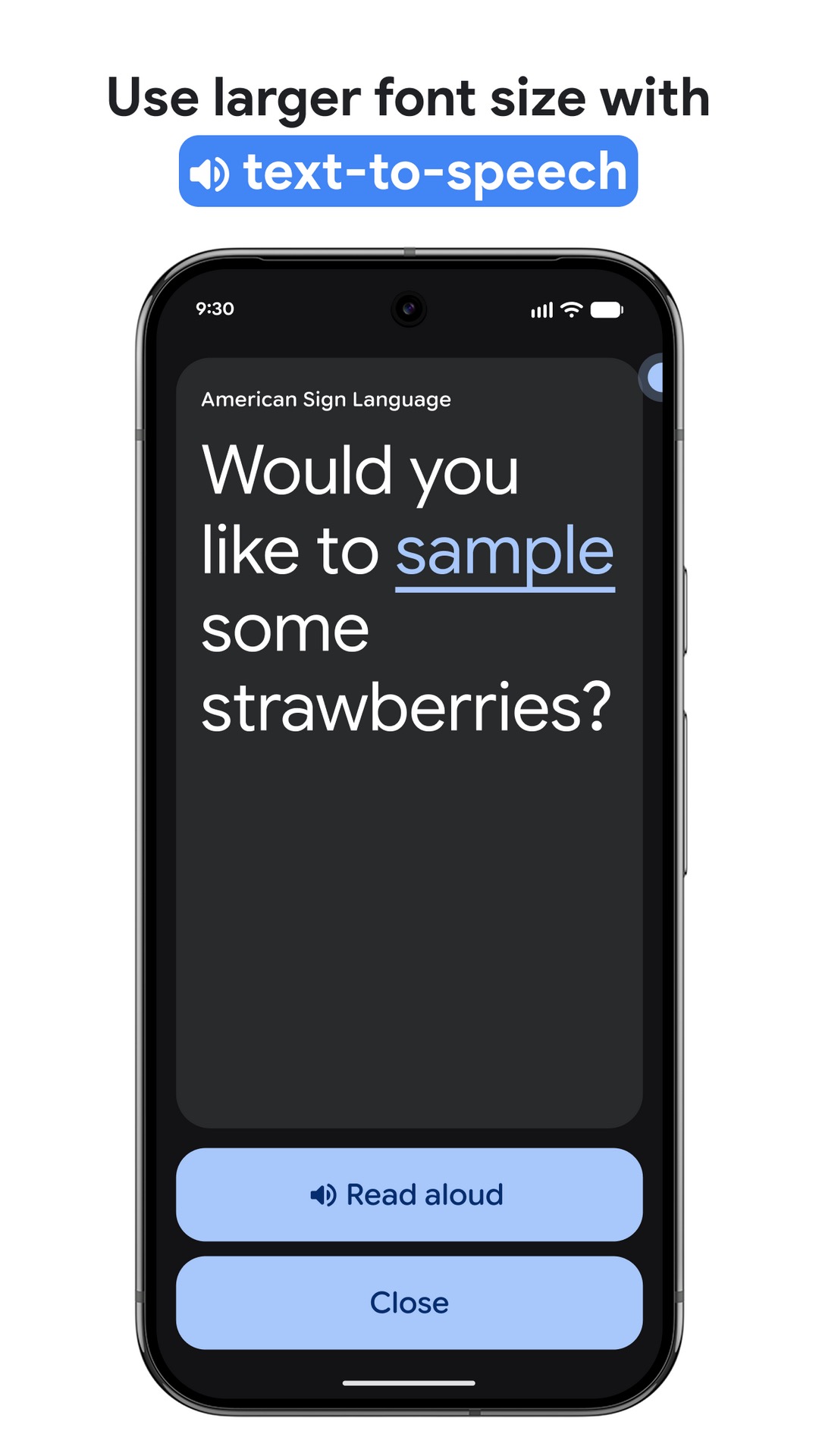
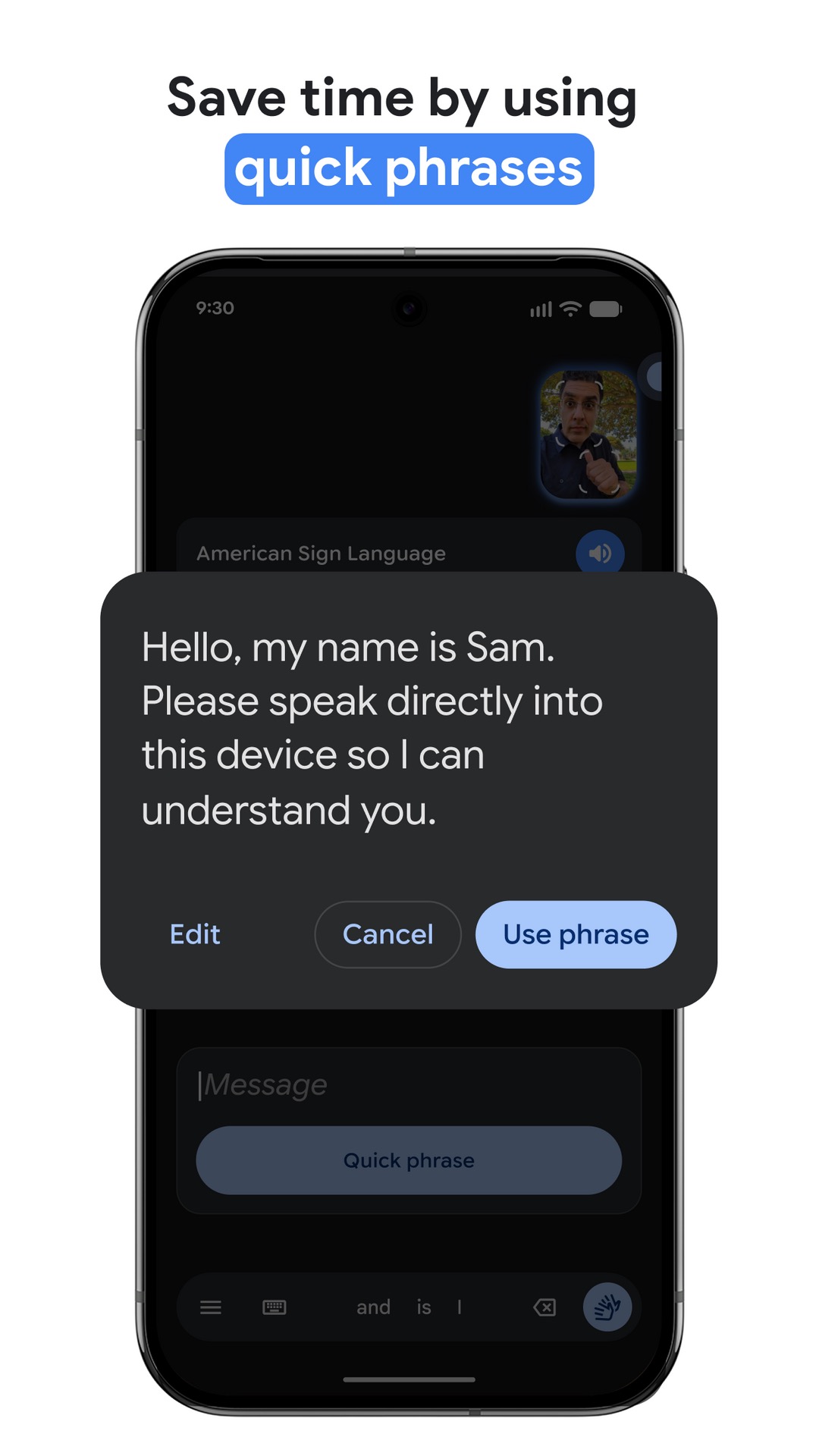
Follow and reply live: Hold the microphone near the speaker so words appear on screen. Tap Type to write back, insert a quick phrase, or tap a message to enlarge its font and tap Read aloud.
Route an external microphone: In noisy rooms, connect a wired headset, Bluetooth headset, or USB microphone. Open Live Transcribe Settings, tap Additional settings, select Microphone, and choose the external input.
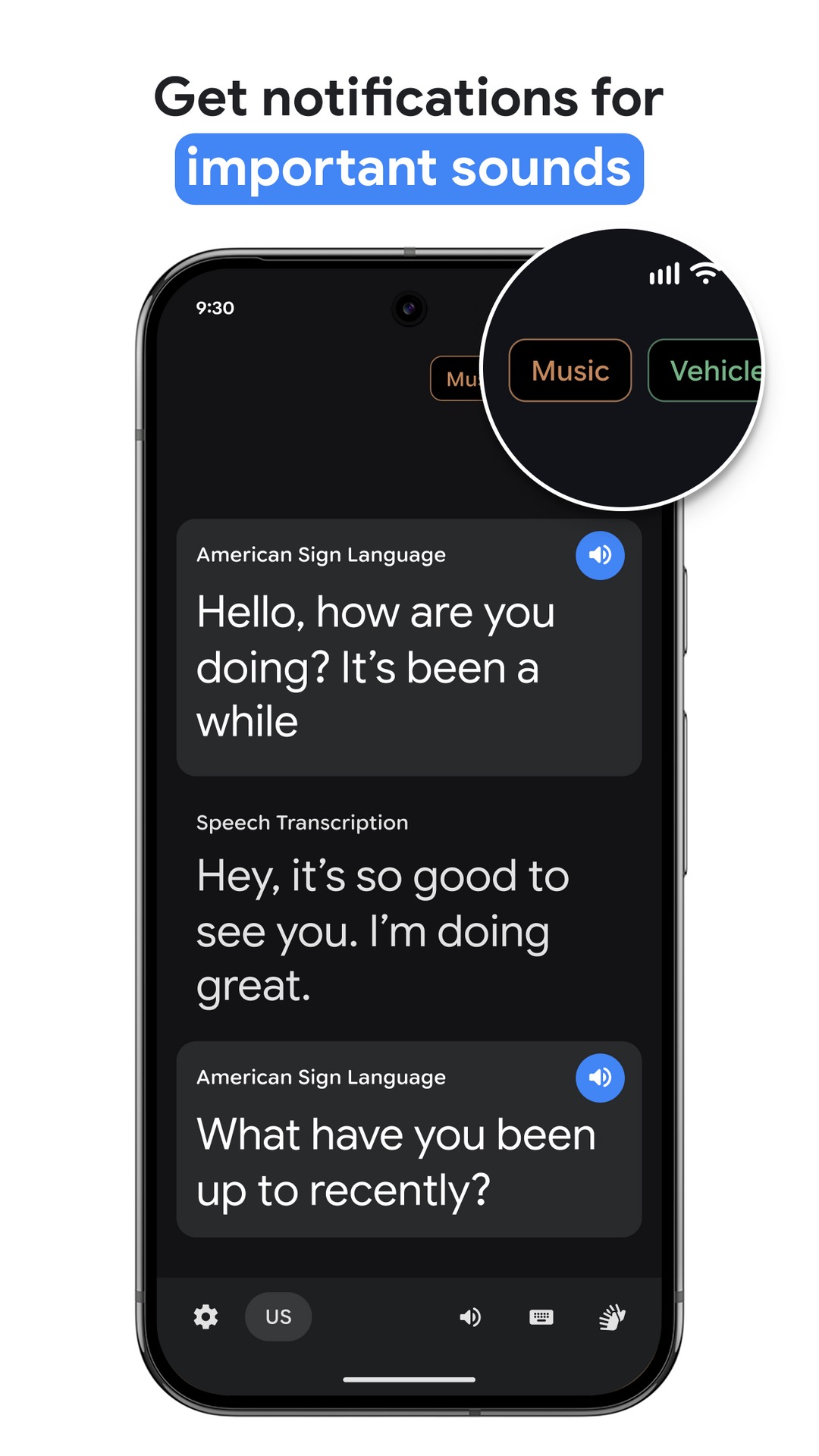
Configure Sound Notifications: Under Settings and Accessibility, tap Sound Notifications, tap Open Sound Notifications, and open Settings to pick Sound types—such as smoke alarms, sirens, knocking, dog barking, running water, or custom appliance beeps—plus vibration or camera flash under Ways to be notified.
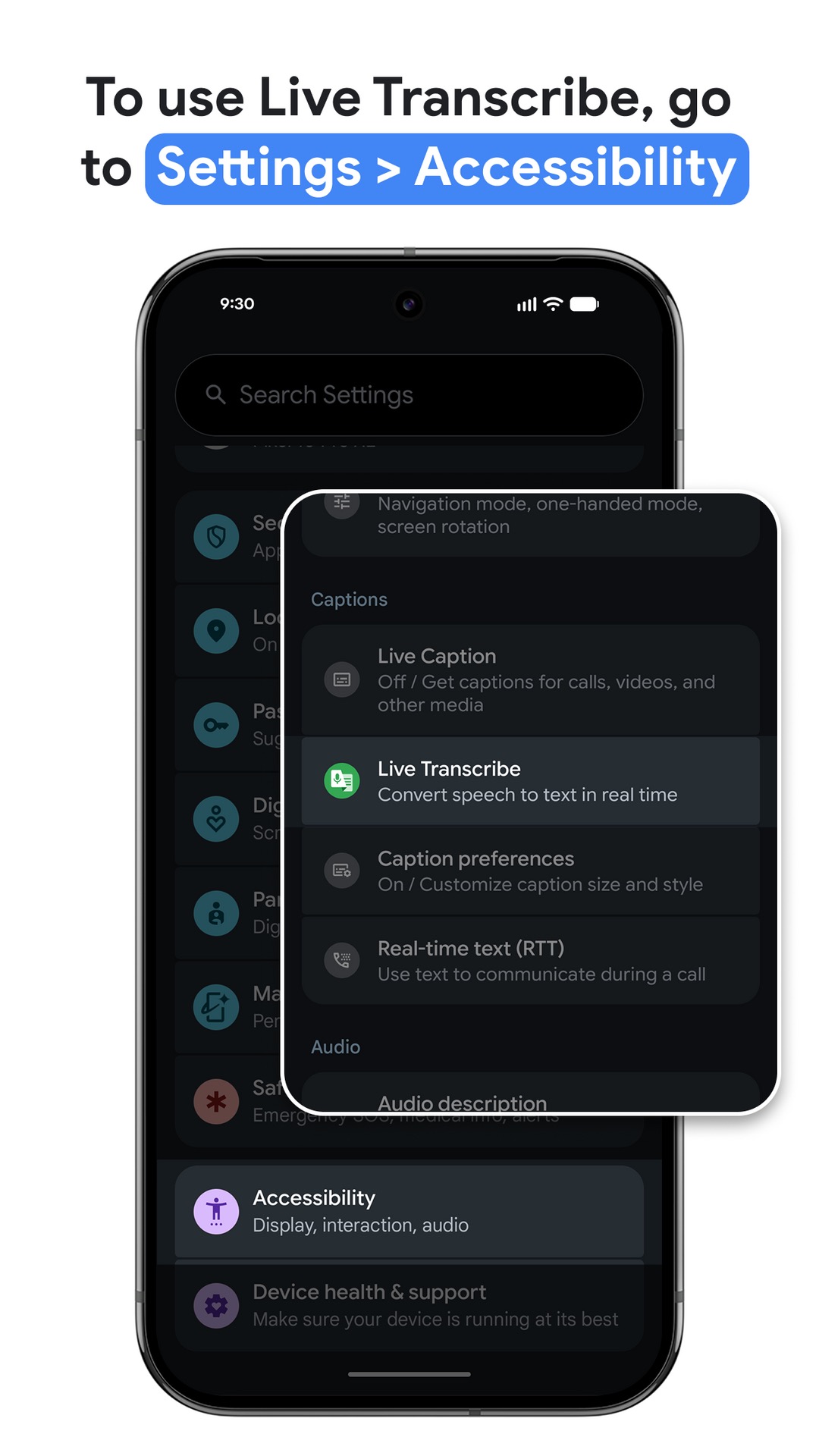
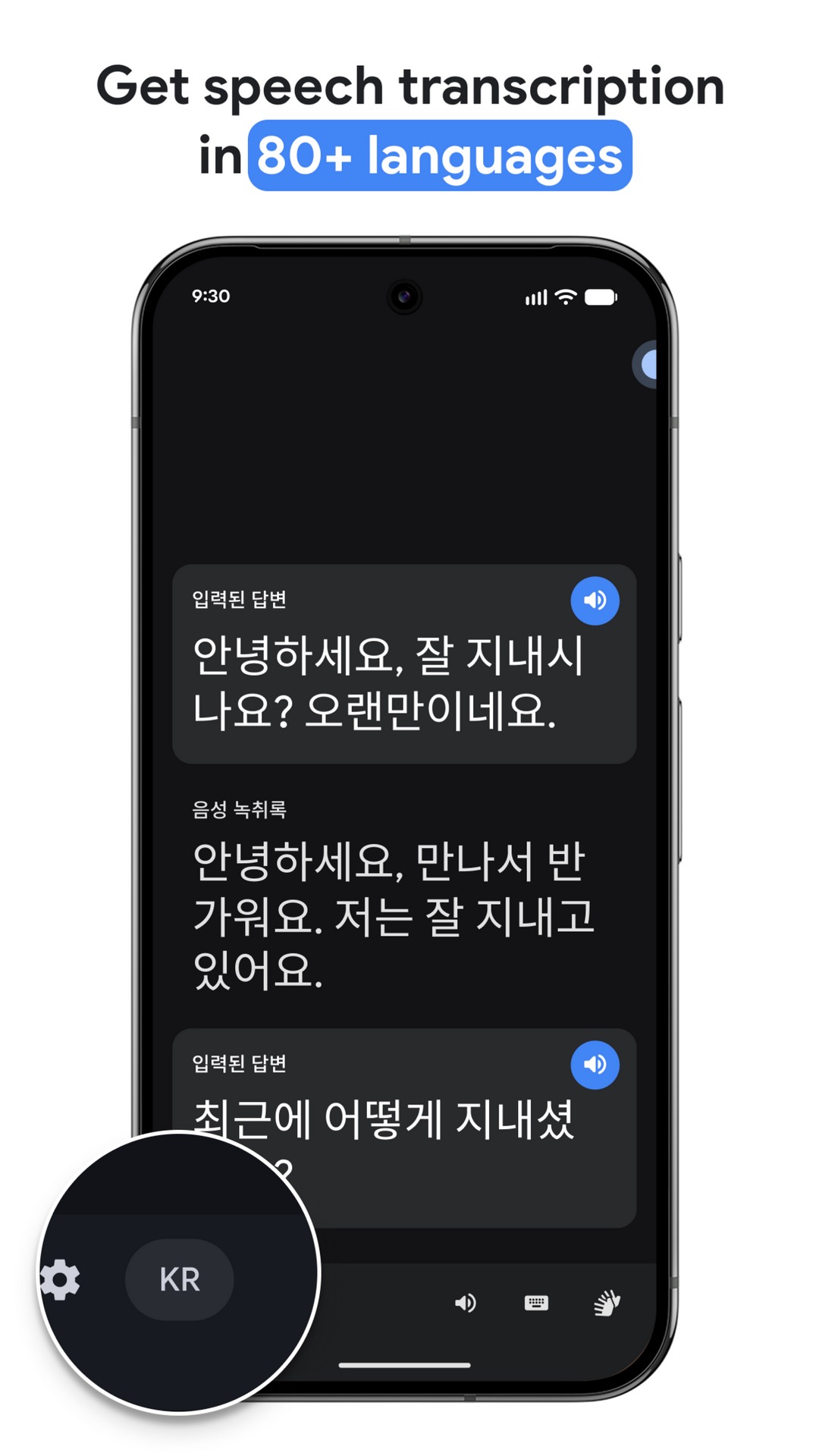
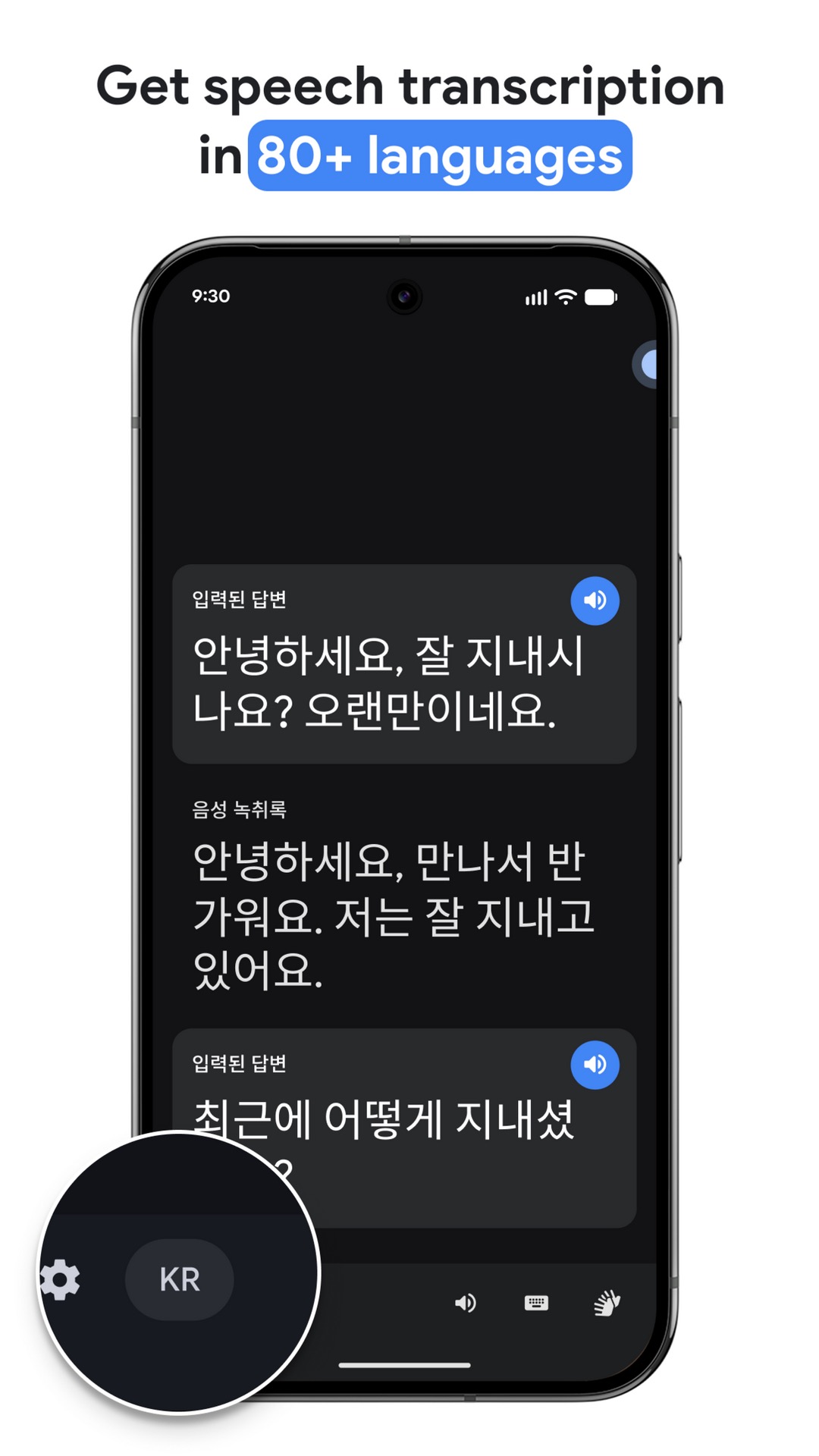
Multilingual captions: Live Transcribe handles over 80 languages and dialects with primary and secondary language slots. Tapping the bottom language badge switches languages mid-conversation.
Custom words and name alerts: Under Additional settings, Custom words registers uncommon names or household items. Turning on Vibrate when name is spoken buzzes the phone whenever someone says a chosen word.
Offline language packs: Select Android devices and all Pixel phones on Android 12 or later can store multiple language packs locally under Additional settings. Offline mode turns on automatically and can be toggled under Advanced and Offline transcriptions.
Twelve-hour sound log: Sound Notifications runs via Android’s Accessibility Service API, keeps detected audio on the device, and logs 12 hours of alerts. Because it listens continuously, Google Help notes it may increase battery use.
Hold, search, and export: Enabling Show hold button in Settings pauses scrolling while capture continues. You can also swipe up to clear the screen, search transcripts, or export stored text.
Dual Screen foldable layout: On supported foldable phones, Live Transcribe shows captions and typed replies on the outer display so conversation partners can read directly. Outer-screen font sizing works on foldables running Android 14 and up.
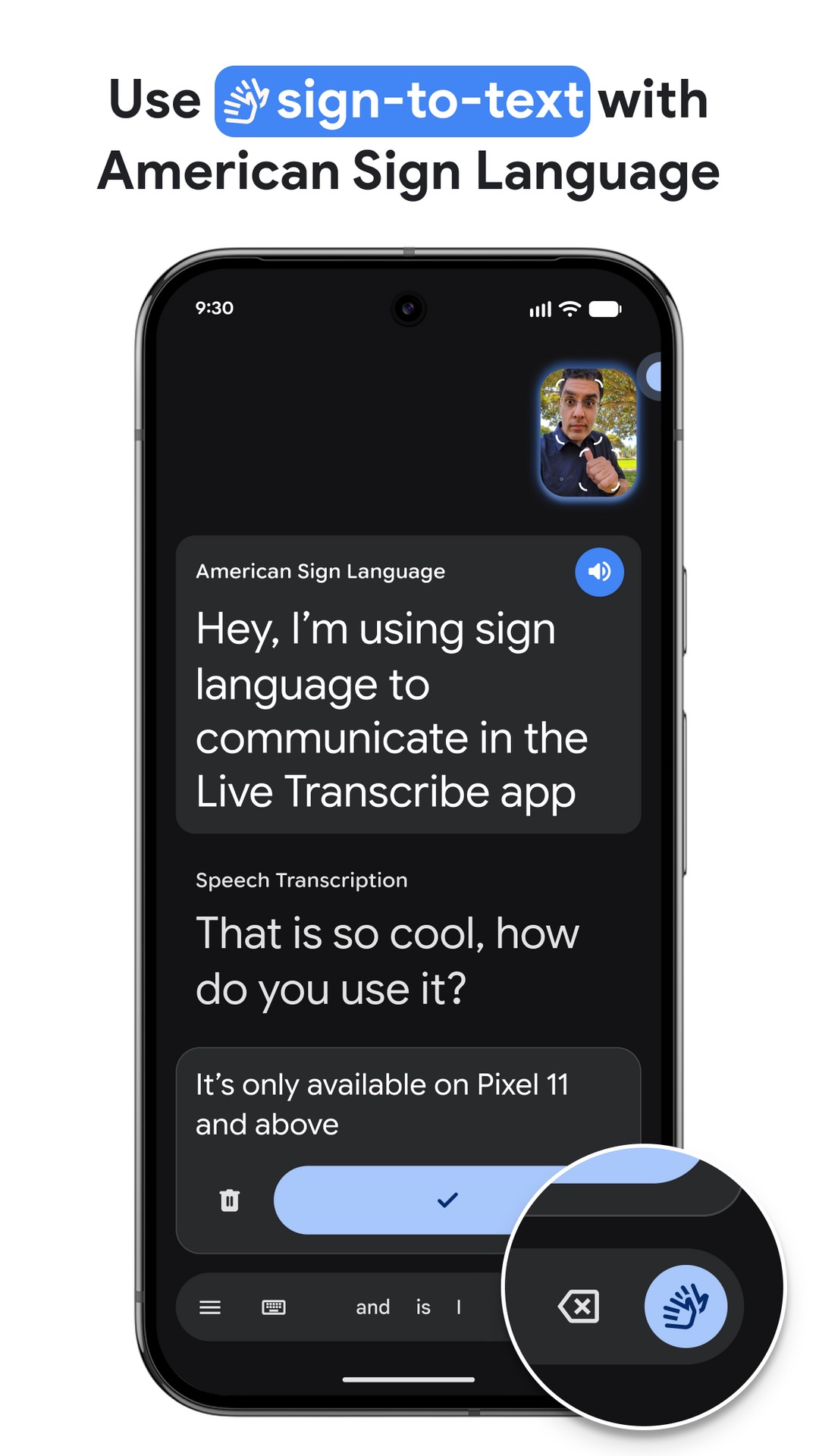
ASL sign-to-text translation: Google’s October 21, 2026 Play update notes introduce camera translation from American Sign Language into English text, covering one-handed signing, two-handed signing, and fingerspelling. Official Play screenshots specify that sign-to-text is limited to Pixel 11 and above.
University accessibility partnership: Research at Google developed Live Transcribe & Notification alongside Gallaudet University and RIT’s National Technical Institute for the Deaf, linking directly to the Accessible Google Group and Disability Support.
How is Live Transcribe different from Android’s Live Caption?
Live Transcribe listens through the microphone to caption surrounding speech and sound labels. Live Caption is a separate Android tool for videos, podcasts, audio messages, and supported calls playing on the phone.
Does the app work without internet access?
Yes, on supported hardware. All Pixel phones and select Android 12 or newer devices can store offline language packs in Additional settings, while Sound Notifications always processes surrounding audio locally.
How long are transcripts kept, and is the app HIPAA compliant?
Google Play notes transcription history is off by default, and Google Help states transcripts delete after 24 hours when history is off or after up to three days when enabled. Google explicitly states Live Transcribe is not represented as satisfying US HIPAA requirements.
Which phones support ASL sign-to-text?
Although Google’s October 2026 release notes highlight front-camera ASL-to-English translation, the official Play screenshot states that sign-to-text is only available on Pixel 11 and above.
What version and architecture are inside this XAPK package?
Google Play lists the version as varying with the device (updated October 21, 2026) and cites Android 12 and up. This 29.30 MB XAPK provides version 9.1.1003586907 (build 210280), signed by Google Inc., with the base app and arm64_v8a split requiring Android 12L (API 32) or higher.
Who publishes Live Transcribe & Notification?
Research at Google publishes it on Google Play alongside Project Activate and Google AI Edge Gallery.
Live Transcribe & Notification pairs practical face-to-face captioning with on-device alerts for critical home sounds in one Android utility. Although Pixel 11 ASL sign-to-text and Dual Screen mode require specific devices, its 80-plus language support, external mic routing, and customizable sound alerts make it dependable for daily communication.
Live Transcribe & Notification
Tools
Date:2026-11-25

AadhaarFaceRD
Tools
Date:2026-11-25

Dating and Chat - SweetMeet
Social
Date:2026-11-25

Honor Health
Sports
Date:2026-11-25

Glovo: Food & Grocery Delivery
Shopping
Date:2026-11-25

Toonapp: Cartoon Photo Editor
Photography
Date:2026-11-25

Proton Mail
Social
Date:2026-11-25

Nextcloud
Tools
Date:2026-11-25