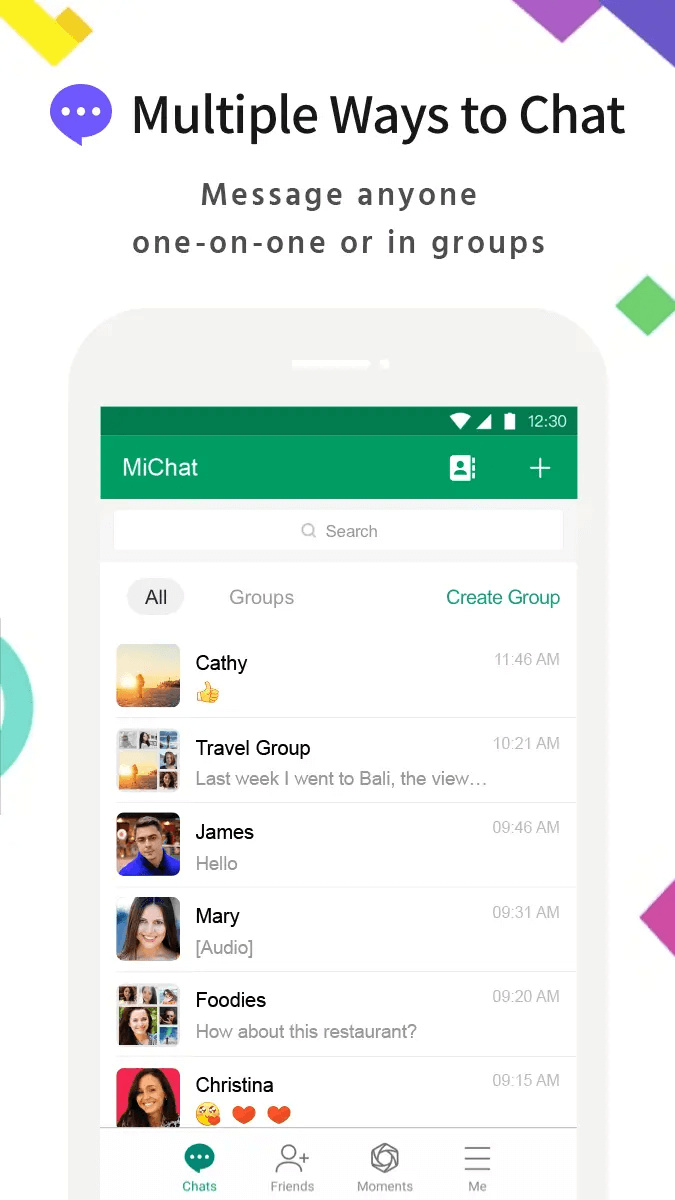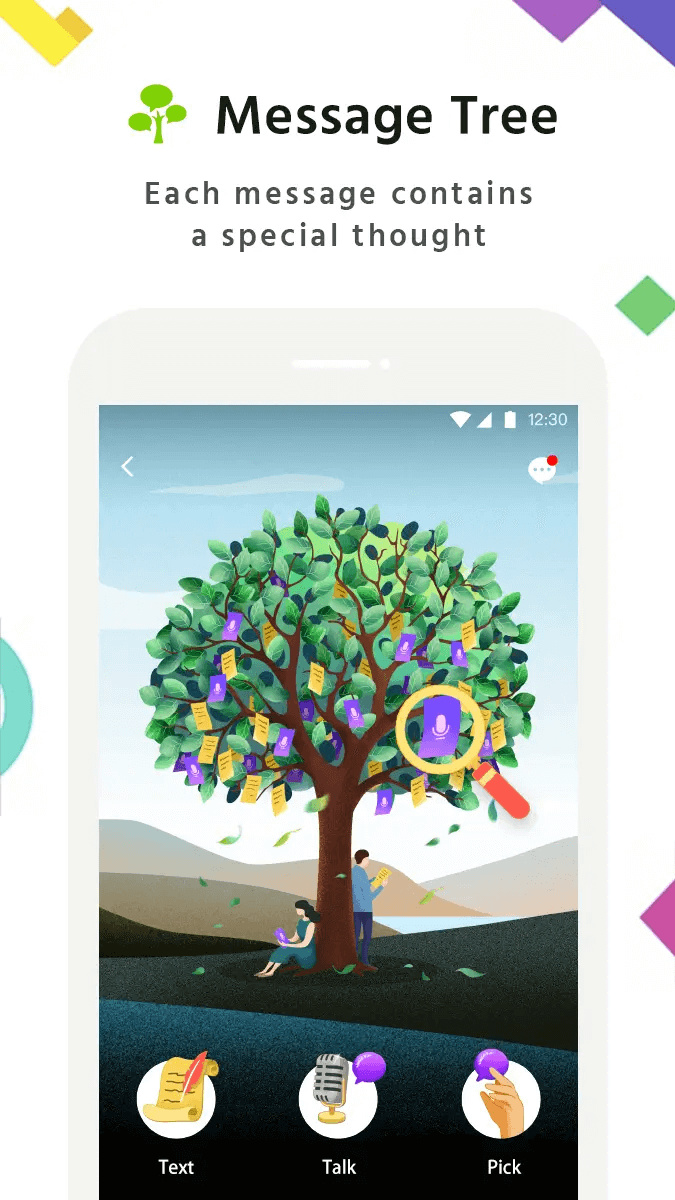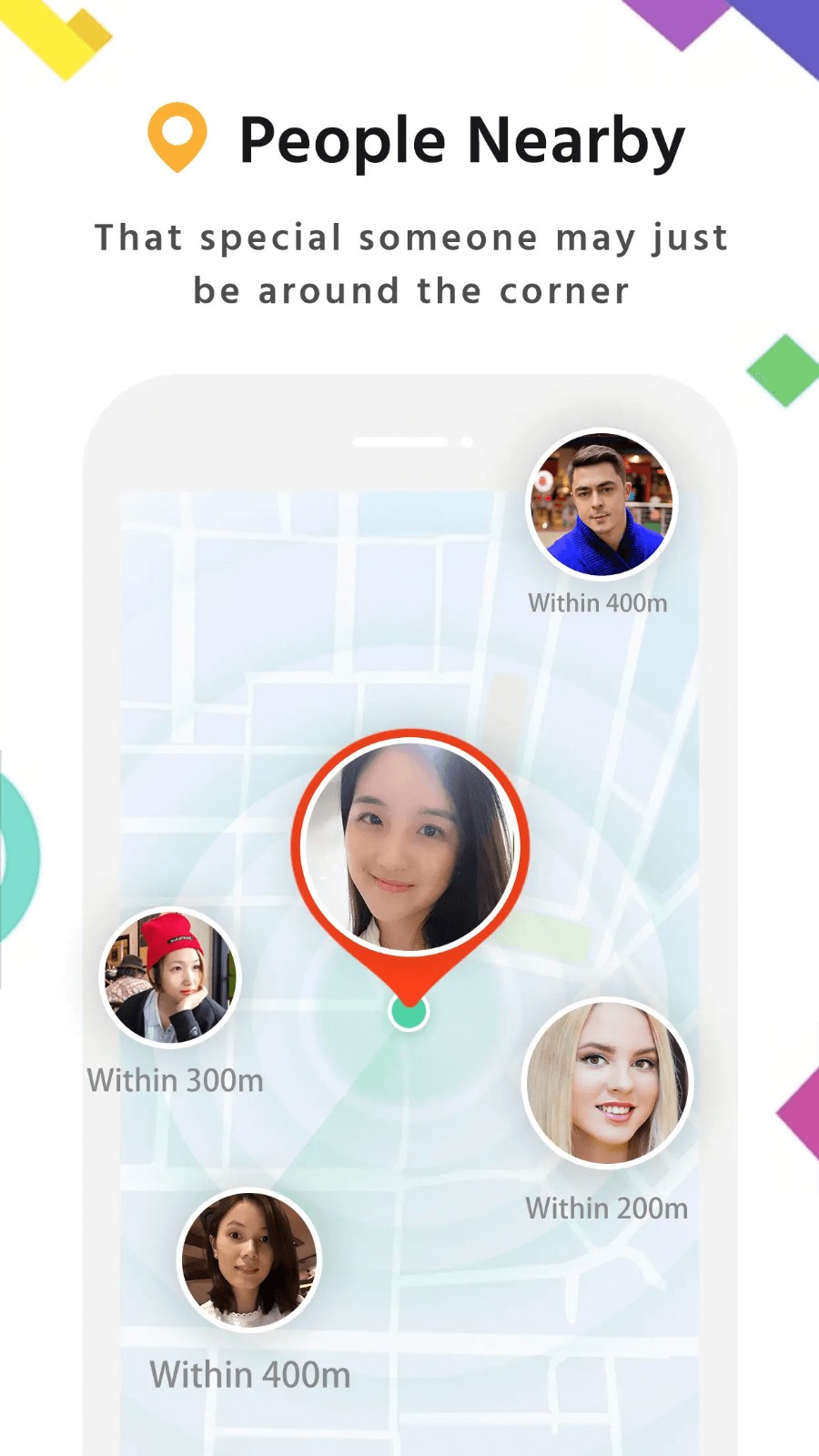
The MiChat app brings private messages, group conversations, and People Nearby together on Android. Start with your phone number and fill out a profile so friends can find you. You can talk to someone you already know or use Message Tree to pick up a text or voice message.
Set up your profile: Register with a mobile number. To add a profile picture, tap your photo in Me and choose whether to take a picture or use one from your album.
Add someone you know: Look up a friend by MiChat ID or phone number, or scan the QR code they share with you. You can also link the contacts on your phone to find people who already use MiChat.
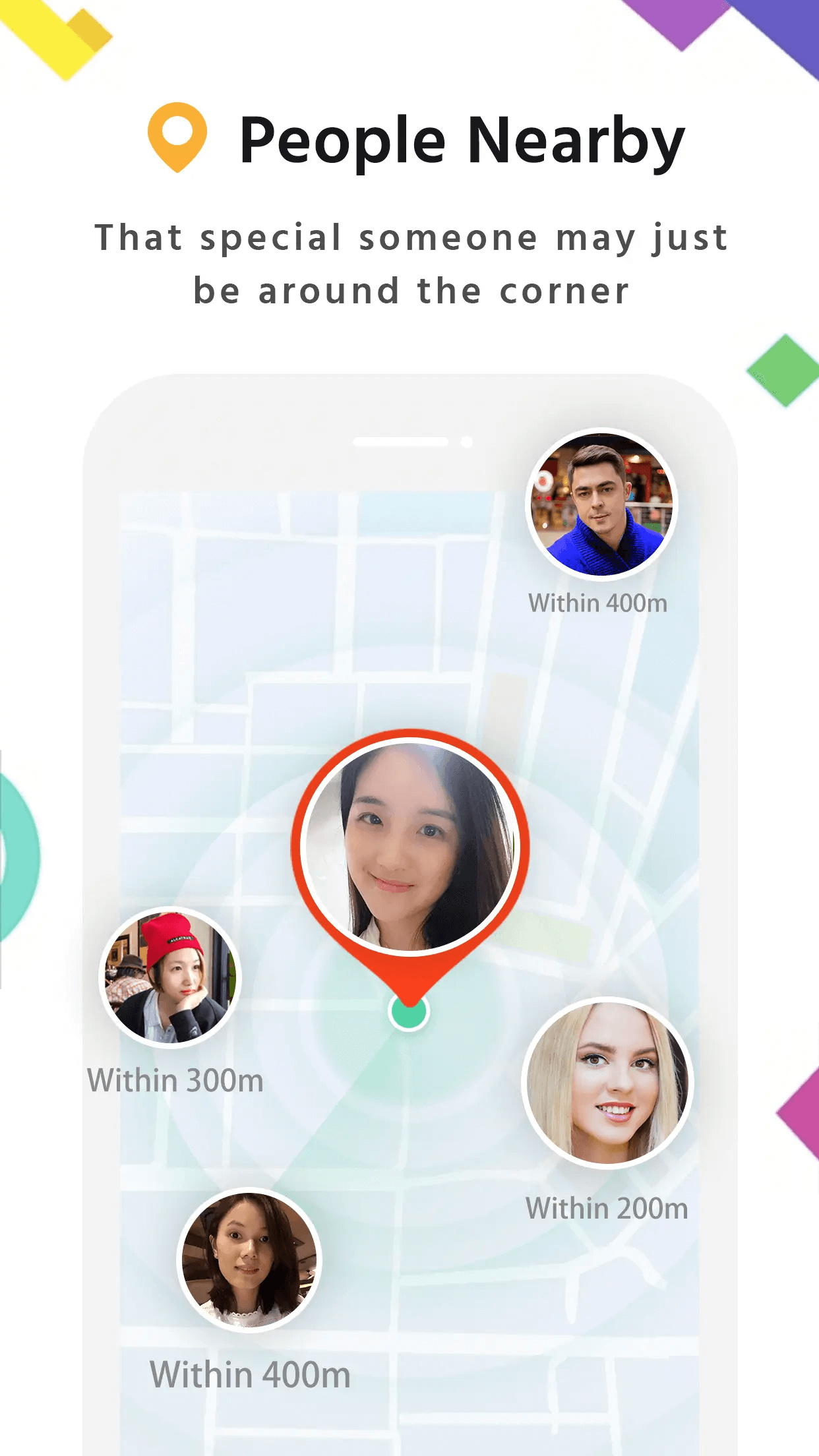
Review your discovery settings: People Nearby helps you find other users in your area. MiChat’s terms say that turning on discovery features can show other users your general location, subject to your device settings. Open Me and then Privacy to review the app’s privacy controls.
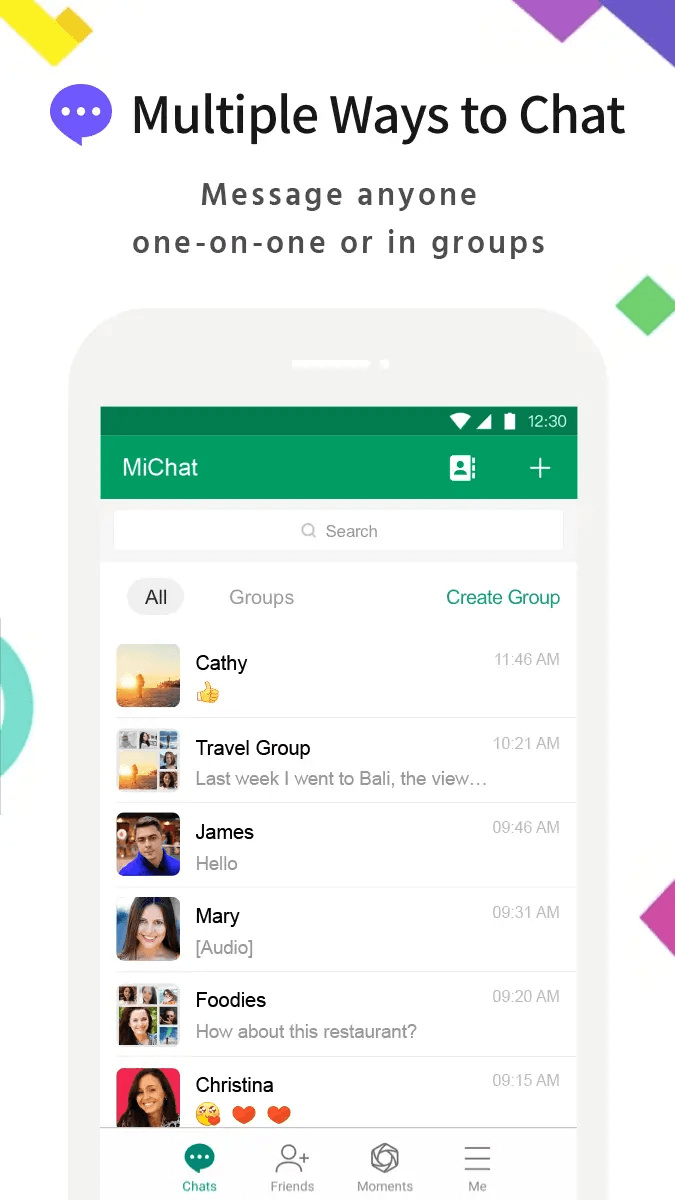
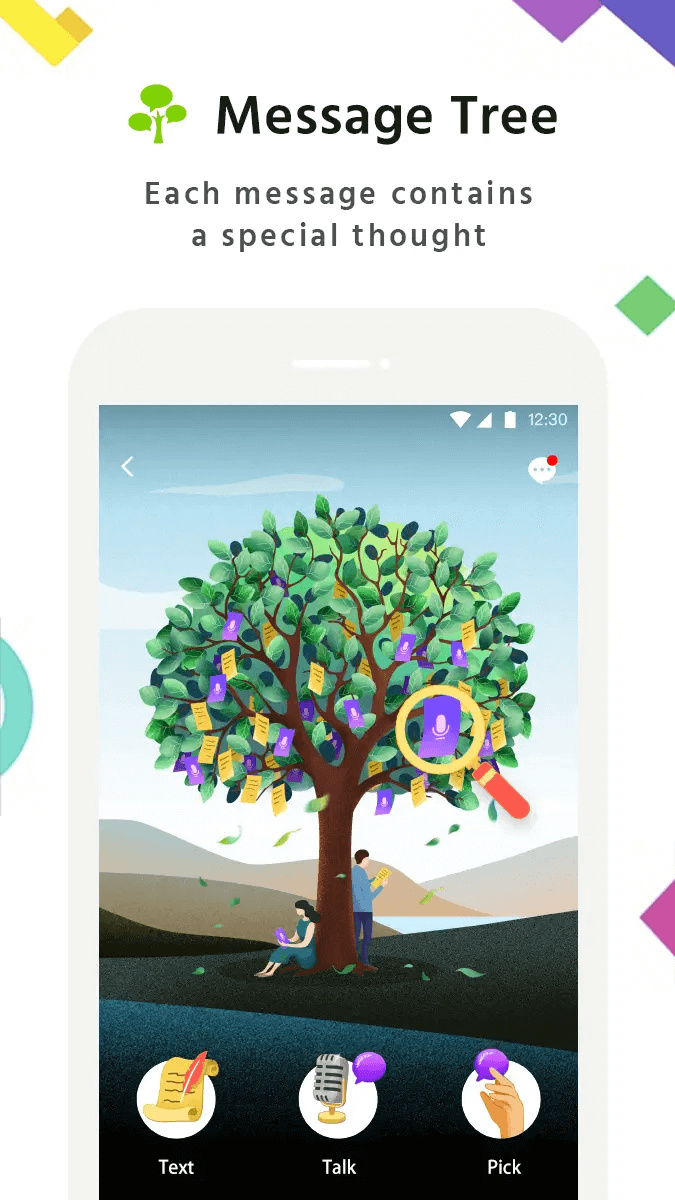
Message Tree: Leave a written note or voice message on the tree, or pick one that someone else has left.
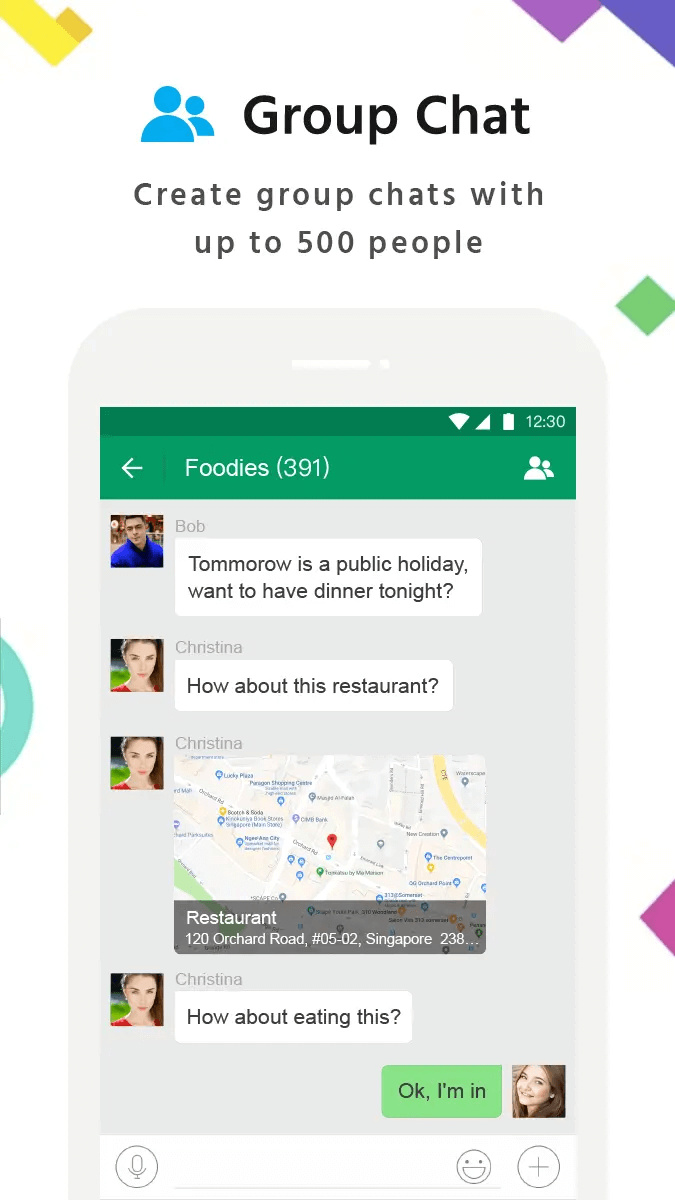
Group conversations: MiChat lists a 500-person limit for group chats. You can also open a separate conversation with one person when you want to message them directly.
Media in chats: Alongside text, MiChat lets you exchange items such as voice recordings, photos, videos, and files. There’s also an option for sending photos in high definition.
Moments: Share photos from your day with friends through Moments. MiChat’s help page says that once you block someone, that person can no longer see your Moments posts.
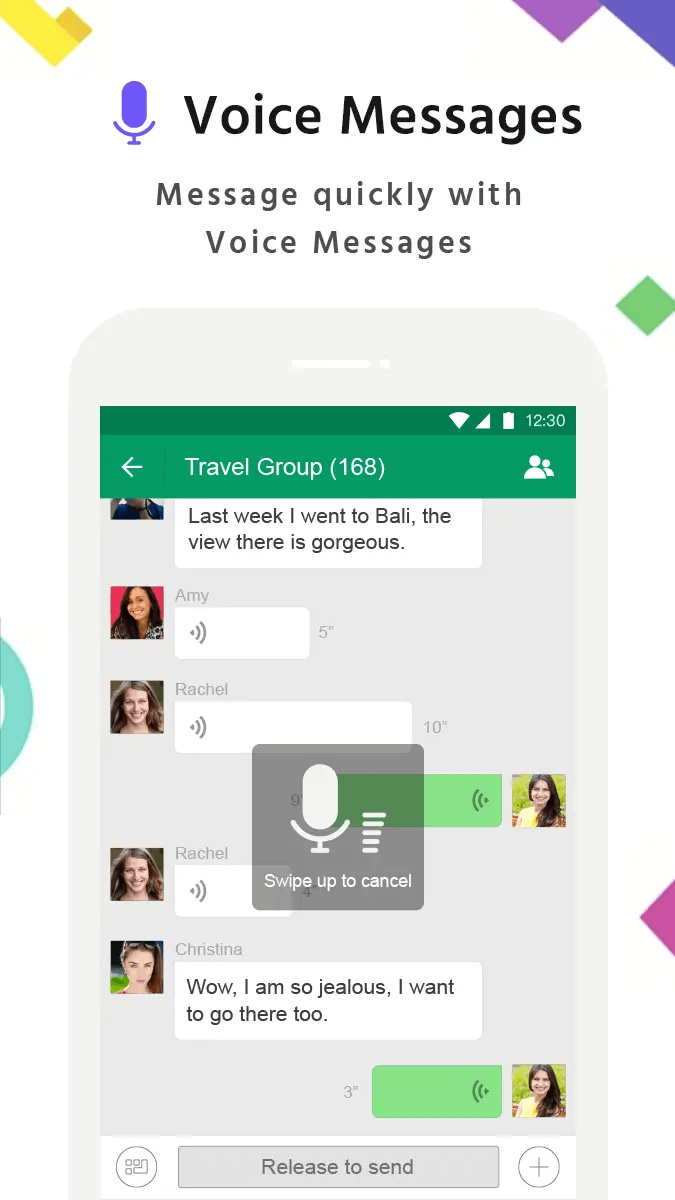
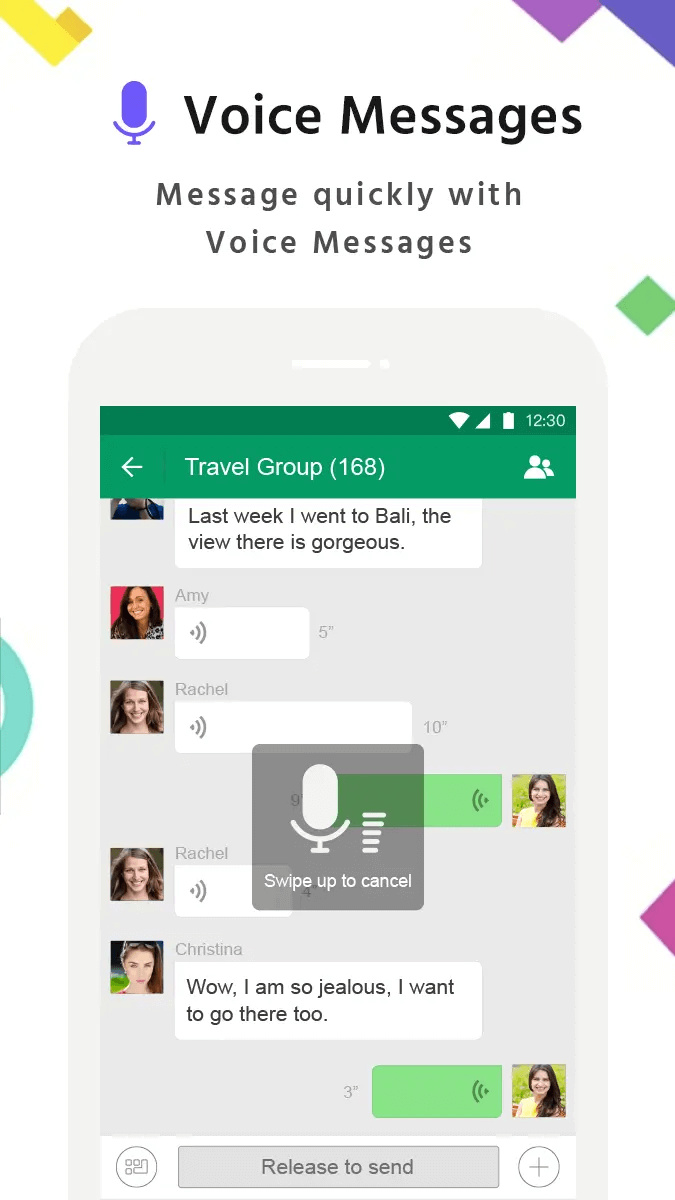
Voice replies: Record a voice message in a MiChat conversation. The official group chat image shows the recording controls for releasing to send or swiping up to cancel.
Typing status: You can see when someone is typing a reply. MiChat’s help page says other users don’t see your read status or whether you’re online.
Profile reporting: The menu on someone’s profile has a Report option. According to MiChat’s help page, reports go to the service for review.
Can you change your MiChat ID after setting it?
MiChat lets you choose your ID only once. You can change the display name that appears on your profile.
What happens when you recall a message?
MiChat gives you two minutes after sending a message to recall it. Press and hold the message and choose Recall. The recipient sees a notice that you recalled the message.
Which MiChat APK is on this page?
This page carries MiChat 1.4.748. Google Play in the US lists the newer MiChat 1.4.779 as of its November 25, 2026 update.
Does the MiChat package need a separate split file?
The 52.49 MB file is one APK with ARM64 and 32-bit ARM libraries. Its manifest sets the minimum at Android 6.0 (API 23).
Where can you delete your MiChat account?
MiChat’s privacy policy directs you to Account and Security within Settings to delete your account.
MiChat gives you different ways to start a conversation, from a direct message to a note on Message Tree. Check what People Nearby shares through your location settings before you turn on discovery.
MiChat - Chat, Make Friends
Social
Date:2026-11-26

tantan - Global Dating App
Social
Date:2026-11-26

Downloader by AFTVnews
Tools
Date:2026-11-26

Bluesky
Social
Date:2026-11-26

Clapper: Video, Live, Chat
Social
Date:2026-11-26

WiFi AR
Tools
Date:2026-11-26

Moj: Free Short Drama & Reels
Social
Date:2026-11-26

Gallery Vault-Hide Photo Video
Tools
Date:2026-11-25