AFTVnews’s Android file utility brings a browser, a URL entry box, and a local file manager into the same app. You can start with a full address or a short numeric code, then look for the resulting file in the Files section. The app is built for phones and tablets as well as Android TV and Google TV devices.
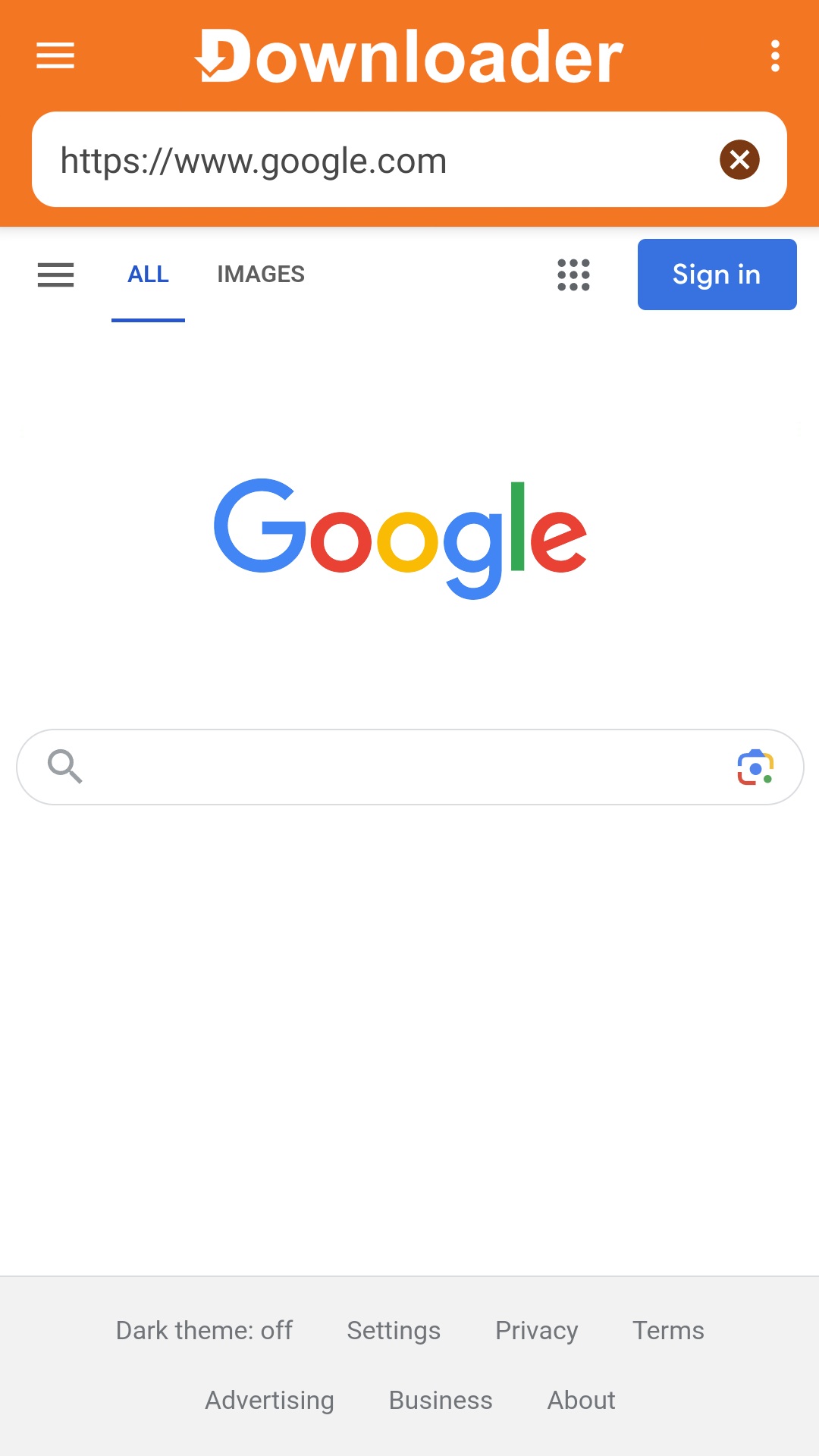
Enter an address: Open Home and put a full link in the address field when you already have the source. If a publisher has shared an AFTVnews short code, you can enter that instead to open the address it represents.
Follow links in Browser: Use the browser when you need to navigate a web page before getting to the file itself. On a phone, the browser keeps an address bar above the page so you can check where you landed.
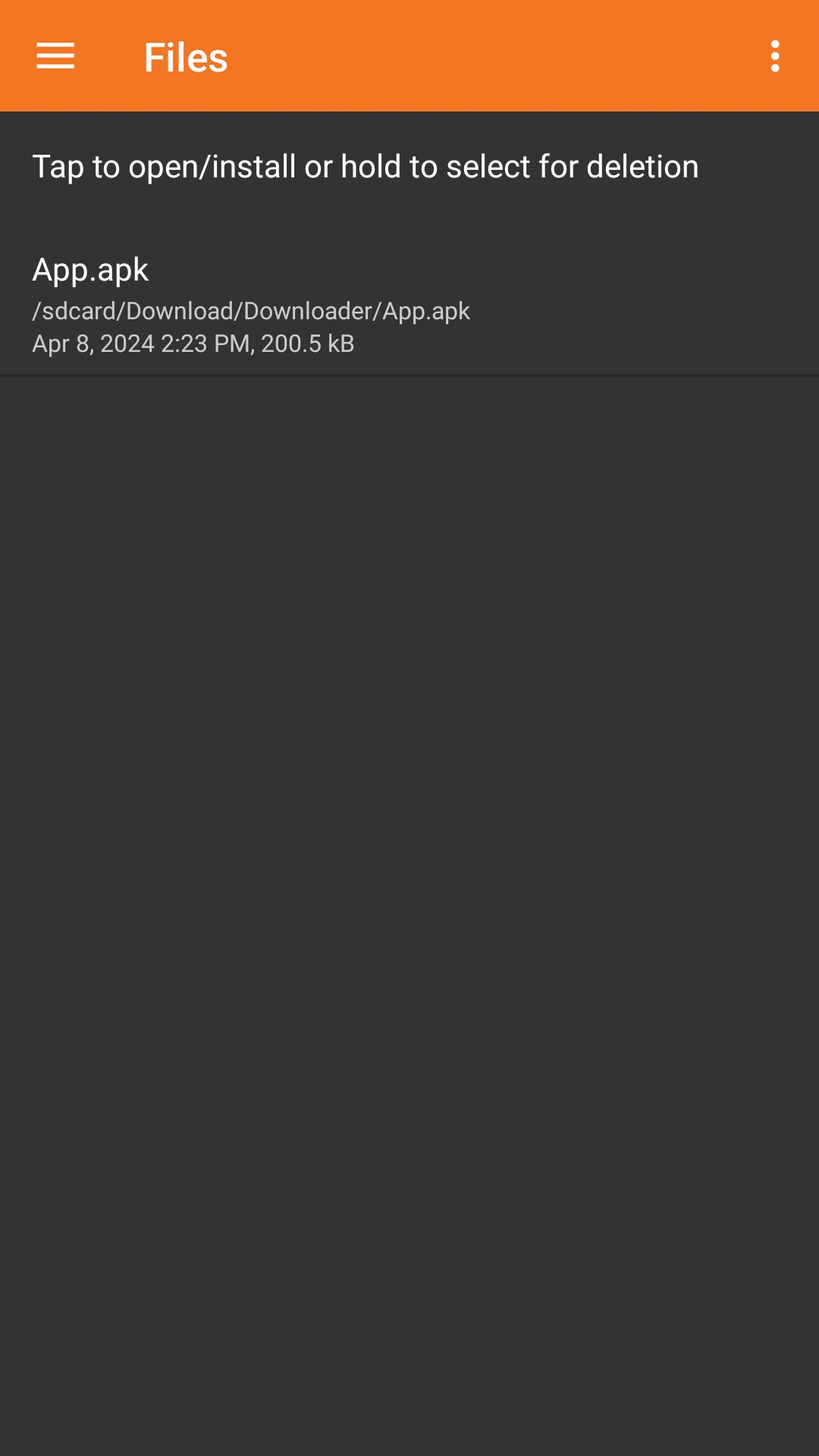
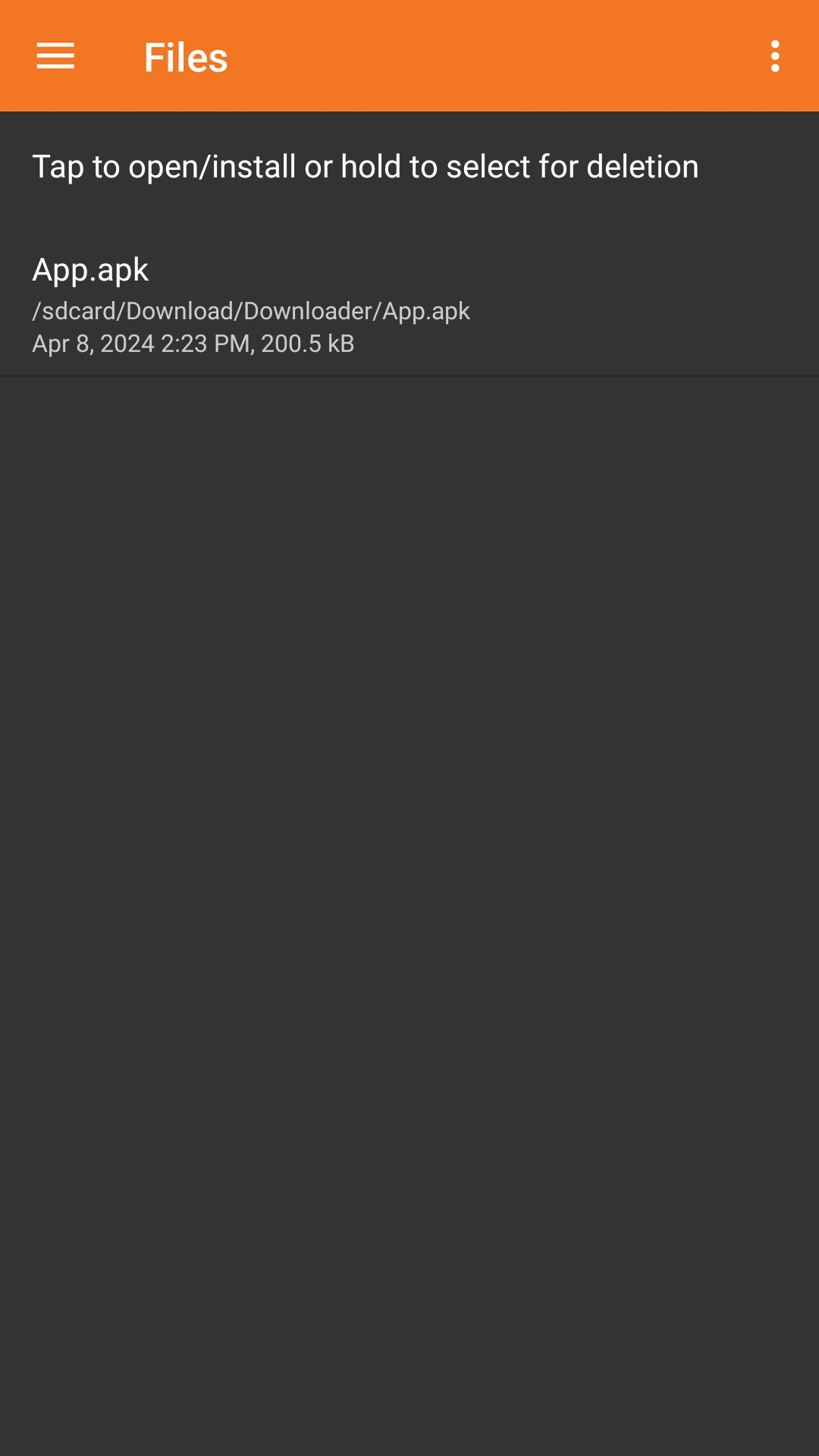
Go back to the file: Open Files once the transfer is complete. Choose an entry to open it, or use the long-press action shown in the mobile app to bring up more options for that item.

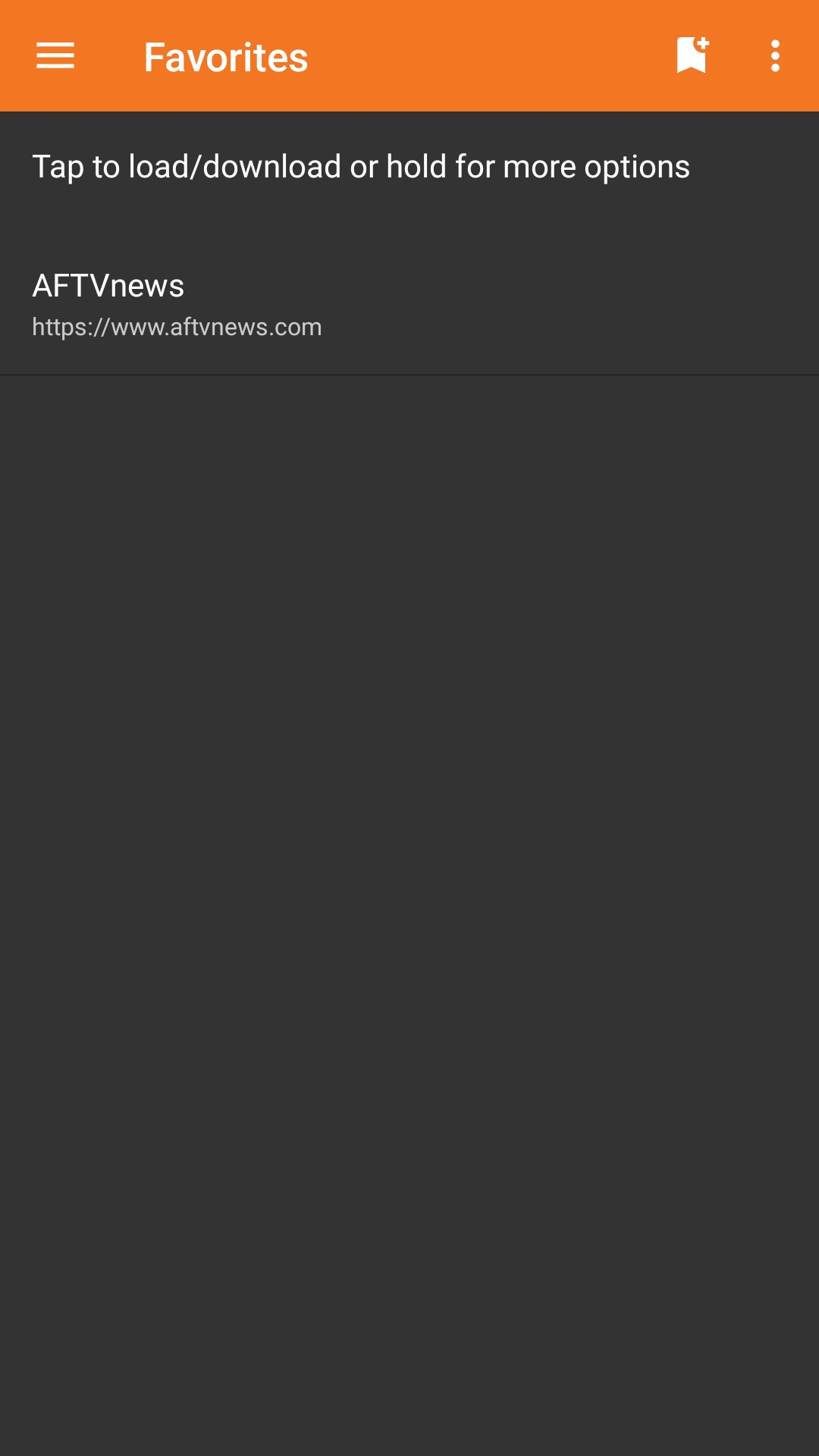
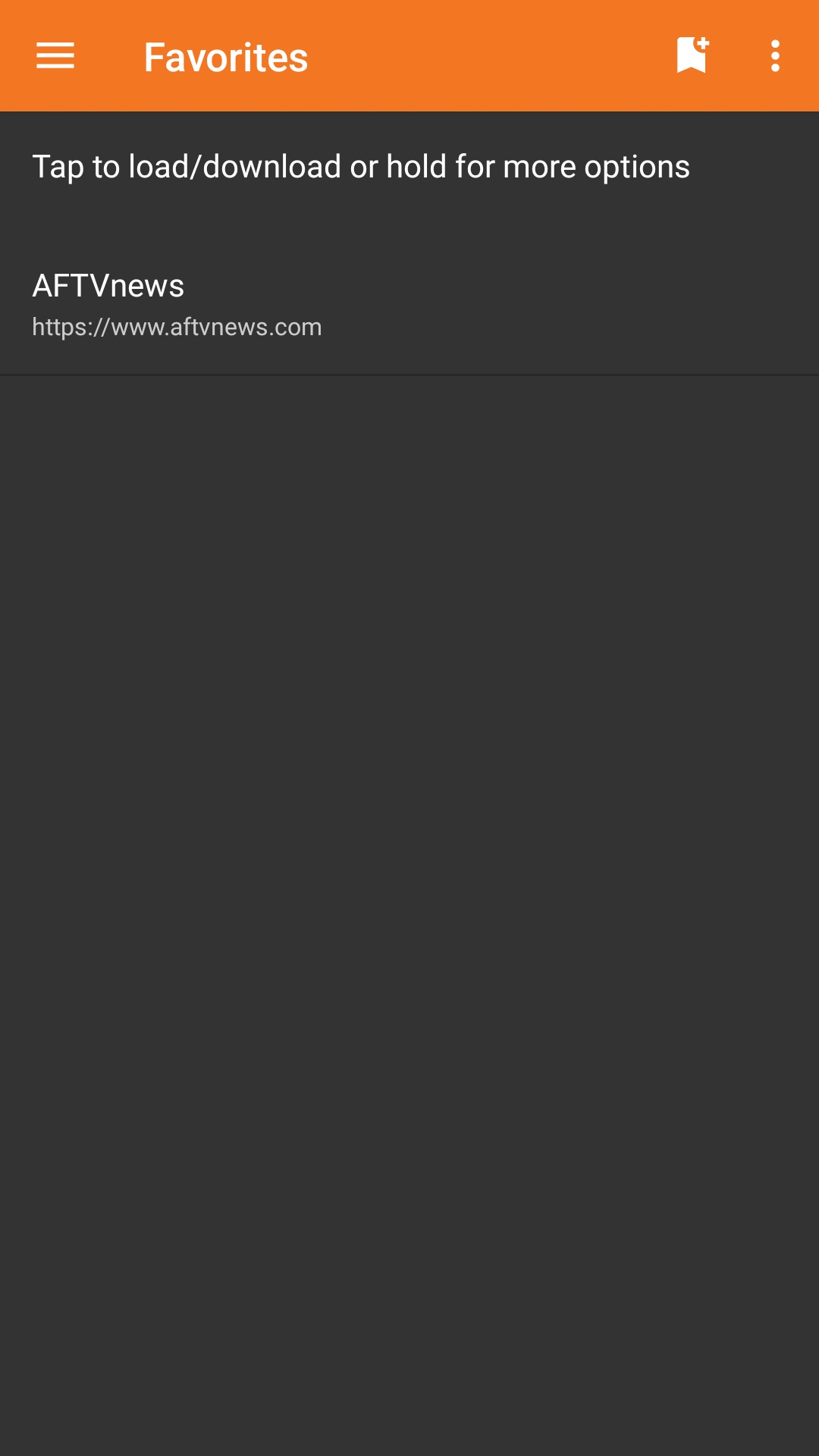
Favorites: Save an address you expect to use again. Favorites puts the saved links in their own list, which is particularly handy when entering a long address with a television remote.
Local file actions: The file manager can open retrieved files and remove them when they are no longer needed. When the file is an Android APK, selecting it can start the app installation flow.
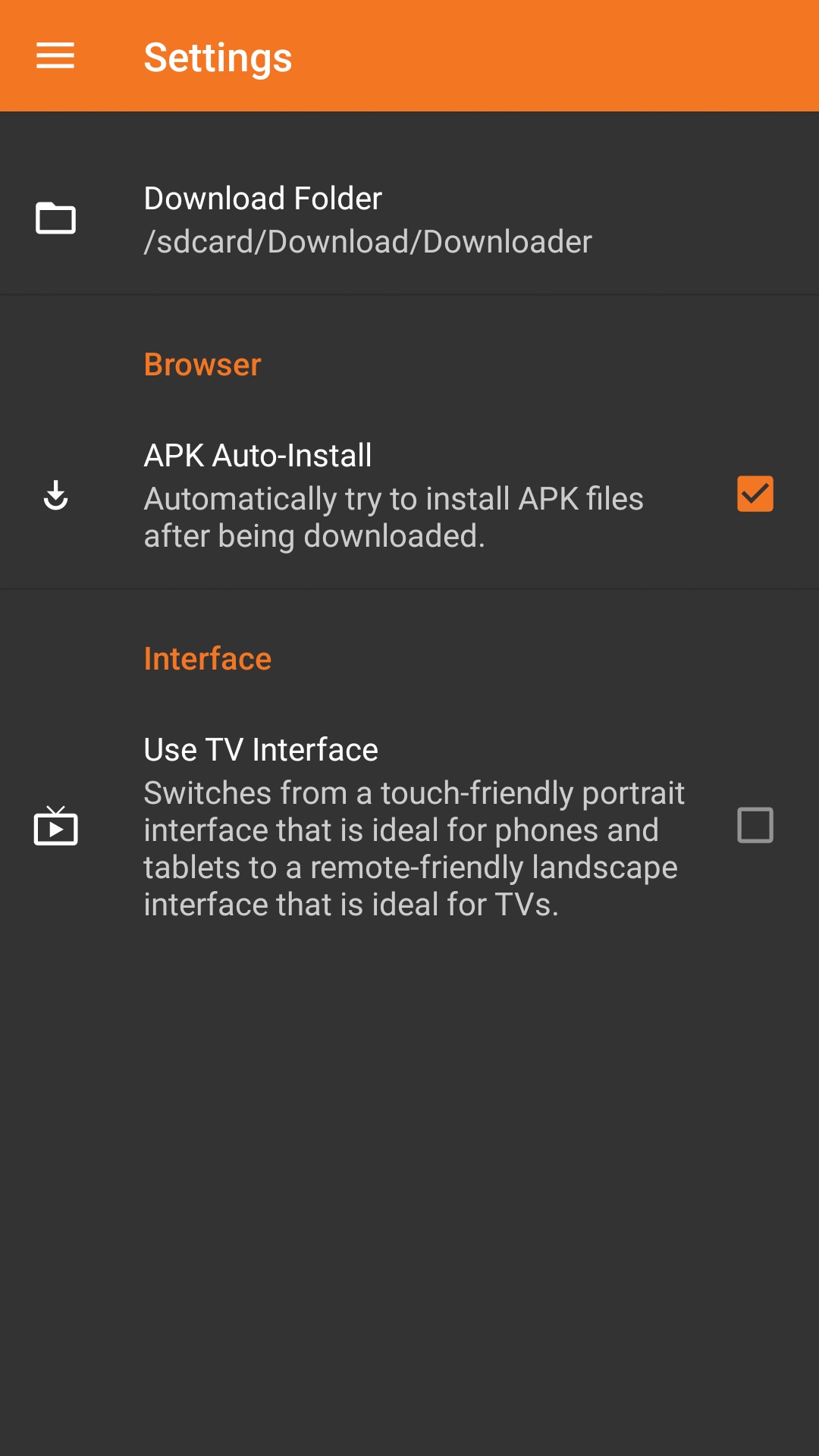
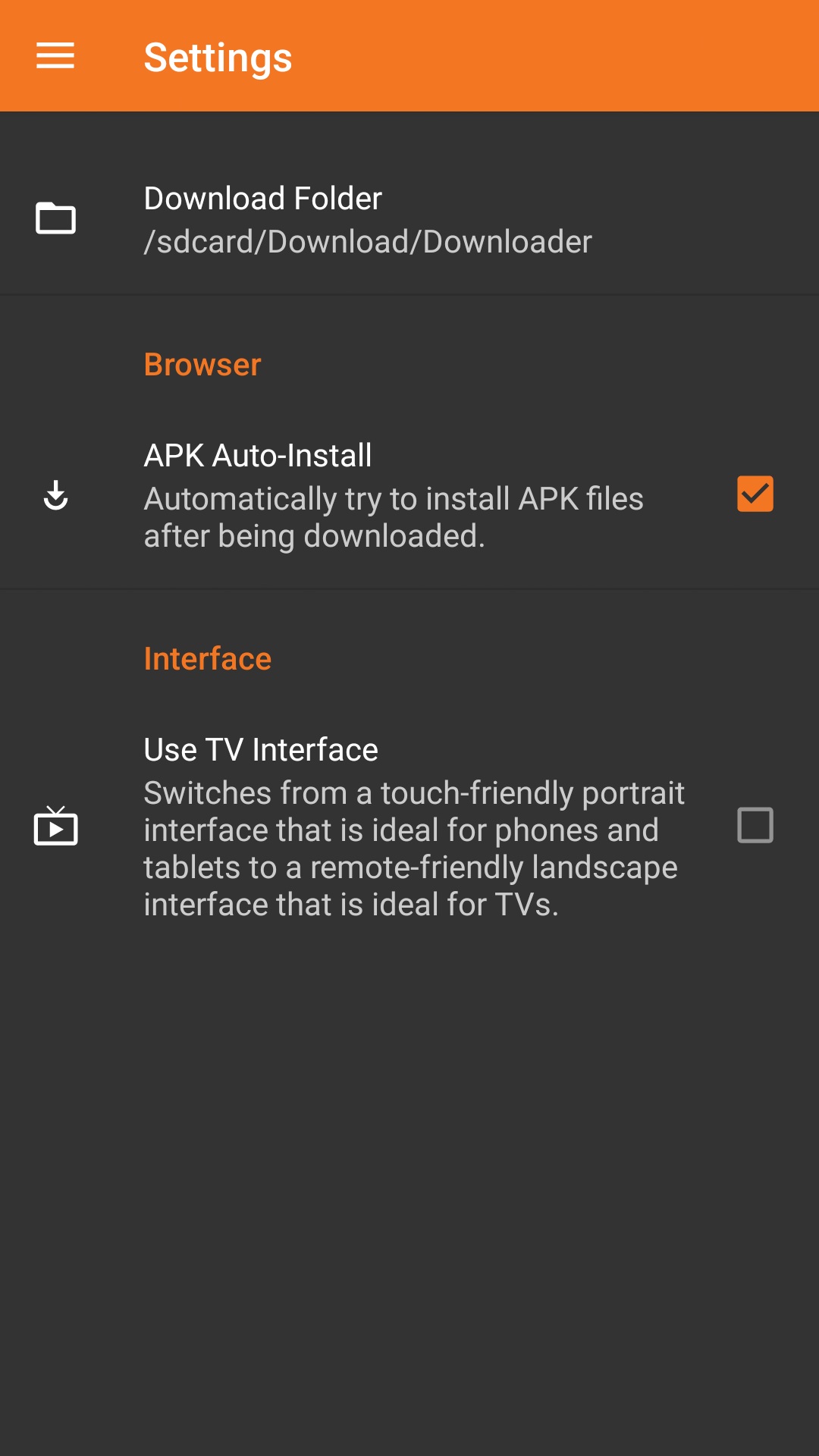
Separate settings: The Android interface groups the transfer folder and installation behavior in Settings, keeping those controls away from the address field you use for everyday browsing.
TV layout option: The mobile Settings screen shows a TV interface toggle. The listing separately identifies Android TV and Google TV as platforms for the utility.
One field for two inputs: The home screen accepts a complete link or a numeric shortcut. If you are typing with a remote, the shortcut can save several trips around the on-screen keyboard.
A public shortcut: The AFTVnews shortener also returns a shareable short URL alongside its numeric code. The service says submitted addresses are publicly visible, so use it for links you intend to share.
Android package details: The 11.88 MB file on this page contains a base APK and companion splits for ARM64, English, and mdpi. Keep the components together when using this XAPK.
What does a short code represent?
It resolves to a URL that someone submitted to the AFTVnews shortener. You can verify the destination using a link from a source you recognize.
Where are recently retrieved files listed?
Open Files from the side menu. Saved addresses are kept separately under Favorites.
Which version is in this bundle?
The version field shows 2.0.4. Its Android manifest adds the ForGoogleAndroidDevices suffix and declares Android 6.0 as the minimum system version for the enclosed build.
Is this file a standalone APK?
It is an XAPK with multiple APK components. The package includes the ARM64 variant of the app.
The AFTVnews utility is handy when you already know where to find a file and want to open it on an Android device. Its two strongest shortcuts are address codes for remote entry and Favorites for sites you return to often.
Downloader by AFTVnews
Tools
Date:2026-11-26

Bluesky
Social
Date:2026-11-26

Clapper: Video, Live, Chat
Social
Date:2026-11-26

WiFi AR
Tools
Date:2026-11-26

Moj: Free Short Drama & Reels
Social
Date:2026-11-26

Gallery Vault-Hide Photo Video
Tools
Date:2026-11-25

Poweramp Music Player
Media & Video
Date:2026-11-25

Xiaomi Home
Lifestyle
Date:2026-11-25