myIM3 is an Android account app from Indosat Ooredoo Hutchison for people who use Indonesia’s IM3 mobile service. Sign in with your IM3 number to see how much data you have left and check your credit. You can buy another data package, add prepaid credit or pay a postpaid bill in the app.
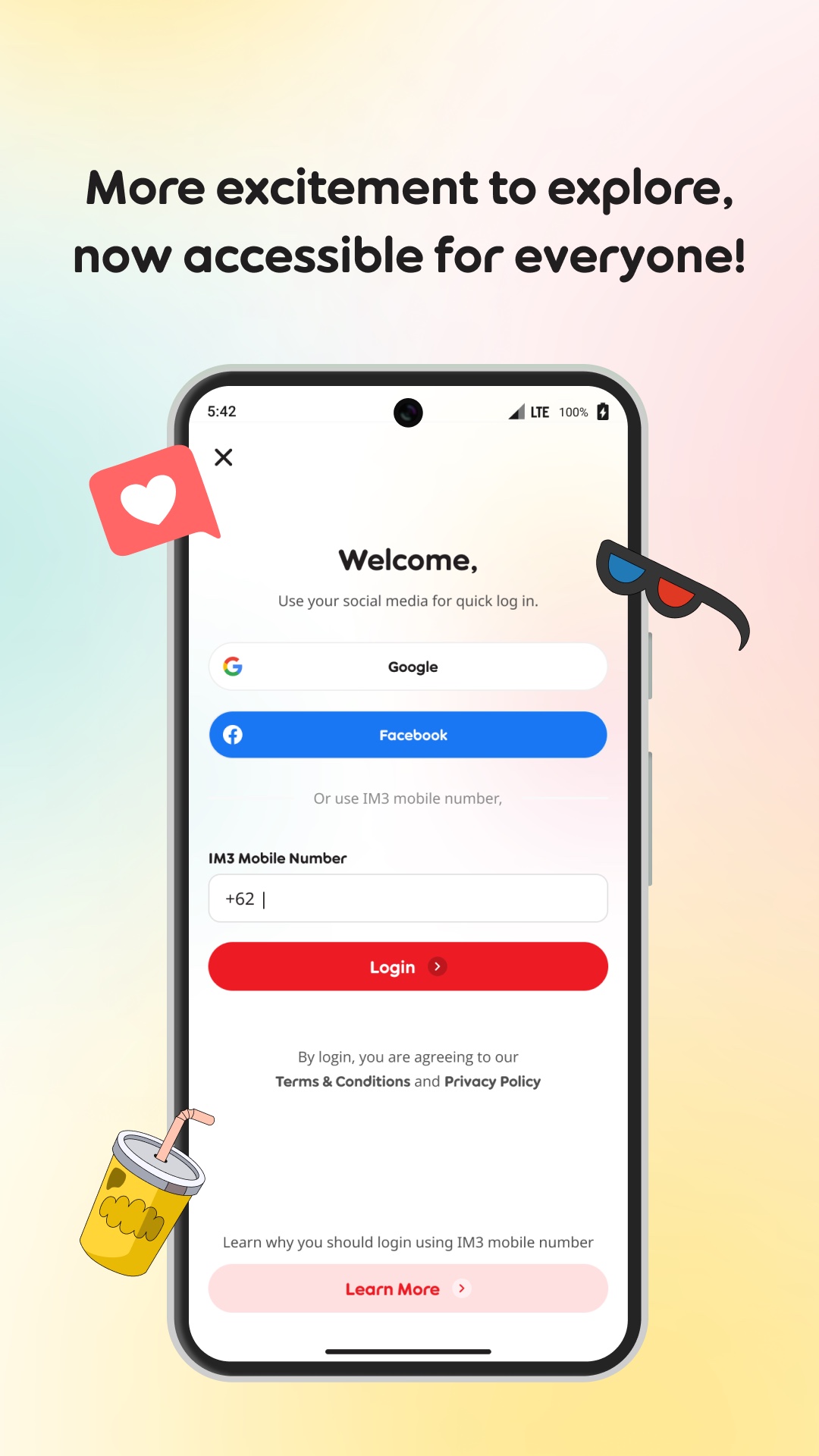
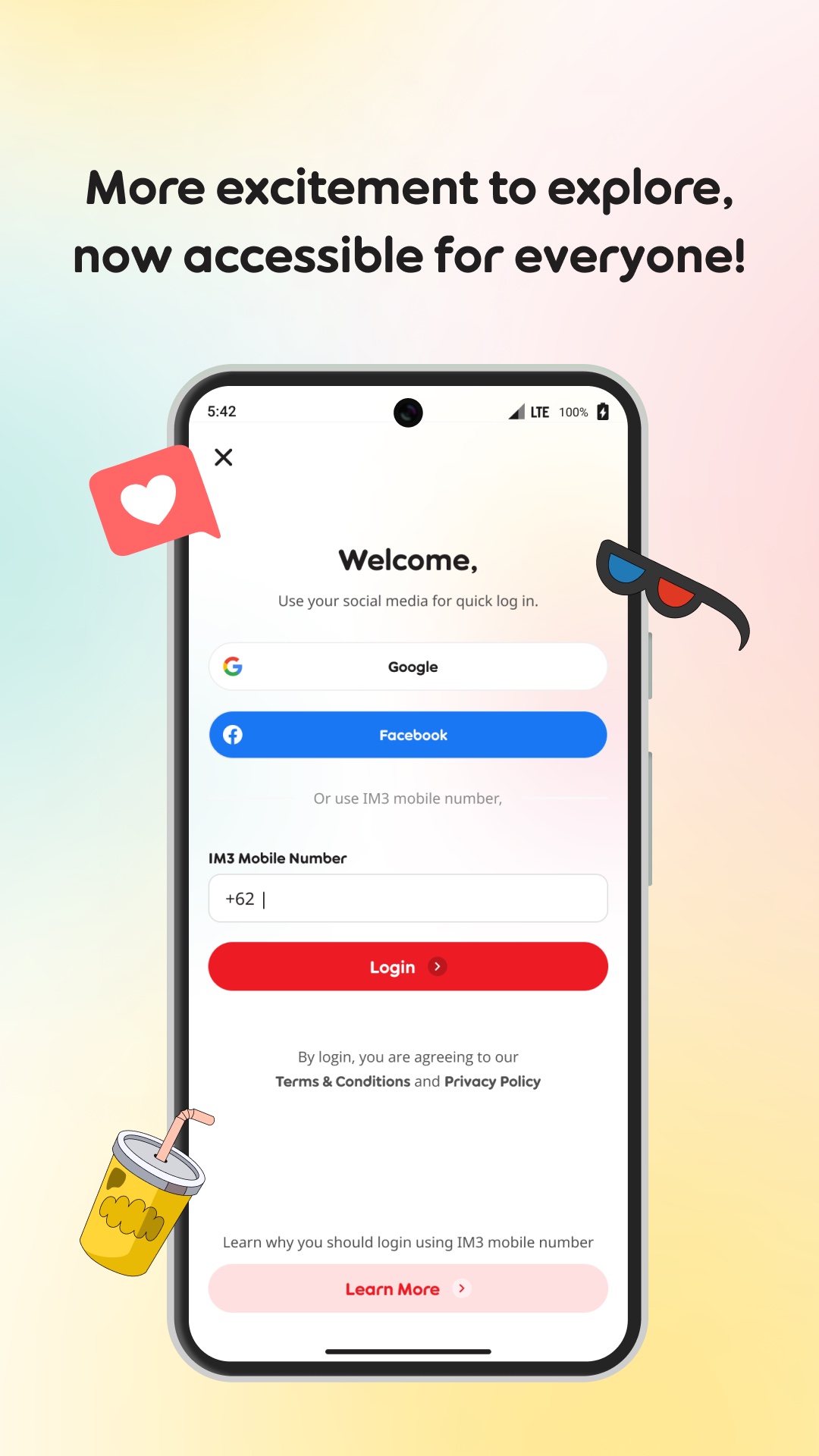
Open your line: Select the IM3 mobile number option on the sign-in screen and enter your number in the field marked +62. Once you have signed in, the account screen gives you separate totals for prepaid credit and remaining data.
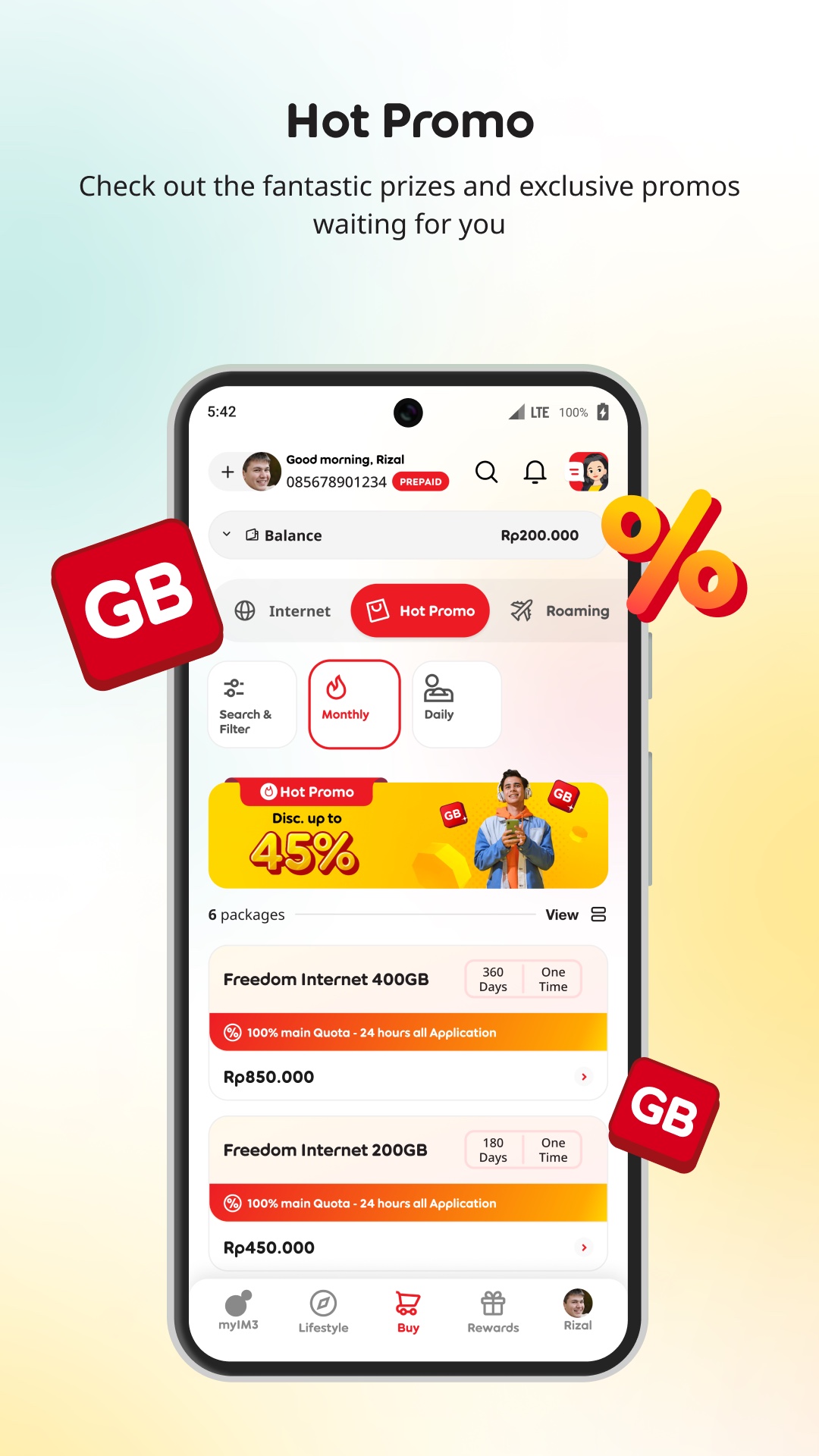
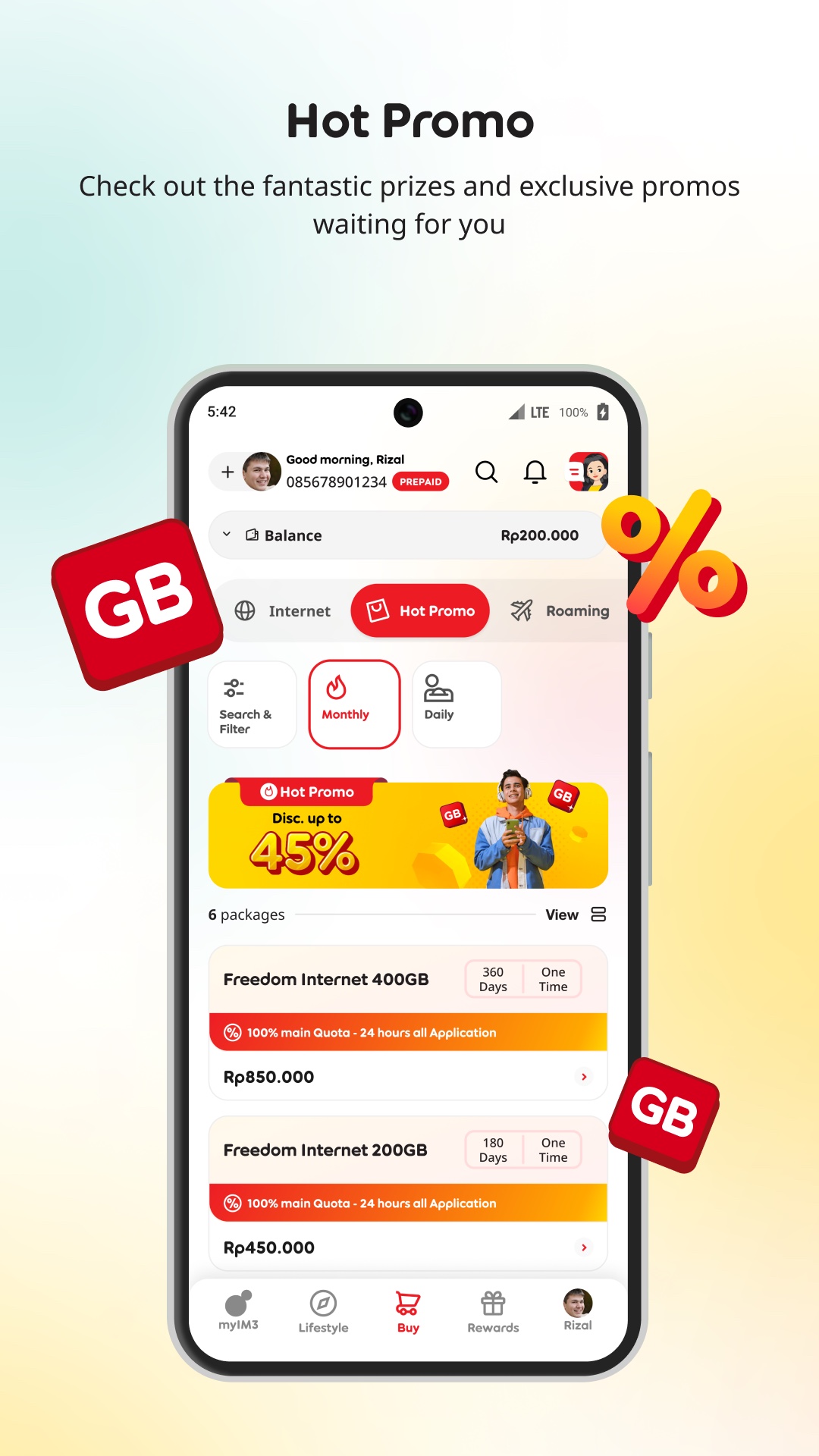
Look at the package period: Open Buy to browse data offers. When comparing two packages, look at the stated validity alongside the quota so you can see how long that allowance is meant to last.
Check the record after a purchase: Open transaction history to look for the top-up or package purchase. The app also has a usage history for reviewing what you have used on the line.
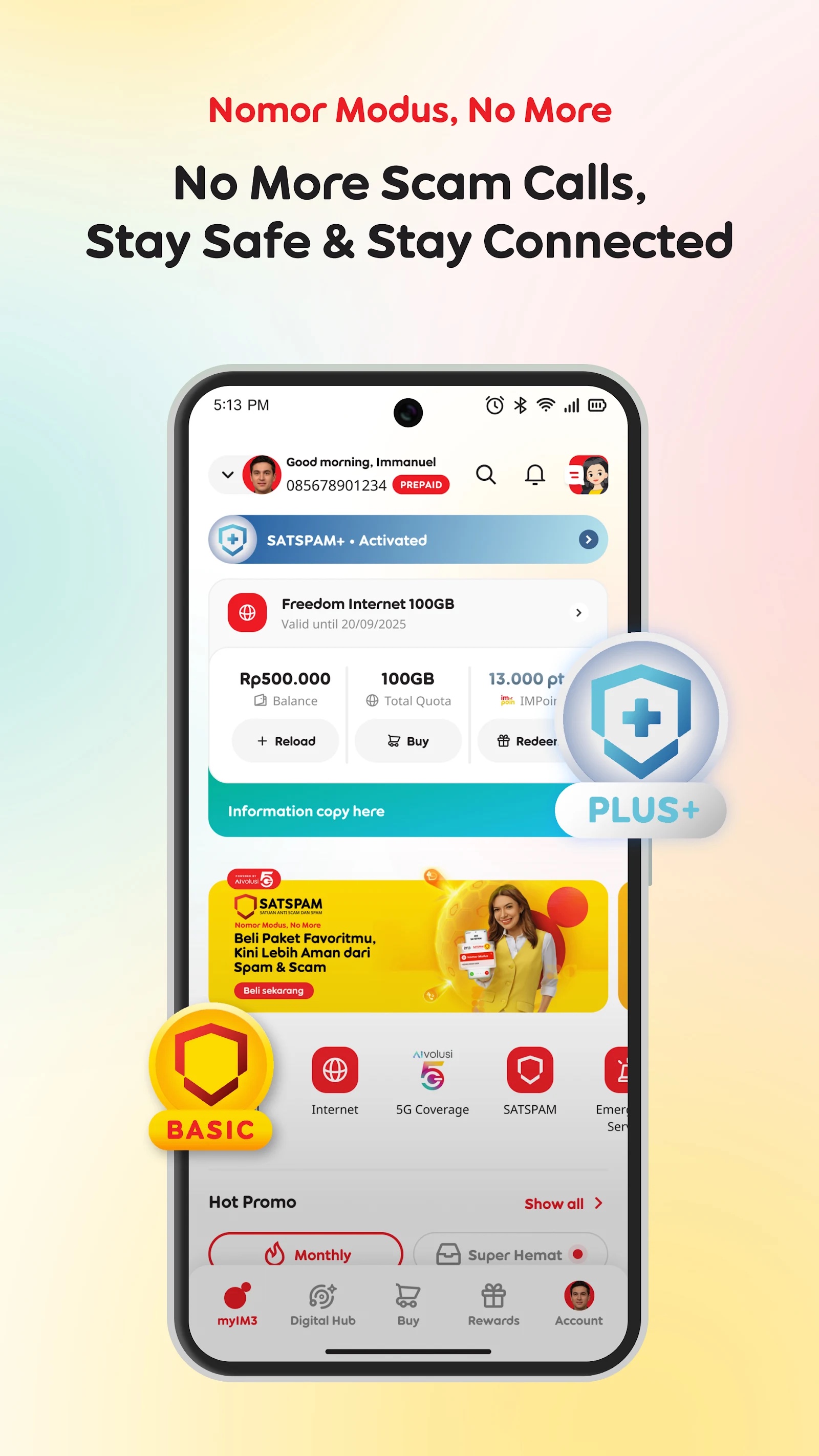
Quota details: myIM3 shows how much of your data, call and SMS allowances remain. Use those figures alongside your prepaid balance when deciding whether to add credit or choose a package.
Postpaid billing: If you use IM3 postpaid, you can view the bill in myIM3 and pay it there. The carrier also lists an option to make advance payments.
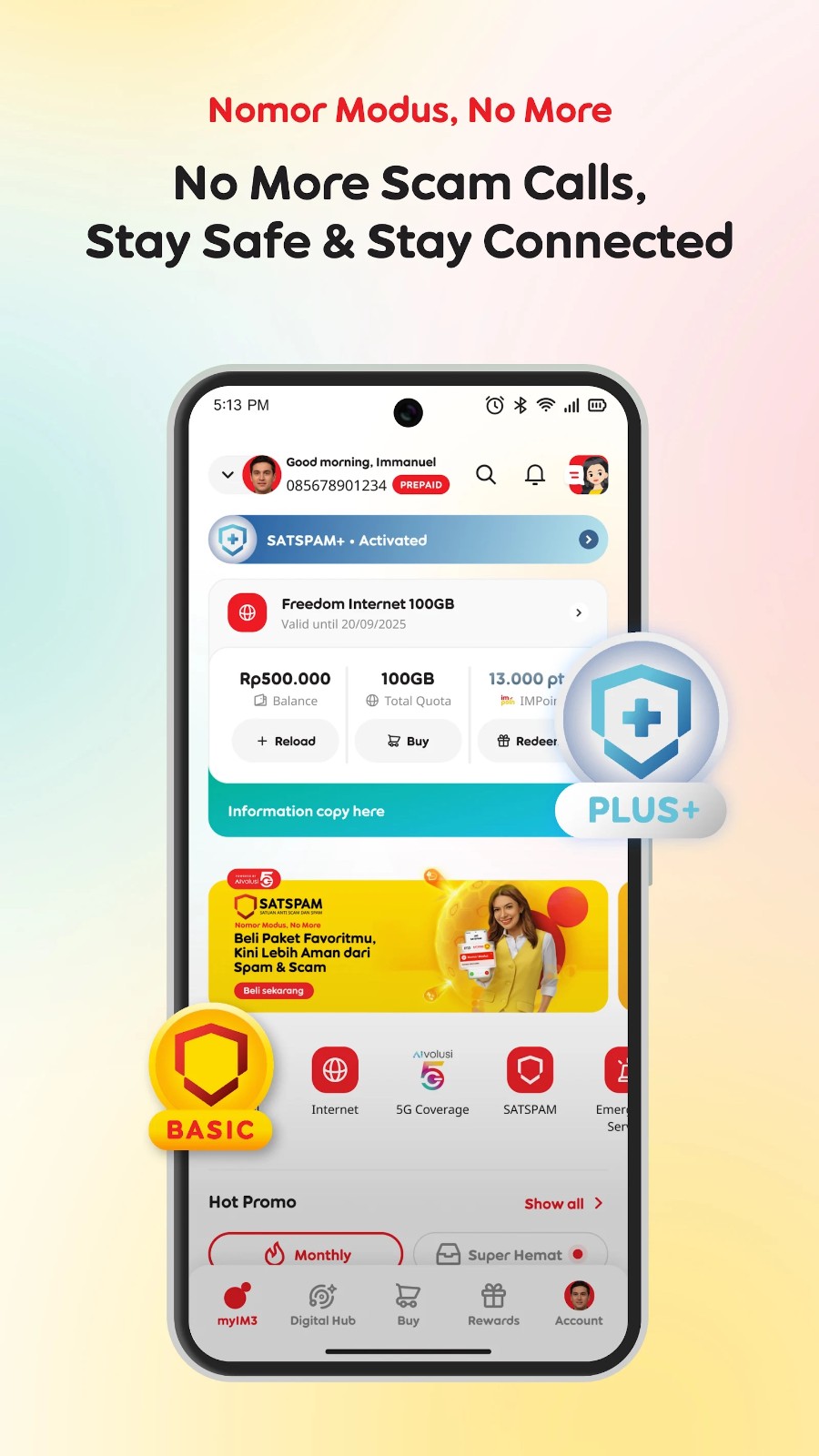
Spam calls: The app lets you turn on SATSPAM to detect suspected spam calls. Google Play also lists call blocking under SATSPAM Plus+.
IMPoin rewards: You can exchange IMPoin for discounts. The developer lists rewards in areas including travel, clothing and electronics.
Starter packs: myIM3 lets you buy an IM3 starter pack and provides a way to activate one.
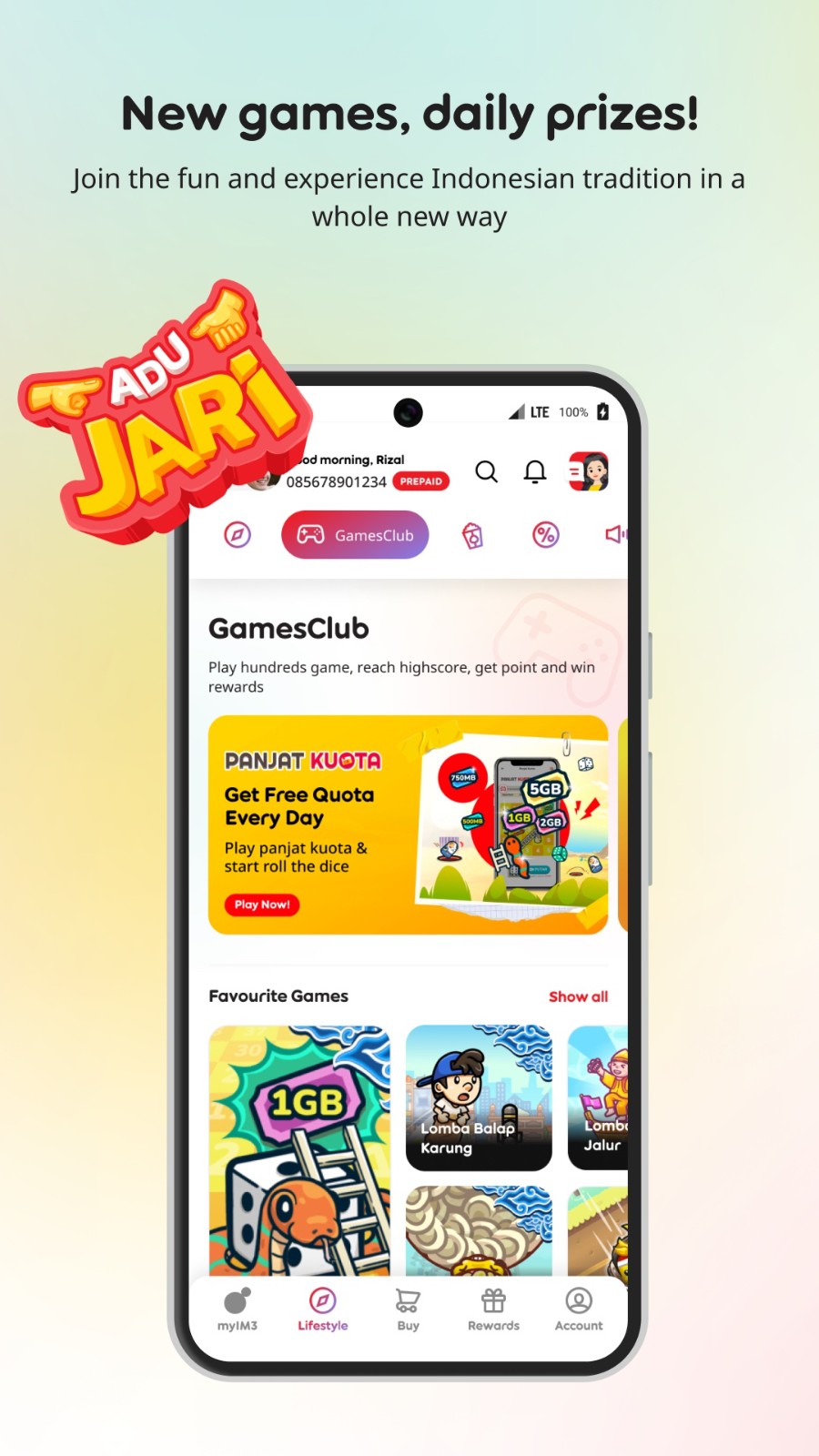
Package browsing: The Play screenshots show Internet, Hot Promo and Roaming tabs in Buy. The offer cards can show the data amount and length of the package together.
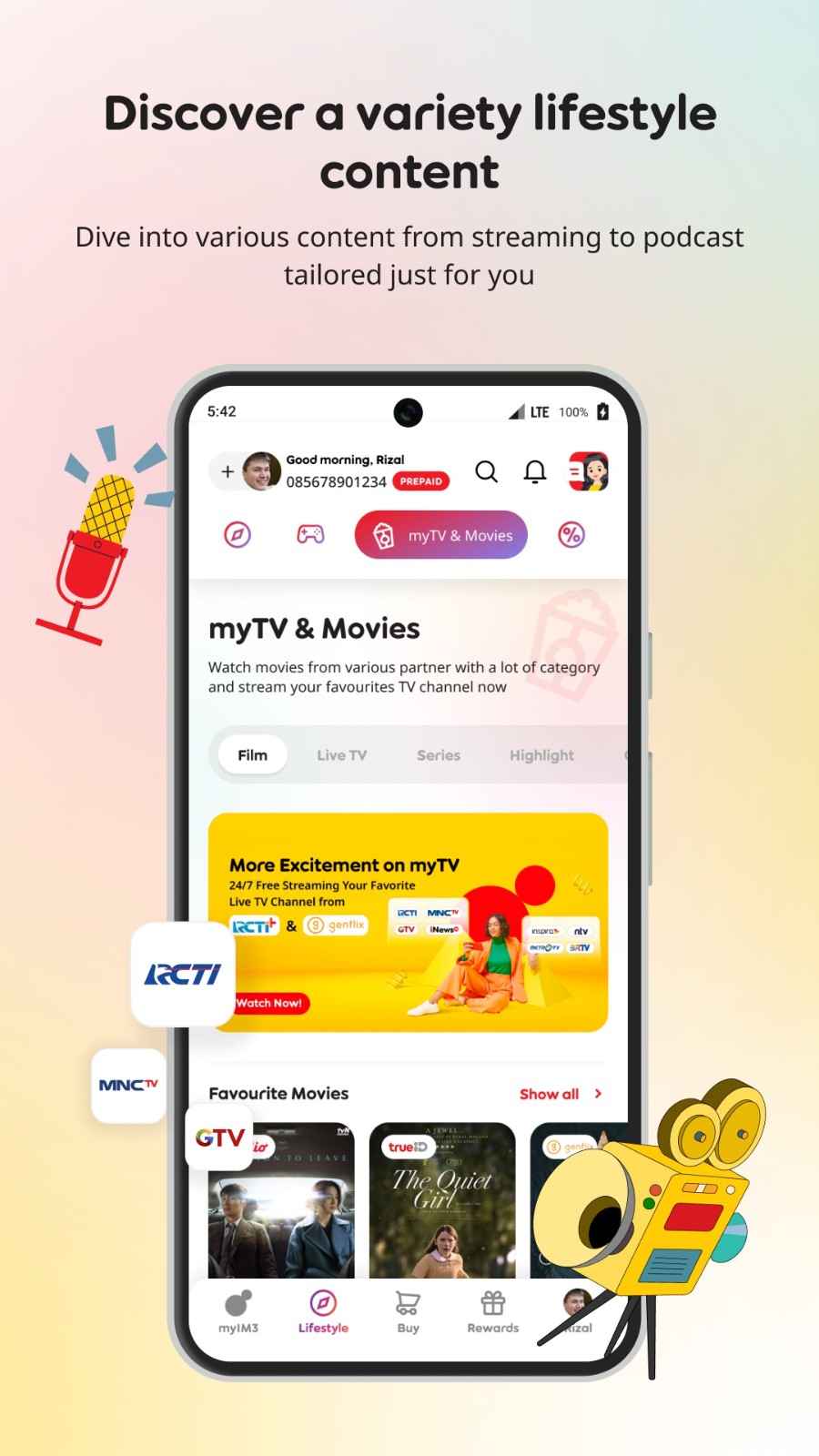
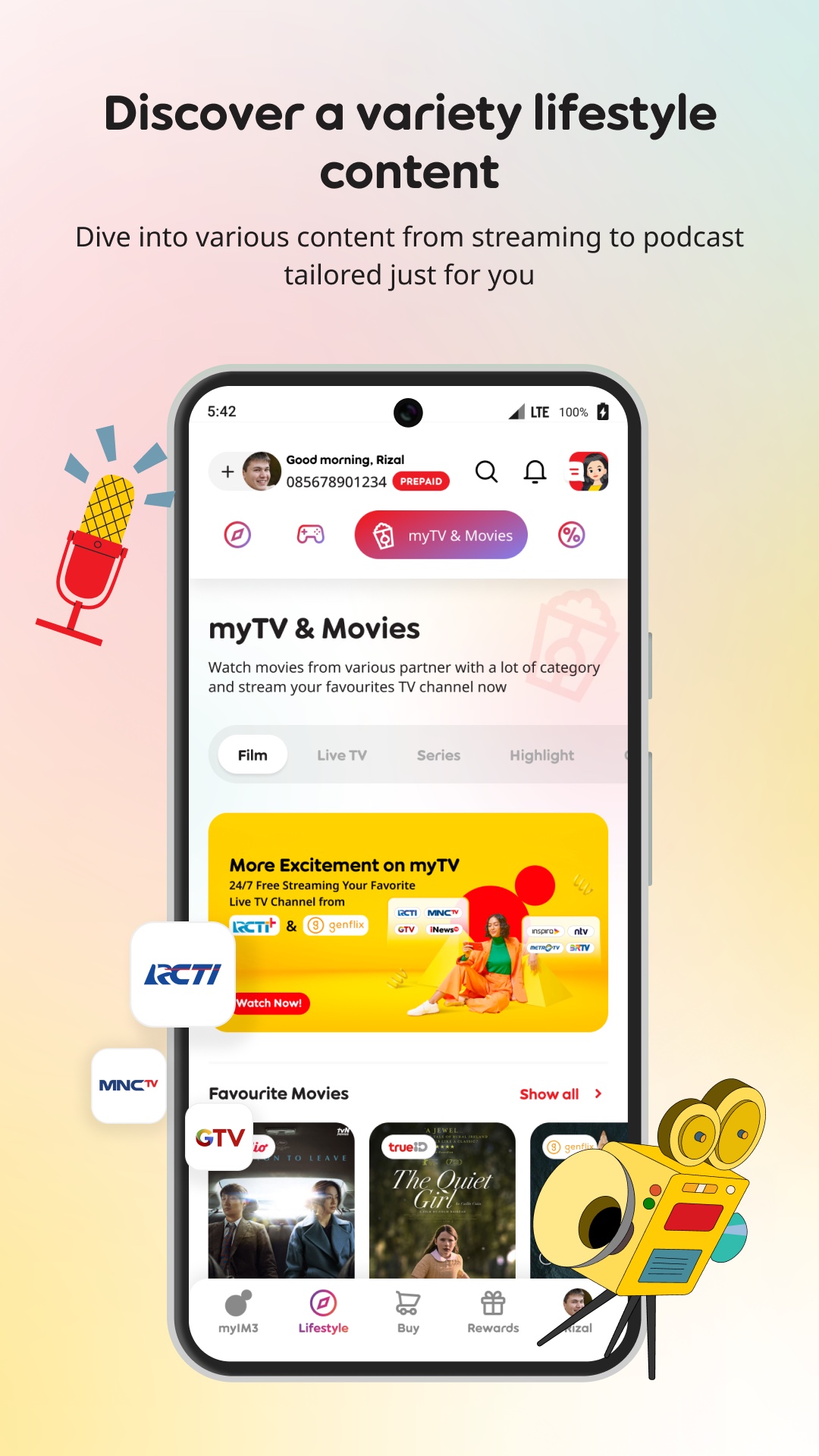
Video and audio: Alongside line management, myIM3 has entertainment such as online TV, movies and podcasts. The store screenshots show a dedicated myTV & Movies area.
Account help: Indira is IM3’s virtual assistant for questions about the app and the carrier’s products. The Play listing also includes PIN and PUK information among the app’s services.
What does the myIM3 82.18.0 package contain?
For Android 6.0 or newer, this 53.51 MB APKM pairs the main myIM3 APK with separate configuration files. One of those files is the arm64-v8a split.
What sign-in options does the store screenshot show?
The welcome screen shows Google and Facebook buttons alongside the option to enter an IM3 mobile number. The subscription screen pictured on Google Play directs IM3 customers to sign in with IM3 to manage their line.
Can you look up 4G coverage in myIM3?
Google Play lists a 4G coverage checker among the tools in myIM3. You can use that information when considering a plan for the area where you will use it.
Can you manage an IM3 postpaid contract in the app?
The developer lists Contract Renewal as a way to review package updates and renew or end your postpaid contract.
For an IM3 customer, myIM3 brings the remaining data, package selection and payment into the same app. It also gives postpaid customers a place to check a bill and prepaid customers a way to review their top-ups.
myIM3: Data Plan & Buy Package
Lifestyle
Date:2026-11-25

Real Drum electronic drums set
Media & Video
Date:2026-11-25

Epson iPrint
Tools
Date:2026-11-25

Funimate Video Editor & Maker
Media & Video
Date:2026-11-25

Live Transcribe & Notification
Tools
Date:2026-11-25

AadhaarFaceRD
Tools
Date:2026-11-25

Dating and Chat - SweetMeet
Social
Date:2026-11-25

Honor Health
Sports
Date:2026-11-25