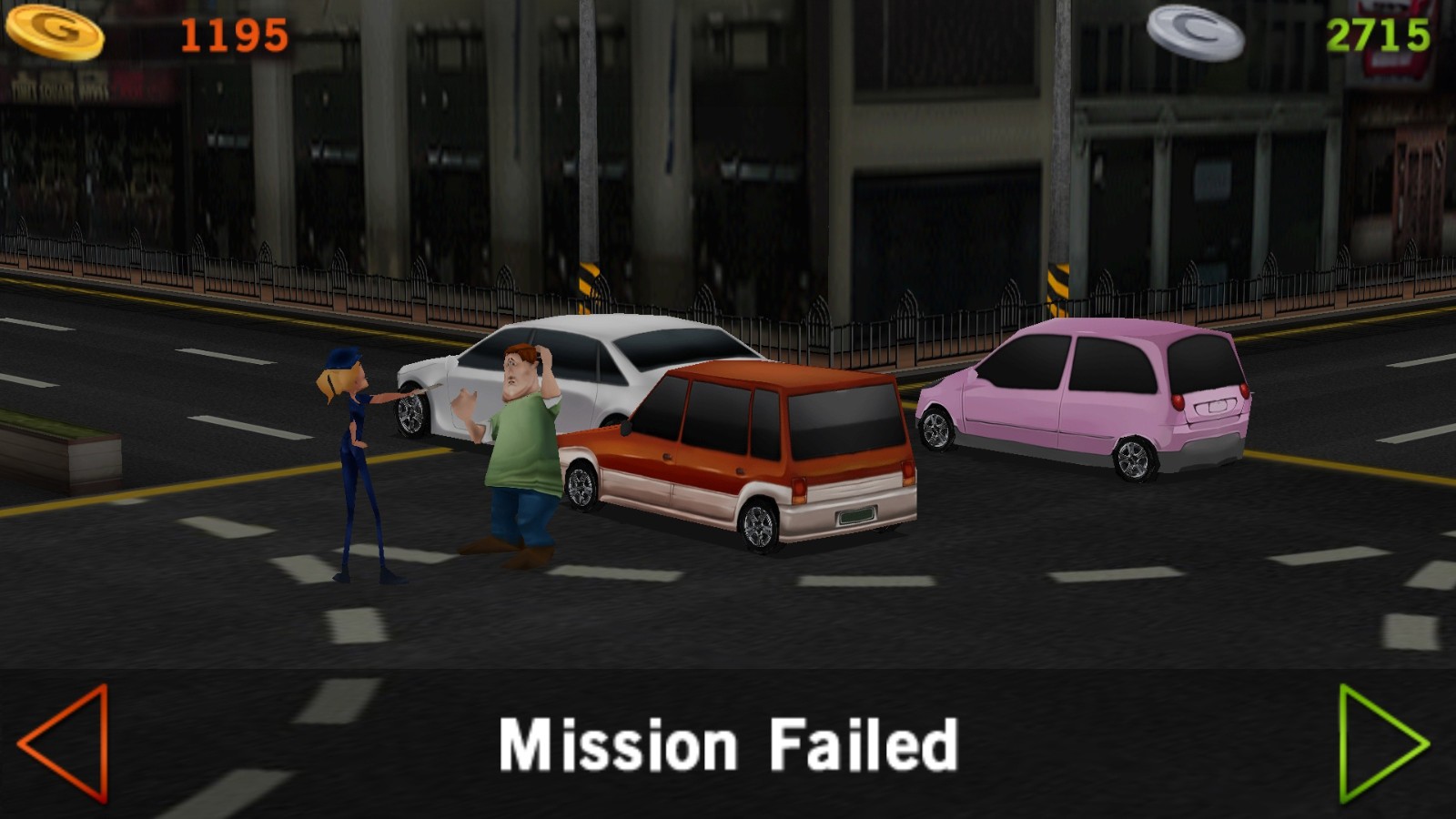
Dr. Driving puts you behind the wheel of a car on city streets, with traffic occupying the lanes around you. You follow the mission route, steer through openings, and work the pedals to keep the car under control. The missions put everyday driving decisions such as approaching a turn or leaving room for another car at the center of the game.
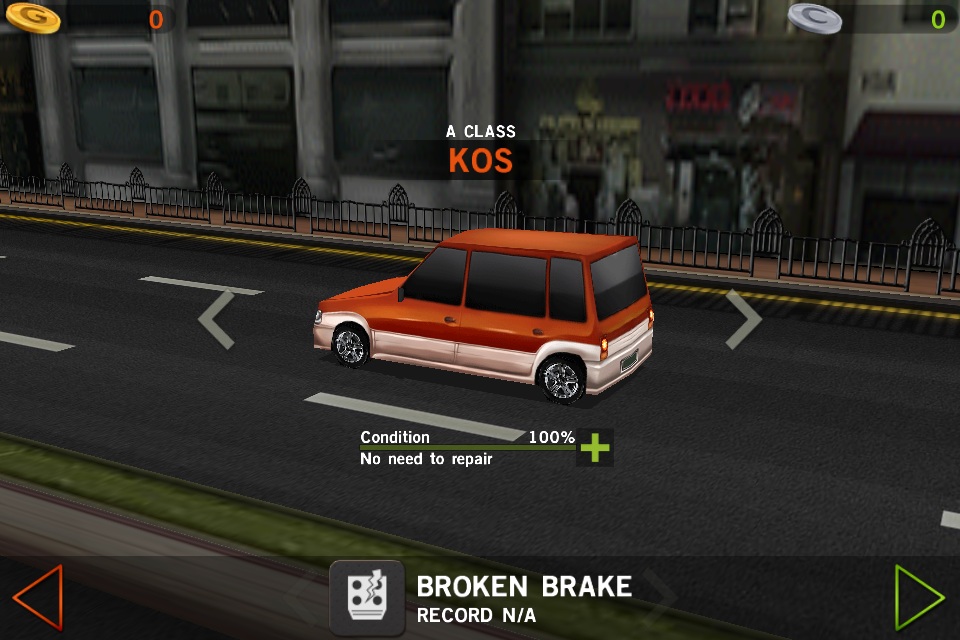
Choose a mission: The cards for driving challenges appear alongside the car before a run. One of the official screenshots shows a Broken Brake challenge with a record field, giving you a specific result to work toward on repeat attempts.
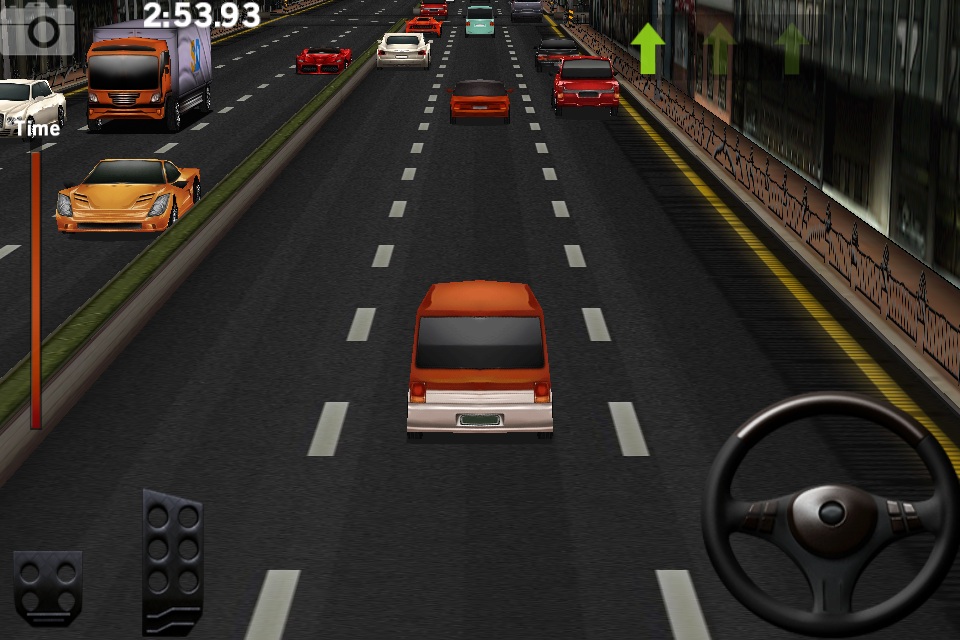
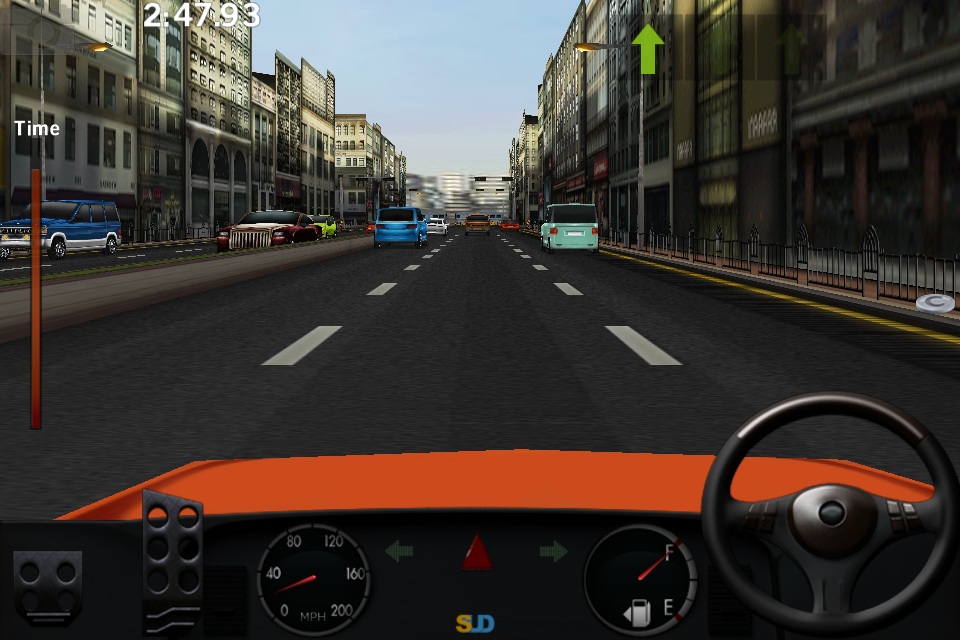
Watch the route: The street view puts the car among moving traffic. Use the green direction marker to anticipate the next part of the route and find a gap for changing lanes while there is still room to move.
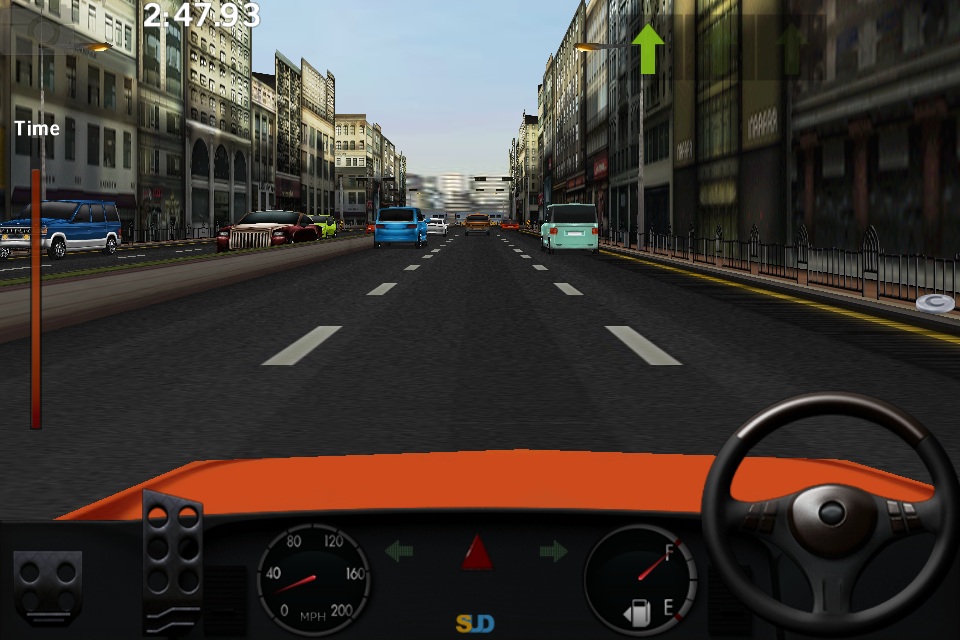
Manage steering and pedals: The on-screen wheel and pedal controls give you separate ways to adjust direction and speed. Lining up a turn early leaves time to straighten the car before the next stretch of traffic.
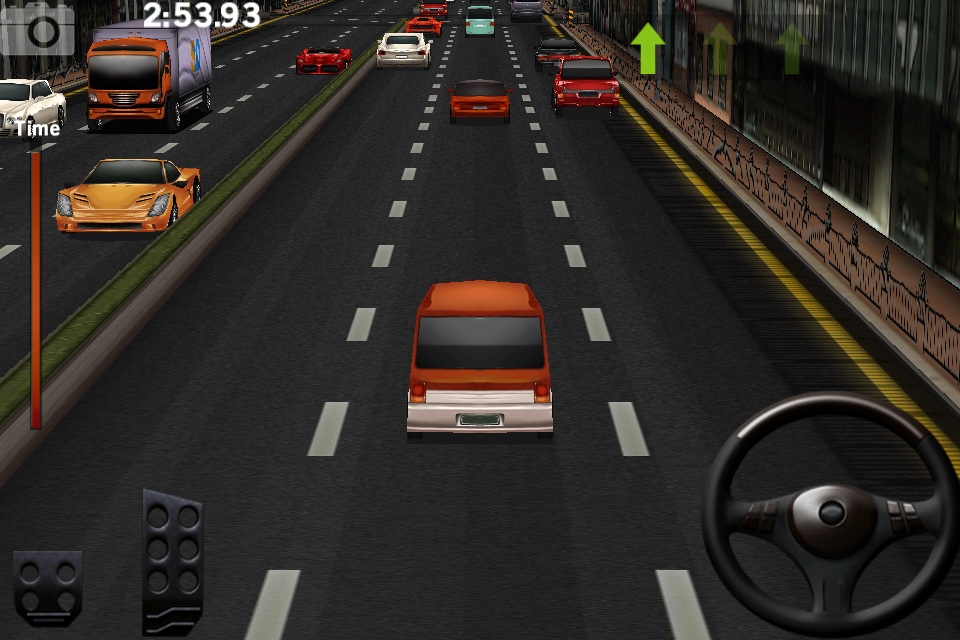
City traffic: The urban streets make spacing part of the challenge. Nearby vehicles can occupy the lane you need, so a clear view of the road ahead helps when choosing where to steer.
Car condition: The vehicle screen tracks condition as a percentage and shows when the car needs no repair. It gives you something to check between attempts at an objective.
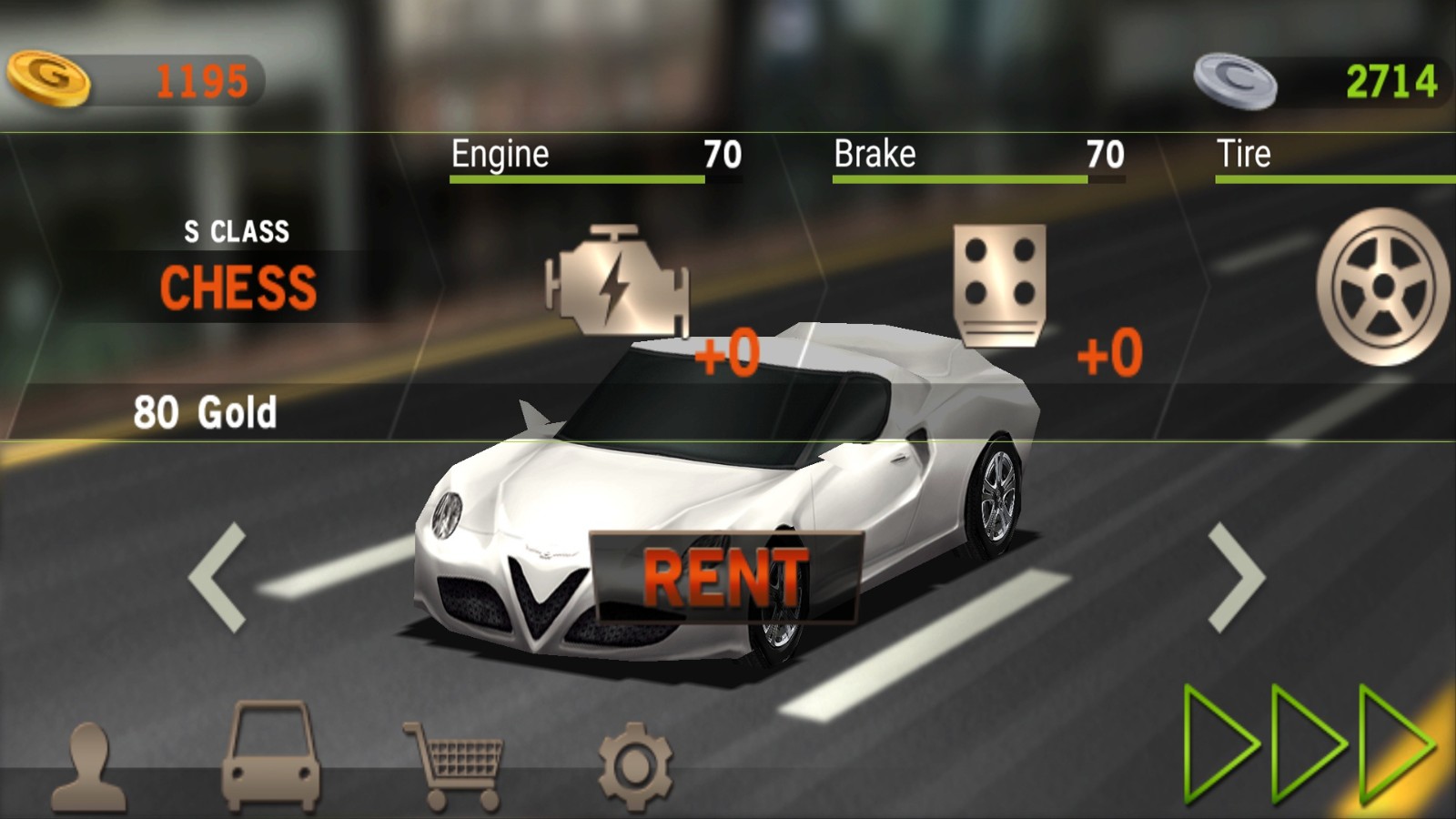
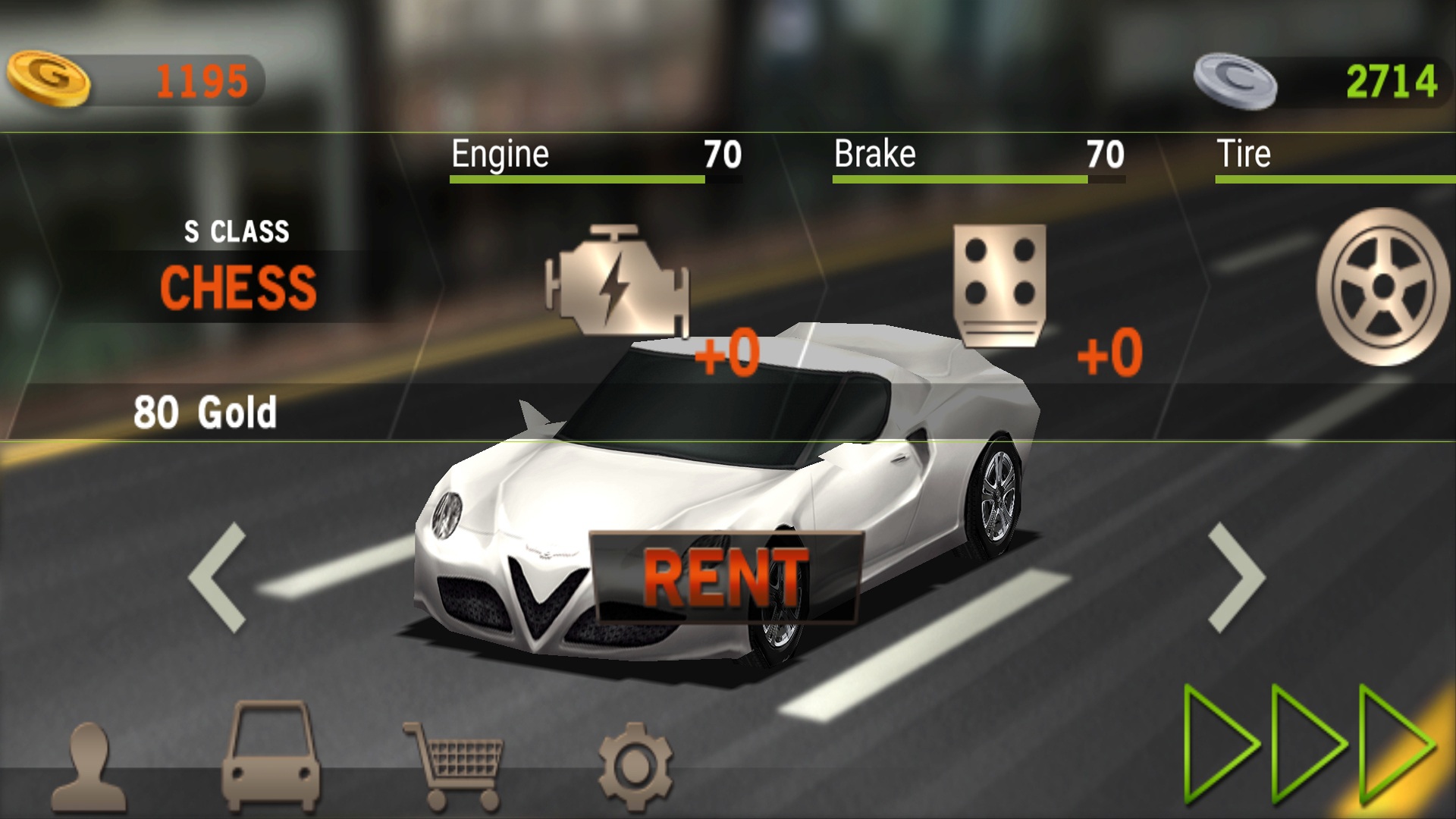
Vehicle stats: The garage screen displays categories for engine, brakes, and tires on the same panel. You can compare those values when looking through the cars.
Online multiplayer: SUD specifies a Google account sign-in for online multiplayer. That information matters if you are setting up the game with the intention of playing online.
Two road views: The store gallery shows both a view behind the vehicle and one from the driver’s seat. The dashboard view puts the steering wheel, dials, and traffic in the same frame.
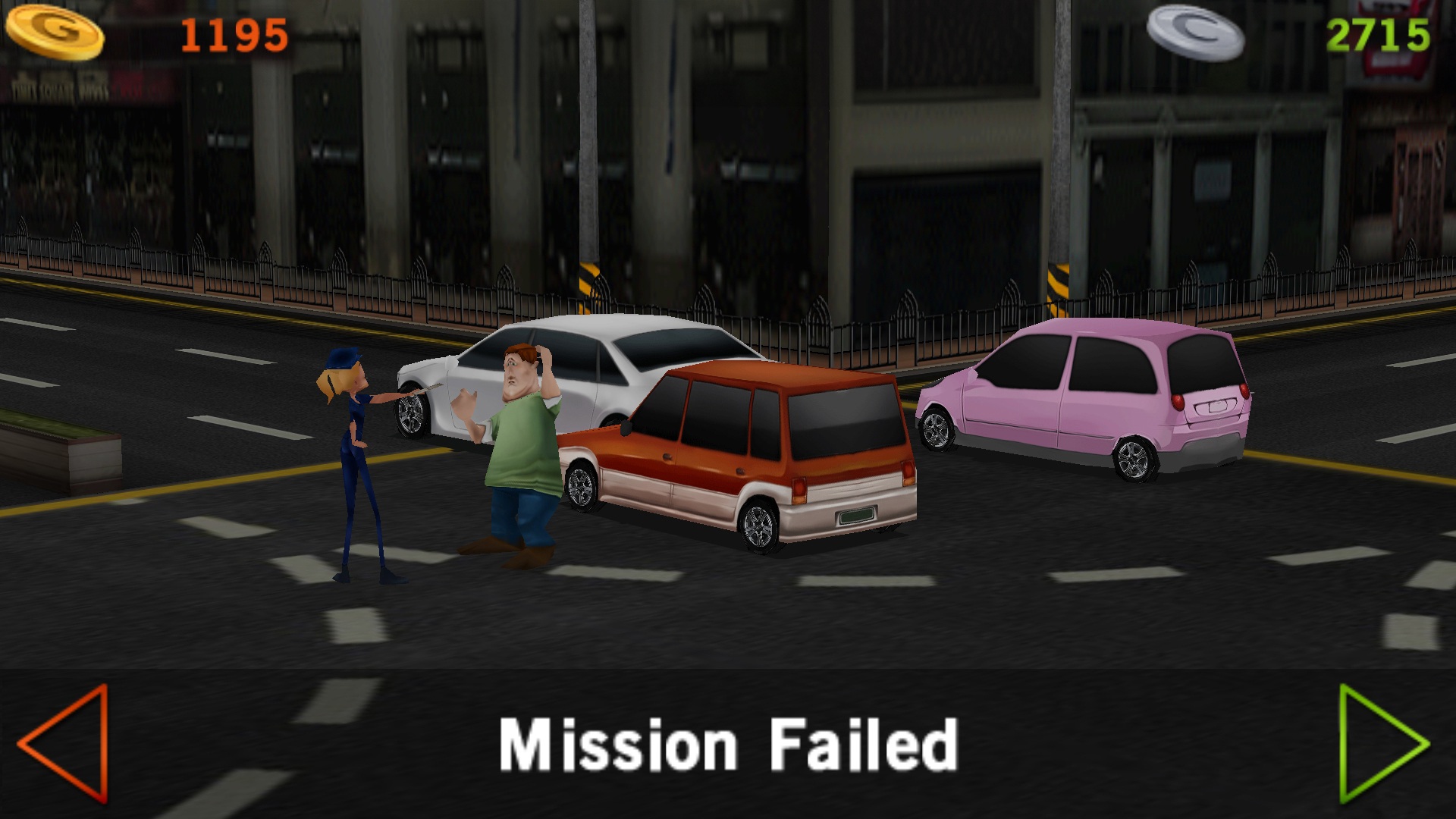
Clear run feedback: A failed objective is reported on the driving screen. On another attempt, try giving yourself more space before moving into the lane for a turn.
Compact game bundle: The file here takes up 14.71 MB and contains the ARM64 variant. The split bundle also carries several language configurations alongside the base game.
Do you need a Google account for multiplayer?
SUD says to sign in with your Google account for online multiplayer. The store also lists single-player and offline play.
Is this the same game as Dr. Driving 2?
This page is for Dr. Driving, package com.ansangha.drdriving. SUD publishes Dr. Driving 2 separately in its Google Play catalog.
Which Android version does this file require?
The manifest for build 1.73 lists API level 23, which corresponds to Android 6.0. This XAPK includes an ARM64 configuration, so check your device architecture as well as its Android version.
Which car attributes can you see in the garage?
Look at the panel beside the car for the engine, brake, and tire values. The official gallery also shows a separate condition readout.
Dr. Driving is a compact game for working through short city-driving challenges. The mix of route markers, traffic, and car controls rewards keeping enough space to react before the next turn.
Dr. Driving
Racing
Date:2026-11-26
7REELZ
Card
Date:2026-11-26

Plague Inc.
Strategy
Date:2026-11-25

Harvest.io – 3D Farming Arcade
Simulation
Date:2026-11-25

Johnny Trigger: Action Shooter
Shooting
Date:2026-11-25

Thomas & Friends: Go Go Thomas
Racing
Date:2026-11-25
City Train Driver- Train Games
Simulation
Date:2026-11-25
War Robots Multiplayer Battles
Action
Date:2026-11-25