8 Ball Pool brings Miniclip’s online billiards tables to Android, with one-on-one matches as the main event. You pick a table, line up the cue and set the strength of each shot on the power bar. Competitive matches put in-game coins at stake, and the level system opens more venues as you progress.
Choose a table: Start in Play 1 on 1 to face an opponent online. Open the blue information icon on a table card before entering to check the rules and prizes for that venue.
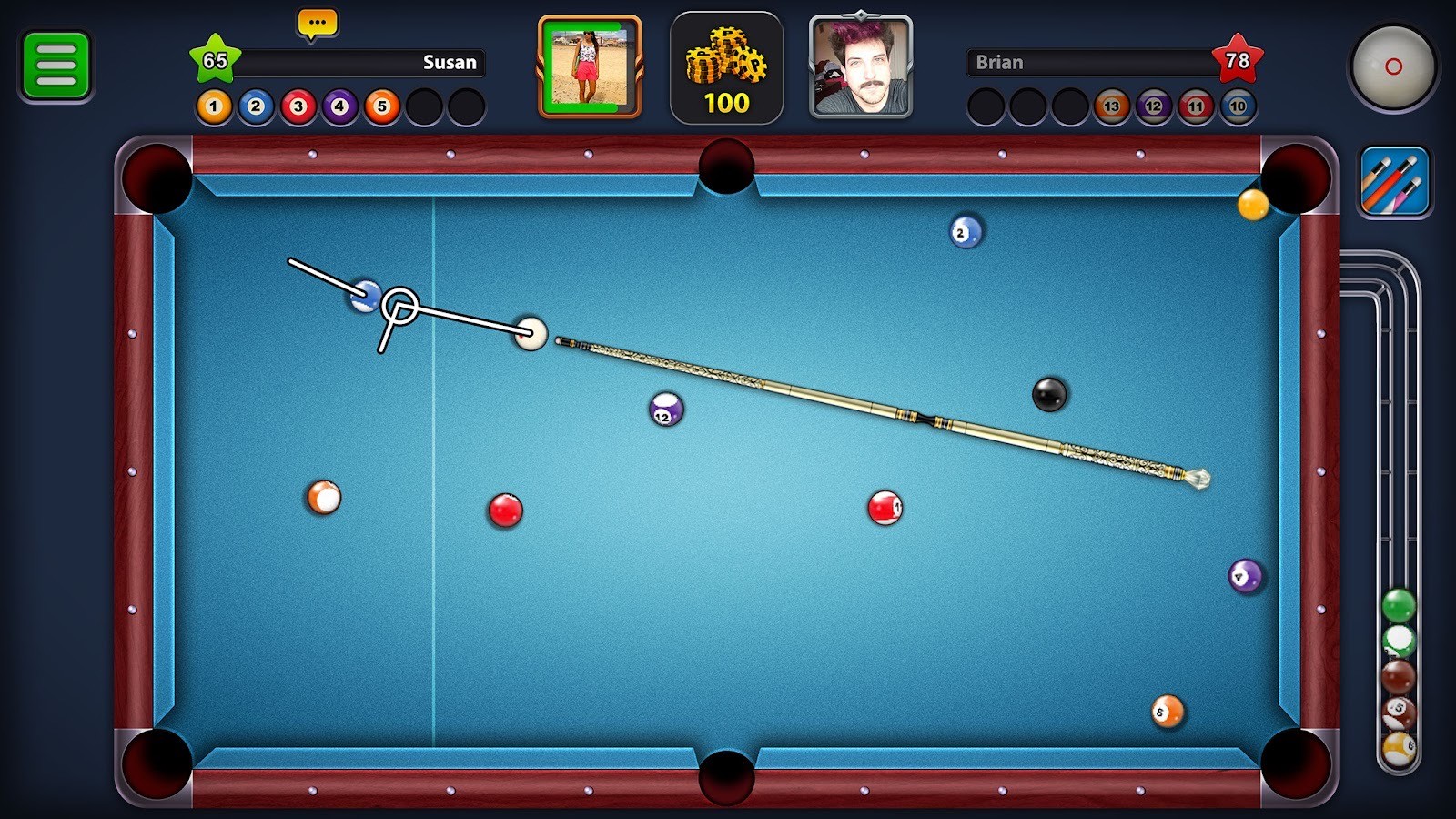
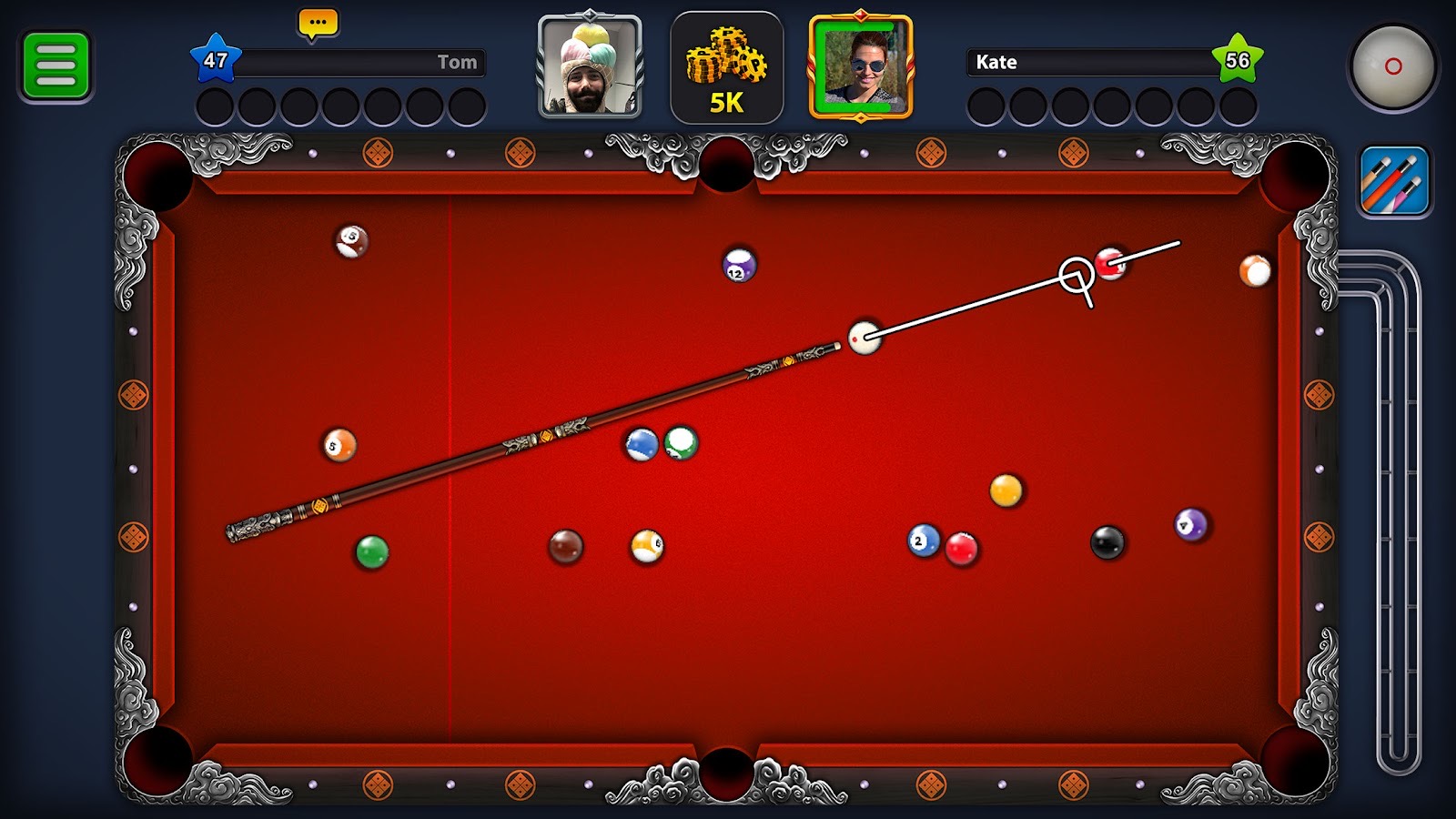
Line up the shot: Drag the cue to set its direction. Once you have your angle, pull the power bar down farther for a harder hit, or use a shorter drag for a gentler stroke.
Leave a useful angle: Tap the cue ball icon to choose where the cue will strike. Topspin helps the white ball roll forward after contact, while backspin can bring it back toward you. Try a single kind of spin first so you can see how it changes your next shot.
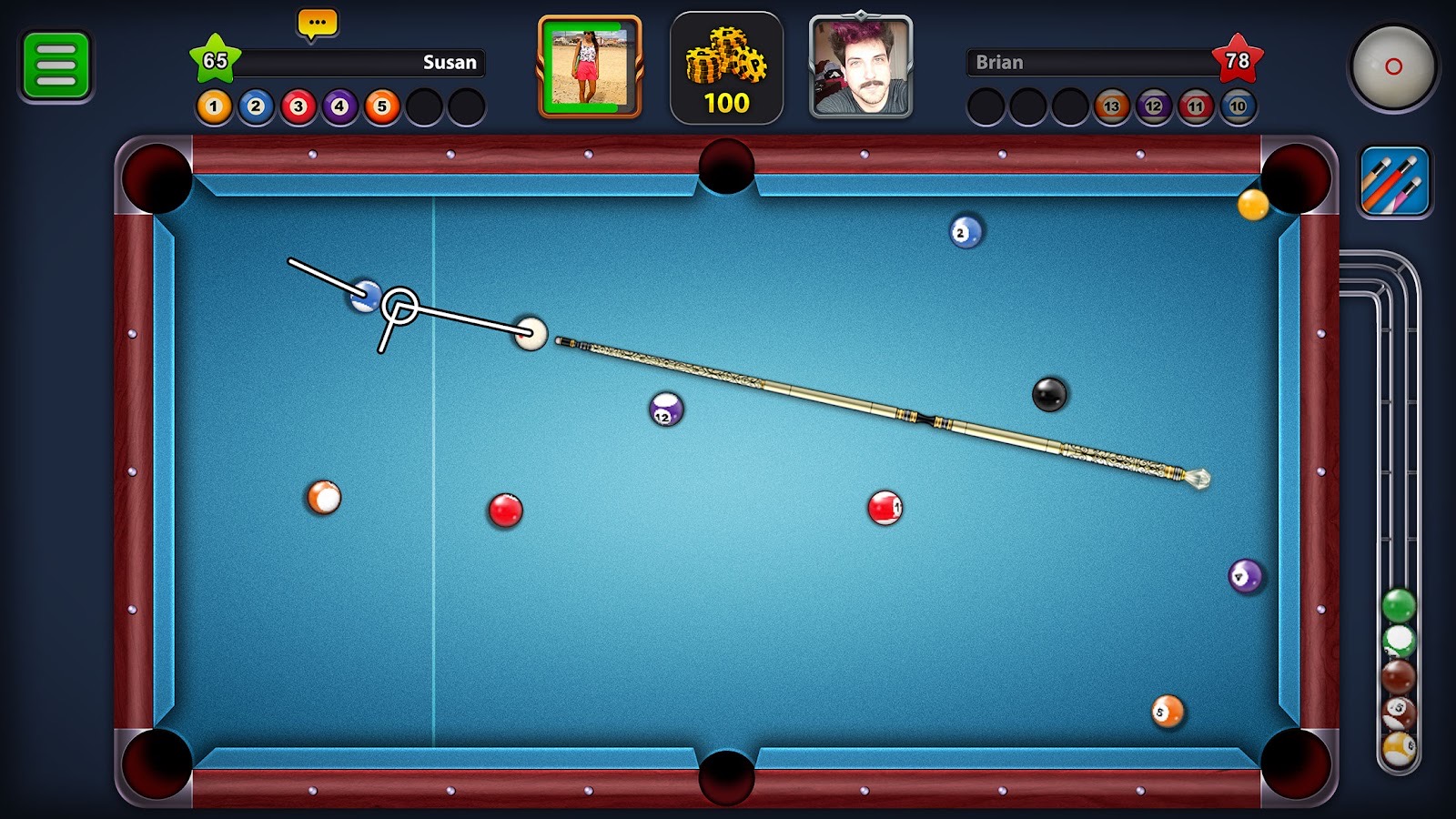
Friend challenges: Open the Friends menu to see who is online and invite a friend to a match. The menu also keeps a record of matches against those friends.
Special formats: The Play Special menu lists 9 Ball, Tournaments, No Guidelines and Lucky Shot. Check the information card for the mode you choose to see what rules apply.
Cue collection: The Cues menu lets you inspect the stats of different cues and see how to obtain them. The amount of spin you get from a shot depends in part on the cue you use.
Weekly standings: The leaderboard menu shows your league alongside rankings for friends, your country and the world. You can also look up the previous week’s final standings.

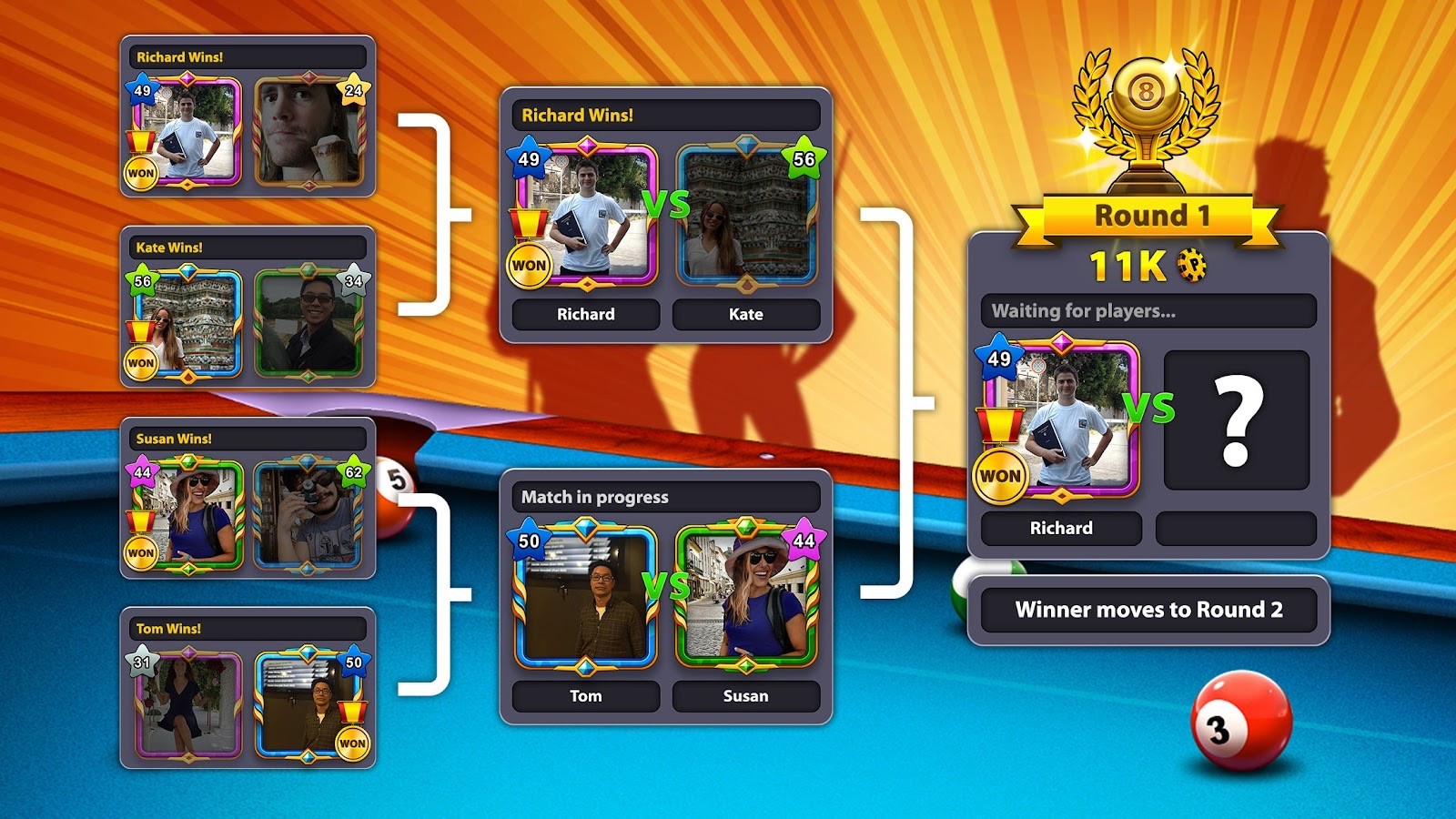
Tournament brackets: Miniclip’s tournament screen shows results from other tables and where the winners go next. You can see how a win moves you through the draw.
Quick Fire practice: This solo mode puts a timer on the table and gives you time back when you sink a ball. Pocketing the cue ball costs you a penalty, so position matters even when the clock is running.
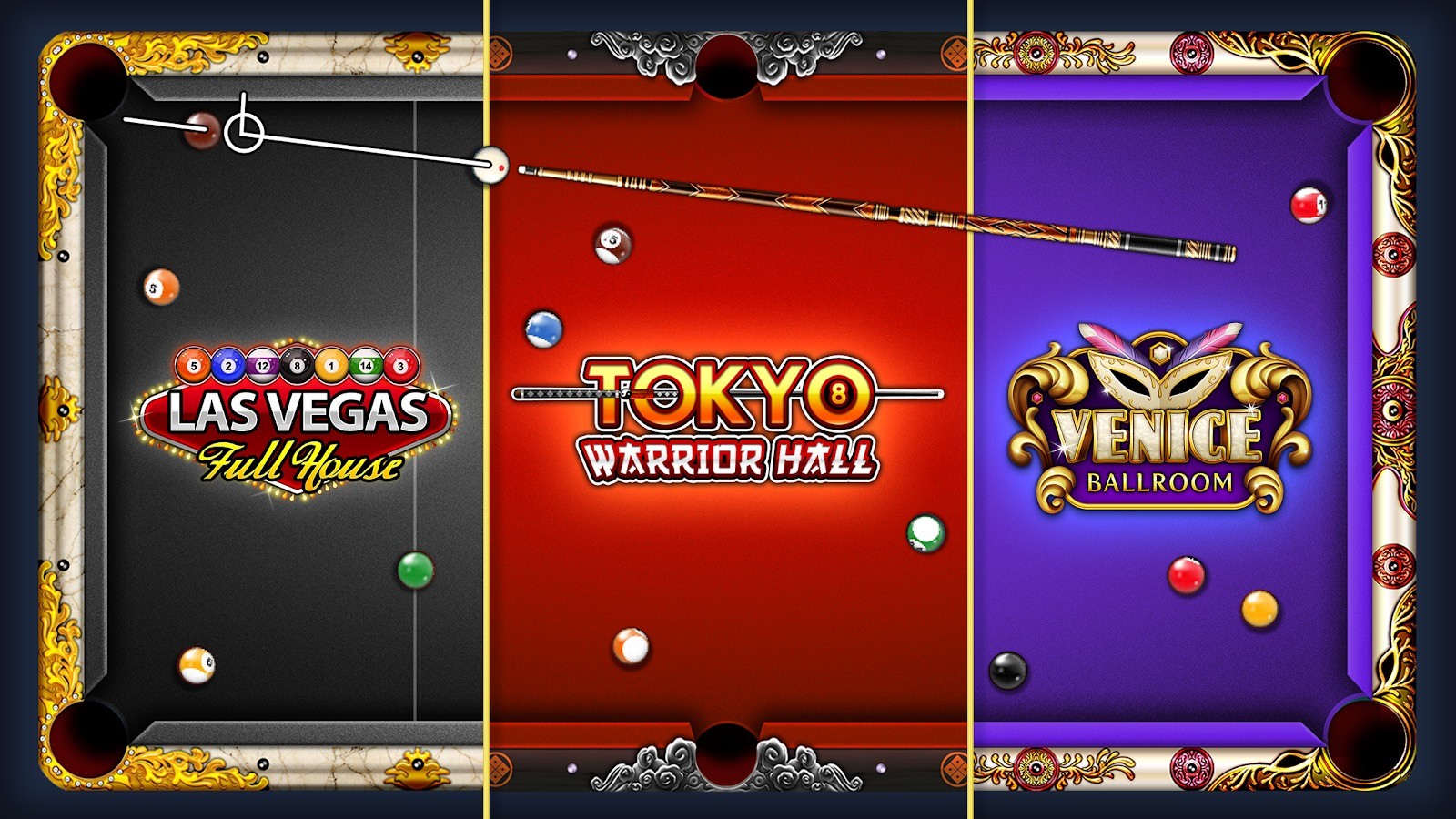
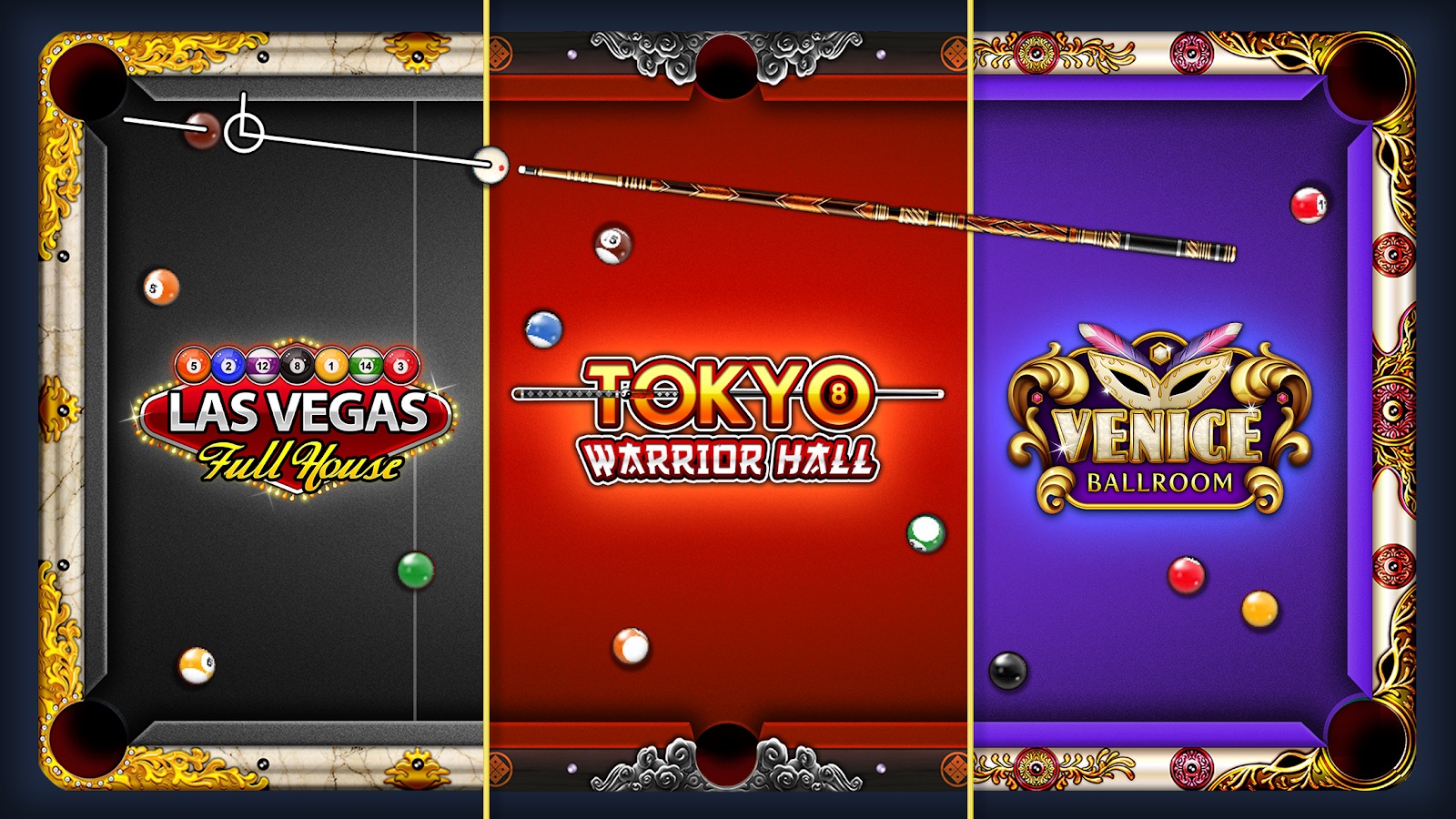
Distinct venues: The official screenshots show the dark felt of Las Vegas Full House, the red table at Tokyo Warrior Hall and the purple table at Venice Ballroom.
Which Android build is listed here?
This file is the single 164.60 MB APK for 8 Ball Pool 56.35.0. Its manifest sets Android 6.0 as the minimum, which matches the requirement on Google Play.
Which options are under Practice Offline?
Miniclip puts Quick Fire, Creator Mode and Pass n’ Play in the Practice Offline menu.
How much time does a ball add in Quick Fire?
On the opening rack, each ball you sink earns 10 seconds. The bonus drops by one second with each subsequent rack until it reaches zero.
Can someone on a phone challenge a friend in the web version?
Miniclip says a player on the mobile version cannot play a friend who is using the browser version.
8 Ball Pool gives you a reason to think past the pocket and plan where the white ball will stop. Quick Fire gives you a place to work on that control between sessions at the online tables.
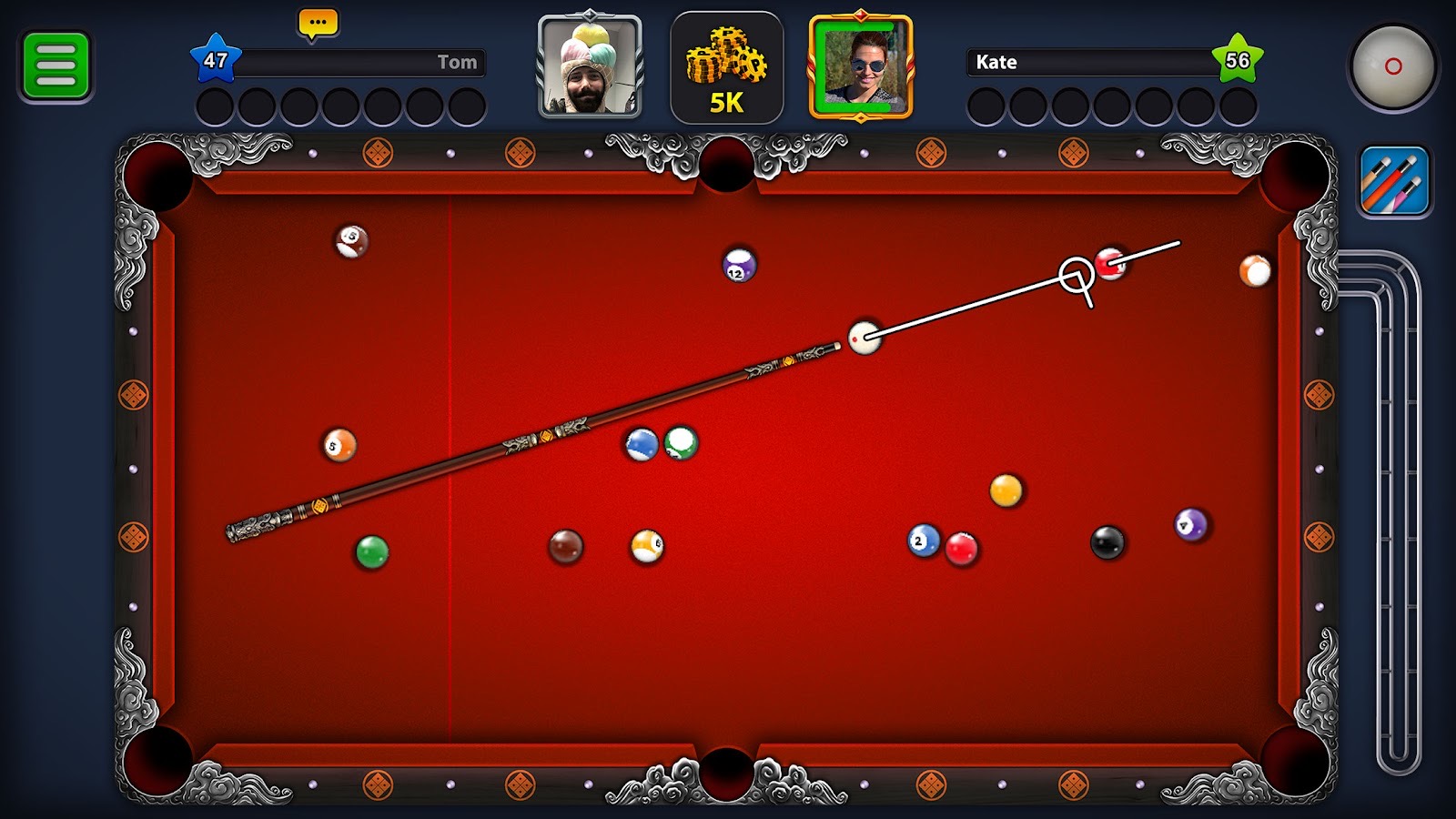
8 Ball Pool
Sports
Date:2026-11-25
Solitaire King
Card
Date:2026-11-24

Earn to Die 2
Racing
Date:2026-11-24
Zombie Tsunami
Casual
Date:2026-11-24
Basketball Battle
Sports
Date:2026-11-24

My Talking Tom
Casual
Date:2026-11-24

Off-Road: Forest
Simulation
Date:2026-11-24

Level Maker
Action
Date:2026-11-24